Audi A6 Android Head Unit Review — Solves Blackout Issues
Service Price
$150+
Estimated price · Actual price may vary by shop
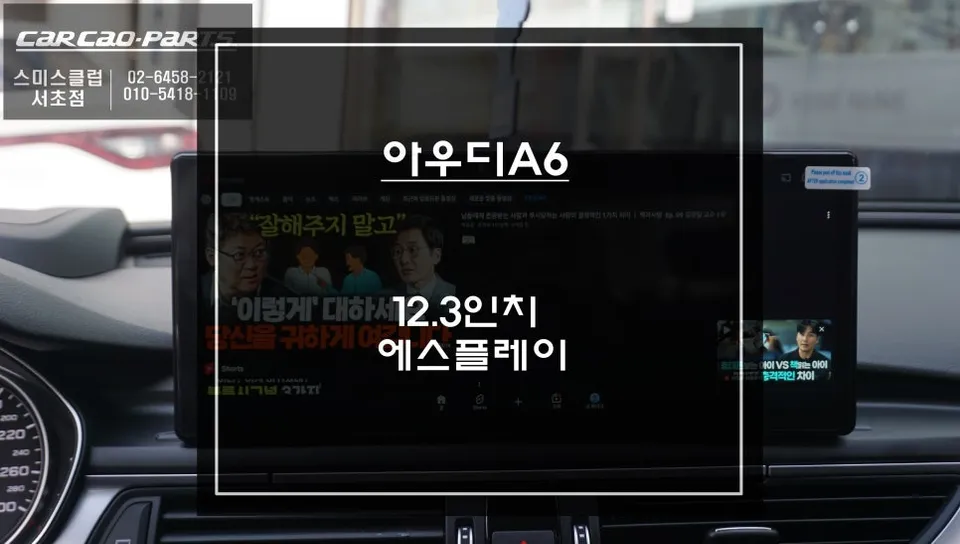
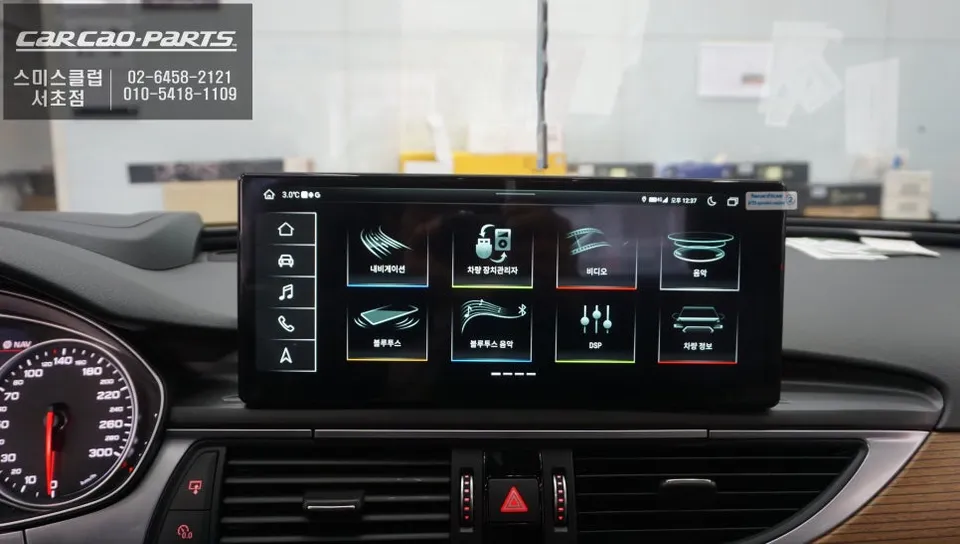
Audi A6 Factory Monitor Issues Solved with Esplay Android System
Are you an Audi A6 owner experiencing the frustration of a malfunctioning factory monitor? The common 'blackout' issue can render your car's infotainment system useless overnight. This article details how one Audi A6 owner in Gangnam, Seoul, found a smart and comprehensive solution by upgrading to the Esplay Android all-in-one system. This isn't just a repair; it's a complete transformation of your vehicle's in-car entertainment and navigation experience.
Expert Audi Installation at Today's Car Gangnam
Today's Car Gangnam is a specialist in premium imported car tuning, with extensive experience in upgrading the electronic systems of Audi vehicles. Given the high concentration of luxury cars in the Gangnam district, requests for custom infotainment installations are frequent. Their expertise lies in seamlessly integrating new systems without damaging the original wiring, earning the trust of many Audi owners.
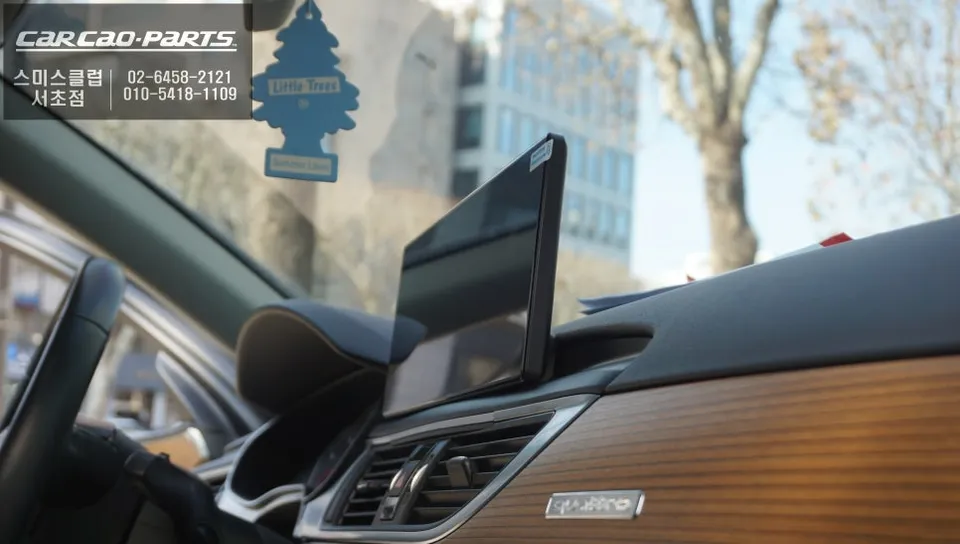
Upgrading the Audi A6 Pop-Up Monitor: A Detailed Process
The upgrade begins with the careful removal of the original pop-up factory display. The Audi A6 dashboard has a complex structure, and improper disassembly can lead to damage. Technicians at Today's Car Gangnam meticulously document and disconnect the existing wiring, prioritizing the preservation of the vehicle's CAN-BUS communication system.
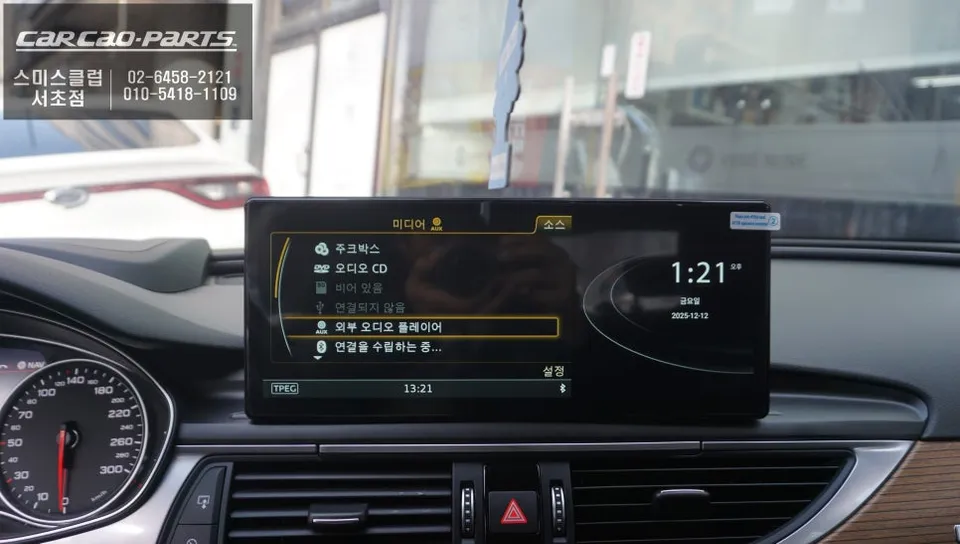
Once the original monitor is removed, a custom bracket is installed using a dedicated fascia. This isn't just about filling gaps; it's about precisely fitting a new 12.3-inch, fixed widescreen display that integrates harmoniously with the car's interior. The bracket material is chosen to match the tone and texture of the Audi's interior, making the final installation look almost like an original factory part.
Installation Process:
- Carefully remove the original pop-up monitor, documenting all wiring connections.
- Install a custom-fit bracket and fascia for the new widescreen display.
- Connect the new Esplay Android head unit using the "Knit-by-Knit" wiring method, ensuring no damage to the original CAN-BUS system.
- Secure and organize all new wiring using protective casing and existing cable routes.
- Test all integrated functions, including original Audi features and new Android applications.
The "Knit-by-Knit" Wiring Technique for Seamless Integration
The most critical aspect of installing the Esplay monitor is the wiring. Today's Car Gangnam employs a meticulous, almost artisanal wiring technique called "Knit-by-Knit." This method involves carefully connecting each wire individually, minimizing any risk to the vehicle's original wiring harness. This ensures stable integration of the new system with minimal impact on the car's original electrical structure.
After wiring, all cables are neatly bundled with protective casing and routed along the car's existing pathways. This thoroughness is key to preventing future electronic interference issues.
What is the Esplay Android System and Why is it Popular?
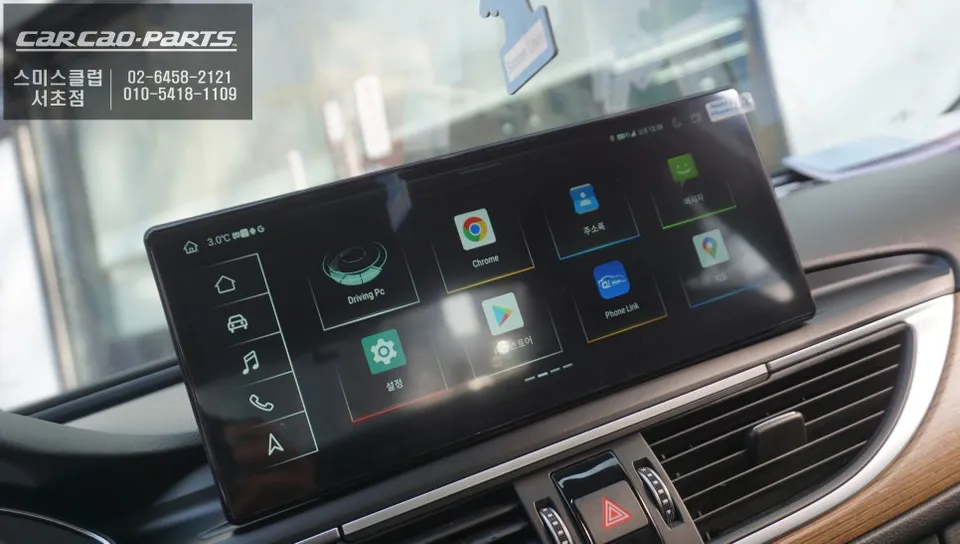
The Esplay monitor is an Android OS-based infotainment system for vehicles. Unlike the limitations of factory systems, Esplay allows users to download and install apps directly from the Google Play Store, just like a smartphone. This opens up a world of possibilities beyond the pre-installed functions of the original Audi MMI system.
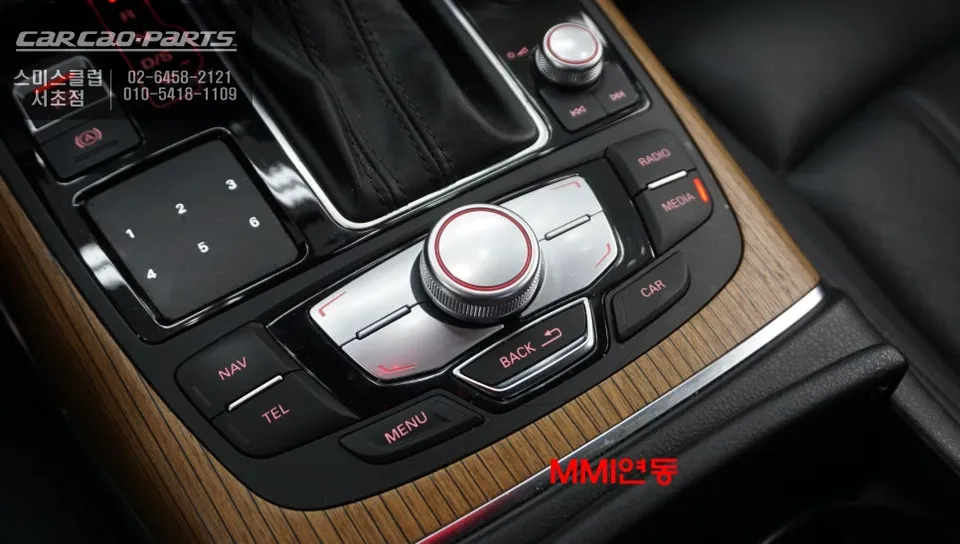
In this Audi A6 installation, apps like Netflix, YouTube, and KakaoMap were installed, transforming the car into a mobile entertainment hub. While these apps can be used during charging stops or for passengers, safety regulations require that touch controls are limited while driving, with operation primarily through voice commands or the original MMI buttons. Importantly, upgrading to Esplay does not mean losing your original Audi functions; radio, climate control, and other core features remain fully accessible.
Kakao Parts