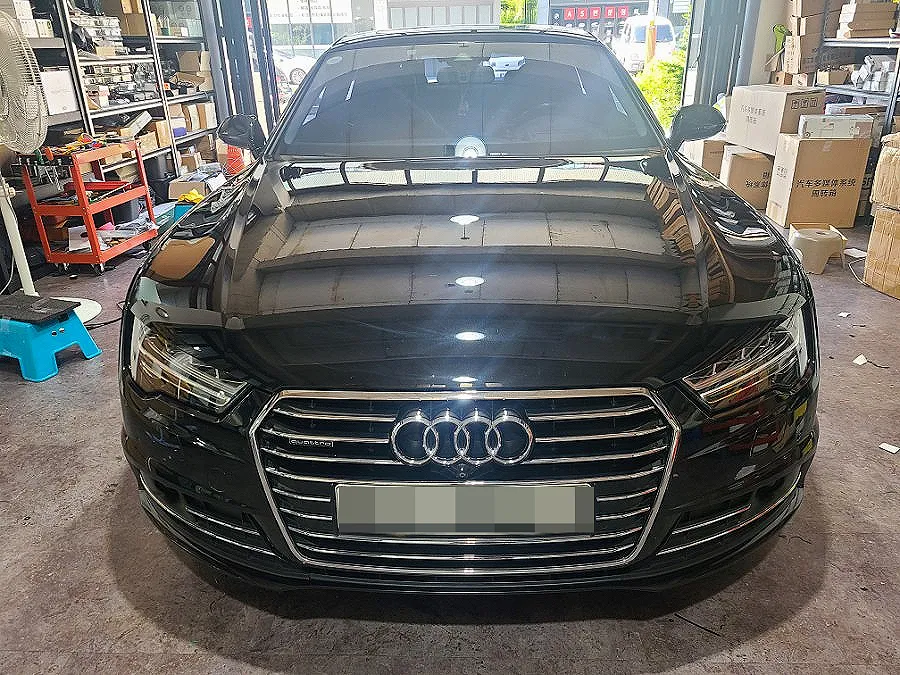
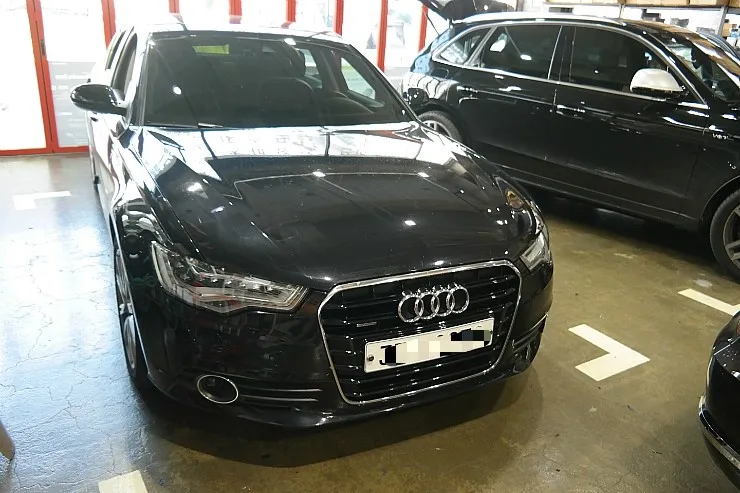
Audi A6 C7 Android Head Unit Review: Seamless CarPlay Upgrade
Service Price
$150+
Estimated price · Actual price may vary by shop
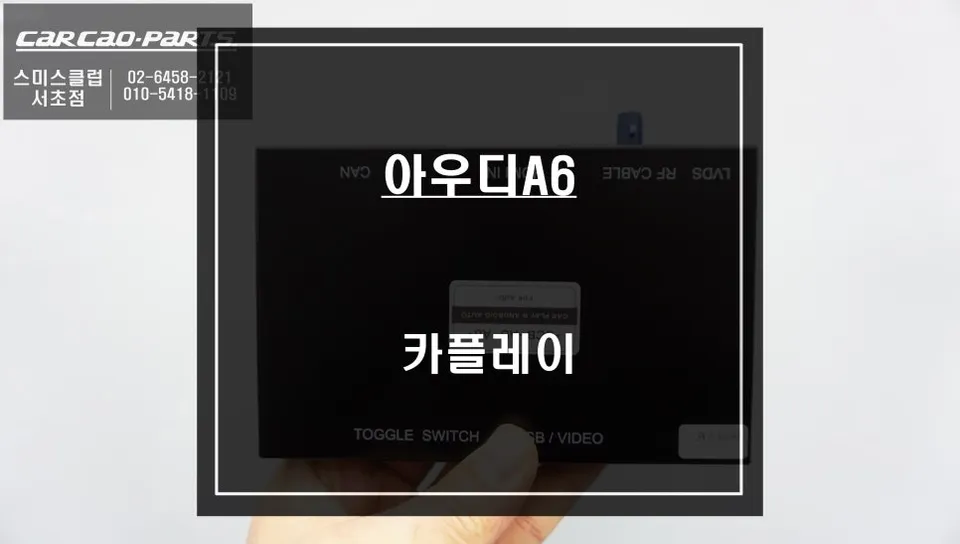
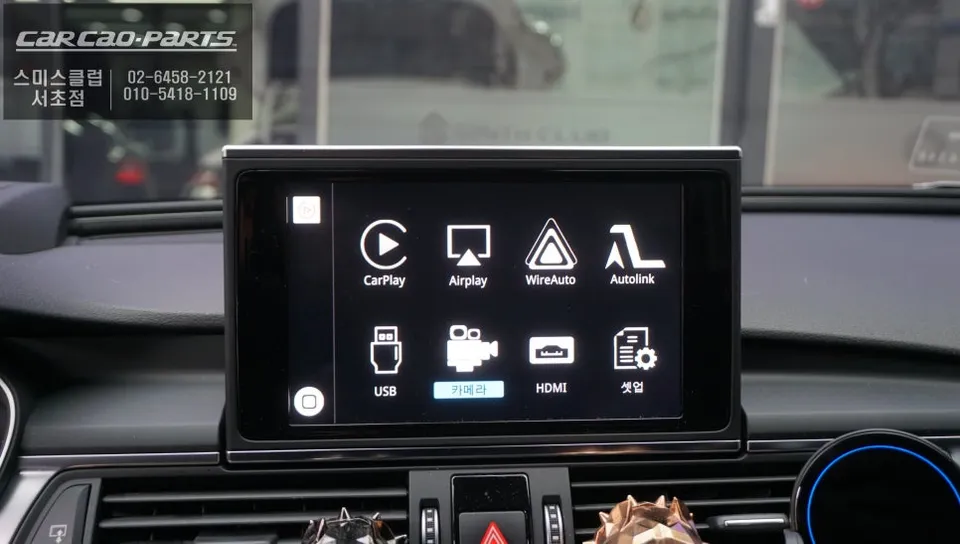
Audi A6 C7 CarPlay retrofit: Starting around $150. Seamlessly integrates smartphone navigation and apps onto your factory screen.
Audi A6 C7: Why a CarPlay Retrofit is Essential
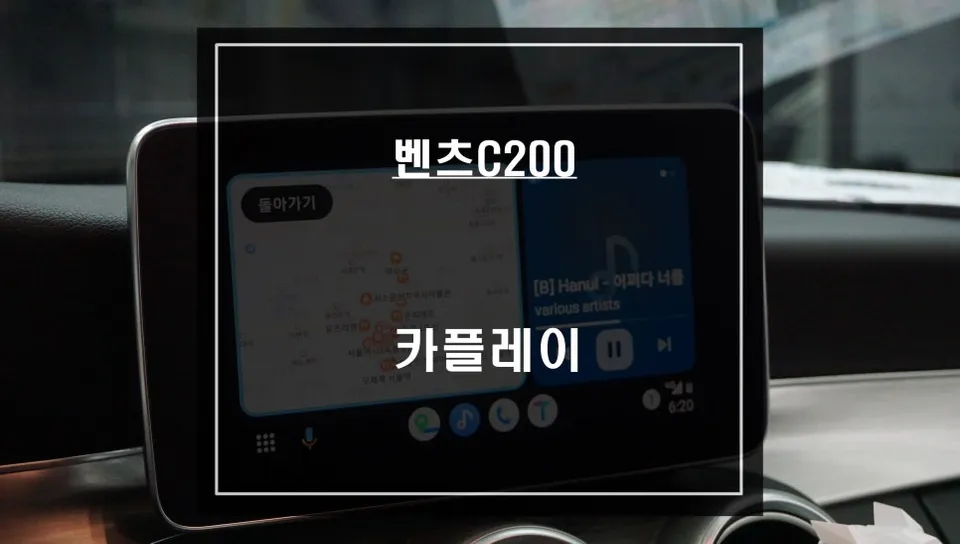
Audi A6 C7 owners often encounter the limitations of the factory navigation system. Outdated maps and slow real-time traffic updates can be frustrating, pushing many to rely on smartphone navigation apps like Google Maps or Waze. However, constantly checking your phone while driving is both inconvenient and dangerous. This Audi A6 C7 CarPlay retrofit, performed by our team, offers a clean solution to these issues. By integrating CarPlay (or Android Auto) wirelessly or via USB into your original monitor, you gain safe and convenient access to your preferred navigation and media apps.
Pre-Installation Inspection and Planning
The process begins with a thorough inspection of your Audi A6 C7's original MMI system and monitor wiring. Unlike simple plug-and-play modules, a proper CarPlay retrofit involves a dedicated interface designed for perfect compatibility with the factory wiring. Understanding your vehicle's specific configuration is crucial, especially since the C7 generation can have slight variations in MMI button layout and monitor connectors between early and late models. We meticulously check external access ports to gather information on the existing system's version, power lines, and communication signals without immediately dismantling components. This ensures a smooth installation, preventing potential functional errors later on. The installation follows a clear sequence: compatibility check, wiring plan, and finally, the physical integration.
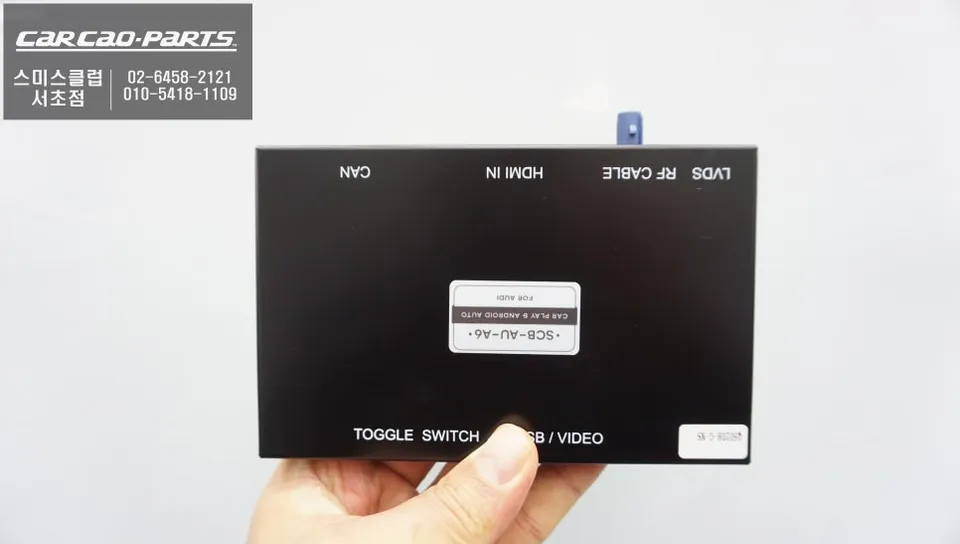
Wiring Disconnection and Monitor Removal
Carefully, we begin removing the center console trim pieces. The Audi A6 C7's interior design features intricate, layered wiring, requiring a delicate touch to avoid damaging existing cables. We use a combination of suction cups and plastic trim tools for safe disassembly, documenting each step with photos to ensure a flawless reassembly. Once the monitor wiring is exposed, we photograph and note the color-coding of the original power and signal wires. Special attention is paid to the LVDS cable – the high-definition signal line connecting the monitor to the main unit. This cable is sensitive; even slight bending during removal can degrade image quality. Therefore, we handle it with gloves, avoiding direct finger contact.
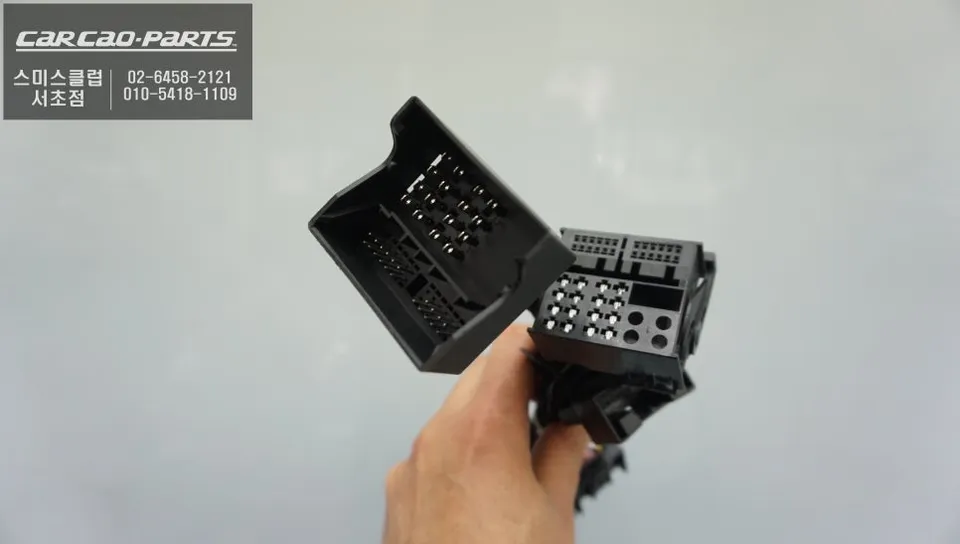
CarPlay Module Installation and Signal Integration
The core of the upgrade is the installation of the dedicated Audi A6 C7 CarPlay interface module. This isn't just an adapter; it functions as a smart converter, managing CarPlay signals and integrating with the original MMI controls. The module's output cable connects to the monitor's LVDS input, while another cable links to the MMI control unit to receive button inputs. The most intricate part of this stage is the precise pin matching within the connectors. Audi's pin configurations are complex, and an incorrect connection can lead to power issues. Our technicians meticulously follow the manufacturer's pin map, a process that typically takes 30 minutes to an hour. Rushing this step can result in the screen not powering on or voice commands failing later.
Once the module is securely installed, we connect your smartphone (iPhone or Android) via USB. While wireless CarPlay is an option, we strongly recommend a wired connection for its superior stability, especially for navigation. Wireless connections can experience occasional dropouts, which can be disruptive during critical driving moments.
Installation process:
- Inspect and document original MMI system wiring and monitor connections.
- Carefully remove center console trim and disconnect the factory monitor.
- Install the dedicated CarPlay interface module, connecting LVDS and MMI control signals.
- Connect your smartphone via USB for initial testing and setup.
- Reassemble trim components and test all functions thoroughly.
The result is a fully integrated CarPlay or Android Auto experience on your original Audi A6 C7 screen, offering modern functionality without altering the car's original aesthetics. The estimated cost for this type of upgrade starts around $150 USD, though actual prices can vary based on the specific module and installation complexity.
Frequently Asked Questions
Q. How much does Android head unit or CarPlay installation cost for a Audi A6 C7?
The cost for an Android head unit or CarPlay installation for an Audi A6 C7 typically starts around $150 USD, with prices varying based on the specific module and installation complexity.
Q. How long does Android head unit installation take on a Audi A6 C7?
Installation of an Android head unit or CarPlay system on an Audi A6 C7 usually takes between 1 to 3 hours. Proper maintenance involves keeping the USB port clean and ensuring software is up-to-date for optimal performance.
Q. Is a CarPlay or Android Auto retrofit worth it for a Audi A6 C7?
A CarPlay or Android Auto retrofit is highly recommended for Audi A6 C7 owners who frequently use smartphone navigation or streaming apps. It significantly enhances the infotainment experience, providing modern features on the factory display for a more convenient and safer drive.
Q. How is an Android head unit installed in a Audi A6 C7?
Installation involves carefully removing center console trim, disconnecting the factory monitor, and integrating a specialized interface module. This module connects to the monitor's LVDS input and the MMI control system, allowing seamless signal integration and control.
Q. What is the difference between an Android head unit and a factory infotainment system for a Audi A6 C7?
The factory infotainment system in the Audi A6 C7 offers limited functionality, primarily focused on basic media and navigation. An Android head unit or CarPlay retrofit provides access to a vast ecosystem of smartphone apps, real-time traffic updates, and modern user interfaces directly on your original screen.
Kakao Parts