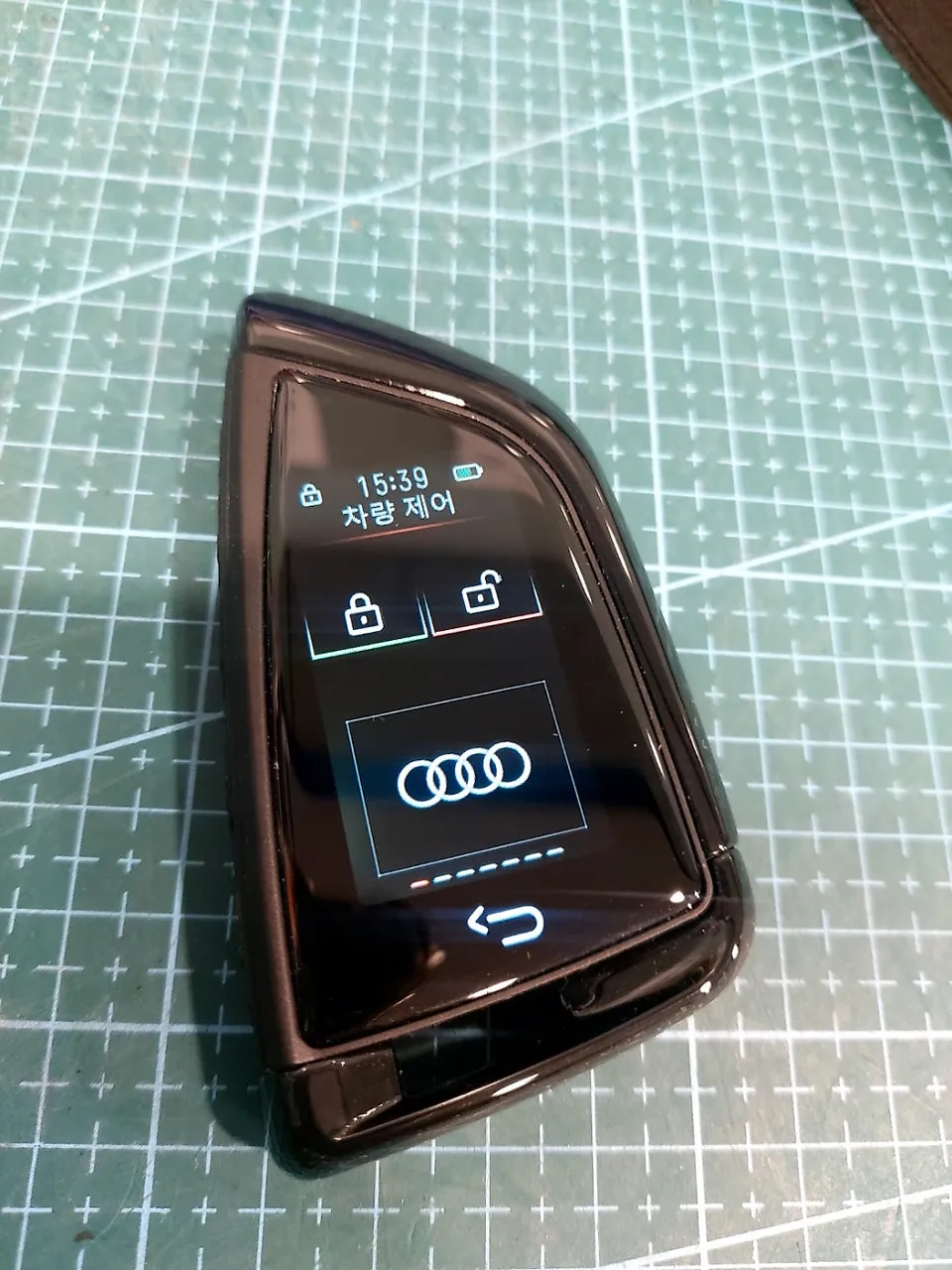
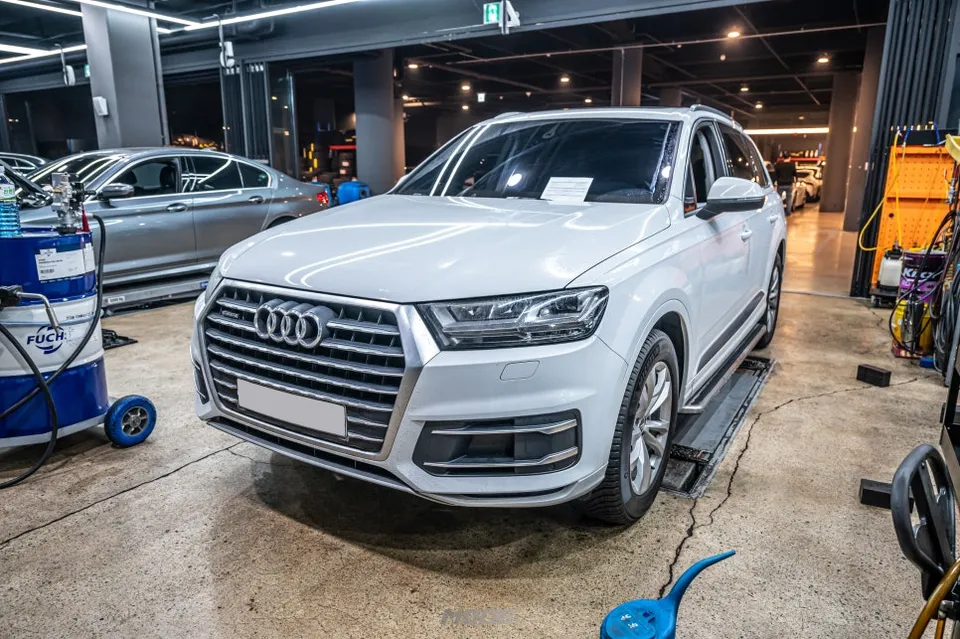
Audi A6 C7 Android Head Unit Upgrade Review
Service Price
$under $40
Estimated price · Actual price may vary by shop
Before
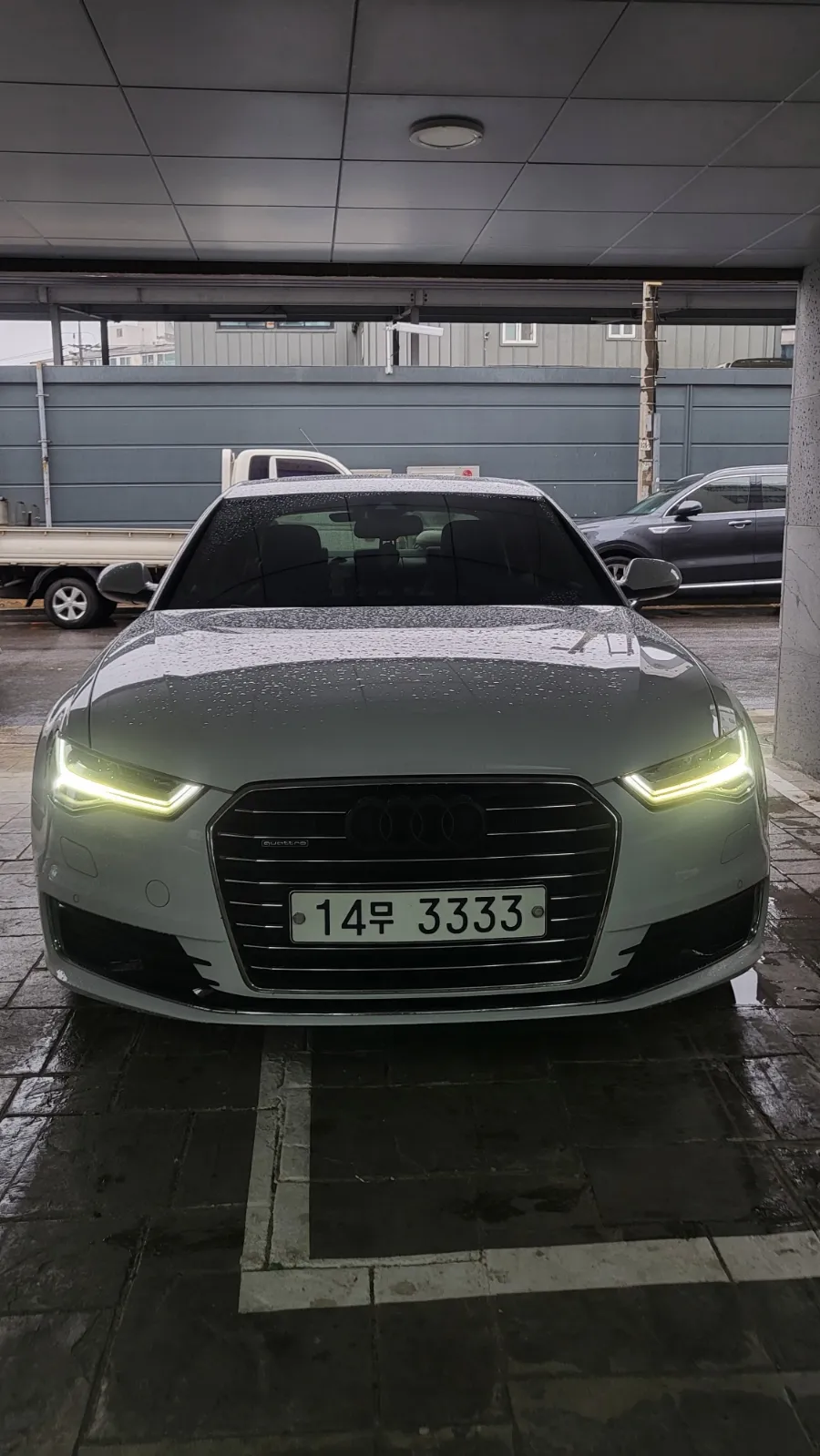
After
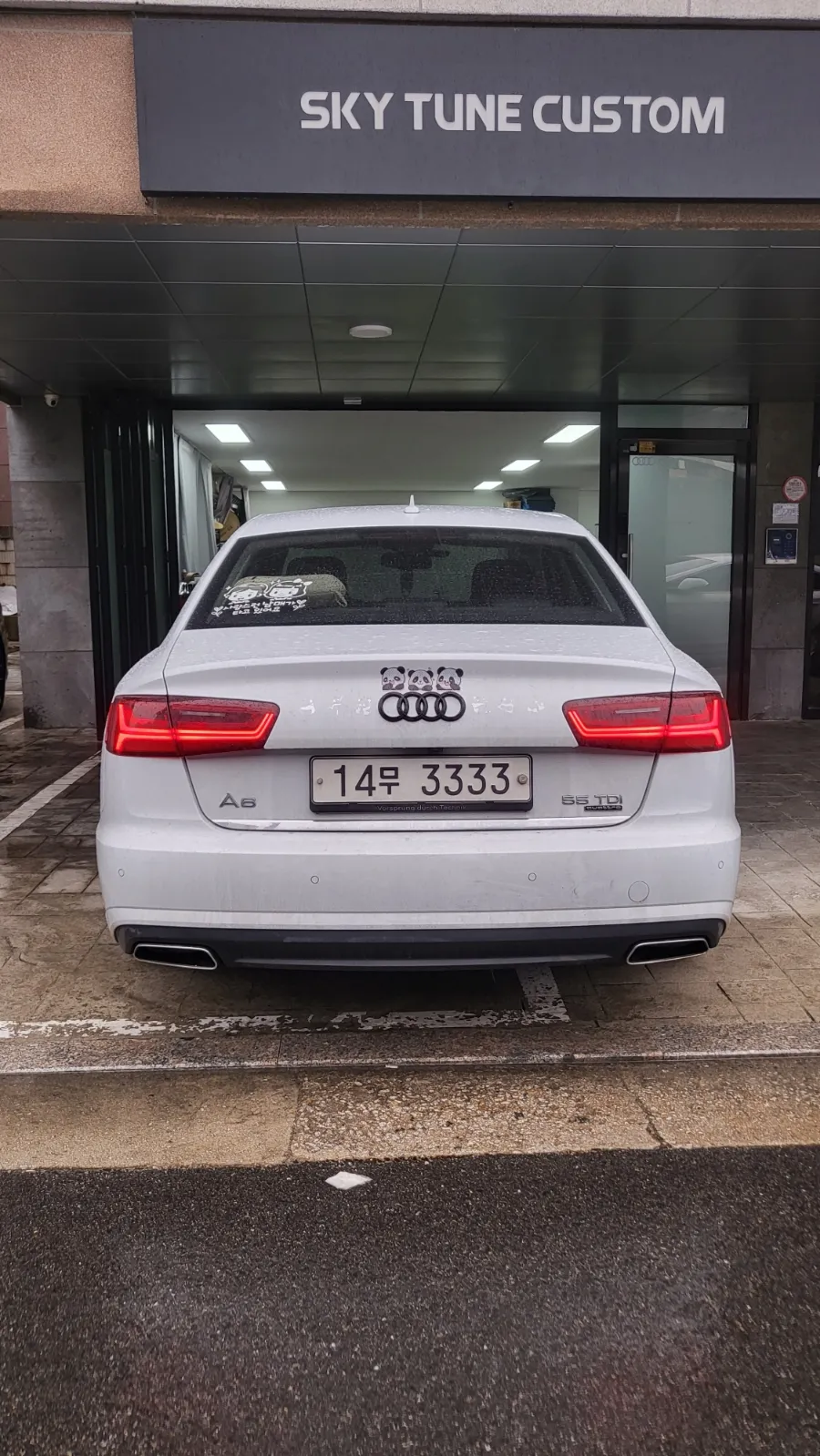
Process photos
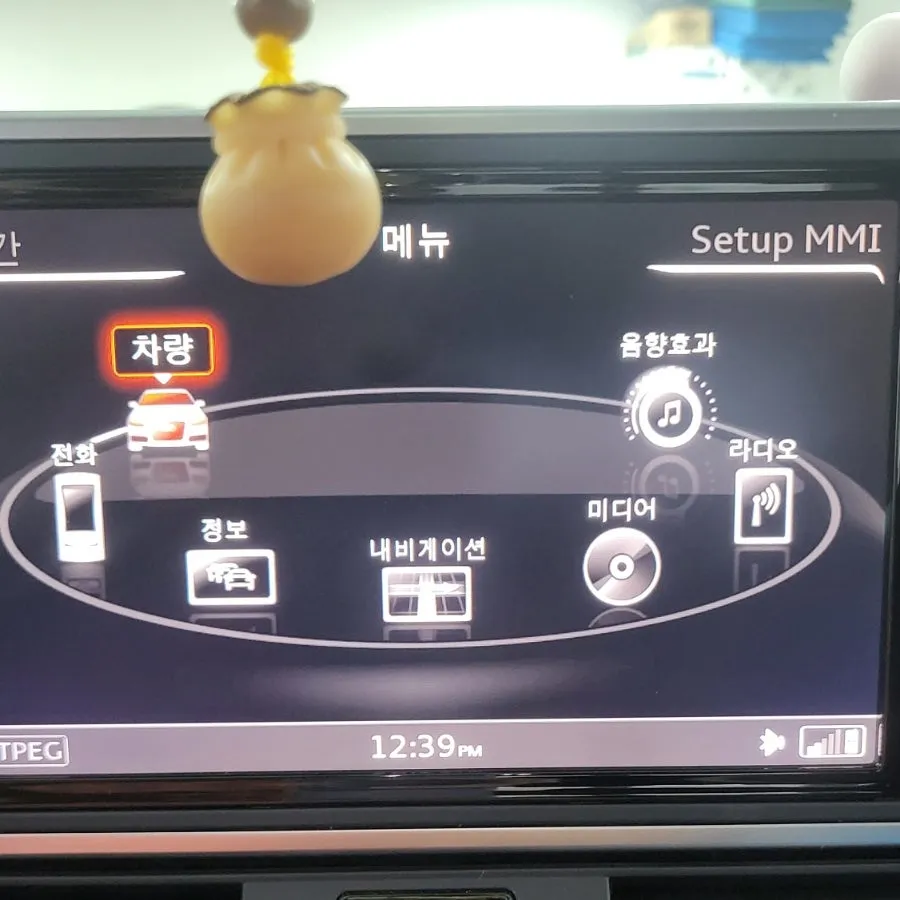
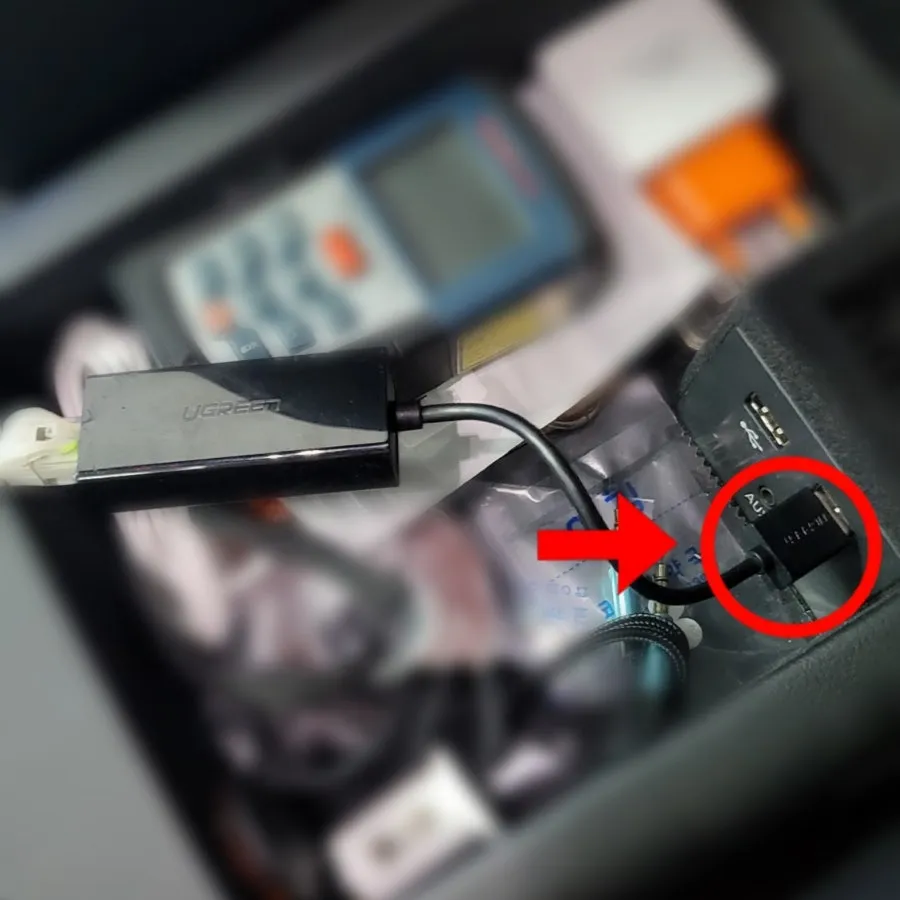
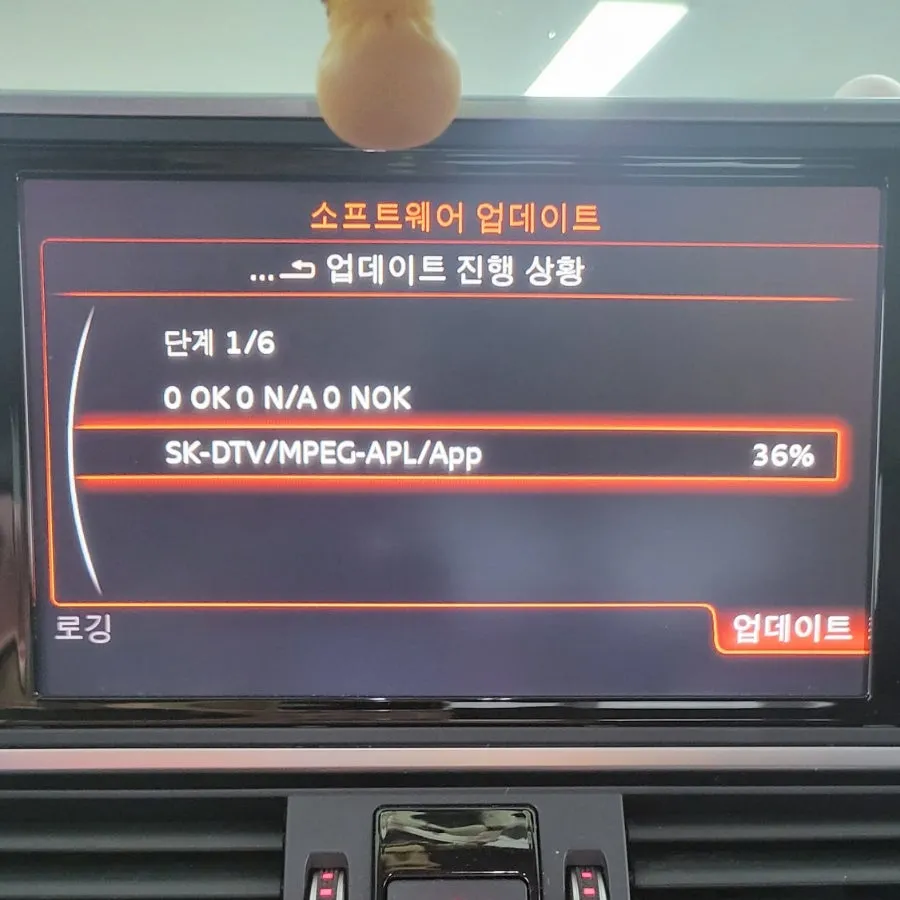
Audi A6 C7 Android Head Unit activation: ~100,000-200,000 KRW. Enables Carplay/Android Auto on MMI.
Audi A6 C7: Seamless Smartphone Integration with Android Head Unit
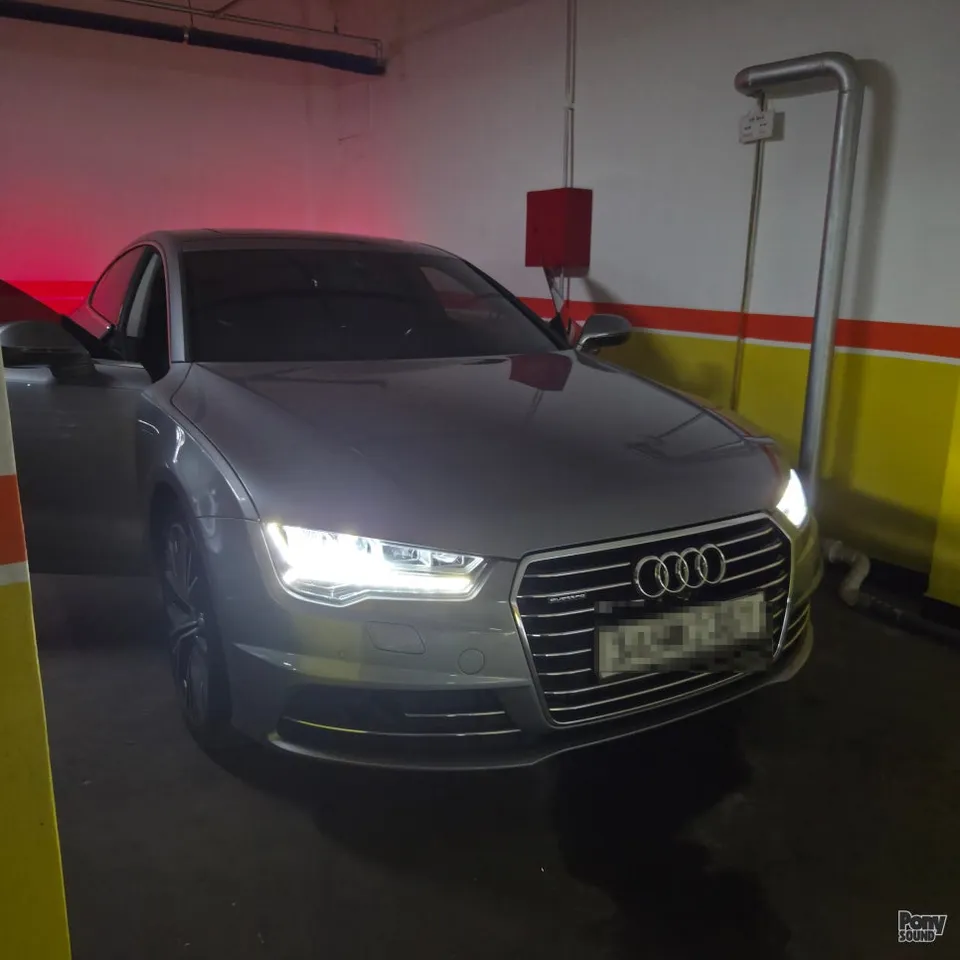
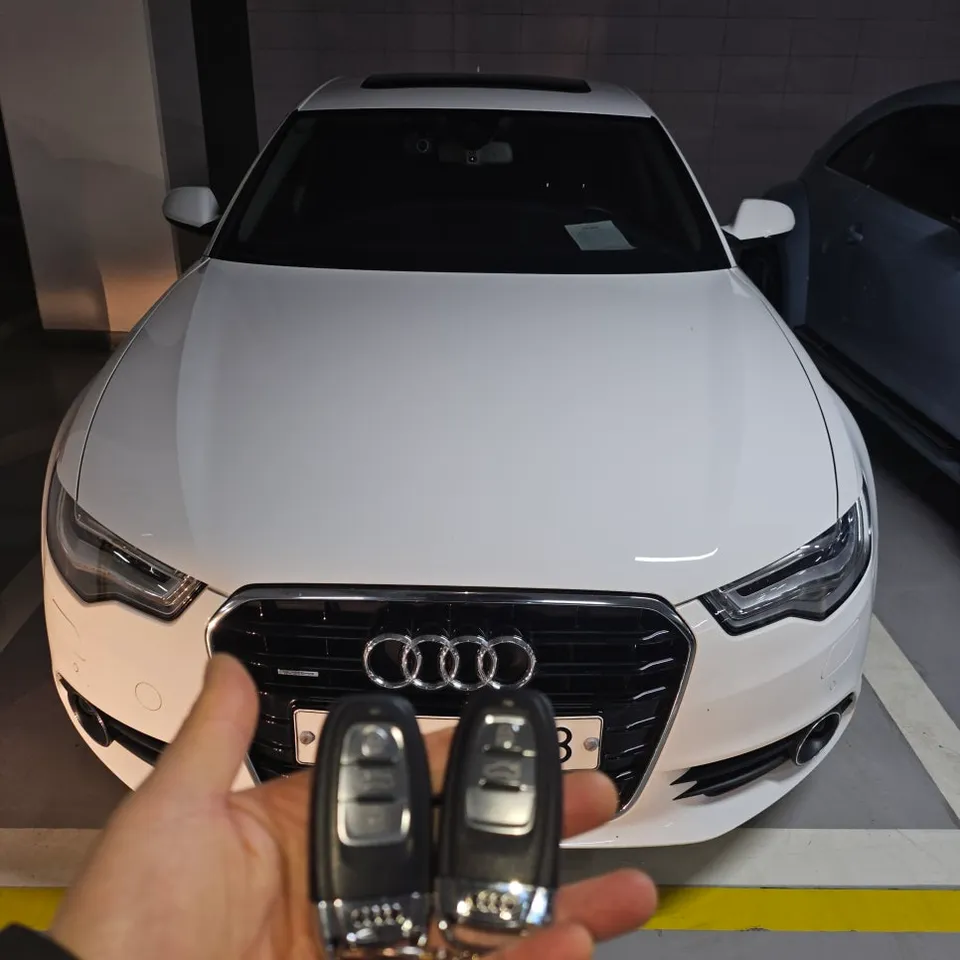
For Audi A6 C7 owners, particularly those with 2016 models (including S6, A7, S7, and RS7), enhancing your driving experience with integrated smartphone functionality is now a reality. This review details the process and benefits of activating the native Audi Smartphone Interface, commonly known as Carplay and Android Auto, on your existing MMI system. We recently had a customer visit us from Ansan, Gyeonggi-do, trusting our expertise for this popular upgrade.
The Android Head Unit Activation Process
The activation of the Audi Smartphone Interface on your A6 C7 involves a software update to the vehicle's MMI system. Previously, the option might not have been visible or accessible. Post-update, a new icon, 'Audi Smartphone Interface,' appears on the MMI screen, unlocking the ability to connect your smartphone.
Installation process:
- Connect your vehicle to our diagnostic system.
- Update the MMI software to enable the smartphone interface.
- Verify the 'Audi Smartphone Interface' icon appears on the MMI screen.
- Connect your smartphone via the USB port in the center console.
The entire process is remarkably quick, typically taking only 15 to 20 minutes, depending on the specific vehicle configuration. Once completed, you can simply plug in your iPhone or Android device using the USB port located in the center console. For iPhone users, Carplay will automatically launch, allowing access to navigation apps like T Map directly on the car's native display. Android users will similarly find Android Auto activated.
Enhanced Driving Experience and Additional Coding
The primary benefit of this upgrade is the ability to use familiar smartphone applications, such as T Map, directly on the Audi's MMI screen. This eliminates the need for separate phone mounts, improving driver visibility and convenience. Navigating, streaming music, and accessing other essential apps become intuitive and integrated into your driving environment.
Beyond the core Carplay/Android Auto activation, we also offer various coding options tailored to your needs. For 2016 Audi A6 C7 models, popular coding services include disabling the DMB viewing restriction while driving, adding new menus to the instrument cluster, and activating comfort features. These additional customizations can further personalize your Audi driving experience.
Compatibility Across Audi Models
The Audi Smartphone Interface activation is not limited to the A6 and A7 series. Similar MMI updates can enable this feature on other Audi models from the same generation, including the Q7, TT, and R8. If you own an Audi from this era, consider this upgrade to bring your infotainment system into the modern age of smartphone connectivity.
Frequently Asked Questions
Q. How much does an Android Head Unit upgrade cost for an Audi A6 C7?
The activation of the Audi Smartphone Interface for your A6 C7 typically costs between 100,000 to 200,000 Korean Won. In the US, similar activations can range from $200 to $500 depending on the service provider.
Q. How long does an Android Head Unit upgrade last on an Audi A6 C7?
The software activation for Carplay and Android Auto is a permanent modification to your MMI system. To ensure longevity, keep your smartphone's operating system updated and use a quality USB cable for connection.
Q. Is an Android Head Unit upgrade worth it for an Audi A6 C7?
This upgrade is highly recommended for Audi A6 C7 owners who frequently use navigation or streaming apps, as it provides seamless integration with your smartphone. It significantly enhances convenience and safety by allowing control via the car's native display.
Q. How is the Android Head Unit upgrade done on an Audi A6 C7?
The upgrade is performed via a software update to your vehicle's MMI system. 1. The car is connected to a diagnostic tool. 2. The MMI software is updated to enable the smartphone interface. 3. The activation is confirmed by checking for the 'Audi Smartphone Interface' icon on the MMI screen.
Q. What is the best Android Head Unit option for an Audi A6 C7?
The best option is activating the native Audi Smartphone Interface, which provides seamless integration with Carplay and Android Auto. This is superior to aftermarket head units as it utilizes your car's original display and controls.
OhCar Partner Shop