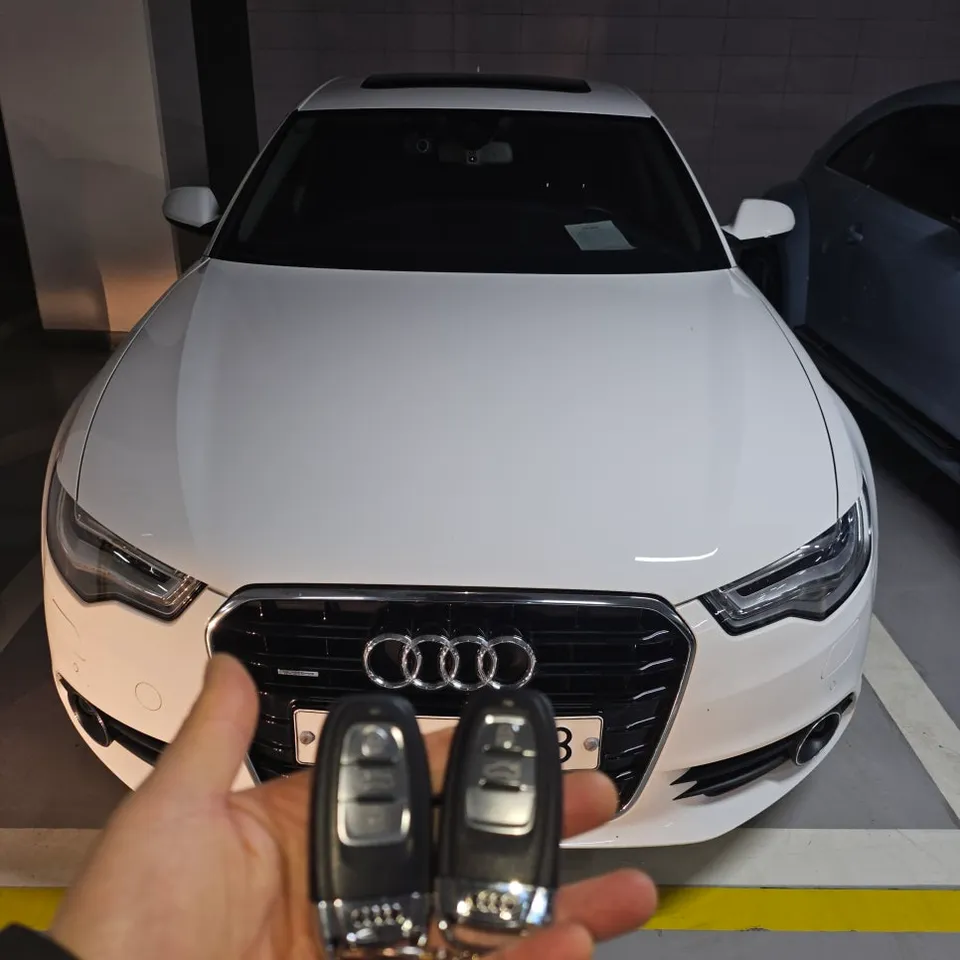
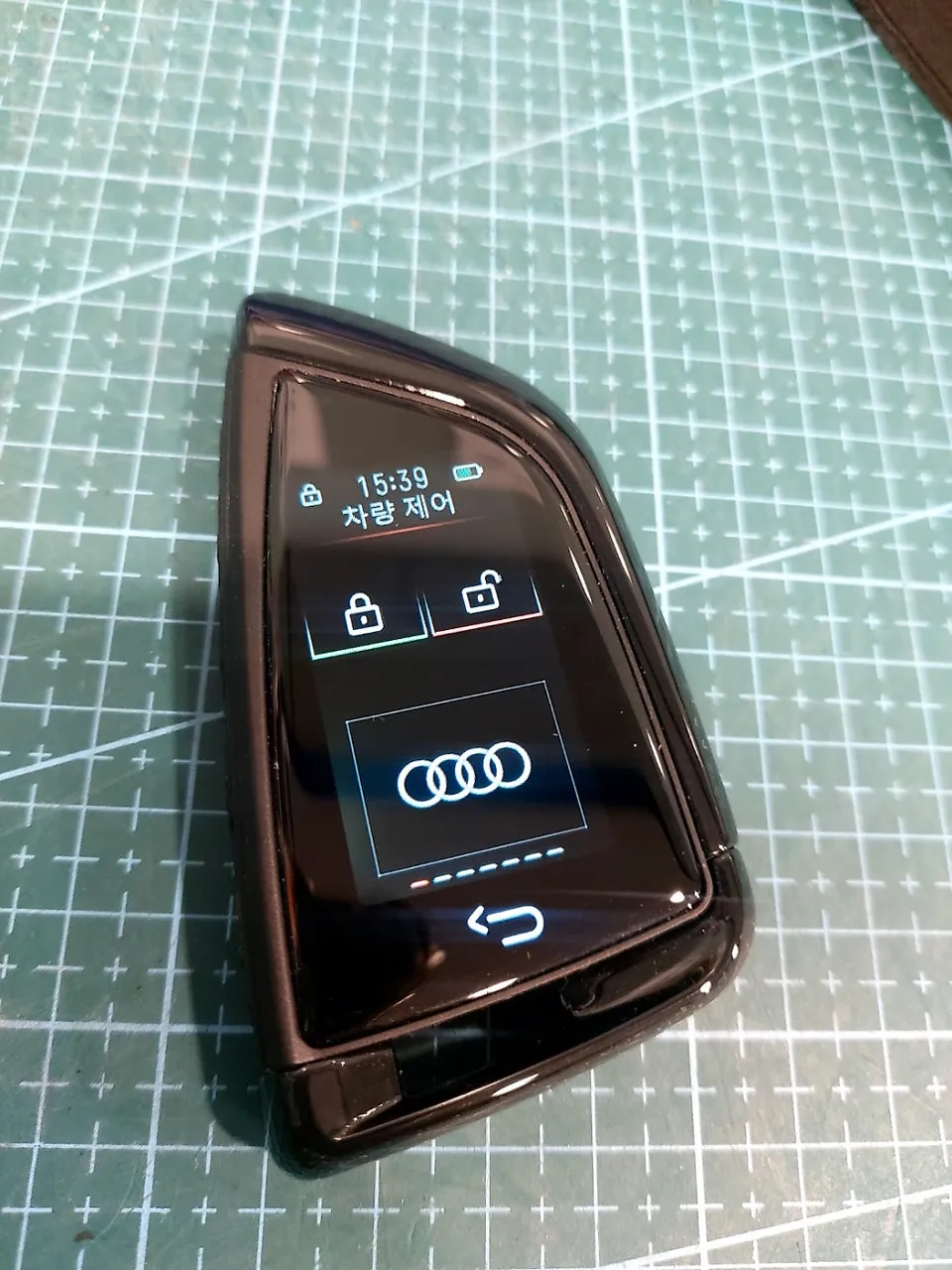
Audi A6 C7 Android Head Unit Upgrade: Seamless Smartphone Integra
Service Price
$115–150
Estimated price · Actual price may vary by shop
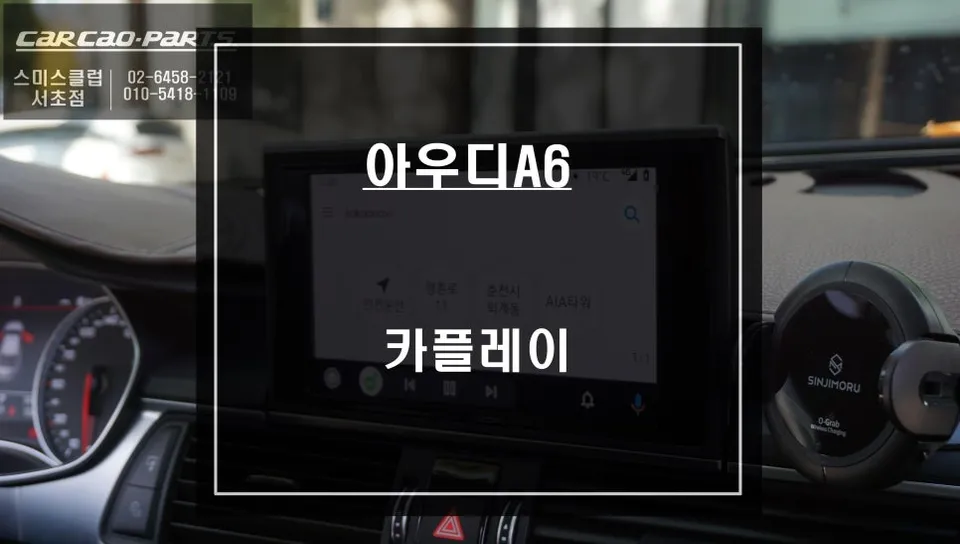
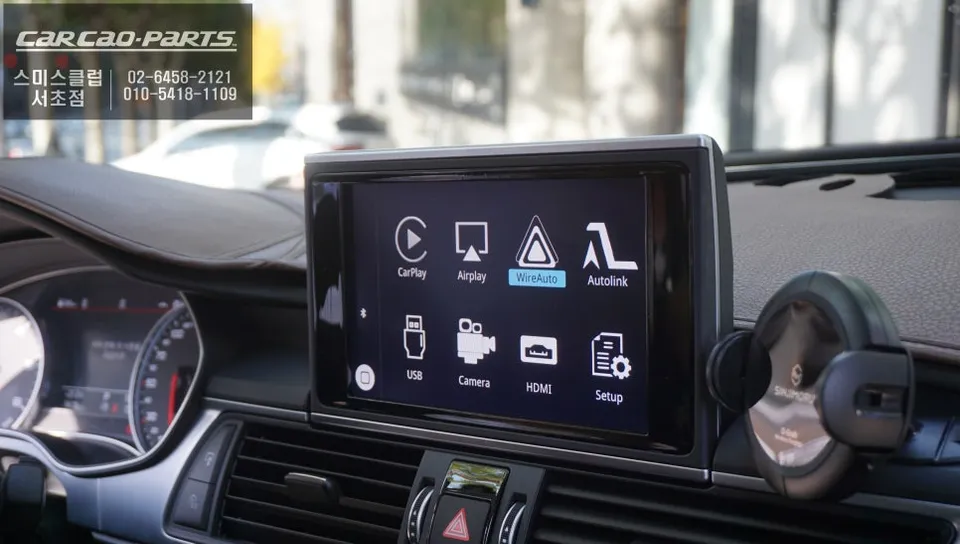
Audi A6 C7 Android Head Unit upgrade offers seamless smartphone integration with TMAP/KakaoNavi. Installation takes 1-1.5 hours. Enjoy dual Android Au
Is Your Audi A6 C7's Navigation Feeling Outdated?
The Audi A6 C7, a symbol of German automotive excellence, often leaves drivers wanting more from its native navigation system. The primary frustrations stem from infrequent map updates and the inability to integrate popular Korean navigation apps like TMAP and KakaoNavi. Many A6 owners share this common pain point. This guide will walk you through the process and benefits of installing an Android Head Unit, transforming your factory display into a smart, connected navigation hub.
Why Upgrade to an Android Head Unit for Your Audi A6 C7?
While the Audi A6 boasts a sophisticated infotainment system, its built-in navigation has limitations. Maps can quickly become obsolete, and crucial local road information updates lag behind real-time services. In contrast, smartphone navigation apps like TMAP and KakaoNavi offer live traffic data, precise points of interest, and a user-friendly interface that reflects current road conditions.
The desire is simple: "Can I use my familiar smartphone apps on my car's original screen?" An Android Head Unit upgrade for the Audi A6 C7 directly addresses this need. By enabling smartphone connectivity, you unlock a world of navigation options, significantly enhancing your driving experience.
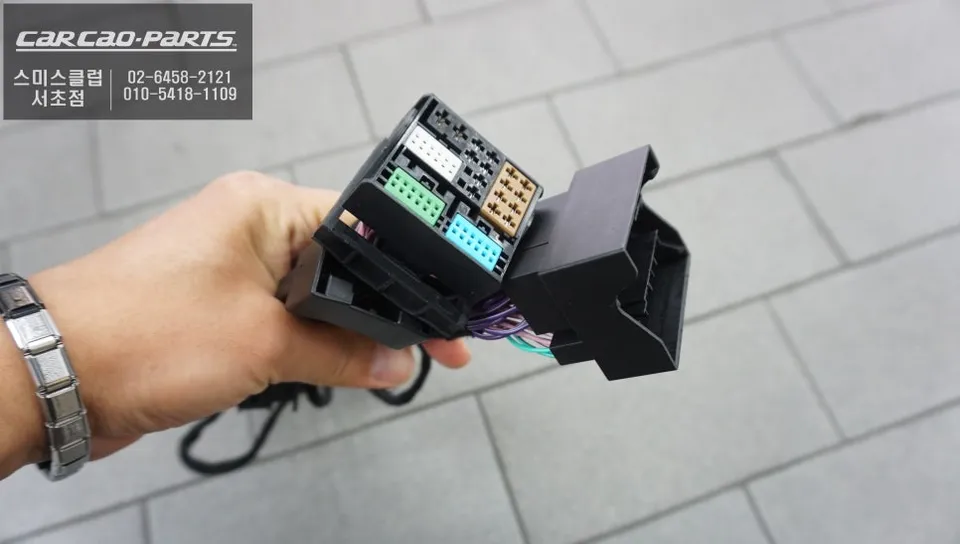
Audi A6 C7 Android Head Unit Installation Process
The key to a successful Android Head Unit installation in an Audi A6 C7 is preserving the factory system's integrity. The modules used are typically designed for plug-and-play installation, meaning they connect directly to the existing wiring harness without requiring any cuts or modifications. This preserves your original warranty and ensures all factory functions remain operational.
Installation Process:
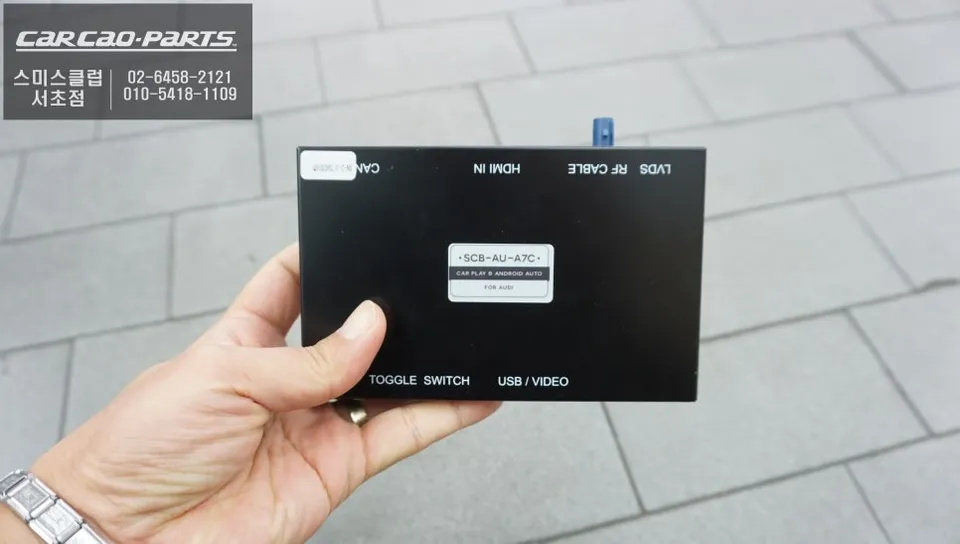
- The Android Head Unit module is discreetly installed, often within the dashboard or glove compartment, ensuring a clean look.
- Connectors are plugged directly into the back of the factory infotainment system, utilizing the original wiring.
- The module is then configured to communicate with your car's display and controls.
- Finally, your smartphone is paired via Bluetooth or USB for seamless integration.
The entire process is remarkably efficient, typically taking only 1 to 1.5 hours. This includes initial setup and smartphone pairing, making same-day completion a common benefit.
Dual Support: Android Auto & Apple CarPlay
A significant advantage of these modern head unit modules is their support for both Android Auto and Apple CarPlay. This versatility ensures compatibility whether you use an iPhone or an Android device, or if multiple family members use different operating systems.
Pairing is straightforward. After the initial one-time connection via Bluetooth or USB, your smartphone will automatically sync each time you enter the vehicle, eliminating the need for repetitive setup.
Effortless Operation: Accessing Your New Interface
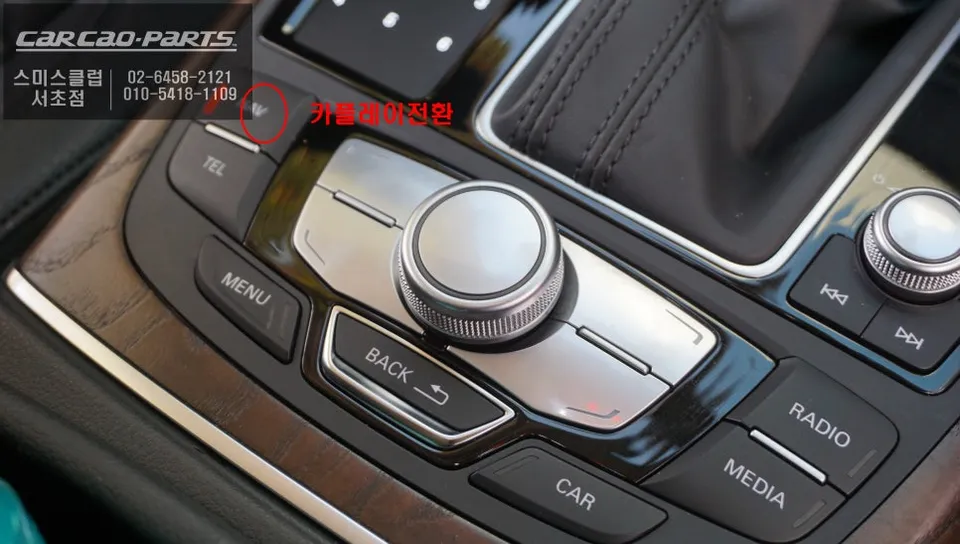
Switching to your new Android Head Unit interface is as simple as pressing and holding the original NAV button for about 2 seconds. The screen will seamlessly transition to your smartphone's interface. To return to the factory navigation or system, simply press the NAV button again.
This dual-navigation capability allows you to fluidly switch between the best of both worlds. Use TMAP or KakaoNavi for everyday navigation and real-time traffic, and revert to the factory system for vehicle-specific information or settings. This creates a truly integrated and flexible infotainment experience.
Intuitive Control: Voice Commands and Steering Wheel Controls
Interaction with the Android Head Unit is primarily managed through voice commands, leveraging your smartphone's native assistant (Google Assistant or Siri). Additionally, steering wheel controls are often retained, allowing you to navigate menus, adjust volume, and even initiate voice commands without taking your hands off the wheel.
Frequently Asked Questions
Q. How much does an Android Head Unit cost for an Audi A6 C7?
The Android Head Unit upgrade for the Audi A6 C7 typically costs around 400,000 to 600,000 Korean Won. In the US, similar aftermarket head unit installations can range from $300 to $800 depending on the unit and complexity.
Q. How long does an Android Head Unit last on an Audi A6 C7?
Android Head Units are generally designed for the lifespan of the vehicle, often lasting 5-10 years or more with proper use. To ensure longevity, avoid exposing the unit to extreme temperatures and ensure clean power connections during installation.
Q. Is an Android Head Unit worth it for an Audi A6 C7?
An Android Head Unit is highly recommended for Audi A6 C7 owners who desire modern navigation features like TMAP and KakaoNavi on their factory screen. It significantly enhances convenience and connectivity, offering a superior user experience compared to the stock system.
Q. How is an Android Head Unit installed on an Audi A6 C7?
Installation involves a plug-and-play process, connecting a dedicated module to the car's existing infotainment system without cutting wires. The module is typically hidden, and the smartphone is paired via Bluetooth or USB, taking about 1 to 1.5 hours.
Q. What is the best Android Head Unit option for an Audi A6 C7?
The best option is a module specifically designed for the Audi A6 C7 that supports both Android Auto and Apple CarPlay. This ensures seamless integration with your factory screen and steering wheel controls, offering the most versatile and user-friendly experience.
Kakao Parts