Audi A7 Android Head Unit Review: CarPlay Upgrade Cost
Service Price
$approx. $750–1,150
Estimated price · Actual price may vary by shop
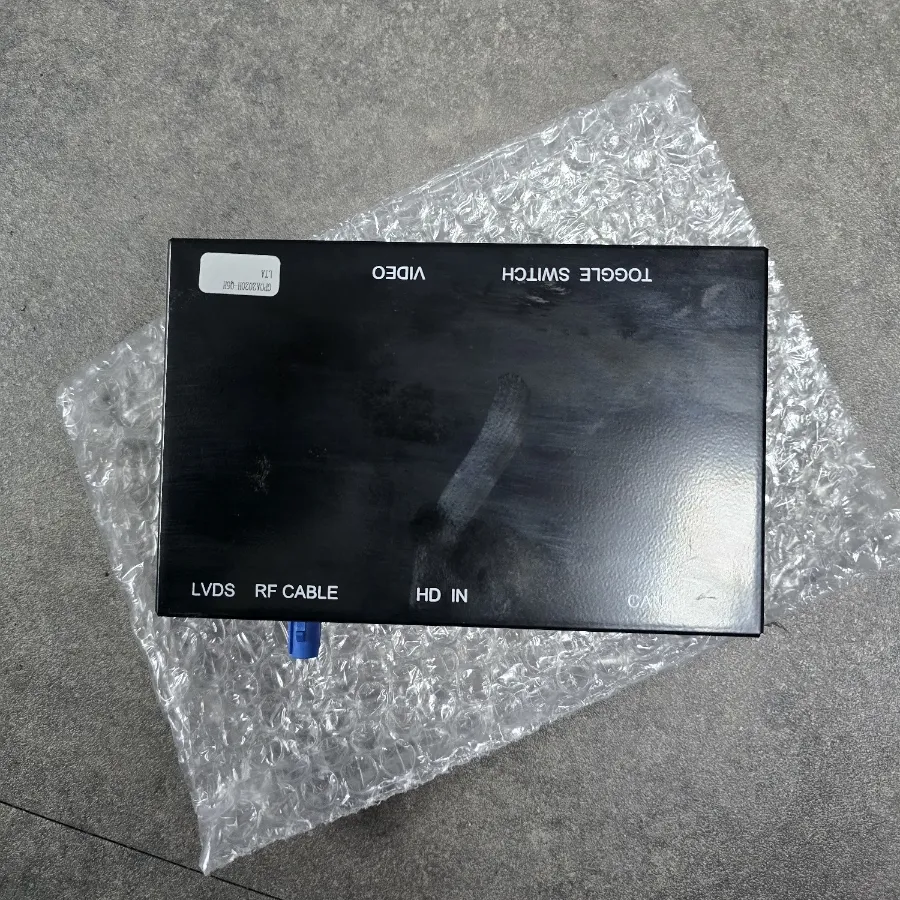
Audi A7 Android Head Unit upgrade: Approx. $370-$600. Adds wireless CarPlay/Android Auto. Improves navigation and media access.
Audi A7 Early Models: Enhancing Infotainment with an Android Head Unit
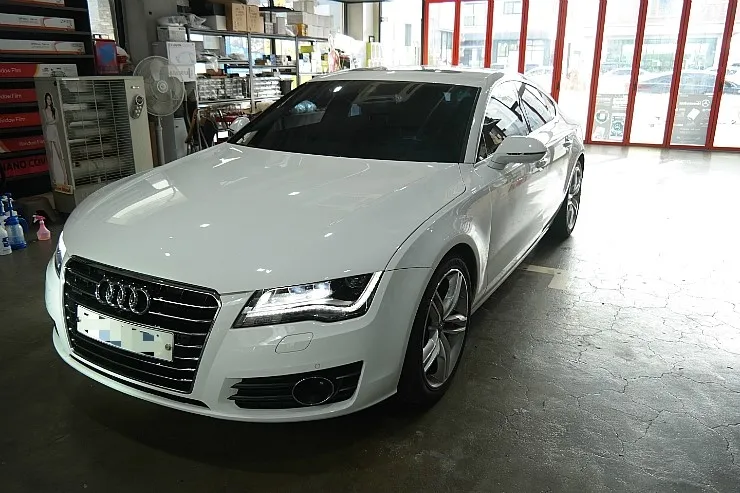
Are you an Audi A7 owner looking to seamlessly integrate your smartphone's capabilities into your driving experience? For early model A7s, particularly the 2012 3.0T Prestige, the factory MMI system can feel limited in its smartphone interface functions. Fortunately, a popular solution involves installing a dedicated "set-top box" module, effectively bringing your infotainment system up to date. This review delves into the process, costs, and benefits of this popular infotainment upgrade.
Understanding Your Audi A7 Infotainment Upgrade Options
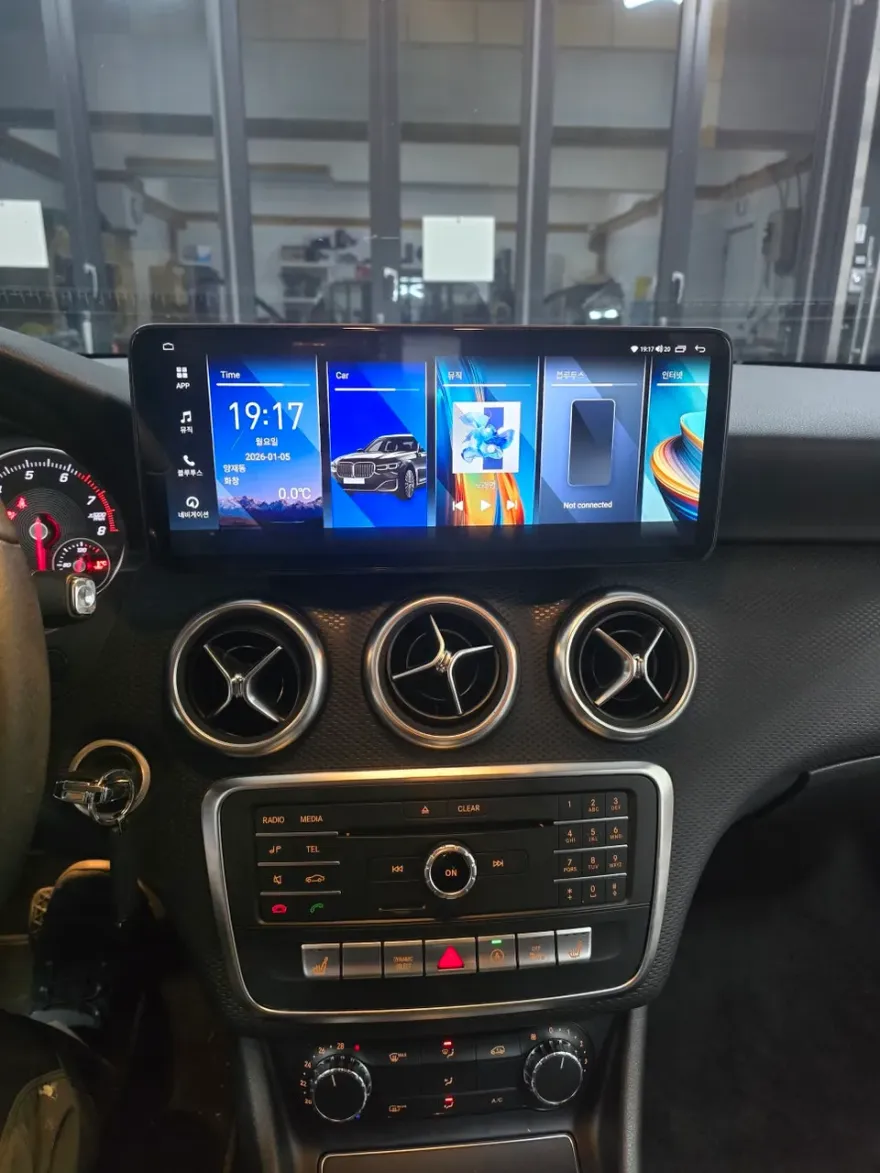
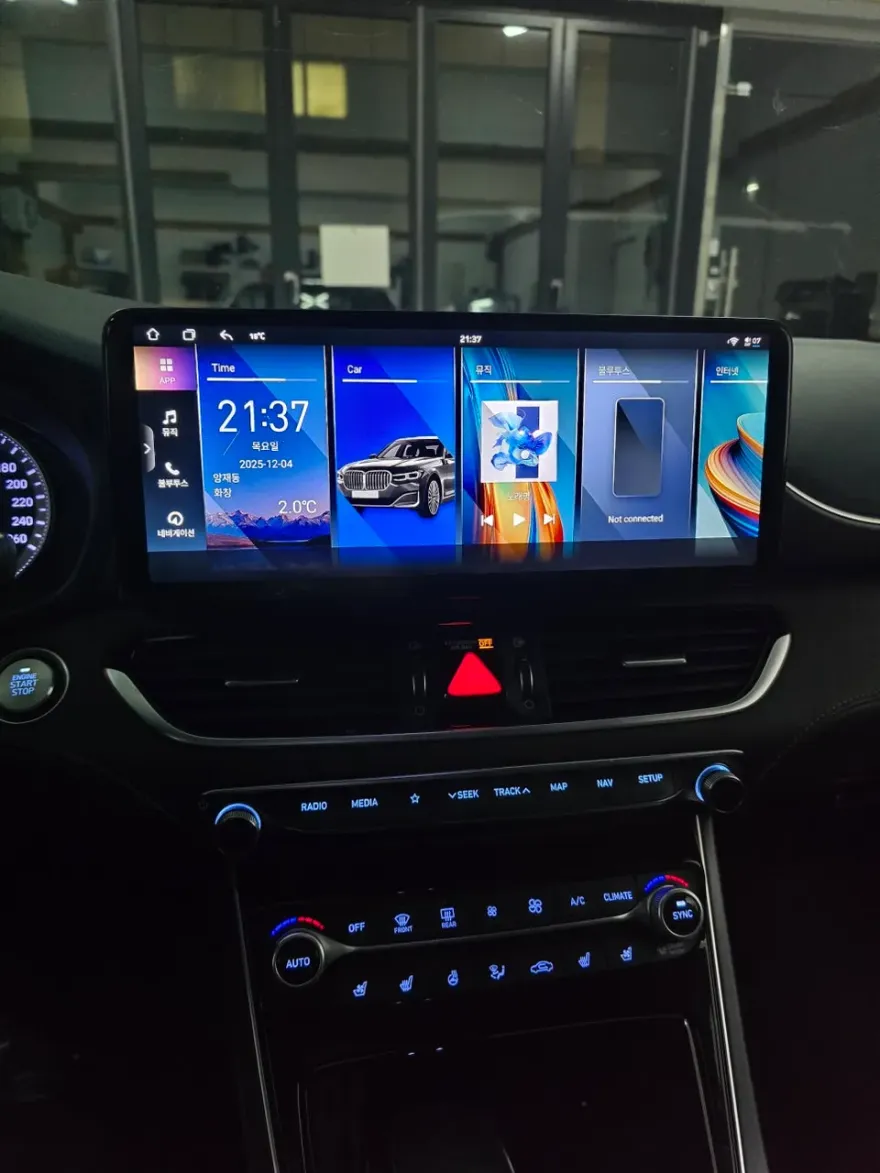
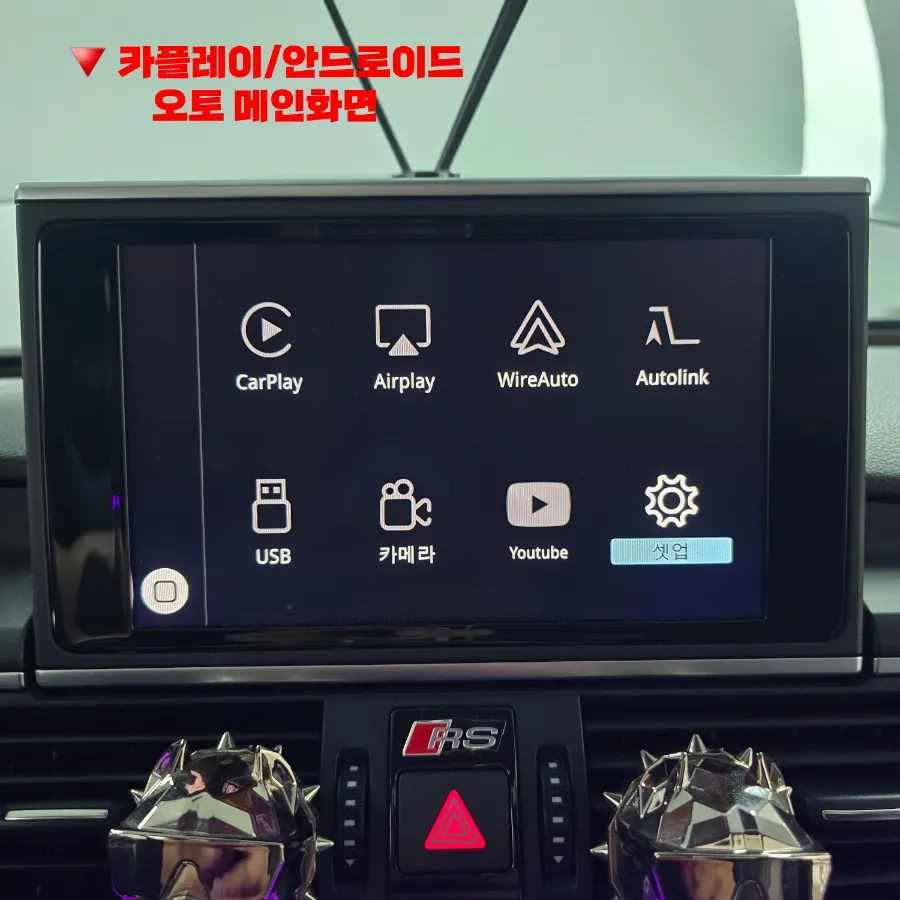
Early Audi A7 models (roughly 2012-2015) cannot enable wired CarPlay or Android Auto through simple MMI software updates. To achieve this, an external set-top box is required. If your desire extends beyond basic smartphone mirroring to include streaming apps like YouTube or Netflix, an Android All-in-One unit might be a consideration. However, for those primarily seeking navigation and music streaming via their smartphone, the set-top box offers a more focused and cost-effective solution. The estimated cost for a set-top box installation typically ranges from 500,000 to 800,000 Korean Won (approximately $370-$600 USD), while full Android All-in-One units can exceed 1,000,000 KRW (over $750 USD). The installation process generally takes about 3 to 4 hours.
The Set-Top Box Installation Process and Components
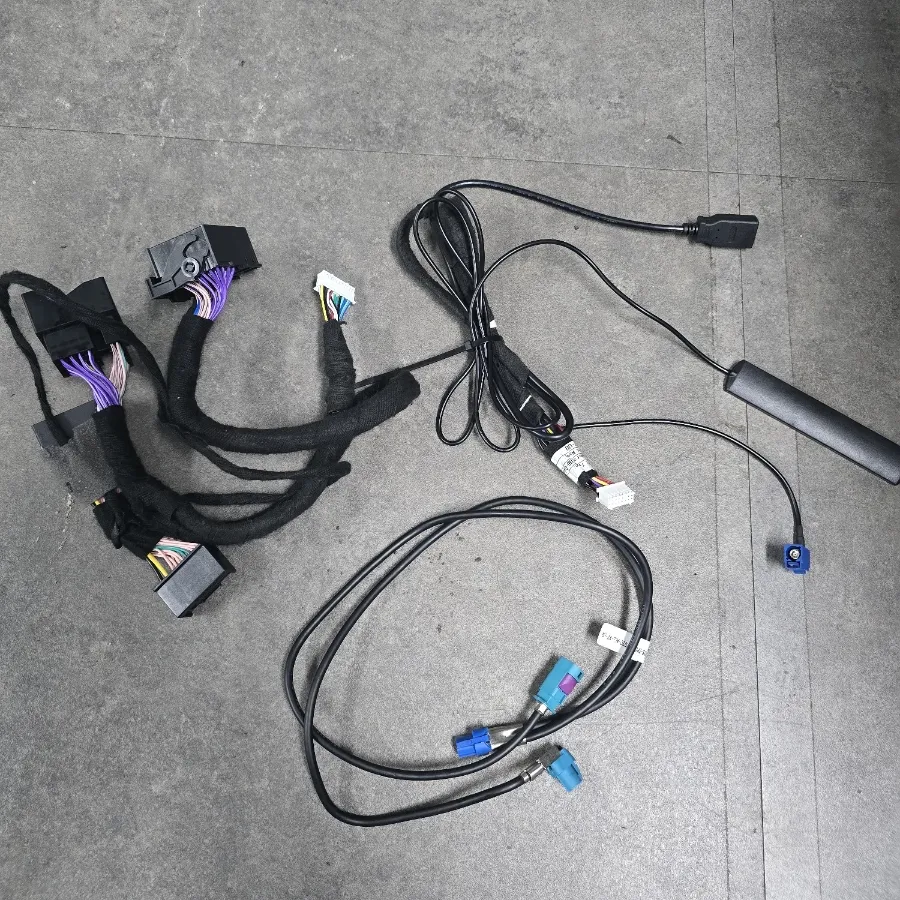
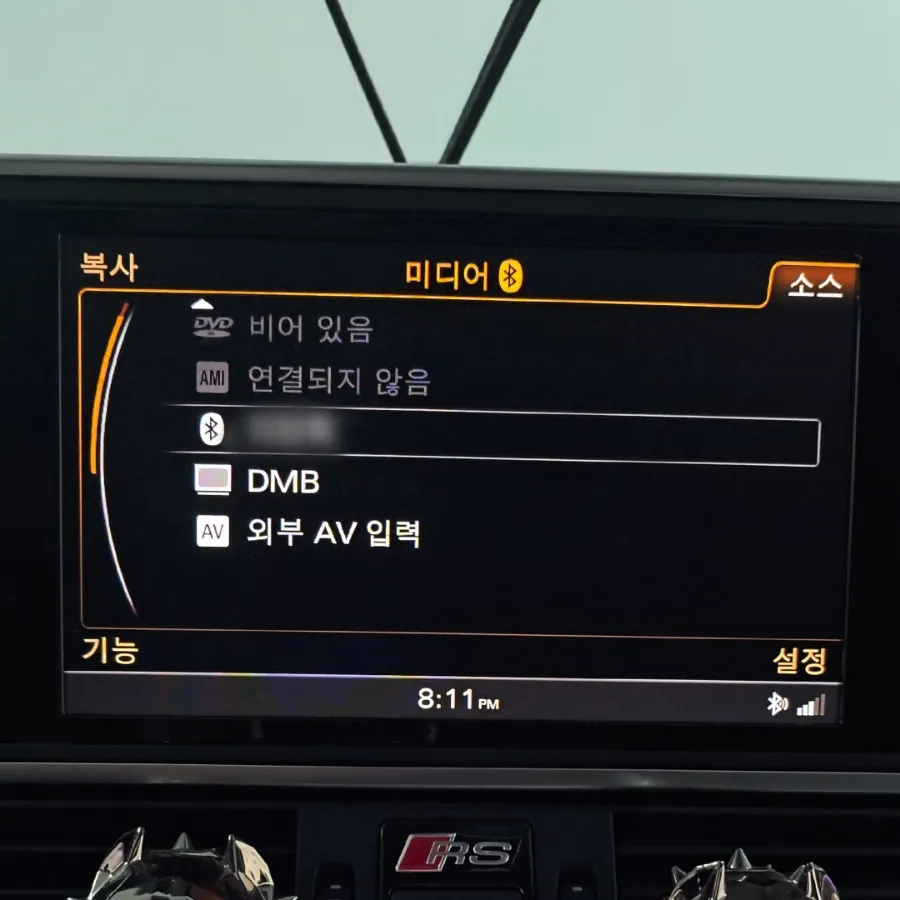
A typical set-top box installation kit includes the main set-top module, a primary wiring harness, and an LVDS cable. Reputable installers, like those recommended by "Odeun-car" in Korea, often utilize "lossless" installation methods. This means no permanent modifications are made to your vehicle's original wiring, preserving its factory state. For certain Audi A6, A7, and A8 models from 2012-2015, the AUX function might be inactive. Before installation, this needs to be activated via coding, or an included wireless AUX cable can be connected to the AMI port to create an AUX menu. This step requires specialized knowledge, making it advisable to use a certified installer.
Installation Process:
- Connect the main wiring harness to the vehicle's MMI system.
- Integrate the set-top box module using the provided LVDS cable.
- Activate or create the AUX audio input for sound output.
- Perform initial system configuration and testing.
Seamlessly Switching and Using Your New Infotainment System
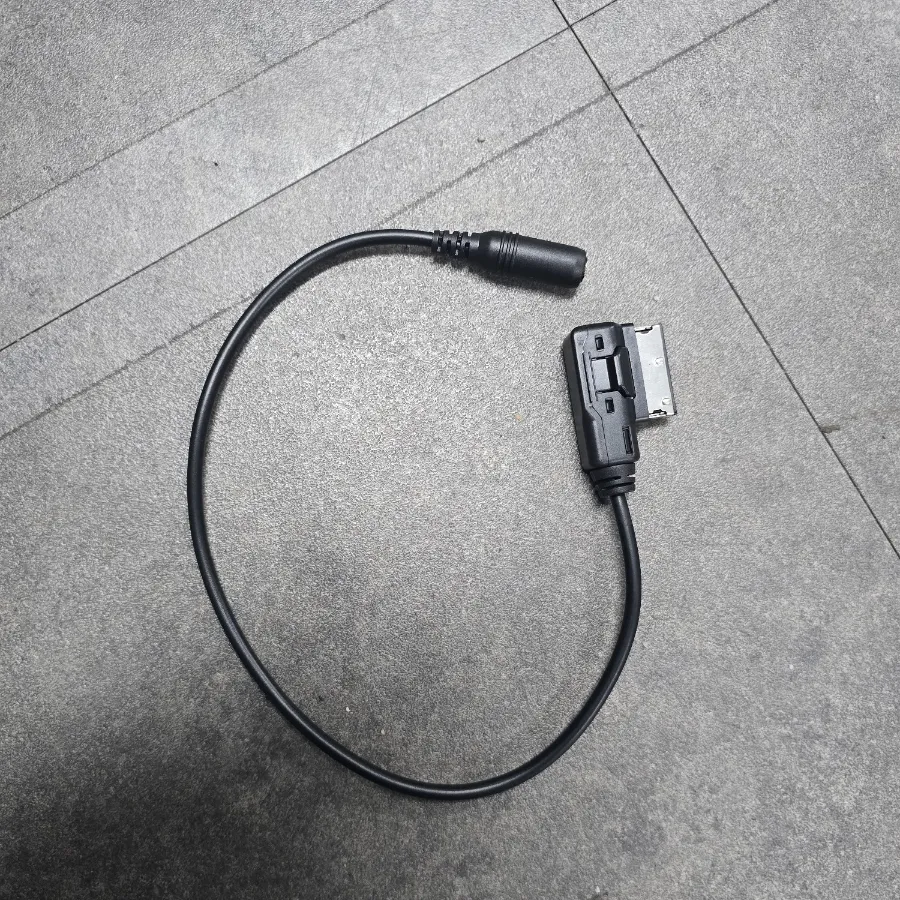
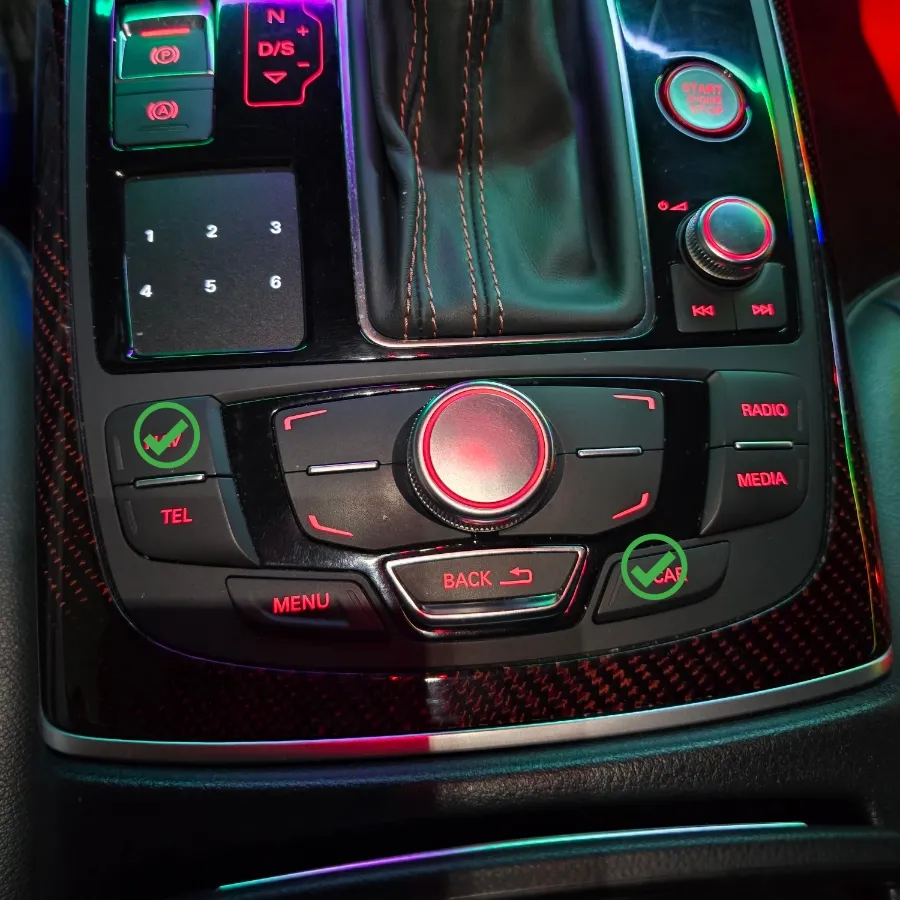
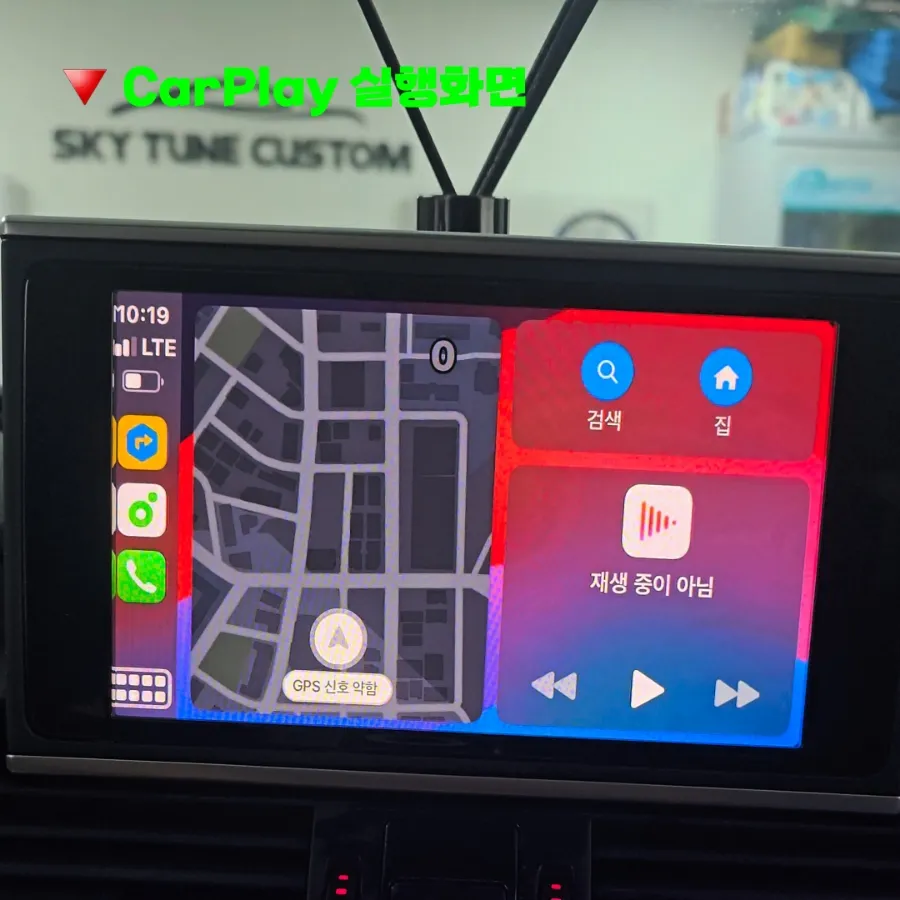
Transitioning to your CarPlay or Android Auto interface is straightforward. Simply press and hold the vehicle's original 'CAR' or 'NAV' button for about three seconds to switch screens. You can set the system language to English within the setup menu. After an initial Bluetooth pairing within the CarPlay menu, your smartphone will automatically connect for subsequent drives, offering a convenient and integrated experience.
Touchscreen Functionality and Voice Control
A common question is whether the screen becomes touch-enabled after installing the set-top box. The answer is no; the set-top box itself does not add touchscreen functionality to the original display. However, this limitation is rarely an issue. Essential functions like destination search can be managed using the car's original microphone for voice commands or by using your smartphone's native search and typing capabilities. Voice control proves highly effective for most operations, eliminating the need for complex manual inputs.
Real-World Results and Owner Satisfaction
Owners who have undergone this Android Head Unit installation report a significant improvement in driving convenience. For instance, one Audi A7 owner from Yeosu, South Korea, shared their satisfaction, noting how much easier long drives became by using their preferred navigation apps directly on the MMI screen instead of relying solely on the car's built-in system. This upgrade is an effective way to equip older vehicles with modern smartphone connectivity. The expected lifespan of the installed components is typically 3 to 5 years, though this can vary based on the specific product and usage patterns.
Frequently Asked Questions
Q. What is the cost for an Audi A7 Android Head Unit installation?
The set-top box installation for an Audi A7 typically costs between 500,000 and 800,000 KRW (approx. $370-$600 USD). Full Android All-in-One units can cost over 1,000,000 KRW (over $750 USD).
Q. How long does an Audi A7 Android Head Unit installation take?
Installation usually takes around 3 to 4 hours. The system is expected to function reliably for 3 to 5 years, with maintenance primarily involving software updates if available.
Q. Is an Audi A7 Android Head Unit upgrade worth it?
This upgrade is highly recommended for early Audi A7 models lacking modern smartphone integration, significantly enhancing navigation and media convenience. It's particularly valuable for drivers who frequently use smartphone apps for driving.
Q. How is an Audi A7 Android Head Unit installed?
Installation involves connecting a set-top box module and wiring harness to the MMI system, often using a lossless method. AUX audio must be activated or created, followed by system configuration and Bluetooth pairing.
Q. What's the difference between a set-top box and an Android All-in-One for an Audi A7?
A set-top box adds wireless CarPlay/Android Auto to your existing MMI screen, while an Android All-in-One replaces the entire unit with a larger, Android-based system offering more apps. For basic smartphone integration, the set-top box is often sufficient and more affordable.
OhCar Partner Shop