Audi A7 Android Auto Head Unit Upgrade Review
Service Price
$150+
Estimated price · Actual price may vary by shop
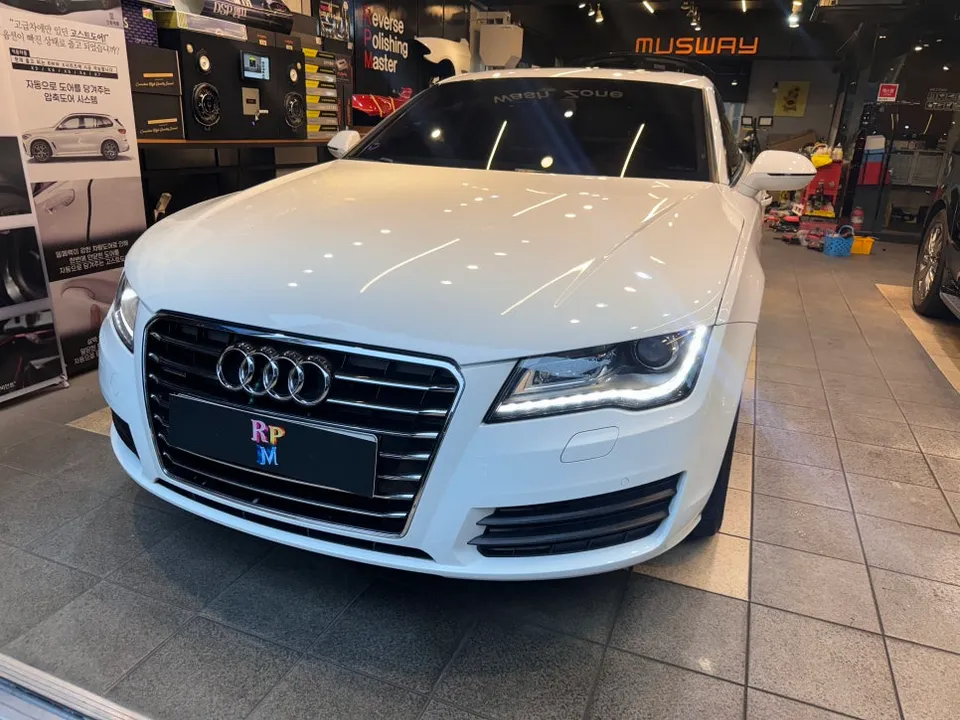
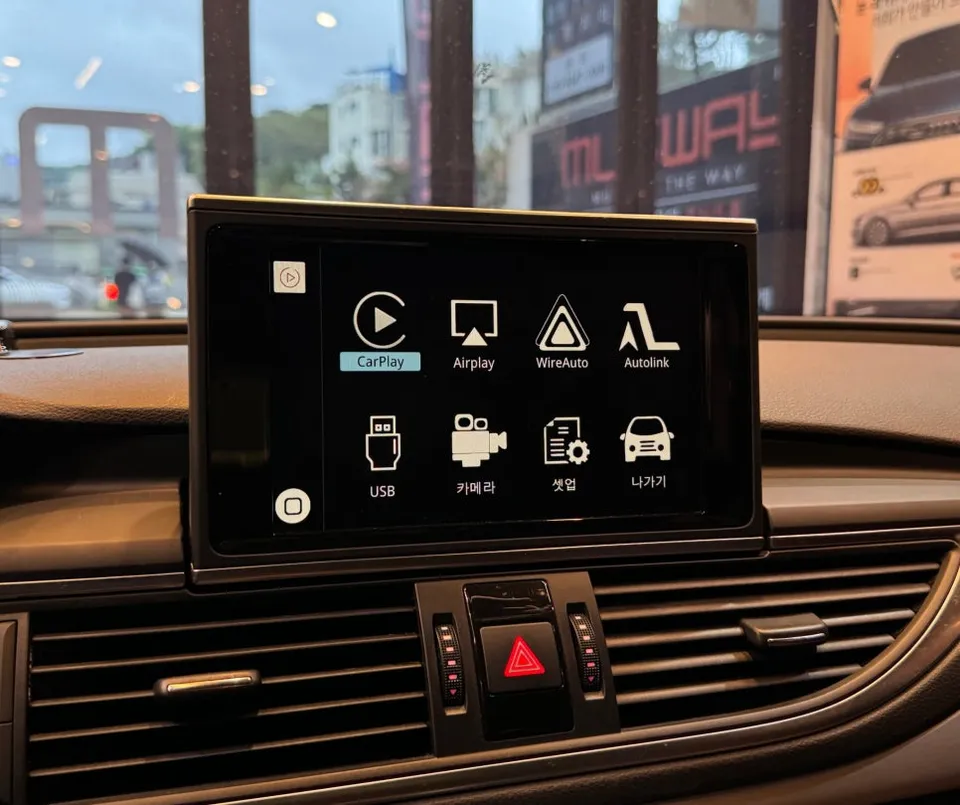
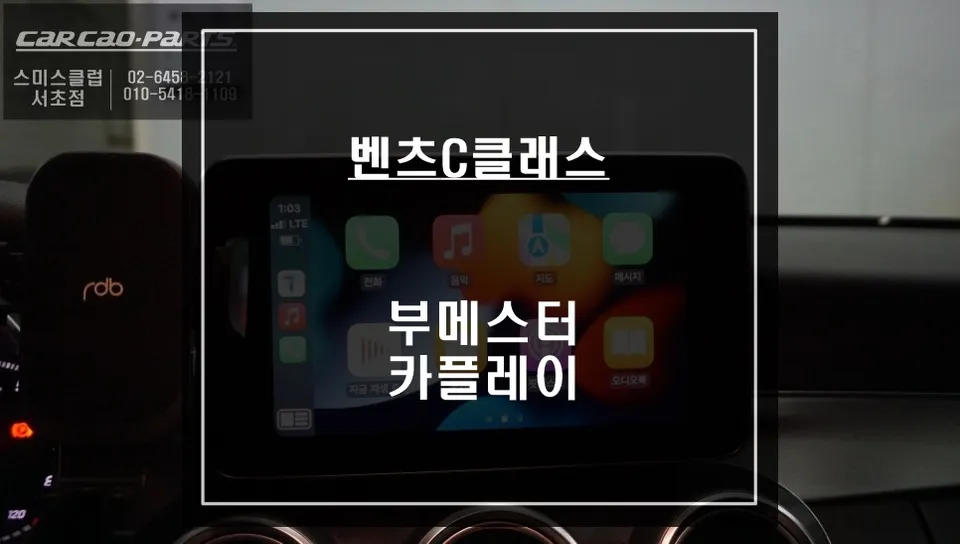
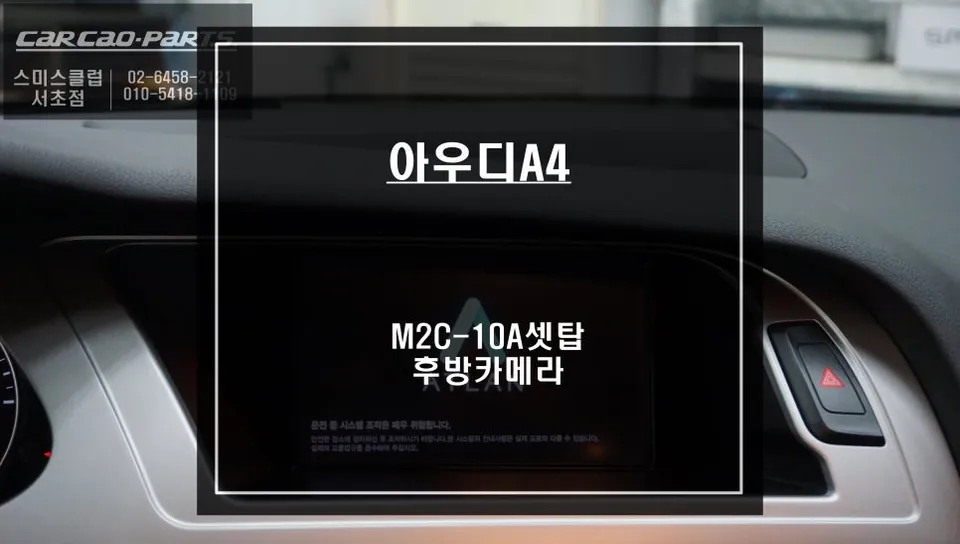
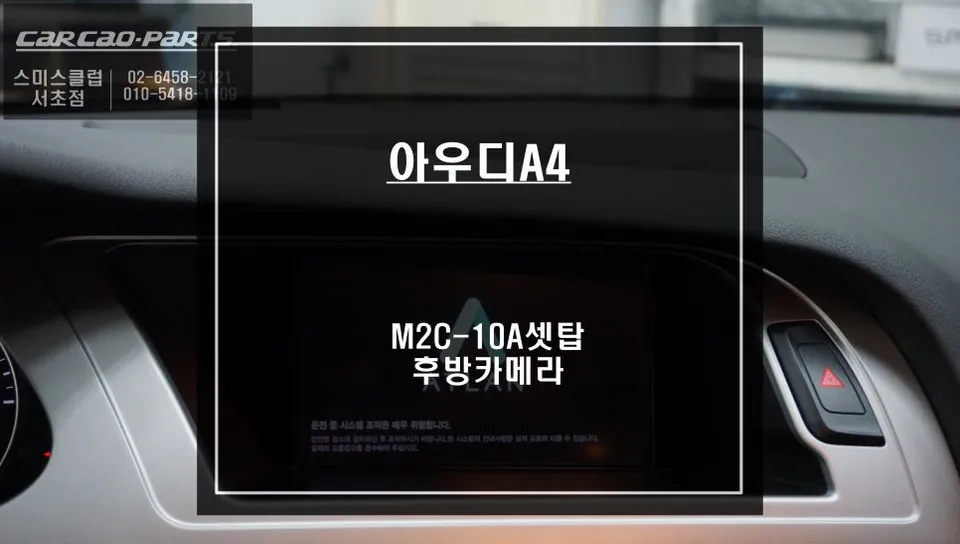
Audi A7 C7 Android Auto head unit upgrade via module. Retains original screen. Enables wireless CarPlay/Android Auto. Enhances navigation and streamin
Upgrade Your Audi A7 C7 Infotainment with an Android All-in-One System
The Audi A7 C7, while a sophisticated sedan, can feel dated with its original infotainment system. Stock navigation often suffers from slow search speeds, limited functionality, and a lack of real-time traffic updates. This is precisely why many Audi owners seek to enhance their vehicle's head unit capabilities. Fortunately, you don't need to replace the entire screen to enjoy a modern driving experience. This review details the process of activating wireless Apple CarPlay and Android Auto without altering the original display.
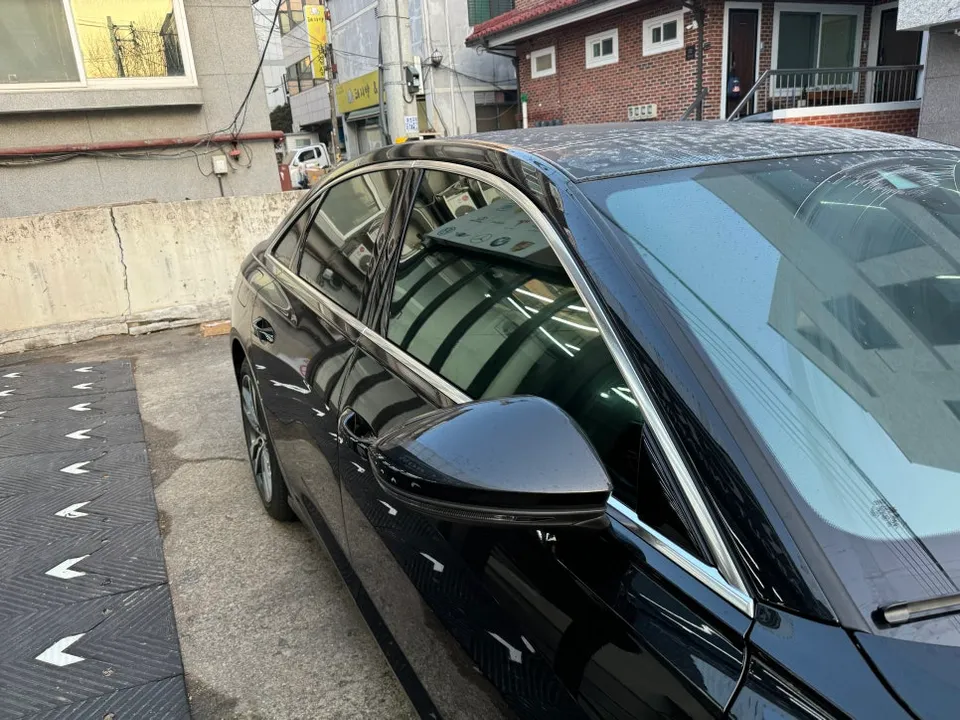
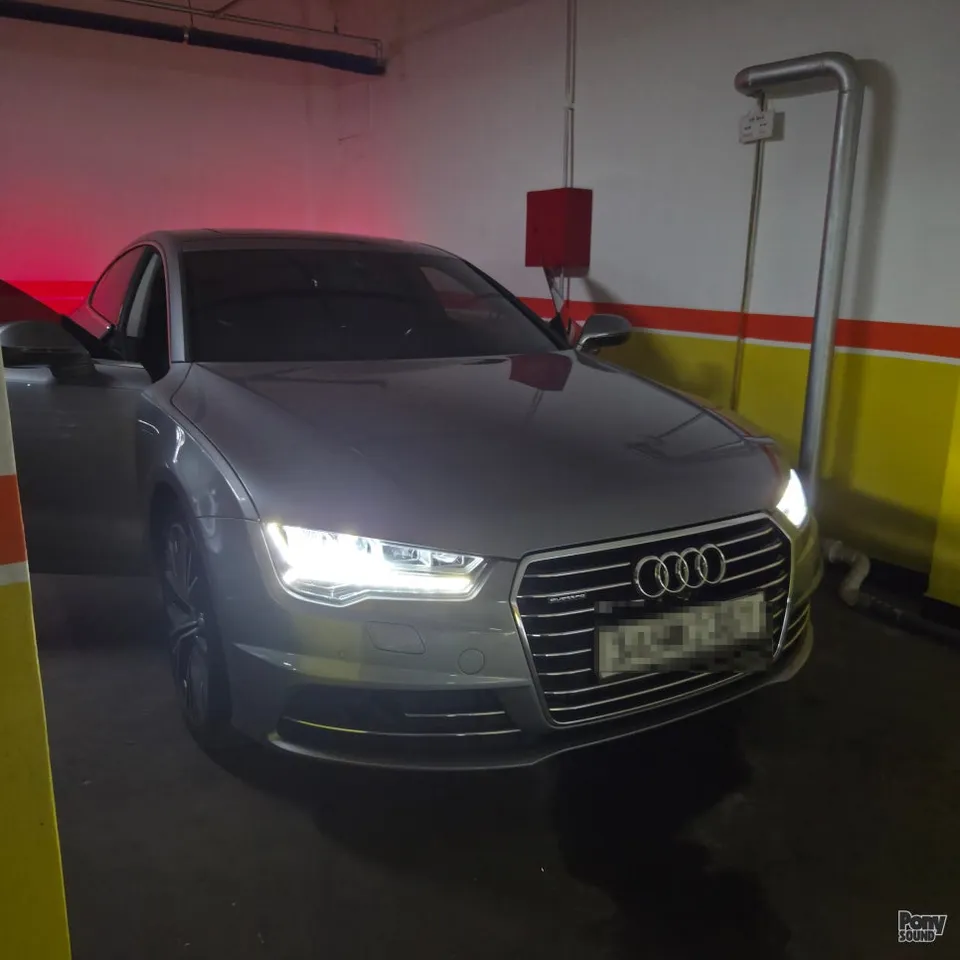
Vehicle: Audi A7 C7 (Previous Generation Sedan)
Service: Wireless Apple CarPlay & Android Auto Module Activation
Installation Time: Approximately 2 hours
Key Features: Retains original monitor, supports both wireless and wired connectivity.
Why Upgrade Your Audi A7's Infotainment?
While the C7 Audi A7 exudes luxury, its built-in infotainment system struggles to keep pace with modern technology. The native navigation can be inaccurate, traffic data is often outdated, and integrating streaming services is cumbersome. This leads many to explore aftermarket solutions. However, most traditional upgrades involve replacing the factory screen, leading to significant costs and a loss of the original aesthetic. The question arises: can we add modern features while preserving the factory look?
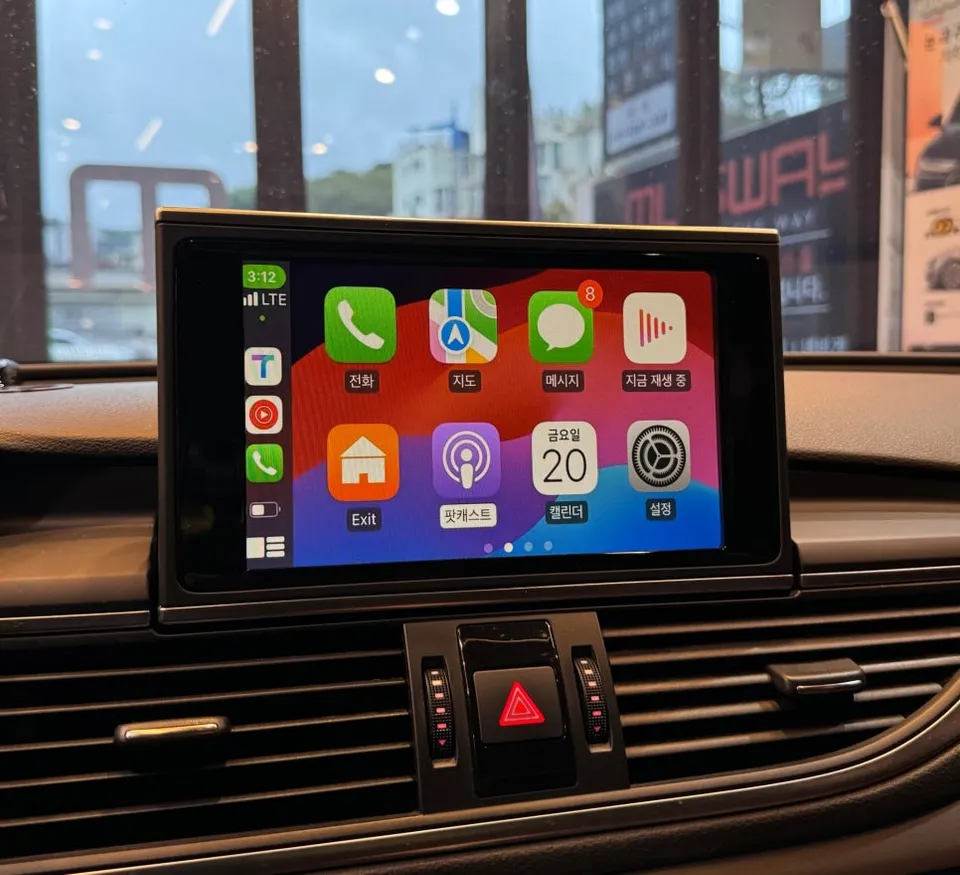
The Module-Based Android Auto Solution
The solution employed here involves adding a dedicated module. This approach bypasses the need to modify the original head unit. Instead, a specialized module is installed, enabling seamless wireless Apple CarPlay and both wireless and wired Android Auto. This integration allows you to retain all original Audi navigation functions while simultaneously accessing the superior interface and features of your smartphone's navigation and media apps. The primary advantage of this module-based system is its compatibility and stability. Unlike generic modules, this one is optimized for the A7's electrical system, minimizing the risk of errors. Many users report consistent performance even after months of use.
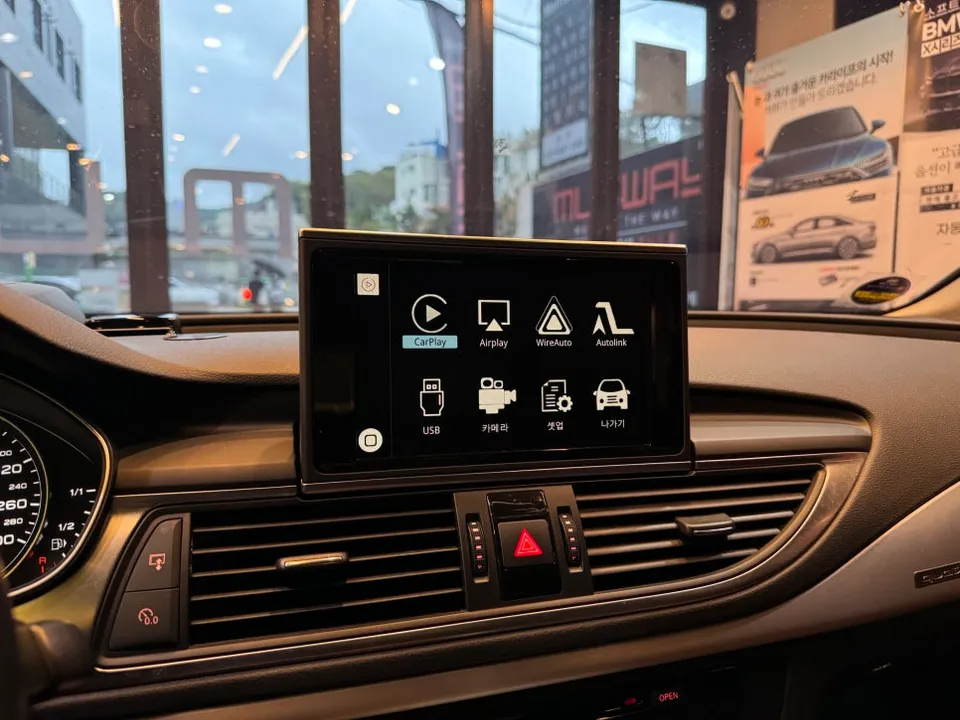
Installation Process: Step-by-Step
- Monitor Removal and Module Connection: The process begins with carefully removing the original pop-up monitor from the dashboard. This delicate step requires precision to avoid damaging the internal wiring. Once removed, the wiring harness of the dedicated module is connected to the original monitor's connectors, facilitating signal conversion.
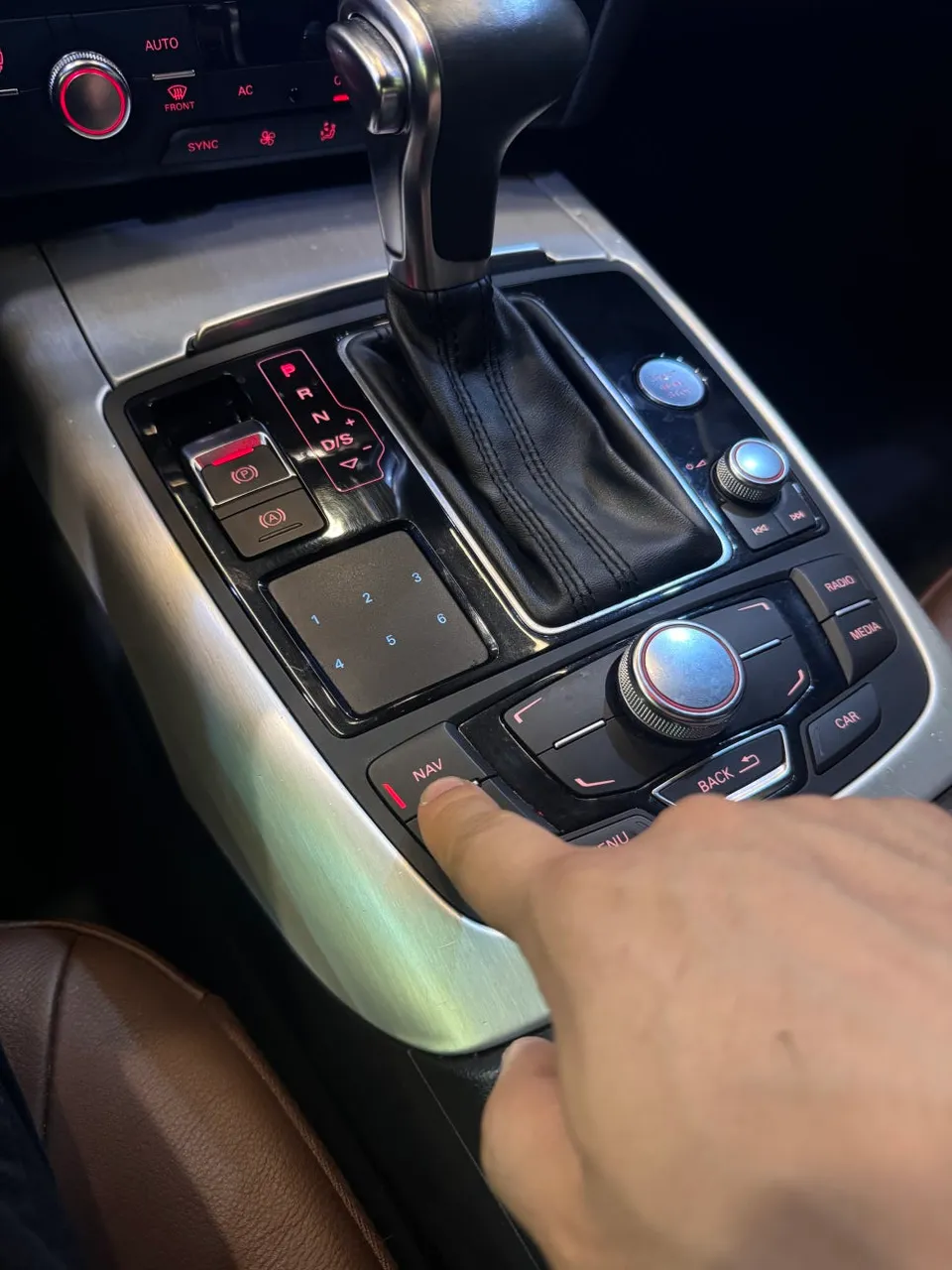
- Antenna and Control Panel Setup: An antenna is installed to ensure the module can properly connect to the vehicle's Bluetooth and network signals. Simultaneously, the system is programmed so that the original NAV button, typically located near the MINI button cluster on the dashboard, can toggle between the factory system and the new CarPlay/Android Auto interface. This allows for effortless switching between the two environments.
- Wireless and Wired Pairing Test: The final step involves pairing both iPhone and Android devices. Apple CarPlay connects wirelessly, eliminating the need for a USB cable. Android Auto can be configured for either wireless or wired (USB) connection, offering flexibility. The system undergoes multiple reboots and connection tests to confirm that all functions are operating correctly and reliably.
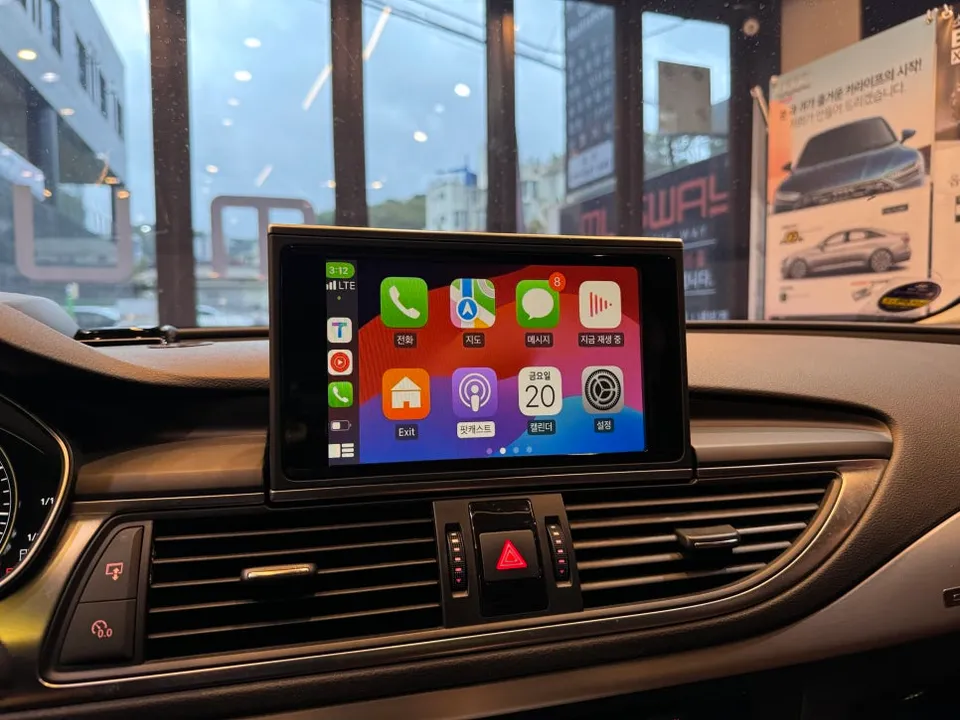
The Result: A Modernized Audi A7 Infotainment Experience
Activating wireless Apple CarPlay and Android Auto transforms the driving experience in the Audi A7 C7. Navigation apps like Google Maps and Waze provide real-time traffic updates and superior routing accuracy. Music streaming services are readily accessible, and voice commands offer a safer way to control your phone's functions. The seamless integration ensures that the car's original aesthetic is preserved, while the infotainment capabilities are brought up to modern standards. This upgrade offers a significant enhancement in usability and convenience, making every drive more enjoyable and connected.
Frequently Asked Questions
Q. How much does an Android all-in-one system cost for an Audi A7 C7?
The module activation for the Audi A7 C7 typically costs around ₩700,000 (approximately $500 USD). Standard US pricing for similar aftermarket Android head unit installations can range from $400 to $1,200 depending on the system's complexity and features.
Q. How long does an Android all-in-one system last on an Audi A7 C7?
These module-based systems are designed for long-term reliability, often lasting the lifespan of the vehicle with proper installation. Regular software updates for your connected smartphone are key to maintaining optimal performance and compatibility.
Q. Is an Android all-in-one system worth it for an Audi A7 C7?
An Android all-in-one system is highly recommended for Audi A7 C7 owners who frequently use navigation and streaming apps, as it significantly enhances the outdated factory infotainment. It provides a cost-effective way to modernize the car's technology while preserving its original interior aesthetics.
Q. How is an Android all-in-one system installed on an Audi A7 C7?
Installation involves carefully removing the original monitor, connecting a specialized module to its wiring harness, and installing an antenna. The system is then programmed to allow switching between the factory interface and the new Android Auto/Apple CarPlay display using the original NAV button.
Q. What is the best Android all-in-one system option for an Audi A7 C7?
The best option for the Audi A7 C7 is a dedicated module that enables wireless Apple CarPlay and Android Auto while retaining the original screen. This approach offers superior integration and stability compared to full head unit replacements.
OhCar Partner Shop