BMW 5 Series CarPlay Retrofit Review
BMW 5 Series (G30) CarPlay activation: Quick coding process adds seamless iPhone integration for navigation and music. Cost-effective infotainment upg
BMW 5 Series (G30) CarPlay Activation: A Smart Infotainment Upgrade
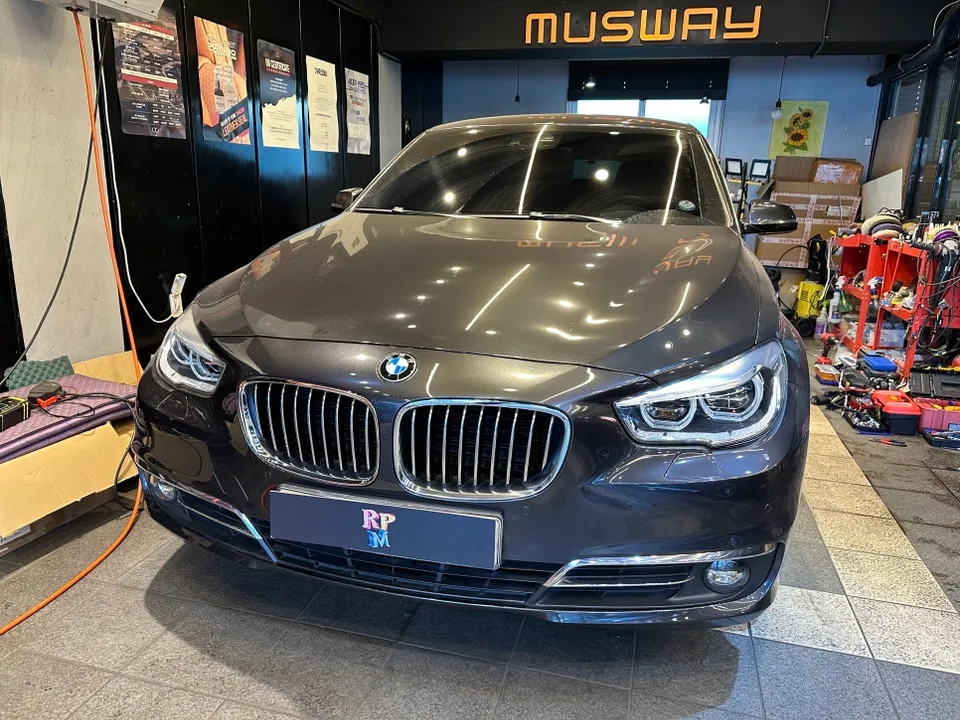
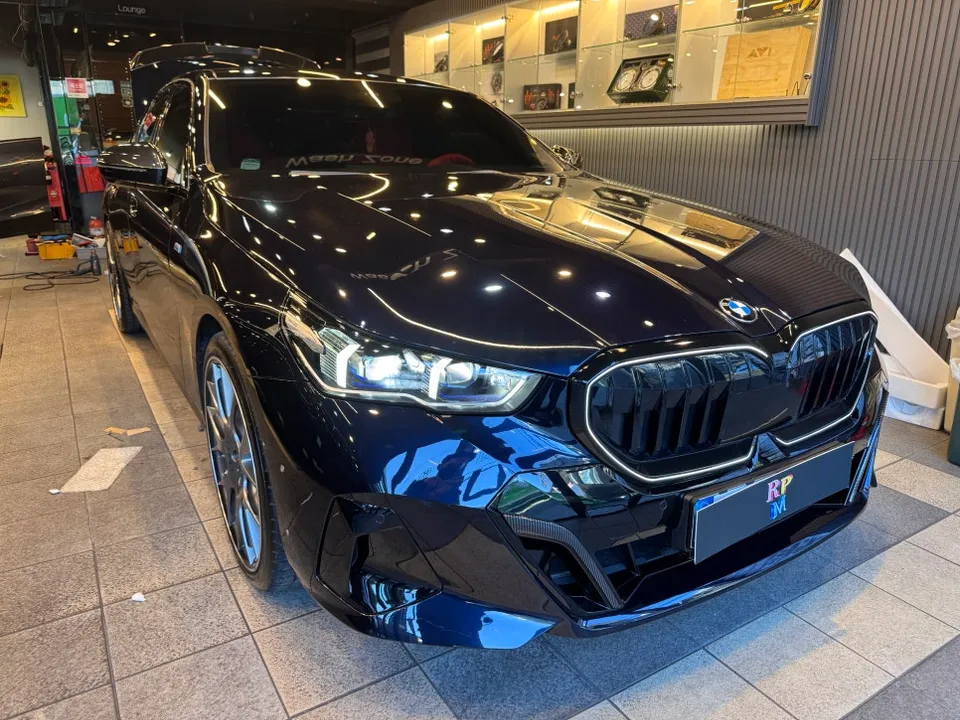
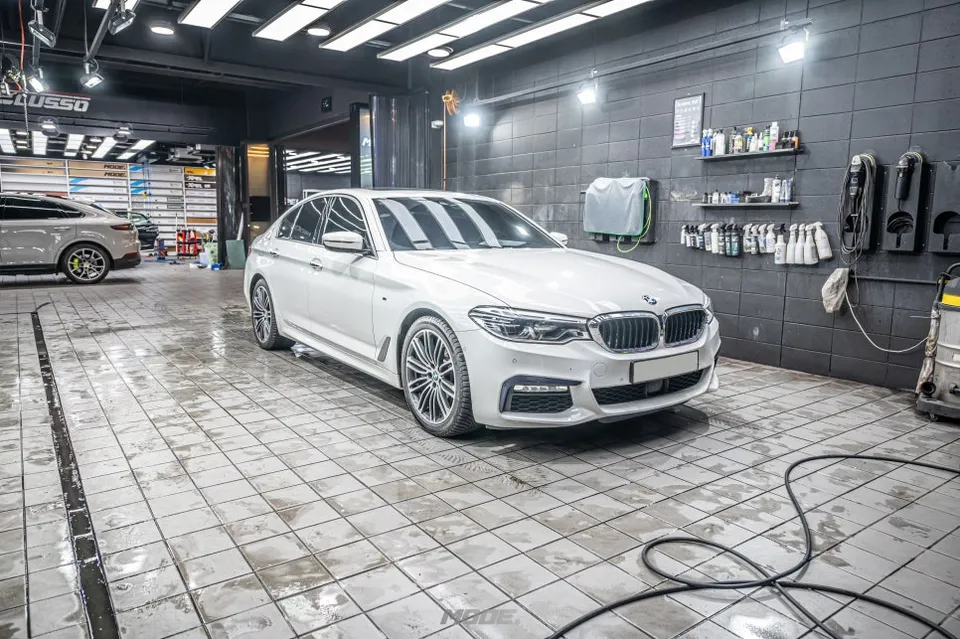
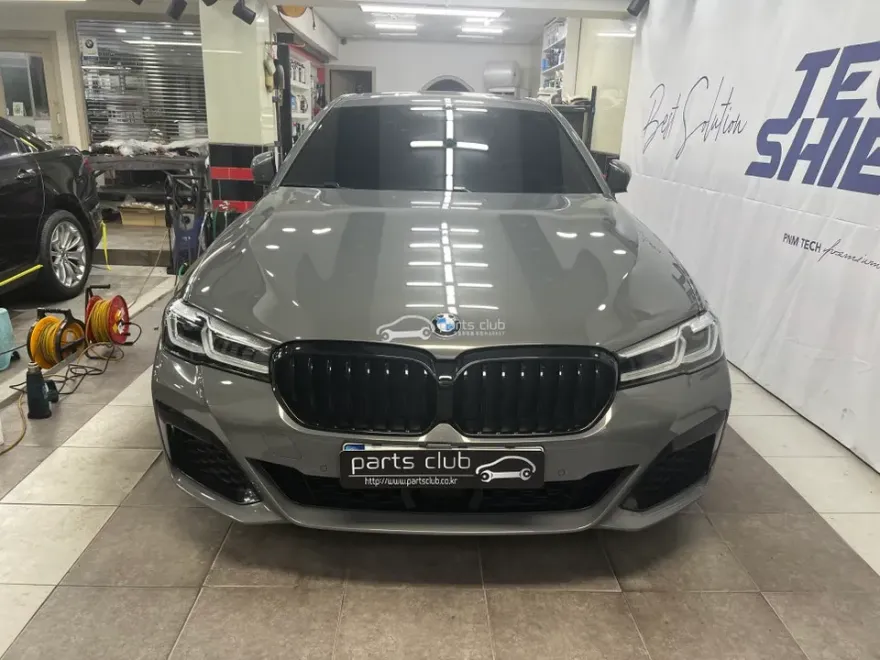
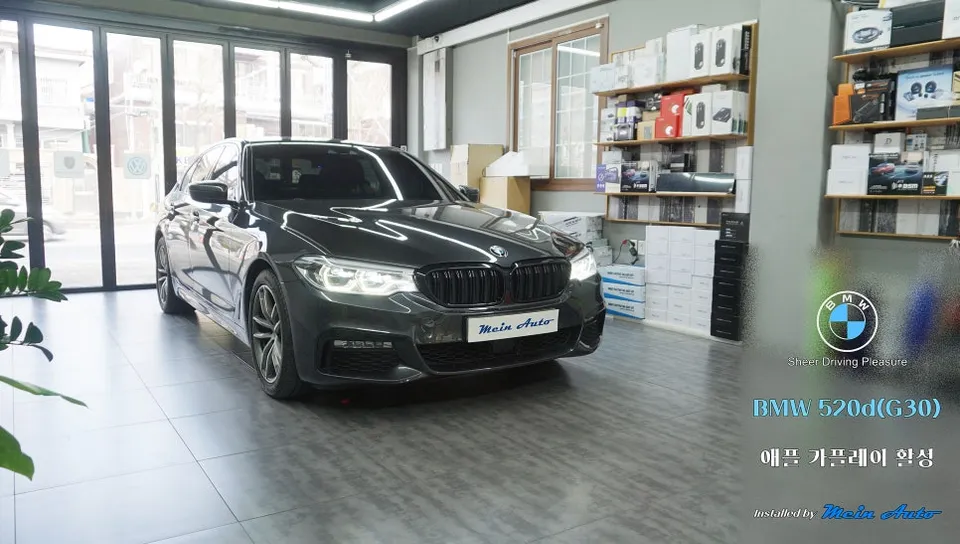
This review covers the process of activating the genuine Apple CarPlay feature for a BMW 5 Series (G30) model, specifically a 2017 520d. While newer models might come with it standard, earlier versions like this G30 often required a paid activation from the factory. We'll explore the installation, the before and after results, and whether this infotainment upgrade is worth the investment for your BMW 5 Series.
The CarPlay Activation Process and Results
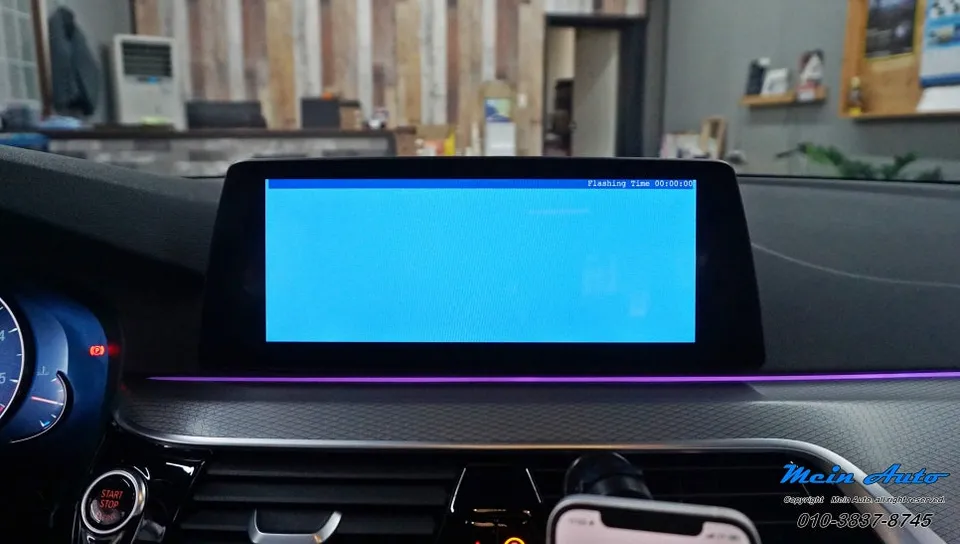
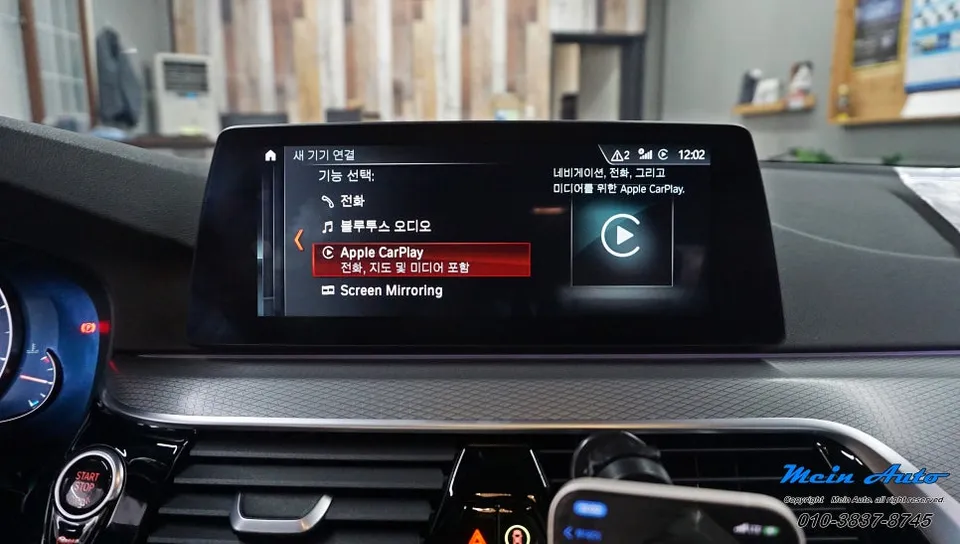
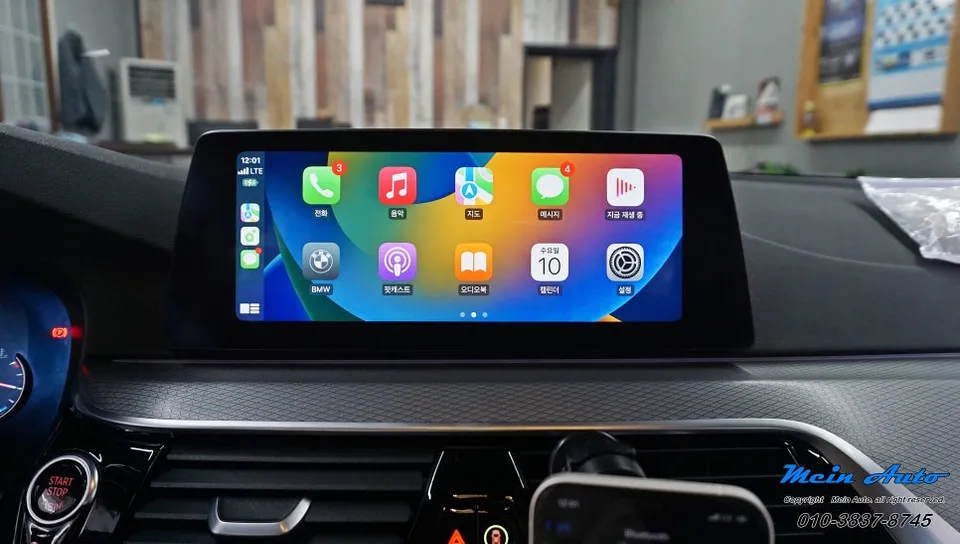
The process for activating Apple CarPlay on a BMW 5 Series (G30) is surprisingly quick and straightforward. Performed by specialists, the coding typically takes around 10 minutes to complete. This means you can enjoy the convenience of CarPlay without a significant time commitment. After the coding is finished, a new 'Apple CarPlay' option appears in your vehicle's iDrive menu. To use it, you simply connect your iPhone wirelessly via Bluetooth and Wi-Fi. The result is seamless integration, allowing you to access your favorite navigation apps like TMAP, Kakao Navi, or Naver Maps directly on your car's display. You can also stream music from apps like Melon, YouTube Music, or Genie Music. A particularly useful feature is the split-screen mode, which lets you view navigation directions while simultaneously controlling your music playback, enhancing both convenience and safety during your drives in your BMW 5 Series.
Is the CarPlay Upgrade Worth It for Your BMW 5 Series?
The cost for this genuine BMW CarPlay activation is relatively modest, especially when compared to the original factory option cost. While the exact price can vary, it's presented as a budget-friendly way to significantly enhance your car's infotainment system. The primary benefit is the ability to use familiar and often superior navigation and music apps from your iPhone. For drivers who rely heavily on these apps, the upgrade offers a substantial improvement in usability and functionality over the native BMW system. It's important to note that this specific activation method is for Apple CarPlay only; Android Auto is not supported. If you primarily use an Android device, you might need to explore alternative Android head unit solutions. However, for iPhone users, this genuine activation provides a clean, integrated, and highly functional CarPlay experience for your BMW 5 Series.
Installation Process:
- Connect the vehicle to the diagnostic computer.
- Perform the necessary software coding to enable the CarPlay feature.
- Verify the 'Apple CarPlay' option appears in the iDrive menu.
- Instruct the owner on wirelessly connecting their iPhone.
This process was performed on a 2017 BMW 520d (G30) in South Korea. While specific pricing details are not provided in USD, the service is described as being of considerable value for the convenience it adds.
Frequently Asked Questions
Q. How much does Android head unit or CarPlay installation cost for a BMW 5 Series?
The genuine BMW CarPlay activation for this 5 Series model is described as having a modest cost. While specific US pricing varies, aftermarket Android head unit installations can range from $500 to $1500+ depending on features and complexity.
Q. How long does Android head unit installation take on a BMW 5 Series?
The genuine BMW CarPlay activation coding process takes approximately 10 minutes. For full Android head unit replacements, installation can typically range from 2 to 4 hours.
Q. Is a CarPlay or Android Auto retrofit worth it for a BMW 5 Series?
For iPhone users, activating genuine CarPlay is highly worth it for seamless navigation and music app integration. If you primarily use Android, an Android head unit upgrade offers similar benefits for your device.
Q. How is an Android head unit installed in a BMW 5 Series?
The process for this review involved software coding to activate existing CarPlay functionality, taking about 10 minutes. A full Android head unit installation typically involves removing the factory unit, connecting wiring harnesses, mounting the new unit, and configuring the software.
Q. What is the difference between an Android head unit and a factory infotainment system for a BMW 5 Series?
A factory infotainment system offers integrated features, while an Android head unit replaces it with a more versatile system running Android, allowing app installation and broader connectivity. This review focused on activating CarPlay within the factory system, not replacing it.
Q. What should I know before getting Android Head Unit on a BMW 5 Series? (common regrets and mistakes)
The most common regret is not confirming Android Auto compatibility if you use an Android phone, as this specific activation is for CarPlay only. Always verify full compatibility with your specific phone and desired features before proceeding.
OhCar Partner Shop