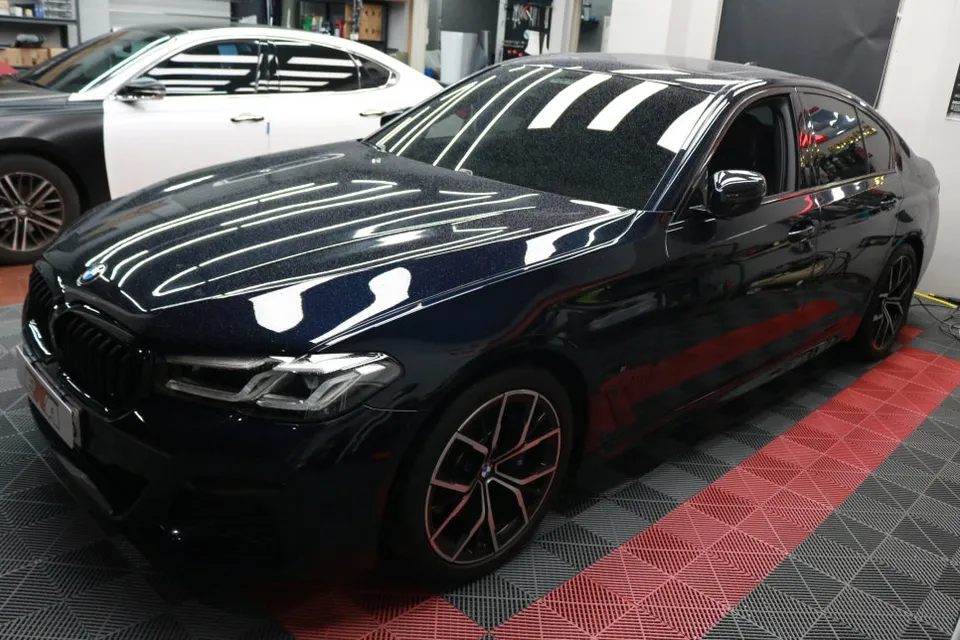
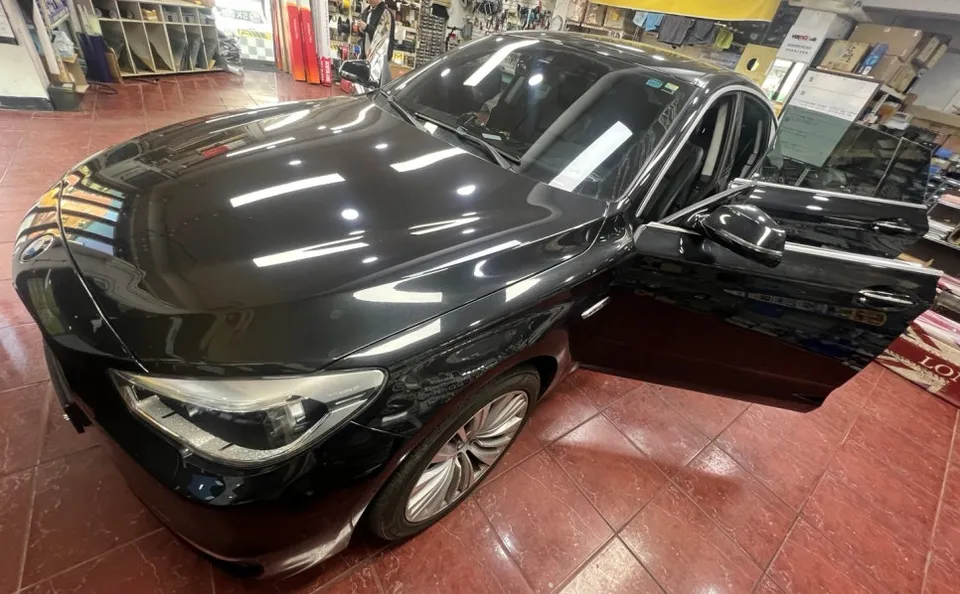
BMW 5 Series GT F07 Car Audio Upgrade Review
Service Price
$approx. $400–800
Estimated price · Actual price may vary by shop
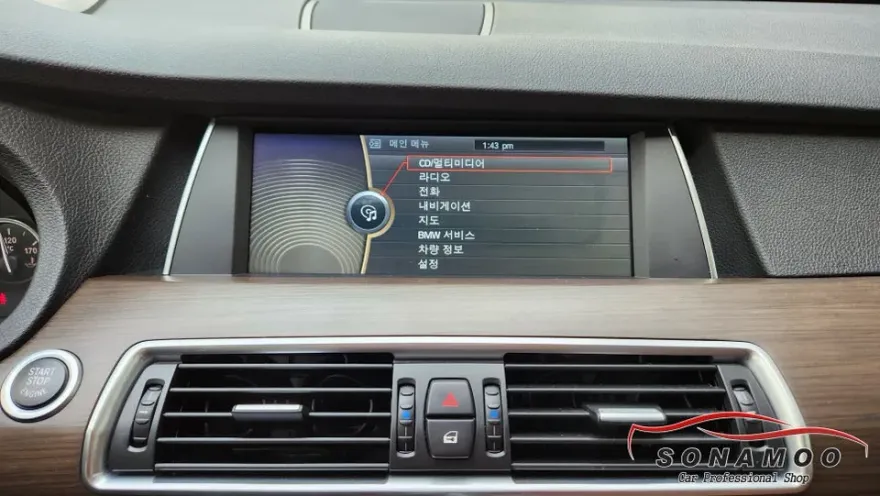
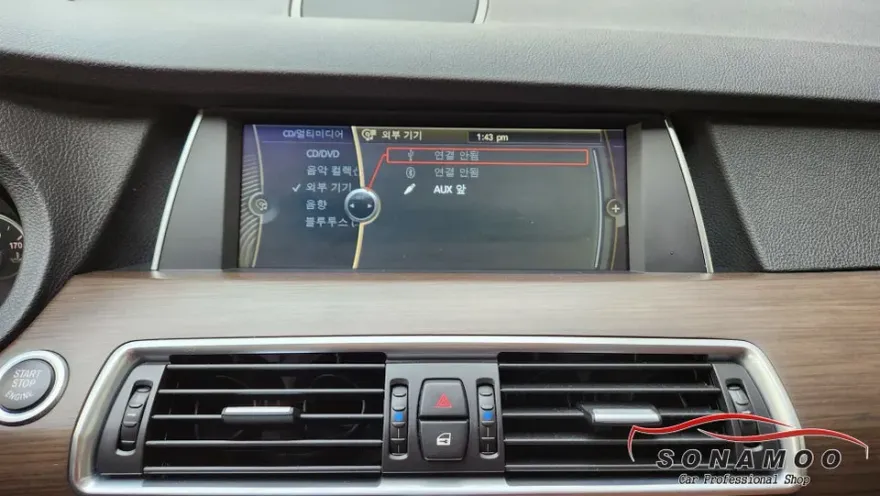
BMW 5 Series GT F07 CarPlay/Android Auto module installation: approx. $400-$800. Adds modern smartphone features to your car's display.
Transform Your BMW 5 Series GT F07 with Modern Car Audio
Are you looking to bring the latest smartphone conveniences to your older BMW 5 Series GT F07? This review explores the process and benefits of installing an Apple CarPlay and Android Auto module, effectively upgrading your car's audio and infotainment system. We'll cover the installation, costs, and what results you can expect, drawing from real-world experiences and installation examples.
CarPlay and Android Auto Integration for Your BMW 5GT F07
For BMW 5 Series GT F07 owners, integrating Apple CarPlay or Android Auto can make a significant difference in daily driving. This upgrade allows you to seamlessly use your smartphone's navigation, music, and communication apps directly on your car's factory display. Unlike older navigation systems that require manual updates, this module provides real-time traffic and map updates through your phone's data connection, using apps like T Map, Kakao Navi, or Naver Maps. This essentially transforms your car's infotainment system, making it feel like a much newer vehicle.
The cost for installing a CarPlay/Android Auto module in a BMW 5GT F07 typically ranges from 300,000 to 600,000 Korean Won (approximately $220-$450 USD, though actual US market pricing for similar upgrades can range from $400-$800). The exact price depends on your car's specific audio system (CIC, NBT, or Evo) and the type of module chosen. It's crucial to confirm your vehicle's audio specifications before proceeding, as compatibility can vary. For instance, CIC systems often have an AUX mode that simplifies installation, while NBT and Evo systems might require different modules or have limitations.
Installation Process:
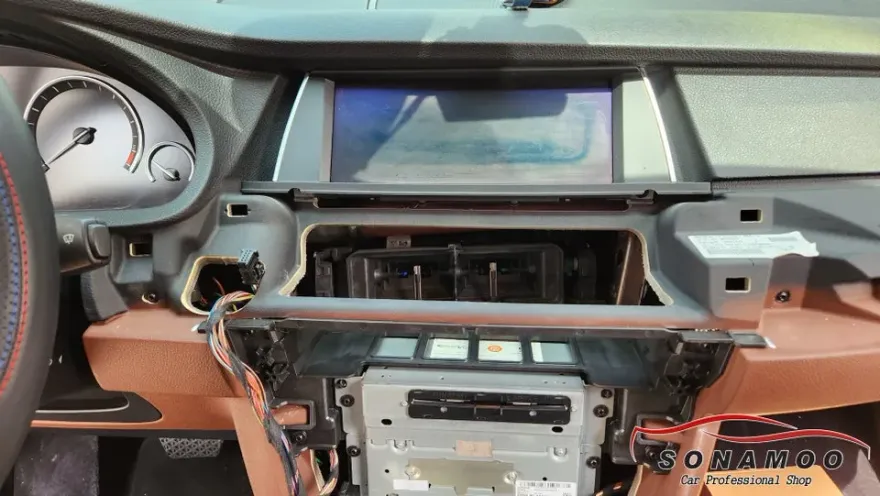
- Carefully remove the original audio monitor and center fascia panels.
- Connect the dedicated CarPlay/Android Auto module to the factory audio system.
- Reassemble the interior panels.
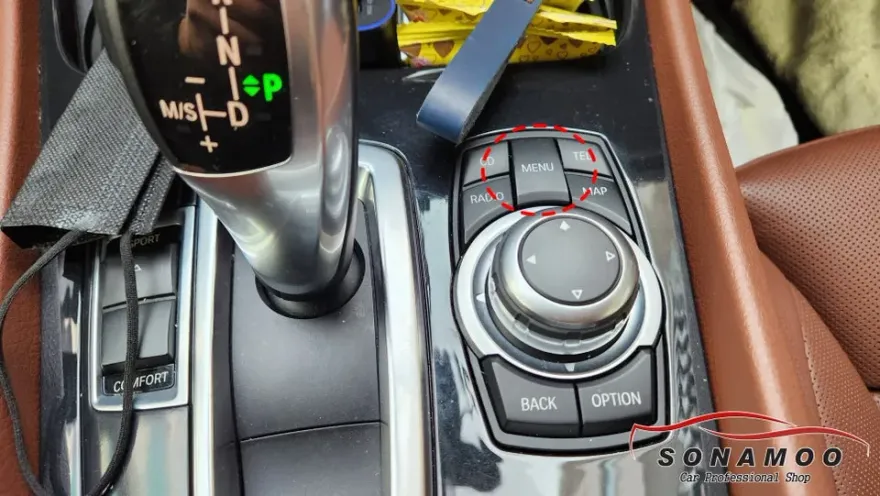
- Activate the CarPlay/Android Auto interface, typically by long-pressing the original iDrive menu button.
The installation process is generally straightforward for experienced technicians and usually takes about 3 to 4 hours to complete. After installation, you can switch to the CarPlay or Android Auto interface by holding the iDrive button for a few seconds, similar to how integrated navigation systems operate.
Choosing Between Apple CarPlay and Android Auto
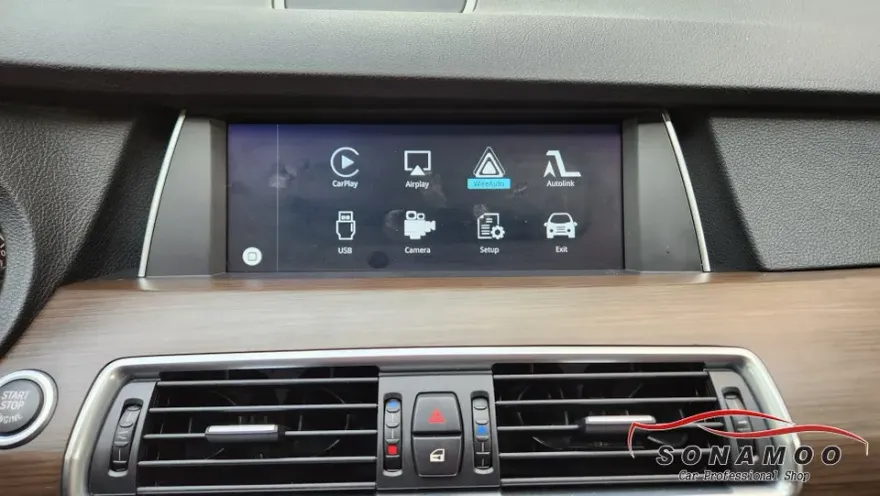
Both Apple CarPlay and Android Auto offer robust smartphone integration. iPhone users will opt for CarPlay, while Android users will choose Android Auto. Both platforms provide access to essential apps like navigation (T Map, Google Maps), music streaming (Melon, Spotify), and calling. While you can use either wired or wireless connections for CarPlay, wireless is often preferred for convenience. Android Auto also offers similar functionality. It's important to note that you can only use one system at a time, and they cannot be used simultaneously due to potential Bluetooth conflicts. For Android users, features like T Map and Melon can be displayed side-by-side, allowing for simultaneous navigation and music playback. For iPhone users, CarPlay offers a similar integrated experience, making your 5 Series GT F07 feel like a brand-new car with all the latest smart features. Importantly, the factory reverse camera functionality remains fully integrated after the module installation.
Durability, Maintenance, and Value
CarPlay/Android Auto modules are designed for long-term use, and most come with a warranty of at least one year, though this can vary by manufacturer and installer. Proper maintenance primarily involves ensuring your smartphone software is up-to-date to maintain compatibility with the module. The primary benefit of this upgrade is the enhanced usability and access to modern digital services, significantly increasing the car's appeal and functionality without altering the original interior aesthetics. For owners who value up-to-date navigation and seamless smartphone integration, this upgrade offers substantial value, effectively extending the digital lifespan of their BMW 5 Series GT F07.
Frequently Asked Questions
Q. How much does a car audio upgrade cost for a BMW 5 Series GT F07?
In Korea, the cost for a CarPlay/Android Auto module is typically 300,000-600,000 KRW. In the US, similar upgrades can range from approximately $400 to $800.
Q. What car audio components give the best value for a BMW 5 Series GT F07?
For the BMW 5 Series GT F07, integrating a CarPlay/Android Auto module offers significant value by modernizing the infotainment system. Regular software updates on your smartphone are key to maintaining optimal performance and compatibility.
Q. Is a car audio upgrade worth it for a BMW 5 Series GT F07?
This upgrade is highly recommended for BMW 5 Series GT F07 owners who want to use modern navigation and streaming apps. It provides a substantial enhancement in daily usability and connectivity for a reasonable investment.
Q. How is a car audio system installed in a BMW 5 Series GT F07?
Installation involves carefully removing the factory display and center fascia, connecting a dedicated CarPlay/Android Auto module, and then reassembling the panels. The new interface is typically accessed by long-pressing the original iDrive menu button.
Q. What is the difference between a stock and aftermarket audio system for a BMW 5 Series GT F07?
A stock system is the original factory setup, while an aftermarket CarPlay/Android Auto module integrates modern smartphone features like live navigation and streaming apps onto the factory screen. This upgrade significantly enhances functionality and user experience.
Q. What should I know before getting Car Audio on a BMW 5 Series GT F07? (common regrets and mistakes)
The most common mistake is not confirming the vehicle's specific audio system (CIC, NBT, Evo) beforehand, which can lead to compatibility issues or extra costs. Always verify your car's audio specifications with the installer.
OhCar Partner Shop