BMW X3 G01 CarPlay Retrofit Review: Seamless Integration
Service Price
$under $40
Estimated price · Actual price may vary by shop
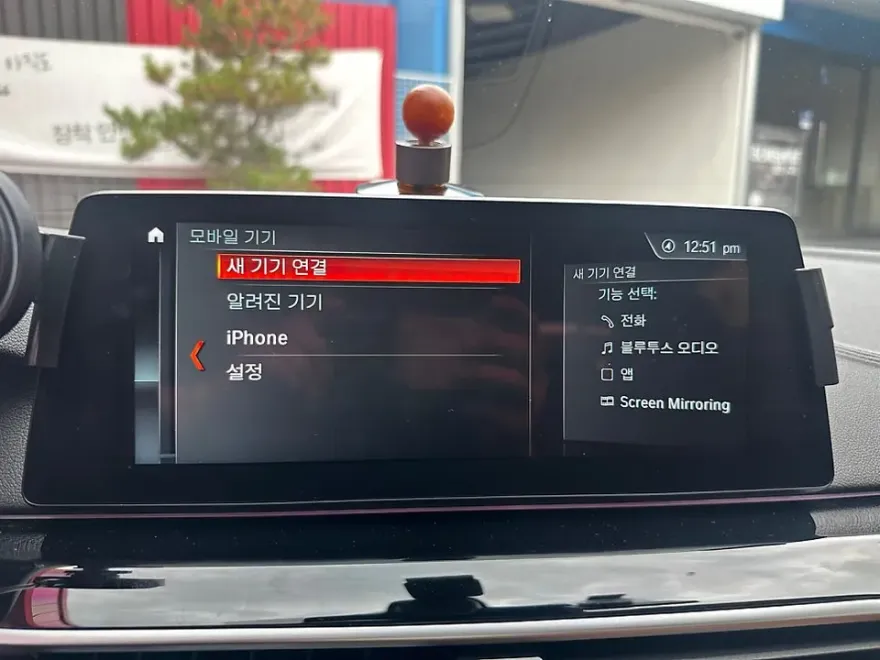
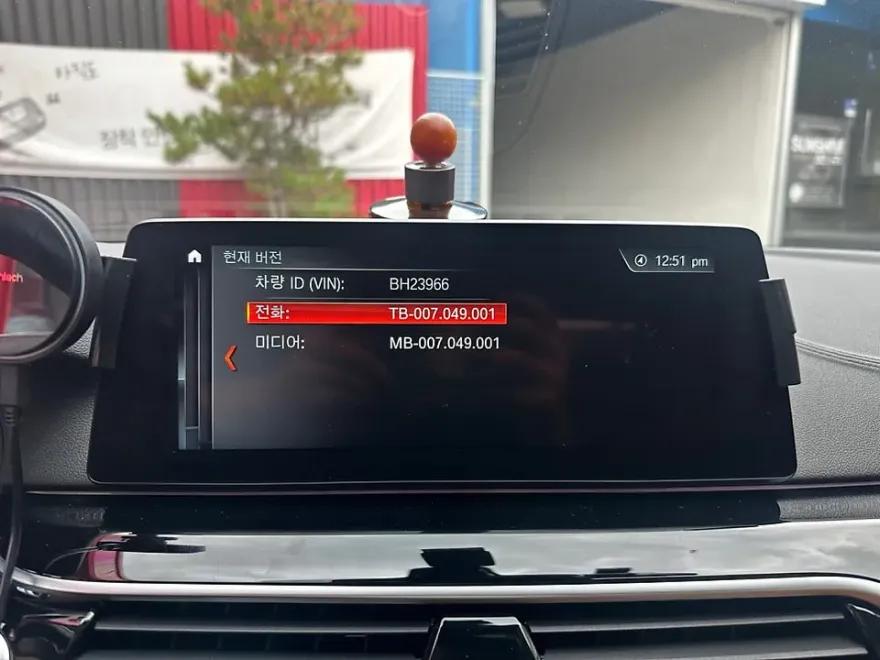
BMW X3 G01 CarPlay & HUD upgrade: Enhances navigation and media using factory screen. Seamless integration.
Upgrade Your BMW X3 G01 with CarPlay and HUD
Many BMW X3 (G01) owners find the native navigation system a bit lacking. Fortunately, there's a way to significantly enhance your driving experience by activating the factory Apple CarPlay and adding a Head-Up Display (HUD). This guide details how this smart upgrade transforms your daily commute, drawing from real owner experiences and installation photos. We'll cover why this upgrade is beneficial, the installation process, and the tangible improvements you can expect.
Why Activate Apple CarPlay on Your BMW X3 G01?
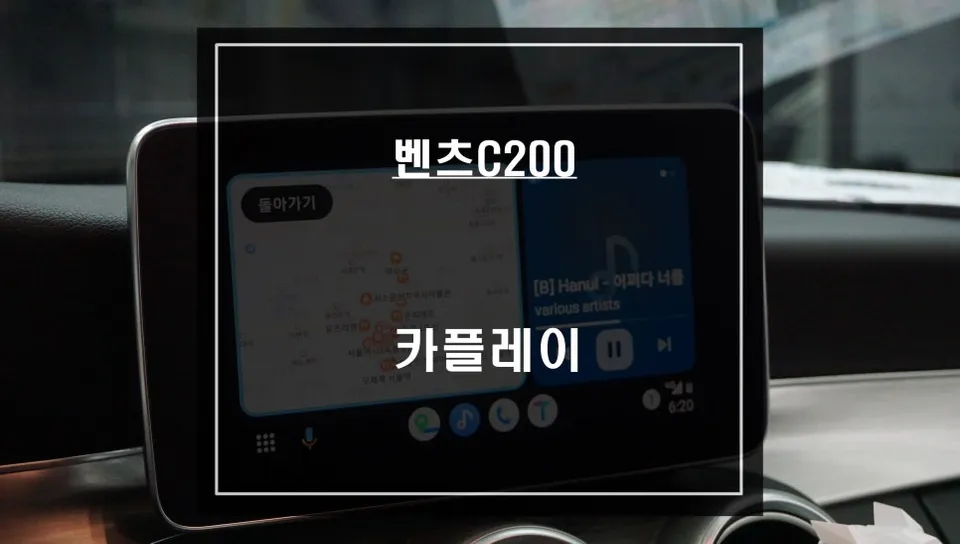
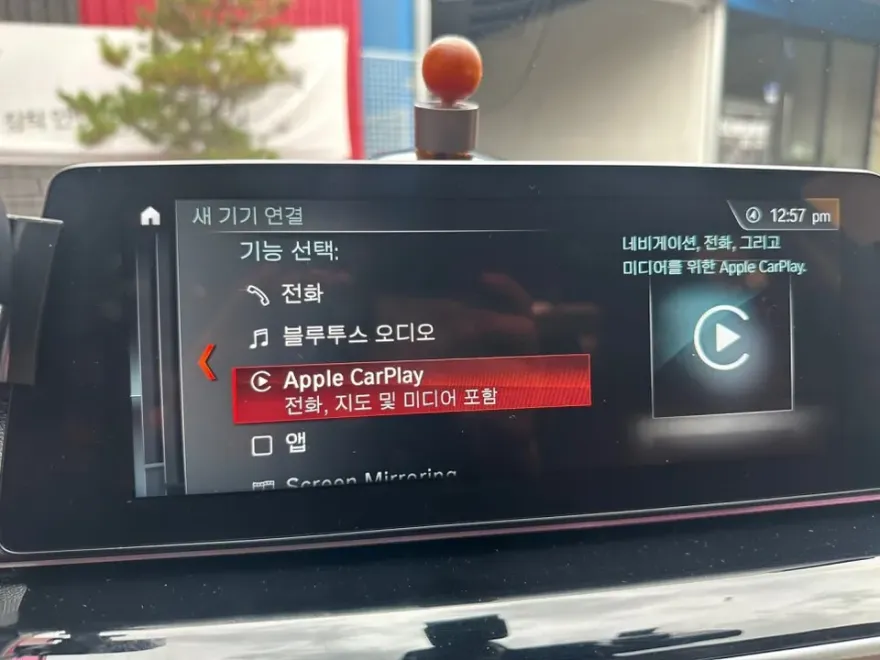
For BMW X3 (G01) models equipped with the EVO head unit, the factory navigation can feel outdated. The good news is that for vehicles with the latest firmware, you can often enable the native Apple CarPlay functionality through a simple VO coding process. This method adds CarPlay without sacrificing any existing factory features, leading to high owner satisfaction. Once activated, a new 'Apple CarPlay' option appears in your vehicle's mobile device management screen. Connecting your iPhone via Bluetooth seamlessly integrates your device, allowing you to use CarPlay directly on the car's original monitor.
The Installation Process: CarPlay and HUD Integration
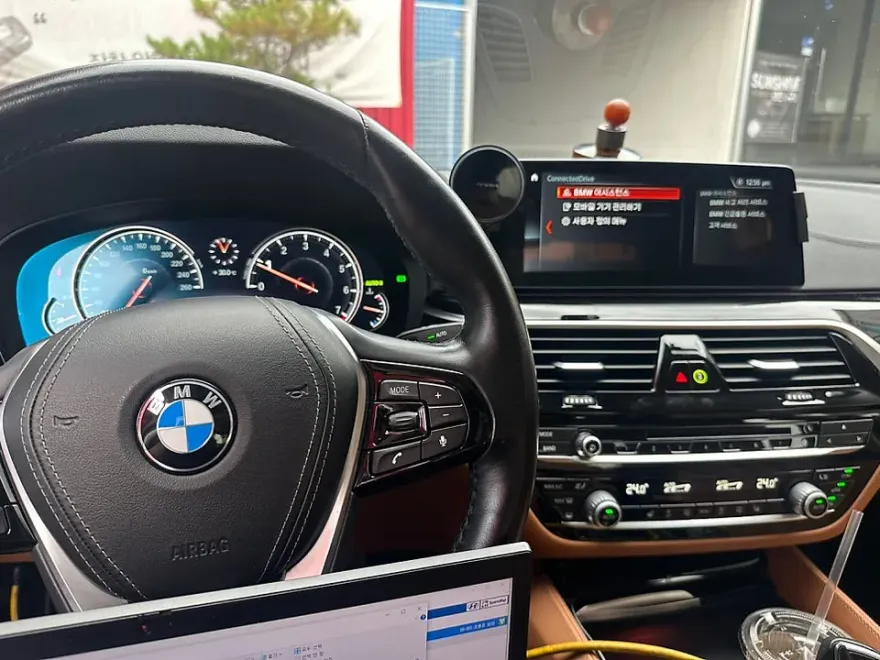
The process of activating Apple CarPlay and installing a HUD on a BMW X3 G01 is performed using BMW-specific software. This approach leverages your car's existing systems, ensuring that all original functions remain intact while adding the desired CarPlay capability. The HUD itself projects crucial information like speed and navigation directions onto the windshield, allowing you to keep your eyes on the road for enhanced safety and convenience, especially during long drives or complex traffic situations.
Installation Process:
- Software Coding: Using BMW proprietary software, the vehicle's VO (Vehicle Order) code is updated to include the Apple CarPlay feature.
- Module Configuration: Necessary modules are configured to enable the CarPlay interface and HUD functionality.
- System Test: A thorough test is conducted to ensure CarPlay connects smoothly via Bluetooth and the HUD displays information accurately.
After the activation, you can use popular navigation apps like Google Maps, Waze, or Apple Maps directly on your car's screen. Media apps such as Spotify or Apple Music are also supported, enhancing your entertainment options. Navigation apps benefit from real-time traffic data, providing more accurate arrival time estimates than the factory system. The updated interface also lends a more modern aesthetic to your car's interior. Owners report that the real-time traffic updates and rerouting capabilities are significant advantages, allowing for proactive adjustments to driving plans.
Even BMW G-series models with EVO head units lacking built-in Wi-Fi can have CarPlay activated. This comprehensive upgrade ensures a more connected and user-friendly driving experience for your BMW X3 G01.
Frequently Asked Questions
Q. How much does an Android head unit or CarPlay installation cost for a BMW X3 G01?
The cost for activating Apple CarPlay on a BMW X3 G01 in Korea was approximately ₩200,000 (around $150 USD). US pricing for similar infotainment upgrades can range from $300 to $1000+ depending on the system and features.
Q. How long does Android head unit installation take on a BMW X3 G01?
This CarPlay activation and HUD installation is a software-based process that typically takes about 1-2 hours. For durability, the system relies on your car's existing hardware, requiring no special maintenance beyond standard vehicle care.
Q. Is a CarPlay or Android Auto retrofit worth it for a BMW X3 G01?
This upgrade is highly recommended for BMW X3 G01 owners who find the factory navigation system limited. It's worth it for the seamless integration of familiar smartphone apps for navigation and media, significantly enhancing daily usability.
Q. How is an Android head unit installed in a BMW X3 G01?
The process involves using BMW-specific software to code the vehicle's existing head unit, enabling the native Apple CarPlay feature. This is a software-based modification, not a physical hardware replacement, and typically takes 1-2 hours.
Q. What is the difference between an Android head unit and a factory infotainment system for a BMW X3 G01?
An Android head unit typically replaces the factory system entirely, offering a full Android OS experience, while this service activates the native Apple CarPlay within the BMW X3 G01's existing EVO head unit. Activating CarPlay is often preferred for its seamless integration and reliability with the factory system.
OhCar Partner Shop