Chevrolet Captiva Android Head Unit Review — Cost & Installation
Service Price
$40–80
Estimated price · Actual price may vary by shop
Before
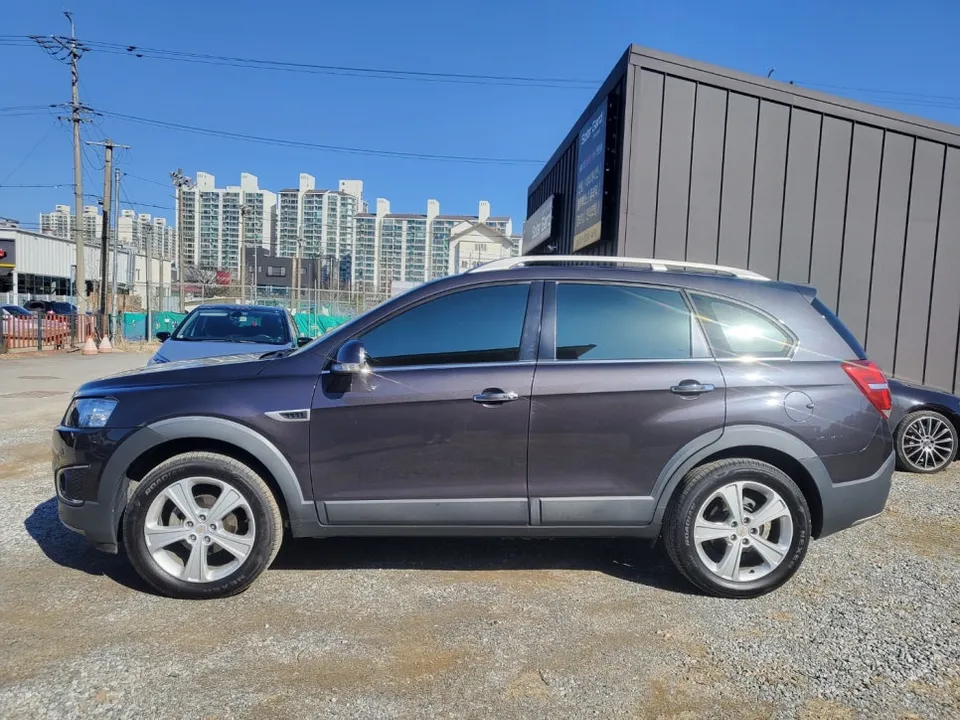
After
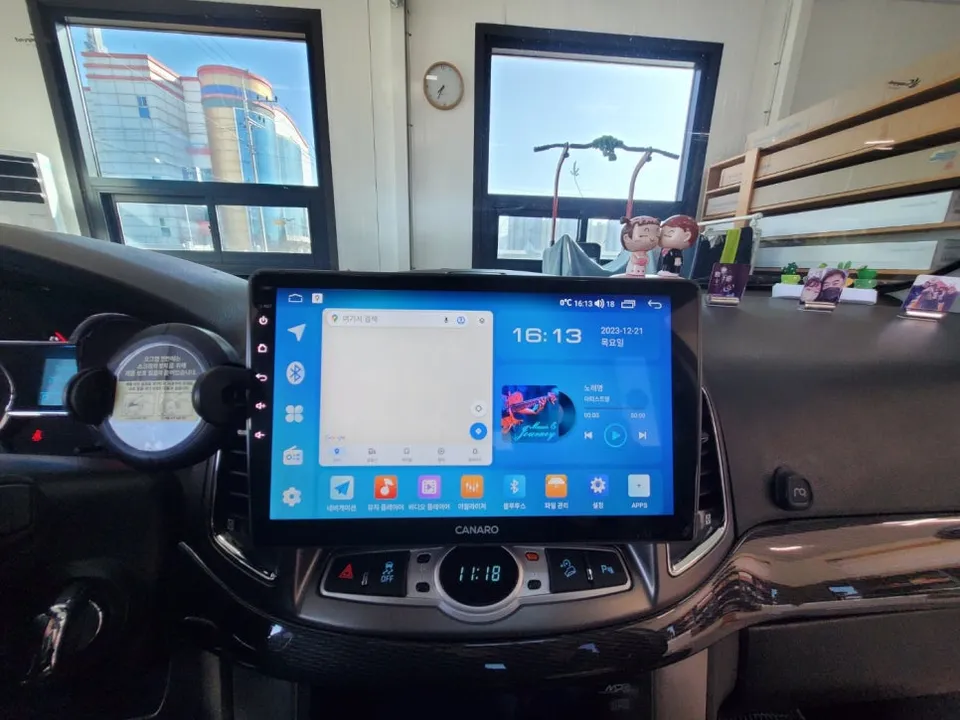
Process photos
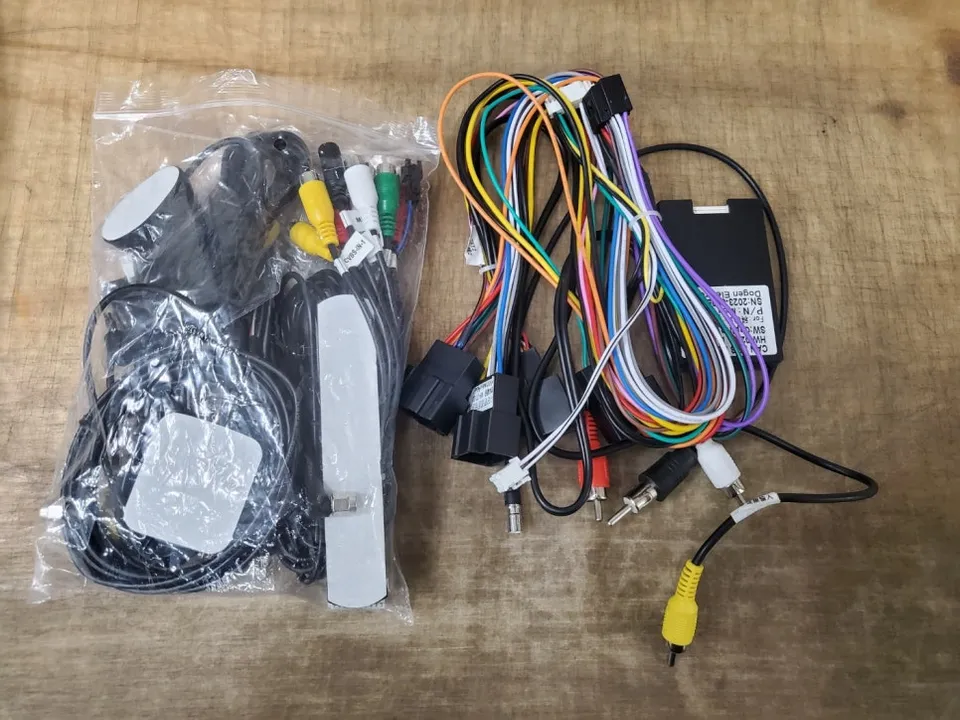
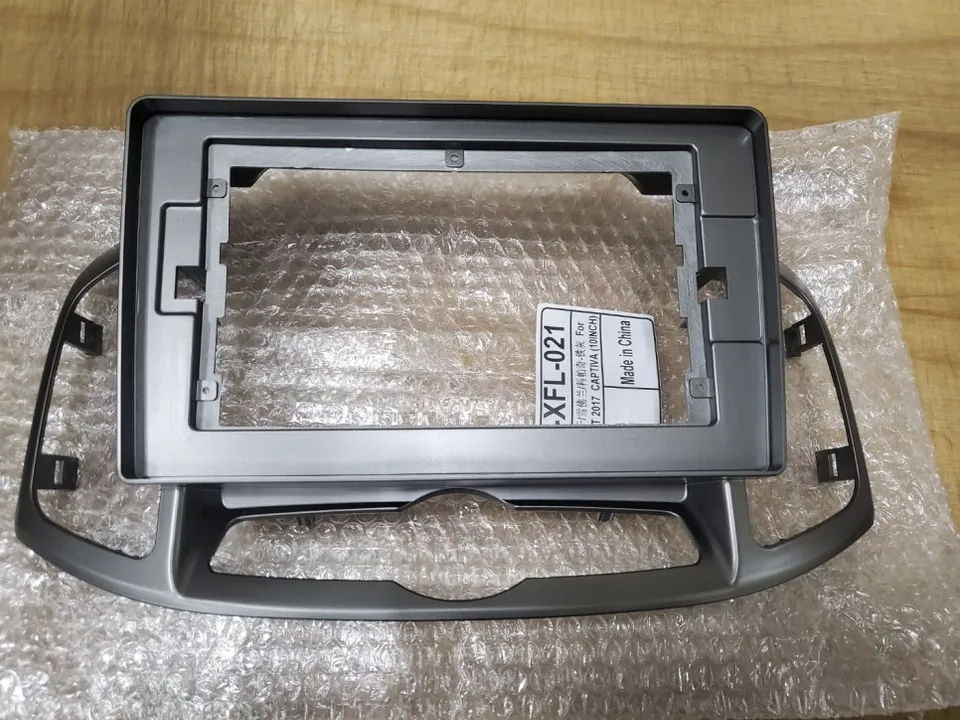
KanaroQ Android head unit and backup camera installation for Chevrolet Captiva: approx. $300-$500 USD. Enjoy modern apps and seamless smartphone integ
Upgrading Your Chevrolet Captiva with a KanaroQ Android Head Unit
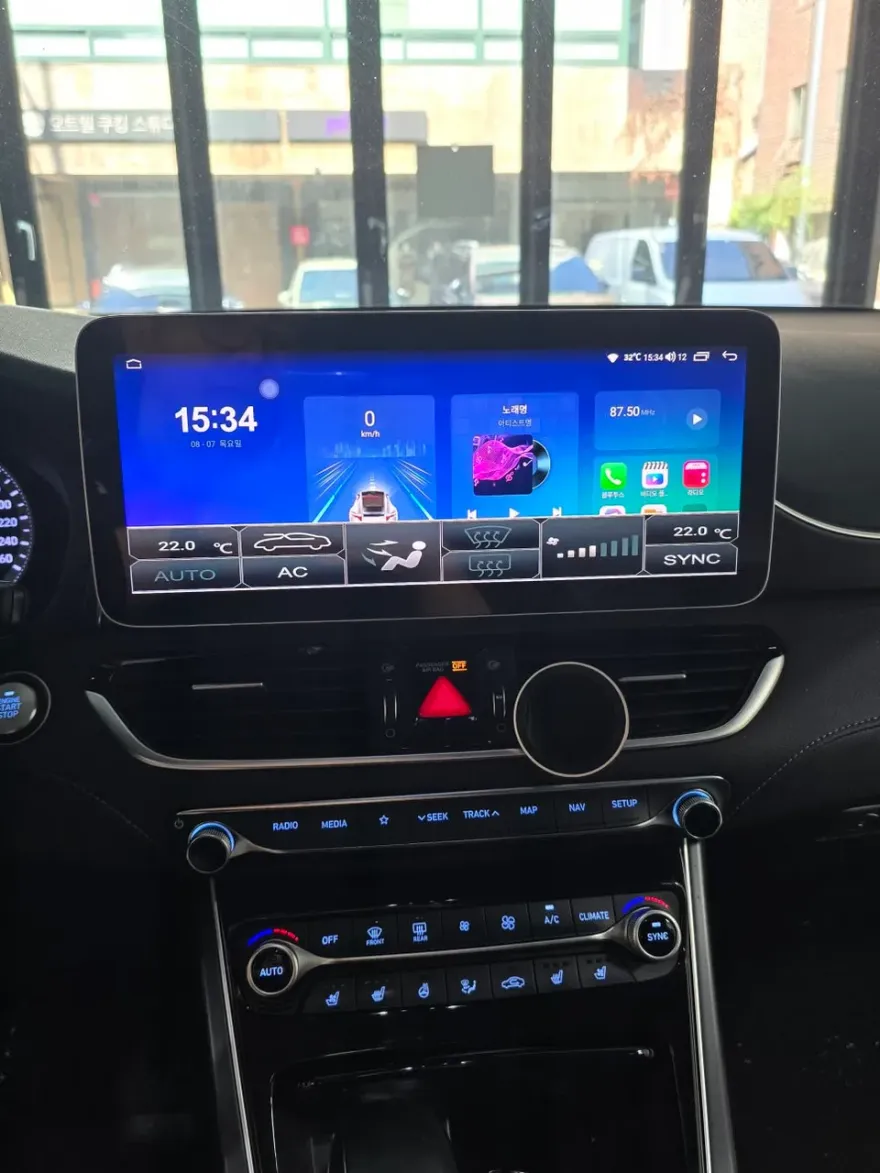
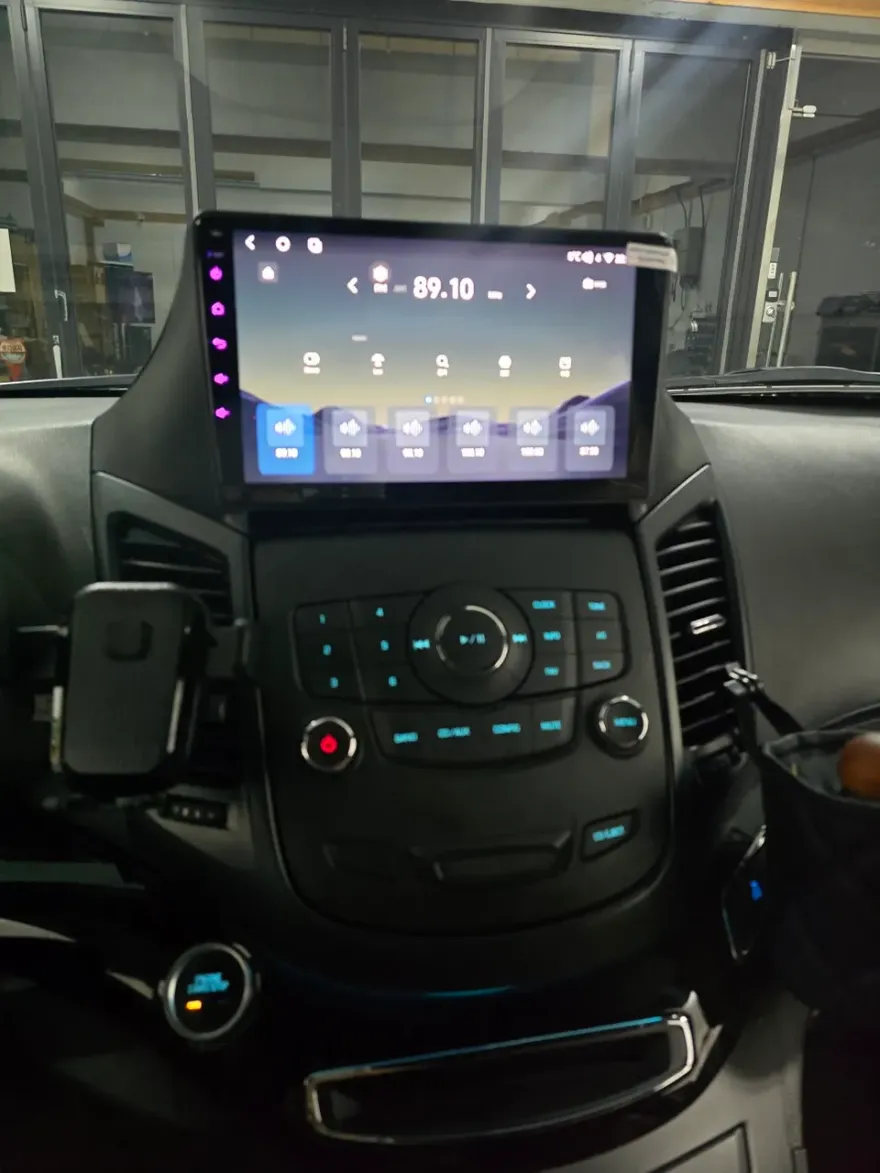
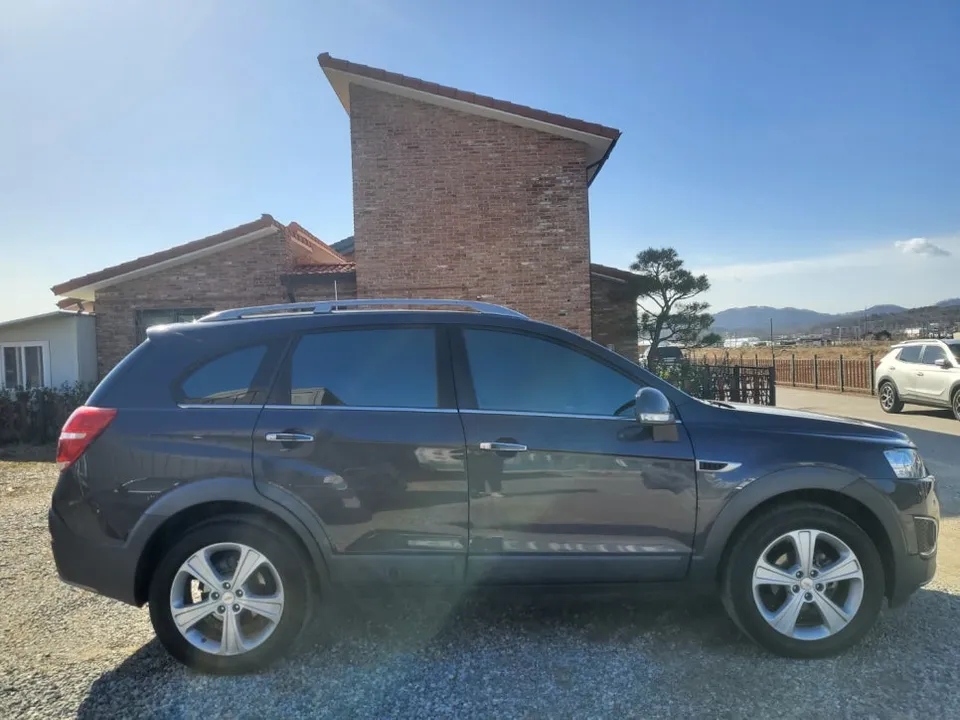
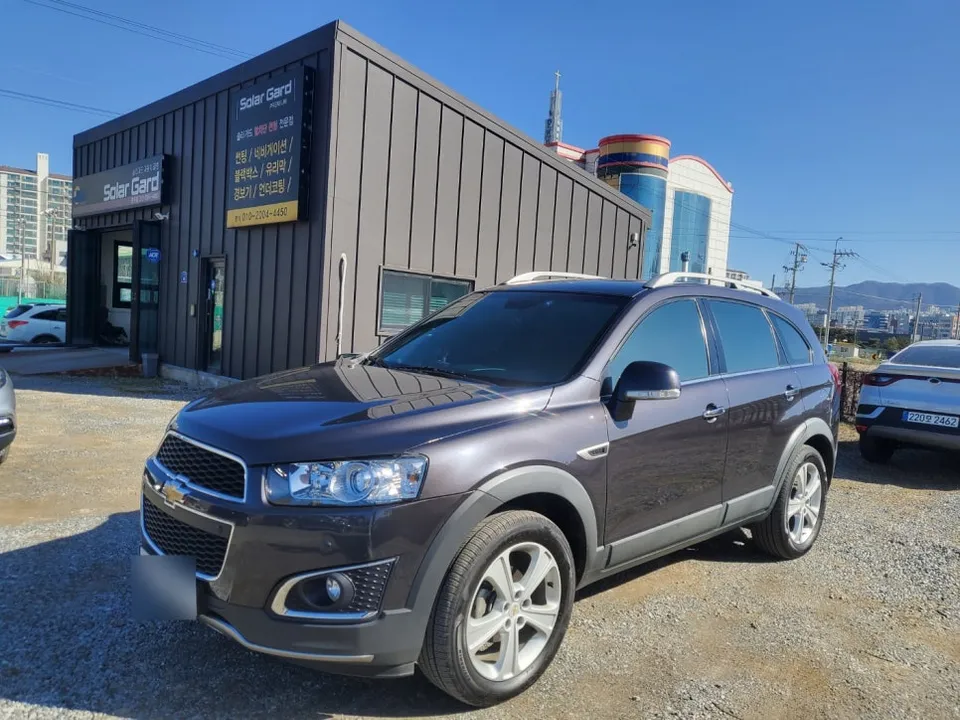
Considering an infotainment upgrade for your Chevrolet Captiva? This review covers the installation of the KanaroQ 10-inch all-in-one Android navigation system and a rear-view camera. This upgrade replaces the existing built-in navigation system with a modern unit featuring 2GB RAM and 64GB ROM, capable of running various Android applications smoothly. The service, including the backup camera, typically costs between 400,000 to 700,000 Korean Won (approximately $300-$500 USD, depending on exchange rates and specific components). Exact pricing can vary based on your vehicle's year, the specific navigation model chosen, and the type of backup camera selected, so consulting with an installer for a precise quote is recommended.
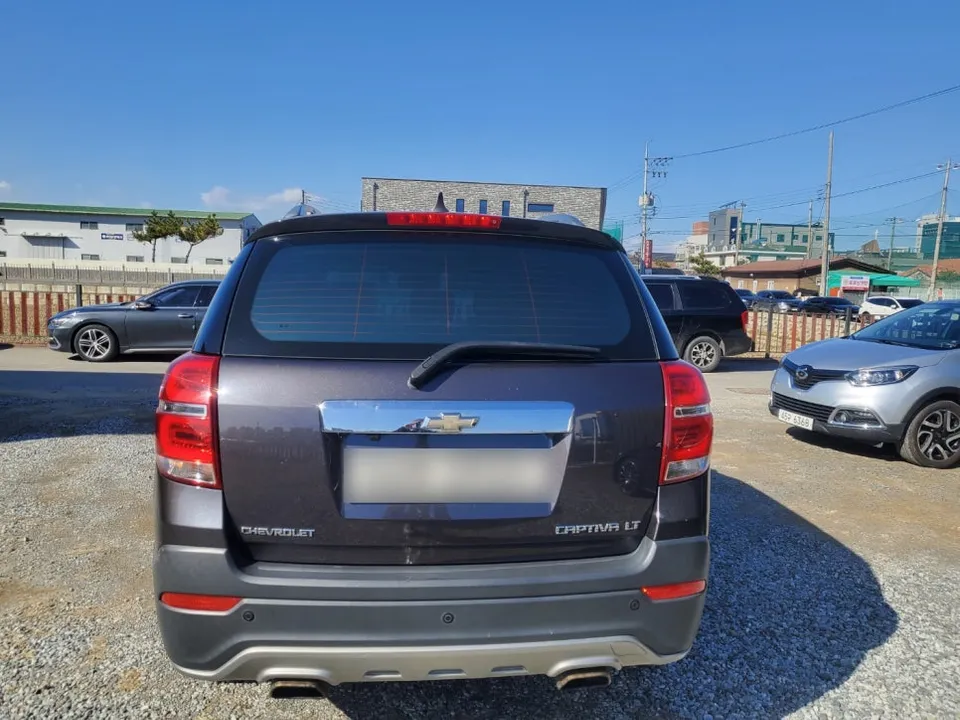
Installation Process and Features
The installation begins with the careful removal of the original embedded navigation system. Following this, parts of the center fascia and climate control panel are disassembled to fit the 10-inch dedicated bezel. Using a custom-fit bezel ensures the new Android head unit integrates seamlessly with your Captiva's interior design, maintaining a factory-like appearance. The KanaroQ system supports microphone input, GPS, Wi-Fi, USB, and a SIM card slot. The inclusion of a SIM card slot allows for direct LTE internet connectivity, eliminating the need for a mobile hotspot. This enables the use of popular navigation apps like T Map, streaming services such as YouTube, and various other Android applications directly on the head unit's screen. Additionally, the Carlink feature provides wireless CarPlay connectivity for seamless smartphone integration.
The backup camera is installed by removing the trunk garnish, replacing the old camera with a new one. The system utilizes CAN-BUS functionality, which allows for the display of vehicle information, such as climate control settings and warning lights, directly on the navigation screen. The rear-view camera significantly enhances safety by reducing blind spots during parking maneuvers.
Installation Process:
- Carefully remove the existing factory navigation system and associated trim pieces.
- Disassemble the center console and climate controls to prepare for the new unit.
- Install the custom-fit bezel for the 10-inch Android head unit.
- Connect wiring for power, speakers, GPS, microphone, and optional SIM card.
- Install the rear-view camera on the trunk garnish and connect its video feed.
- Test all functions, including navigation, audio, Wi-Fi, and camera display.
Durability and Value
The installation of the KanaroQ Android head unit and backup camera typically takes between 3 to 5 hours, depending on the complexity of the existing setup and any additional features being added. The KanaroQ navigation system generally comes with a warranty of 2 to 3 years, with the potential for longer use depending on the unit's build quality and maintenance. The backup camera is designed for long-term use but may require replacement if physically damaged due to external exposure. This infotainment upgrade offers a significant enhancement in functionality and user experience, making it a worthwhile investment for Captiva owners looking to modernize their vehicle's technology. The ability to run familiar apps and enjoy seamless smartphone integration provides a modern driving experience comparable to newer vehicles.
Frequently Asked Questions
Q. How much does Android head unit or CarPlay installation cost for a Chevrolet Captiva?
In Korea, the KanaroQ 10-inch Android head unit and backup camera installation typically costs between 400,000 to 700,000 KRW (approx. $300-$500 USD). US pricing for similar Android head unit retrofits can range from $400 to $1,500 or more, depending on the unit's features and installation complexity.
Q. How long does Android head unit installation take on a Chevrolet Captiva?
The installation process for an Android head unit and backup camera on a Chevrolet Captiva usually takes 3 to 5 hours. Proper maintenance involves keeping the screen clean and ensuring software updates are installed to maintain optimal performance and security.
Q. Is a CarPlay or Android Auto retrofit worth it for a Chevrolet Captiva?
An Android head unit upgrade is highly recommended for Chevrolet Captiva owners who want to access modern navigation, streaming, and app functionalities. It provides a significant value by modernizing the vehicle's infotainment system, offering a user experience comparable to newer cars.
Q. How is an Android head unit installed in a Chevrolet Captiva?
Installation involves removing the factory unit, fitting a custom bezel for the new 10-inch screen, and connecting the wiring harness for power, audio, and data. A rear-view camera is also mounted and integrated with the system.
Q. What is the difference between an Android head unit and a factory infotainment system for a Chevrolet Captiva?
An Android head unit offers full access to the Google Play Store for apps like YouTube and Waze, plus built-in Wi-Fi and optional LTE, unlike most factory systems which are limited to pre-installed features. This upgrade provides a vastly more versatile and up-to-date infotainment experience.
OhCar Partner Shop