Ford Explorer Android Head Unit Review: Smart Auto A-200
Service Price
Est. $750–1,150
Estimated price · Actual price may vary by shop
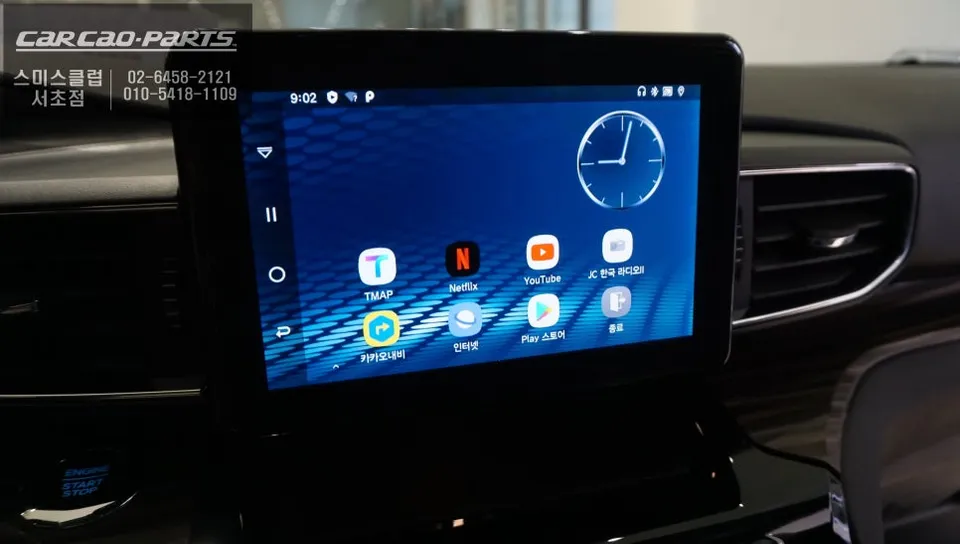
Ford Explorer Smart Auto A-200 PLUS Android Auto upgrade: Approx. ₩500,000-₩700,000. Seamless smartphone integration, apps, and dual control.
Why Your Ford Explorer Needs an Android Auto Upgrade
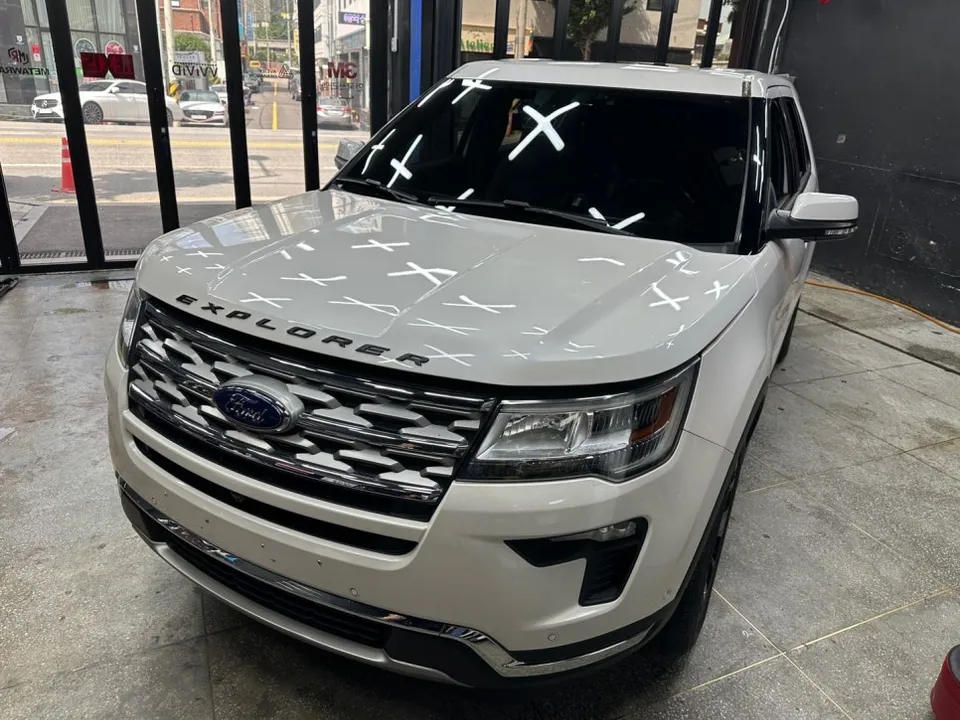
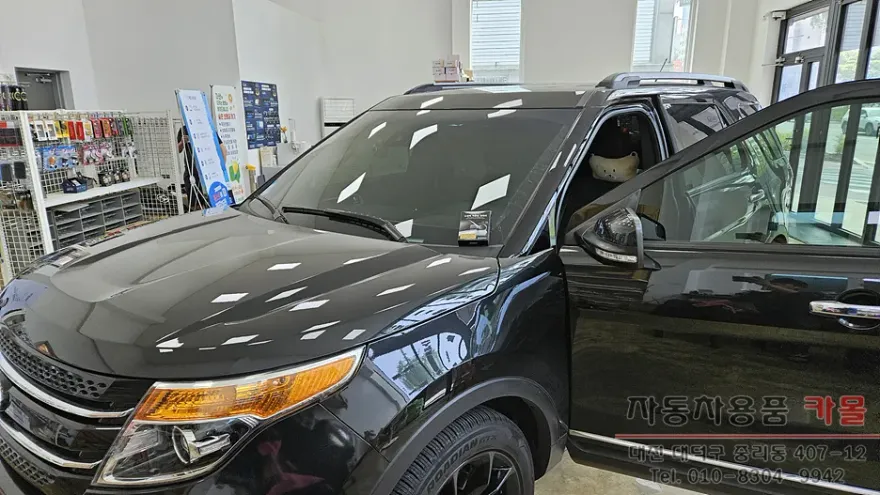
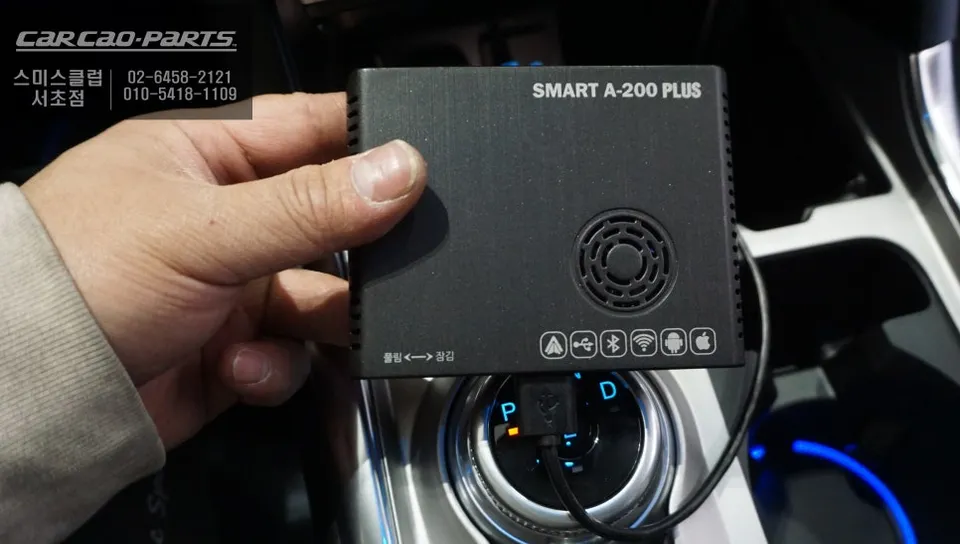
The Ford Explorer is a popular premium SUV, praised for its spacious interior and stable ride. However, the factory infotainment system can sometimes feel limited. By activating Android Auto with the Smart Auto A-200 PLUS module, you can bring a smartphone-like user experience directly to your vehicle's screen. This installation seamlessly integrates with your Explorer's existing monitor and USB ports, significantly expanding its smart capabilities without replacing the original hardware.
Key Features of the Smart Auto A-200 PLUS
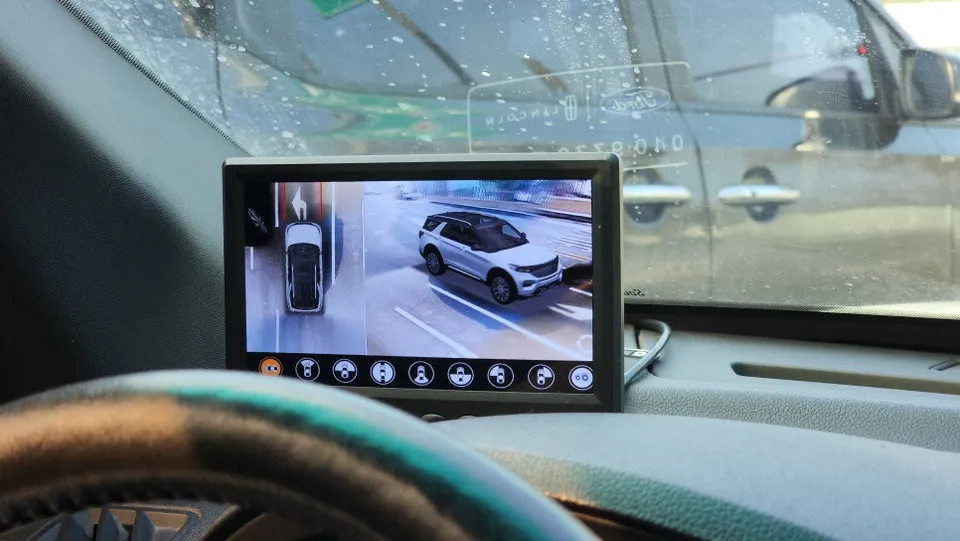
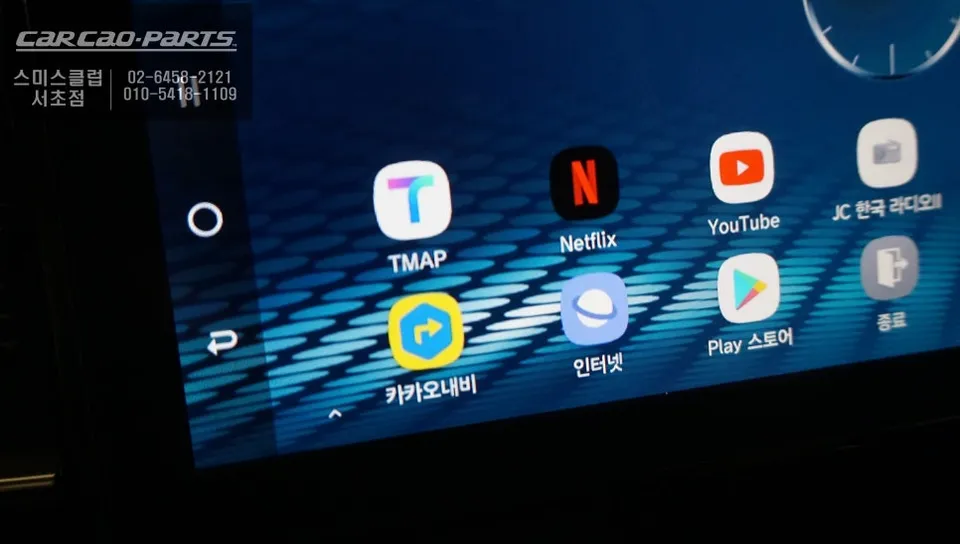
First, enjoy integrated smartphone app functionality. Navigate with Tmap or KakaoMap, stream music via Melon or Spotify, or even watch YouTube and Netflix – all your favorite apps work directly on the car's display. Pairing is simple, and you can start using your apps immediately after connection, with no complex setup required.
Second, benefit from dual touch and voice control. Operate the system using the factory touchscreen or use voice commands to start navigation or play music, enhancing safety while driving. This voice control is particularly convenient on the large screen of an Explorer.
Third, experience high-definition 720p video playback. Watch YouTube or Netflix content in crisp quality, making road trips or waiting times more enjoyable. Note that video playback is restricted while driving for safety reasons.
Why Professional Installation Matters for Your Ford Explorer
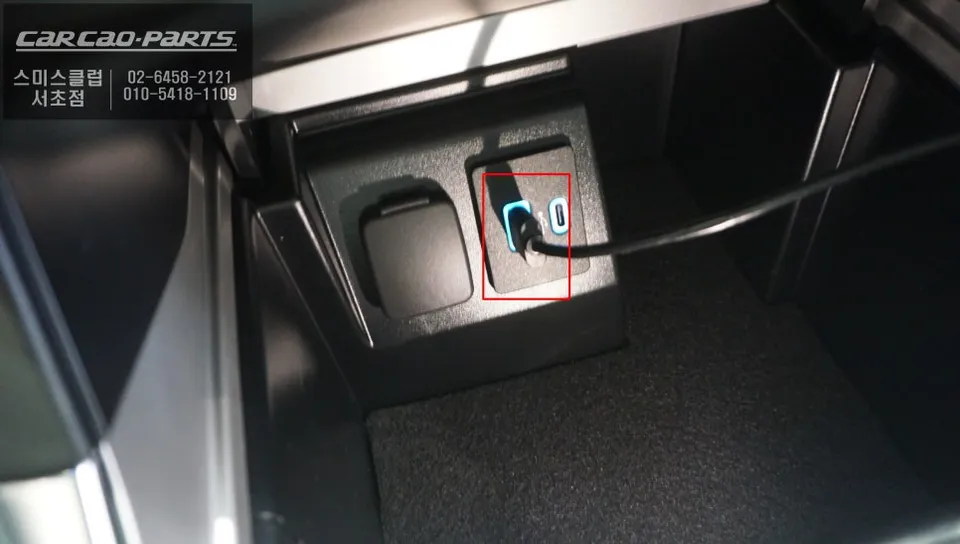
The Ford Explorer's factory monitor has a unique interface and USB port layout, differing from standard aftermarket units. The Smart Auto A-200 PLUS is specifically designed to be compatible with this factory system, ensuring stable wireless operation while maintaining the original look and feel. Proper installation is crucial, especially concerning the USB port connection. Technicians must accurately identify the vehicle's wiring and port placement, using the correct adapters. Poor installation can lead to module recognition failures or unstable connections, causing boot errors.
Smart Auto A-200 PLUS Installation Process
The installation is typically completed in three main stages:
- Preparation: The process begins with disconnecting the car battery's negative terminal. Then, the trim around the factory monitor is carefully removed. Given the complex dashboard design of the Explorer, understanding the correct disassembly sequence is vital to prevent scratches.
- Module Connection: The Smart Auto module is precisely connected to the factory USB port, the vehicle's AUX input, and the power source. Ensuring correct polarity (+/-) for each wire and testing individual connections is important to prevent short circuits. This stage usually takes 30-40 minutes.
- Testing and Pairing: After the module is installed, the battery is reconnected, and the car's power is turned on to verify the module boots correctly. The smartphone is then paired via Bluetooth, and key applications like Tmap and KakaoMap are tested. A final check ensures all apps respond to touch and voice commands on the factory screen. This final stage, from booting to pairing, takes about 15-20 minutes.
The entire installation process generally takes approximately 2.5 to 3 hours.
Frequently Asked Questions
Q. How much does an Android head unit or CarPlay installation cost for a Ford Explorer?
In Korea, the Smart Auto A-200 PLUS module for the Ford Explorer typically costs between ₩500,000 and ₩700,000 (approximately $360-$500 USD). Professional installation costs can vary by region and installer.
Q. How long does Android head unit installation take on a Ford Explorer?
The installation process for an Android head unit or CarPlay retrofit on a Ford Explorer usually takes about 2.5 to 3 hours. Proper maintenance involves ensuring software is updated and connections remain secure, which is generally not needed unless issues arise.
Q. Is a CarPlay or Android Auto retrofit worth it for a Ford Explorer?
An Android Auto or CarPlay retrofit is highly recommended for Ford Explorer owners seeking to significantly enhance their infotainment system's functionality. It provides a modern, app-rich experience that vastly improves navigation, entertainment, and connectivity over the stock system.
Q. How is an Android head unit installed in a Ford Explorer?
Installation involves disconnecting the battery, carefully removing dashboard trim, and connecting the Smart Auto module to the factory USB port, AUX, and power. The system is then tested for proper boot-up, smartphone pairing, and full touch/voice control functionality.
Q. What is the difference between an Android head unit and a factory infotainment system for a Ford Explorer?
The factory system offers basic functions, while an Android head unit upgrade unlocks full smartphone integration, allowing access to apps like navigation, streaming, and more directly on the car's screen. For enhanced usability and features, the Android head unit upgrade is a clear improvement.
Kakao Parts