Ford Explorer Dash Cam Installation Review: iNavi Z9000
Service Price
$under $40
Estimated price · Actual price may vary by shop
Before

After
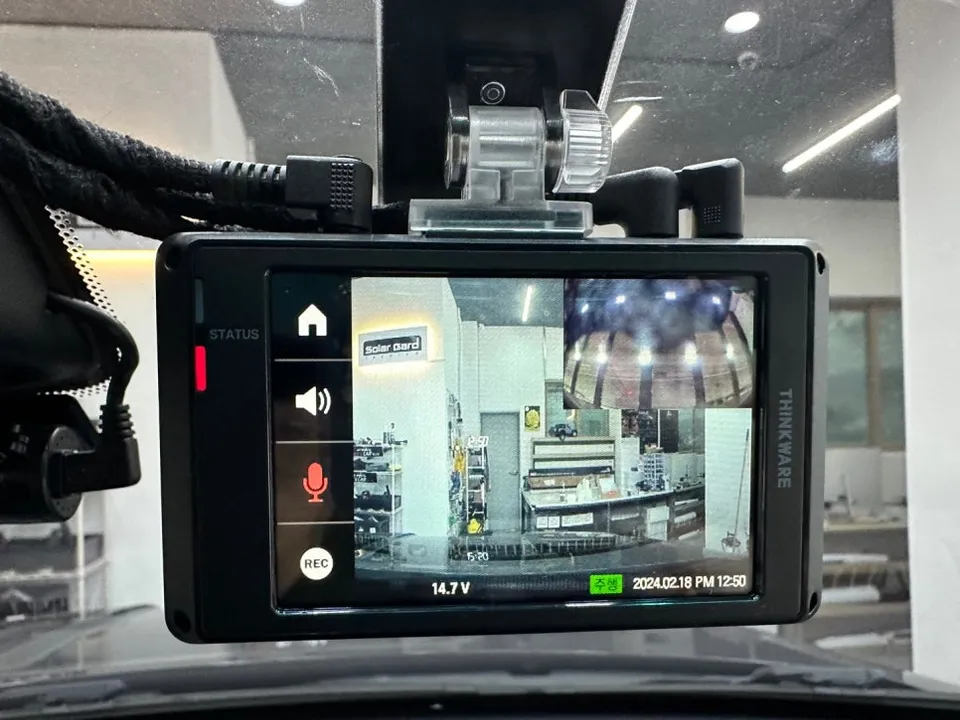
Process photos
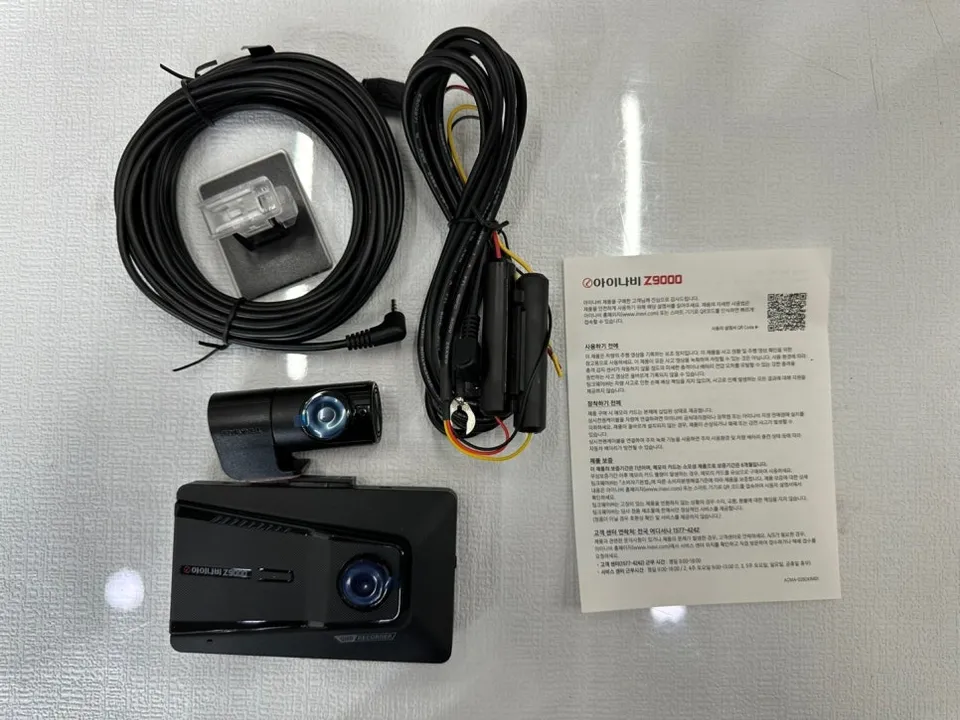
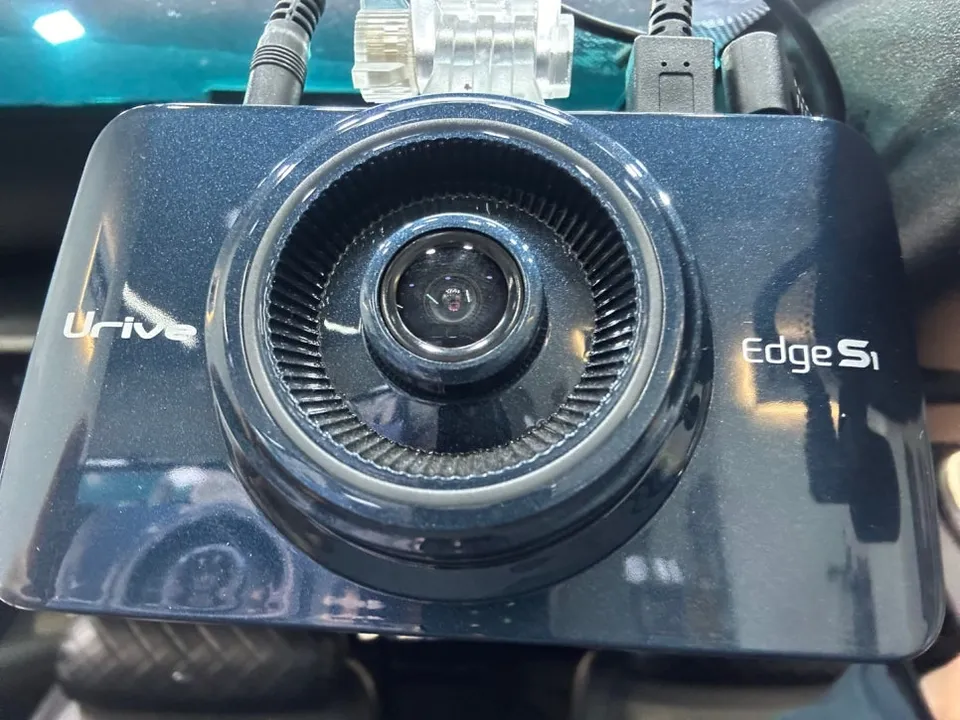
iNavi Z9000 dash cam installation on Ford Explorer: Approx. $220+. High-res recording, low-power mode, USB-C download.
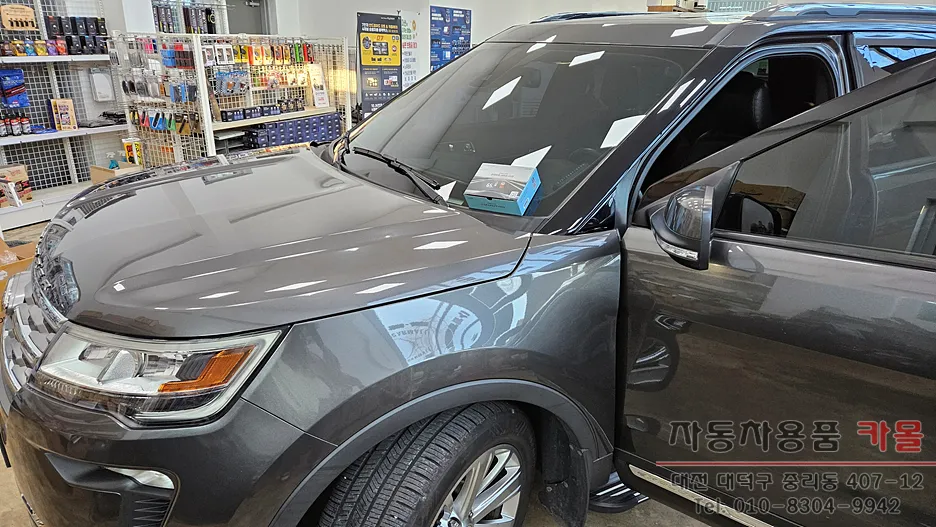
Ford Explorer Dash Cam Upgrade: iNavi Z9000 Installation Review
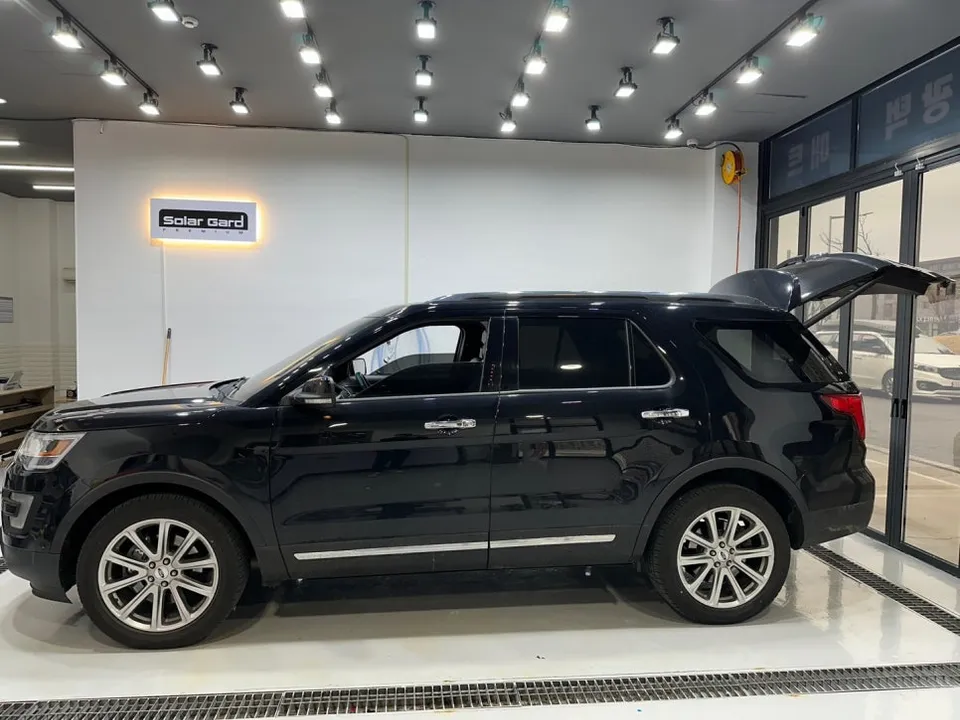
Is your current dash cam failing, leaving you in a bind? For Ford Explorer owners needing a reliable replacement, this review covers the installation of the iNavi Z9000 dash cam. This professional installation process ensures your vehicle is equipped with high-quality recording capabilities.
iNavi Z9000 Dash Cam Features and Benefits
The iNavi Z9000 offers impressive features for its class. It records in crisp QHD resolution for the front camera and FHD for the rear, ensuring clear footage. Key benefits include a low-power mode for efficient operation and a convenient USB-C port for quick video downloads. For an even wider field of view, a 4-channel recording option is available. Advanced Driver Assistance Systems (ADAS) can be enabled with the addition of a GPS and connected module. While the base unit is often priced around 300,000 KRW (approximately $220 USD, though prices vary), adding modules will adjust the final cost. It's crucial to consider your specific needs beyond just the price when choosing a dash cam.
Ford Explorer Dash Cam Installation Process
Professional dash cam installation on a Ford Explorer involves several key steps to ensure a clean and reliable setup. The process typically takes about 1 to 2 hours.
- Removal of Old Unit: The existing dash cam and its wiring are carefully removed to prevent any damage to the vehicle's interior.
- Wiring Installation: New wiring for the iNavi Z9000 is meticulously routed and connected, ensuring it's hidden from view and doesn't interfere with any vehicle functions.
- Sound Dampening: All wiring is wrapped with sound-dampening tape to prevent rattles and buzzing noises during driving, contributing to a quieter cabin.
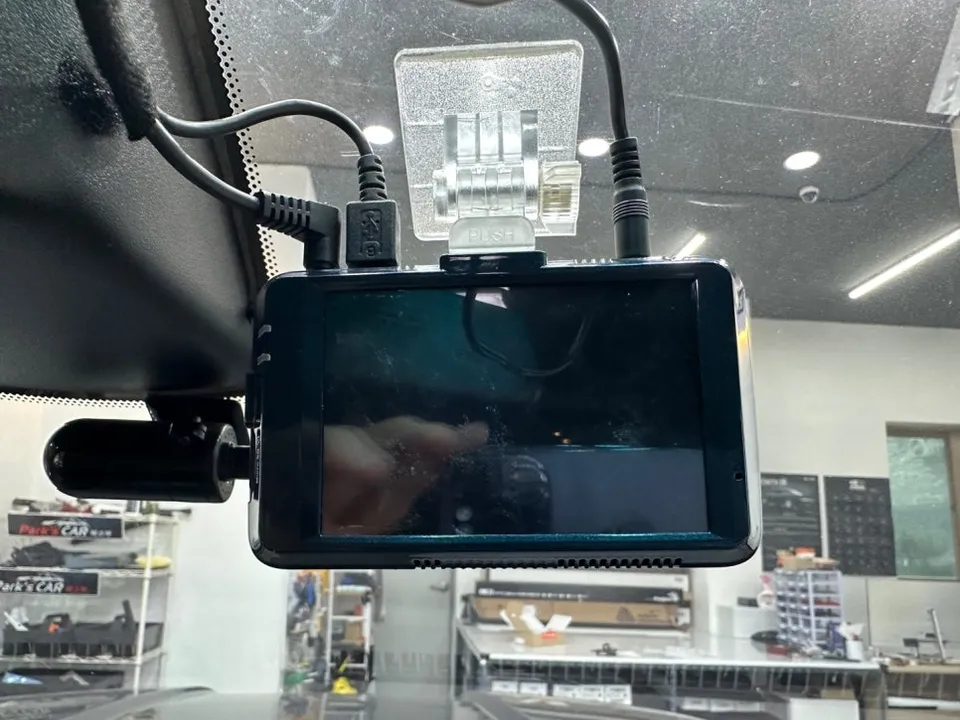
- Component Mounting: The main dash cam unit and the rear camera are securely mounted in their designated positions.
- System Check: Finally, initial settings are configured, and all functions are tested to confirm proper operation before the installation is completed.
Attention to detail, especially in wire management and sound dampening, is vital for both the longevity of the installation and the overall driving experience. This meticulous approach ensures the dash cam performs optimally and integrates seamlessly into your Ford Explorer.
Choosing the Right Dash Cam for Your Ford Explorer
When selecting a dash cam, prioritize recording quality. QHD front and FHD rear resolution are essential for capturing crucial details like license plates in the event of an incident. Features like low-power mode, GPS for location data, and ADAS can significantly enhance safety and convenience. The iNavi Z9000 balances these essential features with user-friendly additions like USB-C downloads. For accurate pricing and to determine the best fit for your Ford Explorer, consult with a professional installer who can assess your vehicle and specific requirements.
Frequently Asked Questions
Q. How much does dash cam installation cost for a Ford Explorer?
The iNavi Z9000 installation in Korea was around 300,000 KRW (approx. $220 USD), with costs varying based on added modules. Professional dash cam installation in the US can range from $100 to $300 depending on the complexity and features.
Q. How long does dash cam installation take on a Ford Explorer?
Dash cam installation on a Ford Explorer typically takes between 1 to 2 hours to complete. Proper installation ensures durability, and regular checks of the camera's lens and connections can help maintain its performance over time.
Q. Is a hardwired dash cam worth it over a self-install for a Ford Explorer?
A professionally hardwired dash cam is often worth the investment for a Ford Explorer, especially for features like parking mode, as it ensures a clean installation and proper power management. It offers peace of mind and optimal performance compared to a DIY setup.
Q. How is a dash cam professionally installed on a Ford Explorer?
Professional installation involves carefully removing the old unit, routing and securing the new wiring with sound-dampening tape, mounting the dash cam and rear camera, and performing initial system setup and testing. This ensures a discreet and functional integration.
Q. What is the difference between a 1-channel and 2-channel dash cam for a Ford Explorer?
A 1-channel dash cam records only the front view, while a 2-channel (front and rear) dash cam captures footage from both the front and back of your Ford Explorer. For comprehensive coverage, a 2-channel system is generally recommended.
OhCar Partner Shop