Genesis G80 Dash Cam Installation Review - Enhanced Safety
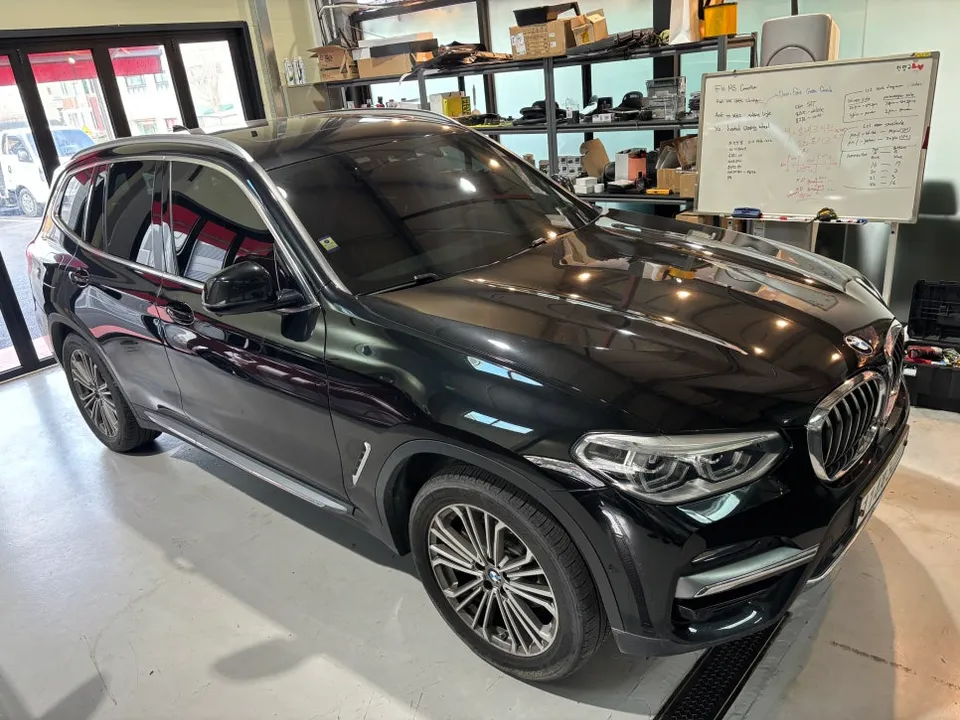
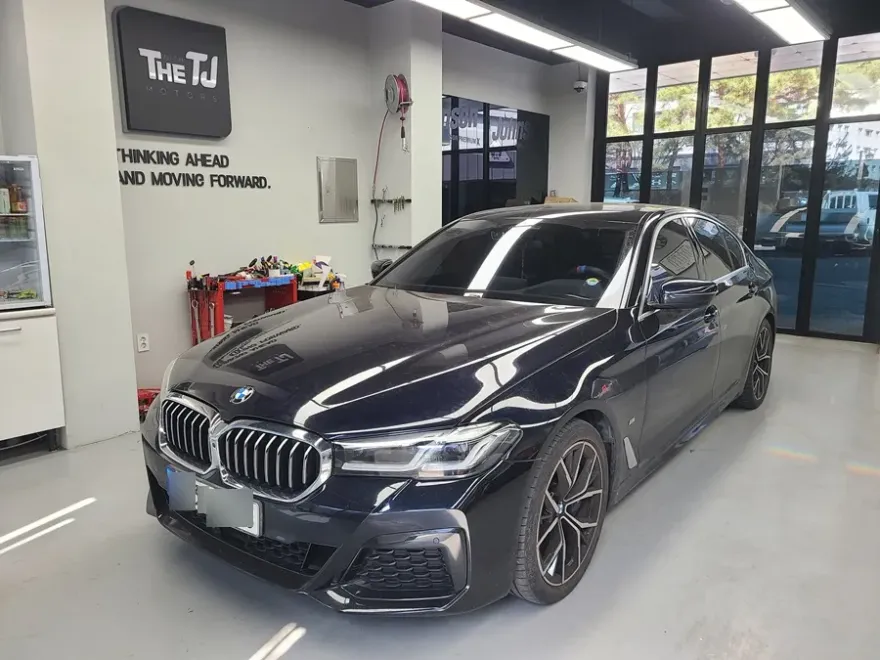
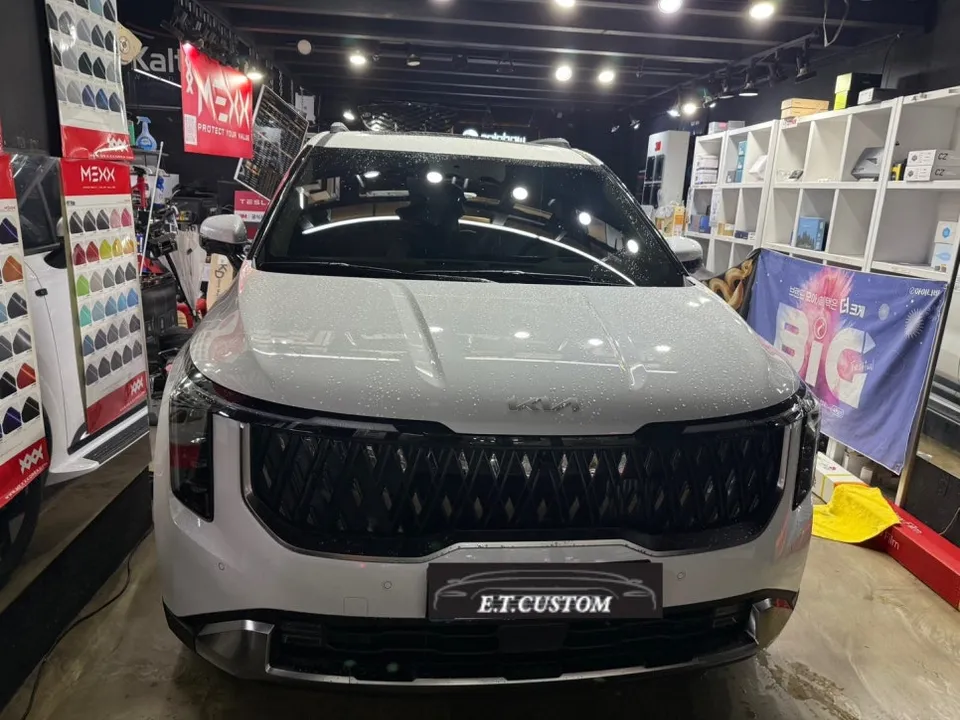
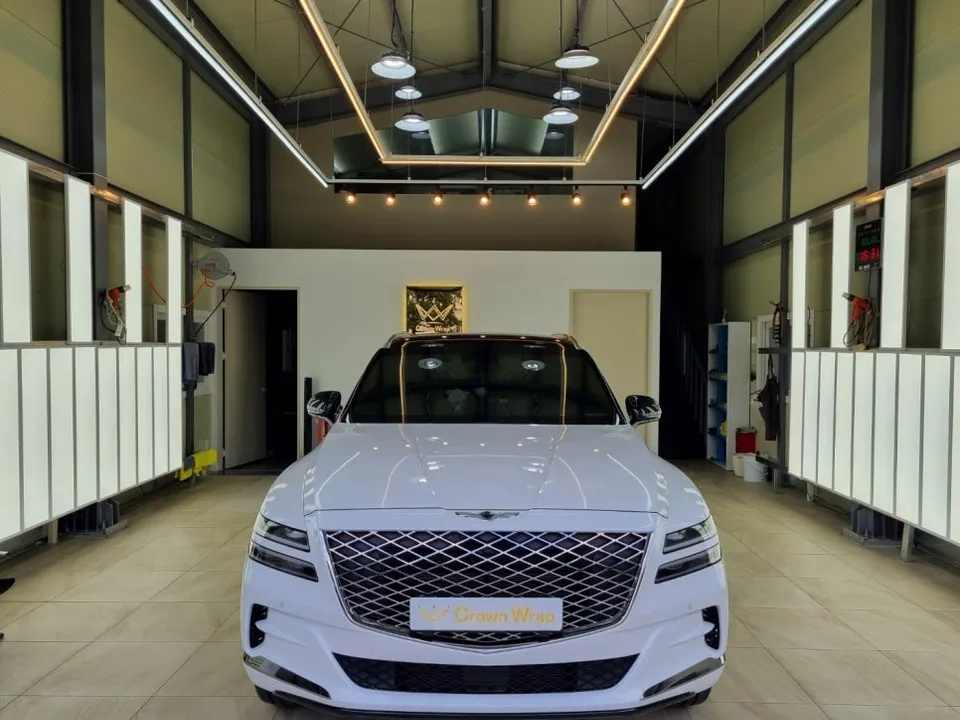
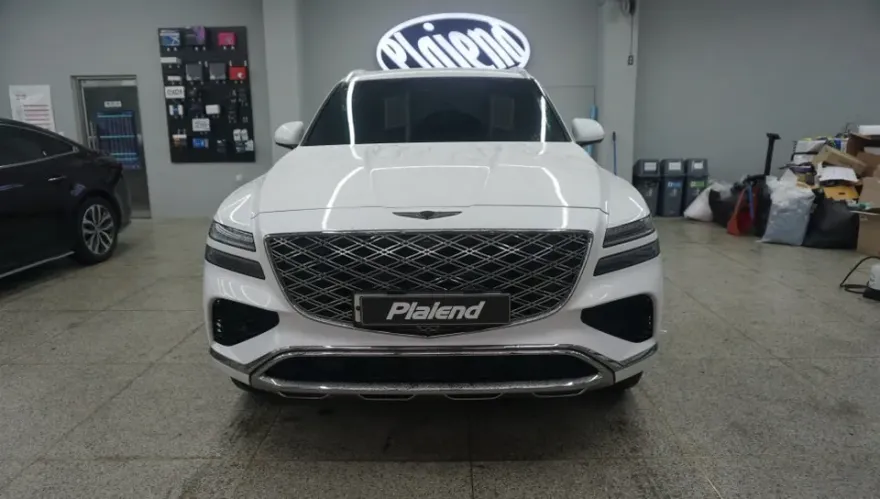
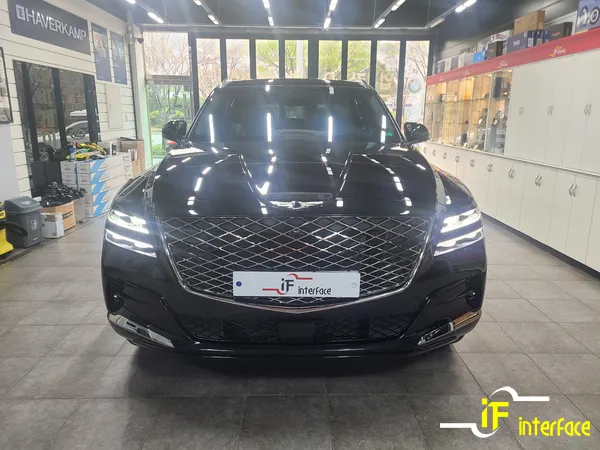
Before
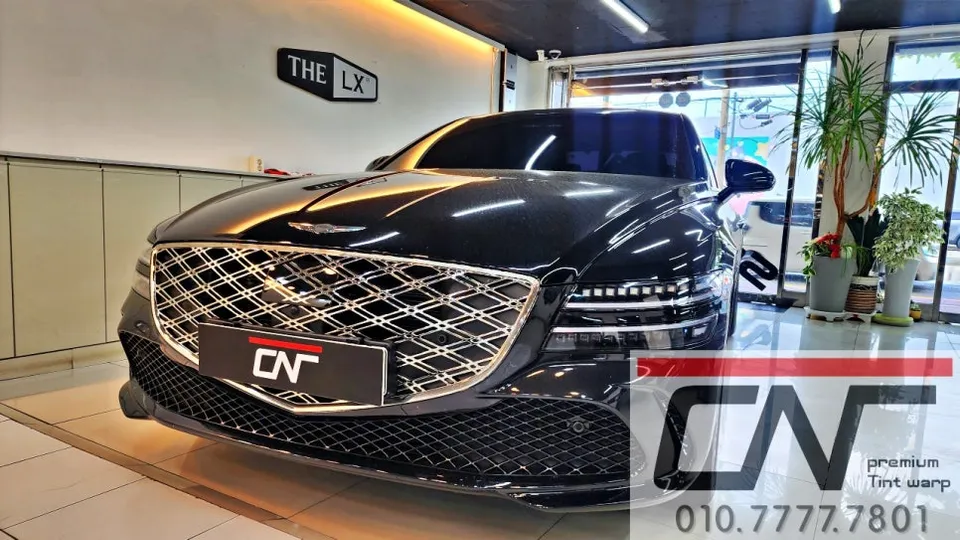
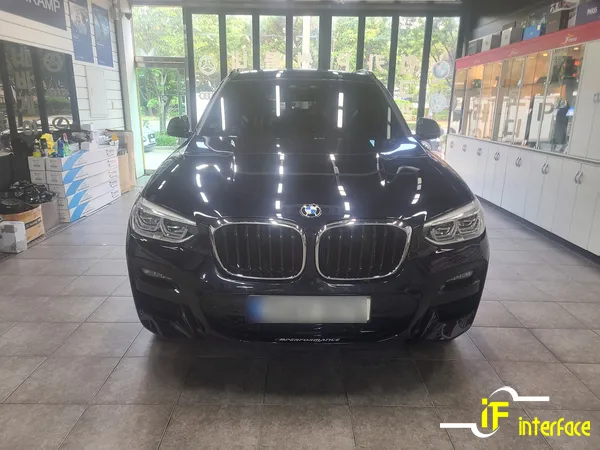
After

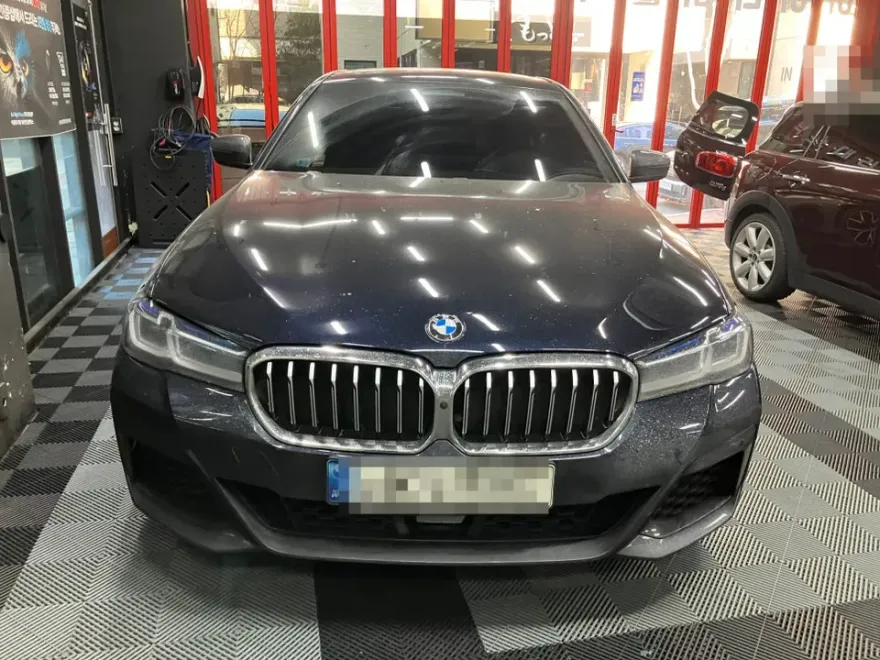
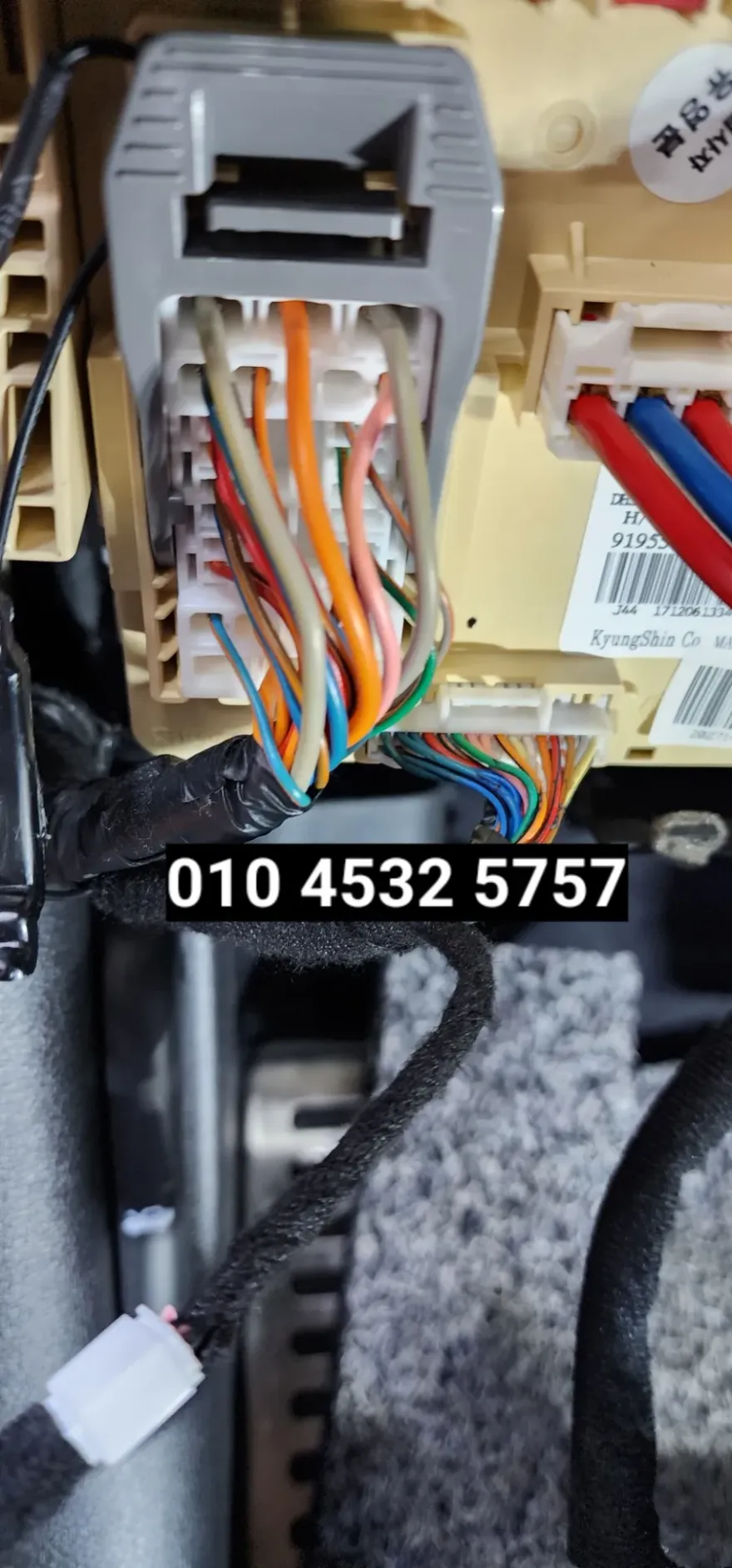
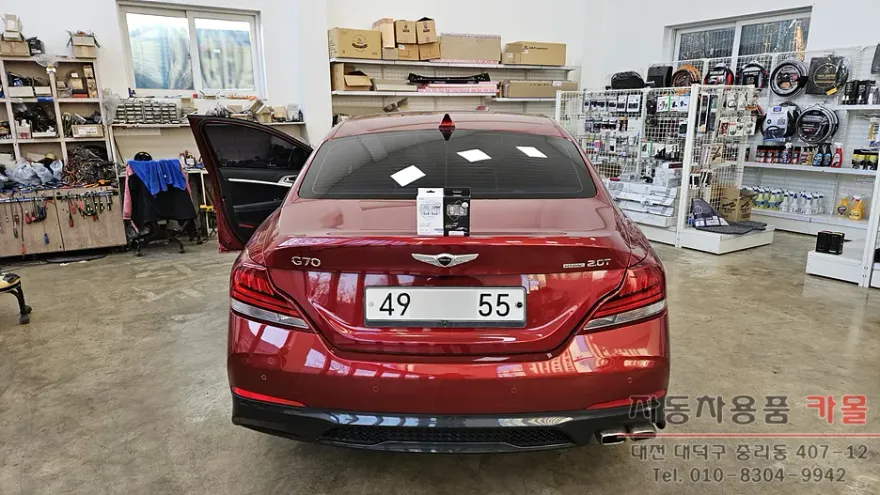
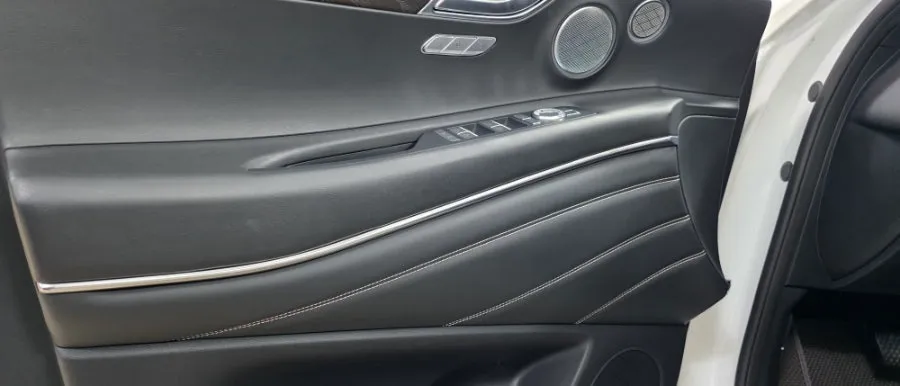
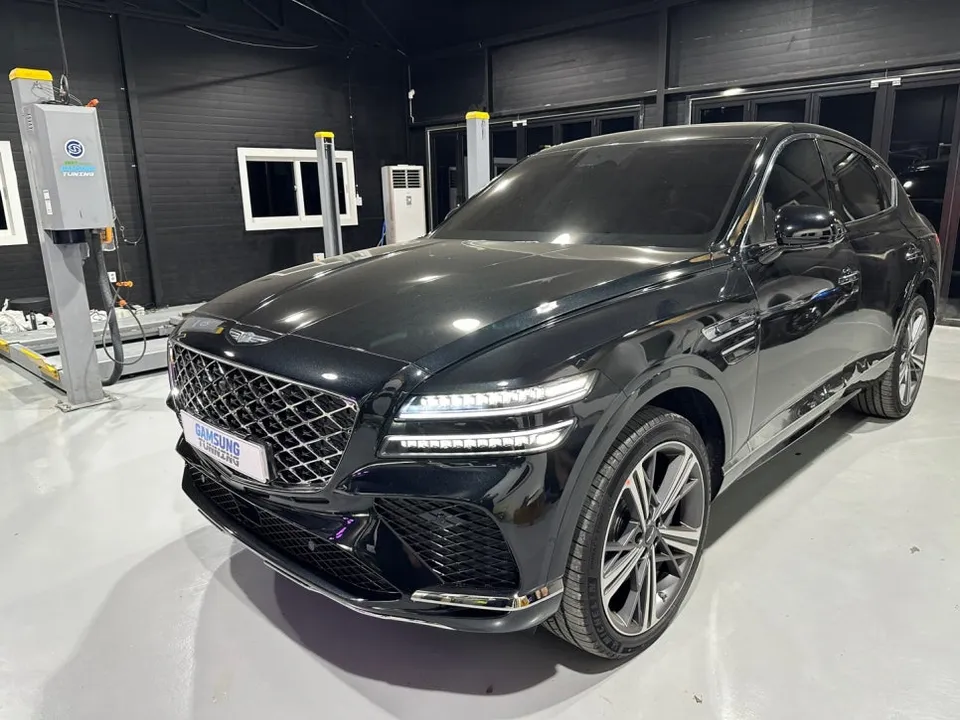
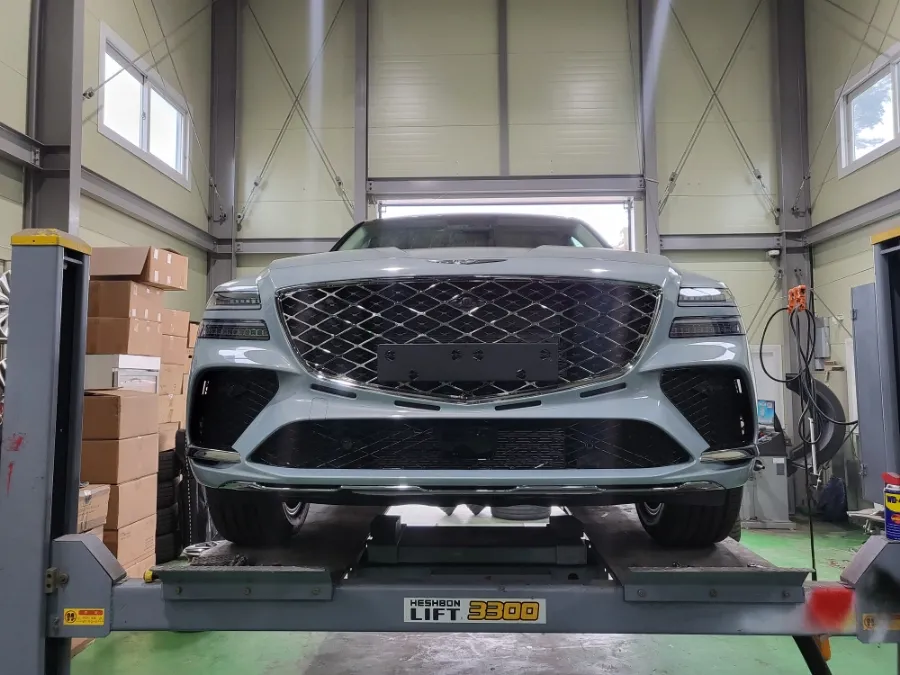
Process photos
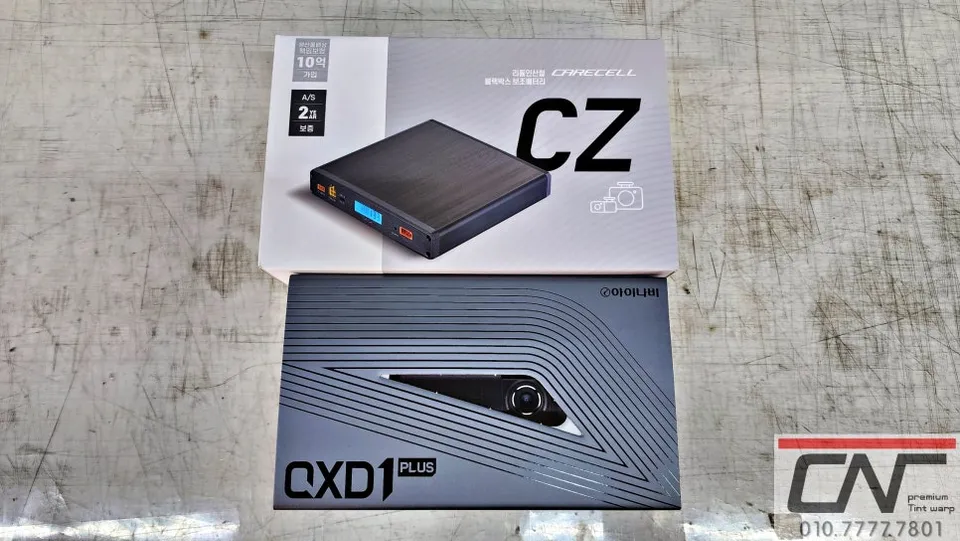
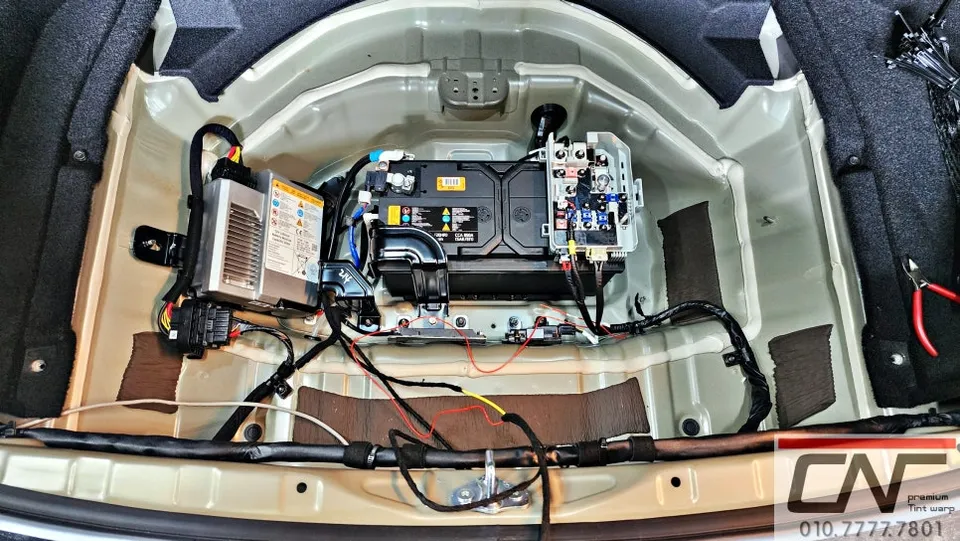
Dash cam and battery installation on Genesis G80: Price not specified. Enhanced safety and parking recording.
Genesis G80: Overcoming Stock Dash Cam Limitations
The Genesis G80 is celebrated for its luxurious design and performance. However, many owners find the stock dash cam's recording quality and storage capacity insufficient. For comprehensive protection during long drives or extended parking, a more robust dash cam system is essential. Many G80 owners opt for an upgraded dash cam paired with a dedicated battery pack to extend parking recording time and prevent draining the car's main battery, a smart move for vehicle maintenance.
Why a Dash Cam Battery Pack is Crucial
A dash cam battery pack provides a stable power source for extended parking recordings without burdening the vehicle's main battery. High-performance dash cams, like the Thinkware QXD1 Plus used in this installation, consume more power, making a battery pack indispensable. The Carecell CZ12A battery pack offers approximately 40 hours of parking recording on a full charge, sufficient for most parking scenarios, though actual duration may vary based on environmental factors and vehicle activity.
Intelligent Design of the Carecell CZ12A
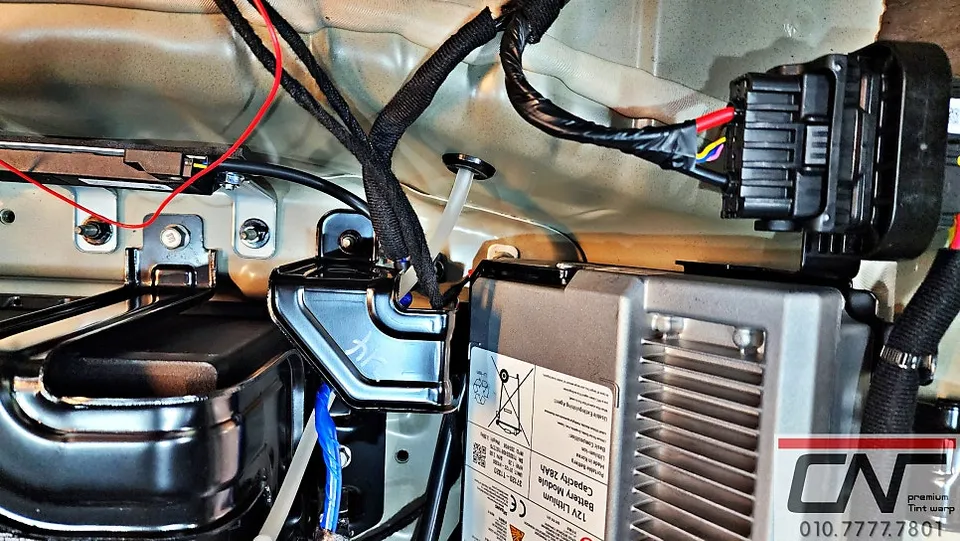
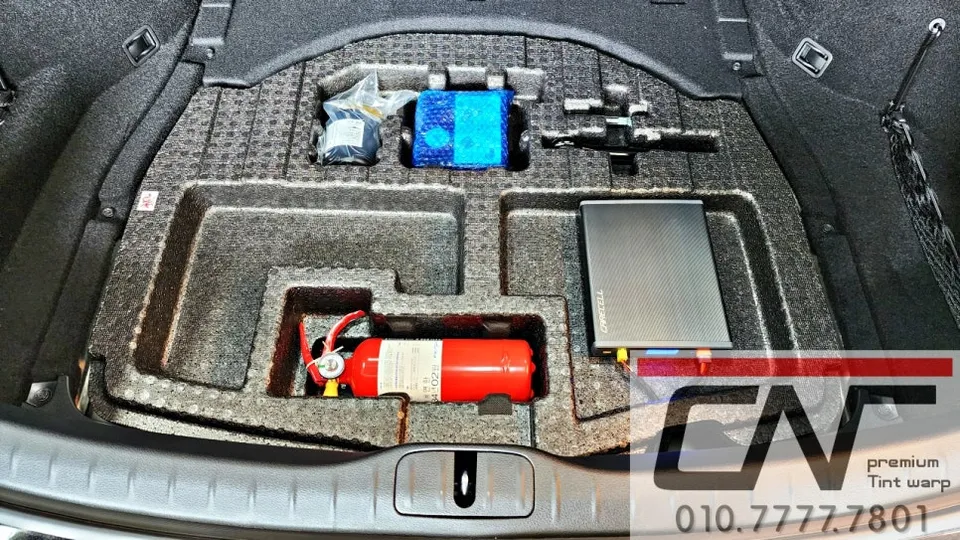
Ensuring safe and interference-free power delivery is paramount. The Carecell CZ12A features a temperature sensor on the positive charging wire to prevent overcharging and minimize operational anomalies, extending the battery's lifespan and enhancing safety. Wiring is meticulously routed along factory lines for a clean installation. The battery is strategically placed in the trunk's lower storage tray for easy access during potential servicing.
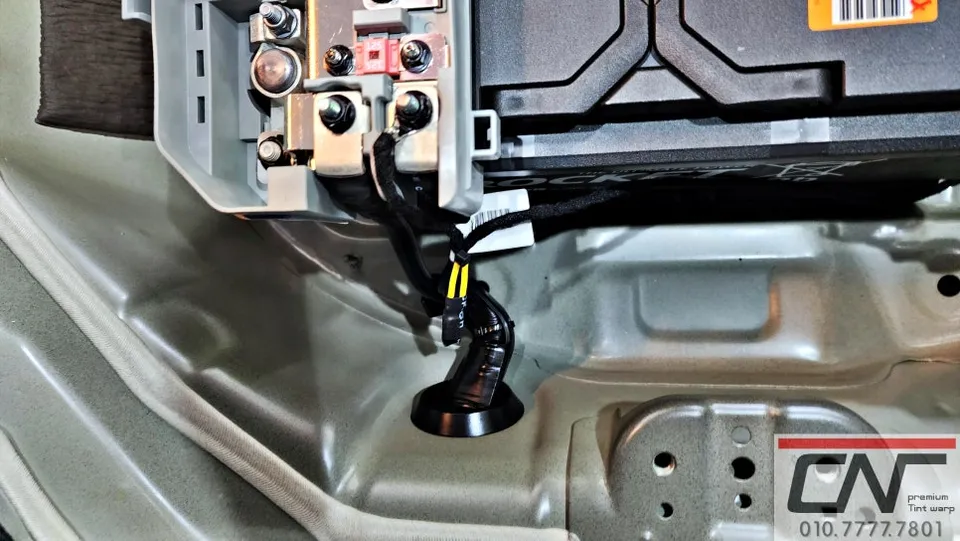
Real-time Status Monitoring with Carecell CZ12A
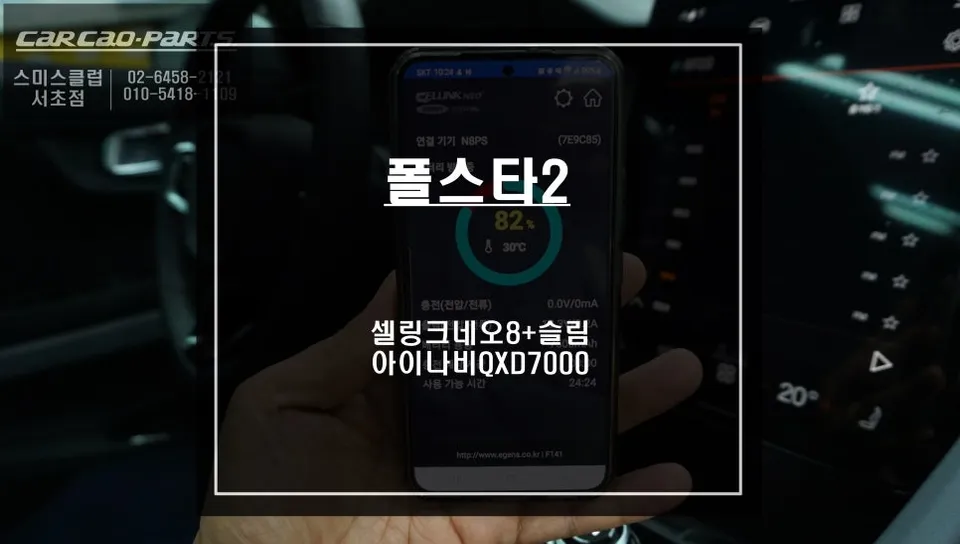
A key advantage of the Carecell CZ12A is its LCD display, which shows real-time battery charge and status. An LED indicator on the main power line turns red to signal charging initiation, allowing owners to easily monitor the battery's condition.
Thinkware QXD1 Plus: Superior Clarity and Convenience
The Thinkware QXD1 Plus dash cam was installed, offering exceptional video quality and user-friendly operation. Its clear footage, even in challenging conditions, reliably captures license plates, providing crucial evidence in case of accidents. Designed for a seamless, integrated look, it mounts flush against the windshield. All operations are managed via a simple touch interface on the IPS panel LCD screen, ensuring clear visibility from any angle.
Installation Process:
- Carefully route dash cam and battery wiring along existing vehicle harnesses.
- Connect the battery pack to the vehicle's power system, ensuring secure connections.
- Mount the dash cam unit to the windshield for optimal viewing angle.
- Test all functions to confirm proper operation and recording.
Frequently Asked Questions
Q. How much does dash cam installation cost for a Genesis G80?
The cost for this specific installation of a Thinkware QXD1 Plus and Carecell CZ12A on a Genesis G80 was not detailed in the original content. Professional dash cam installations in the US typically range from $100 to $300, depending on the complexity and components used.
Q. How long does dash cam installation take on a Genesis G80?
Professional dash cam and battery pack installations typically take 1-3 hours to complete, ensuring all wiring is neatly managed and components are securely fitted. Regular checks of the dash cam's lens and memory card are recommended for optimal performance.
Q. Is a hardwired dash cam worth it over a self-install for a Genesis G80?
A professionally hardwired dash cam is recommended for Genesis G80 owners seeking reliable parking mode functionality and a clean, integrated look without risking damage to the vehicle's electrical system. The value lies in professional expertise ensuring optimal performance and safety.
Q. How is a dash cam professionally installed on a Genesis G80?
Professional installation involves carefully routing the dash cam and battery pack wiring along the vehicle's existing harnesses for a discreet finish. Connections are made securely to the vehicle's power system, and the dash cam is mounted to the windshield, followed by a thorough function test.
Q. What is the difference between a 1-channel and 2-channel dash cam for a Genesis G80?
A 1-channel dash cam records only the front view, while a 2-channel system includes a rear-facing camera for comprehensive coverage of both front and rear incidents. For maximum protection, a 2-channel system is generally recommended for a Genesis G80.
OhCar Partner Shop