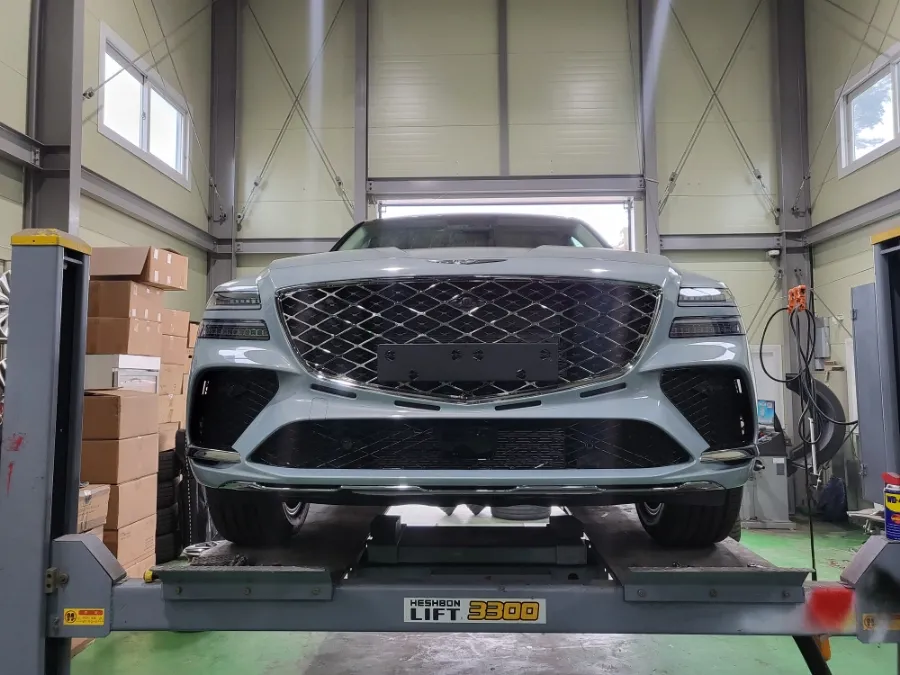
Genesis GV70 Dash Cam Installation Review
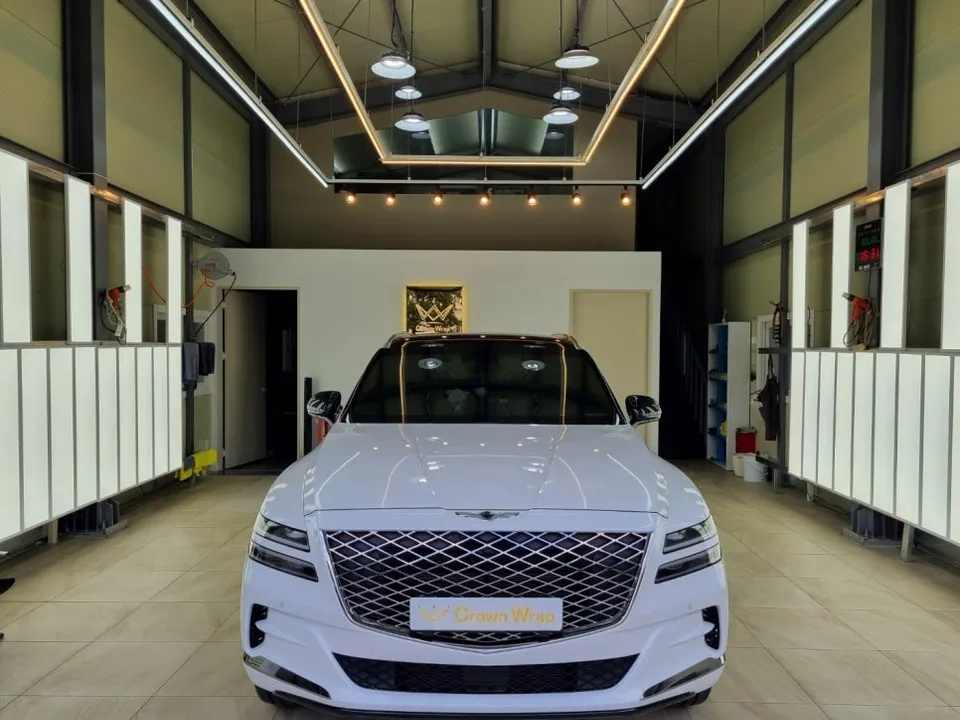
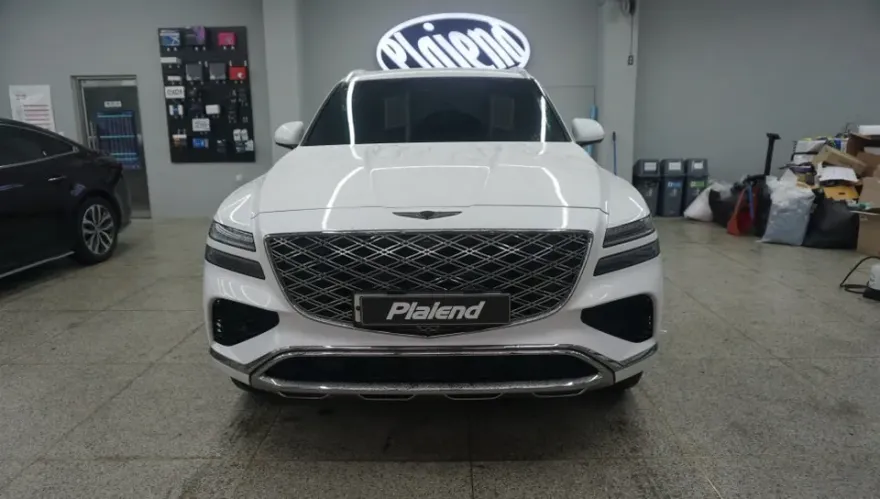
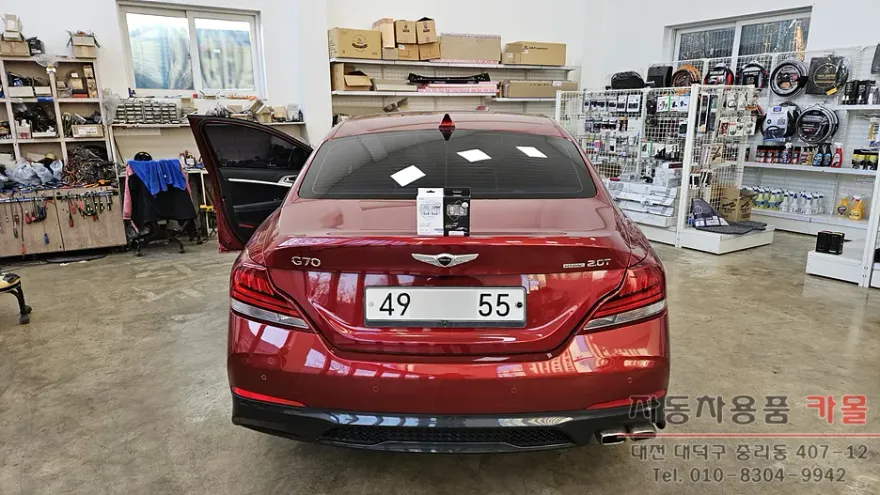
Before
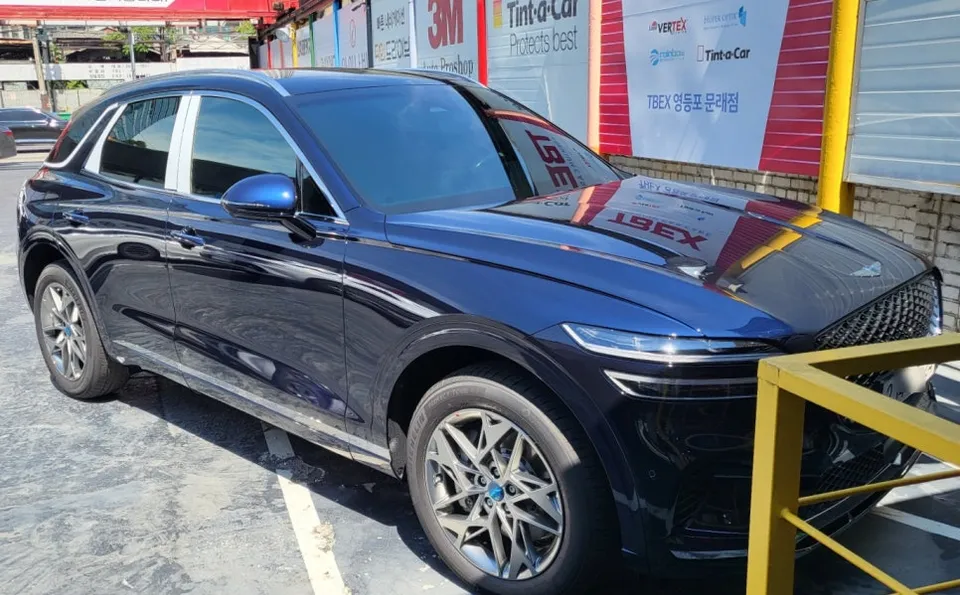
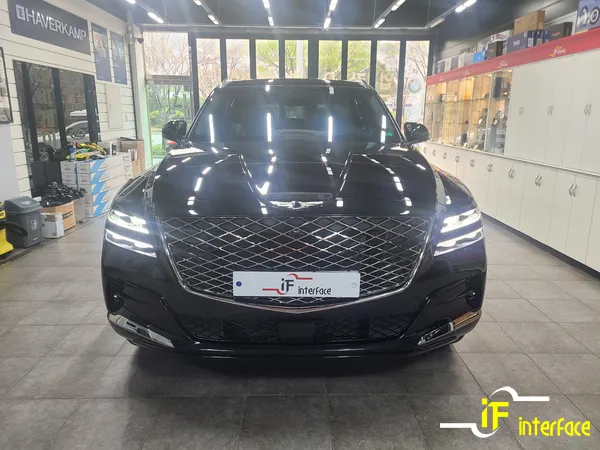
After
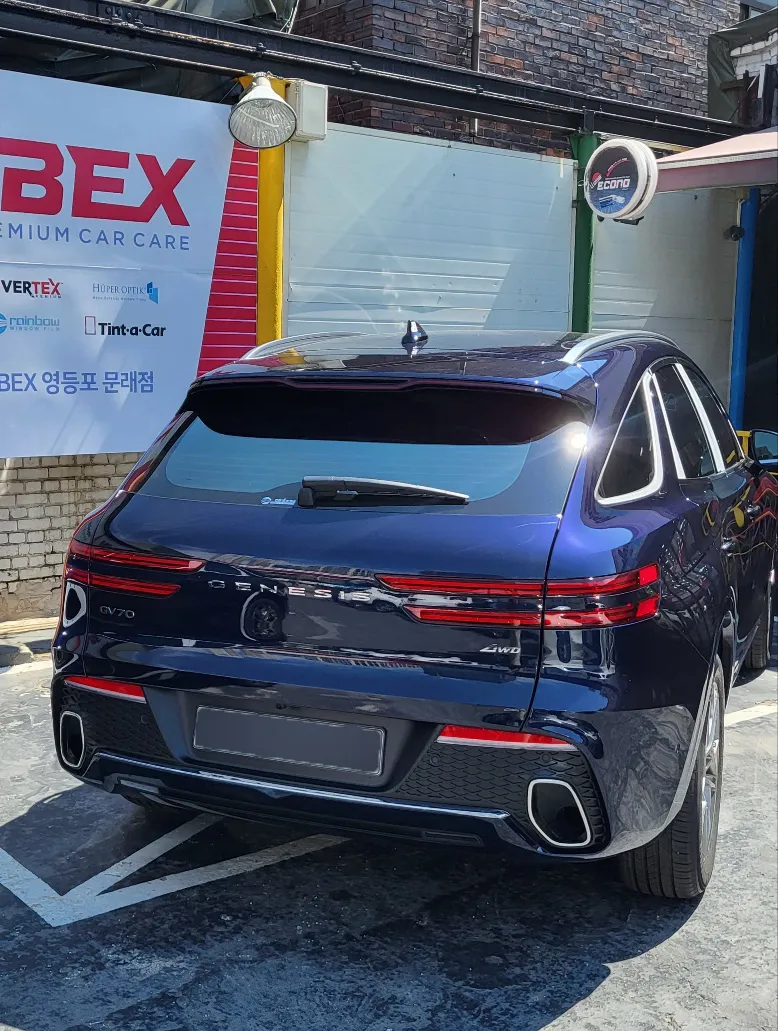
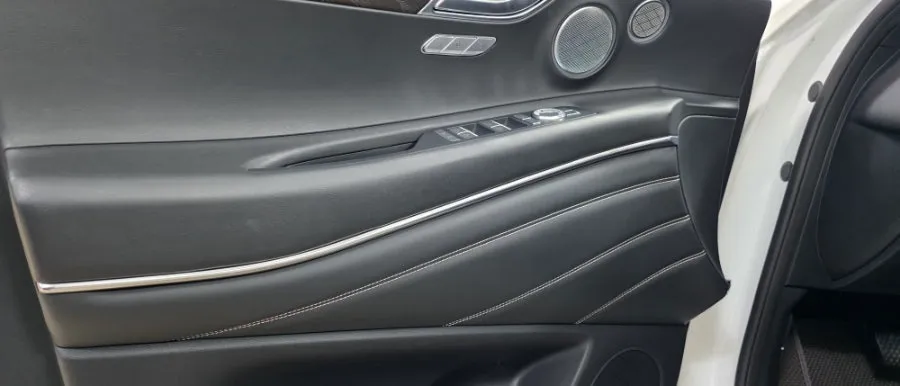
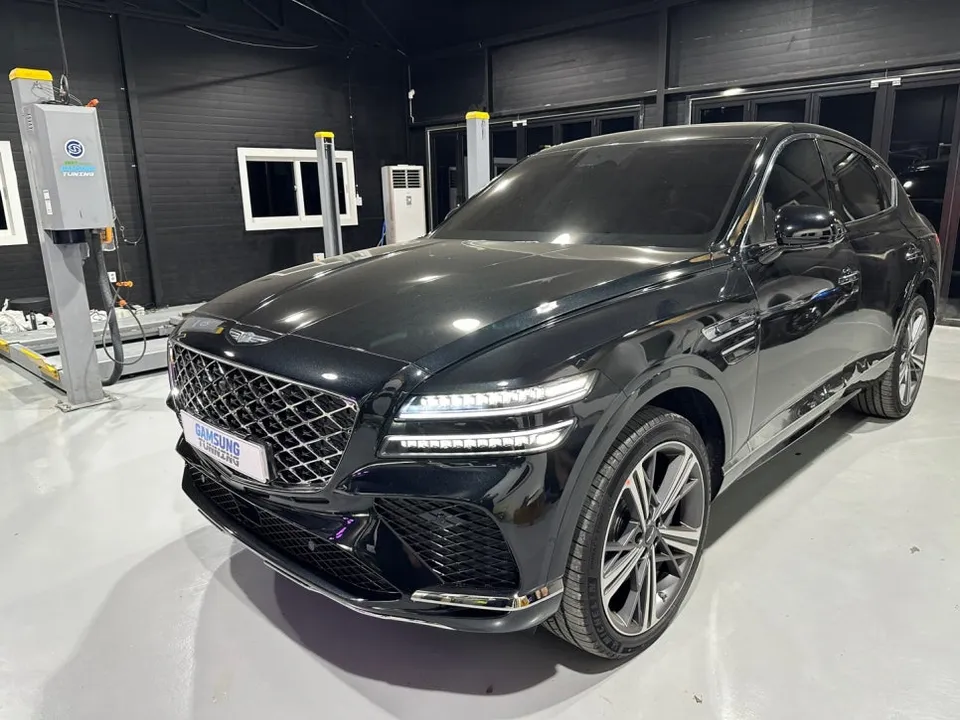
Process photos
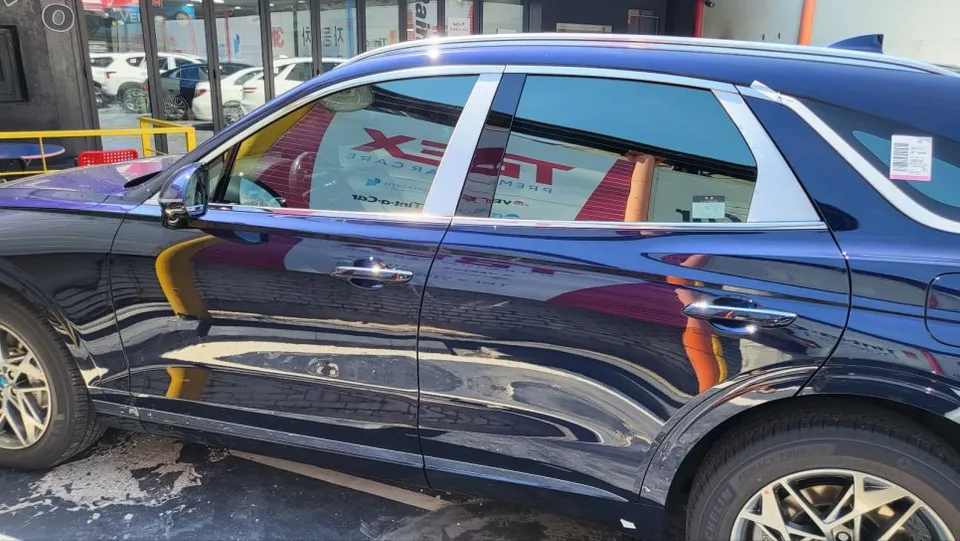
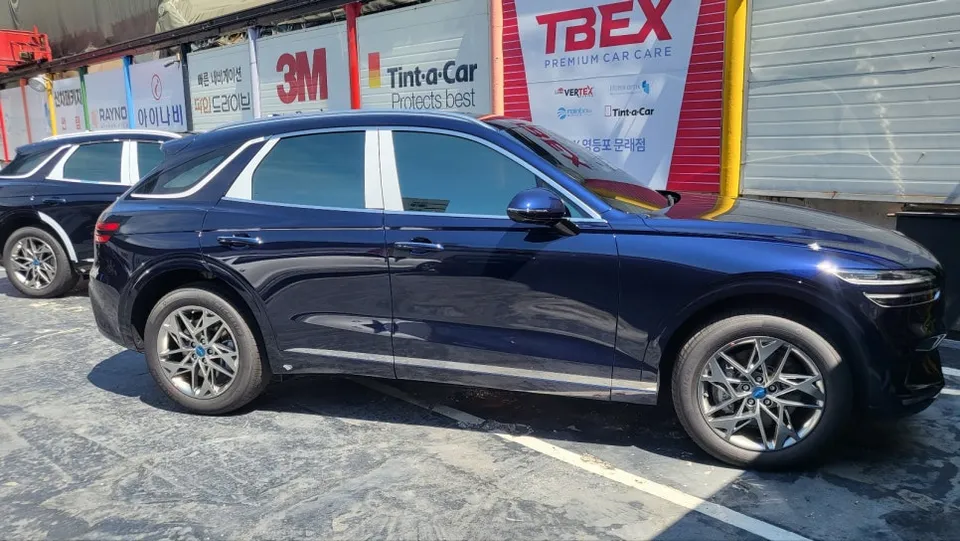
QXD8000 dash cam installation for Genesis GV70. Professional service ensures continuous recording and enhanced safety.
Expert Dash Cam Installation for Your Genesis GV70
Ensuring your Genesis GV70 is equipped with a reliable dash cam is crucial for safety and peace of mind. This review focuses on the professional installation of the QXD8000 Smart Edition dash cam with the QXD-specific auxiliary battery, often referred to as the Q Edition, for the Genesis GV70. This comprehensive package provides continuous recording capabilities, even when the vehicle is parked, offering an added layer of security against accidents and theft. The installation process is meticulous, ensuring that all components are seamlessly integrated into your vehicle's electrical system without compromising its original functionality. The QXD8000 is known for its high-definition recording, wide viewing angles, and advanced features like G-sensor impact detection and parking mode monitoring. The accompanying auxiliary battery ensures that the dash cam can operate for extended periods without draining the car's main battery, a vital feature for comprehensive surveillance.
Installation Process and Notable Details
The professional installation of a dash cam system like the QXD8000 on a Genesis GV70 involves several key steps to ensure optimal performance and a clean aesthetic. Technicians carefully route wiring to be hidden from view, typically along the A-pillar and headliner, connecting the dash cam to both the vehicle's power source and the auxiliary battery. The auxiliary battery is usually discreetly placed, often under the dashboard or in a similar concealed location. The process prioritizes the preservation of your vehicle's interior and electrical integrity. The QXD8000 Smart Edition offers features such as Full HD recording, advanced night vision, and Wi-Fi connectivity for easy access to footage via a smartphone app. The specific "Q Edition" often implies a bundled package tailored for extended parking mode recording, making it ideal for drivers who want continuous protection.
Installation process:
- Component Placement: The dash cam unit is mounted near the rearview mirror for an unobstructed view, and the auxiliary battery is secured in a hidden location.
- Wiring Integration: Power and ground wires are carefully routed and connected to the vehicle's fuse box, often using a fuse tap for a clean connection.
- Parking Mode Setup: The system is configured to activate parking mode, utilizing the auxiliary battery for continuous recording when the ignition is off.
- Testing and Finalization: All functions are tested, including recording, playback, and Wi-Fi connectivity, ensuring the system operates flawlessly.
This setup not only enhances your vehicle's safety features but also provides valuable evidence in case of an incident. The integration of the QXD8000 with its dedicated battery ensures that you benefit from uninterrupted recording, offering a robust solution for documenting your drives and protecting your Genesis GV70.
Frequently Asked Questions
Q. How much does dash cam installation cost for a Genesis GV70?
The specific cost for the QXD8000 Smart Edition with auxiliary battery on a Genesis GV70 in Korea was part of a package, with typical professional dash cam installations in the US ranging from $150 to $400 depending on the system and complexity.
Q. How long does dash cam installation take on a Genesis GV70?
Professional dash cam installation typically takes between 1 to 3 hours, ensuring all wiring is neatly managed and the system is fully functional. Regular maintenance involves checking the lens for cleanliness and ensuring firmware is up-to-date.
Q. Is a hardwired dash cam worth it over a self-install for a Genesis GV70?
A hardwired dash cam is highly recommended for a Genesis GV70 to enable parking mode recording without draining the car battery. Professional installation ensures a clean, safe, and reliable setup that maximizes the value of the dash cam's features.
Q. How is a dash cam professionally installed on a Genesis GV70?
1. The dash cam is mounted near the rearview mirror, and the auxiliary battery is concealed. 2. Wiring is discreetly routed through the A-pillar and headliner, connecting to the vehicle's fuse box for power. 3. The system is configured for parking mode, and all functions are tested before completion.
Q. What is the difference between a 1-channel and 2-channel dash cam for a Genesis GV70?
A 1-channel dash cam records only the front view, while a 2-channel system records both front and rear views, offering more comprehensive coverage. For maximum protection on a Genesis GV70, a 2-channel system is generally recommended.
OhCar Partner Shop