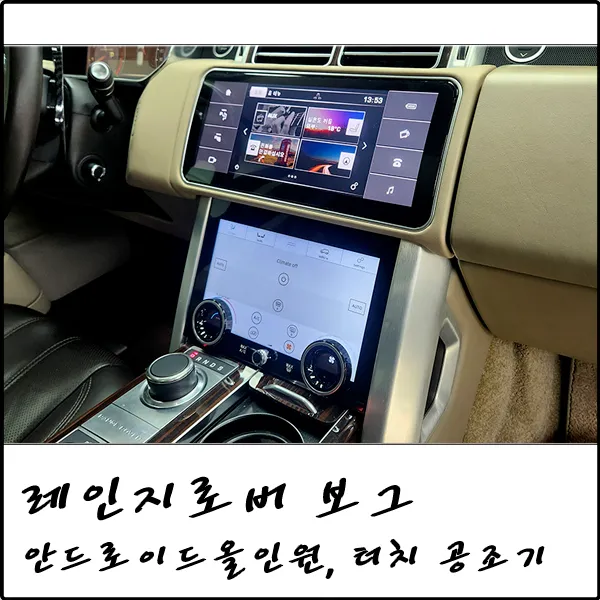
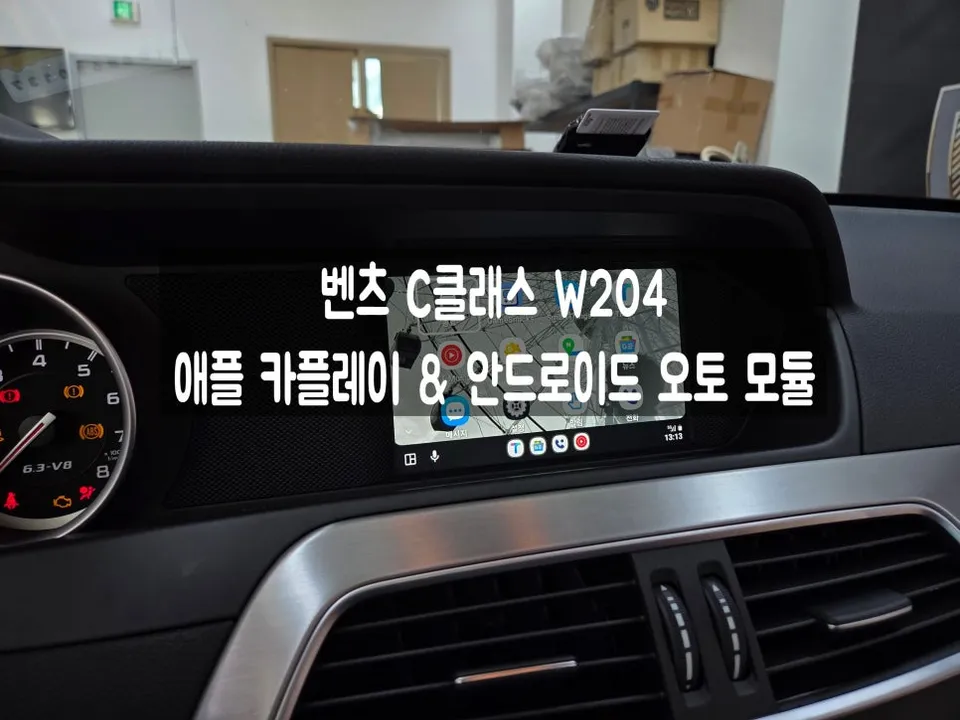
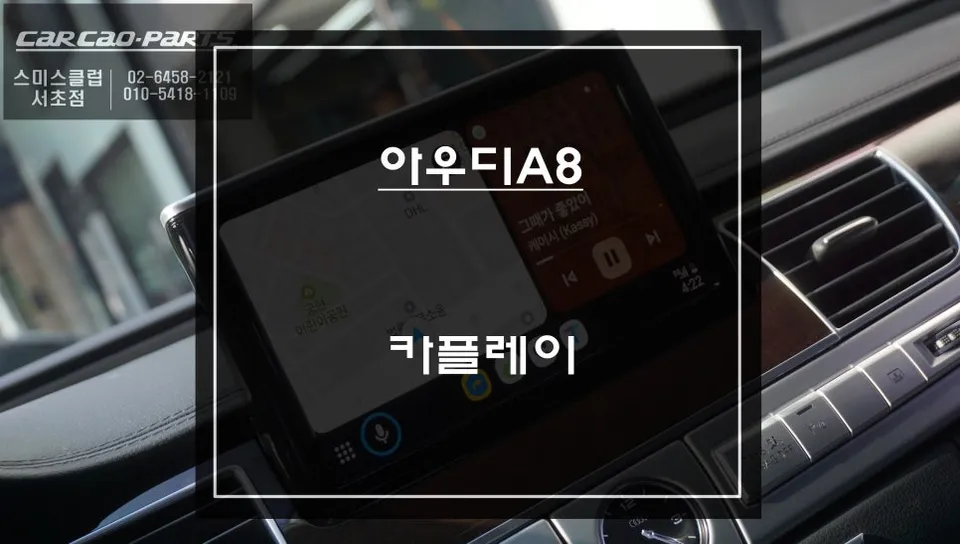
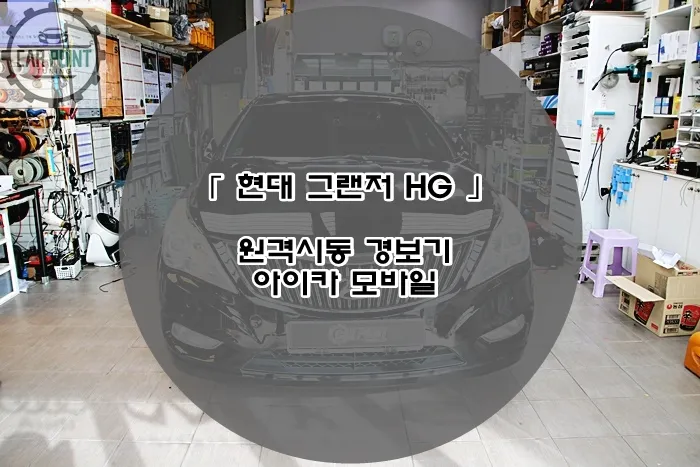
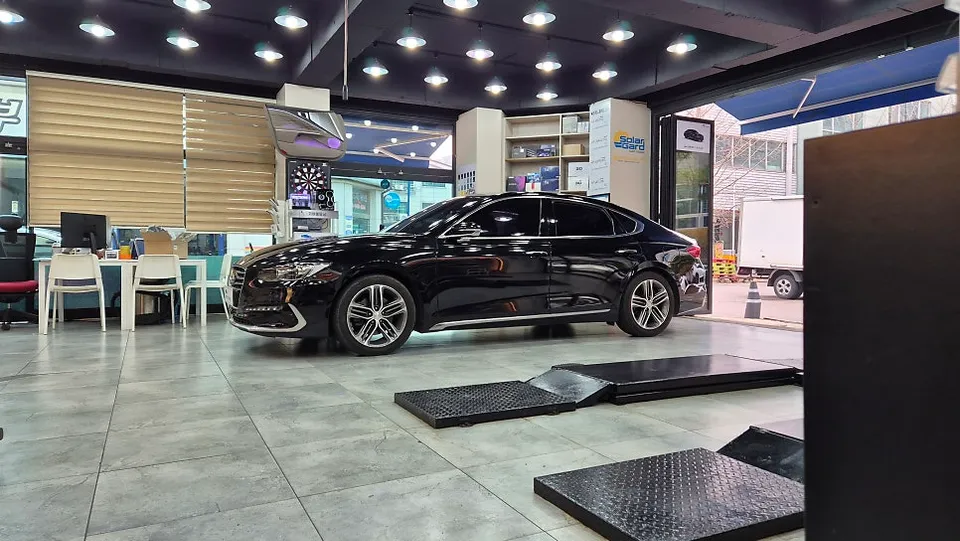
Hyundai Grandeur GN7 Android Head Unit Review — Seamless Integrat
Service Price
$150+
Estimated price · Actual price may vary by shop
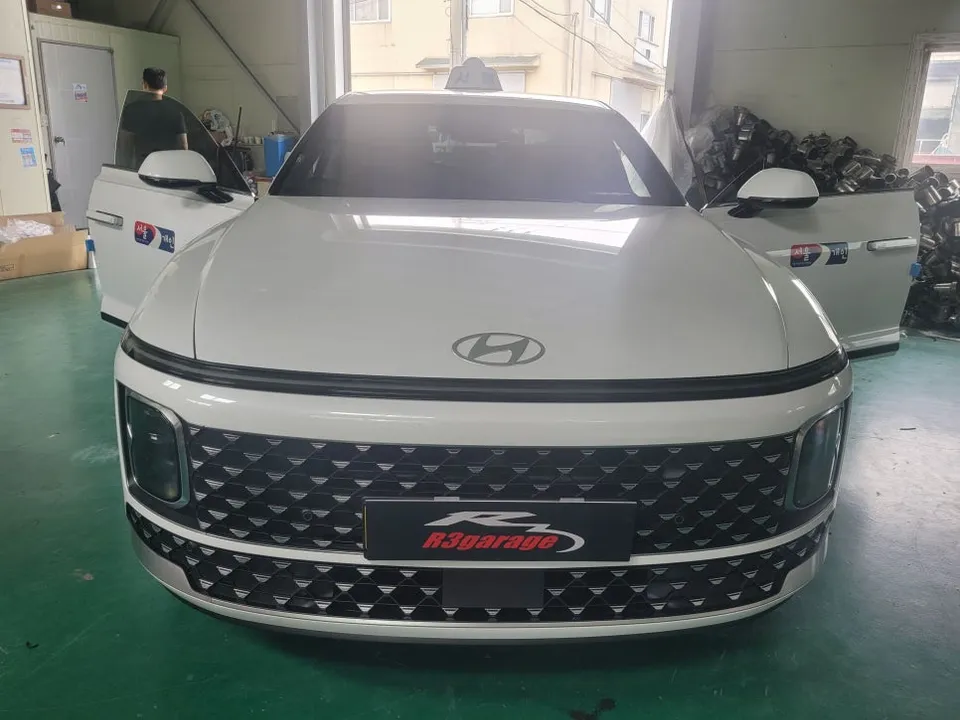
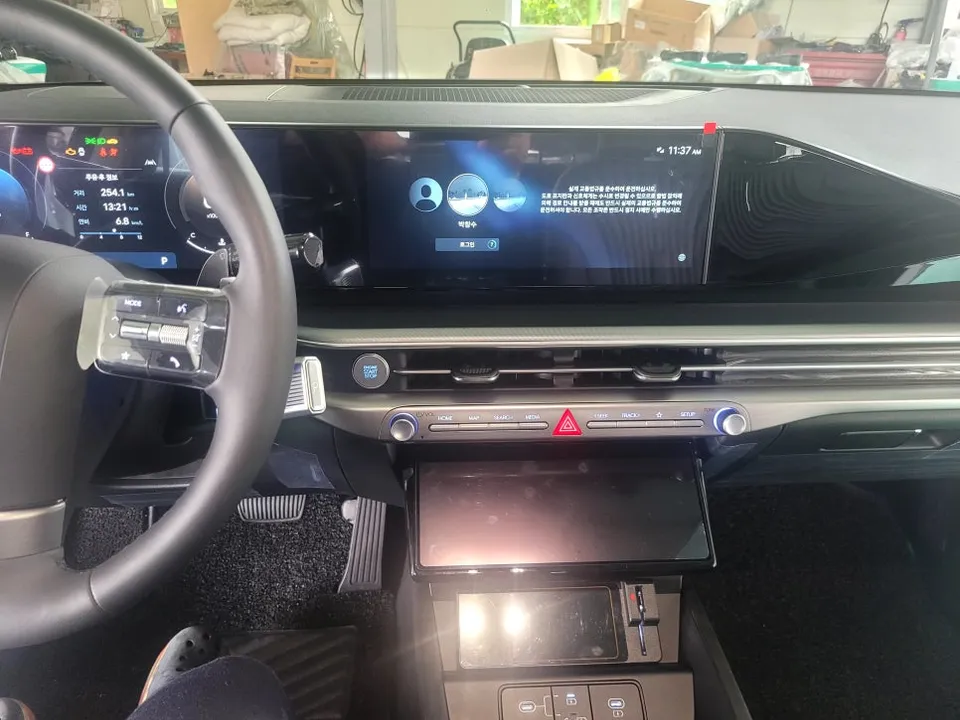
Hyundai Grandeur GN7 Android Head Unit installation for seamless smartphone integration. Enjoy apps like KakaoCall and YouTube on your factory navigat
Why Your Hyundai Grandeur GN7 Needs Android Head Unit Integration
For many Hyundai Grandeur GN7 owners, especially those using their vehicles for ride-sharing like personal taxis, the factory navigation system, while capable, often lacks direct integration with essential apps. Modern taxi drivers rely heavily on navigation apps such as KakaoCall and UT Call, alongside streaming services like Netflix and YouTube. The factory system typically operates independently, necessitating a solution to mirror smartphone content onto the car's display. This is where Android Head Unit integration, often referred to as Dex mirroring or smartphone mirroring, becomes crucial. It allows for the seamless display and control of your phone's interface directly through the car's native navigation screen.
Grandeur GN7 Android Head Unit Installation Process
Integrating an Android Head Unit system into a Hyundai Grandeur GN7 involves precise wiring and connection to the vehicle's internal communication network. The process begins with identifying and tapping into the vehicle's CAN signal, which is vital for enabling touch control of the mirrored smartphone interface on the factory navigation screen. A critical point of access for this signal is often found near the hazard light connector. Careful disconnection and tracing of wires from this connector are essential to ensure proper communication between the head unit and the car's systems.
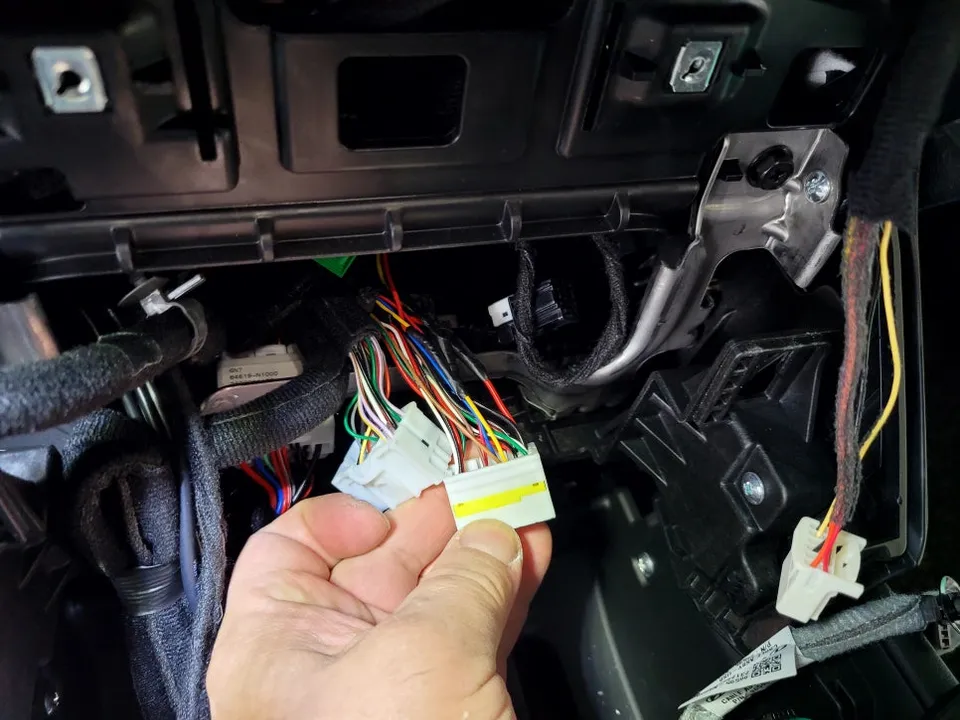
The wiring itself requires meticulous attention to detail. Video signal cables must be correctly routed as input and output to avoid display issues or non-functional touch controls. All connections are then carefully organized and secured within the dashboard, paying close attention to confined spaces like the area below the climate controls to prevent any pinching or interference with other components. A thorough double-check of all connections, known as 'dandolrimjil' in Korean, is performed before final assembly to prevent future troubleshooting requiring dashboard disassembly.
Installation process: 1. Locate and access the hazard light connector to tap into the vehicle's CAN signal. 2. Carefully connect the video input/output and touch signal wires to the interface module. 3. Route and secure all wiring neatly behind the dashboard, ensuring no interference. 4. Connect the interface module to the factory head unit and test functionality before final assembly.
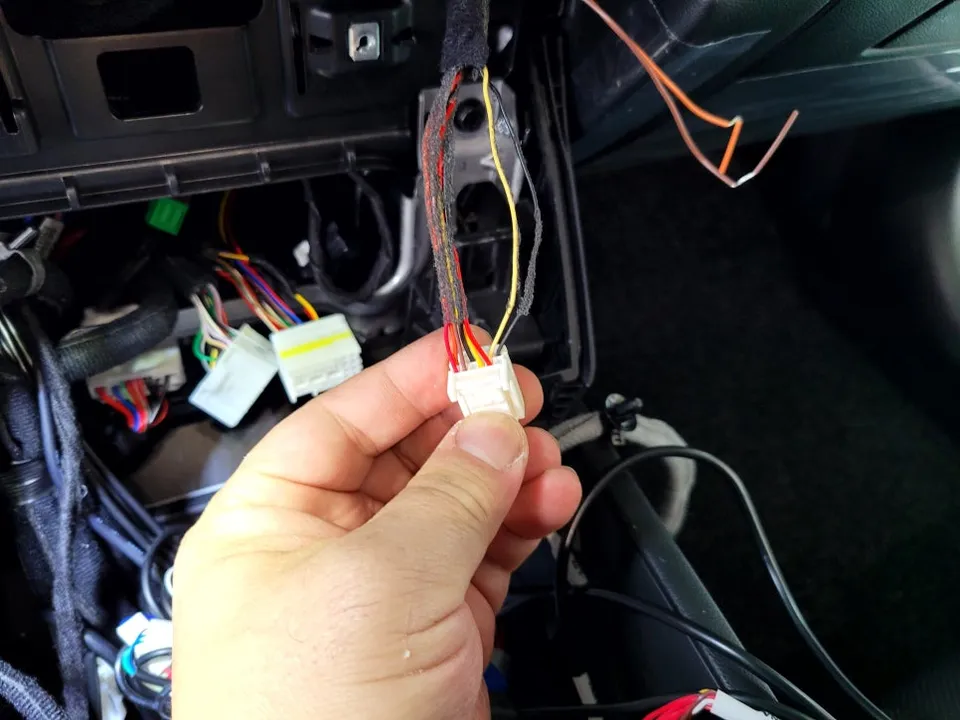
Testing and Results: Seamless App Integration
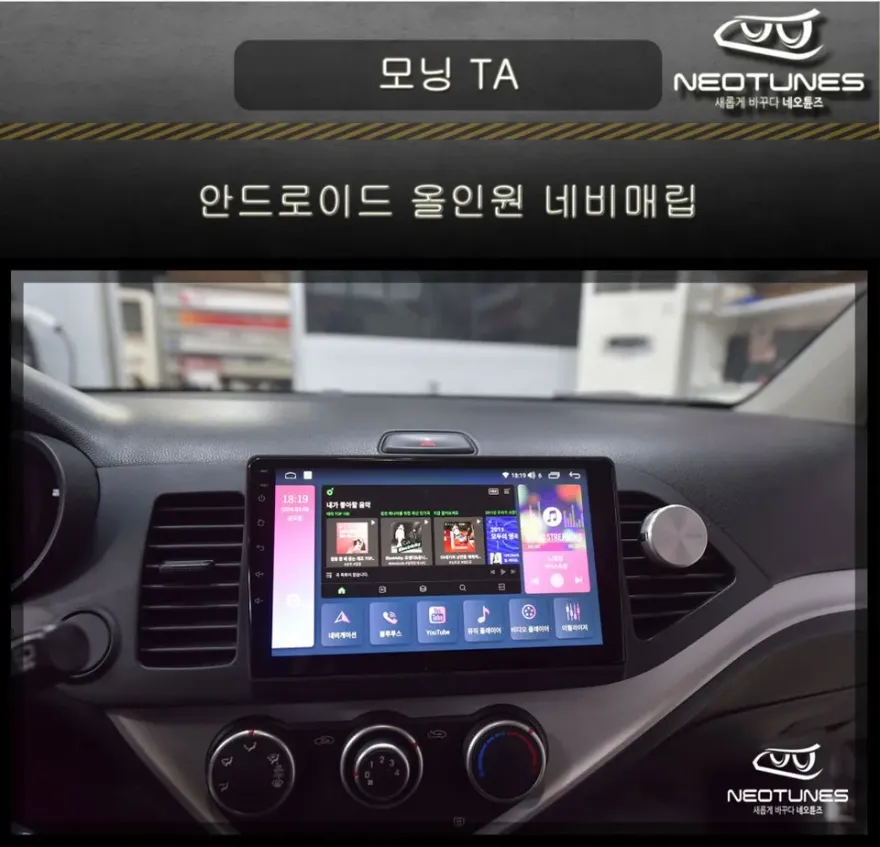
Before the dashboard is fully reassembled, a crucial testing phase commences. The head unit interface is connected, and the navigation screen is powered on to verify video output. Once confirmed, touch functionality is tested independently. This ensures that the driver can interact with the mirrored apps directly from the Grandeur GN7's touchscreen. With the system confirmed to be working correctly, applications like KakaoCall and UT Call are launched. The interface displays flawlessly, allowing taxi drivers to accept or reject calls directly from the navigation screen. Furthermore, streaming services such as Netflix and YouTube can also be accessed and viewed, transforming the factory navigation into a versatile multimedia hub.
Frequently Asked Questions
Q. How much does Android Head Unit cost for a Hyundai Grandeur GN7?
The cost for Android Head Unit integration on a Hyundai Grandeur GN7 in Korea typically ranges from 300,000 to 500,000 Korean Won. In the US, similar aftermarket head unit installations can range from $300 to $800 depending on the complexity and features.
Q. How long does Android Head Unit last on a Hyundai Grandeur GN7?
The longevity of an Android Head Unit installation is generally comparable to the lifespan of the vehicle's electronics, often lasting many years with proper installation. Regular software updates and avoiding physical damage to the unit can help maintain its performance over time.
Q. Is Android Head Unit worth it for a Hyundai Grandeur GN7?
Android Head Unit integration is highly beneficial for Hyundai Grandeur GN7 owners who want to use navigation and streaming apps directly on their factory screen, especially ride-sharing drivers. It significantly enhances the vehicle's functionality and convenience by bridging the gap between smartphone apps and the car's infotainment system.
Q. How is Android Head Unit done on a Hyundai Grandeur GN7?
Installation involves tapping into the vehicle's CAN signal, typically near the hazard light connector, to enable touch control. Wiring is then meticulously connected for video and touch signals to an interface module, which is integrated with the factory head unit. Finally, all connections are tested before the dashboard is reassembled.
Q. What is the best Android Head Unit option for a Hyundai Grandeur GN7?
The best option is often a system that seamlessly integrates with the factory navigation and touch controls, like the Dex mirroring solutions discussed. This approach leverages the existing screen and controls, offering a more integrated and user-friendly experience compared to replacing the entire head unit.
OhCar Partner Shop