Hyundai Sonata LF Android Head Unit Upgrade Review
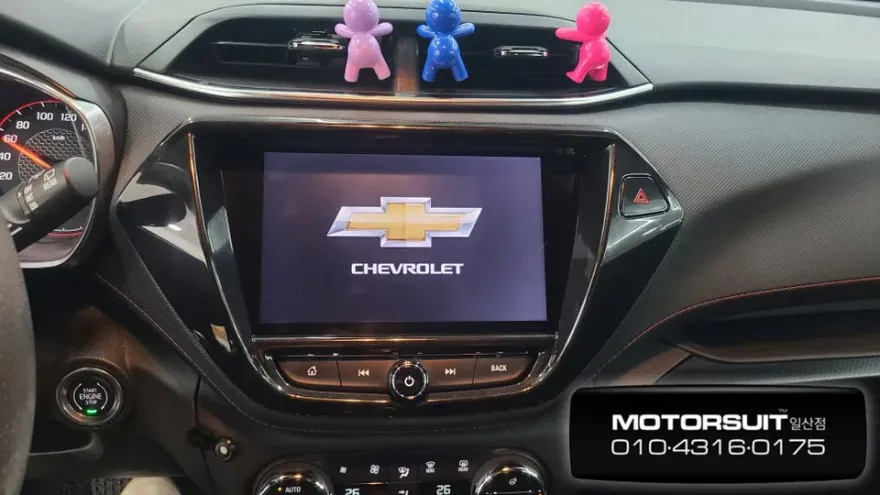
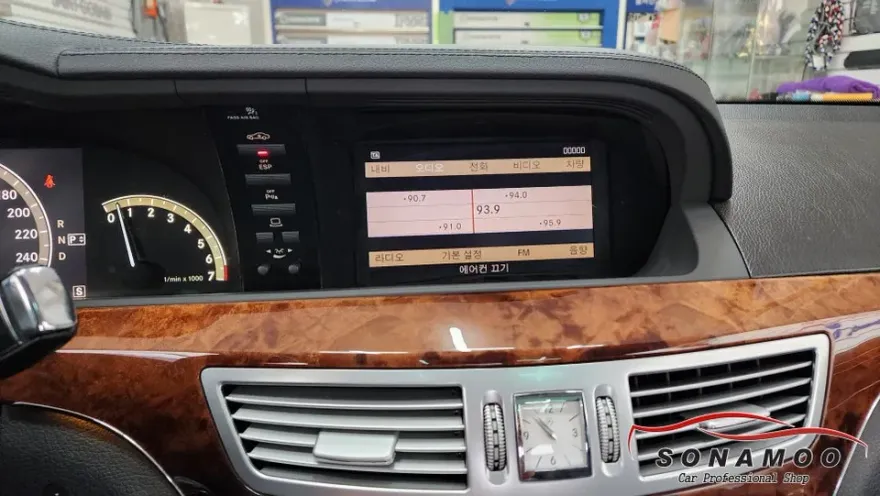
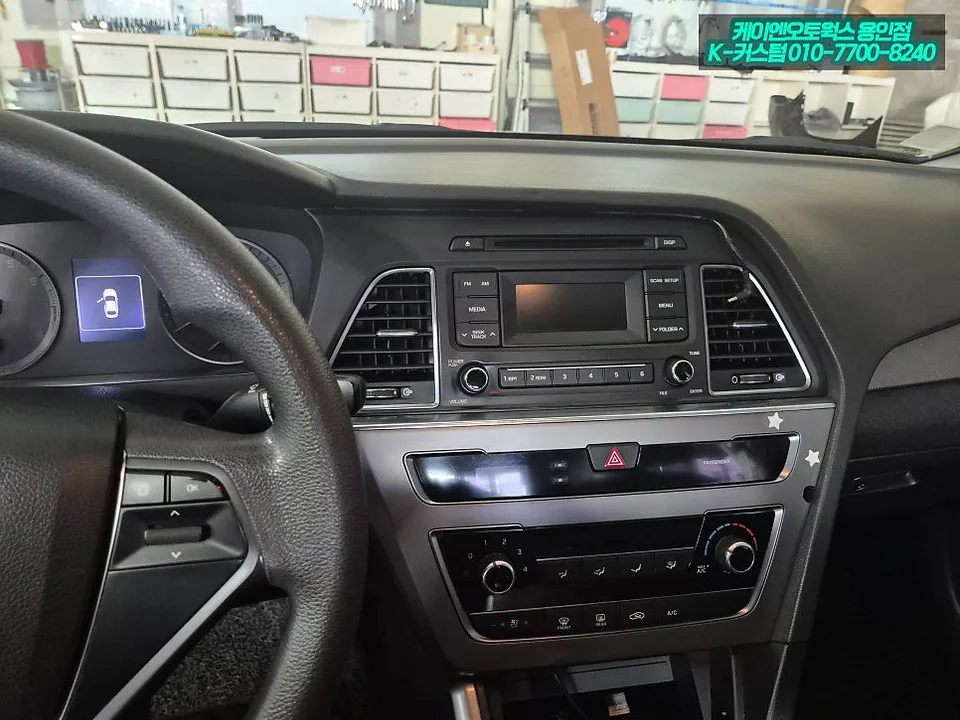
Before
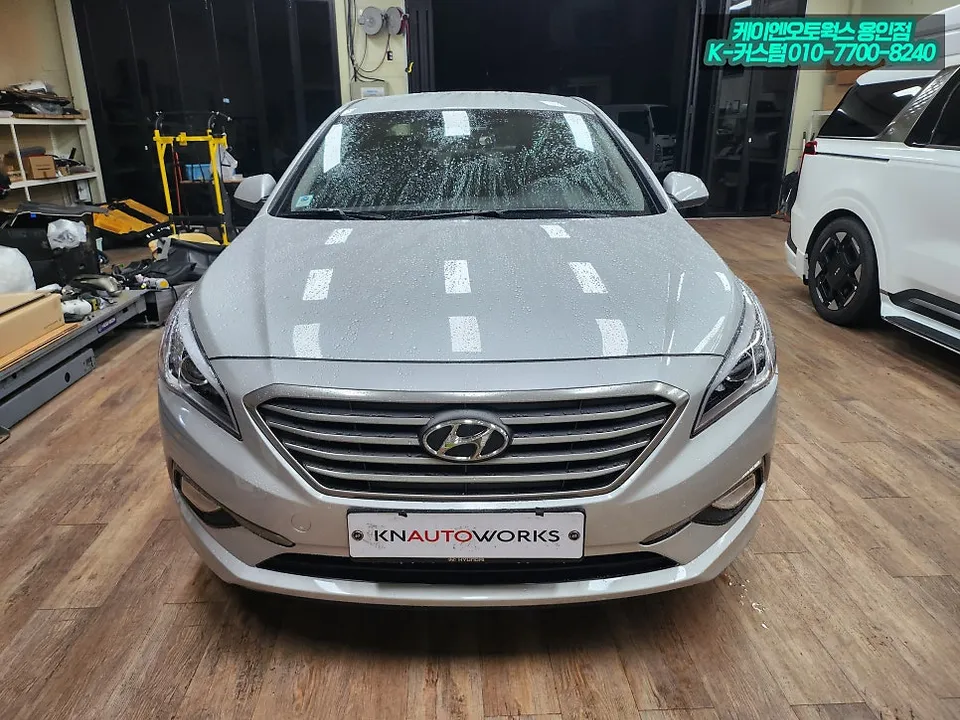
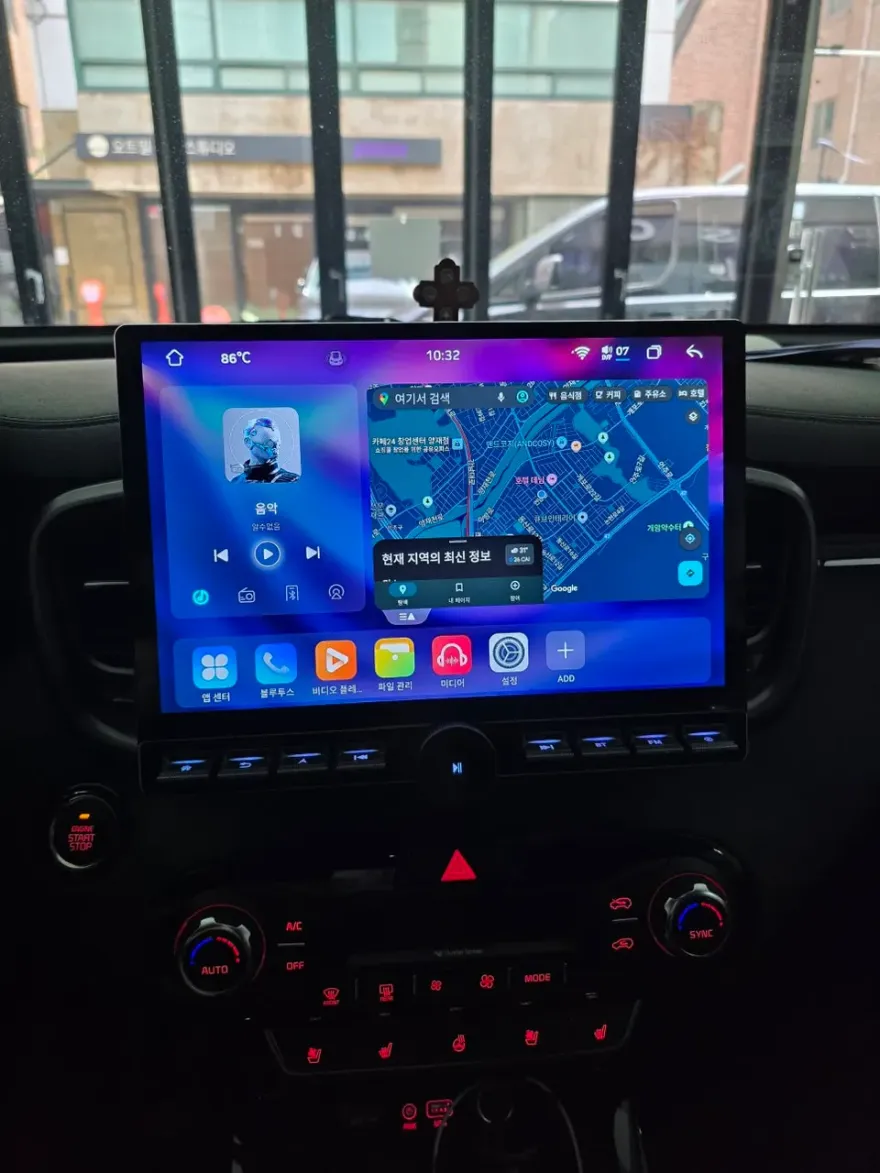
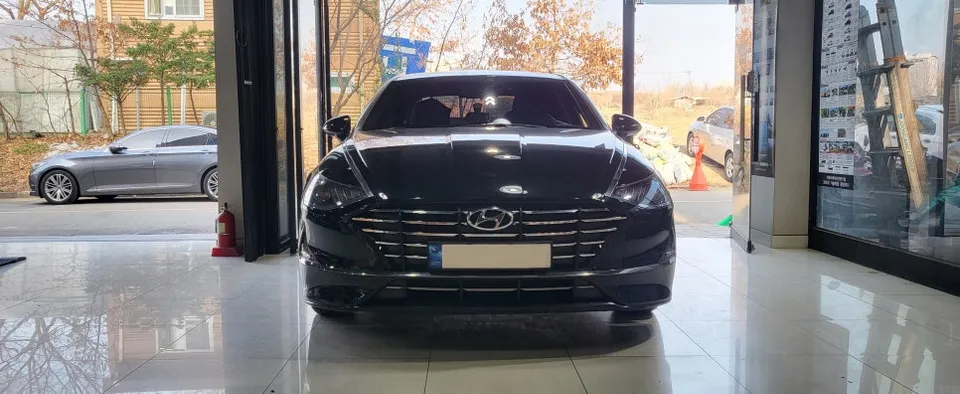
After
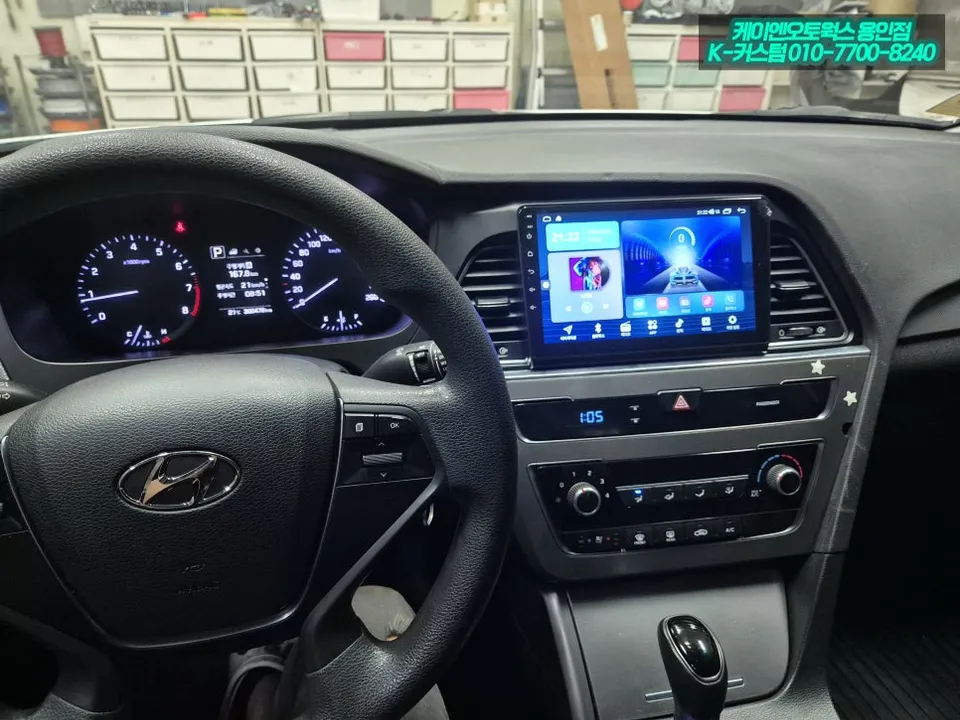
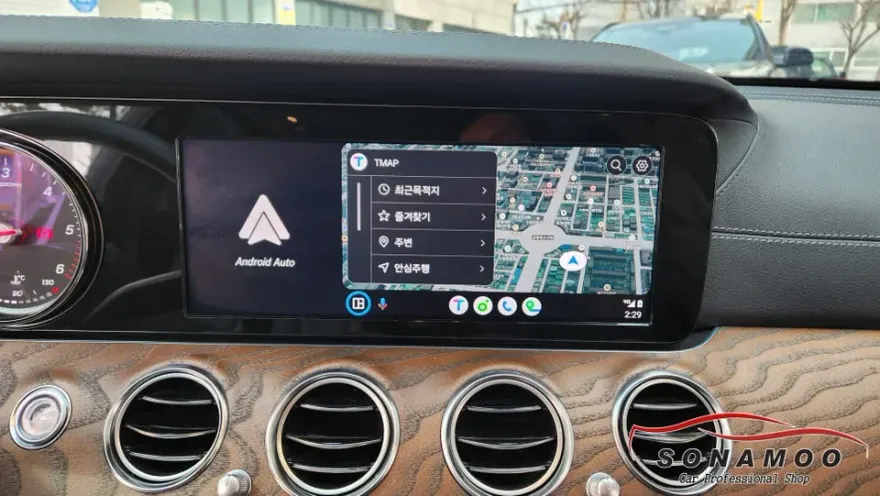
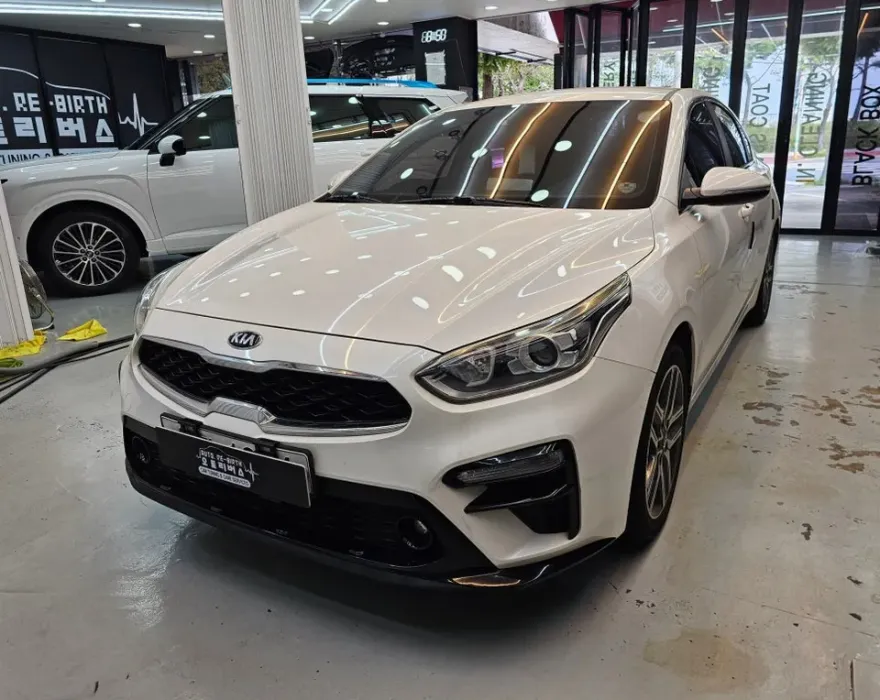
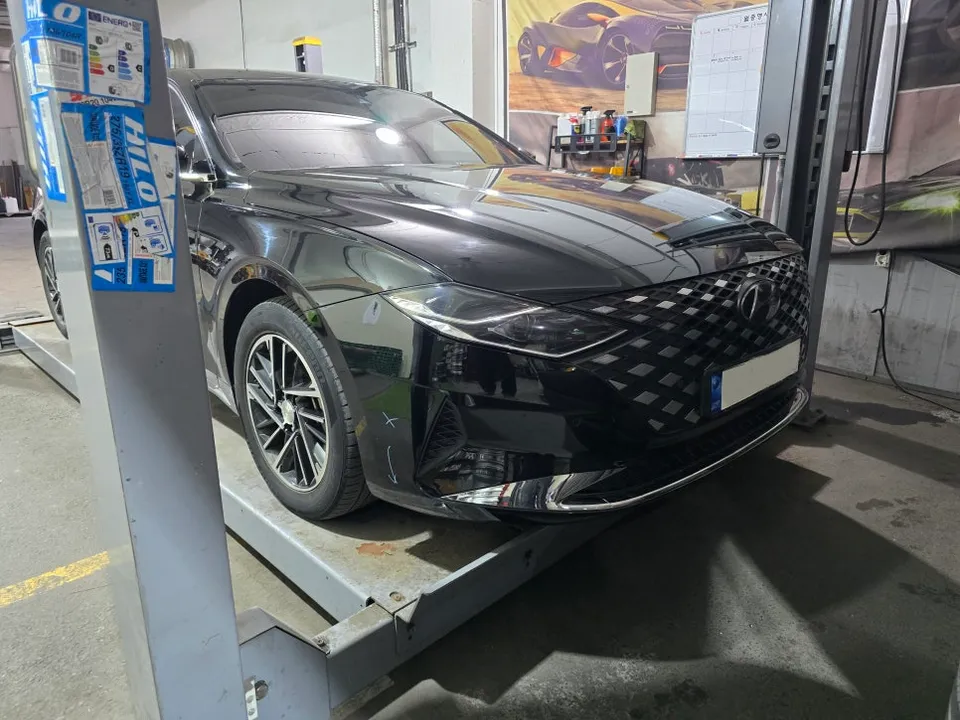
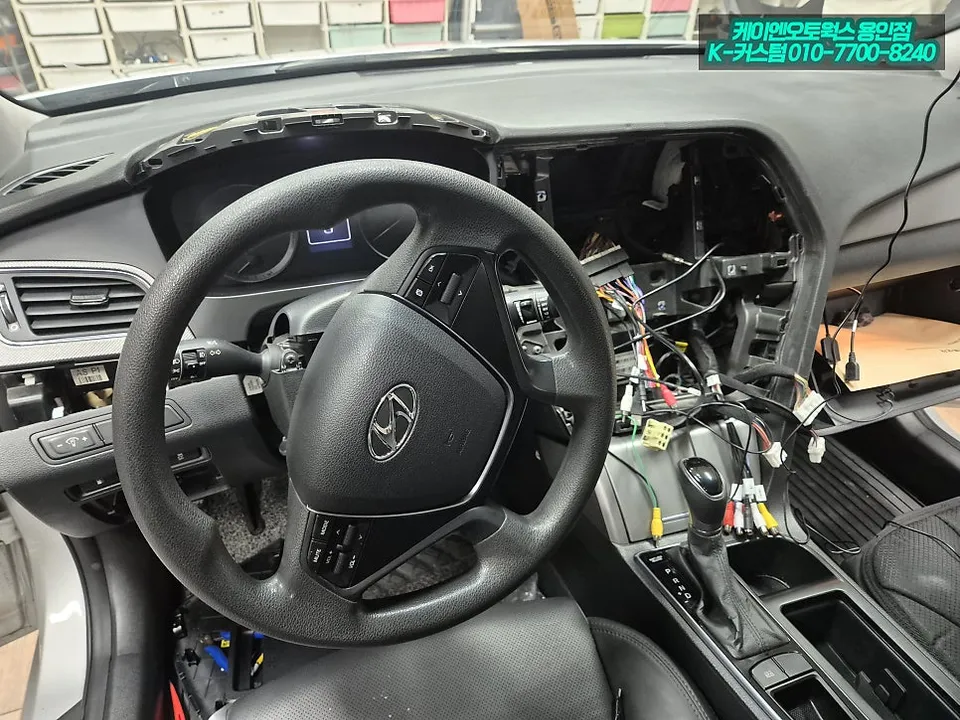
Process photos
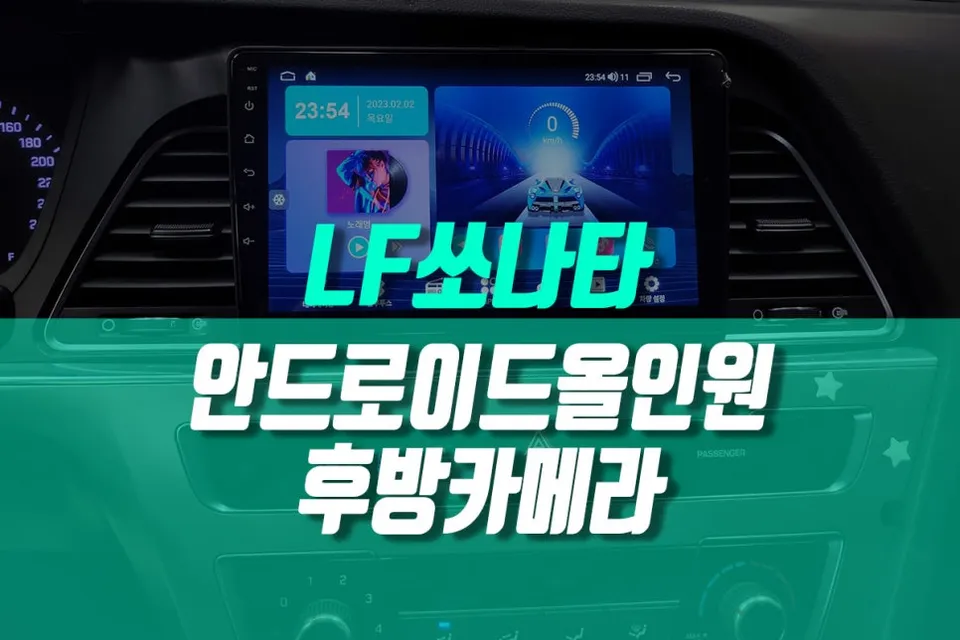
Android Head Unit upgrade for Hyundai Sonata LF: Enhances infotainment with navigation, apps, and reverse camera. Seamless integration.
Transform Your Hyundai Sonata LF with an Android Head Unit
The Hyundai Sonata LF, especially those previously used as taxis, can significantly benefit from a modern infotainment upgrade. This review focuses on the installation and benefits of an Android Head Unit, a popular choice for enhancing the driving experience. This upgrade replaces the stock console tray with a sleek, integrated Android system, offering a host of new features.
Key Features and Installation Process
The Android Head Unit brings smartphone-like functionality to your car's dashboard. Expect features such as GPS navigation, Bluetooth connectivity for hands-free calls and music streaming, access to various apps via the Google Play Store, and often, a high-resolution touchscreen display. For the Hyundai Sonata LF, this upgrade often involves replacing the original console tray to accommodate the larger screen and new unit.
Installation process:
- Carefully remove the original console tray and surrounding trim pieces.
- Connect the wiring harness of the new Android Head Unit to the vehicle's existing connectors.
- Mount the new Android Head Unit into the prepared console space.
- Reassemble any removed trim pieces and test all functions.
The integration is designed to be seamless, often providing a factory-fitted look. The included reverse camera functionality is a significant safety and convenience improvement, offering clear visibility when parking or maneuvering in tight spaces.
Performance and User Experience
Users report a vastly improved user experience compared to the original system. The responsiveness of the touchscreen, the clarity of the display, and the sheer versatility of having an Android operating system at your fingertips are major advantages. Whether you're using navigation apps like Google Maps or Waze, streaming music from Spotify, or utilizing other car-specific applications, the Android Head Unit provides a fluid and enjoyable interface. The upgrade is particularly appealing for those looking to modernize their vehicle's interior and add contemporary tech features without compromising on aesthetics.
Frequently Asked Questions
Q. How much does an Android Head Unit installation cost for a Hyundai Sonata LF?
The cost for this specific Android Head Unit installation for a Hyundai Sonata LF, as seen in the review, is not explicitly stated in Korean Won. Typical US installations for similar units can range from $300 to $1000 depending on the unit's features and complexity.
Q. How long does an Android Head Unit installation take on a Hyundai Sonata LF?
The installation process for an Android Head Unit typically takes 2-4 hours. Proper maintenance involves keeping the software updated and ensuring connections remain secure for long-term performance.
Q. Is an Android Head Unit worth it for a Hyundai Sonata LF?
An Android Head Unit is highly recommended for Sonata LF owners seeking modern infotainment features and improved usability. It offers significant value by modernizing the car's technology and enhancing the driving experience.
Q. How is an Android Head Unit installed in a Hyundai Sonata LF?
Installation involves removing the original console tray, connecting the new unit's wiring harness, mounting the Android Head Unit into the console, and reassembling trim. Finally, all functions are tested.
Q. What is the difference between an Android Head Unit and the stock system in a Hyundai Sonata LF?
The Android Head Unit offers a modern touchscreen interface with access to apps, navigation, and enhanced connectivity, unlike the limited functionality of the stock system. It's a significant upgrade for infotainment and user experience.
OhCar Partner Shop