Hyundai Venue Android Head Unit Review: Cost & Results
Service Price
$approx. $1,500+
Estimated price · Actual price may vary by shop
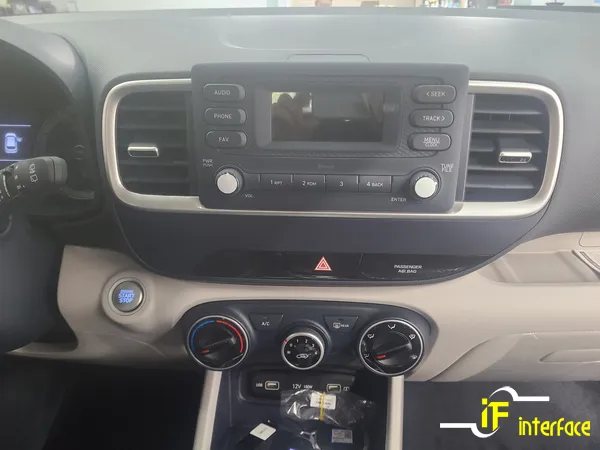
Before
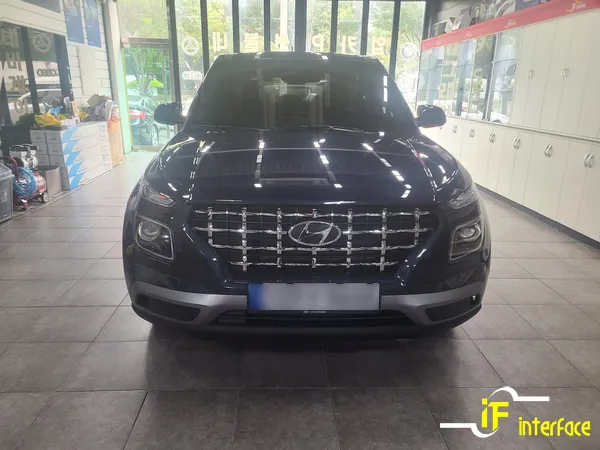
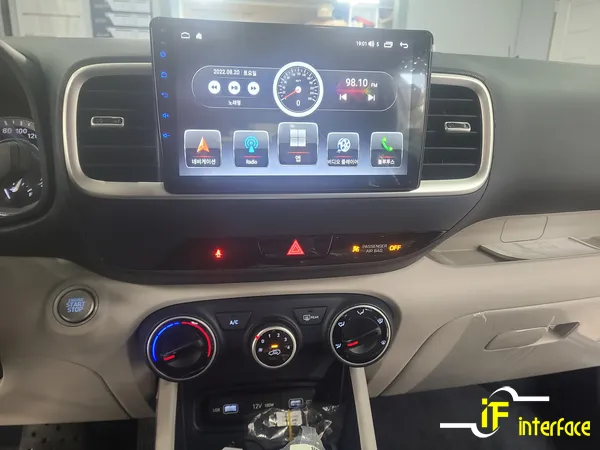
After
Process photos

Hyundai Venue Android head unit & backup camera install: Approx. $1320-$2170 USD. Adds navigation, apps, and parking safety.
Is an Android Head Unit Upgrade Necessary for Your Hyundai Venue?
Many Hyundai Venue owners opt out of the built-in navigation system to save costs, but this can leave the infotainment experience feeling basic. While the Venue is a popular compact SUV, its standard audio system lacks the convenience features many drivers expect. The absence of a backup camera, in particular, can make parking a source of anxiety, especially for newer drivers or those less confident behind the wheel. This review details how an Android head unit and backup camera installation can resolve these issues, transforming the driving experience.
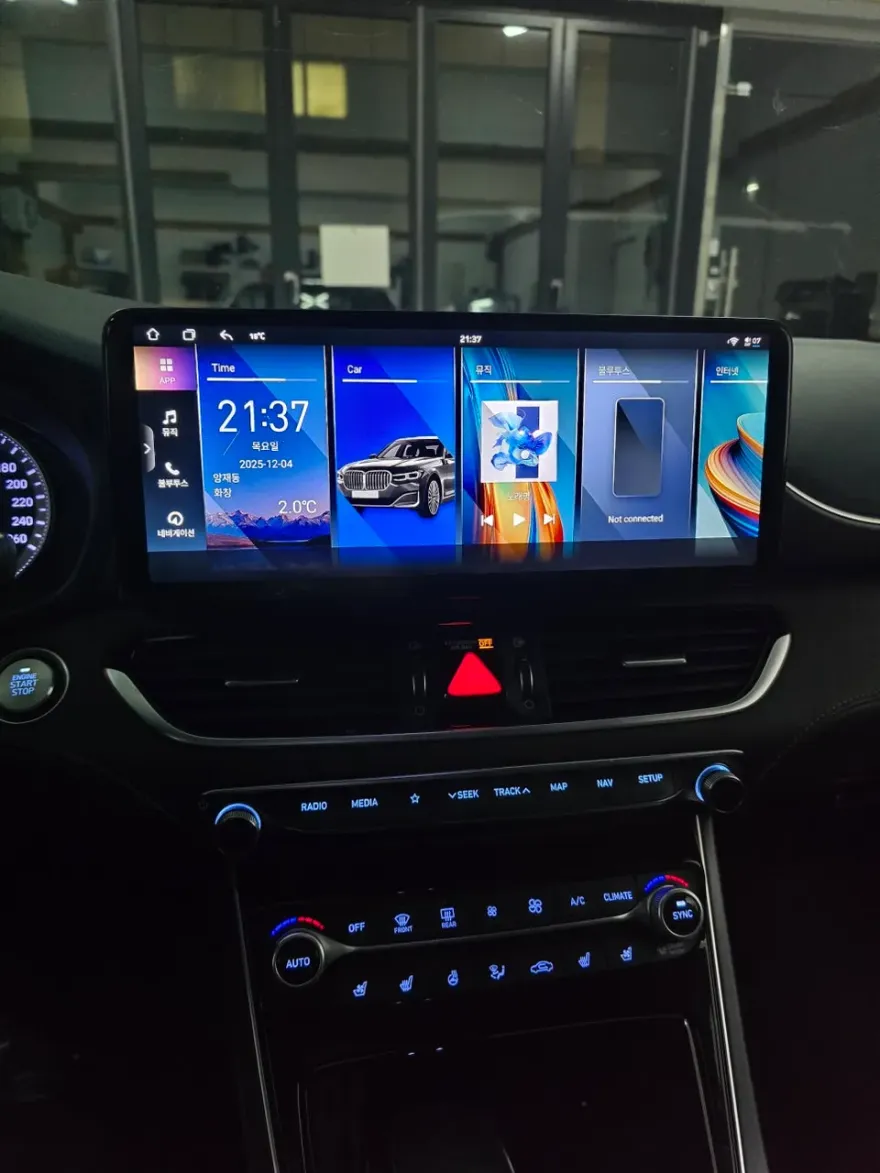
An Android All-in-One (AIO) unit is far more than just a navigation device. It functions like a tablet, allowing you to download Android apps directly from the Google Play Store. This means you can seamlessly use navigation apps like T Map or Kakao Navi, stream content from YouTube or Netflix, and access a world of entertainment and utility, all on your car's main display. We'll walk through the installation process and showcase the capabilities of this significant infotainment upgrade for the Hyundai Venue.
■ Installation Specifications Summary
Vehicle: Hyundai Venue (Base Audio System)
Primary Installation: 9-inch Android All-in-One Unit + Backup Camera Integration
Product Featured: Canaro Android All-in-One Unit
Estimated Installation Time: Approximately 4-5 hours (Unit installation + Camera integration)
Estimated Cost: Android All-in-One Unit: ₩1,500,000 - ₩2,500,000 (approx. $1100 - $1850 USD); Backup Camera: ₩300,000 - ₩500,000 (approx. $220 - $370 USD). Costs vary based on vehicle model, product grade, and installation scope.
Expected Lifespan: Over 5 years with normal use and no specific maintenance.
The Hyundai Venue's Limitations Without an Upgraded Infotainment System
The base audio system in the Venue typically only displays basic driving information like mileage and time. Without navigation, drivers are forced to rely on smartphone mounts, which can obstruct vision and pose a safety risk when trying to interact with the device. This setup is far from ideal for modern driving needs.
The lack of a factory-installed backup camera is a more significant drawback. Relying solely on mirrors during parking increases the risk of blind spot accidents. For many, especially less experienced drivers, this creates considerable stress. Installing an Android All-in-One unit with integrated backup camera functionality is the most practical solution to address both the navigation and safety concerns simultaneously.
Installation Process:
- Remove Stock Audio Unit: The process begins with carefully removing the original audio system from the Venue's center dashboard. Technicians meticulously trace existing wiring to avoid any impact on the vehicle's electrical systems before connecting the power and audio signal wires for the new Android unit.
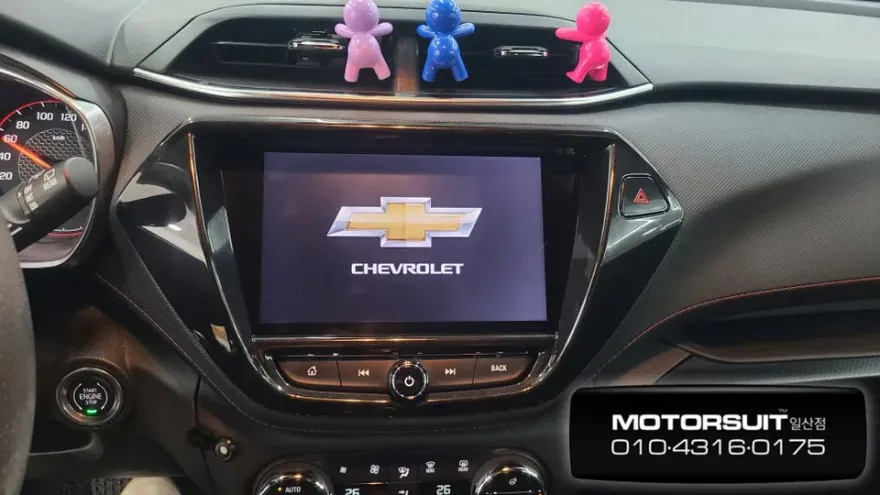
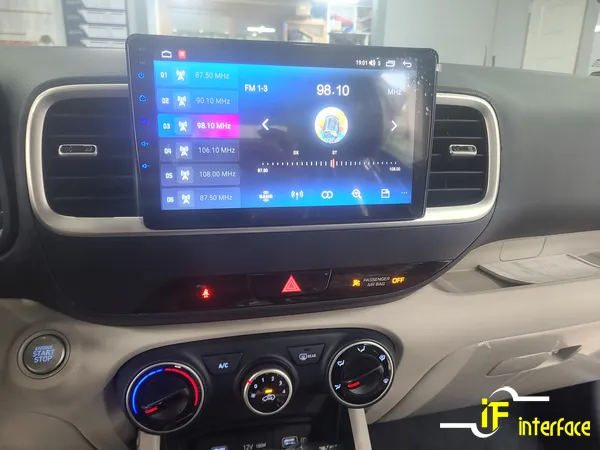
- Install New Head Unit: Using a custom-fit bezel for the Venue, the new 9-inch Android All-in-One unit is installed. This not only provides a modern, expansive display but also maintains a factory-like appearance. This stage typically takes about 2 hours.
- Initial Setup and App Integration: After powering on, the Android OS home screen appears. Logging into your Google account is essential to access the Google Play Store, allowing you to download familiar apps like T Map, Kakao Navi, or Google Maps.
- Connect Backup Camera: Wiring for the backup camera is run from the trunk to the center console, often concealed along the headliner and door frames to maintain a clean aesthetic and prevent damage.
- Configure and Test: The backup camera signal is connected to the Android unit's video input. The system is configured so that engaging reverse gear automatically displays the camera feed, typically featuring a wide 170-degree view to minimize blind spots. This final stage takes around 1.5 hours.
Post-Installation: Enhanced Functionality and User Experience
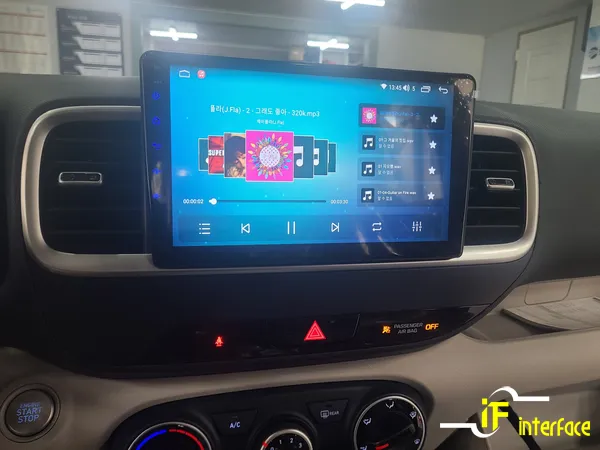
Once logged into your Google account, you can download your preferred navigation apps. If you use T Map on your smartphone, logging in with the same account syncs your favorites, recent destinations, and driving habits, making the transition seamless. Standard media functions like radio, USB playback, and Bluetooth connectivity are also fully operational.
The integrated backup camera significantly enhances parking safety. The 170-degree wide-angle lens provides a comprehensive view of the area behind the vehicle, drastically reducing blind spots and making parking maneuvers much easier and safer. The entire installation, including the backup camera, is completed within approximately 4-5 hours.
For owners seeking to significantly improve their Hyundai Venue's infotainment and safety features, an Android All-in-One unit with a backup camera offers a comprehensive and modern solution. It addresses the shortcomings of the base audio system, providing a richer, safer, and more enjoyable driving experience.
Frequently Asked Questions
Q. What is the cost to install an Android head unit and backup camera in a Hyundai Venue?
In Korea, the estimated cost for an Android All-in-One unit ranges from ₩1,500,000 to ₩2,500,000 (approx. $1100-$1850 USD), with backup cameras adding another ₩300,000 to ₩500,000 (approx. $220-$370 USD). Actual prices can vary based on the specific unit and installation details.
Q. How durable is an Android head unit installation in a Hyundai Venue?
With proper installation and no specific maintenance, an Android head unit is expected to function normally for over 5 years. To ensure longevity, avoid exposing the unit to extreme temperatures or excessive moisture.
Q. Is an Android head unit upgrade worth it for a Hyundai Venue?
An Android head unit upgrade is highly recommended for Hyundai Venue owners who find the base audio system lacking in navigation and safety features. It provides a modern, integrated solution for navigation, entertainment, and parking assistance, significantly enhancing the daily driving experience.
Q. How is an Android head unit and backup camera installed in a Hyundai Venue?
Installation involves removing the stock audio unit, connecting the new Android unit with a custom bezel, setting up the Android OS and Google account, running wiring for the backup camera from the trunk, and configuring the system to display the camera feed when in reverse.
Q. What's the difference between an Android head unit and the stock system for a Hyundai Venue?
The stock system offers basic audio playback, while an Android head unit provides a full Android OS experience, enabling navigation apps, streaming services, and smartphone-like functionality on a larger display. An Android unit also allows for seamless integration of a backup camera, which is often absent in base models.
OhCar Partner Shop