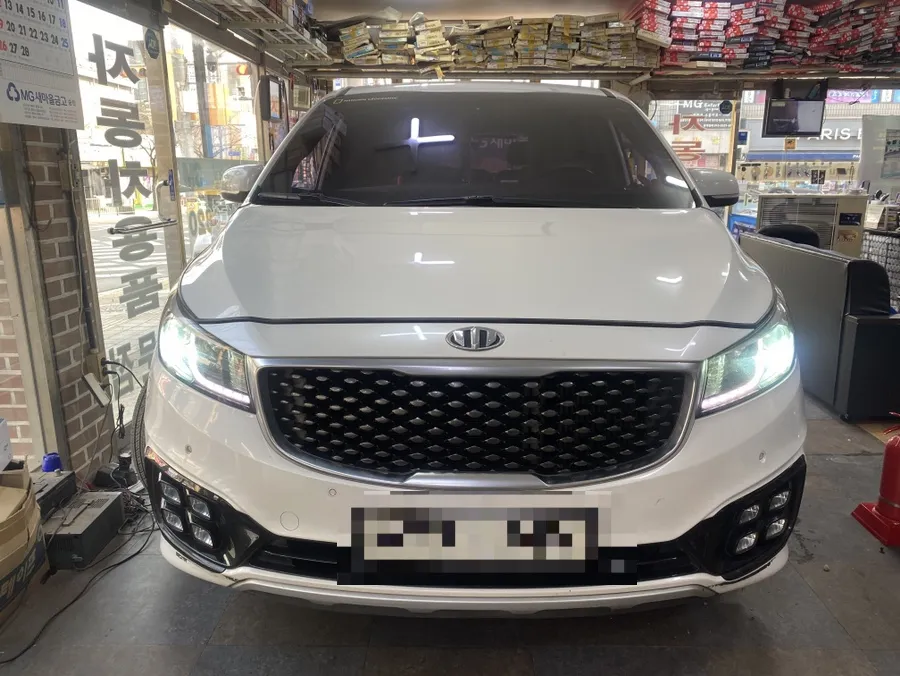
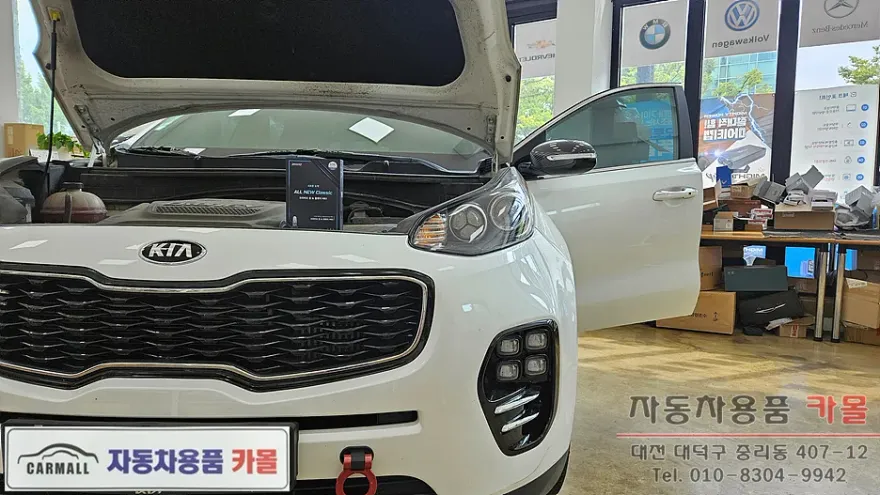
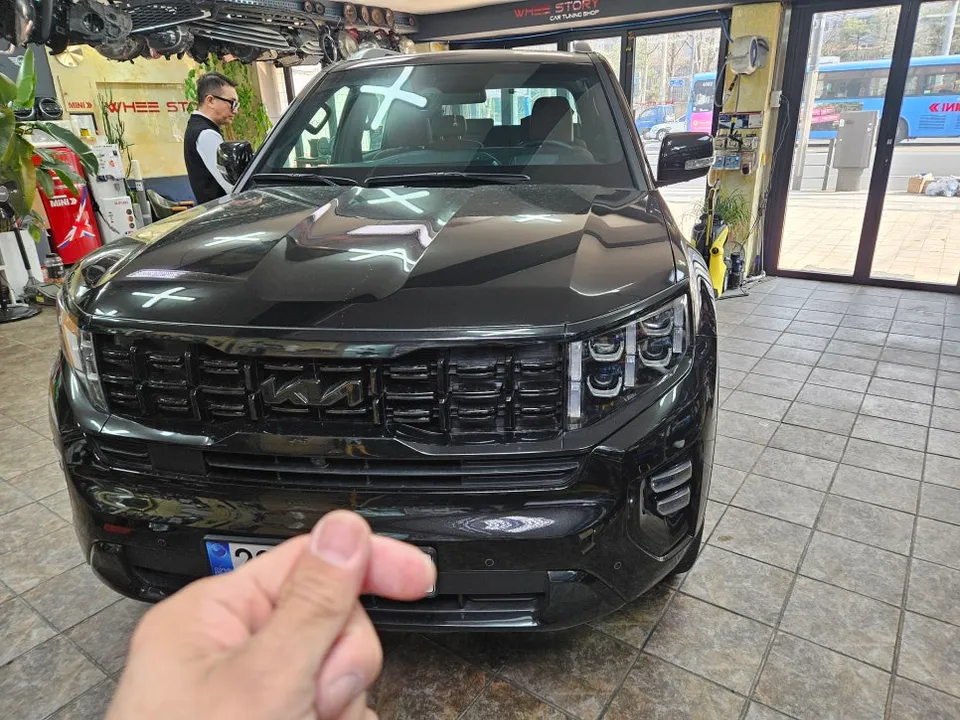
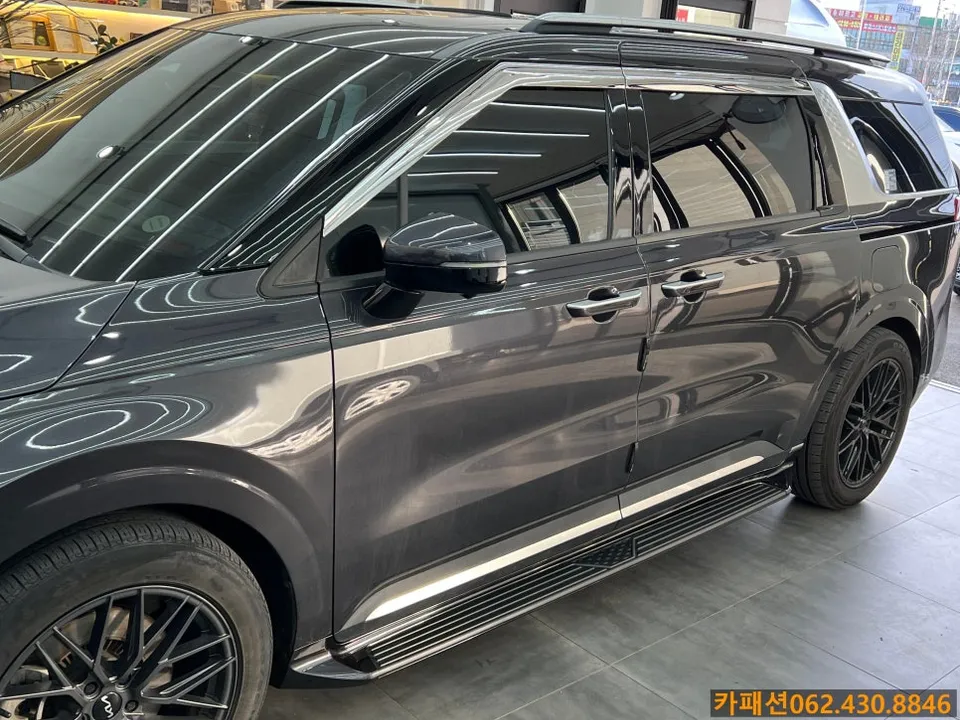
Kia K7 Dash Cam Installation Review
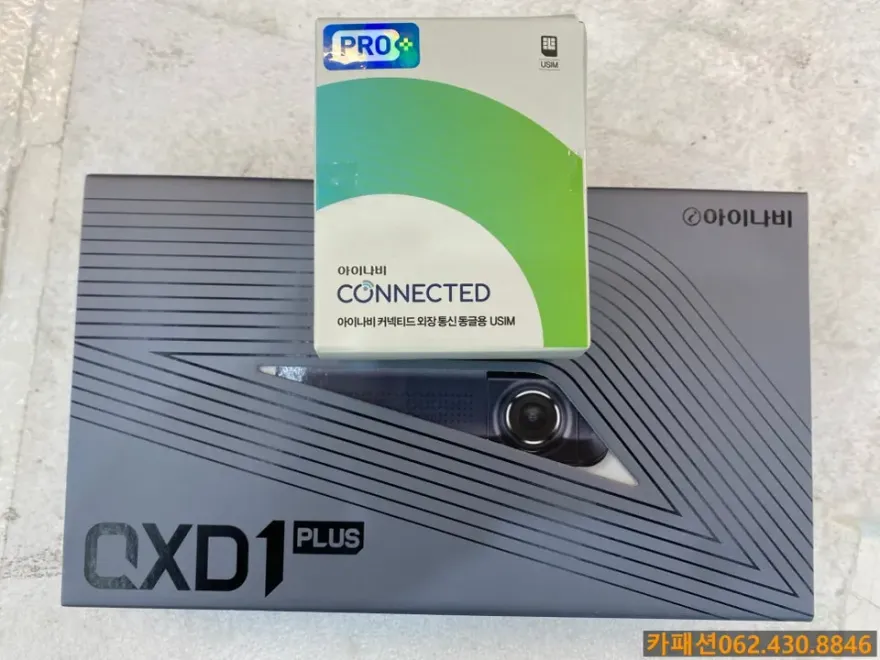
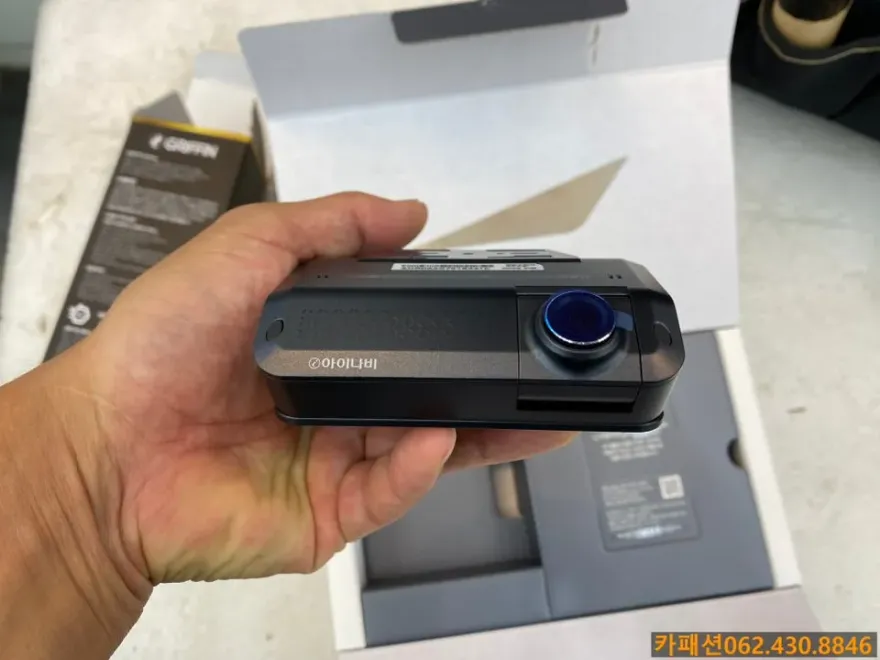
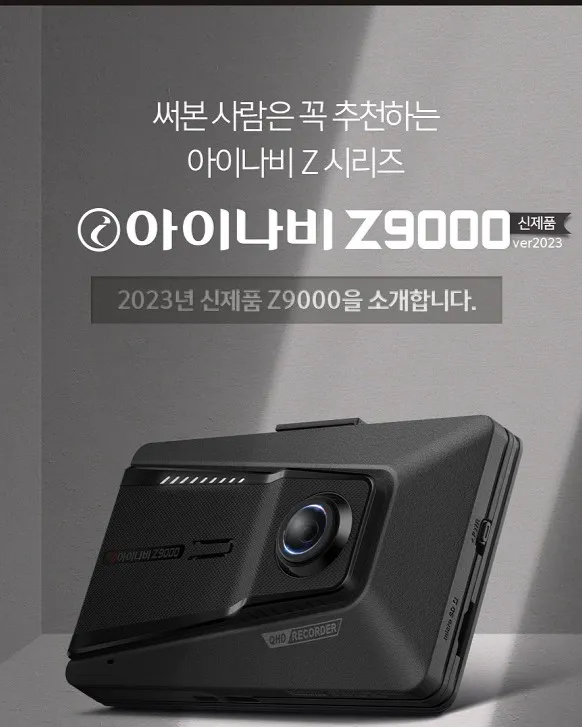
Thinkware QXD1 Plus dash cam installation on Kia K7: Approx. ₩400,000. Offers QHD front/rear recording and parking mode.
Kia K7 Dash Cam Installation: A Closer Look at the Thinkware QXD1 Plus
For Kia K7 owners, a reliable dash cam is becoming an essential part of vehicle safety. This review delves into the installation of the Thinkware QXD1 Plus, a popular choice known for its high-definition recording and smart features, along with the optional Connected module. We'll explore the installation process, the benefits of professional hardwiring, and whether this setup is a worthwhile investment for your K7.
Thinkware QXD1 Plus Features and Benefits
The Thinkware QXD1 Plus stands out with its dual-channel QHD (2560x1440) resolution, ensuring crystal-clear footage for both front and rear views. Even in challenging lighting conditions, the Ultra Night Vision technology provides bright and detailed recordings, crucial for identifying license plates during day or night. The wide 172-degree viewing angle on the rear camera significantly minimizes blind spots, capturing more of the surrounding environment.
Beyond recording, the QXD1 Plus incorporates AI-powered safety features. It can recognize various objects like pedestrians, vehicles, and road signs, offering timely alerts for potential hazards. This proactive approach enhances driving safety, especially in complex urban environments. The sleek, built-in LCD design offers a clean aesthetic, integrating seamlessly with the Kia K7's interior without obstructing the driver's view.
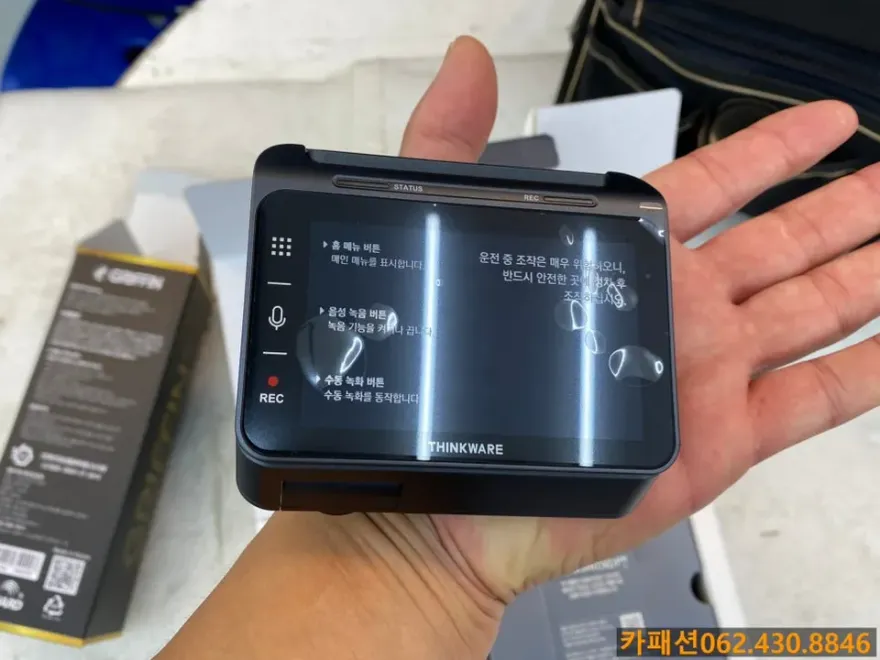
The Thinkware Connected Module: Enhanced Connectivity
Pairing the QXD1 Plus with the Thinkware Connected module adds a layer of smart connectivity. This module allows you to monitor your vehicle remotely via a smartphone app. Key features include real-time impact notifications if your car is hit while parked, providing immediate awareness of potential damage or theft. You can also track your vehicle's location, review driving history, and check battery status, making vehicle management more efficient and providing peace of mind.
Professional Dash Cam Installation for Your Kia K7
While DIY dash cam installation is possible, professional hardwiring offers significant advantages for durability and performance. It ensures a clean, secure setup that prevents rattling noises and protects wiring from damage. This method also allows for seamless integration with the vehicle's power system, enabling features like parking mode without draining the battery excessively.
Installation Process:
- Professional Assessment: The installer first inspects the dash cam unit for any defects.
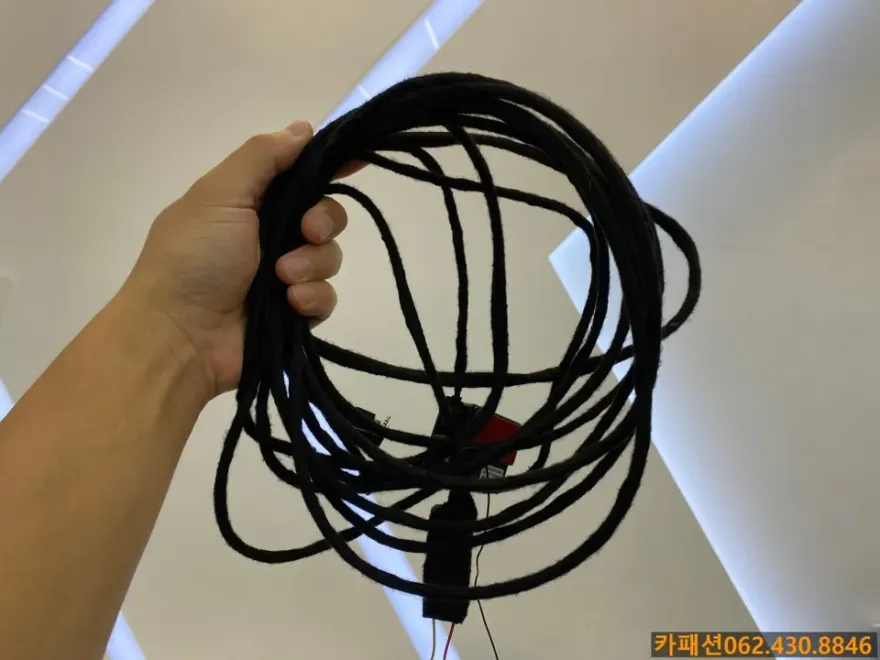
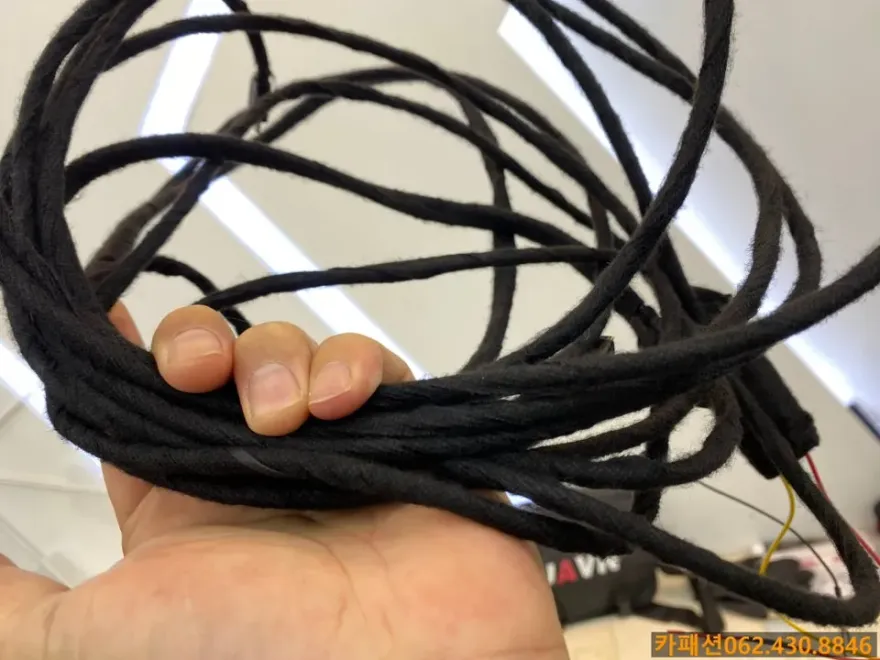
- Clean Wiring: All cables are meticulously routed and secured using high-quality tape (like Tesa tape) to prevent damage and noise.
- Power Integration: The dash cam is hardwired into the vehicle's fuse box for reliable power, especially for parking mode functionality.
- Testing and Finalization: The system is tested to ensure both front and rear cameras are recording correctly, and the parking mode is active.
Choosing a professional installation for your Kia K7's dash cam ensures optimal performance and longevity. While the specific cost in Korea for the QXD1 Plus with the Connected module was approximately 400,000 KRW (around $300 USD at the time of review), professional installation is an investment in reliable protection.
Frequently Asked Questions
Q. How much does dash cam installation cost for a Kia K7?
Professional installation for the Thinkware QXD1 Plus with a Connected module in Korea was approximately 400,000 KRW (around $300 USD). Typical professional installation costs in the US can range from $100 to $300 depending on the complexity and location.
Q. How long does dash cam installation take on a Kia K7?
Professional dash cam installation typically takes between 1 to 3 hours. Proper maintenance involves periodically checking the camera's lens for dirt and ensuring the recording files are being saved correctly.
Q. Is a hardwired dash cam worth it over a self-install for a Kia K7?
A hardwired dash cam is worth it for Kia K7 owners seeking reliable parking mode functionality and a cleaner installation. Professional hardwiring ensures optimal performance and durability compared to a plug-and-play setup.
Q. How is a dash cam professionally installed on a Kia K7?
Professional installation involves routing cables discreetly behind interior panels, hardwiring the unit to the car's fuse box for continuous power (enabling parking mode), and ensuring secure mounting. The installer will test all functions, including front and rear camera recording and impact detection.
Q. What is the difference between a front and rear dash cam for a Kia K7?
A front dash cam records only the view ahead, while a front and rear dash cam system records both forward and backward views. For comprehensive coverage and evidence in case of accidents or incidents from any direction, a front and rear system is recommended.
OhCar Partner Shop