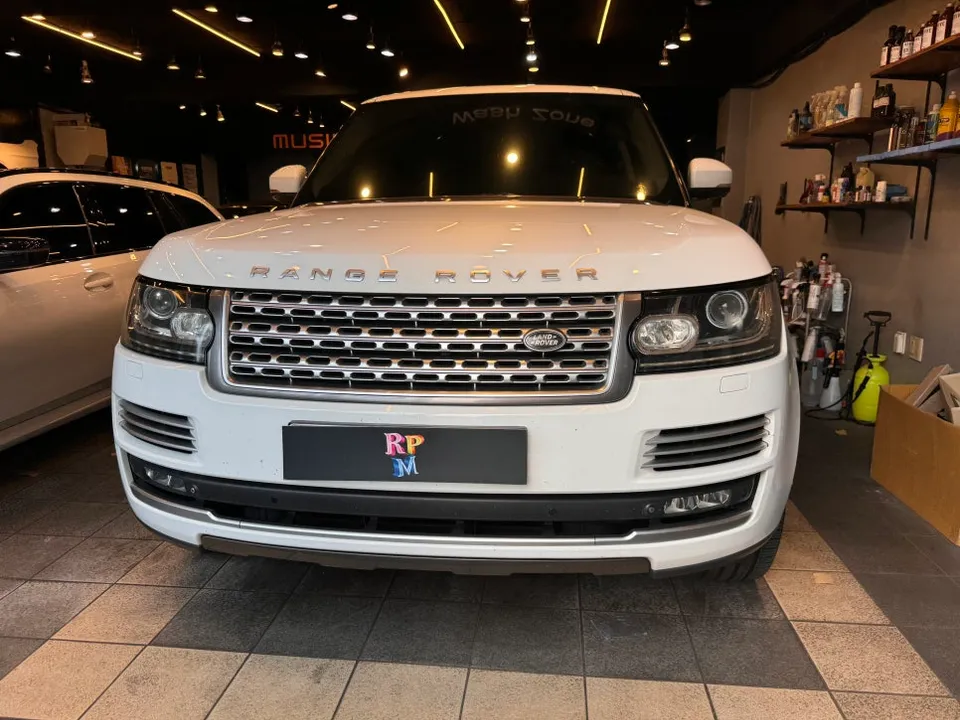
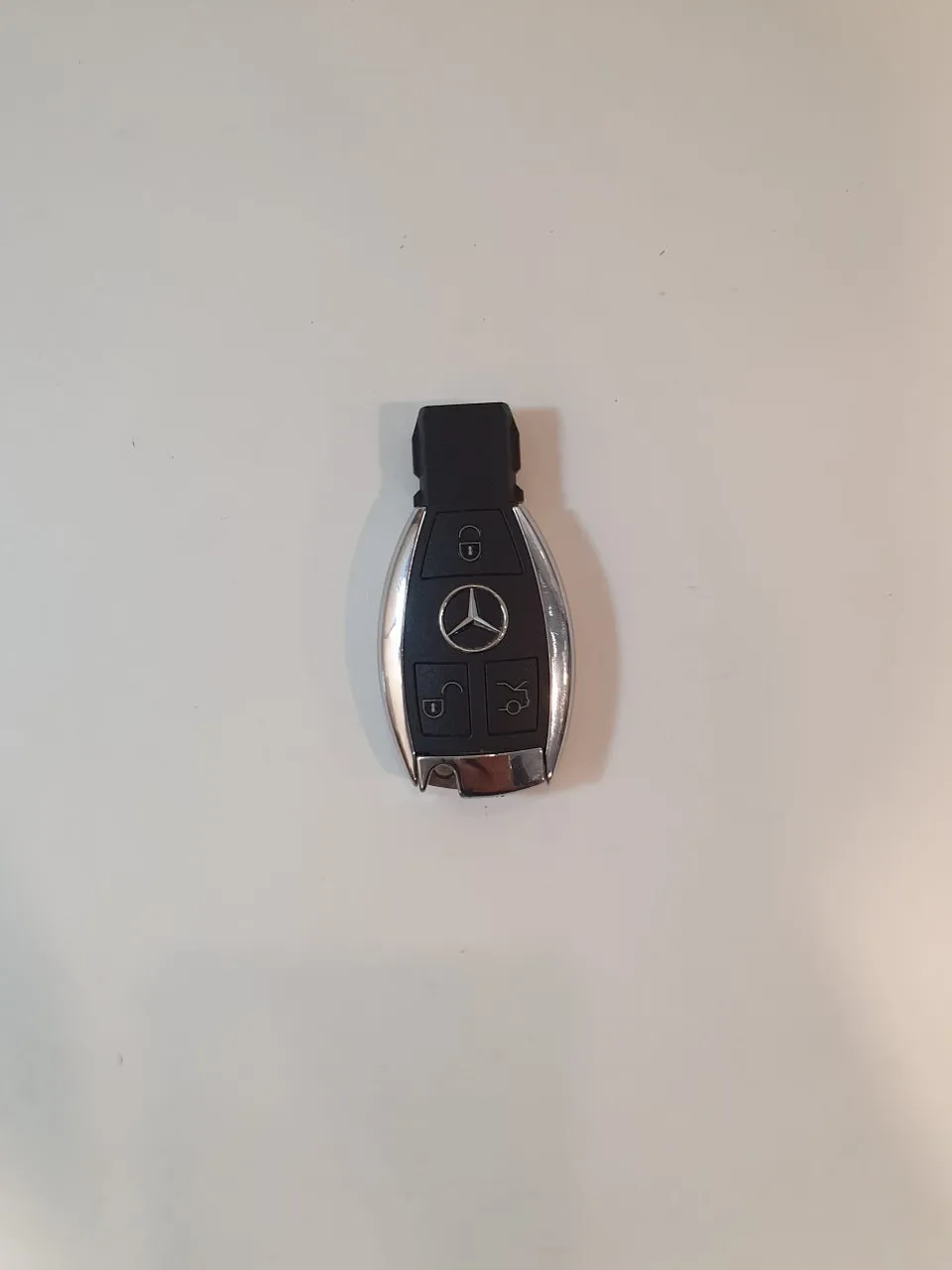
Mercedes-Benz C-Class Android Head Unit Upgrade
Service Price
$approx. $750–1,150
Estimated price · Actual price may vary by shop
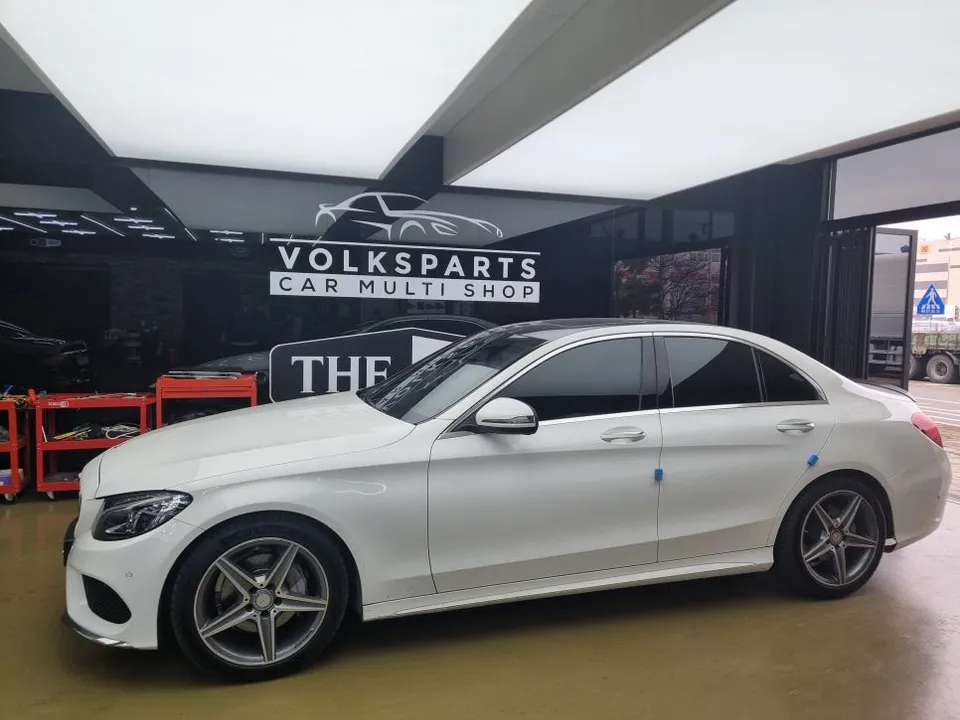
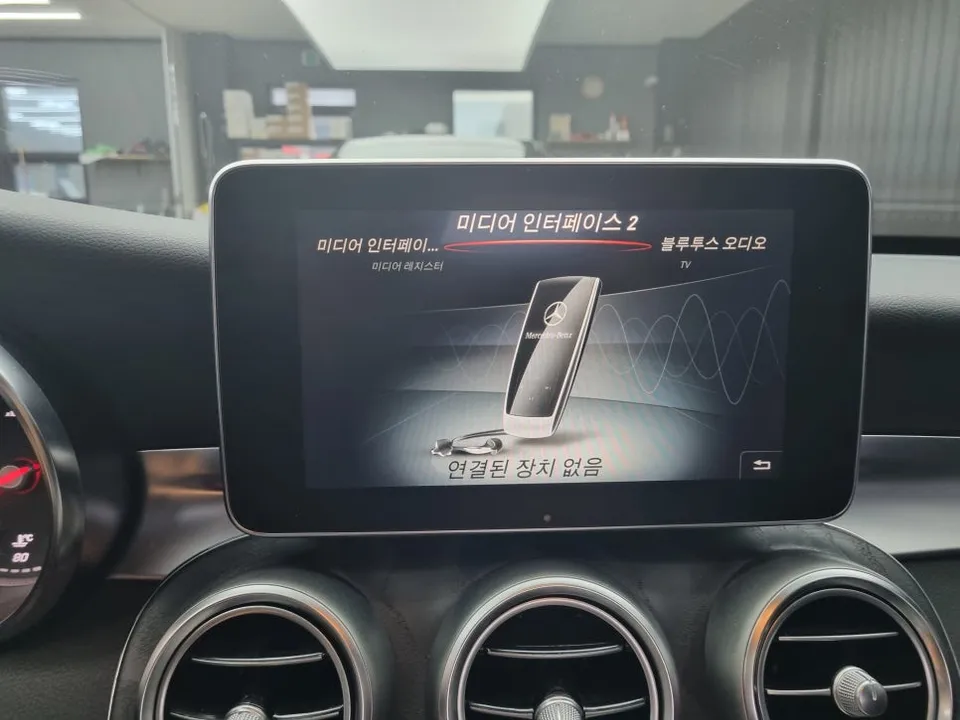
Mercedes-Benz C-Class Android Head Unit upgrade adds Apple CarPlay & Android Auto. Supports wireless/wired connections. Seamless integration.
Upgrade Your Mercedes-Benz C-Class with Modern Infotainment
Many owners of older Mercedes-Benz C-Class models find themselves missing out on the advanced infotainment features common in newer vehicles, such as Apple CarPlay and Android Auto. The original media systems in these earlier C-Class variants often lack native support for these essential smartphone integration technologies. This can be a significant drawback for drivers accustomed to the convenience of using their phones directly through the car's display. Fortunately, a professional aftermarket installation can bring your C-Class infotainment system up to modern standards. This review details the process and benefits of installing an Android Head Unit, specifically for a Mercedes-Benz C-Class that felt outdated in its connectivity.
The owner of the C-Class featured here sought out a specialized installer in the Incheon area, known for their expertise in automotive electronics for imported vehicles. After comparing several options, they chose a shop with a proven track record in Mercedes-Benz CarPlay installations, ensuring a high-quality and reliable upgrade.
System Diagnosis and Preparation for CarPlay
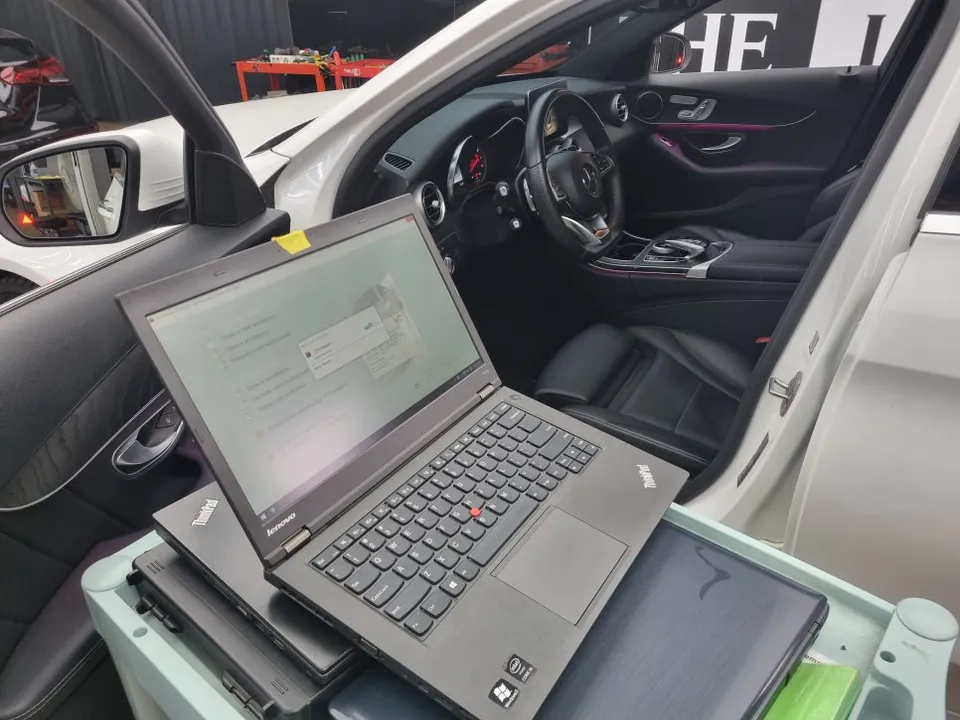
Before any installation can begin, a thorough diagnosis of the existing media system is crucial. For this particular Mercedes-Benz C-Class model, a key challenge was the absence of an AUX (Auxiliary Input) port, which is necessary for audio output from the new head unit to the car's original speakers. The installation team utilized specialized diagnostic tools to analyze the vehicle's system. The critical step involves creating an effective AUX input. This process ensures that audio from the CarPlay interface—whether it's navigation prompts, music, or calls—can be seamlessly routed through the car's existing sound system. Without this, while the display might function, there would be no sound, rendering the system incomplete.
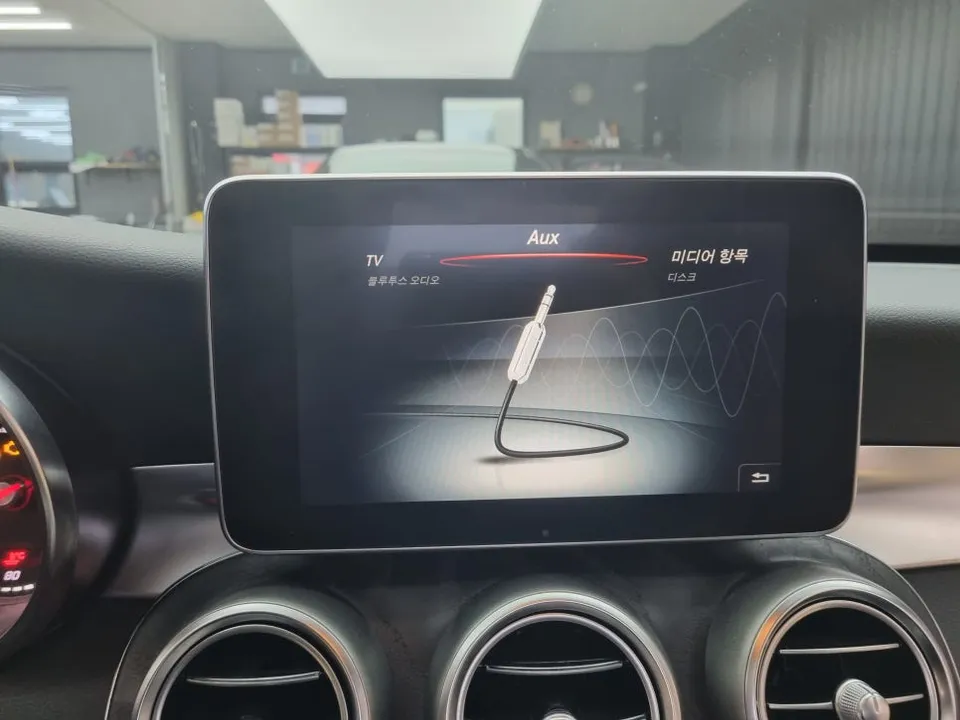
Android Head Unit Installation Process
The entire installation typically takes around 40 minutes. The process involves carefully disassembling the center console (dashboard's central panel) to access the back of the original media unit. An aftermarket Android Head Unit module, often from a reputable domestic electronics brand like Induk, is then connected to the factory system's circuitry.
- Carefully remove the center fascia panel to access the original media unit.
- Connect the new Android Head Unit module to the rear wiring harness of the factory system.
- Securely mount the module to prevent issues from vibrations or poor connections.
- Reassemble the center fascia panel.
Precision is key, especially with Mercedes-Benz vehicles, as wiring configurations can vary significantly between models. Experienced technicians use detailed wiring diagrams to ensure each connection is made correctly and safely. Special attention is paid to securing the module's connections to prevent intermittent faults caused by road vibrations.
Post-Installation: A Transformed Infotainment Experience
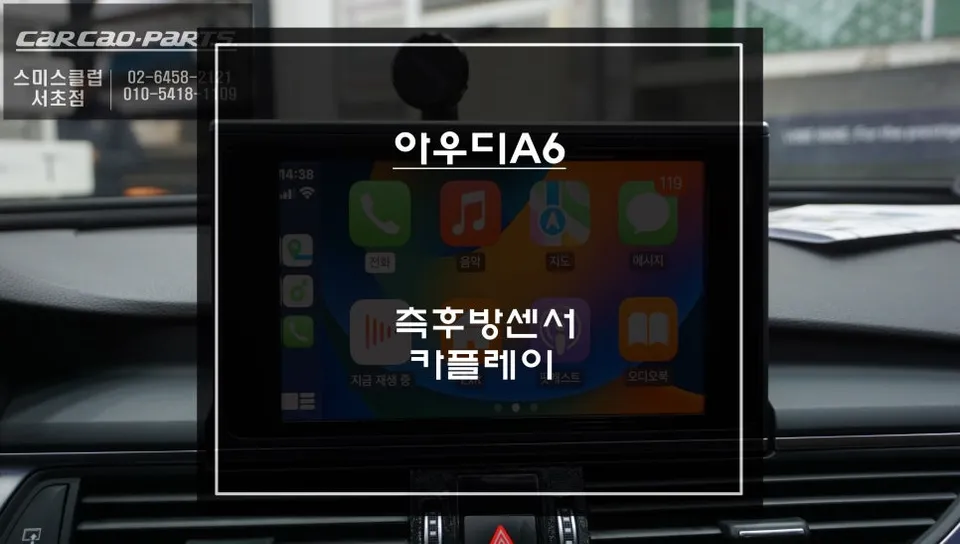
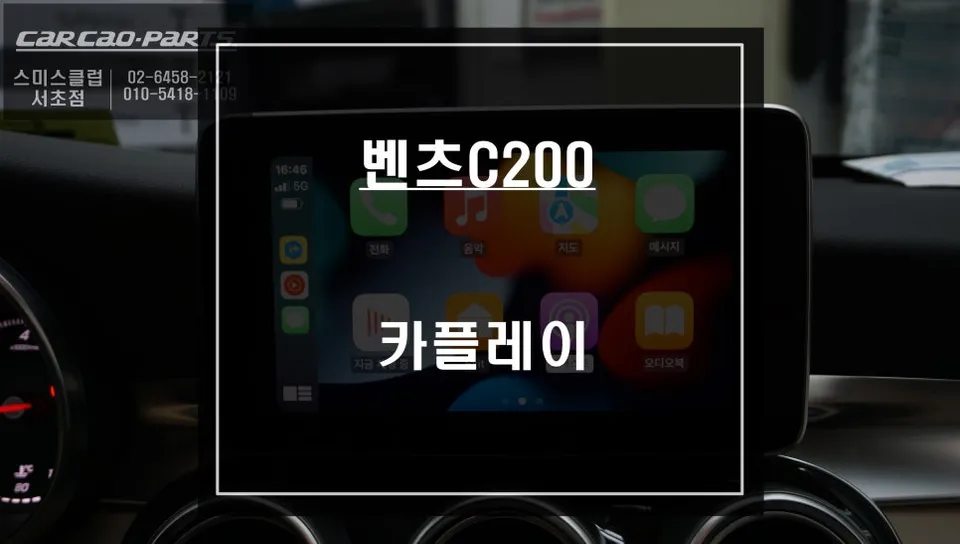
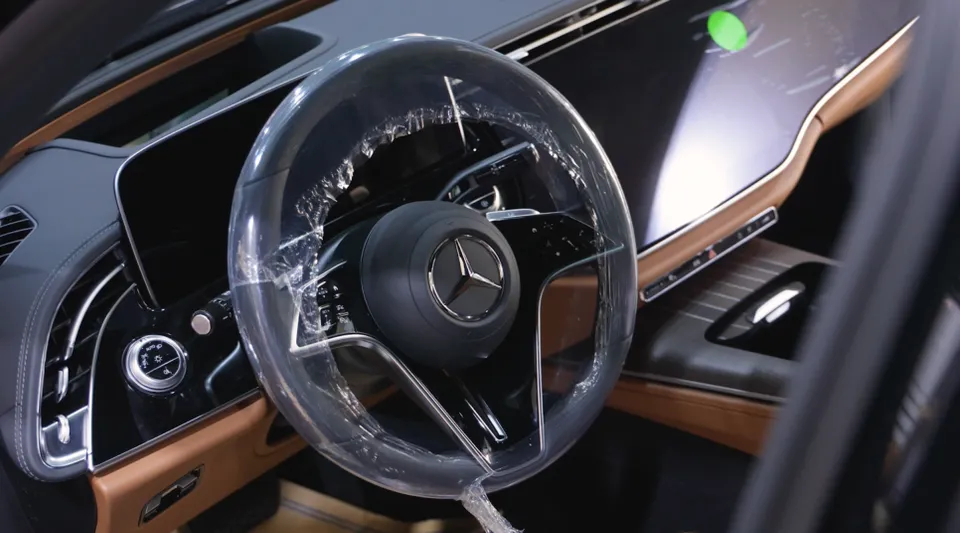
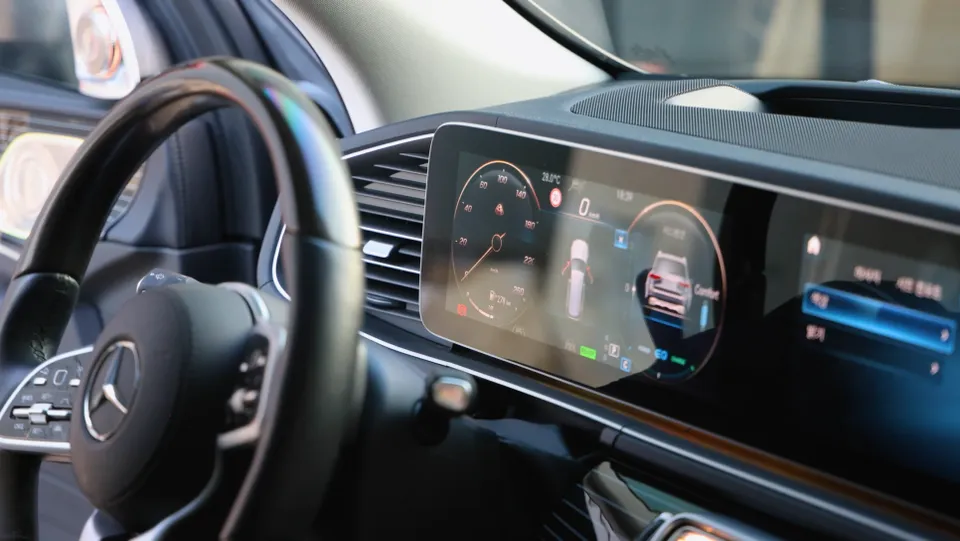
Once the installation is complete, the car's infotainment system is dramatically enhanced. The main display now features an integrated CarPlay/Android Auto interface alongside the original Mercedes-Benz UI. Switching between the native system and the new interface is typically done by holding a specific button, such as the 'Back' button near the control dial, for a couple of seconds. This allows for easy toggling between the original navigation and the smartphone-driven interface.
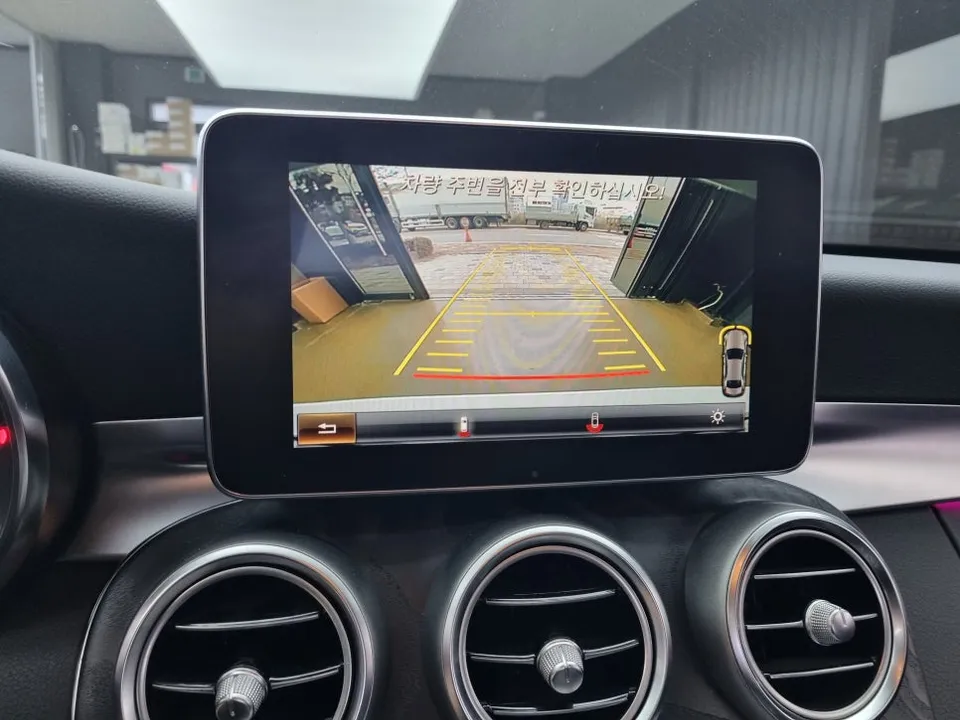
Crucially, the factory reverse camera functionality remains fully compatible. The new head unit seamlessly integrates with the existing camera and sensors, displaying the rear view automatically when the car is put into reverse. This preserves a vital safety feature without requiring additional modifications.
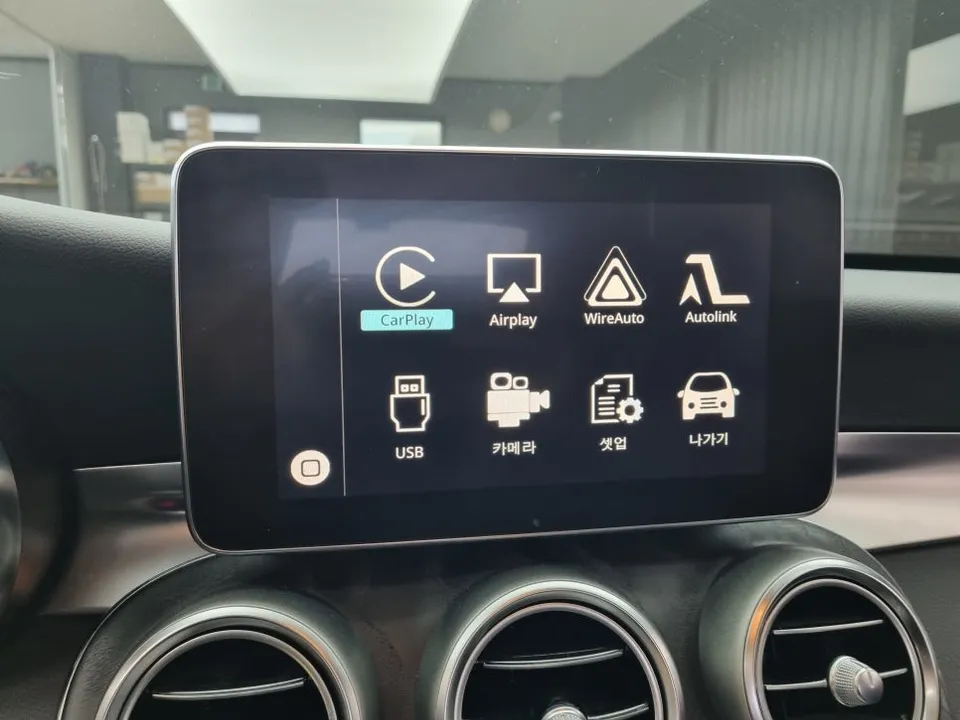
Experiencing CarPlay and Android Auto Features
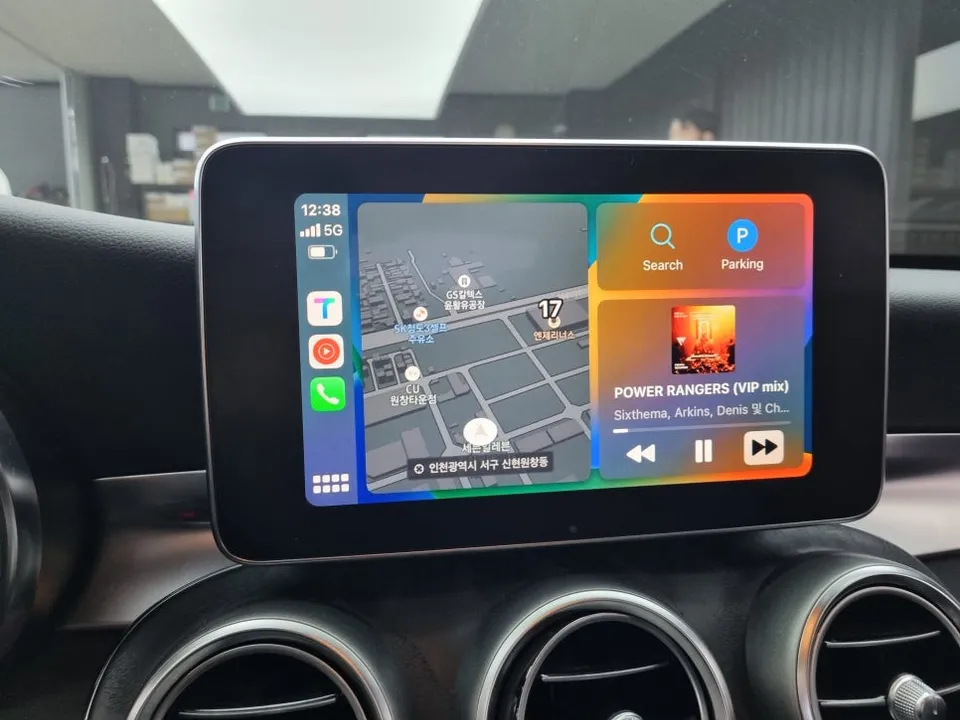
With the Android Head Unit installed, the C-Class gains access to a world of smartphone features directly on the dashboard display. Music applications, including streaming services like YouTube Music, function flawlessly, mirroring the smartphone experience. Users can control playback, browse libraries, and manage playlists using the car's touchscreen or voice commands, all while enjoying the audio quality through the original speakers.
Navigation apps such as TMAP (or Google Maps/Waze for international users) operate smoothly. The system supports both wired (USB) and wireless (Bluetooth) connections, catering to user preference. This allows for real-time traffic updates, route adjustments, and turn-by-turn directions directly on the car's screen. Beyond navigation and music, the head unit displays notifications for messages, allows for hands-free calls, and supports other compatible apps like podcasts and social media alerts, all optimized for safe in-car operation.
Wireless vs. Wired Connectivity
A significant advantage of this particular upgrade is its support for both wireless and wired connectivity. Wired connection is as simple as plugging a USB cable into the designated port on the center console. Once initially paired via Bluetooth, wireless connections are typically established automatically, offering a convenient, cable-free experience. Both methods provide a stable and responsive connection to your smartphone.
Frequently Asked Questions
Q. How much does an Android Head Unit upgrade cost for a Mercedes-Benz C-Class?
The cost for this Android Head Unit upgrade in Korea was approximately 400,000 KRW. In the US, similar upgrades can range from $300 to $800 depending on the vehicle model and features.
Q. How long does the Android Head Unit installation take for a Mercedes-Benz C-Class?
The installation process for the Android Head Unit typically takes about 40 minutes. To ensure longevity, it's important to have the installation performed by experienced technicians who properly secure all connections.
Q. Is an Android Head Unit upgrade worth it for a Mercedes-Benz C-Class?
An Android Head Unit upgrade is highly recommended for Mercedes-Benz C-Class owners who want modern smartphone integration like Apple CarPlay and Android Auto. It significantly enhances the infotainment experience and adds valuable features for daily driving.
Q. How is an Android Head Unit installed in a Mercedes-Benz C-Class?
Installation involves accessing the back of the factory media unit by removing the center fascia panel. An aftermarket module is then connected to the original wiring harness, ensuring audio output is routed correctly. Finally, the module is secured, and the panel is reassembled.
Q. What is the difference between wired and wireless Android Head Unit connection?
Wired connection uses a USB cable for a direct link, while wireless connection utilizes Bluetooth for automatic pairing after the initial setup. Both offer stable performance, but wireless provides greater convenience.
Fox Parts