Mercedes-Benz E-Class Android Infotainment Upgrade Review
Service Price
$150+
Estimated price · Actual price may vary by shop
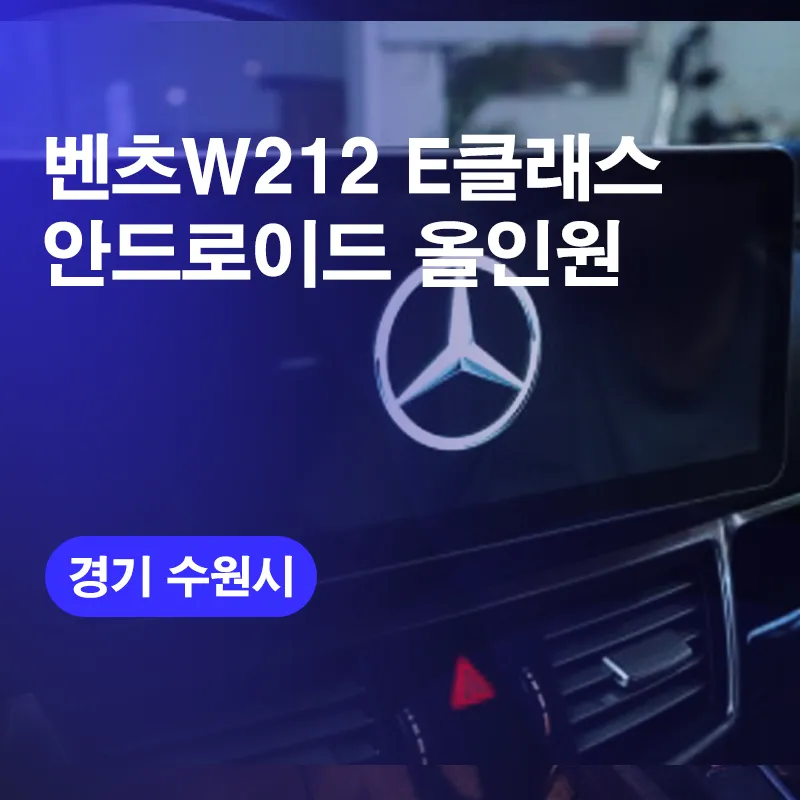
Mercedes-Benz E-Class Android all-in-one system upgrade: Seamless navigation & entertainment. Installation detailed.
Transforming the Mercedes-Benz E-Class with an Android All-in-One System
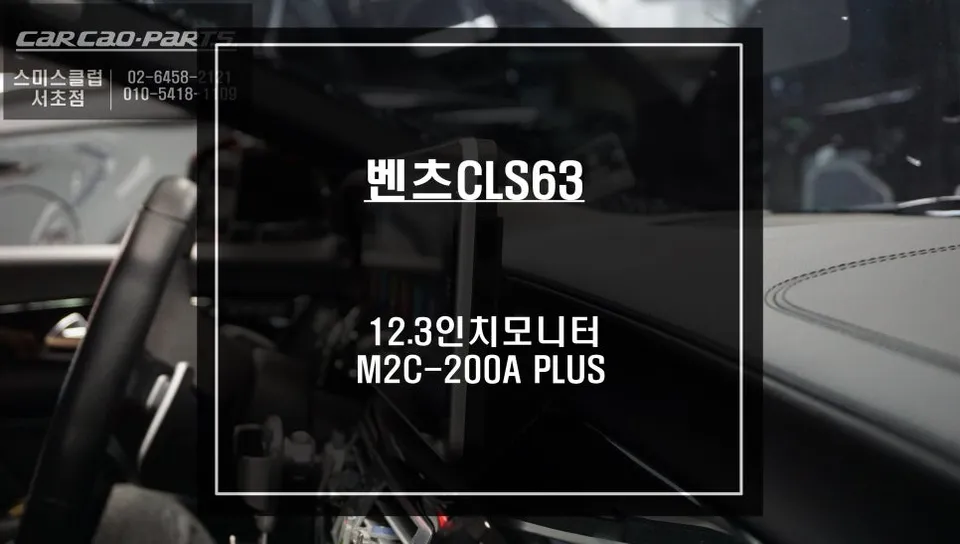
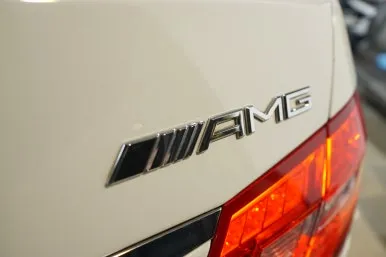
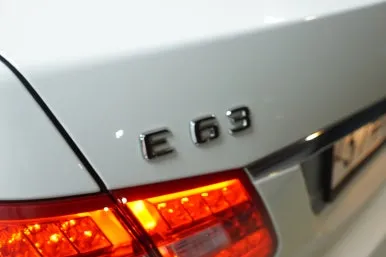
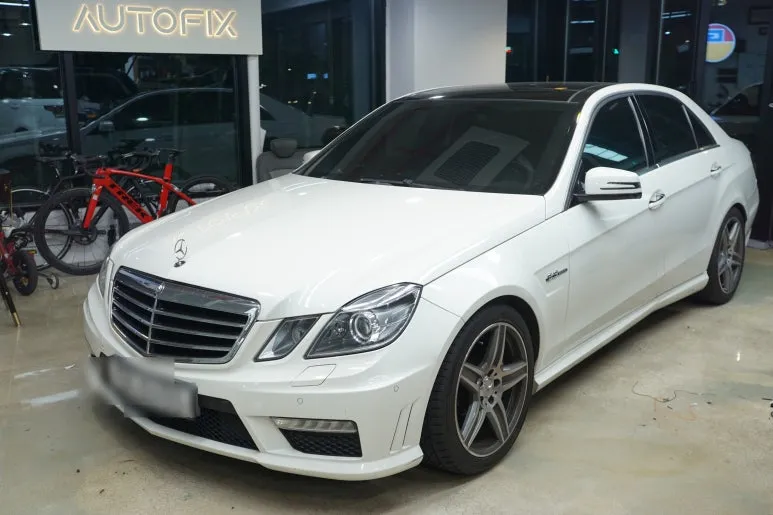
Vehicle: Mercedes-Benz W212 E-Class (E63 AMG) Model Year: 2011 Service Performed: Android All-in-One System Installation (12.3-inch display) Estimated Installation Time: 1 hour (3-5 hours with additional options) Location: Ojunghak Car, Suwon Branch
Driving a classic luxury sedan like the 2011 Mercedes-Benz E-Class offers a certain prestige, but the original infotainment system can feel dated compared to today's technology. For owners seeking to bridge this gap, an Android all-in-one system offers a significant upgrade, bringing modern smartphone convenience directly into the vehicle. This review details the process and benefits of installing a 12.3-inch Android head unit into a W212 E-Class.
Why Upgrade the E-Class Infotainment?
Even premium vehicles from a decade ago, like the 2011 E-Class, often feature navigation systems that are slow to boot, lack real-time traffic updates, and cannot run modern navigation apps like TMAP or KakaoNavi. Furthermore, access to entertainment platforms such as YouTube or streaming services is non-existent. The original system's reliance on physical buttons and limited functionality often necessitates using a separate smartphone mounted on the dashboard, which can be inconvenient and detract from the car's interior aesthetics.
The desire for a more integrated and functional system is common across all age groups of drivers. The accuracy of modern navigation apps, coupled with the ability to stream music and videos, significantly enhances the driving experience. An Android all-in-one system addresses these limitations by replacing the factory screen with a larger, faster, and far more versatile unit.
The Android All-in-One System Advantage
The core benefit of an Android all-in-one system is its ability to transform your car's dashboard into a smart device. With a larger 12.3-inch display, users gain access to the full Android operating system. This means you can download and install any app from the Google Play Store directly onto the head unit. Popular navigation apps, streaming services like Netflix and YouTube, web browsers like Chrome, and productivity tools like Gmail become readily available, all controlled through the touchscreen interface. This eliminates the need for phone mirroring or separate mounts, providing a cleaner and more intuitive user experience.
Installation Process:
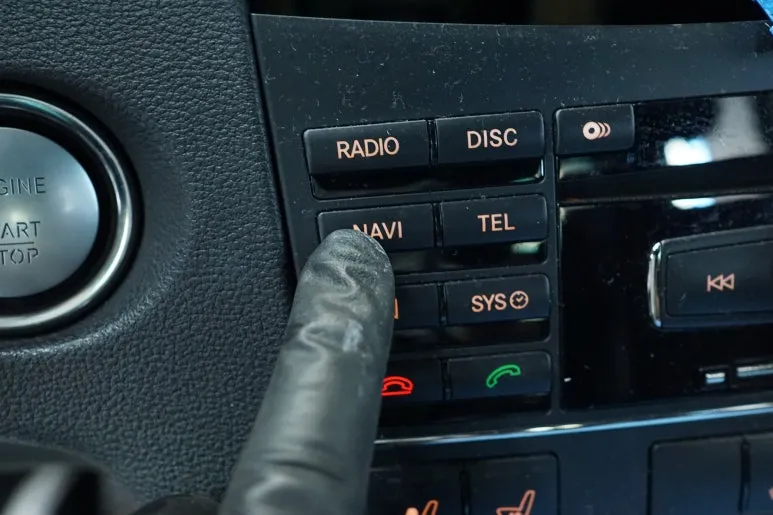
- Dashboard Disassembly: The vehicle's interior trim panels around the original display are carefully removed to access the factory unit. This step requires precision to avoid damaging the delicate materials common in Mercedes-Benz interiors.
- Wiring and Integration: The original head unit is disconnected, and new wiring harnesses are installed. This crucial step ensures that essential functions like steering wheel controls, Bluetooth connectivity, and audio output are seamlessly integrated with the new Android system, preserving the original audio quality.
- New Display Mounting: The new 12.3-inch Android display is fitted into the dashboard. A custom-designed fascia or trim piece is often used to ensure a factory-like fit and finish, maintaining the vehicle's interior aesthetics.
- System Configuration: After physical installation, the system is powered on and configured. This includes connecting to Wi-Fi, logging into Google accounts, and installing essential applications. Additional features like backup cameras or 360-degree view systems, if opted for, are also integrated and tested.
The basic installation typically takes around 1 hour. However, if additional features such as a backup camera or a 360-degree surround-view system are being installed concurrently, the process can extend to 3-5 hours.
Post-Installation Experience
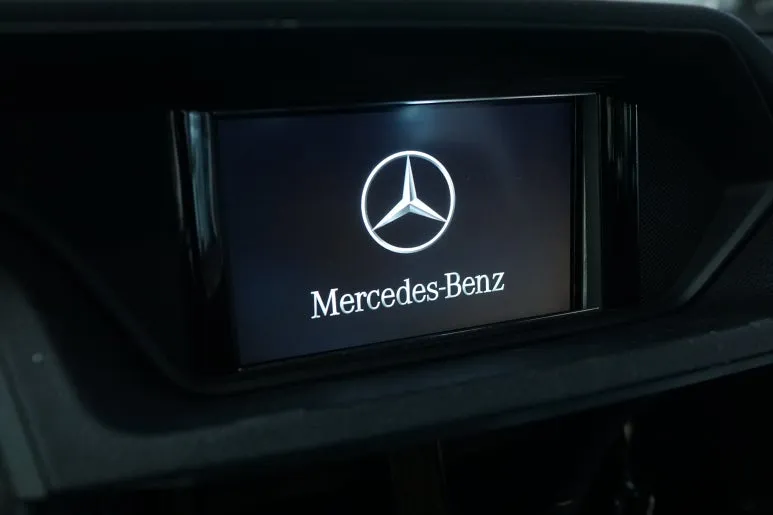
The impact of the upgrade is immediately noticeable, primarily due to the significantly larger 12.3-inch screen compared to the original 8-inch display. This enhanced visual real estate makes navigation, media consumption, and app usage much more enjoyable. The system's responsiveness and the ability to run multiple applications simultaneously offer a modern and convenient driving environment, effectively bringing the 2011 E-Class up to par with contemporary vehicles in terms of infotainment technology.
Frequently Asked Questions
Q. How much does an Android all-in-one system cost for a Mercedes-Benz E-Class?
The cost for this specific installation on a Mercedes-Benz E-Class was detailed in the Korean context, with pricing typically varying based on the unit and installation complexity. In the US, similar Android head unit upgrades can range from $500 to $1500.
Q. How long does an Android all-in-one system last on a Mercedes-Benz E-Class?
Android all-in-one systems are designed for the lifespan of the vehicle, typically lasting 5-10 years or more with proper care. Regular software updates and avoiding extreme temperatures can help maintain optimal performance.
Q. Is an Android all-in-one system worth it for a Mercedes-Benz E-Class?
An Android all-in-one system is highly recommended for Mercedes-Benz E-Class owners who desire modern navigation, entertainment, and connectivity features. It significantly enhances the user experience and brings older models up to contemporary standards.
Q. How is an Android all-in-one system installed on a Mercedes-Benz E-Class?
Installation involves carefully removing the original dashboard trim and head unit, integrating new wiring harnesses for seamless functionality, mounting the larger Android display with a custom fascia for a factory look, and configuring the system with necessary apps.
Q. What is the best Android all-in-one system option for a Mercedes-Benz E-Class?
The best option depends on specific needs, but units offering larger screens (like the 12.3-inch model reviewed), faster processors, and robust integration with vehicle functions are generally preferred. Look for systems with good reviews for stability and user interface.
Today's Car