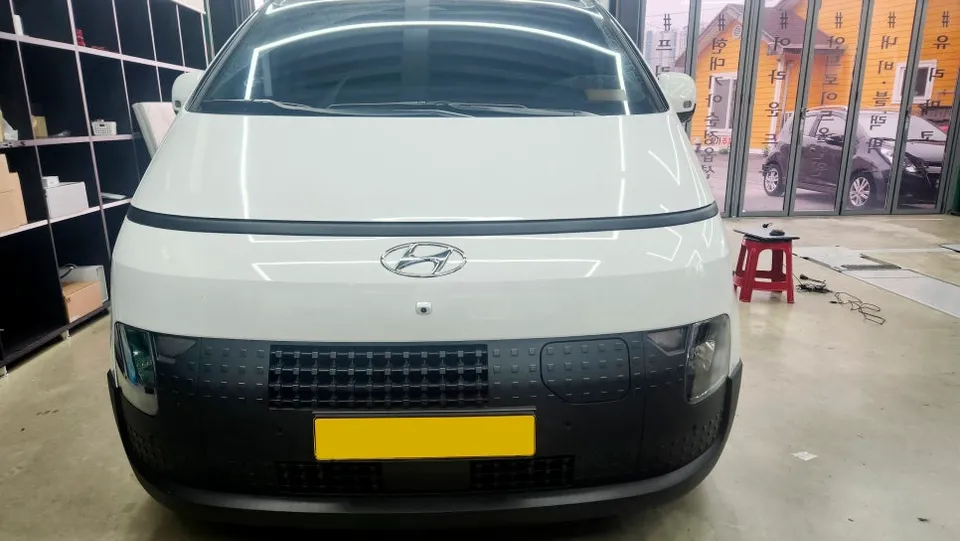
Mercedes-Benz E-Class W212 Android Head Unit Upgrade
Before
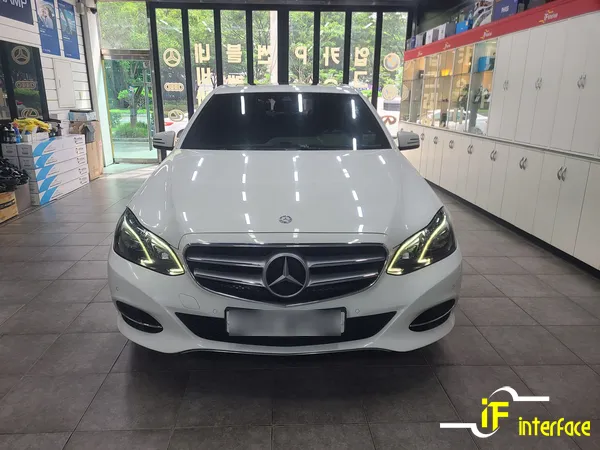
After
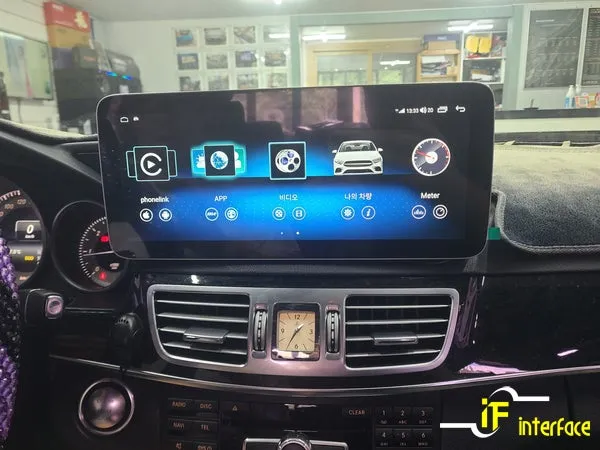
Process photos
Mercedes-Benz E-Class W212 Android Head Unit Upgrade: Replaces outdated navigation with a modern, app-enabled system. Enjoy larger screens and smartph
The Limitations of the Factory Navigation in the Mercedes-Benz E-Class W212
If you own a 2014 Mercedes-Benz W212 E220, you might be familiar with the factory-installed navigation system, often a brand like Garmin or similar. While functional at its release, it falls short by today's standards. The screen is typically small (around 7 inches), lacks the ability to install modern apps, and map updates can be a cumbersome process. A significant concern is the difficulty and cost associated with repairing these older units when they inevitably fail. This is precisely why many W212 owners consider upgrading to an Android All-in-One (AIO) system.
The growing dissatisfaction with the limitations of older factory navigation systems is leading many Mercedes-Benz owners, particularly those with the W212 E-Class, to transition to Android AIO units. The W212 model often boasts good compatibility, making it a popular choice for such upgrades.
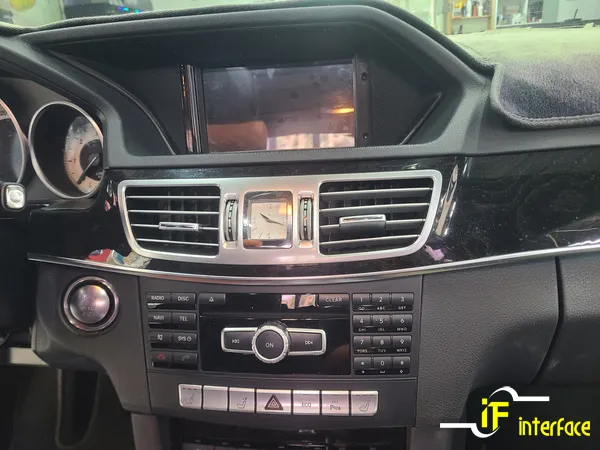
Understanding Android All-in-One Systems
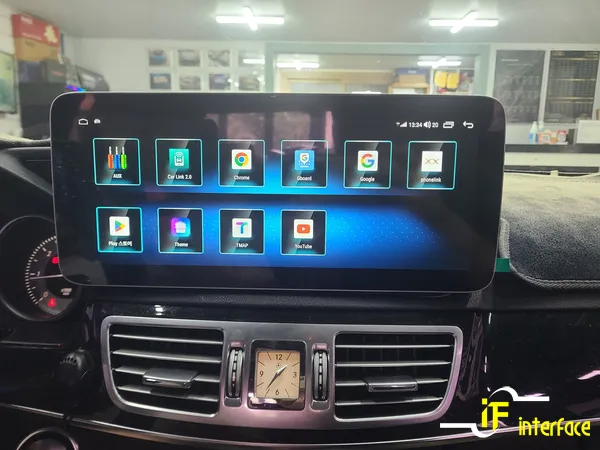
An Android AIO system replaces your vehicle's entire original infotainment unit. It operates much like a smartphone, offering a touch-screen interface and full access to the Google Play Store. This allows you to install a wide range of applications, including popular navigation apps like Google Maps, Waze, or local alternatives, as well as entertainment apps such as YouTube and Netflix, all displayed on your car's screen. For the Mercedes-Benz W212, an Android AIO brings the familiar smartphone experience directly into your vehicle.
The key advantage over the factory system is its 'expandability.' Unlike the fixed functionality of the original navigation, an Android AIO system can be continuously updated and improved with new apps and features over time.
Installation Process: Upgrading a W212 E220 with a 12.3-inch Android Unit
Our recent project involved a 2014 Mercedes-Benz W212 E220 that was equipped with the standard factory navigation. The first step in the installation is the careful removal of the original infotainment system and all associated wiring. Given that this unit is integrated into the dashboard, a meticulous disassembly process is required.
- System Removal: Carefully detach the original factory navigation unit and disconnect all related wiring harnesses from the dashboard.
- Wiring Adaptation: Connect the new Android AIO unit's wiring harness, ensuring compatibility with the vehicle's power, amplifier, and speaker systems.
- Unit Installation: Securely mount the new, larger Android display into the dashboard, ensuring a precise and flush fit.
- System Configuration: Power on the new unit and perform initial setup, including Wi-Fi connection and essential settings.
- App Installation & Testing: Download desired navigation and entertainment apps from the Play Store and test all functionalities.
The chosen unit for this W212 was a 12.3-inch model from Canaro, a brand that has obtained Korean KC certification and is officially distributed. Opting for officially distributed products is crucial, as many low-cost direct imports from sites like AliExpress may not be compatible or offer any after-sales support if issues arise.
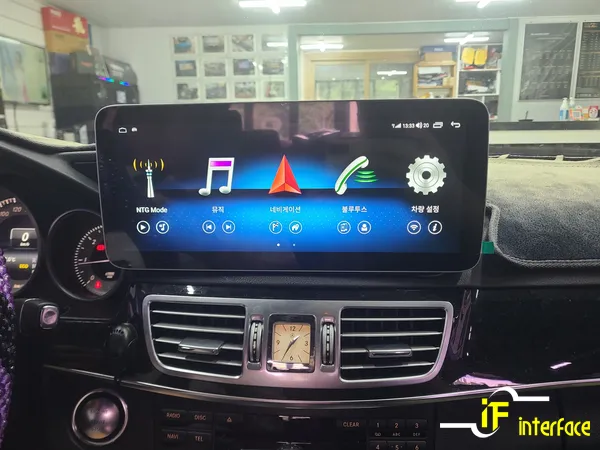
Enhanced Interface and High-Resolution Display
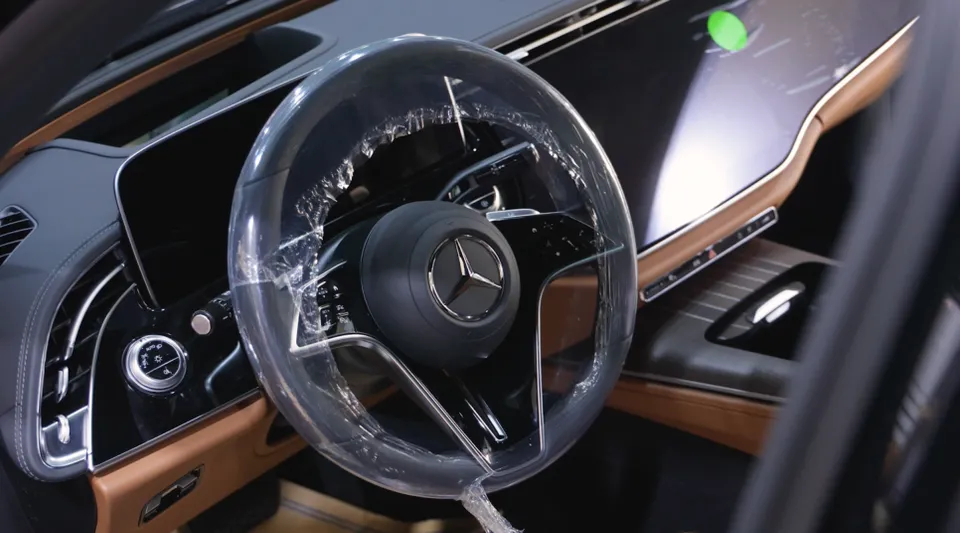
Upon completion, the most striking improvements are the significantly larger screen size and the responsive touch interface. The jump from a 7-inch display to a 12.3-inch widescreen makes viewing information much easier while driving. The intuitive touch controls replace the need for the original rotary dial, offering a smartphone-like user experience.
The display also boasts a higher resolution, delivering sharper visuals for videos and apps. To utilize the full potential of these applications, a data connection is necessary. This can be achieved by connecting to your smartphone's mobile hotspot or by installing a dedicated 4G LTE SIM card for continuous in-car internet access.
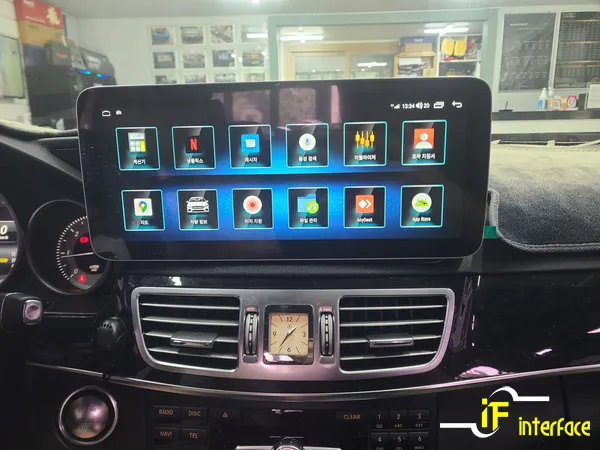
Bringing Your Digital Life into Your Car
With a data connection established, the real utility of the Android AIO system becomes apparent. You can install and use all major Korean navigation apps, including T Map, Kakao Navi, and Naver Maps. Your existing navigation data, such as saved locations and favorites from your smartphone, can be seamlessly synchronized, providing a familiar and convenient navigation experience directly on your Mercedes-Benz E-Class W212's dashboard.
Frequently Asked Questions
Q. What is the typical cost for an Android head unit installation on a Mercedes-Benz E-Class W212?
The cost for an Android head unit installation on a Mercedes-Benz E-Class W212 can range from approximately ₩700,000 to over ₩1,500,000 (Korean Won), depending on the specific unit's features and screen size. In the US, similar installations typically fall within the $500 to $1200 range.
Q. How long does an Android head unit installation take for a Mercedes-Benz E-Class W212?
The installation process for an Android head unit on a Mercedes-Benz E-Class W212 usually takes between 2 to 4 hours to complete. Proper installation ensures long-term reliability and optimal performance of the new system.
Q. Is upgrading to an Android head unit worth it for a Mercedes-Benz E-Class W212?
Upgrading to an Android head unit is highly recommended for Mercedes-Benz E-Class W212 owners seeking modern features like app integration, larger displays, and improved navigation. It significantly enhances the vehicle's infotainment capabilities and user experience.
Q. How is an Android head unit installed in a Mercedes-Benz E-Class W212?
Installation involves carefully removing the original factory navigation unit and its wiring. A new wiring harness is connected to integrate with the car's existing systems, followed by mounting the new Android display into the dashboard and configuring the software.
Q. What is the main advantage of an Android head unit over the factory navigation in a W212 E-Class?
The primary advantage is the vastly expanded functionality and app support offered by the Android system, allowing for continuous updates and access to modern applications. The factory system is limited to its original features and lacks app installation capabilities.
OhCar Partner Shop