MINI Countryman CarPlay Retrofit Review — Before & After
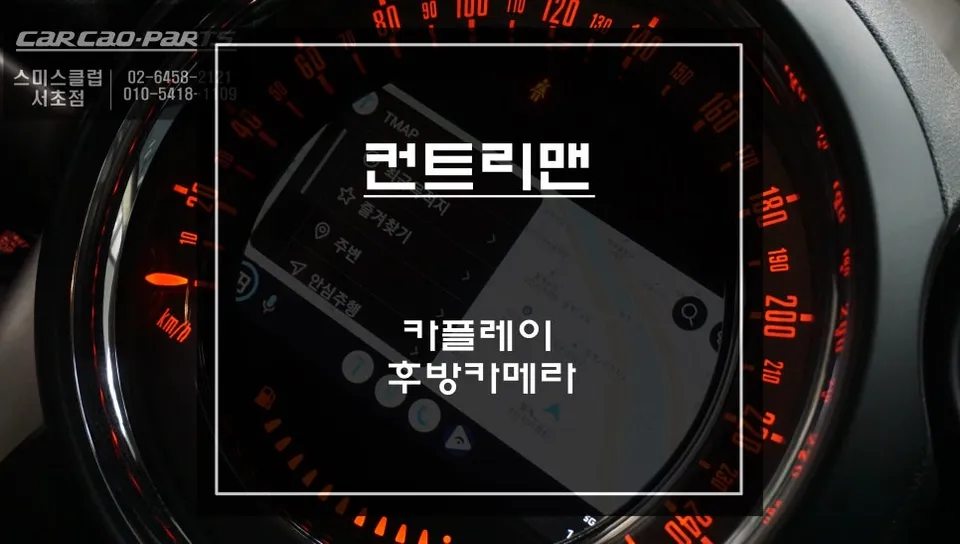
MINI Countryman CarPlay retrofit: Approx. ₩700,000-₩1,000,000. Restores navigation & adds smartphone integration.
MINI Countryman Infotainment Upgrade: Solving Navigation Woes
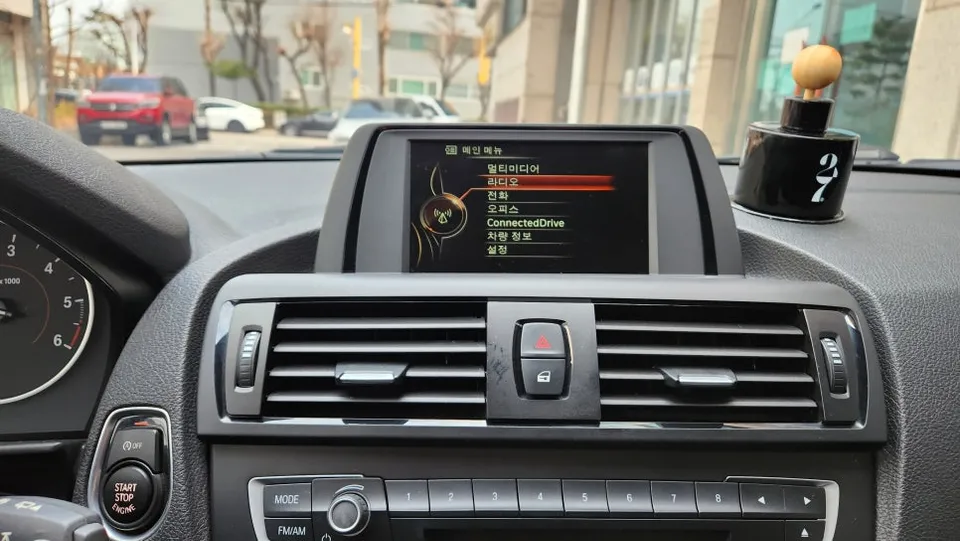
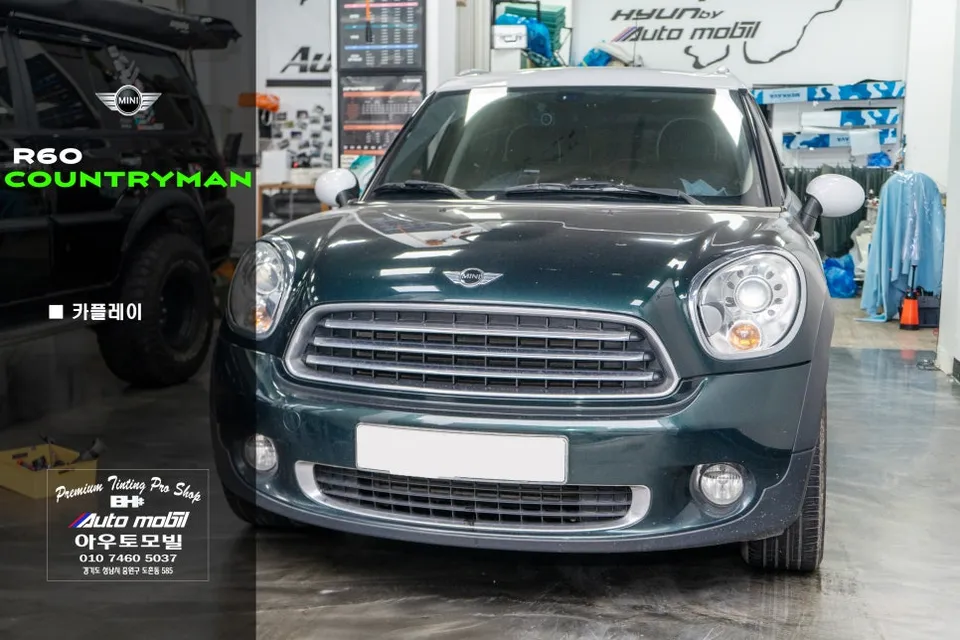
Many first-generation MINI Countryman models suffer from aging infotainment systems, specifically issues with the built-in M-BOX navigation module. This often leads to more than just a non-functional GPS; it can also affect the reverse camera display, rendering both essential features unusable. Fortunately, a modern solution exists: integrating a CarPlay module and a new reverse camera can completely resolve these problems and significantly enhance your driving experience. This review details the process and benefits of such an upgrade, as performed at a specialist shop in Seoul, South Korea.
CarPlay vs. Factory Navigation: A Clear Winner
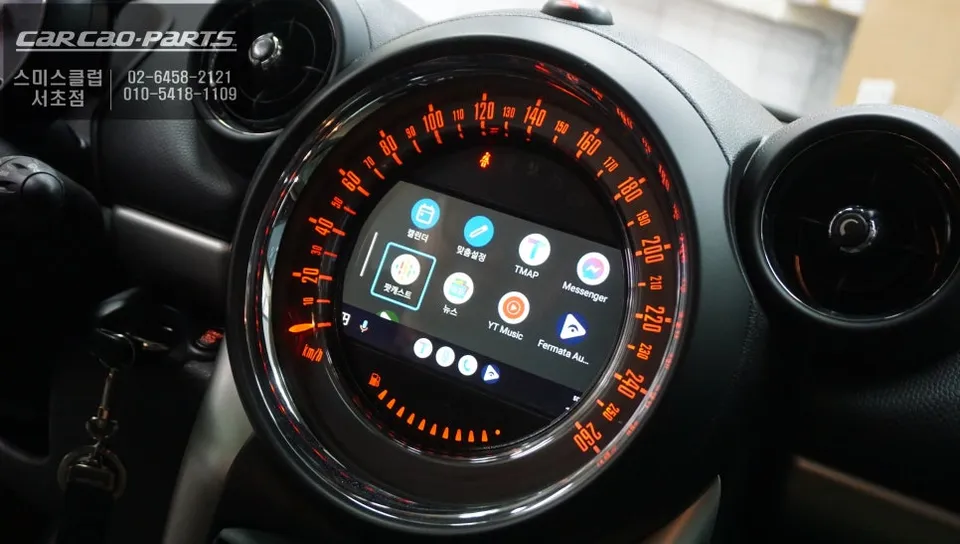
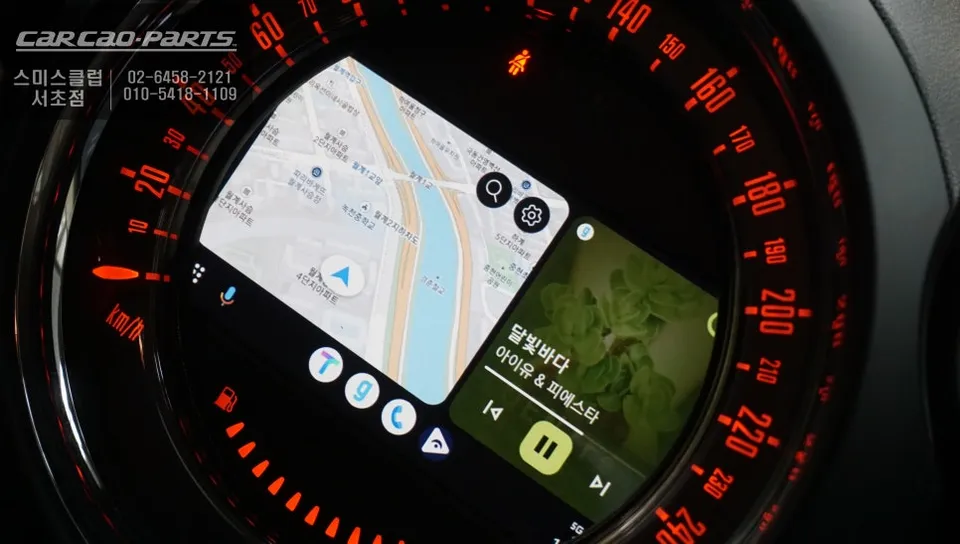
The original M-BOX navigation in the MINI Countryman relies on older map data, leading to slow real-time traffic updates and less accurate routing. In contrast, a CarPlay retrofit mirrors your smartphone's navigation apps, like TMAP or KakaoMap, directly onto your car's display. This means you get the precise, up-to-the-minute navigation you're accustomed to on your phone, complete with real-time traffic information that accounts for everything from traffic jams to road construction and accidents. Beyond navigation, CarPlay unlocks a world of entertainment, allowing you to stream music from services like Melon or YouTube Music through your car's speakers, a feature completely absent in the M-BOX era. It transforms the car's interface from a limited navigation system into a fully integrated smartphone hub.
The Installation Process: Precision and Simplicity
The upgrade begins with the careful removal of the original M-BOX unit. This requires a delicate approach due to the confined space within the MINI Countryman's dashboard, ensuring no damage to the existing wiring. Following the M-BOX removal, a dedicated CarPlay interface module designed specifically for MINI vehicles is installed. This module connects using a 'plug-and-play' system, meaning it integrates with the factory wiring harness without requiring any cuts or modifications. This method not only simplifies installation but also ensures a clean setup and makes it easy to revert to the original system if needed, minimizing risks and preserving the vehicle's integrity.
Installation Process:
- Carefully remove the original M-BOX navigation module from the dashboard.
- Connect the new CarPlay interface module using the plug-and-play wiring harness, ensuring all factory connectors are utilized.
- Install the new reverse camera, typically in the license plate garnish area, ensuring a secure and precise fit.
- Test all functions, including CarPlay connectivity, reverse camera display, and audio output through the car's speakers.
Seamless Integration and Enhanced Safety
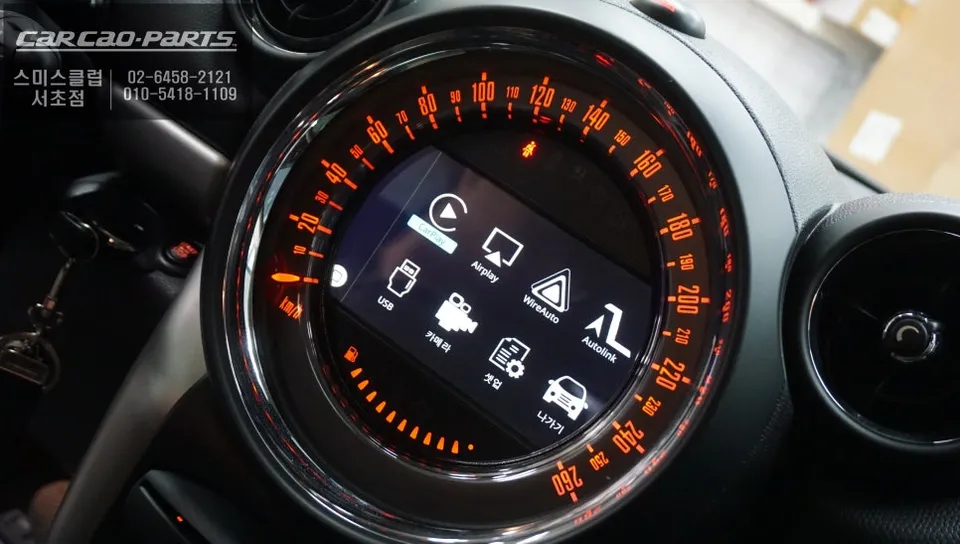
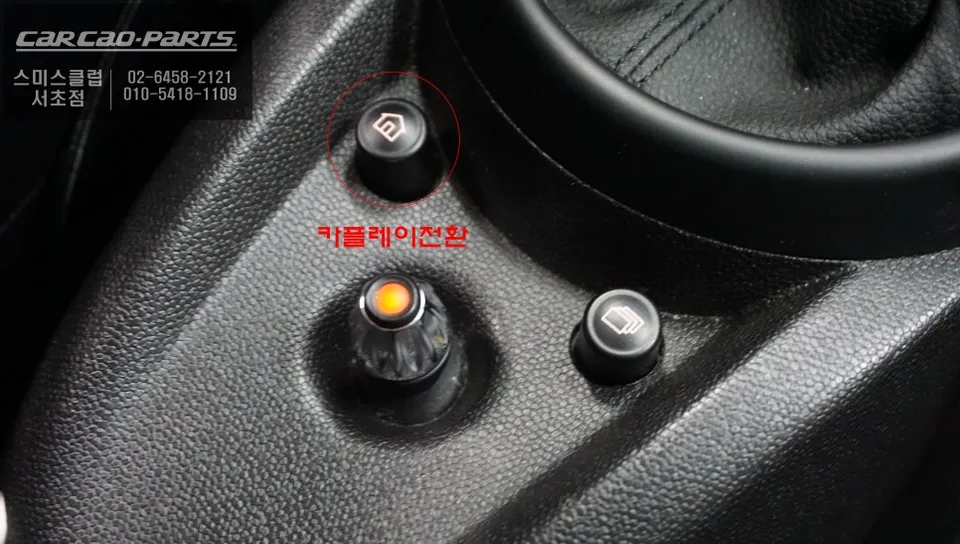
Activating CarPlay is straightforward: a simple two-second press of the car's home button switches the display to the CarPlay interface. Connecting your smartphone via a USB cable is all that's needed to mirror your phone's screen and enable voice control. While wireless CarPlay is an option, a wired connection is recommended for maximum stability during driving, preventing potential disruptions to navigation. Audio from CarPlay is routed through the car's AUX input, ensuring clear sound from the factory speakers. This system supports both Android Auto and Apple CarPlay, as well as screen mirroring, offering broad compatibility regardless of your smartphone choice. The addition of a high-quality reverse camera, like the Motorview M16 used in this installation, further enhances safety by providing a clear, wide view when reversing, displayed prominently on the new CarPlay screen.
Frequently Asked Questions
Q. How much does Android head unit or CarPlay installation cost for a MINI Countryman?
In Korea, the cost for a CarPlay module and reverse camera installation for a MINI Countryman typically ranges from ₩700,000 to ₩1,000,000 (approximately $500-$750 USD). Prices in the US may vary.
Q. How long does Android head unit installation take on a MINI Countryman?
The installation process for a CarPlay retrofit and reverse camera on a MINI Countryman usually takes around 2-3 hours. These systems are designed for durability, and maintenance typically involves keeping your smartphone's software updated.
Q. Is a CarPlay or Android Auto retrofit worth it for a MINI Countryman?
A CarPlay or Android Auto retrofit is highly recommended for MINI Countryman owners experiencing issues with their factory navigation or seeking modern smartphone integration. It offers a significant upgrade in navigation accuracy, real-time traffic data, and entertainment options, greatly enhancing the driving experience.
Q. How is an Android head unit installed in a MINI Countryman?
Installation involves carefully removing the old M-BOX unit, then connecting a new CarPlay interface module using a plug-and-play harness that integrates with the original wiring. A reverse camera is also mounted, typically in the license plate garnish, and connected to the new module.
Q. What is the difference between an Android head unit and a factory infotainment system for a MINI Countryman?
The key difference is functionality: factory systems like the M-BOX are limited to outdated maps, while Android head units or CarPlay retrofits mirror your smartphone's apps for real-time navigation, streaming, and more. For modern usability, a CarPlay retrofit is the superior choice.
Kakao Parts