MINI Countryman Android Head Unit Review: CarPlay Retrofit Cost
Service Price
Est. $1,500+
Estimated price · Actual price may vary by shop
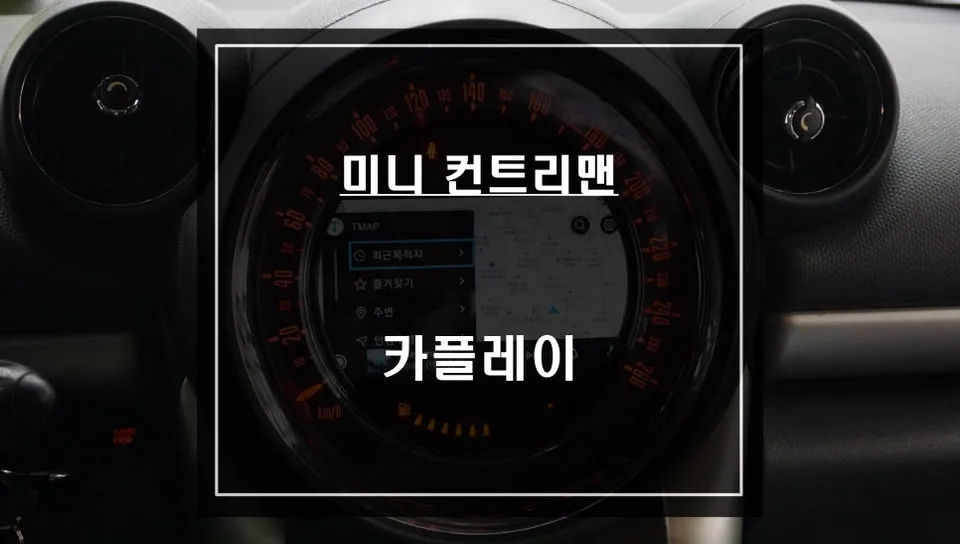
MINI Countryman CarPlay retrofit: Approx. ₩700,000 (USD $500). Enables smartphone navigation and voice control on factory screen.
Upgrading Your MINI Countryman's Infotainment System
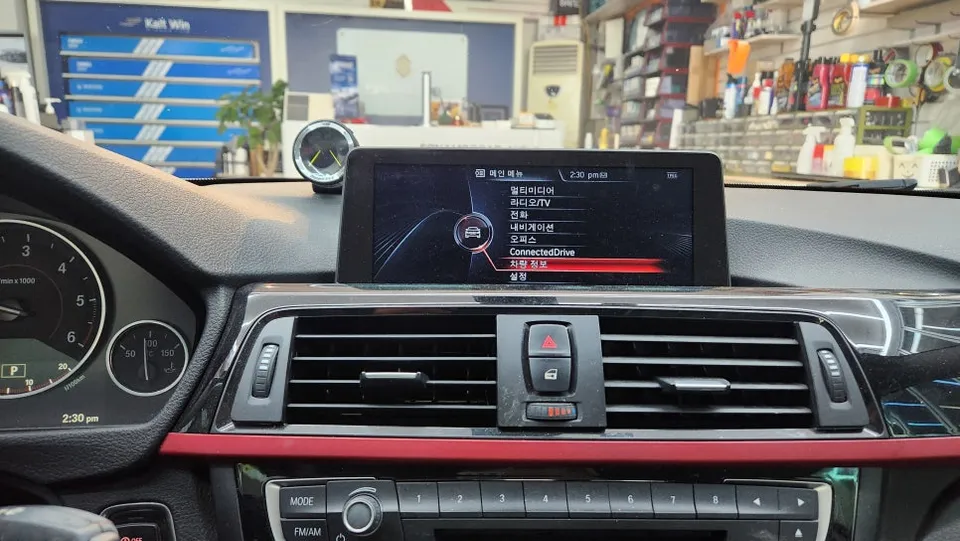
Many 2015 MINI Countryman owners are seeking solutions for outdated navigation systems. A common issue, particularly with the M-BOX module, can lead to malfunctions in the navigation and even the rearview camera. While repairs can be costly and parts scarce, a modern Android head unit or CarPlay retrofit offers a compelling alternative. This review details a recent installation of a CarPlay module for a MINI Countryman, focusing on the process, results, and overall value.
Addressing M-BOX Failures with a CarPlay Module
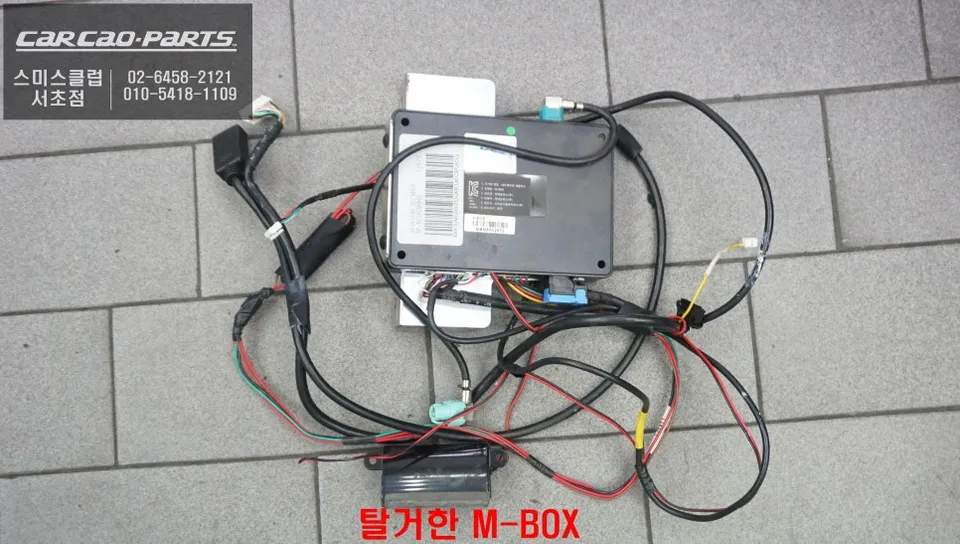
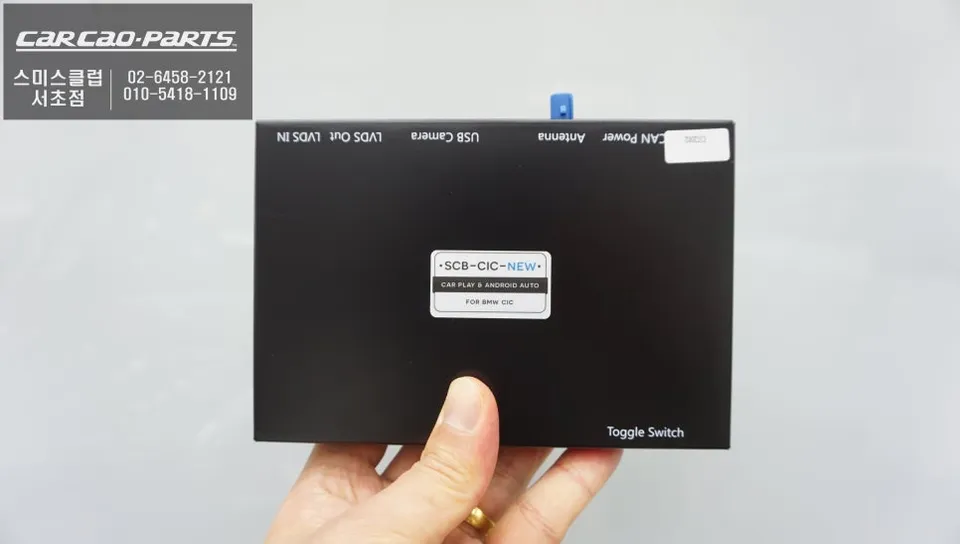
Our client's 2015 MINI Countryman presented with a non-functional rearview camera, traced back to a faulty M-BOX unit. This failure also disabled the factory navigation. Instead of a complex and potentially expensive M-BOX repair or replacement, we proposed installing a dedicated MINI CarPlay interface. This solution leverages the existing factory screen while enabling seamless integration with smartphone navigation apps like TMAP and KakaoMap. A key advantage is its plug-and-play installation, minimizing the need to cut or modify original wiring.
Android Head Unit Installation Process for MINI Countryman
The installation begins with the careful removal of the original M-BOX module. Given the intricate wiring within the MINI Countryman's dashboard, precise identification and disconnection of each connector are crucial to prevent damage. We ensure all original controls, including the microphone, jog dial, and AUX input, are compatible with the new system.
- Module Removal: Safely detach the factory M-BOX unit.
- System Testing: Verify the new CarPlay module correctly reads the vehicle's CAN-BUS signals (speed, gear, etc.) and confirms rearview camera functionality.
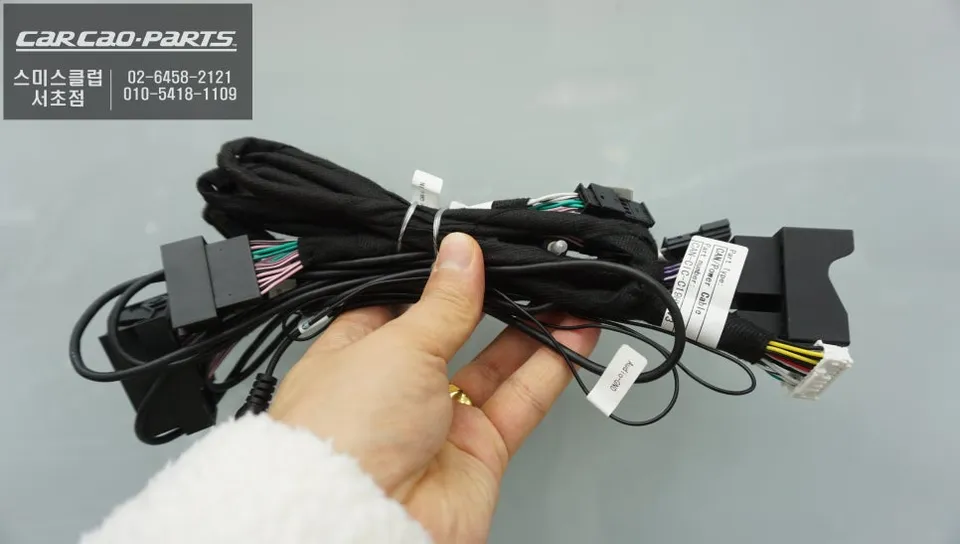
- Wiring Integration: Connect the module using adapters that interface with original connectors, minimizing the need for soldering or cutting wires. Route rearview camera and AUX audio signals through existing pathways.
- Final Assembly: Reassemble the dashboard components securely.
Post-installation, the system is tested to ensure all functions, including navigation app integration and audio output, operate correctly. The entire process is designed to be non-invasive, preserving the vehicle's original wiring harness.
Using Your New Android Infotainment System
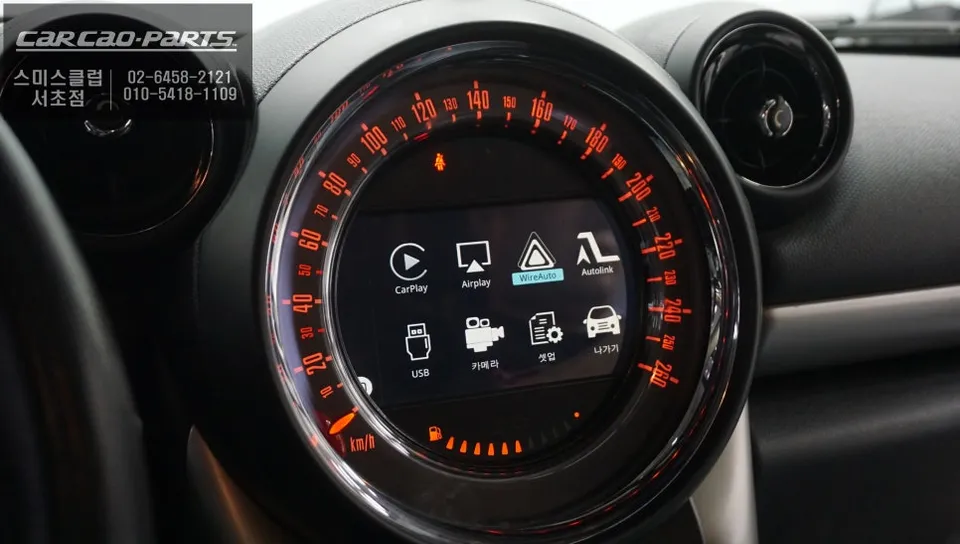
Operating the new system is straightforward. After starting the car, a long press (about 2 seconds) of the original home button on the dashboard switches the display to the CarPlay interface. Connecting your smartphone via Bluetooth provides access to your preferred apps. While the system doesn't support touch input on the factory screen, it offers robust voice control via the original microphone. You can issue commands like "Navigate to [destination]" or "Open [app name]". The jog dial also provides intuitive control for map zooming and menu navigation, enhancing safety during driving. Audio is routed through the car's AUX input to the factory speakers, maintaining sound quality without requiring speaker upgrades.
This infotainment upgrade eliminates the need for outdated SD card map updates, providing real-time navigation directly from your smartphone. The result is a modern, responsive, and feature-rich driving experience for your MINI Countryman.
Frequently Asked Questions
Q. How much does Android head unit or CarPlay installation cost for a MINI Countryman?
The installation described in this review cost approximately ₩700,000 (around $500 USD). Typical costs for similar CarPlay retrofits in the US can range from $400 to $800 depending on the specific module and vehicle.
Q. How long does Android head unit installation take on a MINI Countryman?
Installation typically takes a few hours, usually completed within a single business day. Durability is generally excellent as the system uses your smartphone's processing power and relies on the car's existing hardware, requiring minimal maintenance beyond software updates on your phone.
Q. Is a CarPlay or Android Auto retrofit worth it for a MINI Countryman?
A CarPlay or Android Auto retrofit is highly recommended for MINI Countryman owners with older infotainment systems, especially if the factory unit is malfunctioning. It offers a significant upgrade in functionality, providing access to modern navigation and apps at a fraction of the cost of replacing the entire head unit.
Q. How is an Android head unit installed in a MINI Countryman?
Installation involves carefully removing the original M-BOX module, testing the new CarPlay unit's compatibility with the car's systems, and integrating it using plug-and-play adapters that connect to the factory wiring. Rearview camera and audio signals are routed through existing pathways, minimizing invasive modifications.
Q. What is the difference between an Android head unit and a factory infotainment system for a MINI Countryman?
An Android head unit or CarPlay retrofit essentially adds modern smartphone integration capabilities to your existing factory screen, allowing you to use apps like Google Maps or Waze. The factory system is limited to its original software and features, often lacking updates and smartphone connectivity.
Kakao Parts