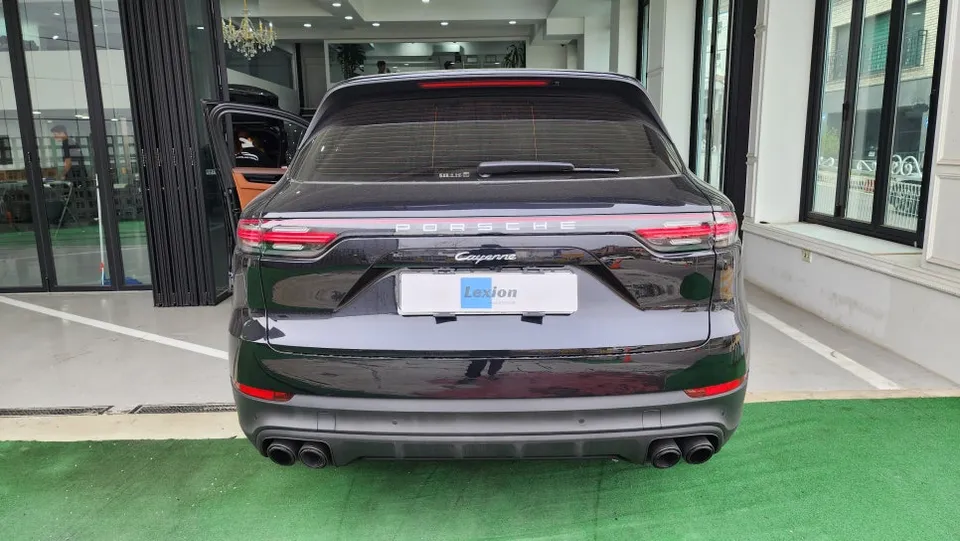
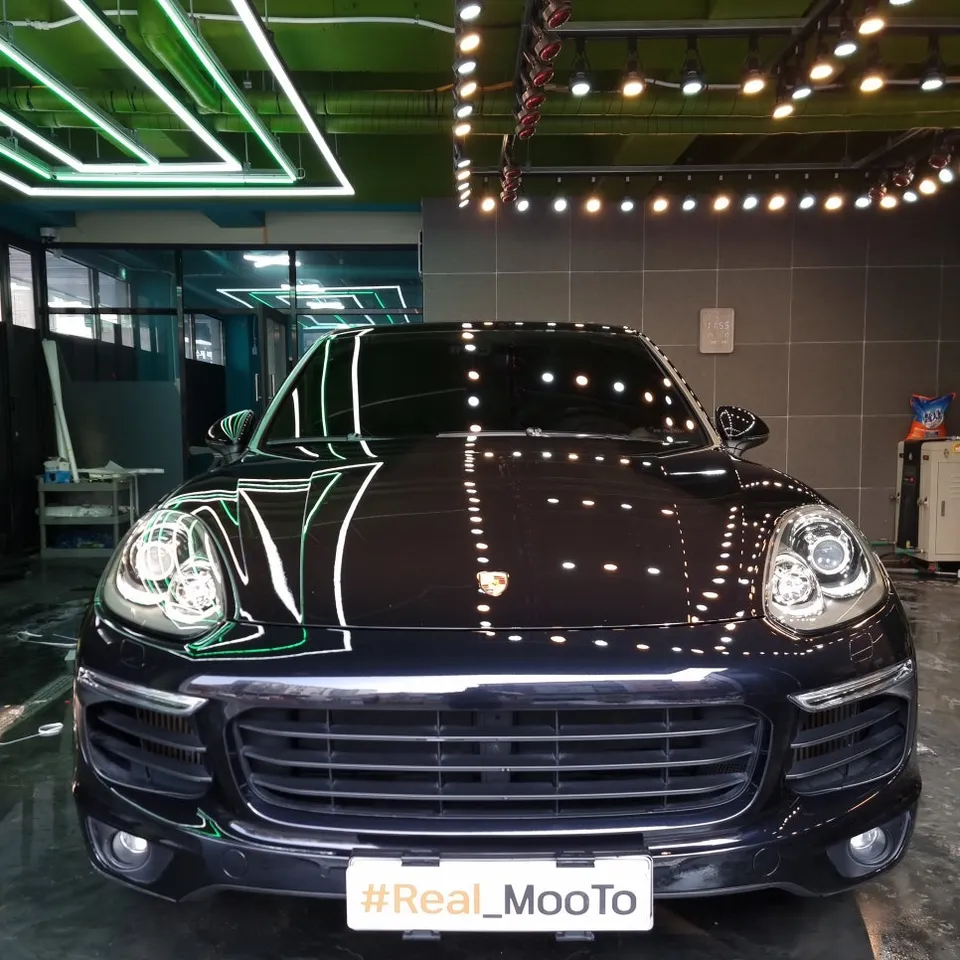
Porsche Cayenne Android Auto Upgrade Review
Service Price
$40–80
Estimated price · Actual price may vary by shop
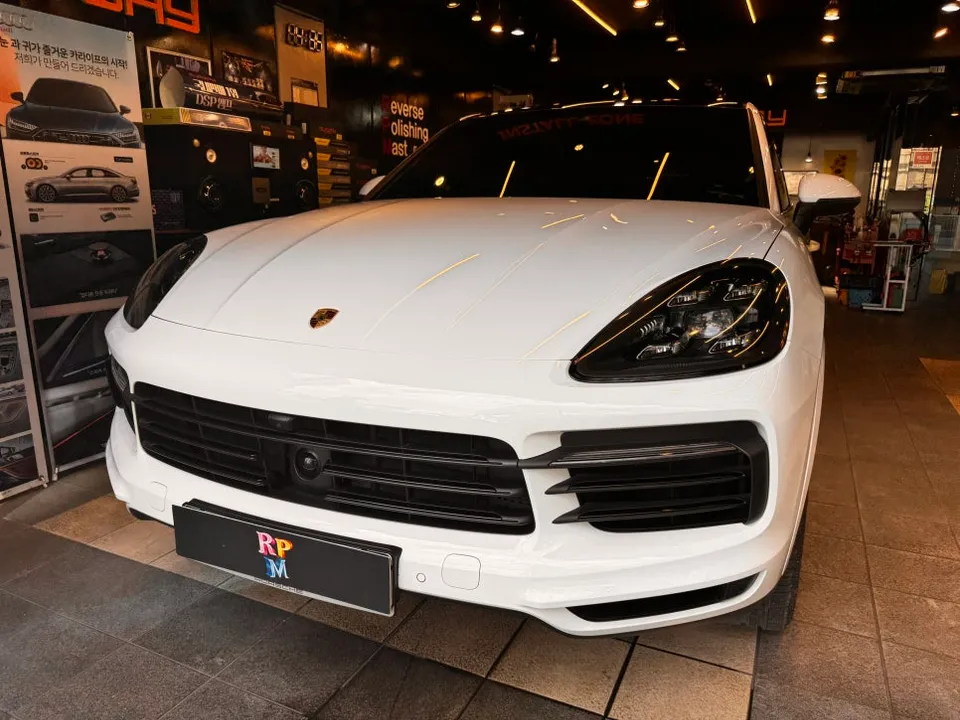
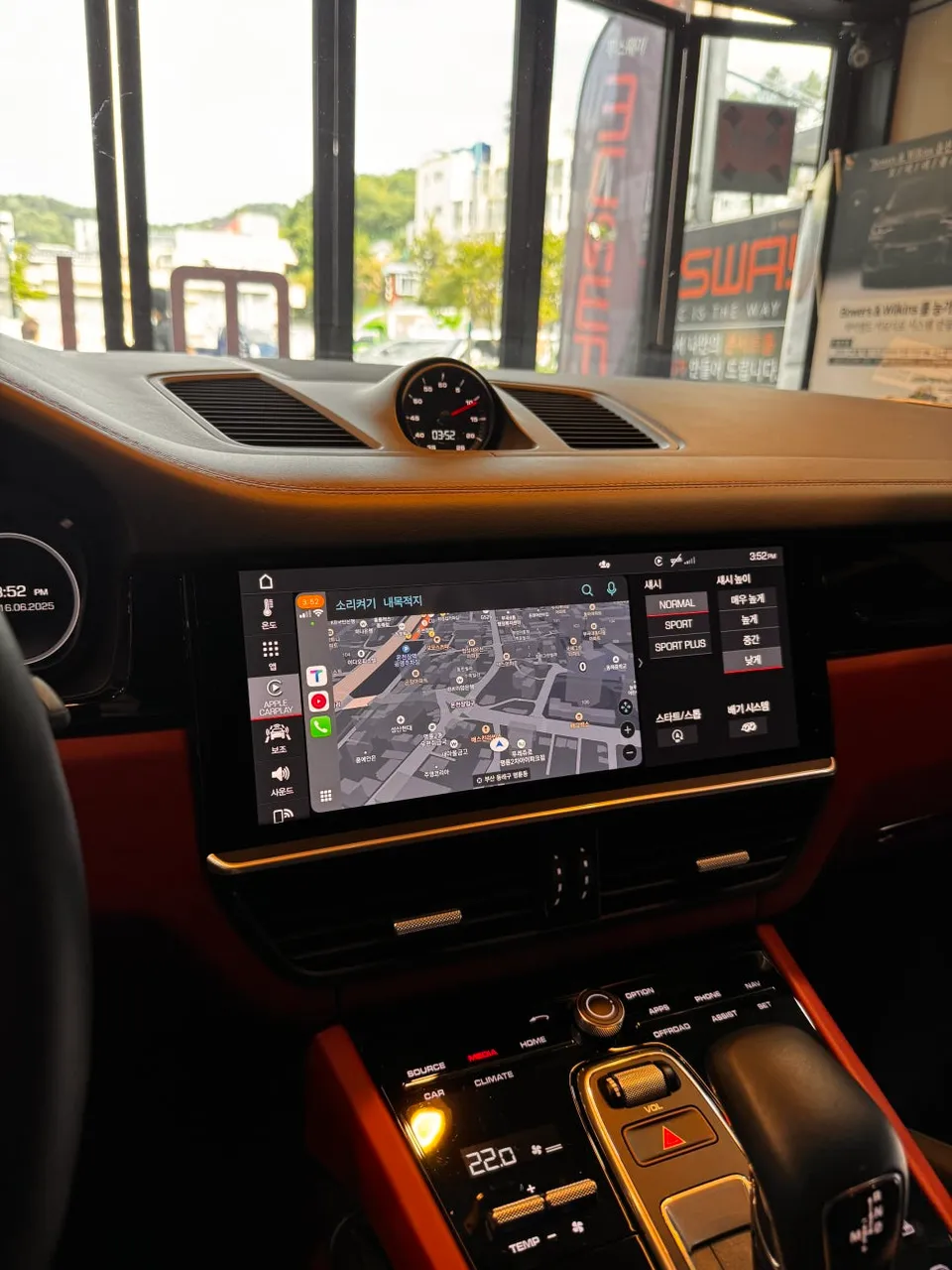
Porsche Cayenne Android Auto & Full Screen CarPlay upgrade via coding. Seamless smartphone integration for enhanced driving experience.
Unlock Your Porsche Cayenne's Infotainment Potential
Many luxury car owners are unaware that even with a premium infotainment system, full smartphone integration isn't always standard. For the Porsche Cayenne, this often means Apple CarPlay is restricted to a split-screen view, and Android Auto is completely disabled. This review details how a specialized coding service transforms the Cayenne's head unit, enabling full-screen CarPlay and activating Android Auto for a vastly improved user experience.
Diagnosing and Upgrading the Cayenne's Head Unit
The process begins with a thorough inspection of the vehicle's current infotainment setup. In this Porsche Cayenne, while Apple CarPlay was present, it was confined to roughly half of the 8-inch display. Furthermore, Android Auto functionality was entirely absent. This split-screen limitation significantly hinders usability, making it difficult to view navigation or media information effectively while driving. The goal is to overcome these limitations through expert coding.
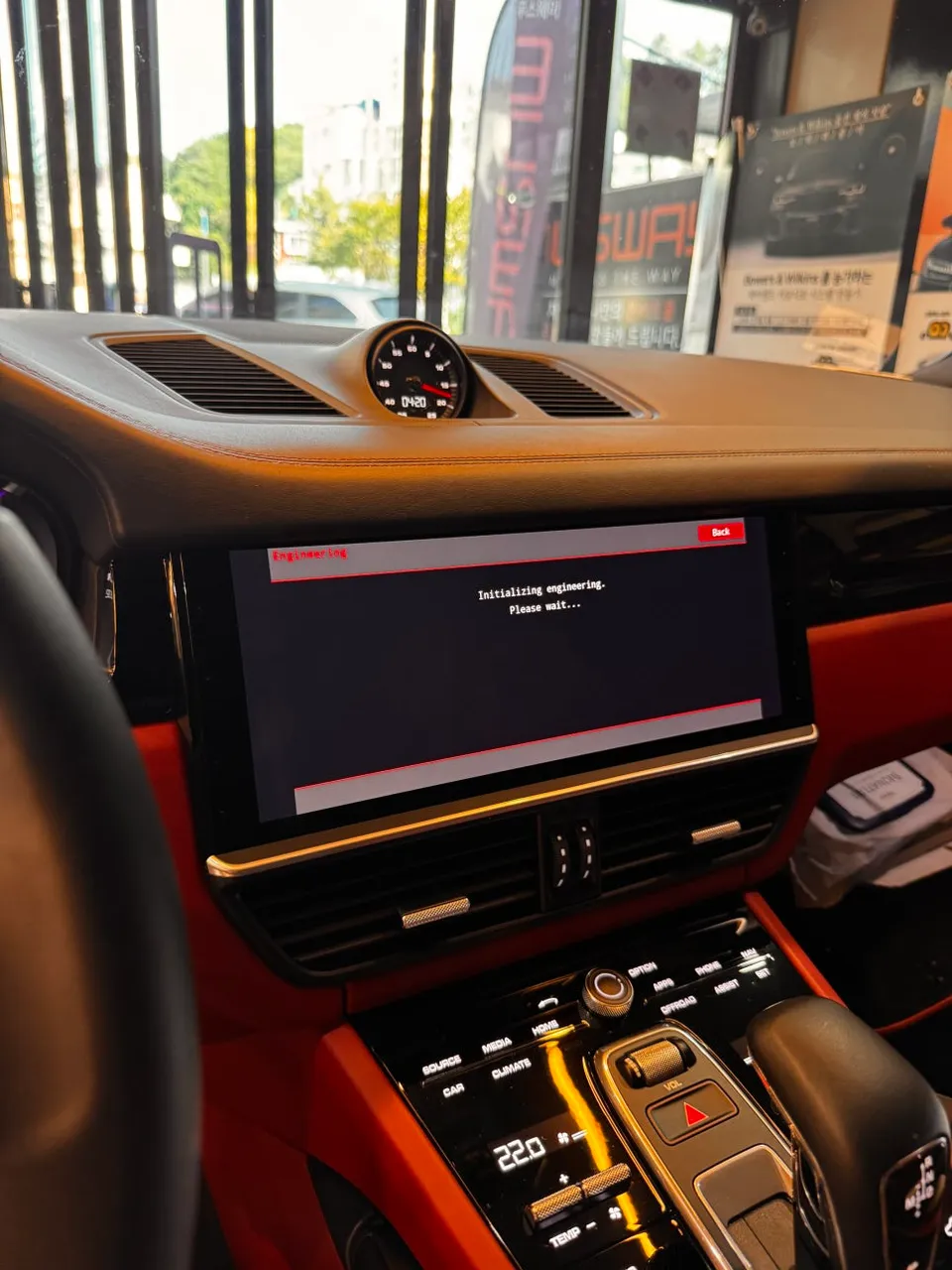
The Coding Process for Enhanced Connectivity
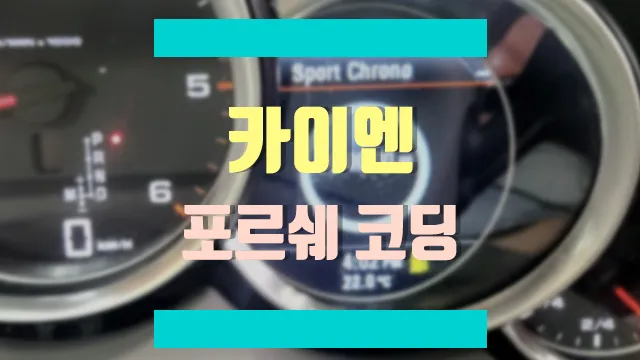
Porsche's infotainment systems are designed with a degree of exclusivity, preventing simple app installations or software updates from enabling features like Android Auto. Activation requires professional intervention via OBD-II port coding, which modifies the system's firmware settings at a fundamental level. Using advanced diagnostic tools compatible with Porsche's proprietary systems, technicians access the vehicle's ECU and infotainment modules. They precisely input specific codes to unlock Android Auto functionality. This is a critical step, as incorrect coding can lead to system errors, demanding a meticulous and accurate approach.
Following the coding, a system reboot is performed. This is akin to restarting a smartphone but requires careful management within the vehicle's complex electronic architecture. The reboot typically takes 3-5 minutes and must be done without a complete power interruption to avoid data corruption.
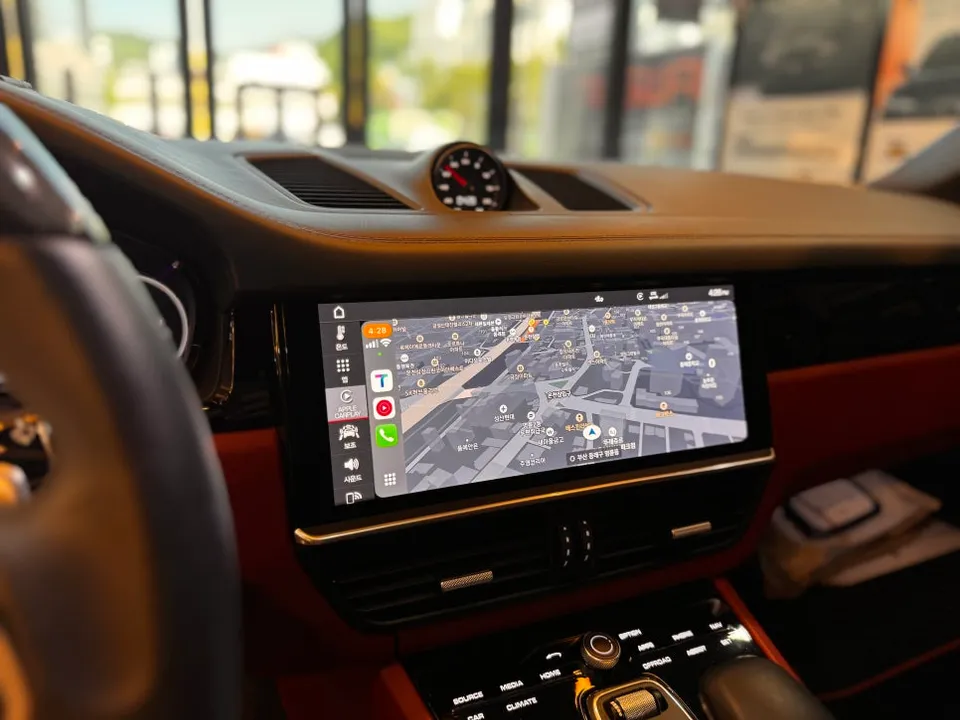
Activating Full-Screen CarPlay and Android Auto
Simultaneously with enabling Android Auto, the system is configured for full-screen CarPlay. This involves adjusting separate coding parameters to switch from the default split-screen mode to a full-display interface. Once coding is complete, the next step is to connect a smartphone via USB. The initial connection may involve a brief handshake process (around 10-15 seconds) for the vehicle and phone to establish communication. Using a high-quality USB cable is recommended for a stable connection.
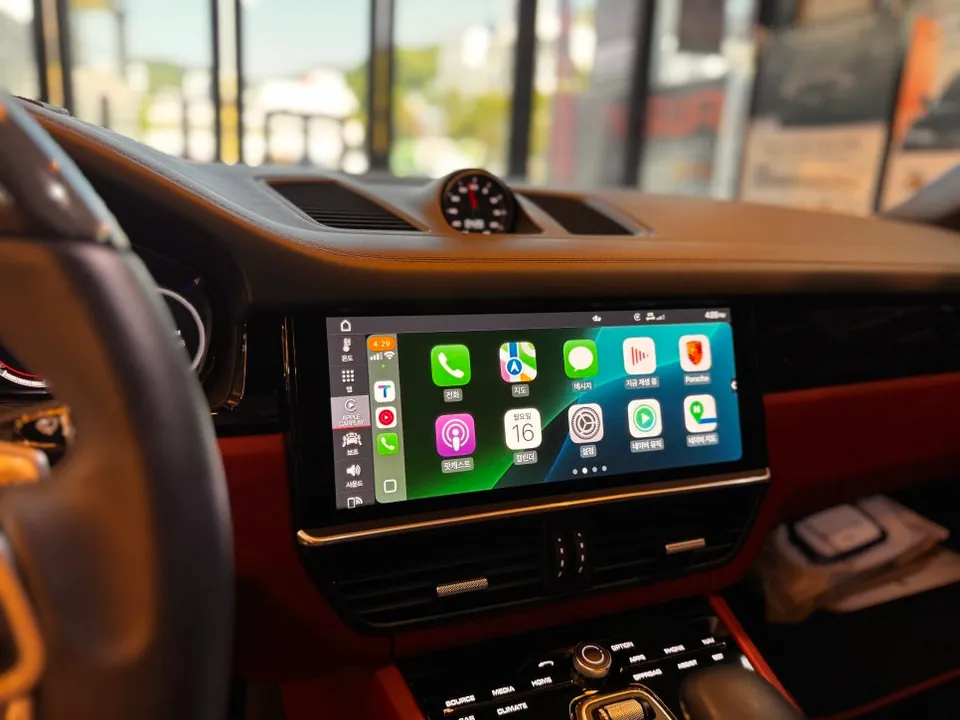
Upon successful connection, the display transforms. CarPlay now occupies the entire screen, offering optimized touch response, navigation, and media playback. Testing confirms that both Android Auto (for Android devices) and full-screen CarPlay (for iPhones) function seamlessly, providing drivers with comprehensive smartphone integration.
Installation Process:
- Connect diagnostic tool to the OBD-II port.
- Access infotainment system firmware settings via ECU.
- Input specific codes to enable Android Auto and full-screen CarPlay.
- Reboot the infotainment system.
- Test smartphone connectivity and functionality.
Frequently Asked Questions
Q. How much does the Android Auto and Full Screen CarPlay upgrade cost for a Porsche Cayenne?
The cost for this specific coding service for a Porsche Cayenne typically ranges from ₩300,000 to ₩500,000 in Korean Won. While exact US pricing varies by shop, expect a similar range for professional activation.
Q. How long does the Android Auto and Full Screen CarPlay upgrade last on a Porsche Cayenne?
Once coded, the Android Auto and Full Screen CarPlay functionality is permanent and lasts for the life of the vehicle's infotainment system. Ensure you use a reliable USB cable for consistent connectivity.
Q. Is the Android Auto and Full Screen CarPlay upgrade worth it for a Porsche Cayenne?
This upgrade is highly recommended for Porsche Cayenne owners who frequently use navigation or media apps, as it significantly enhances the usability of the infotainment system. It provides a modern, integrated smartphone experience, making the system much more valuable.
Q. How is the Android Auto and Full Screen CarPlay upgrade done on a Porsche Cayenne?
The upgrade is performed through expert coding via the OBD-II port. 1. Technicians connect a diagnostic tool to access the vehicle's ECU and infotainment firmware. 2. Specific codes are entered to enable Android Auto and switch CarPlay to full-screen mode. 3. The system is rebooted to apply the changes.
Q. What is the best Android Auto and Full Screen CarPlay upgrade option for a Porsche Cayenne?
The best option is professional OBD-II port coding, which directly modifies the head unit's firmware for native integration. Avoid aftermarket head unit replacements, as they can be costly and may not integrate as seamlessly with the Cayenne's existing systems.
OhCar Partner Shop