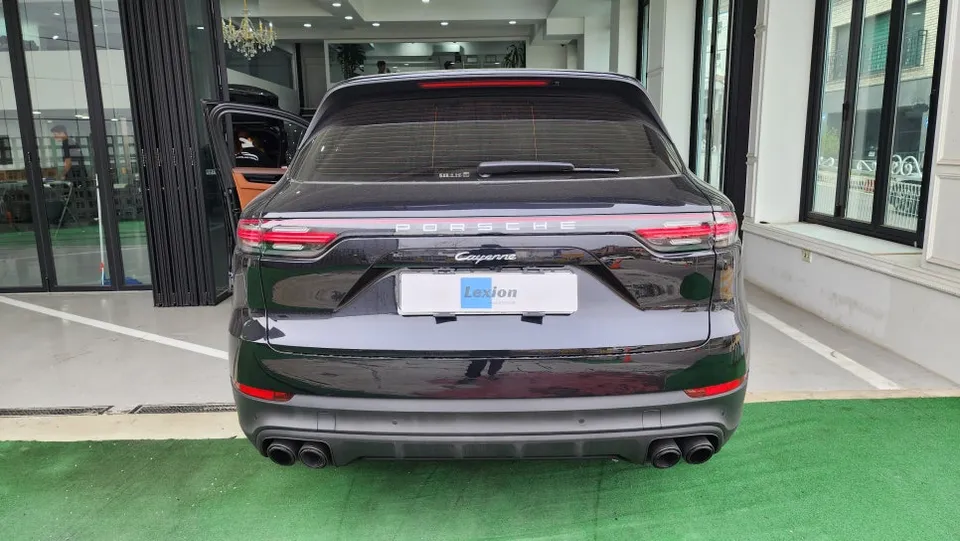
Porsche Cayenne Android Auto Head Unit Upgrade Review
Service Price
$150+
Estimated price · Actual price may vary by shop

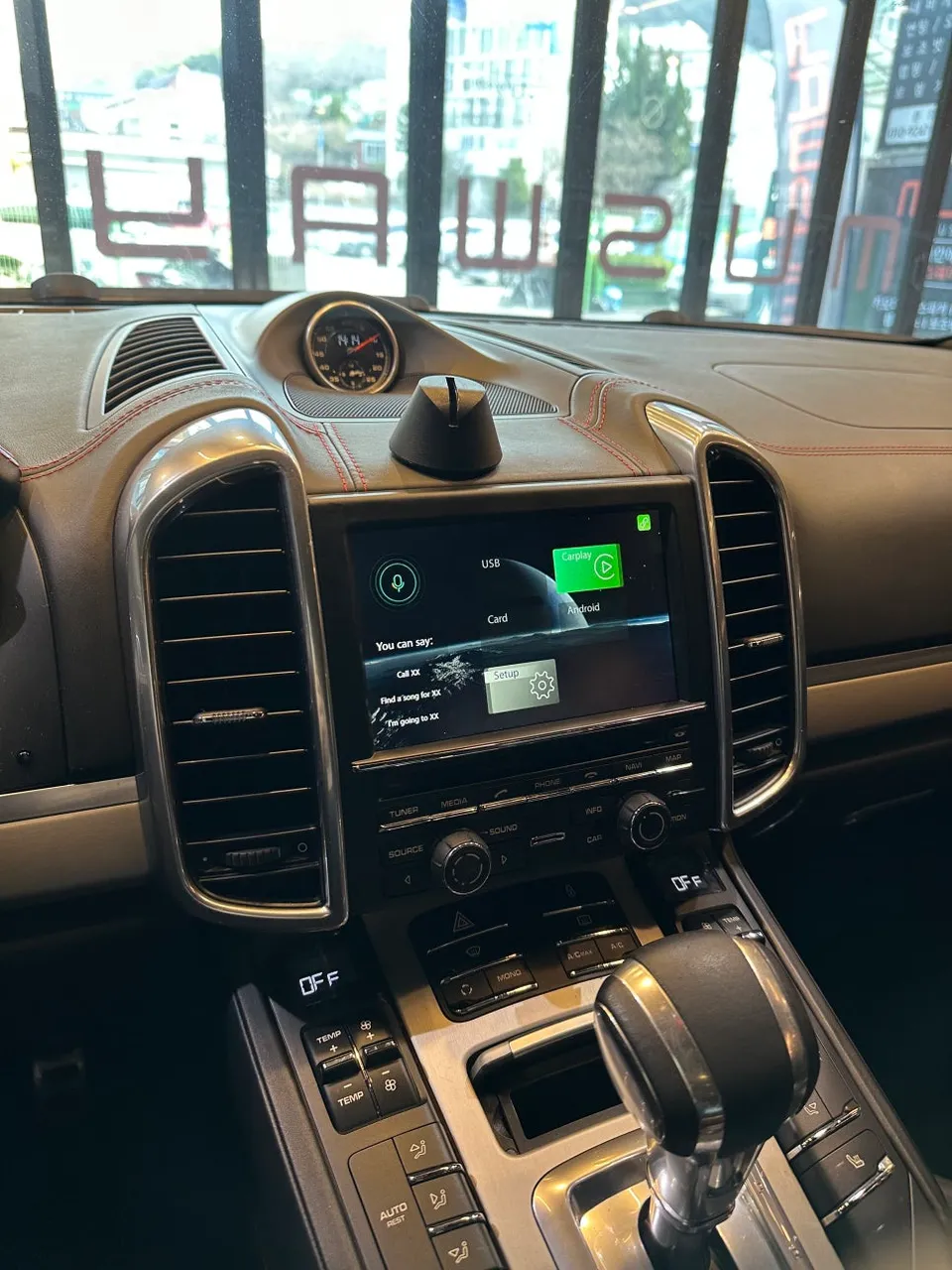
Porsche Cayenne Android Auto head unit upgrade: Seamless wireless CarPlay & Android Auto integration. Enhances navigation and media control.
Why Upgrade Your Porsche Cayenne's Infotainment System?
The Porsche Cayenne represents the pinnacle of premium SUVs, but its original Porsche Communication Management (PCM) navigation system can feel dated when it comes to modern smartphone integration. Many Cayenne owners desire the convenience of wireless Apple CarPlay and Android Auto. This review details how a PCM 3.1 system was modernized through a professional installation, bringing the Cayenne's infotainment into the current era.
Vehicle: Porsche Cayenne
Service: Wireless Apple CarPlay & Android Auto Module Installation
Installation Method: Replacement with a PCM 3.1 compatible multimedia module
Installation Time: Approximately 2 hours
Installation Location: Today's Car Busan Branch
Beyond Factory Navigation: The Case for CarPlay and Android Auto
While Porsche's native navigation is sophisticated, real-world usability can be a challenge. Older systems often rely on outdated cloud data, and updates can be costly. In contrast, wireless CarPlay and Android Auto allow drivers to utilize all their favorite navigation apps—like Google Maps, Waze, or local Korean apps like Kakao Map and Naver Map—directly on the PCM screen with real-time traffic information. This upgrade isn't about buying a more expensive navigation system; it's about leveraging the powerful, up-to-date capabilities of your existing smartphone.
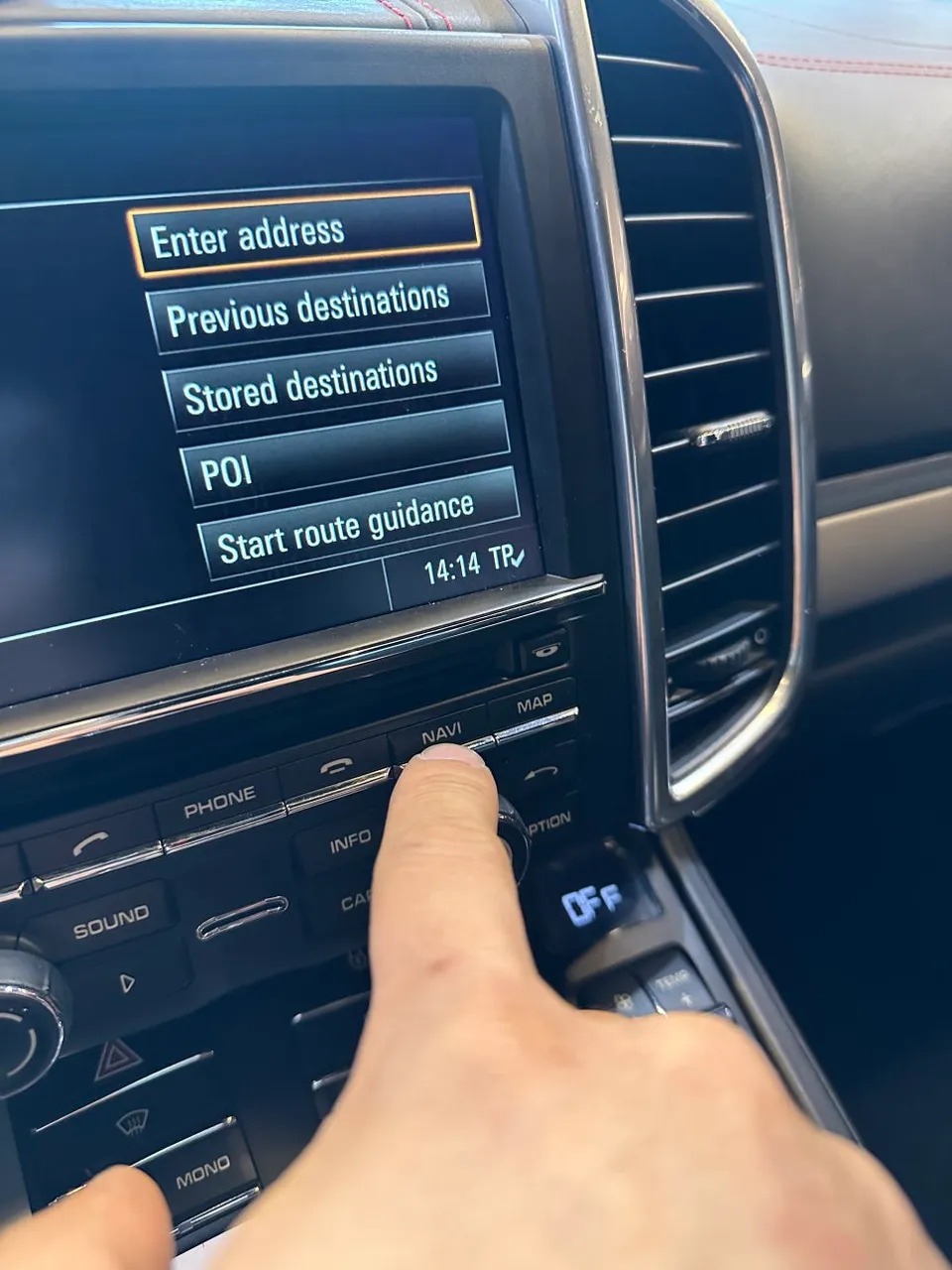
The PCM 3.1 Module Replacement Process
The installation involves carefully disassembling the Cayenne's dashboard to access the original PCM module. This unit is deeply integrated with the vehicle's sensors and controls, including cameras, steering wheel buttons, and climate control. Replacing it requires a specialized module designed for seamless integration.
The process utilizes a PCM 3.1 compatible multimedia module. The key to this upgrade is its ability to communicate with the vehicle's existing CAN-BUS network. This ensures that critical functions, such as steering wheel multimedia controls (volume, track skipping), continue to work flawlessly. The MAP button can also be programmed to instantly switch between the native navigation and the CarPlay/Android Auto interface.
Installation Process:
- Careful dashboard disassembly to access the original PCM unit.
- Installation of the PCM 3.1 compatible multimedia module, connecting it to the vehicle's CAN-BUS network.
- Programming the module to retain original vehicle functions and enable seamless interface switching.
- Connecting the smartphone via USB for initial setup (for both wired and wireless configurations).
- Testing all integrated functions, including navigation, media playback, and steering wheel controls.
Once the module is installed, smartphone connectivity begins. For wired connections, simply plug your Lightning or USB-C cable into the center console or glove box USB port; this also enables charging. The true convenience, however, lies in wireless CarPlay and Android Auto. After an initial wired pairing, your phone automatically connects via Wi-Fi whenever you enter the vehicle. This enhances safety by minimizing distractions and eliminates the need to repeatedly plug and unplug cables.
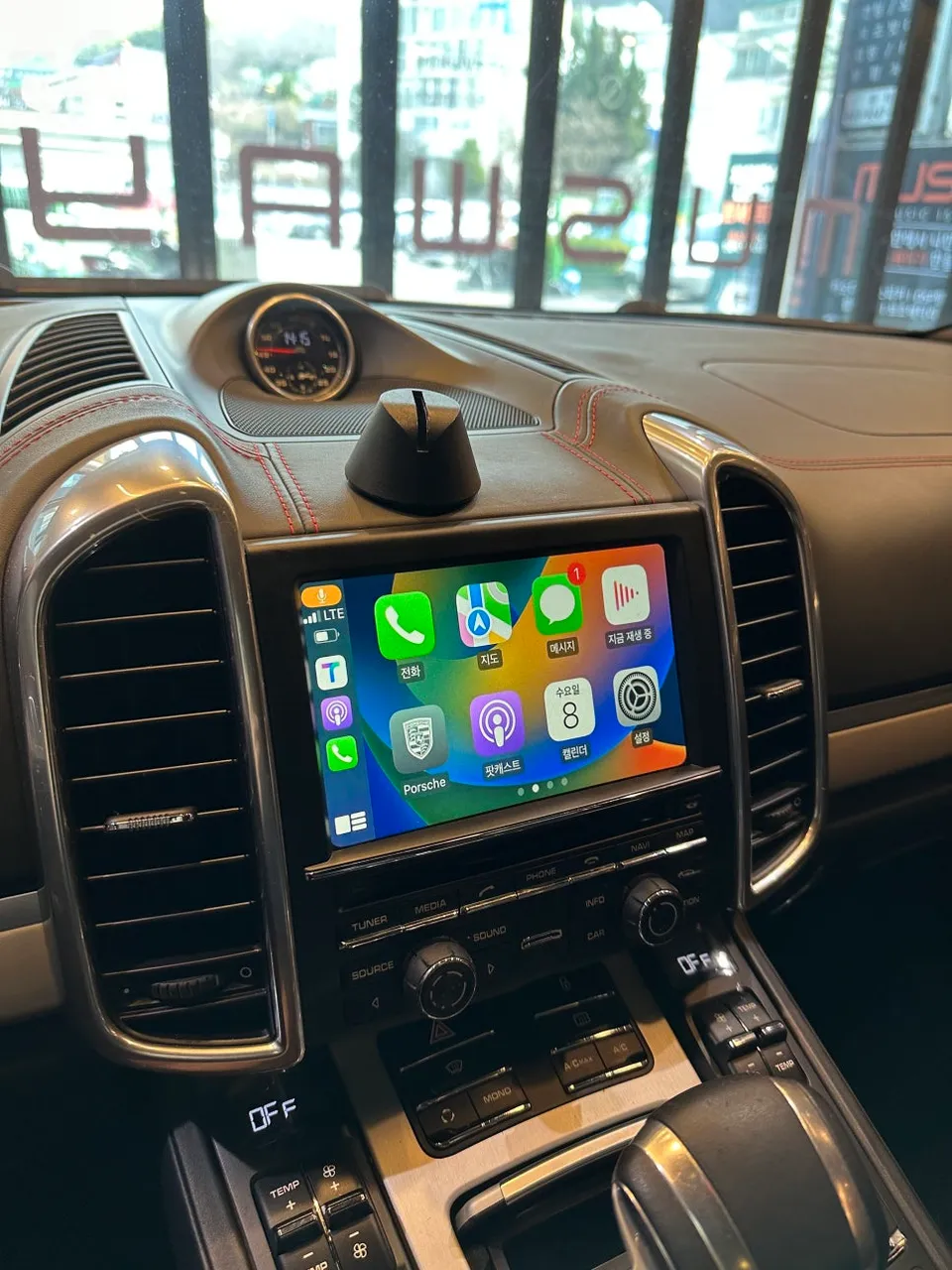
Experiencing CarPlay on the PCM Screen
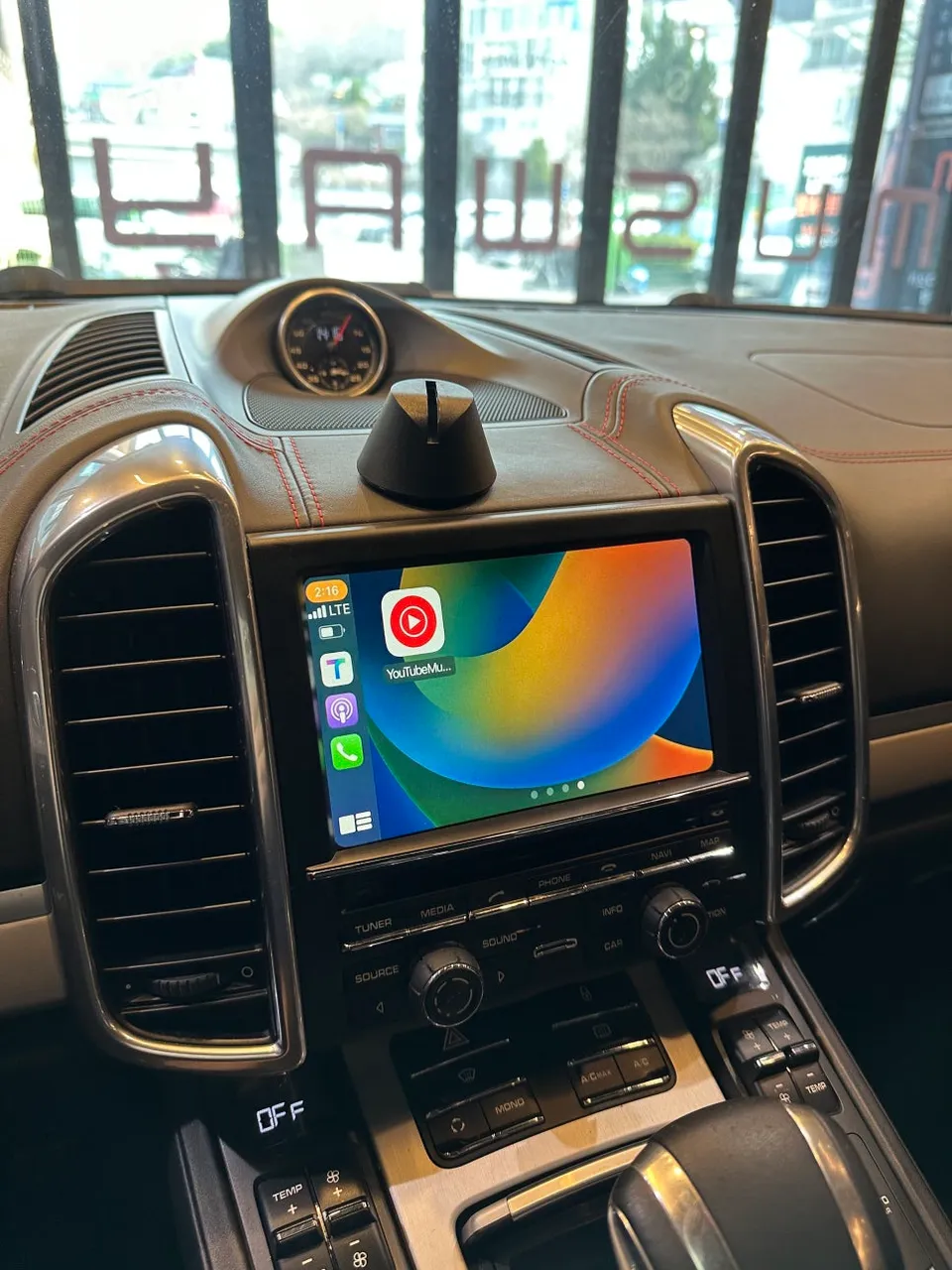
With CarPlay or Android Auto active, your PCM screen displays familiar smartphone navigation apps. Apps like Google Maps or Kakao Map provide real-time traffic data, offering more accurate and timely routing information than many built-in systems. The split-screen functionality is a significant advantage, allowing you to view navigation directions on one half of the screen while controlling music playback on the other, ensuring you have all necessary information at a glance without compromising safety.
Frequently Asked Questions
Q. How much does an Android all-in-one system cost for a Porsche Cayenne?
The specific cost for this PCM 3.1 module upgrade in Korean Won was not detailed in the original review, but similar aftermarket Android head unit installations in the US can range from $500 to $1500 depending on features and vehicle specifics.
Q. How long does an Android all-in-one system last on a Porsche Cayenne?
These integrated multimedia modules are designed for the lifespan of the vehicle, typically lasting many years with proper installation. Regular software updates for the module and your smartphone are recommended to ensure optimal performance and compatibility.
Q. Is an Android all-in-one system worth it for a Porsche Cayenne?
An Android all-in-one system is highly beneficial for Porsche Cayenne owners who frequently use smartphone navigation and media apps, as it significantly enhances the infotainment experience. It offers a cost-effective way to gain modern features compared to purchasing a new vehicle.
Q. How is an Android all-in-one system done on a Porsche Cayenne?
The installation involves replacing the original PCM 3.1 head unit with a compatible multimedia module that integrates with the vehicle's CAN-BUS system. This process includes careful dashboard disassembly, module installation, programming to retain factory controls like steering wheel buttons, and initial smartphone pairing for wired or wireless connectivity.
Q. What is the best Android all-in-one system option for a Porsche Cayenne?
For Porsche Cayenne models with PCM 3.1, a dedicated multimedia module enabling wireless CarPlay and Android Auto offers the most seamless integration and user experience. This approach preserves the factory aesthetic while providing access to all modern smartphone features.
OhCar Partner Shop