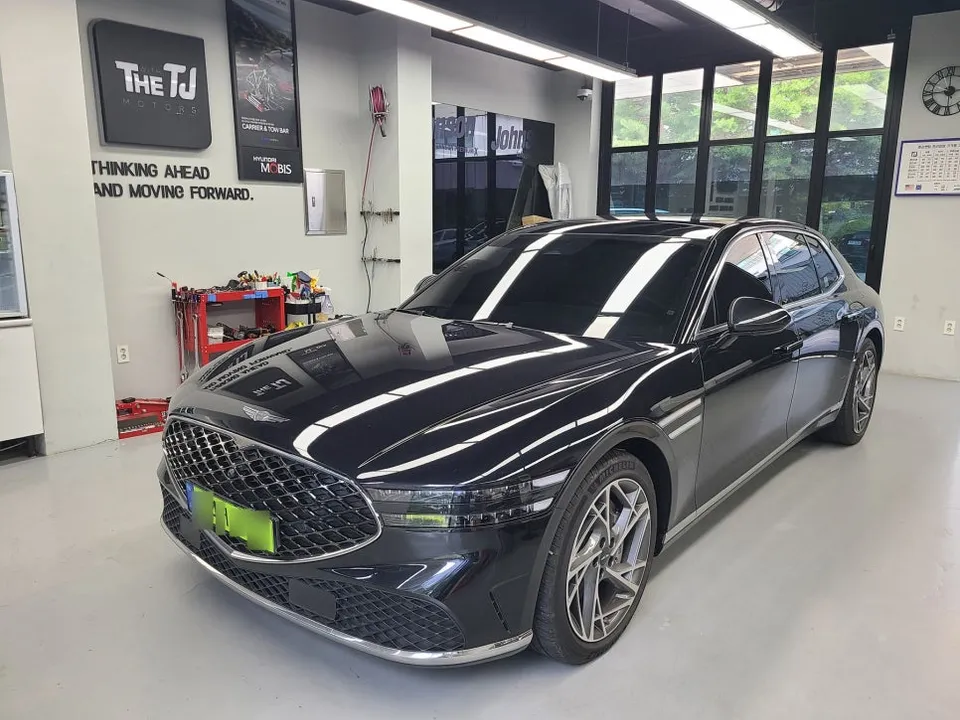
Genesis G90 Android Head Unit Smart Box Review
Service Price
$75–115
Estimated price · Actual price may vary by shop
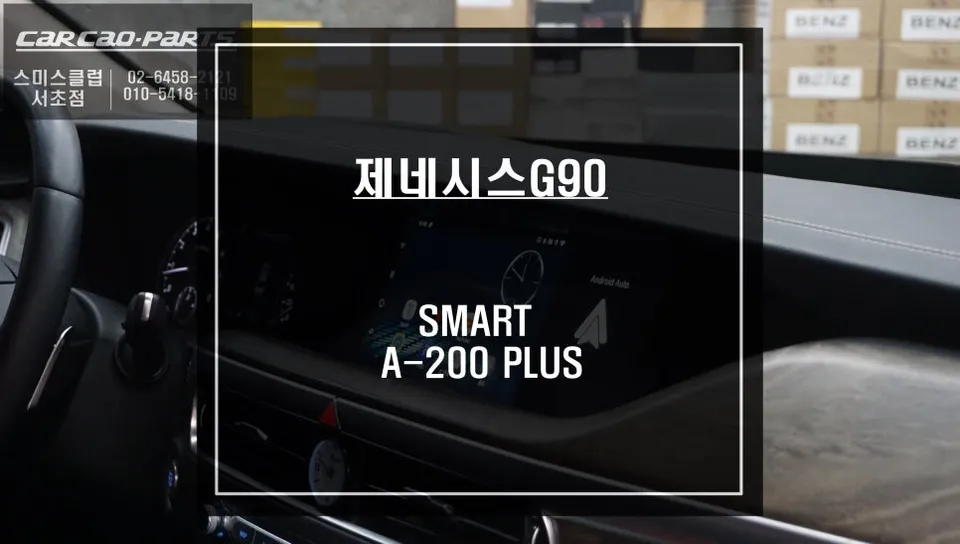
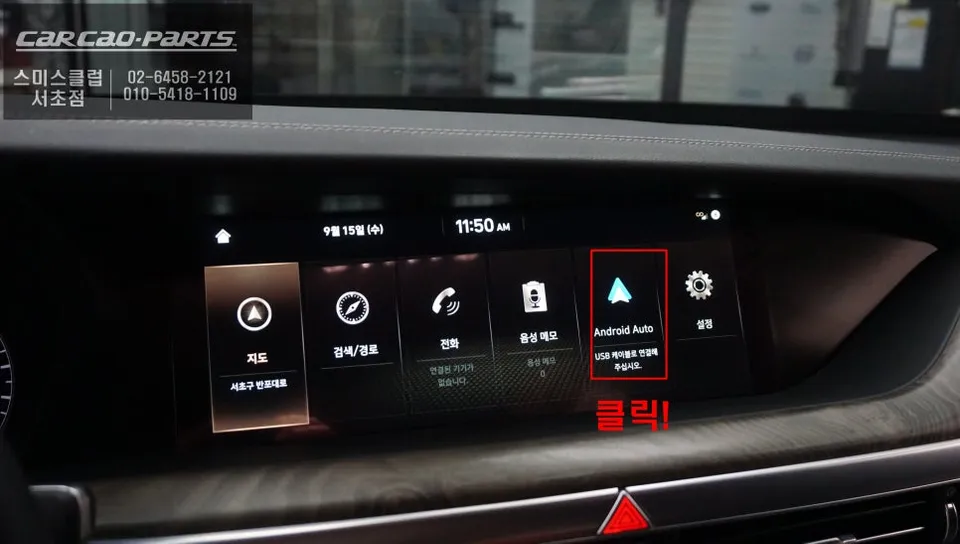
Genesis G90 Android Head Unit Smart Box installation. Seamlessly integrates YouTube, Netflix, and real-time navigation. Preserves factory look.
Upgrade Your Genesis G90 with a Smart Box for Enhanced Infotainment
The Genesis G90, a symbol of luxury, boasts an impressive infotainment system. However, imagine transforming your factory monitor into a smart device, capable of running your favorite smartphone applications directly. This review details the process of integrating a Smart Box into a G90, unlocking access to YouTube, Netflix, and real-time navigation, all while preserving the vehicle's original integrity. This upgrade offers a significant leap in in-car entertainment and utility.
Why Choose a Smart Box for Your G90?
For G90 models equipped with Android Auto, the integration of a Smart Box is remarkably straightforward. It leverages the existing USB port to connect the device, allowing you to utilize the car's built-in GPS and Bluetooth. The core benefit lies in its ability to install and run apps directly from the Google Play Store, much like a smartphone. This means no complex wiring or permanent modifications to your vehicle's original setup. You gain extensive functionality while maintaining the car's factory look and feel, making it an attractive upgrade for discerning owners.
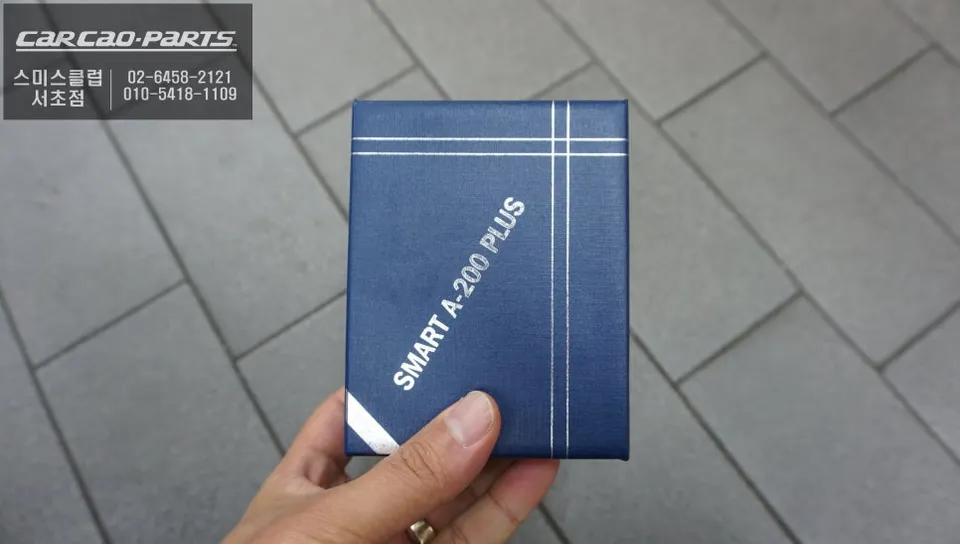
Installation Process: Smart Box Integration
The installation process is designed for efficiency and minimal disruption:
- System Check: Before installation, verify your G90's infotainment system specifications, including USB port type (preferably USB 3.0 for optimal speed), Bluetooth version, and Android Auto compatibility. Ensure the monitor resolution is sufficient for high-definition content.
- Connection: Connect the Smart Box to the designated USB port in your G90. This port will serve as the data and power source for the device.
- Bluetooth Pairing: Activate Android Auto on your G90's infotainment system and pair your smartphone via Bluetooth. This establishes the initial connection pathway.
- Hotspot Setup: Configure the Smart Box to connect to your smartphone's mobile hotspot. This provides the Smart Box with internet access, enabling app downloads and streaming.
- App Installation: Once connected to the internet, access the Google Play Store via the Smart Box interface on your G90's screen. Download and install your preferred navigation, streaming, or other applications.
This entire setup typically takes between 10 to 15 minutes. The result is a fully functional smart interface on your G90's original display.
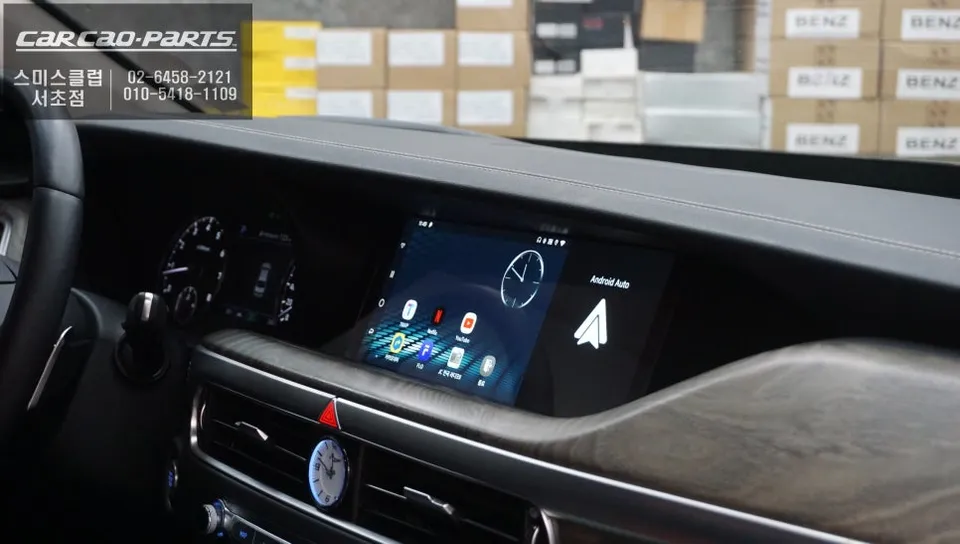
Unlocking Multimedia and Navigation Features
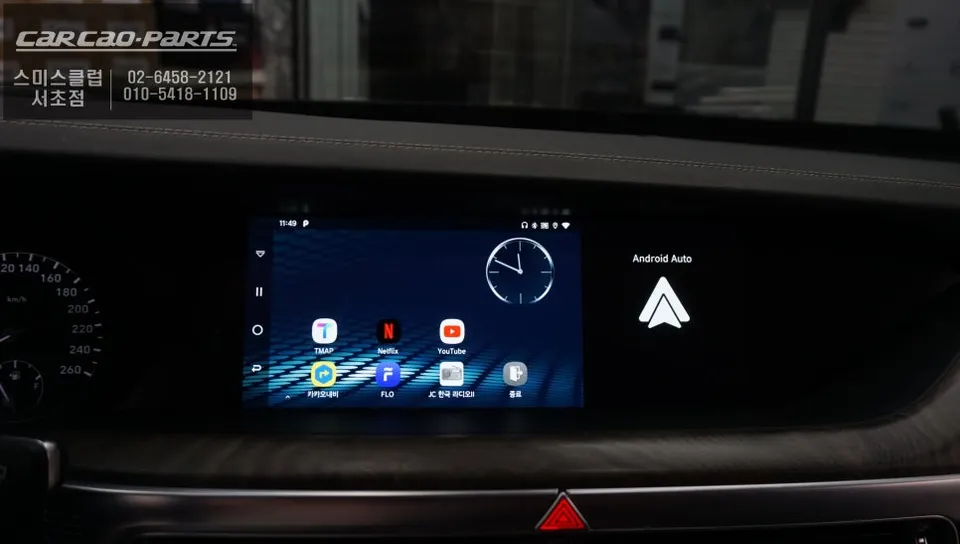
With the Smart Box installed, your G90's screen becomes a portal to endless entertainment and information. Streaming services like YouTube and Netflix can be enjoyed directly, making long journeys more engaging for passengers. Real-time navigation apps such as Kakao Map or T Map integrate seamlessly with the car's GPS, providing accurate directions and live traffic updates without the need for manual map updates via SD cards. Voice commands are also supported, allowing for convenient control of various functions through the vehicle's speaker system.
This upgrade significantly enhances the driving experience, offering convenience and entertainment options that rival dedicated tablets, all integrated cleanly into your luxury Genesis G90.
Frequently Asked Questions
Q. How much does an Android Head Unit Smart Box cost for a Genesis G90?
The cost for a Smart Box installation for a Genesis G90 can vary, but typically ranges from approximately ₩300,000 to ₩600,000 in Korean Won. In the US, similar aftermarket head unit upgrades can range from $300 to $800 depending on features and installation complexity.
Q. How long does an Android Head Unit Smart Box last on a Genesis G90?
The longevity of a Smart Box is generally comparable to the lifespan of modern electronic devices, often lasting 5-7 years with proper care. To ensure optimal performance, avoid exposing the device to extreme temperatures and ensure stable power delivery through the USB port.
Q. Is an Android Head Unit Smart Box worth it for a Genesis G90?
An Android Head Unit Smart Box is highly recommended for G90 owners who want to expand their infotainment capabilities beyond the factory system. It offers a cost-effective way to add modern app functionality, streaming, and advanced navigation while maintaining the vehicle's original aesthetics.
Q. How is an Android Head Unit Smart Box installed on a Genesis G90?
Installation involves connecting the Smart Box to the G90's factory USB port, pairing your smartphone via Bluetooth for Android Auto, and then connecting the Smart Box to your phone's mobile hotspot for internet access. This process typically takes 10-15 minutes and requires no complex wiring.
Q. What is the best Android Head Unit option for a Genesis G90?
For a Genesis G90, the Smart Box integration method is often preferred as it leverages the existing screen and system, offering a seamless upgrade. Unlike full head unit replacements that alter the dashboard, this method provides access to apps like YouTube and real-time navigation with minimal modification.
Kakao Parts