Tesla Model 3 Car Accessories Review — Clean Cable Management
Service Price
$under approx. $400
Estimated price · Actual price may vary by shop
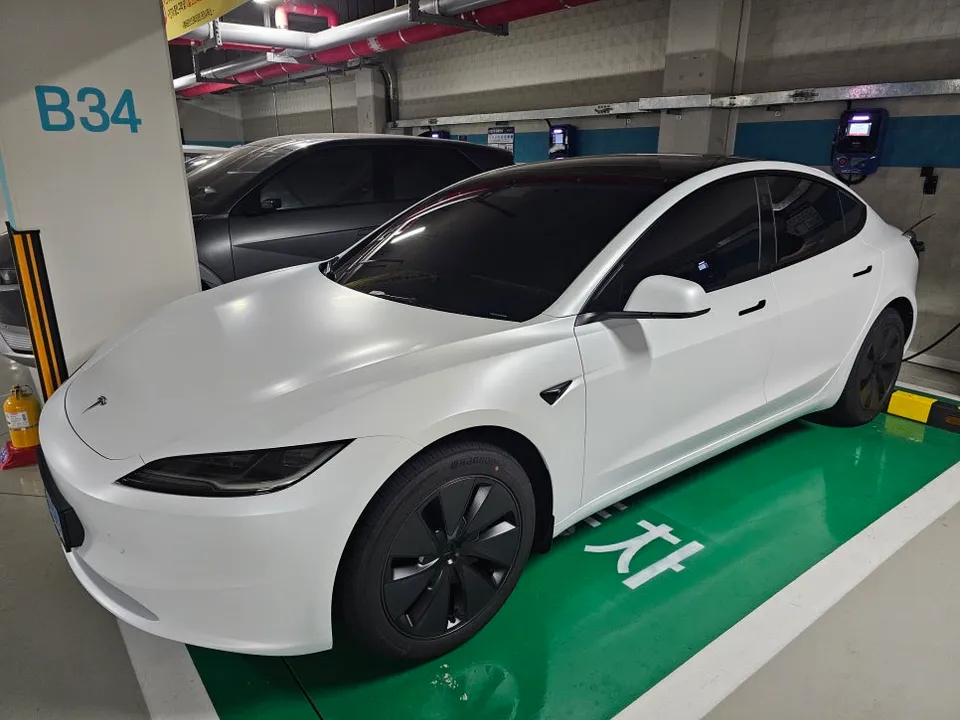
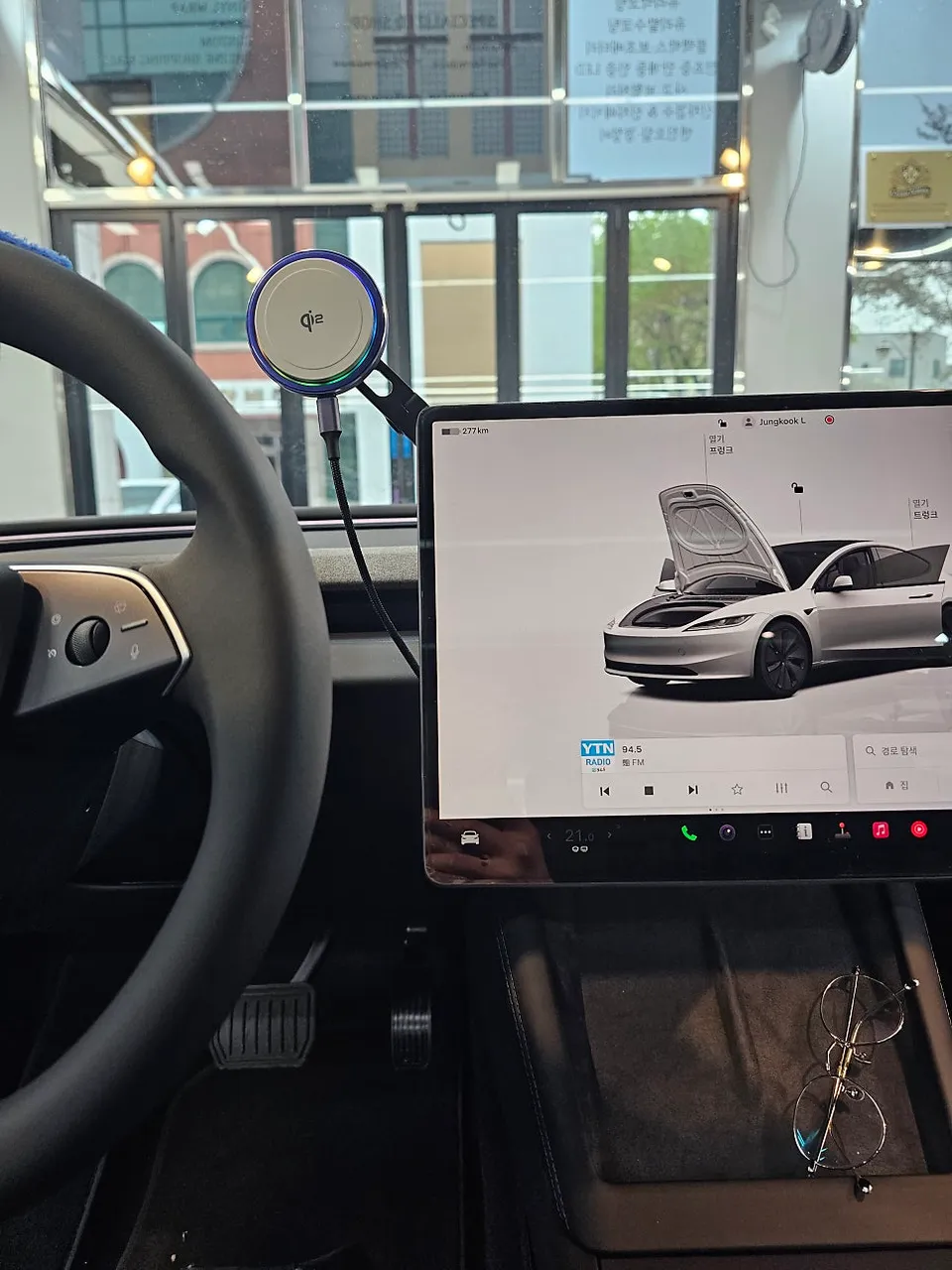
Tesla Model 3 cable management: Free. Achieve a clutter-free interior by neatly organizing charging cables. Easy DIY installation.
Declutter Your Tesla Model 3 Interior with Smart Cable Management
Tesla Model 3 owners often face the challenge of managing charging cables that can detract from the car's sleek interior and potentially cause inconvenience. This guide provides a straightforward method to neatly organize your phone charging cables, enhancing both aesthetics and functionality. We'll cover why this organization is beneficial, the simple tools required, and a step-by-step process to achieve a clean look.
Why Cable Organization Matters in Your Tesla Model 3
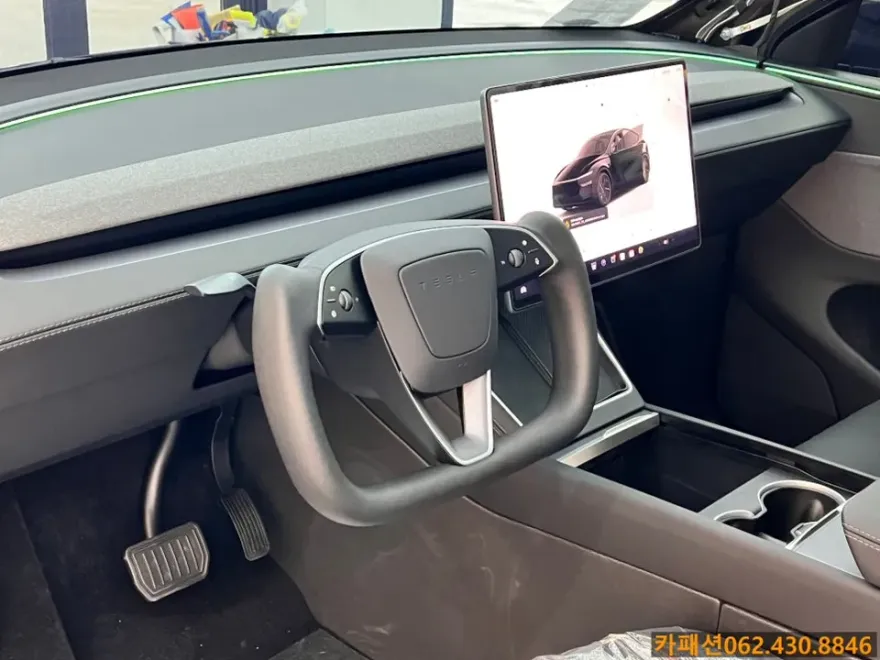
The Tesla Model 3 offers multiple charging ports, including in the cup holders, behind the center console, and in the rear for passengers. Regardless of the port used, charging cables can easily sprawl across the cabin. This not only looks untidy but can also obstruct the driver's view or become a tripping hazard for passengers. For models without built-in wireless charging, a tidy cable setup is essential for a premium experience.
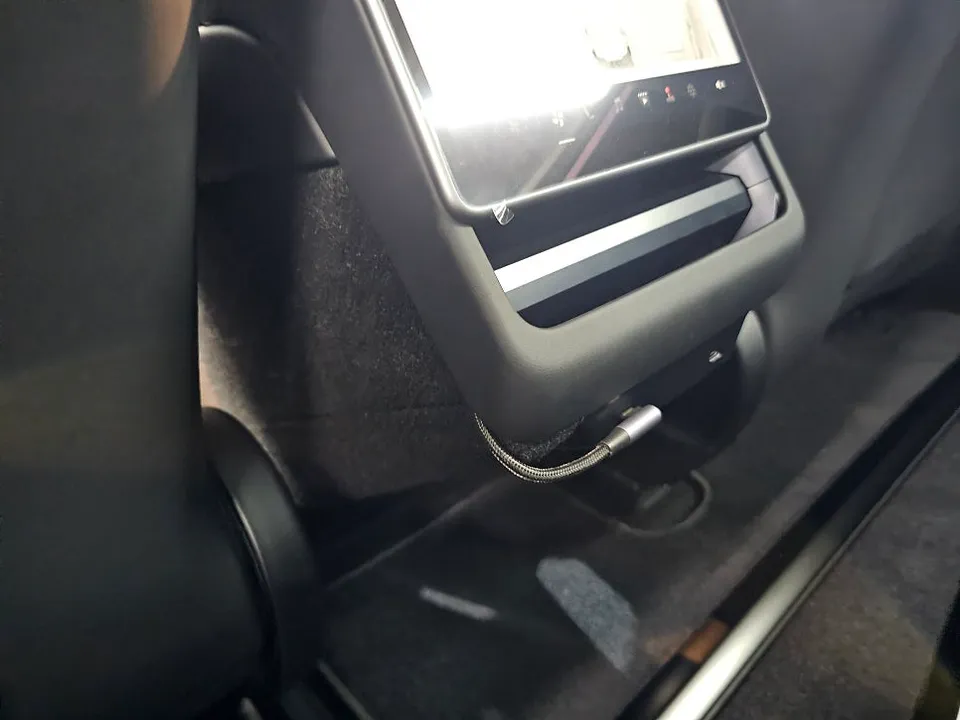
Essential Tools for a Tidy Setup
Achieving a professional-looking cable management system doesn't require complex tools. Here’s what you’ll need:
- Wireless Charger Mount for Monitor Rear: A mount designed to attach behind the car's central display, along with a wireless charger compatible with your smartphone.
- USB-C Cable (2M Recommended): A longer cable, around 2 meters, is ideal for routing. Opt for a cable with a 90-degree (L-shaped) connector on one end for a cleaner finish.
- Thin Plastic Trim Removal Tool: Essential for safely prying open interior trim pieces without causing scratches.
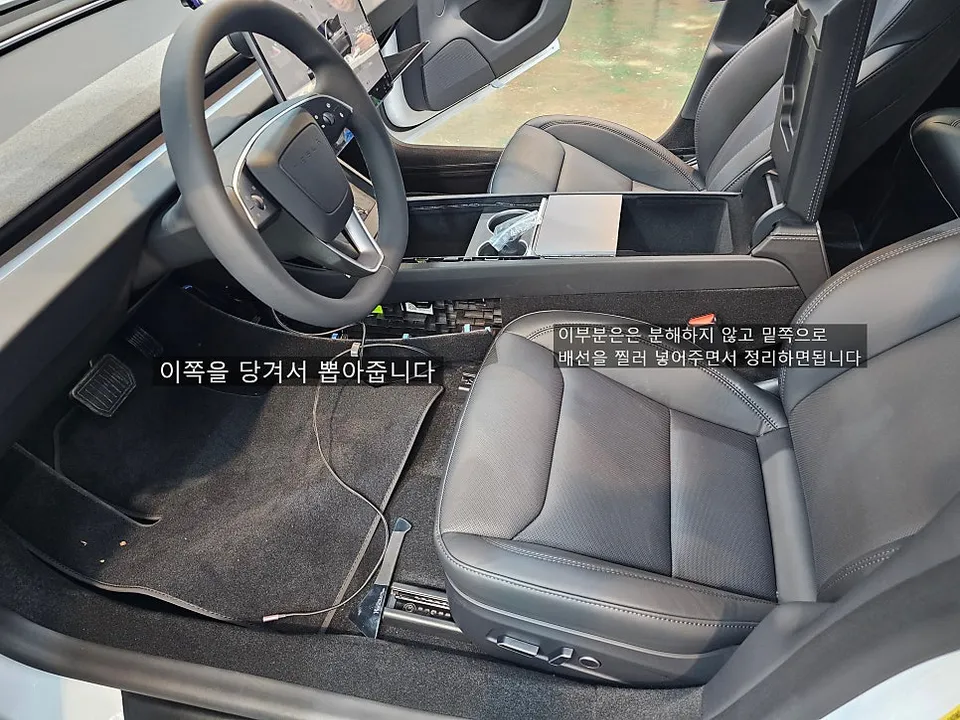
Installation Process:
This process typically takes about 1 to 2 hours to complete.
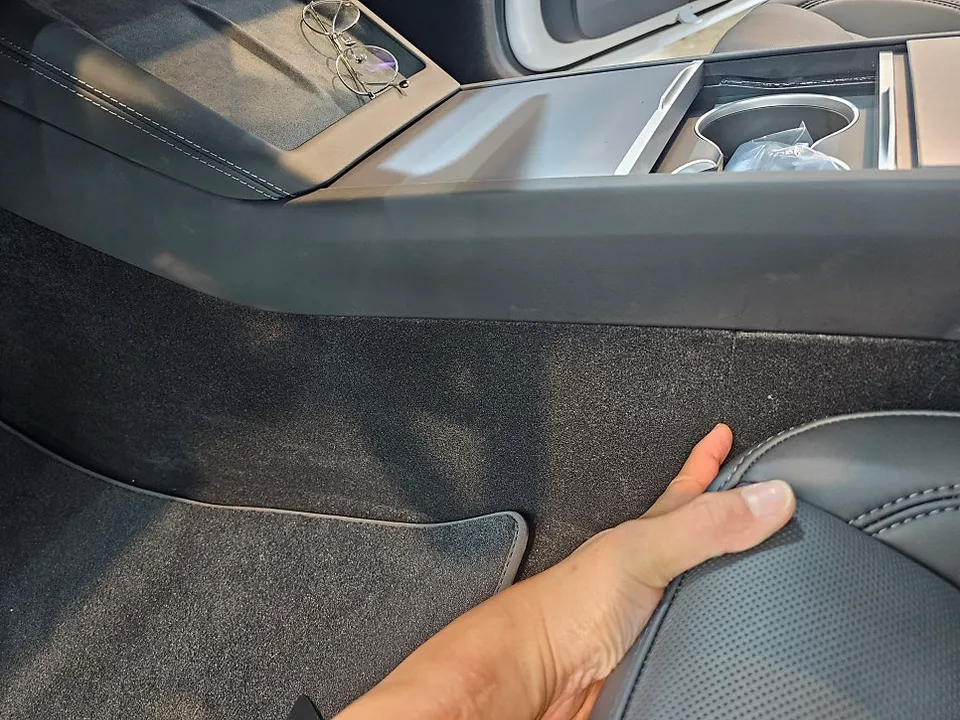
- Center Console Trim Removal: Using the plastic trim tool, carefully pry and pull away the lower section of the center console trim. This piece is held by clips, so firm pressure is needed. Repeat this process for the upper molding. This will create space for routing cables.
- Cable Routing: Feed the USB-C cable through the gaps created in the console trim. Ensure the cable isn't pinched and route it towards the monitor.
- Wiring and Securing: Pull the cable towards the wireless charger mount behind the monitor. Leave a little slack to avoid tension. Carefully guide the cable towards the rear USB-C port, avoiding any snagging on internal clips or wiring harnesses. For easier access, you can remove the rear cover, but it's often possible to route the cable through existing gaps.
- Reassembly: Once all cables are neatly routed and secured, carefully reattach the console trim pieces, ensuring no wires are trapped. Snap them back into place until they are flush.
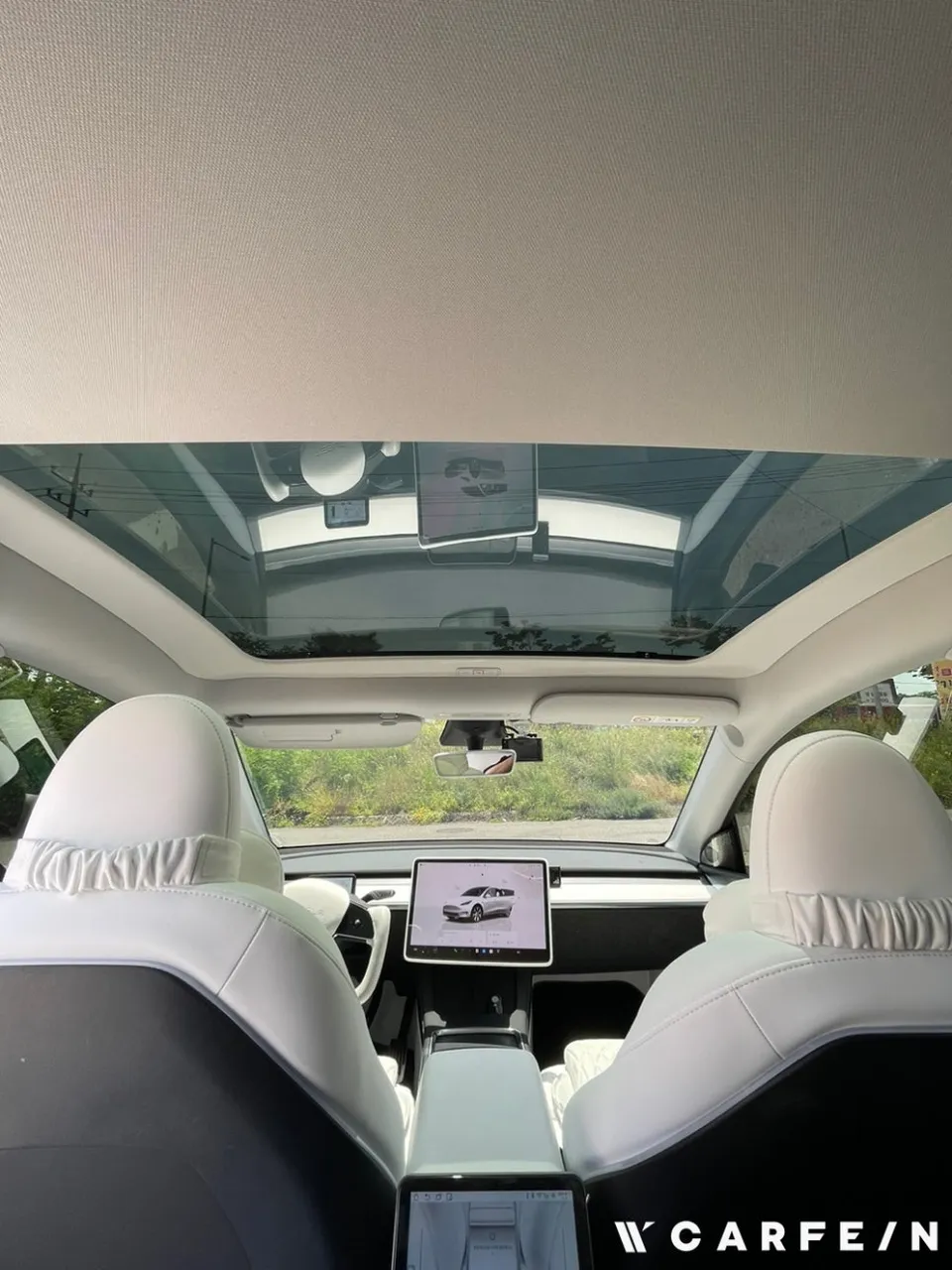
The result is a significantly cleaner and more organized interior, eliminating the visual clutter of dangling charging cables and enhancing the overall driving experience in your Tesla Model 3.
Frequently Asked Questions
Q. How much does Car Accessories cost for a Tesla Model 3?
The cost for this specific cable management accessory setup is minimal, primarily involving the purchase of a monitor mount, a USB-C cable, and a trim tool. Typical US prices for these components range from $30 to $100 depending on the quality and brand chosen.
Q. How long does Car Accessories last on a Tesla Model 3?
The durability of this cable management solution depends on the quality of the components used, but generally, it can last for the lifetime of the vehicle. Regular checks to ensure cables are not frayed and that connections remain secure are recommended.
Q. Is Car Accessories worth it for a Tesla Model 3?
This accessory is highly worth it for Tesla Model 3 owners who value a clean and organized interior. It significantly enhances the aesthetic appeal and practicality of the cabin by eliminating cable clutter.
Q. How is Car Accessories done on a Tesla Model 3?
The process involves: 1. Carefully removing the center console trim pieces using a plastic trim tool. 2. Routing a USB-C cable through the created gaps towards the monitor. 3. Connecting the cable to a wireless charger mount behind the monitor and securing it. 4. Reassembling the trim pieces without pinching the cable.
Q. What is the best Car Accessories option for a Tesla Model 3?
For clean cable management, the best option involves routing charging cables behind the monitor to a wireless charger mount. This method offers the most integrated and visually appealing solution compared to simple cable clips or ties.
OhCar Partner Shop