Audi A6 Android Auto & CarPlay Upgrade Review
Service Price
$approx. $1,150–1,500
Estimated price · Actual price may vary by shop
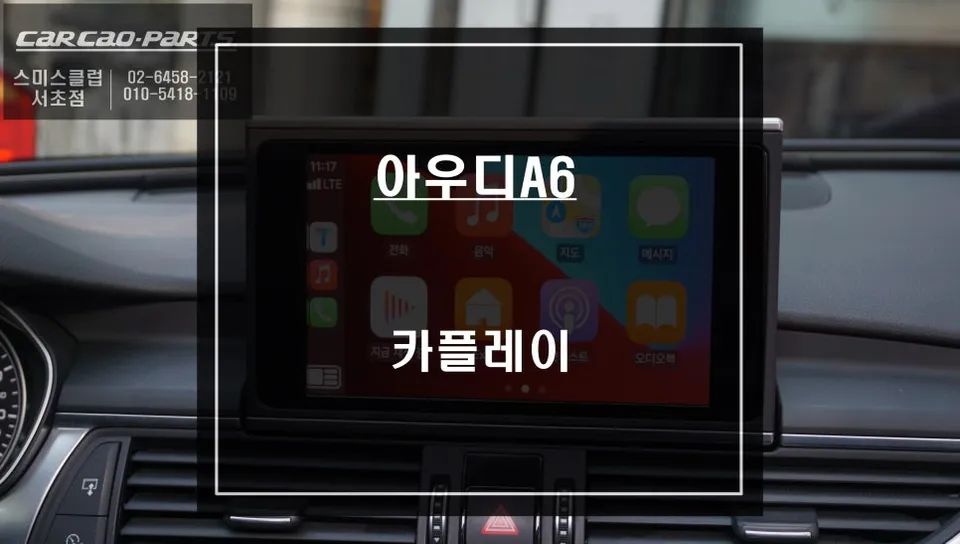
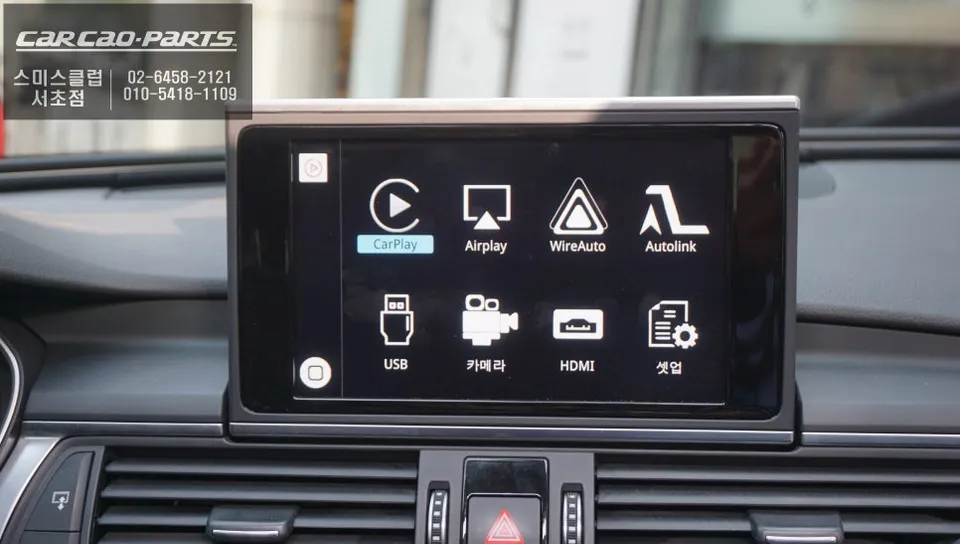
Audi A6 Android Auto & CarPlay upgrade integrates navigation and entertainment via LVDS. Seamless Tmap/KakaoMap use. Voice control included. Approx. 3
Audi A6: Why CarPlay Integration is Essential
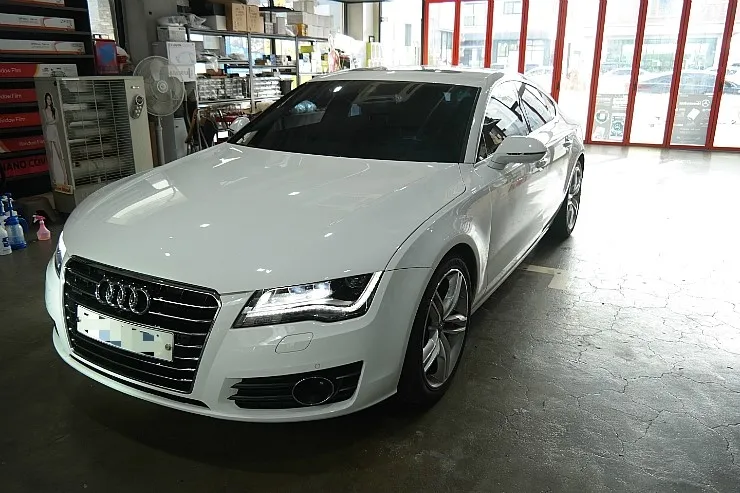
The most sought-after convenience feature for the Audi A6 is evolving. For owners of the popular A6, integrating Apple CarPlay and Android Auto is often the first upgrade they consider. This allows drivers to use real-time navigation apps like Tmap and KakaoMap directly on their car's native monitor. Given that Audi's built-in navigation system can experience delays in map updates, CarPlay has become an almost indispensable item for A6 owners who need the latest road information.
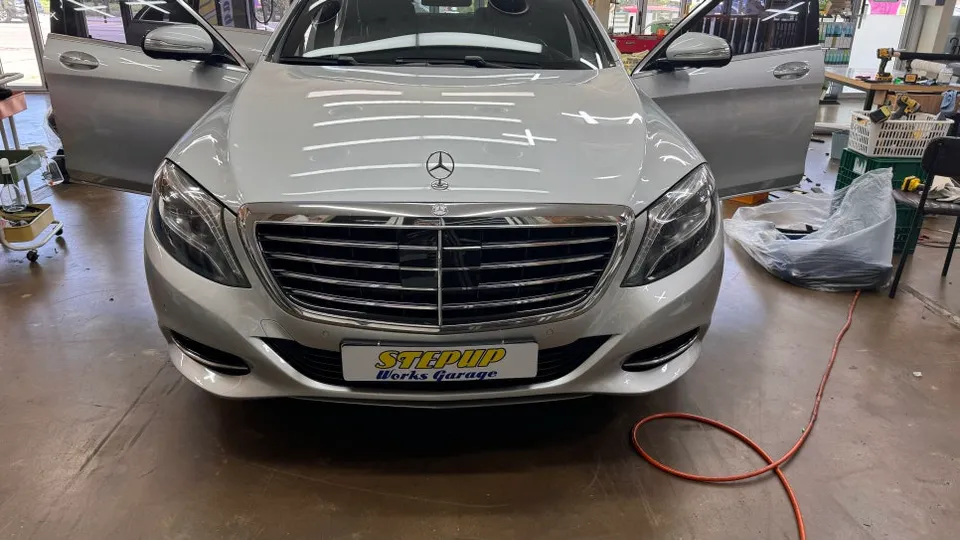
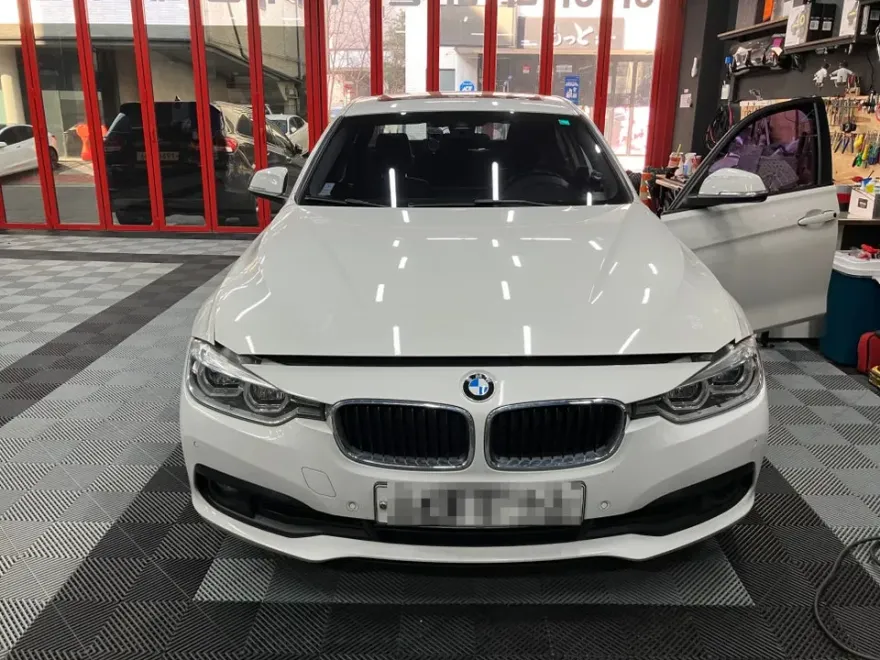
We'll share the experience of a customer who recently had a CarPlay system installed at our "Today's Car" branch for their Audi A6.
Before Installation: Addressing Native Navigation's Shortcomings
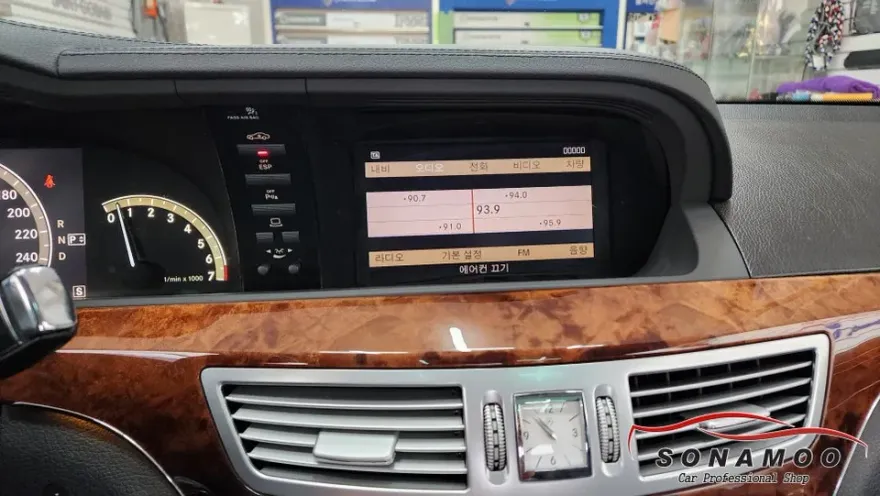
This customer purchased their A6 about a year ago and initially found the factory navigation sufficient. However, they began to experience growing inconveniences, particularly with slow traffic information updates and the delayed reflection of new road constructions in the maps. These issues became their primary frustrations.
After comparing various CarPlay products, the customer specifically requested an installation method that wouldn't damage the original wiring. They found our branch while searching for a product that offered excellent installation quality relative to its price. As specialists in installing high-definition CarPlay modules specifically designed for Audi vehicles, we confidently proposed our solution.
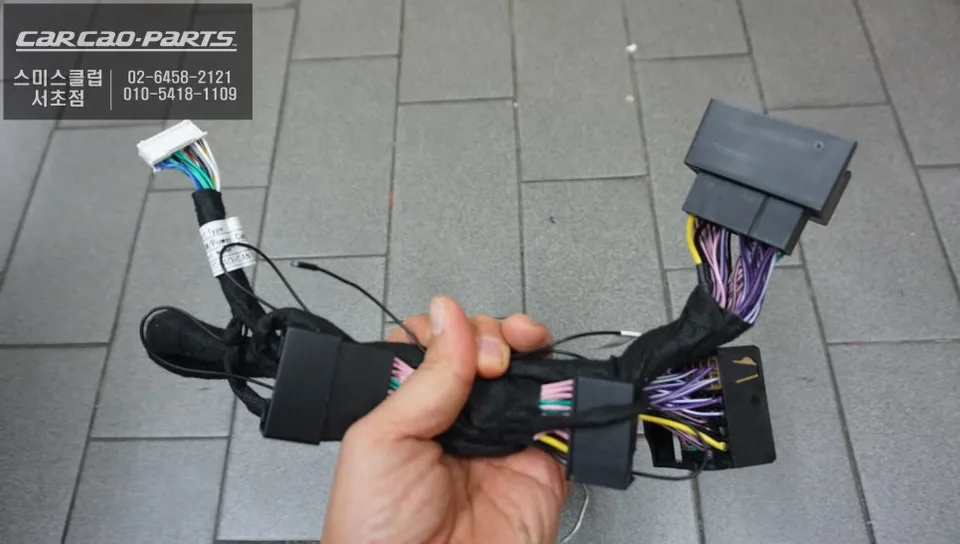
Installation Process: Understanding High-Definition Integration with the Factory Monitor
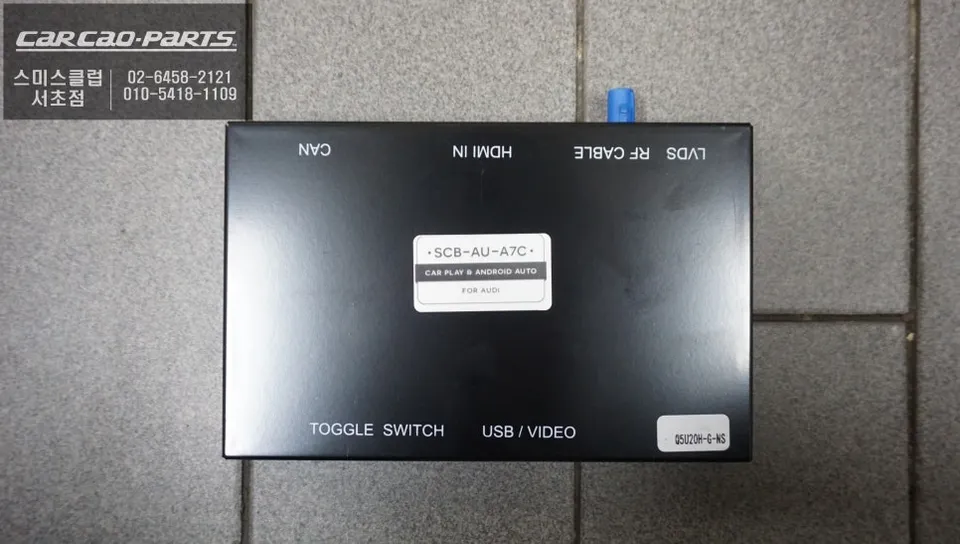
The core of the installation involves connecting via the LVDS cable. LVDS (Low-Voltage Differential Signaling) is a method for transmitting high-definition video signals without loss between the monitor and the main unit. Unlike older RCA cable methods, this advanced connection ensures the factory monitor's full performance capabilities are utilized.
- The technician carefully disassembled the Audi A6's dashboard to access the wiring behind the factory monitor.
- The new CarPlay module was connected in parallel to the existing wiring, ensuring no original cables were cut or modified. This preserves all factory functions.
- The system was configured so that pressing the NAV button seamlessly switches between the native Audi navigation and the CarPlay interface.
- Thorough testing was conducted to ensure smooth transitions and full functionality of both systems.
The entire process typically takes about 3 to 4 hours, covering dashboard disassembly, wiring, and comprehensive testing. While same-day completion is possible, we recommend scheduling with some buffer time.
High-Definition Display Test: The Moment of Smartphone Connection
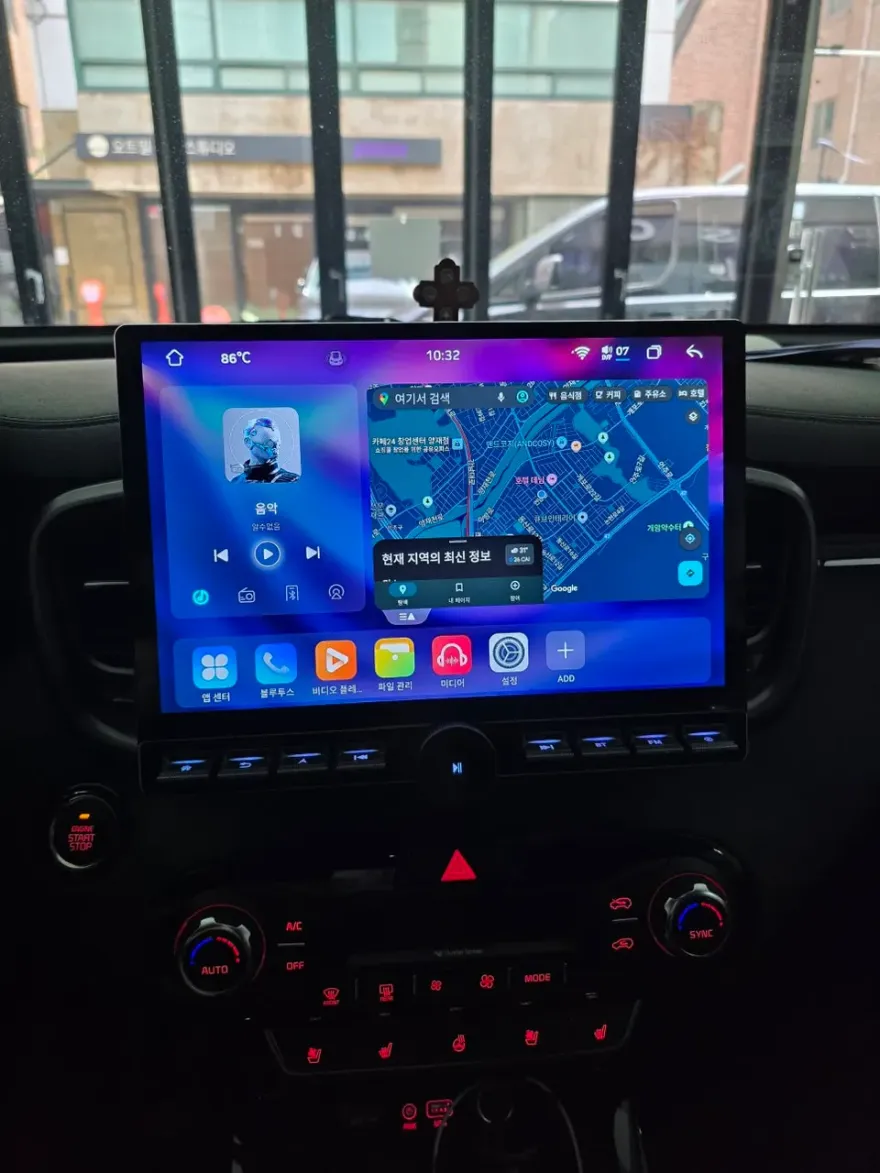
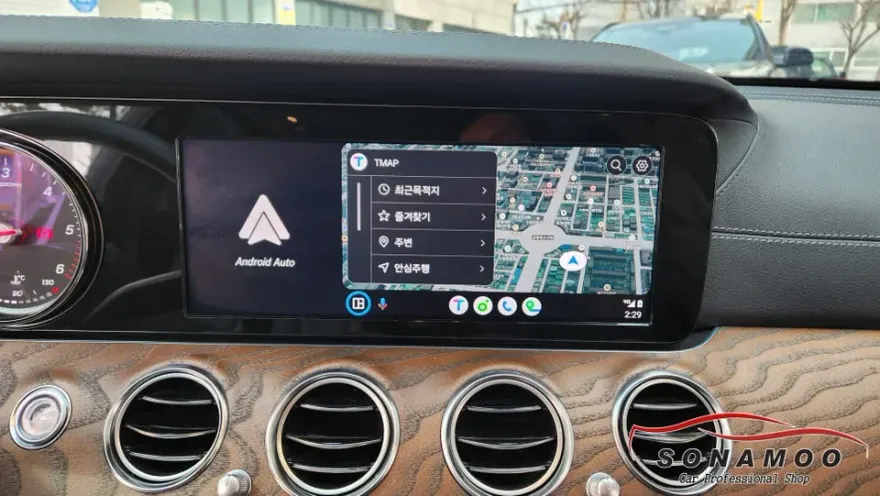
Following the installation, we connected the customer's iPhone via USB to activate Apple CarPlay. The customer was visibly impressed when the crisp CarPlay interface appeared on the factory monitor. Thanks to the LVDS connection, there was virtually no loss in video quality. Real-time traffic information from Tmap displayed smoothly, and map scrolling was fluid and responsive.
The system also supports Android Auto, meaning the customer can use the same functionality if they switch to a Samsung or other Android phone in the future. This broad compatibility is a significant advantage.
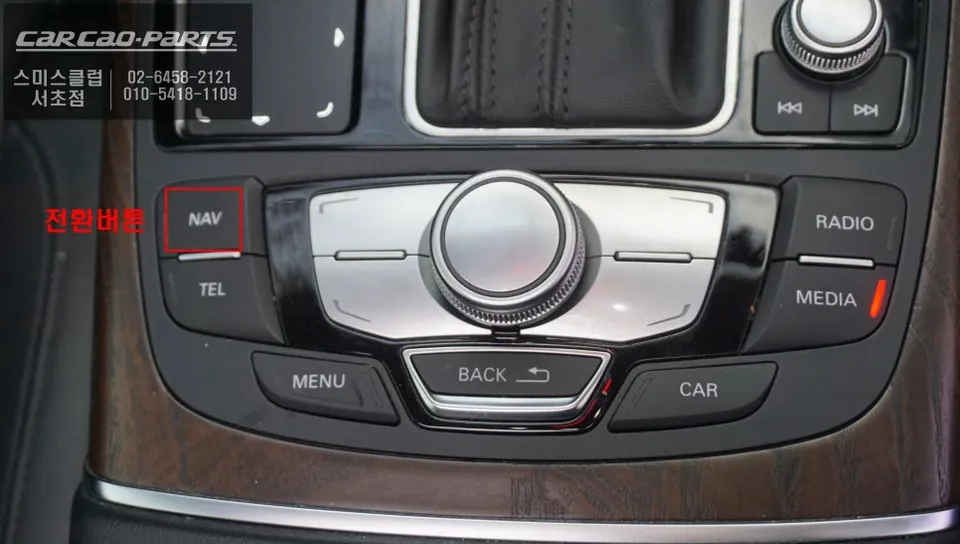
Voice Control and Mirroring: Key Features for Safe Operation
While direct touchscreen control of CarPlay isn't supported, operation is seamless via voice commands and the original steering wheel buttons. Voice commands like "Turn on CarPlay" or "Set destination" are routed through the car's audio system via external input, utilizing the factory speakers.
An additional exciting feature is screen mirroring. This allows the entire smartphone screen to be displayed on the car's monitor. Beyond CarPlay, this enables the use of other apps like YouTube Music or Melon, with audio playing through the car's speakers. Even while playing music, voice commands remain functional.
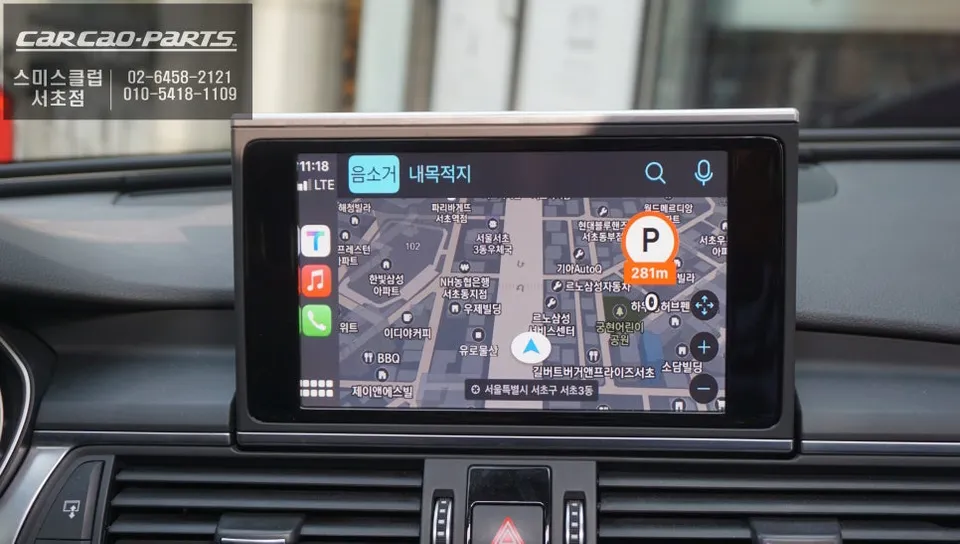
Frequently Asked Questions
Q. How much does an Android Auto & CarPlay upgrade cost for an Audi A6?
The cost for this Audi A6 Android Auto & CarPlay upgrade is typically around ₩700,000 (approximately $500 USD). Standard US pricing for similar aftermarket integrations can range from $300 to $800 depending on the module and features.
Q. How long does an Android Auto & CarPlay installation take for an Audi A6?
The installation process for an Audi A6 Android Auto & CarPlay upgrade typically takes 3 to 4 hours. Proper maintenance involves ensuring your smartphone's software is up-to-date for optimal connectivity and performance.
Q. Is an Android Auto & CarPlay upgrade worth it for an Audi A6?
This upgrade is highly recommended for Audi A6 owners frustrated with outdated native navigation systems. It significantly enhances the driving experience by providing access to modern, real-time navigation and entertainment apps directly on the factory display.
Q. How is an Android Auto & CarPlay system installed in an Audi A6?
Installation involves carefully disassembling the dashboard to access the factory monitor's wiring. 1. The LVDS cable is connected in parallel to the original monitor cable without cutting factory wires. 2. The CarPlay module is integrated into the system. 3. The system is configured to switch between native and CarPlay interfaces using the NAV button. 4. The dashboard is reassembled, and functionality is tested.
Q. What is the difference between Android Auto/CarPlay and the Audi A6's native navigation?
The key difference lies in real-time data and app integration; Android Auto/CarPlay uses live traffic and map updates from your smartphone (like Tmap or Google Maps), whereas the native Audi navigation relies on periodic, often delayed, manufacturer updates. For up-to-date navigation and seamless app usage, Android Auto/CarPlay is superior.
Kakao Parts