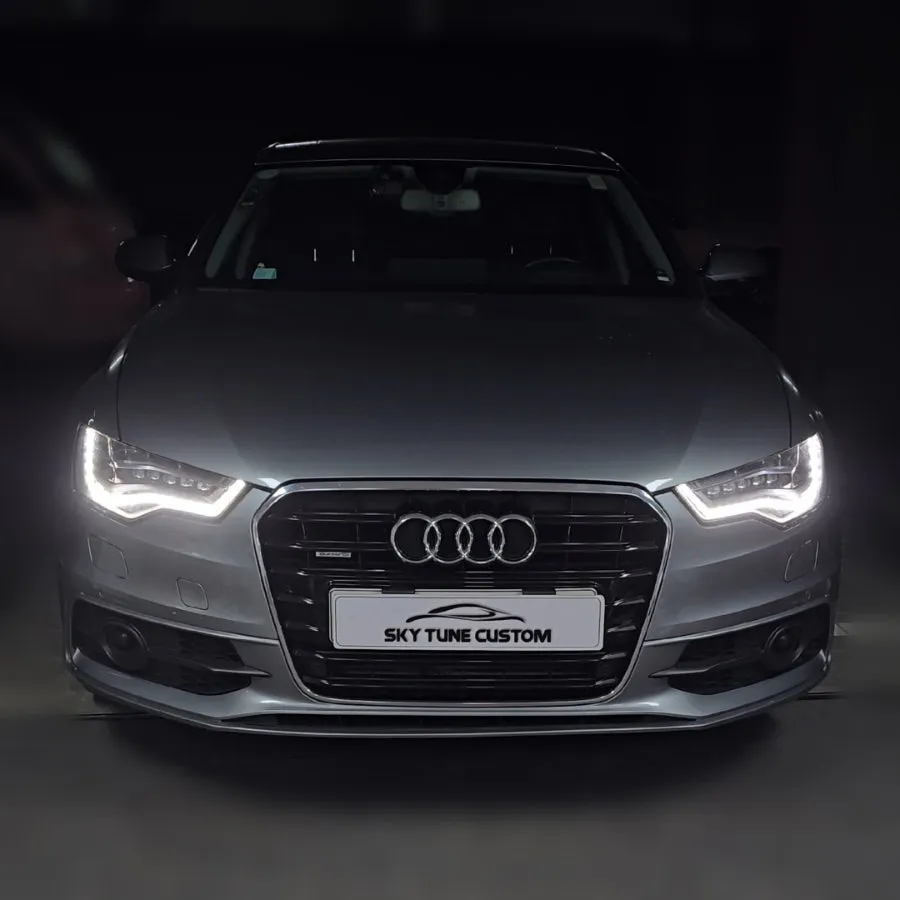
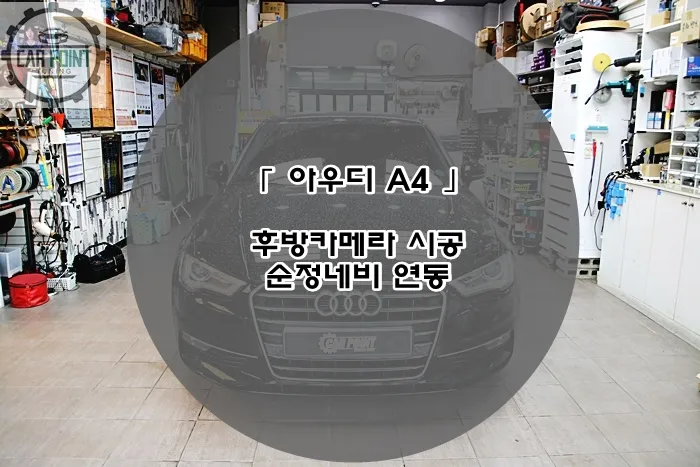
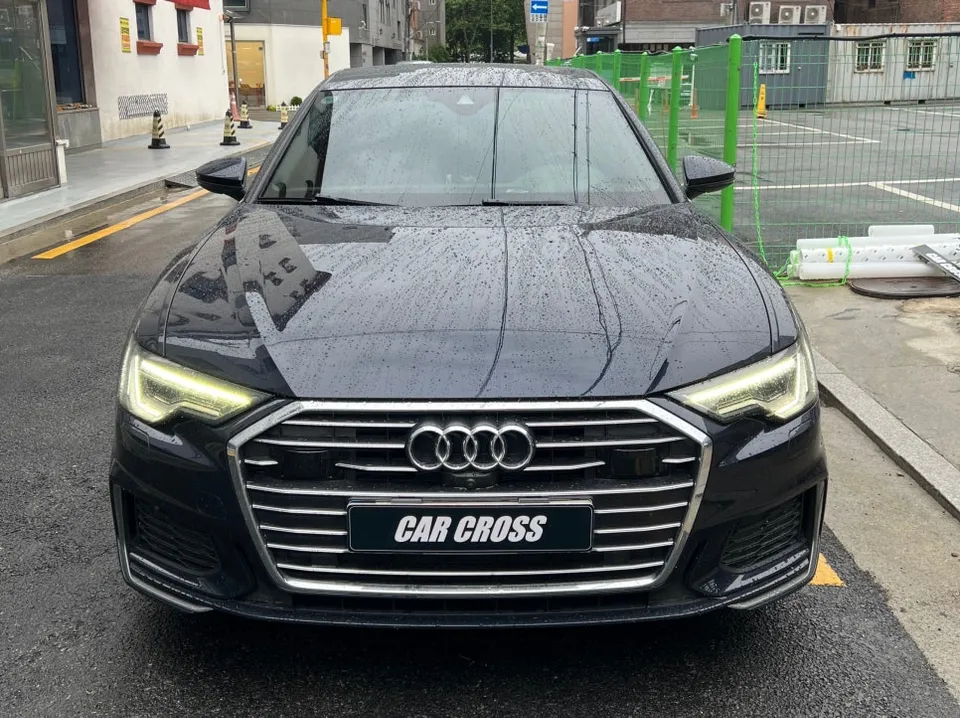
Audi A7 CarPlay Retrofit Review — Seamless Smartphone Navigation
Service Price
$150+
Estimated price · Actual price may vary by shop
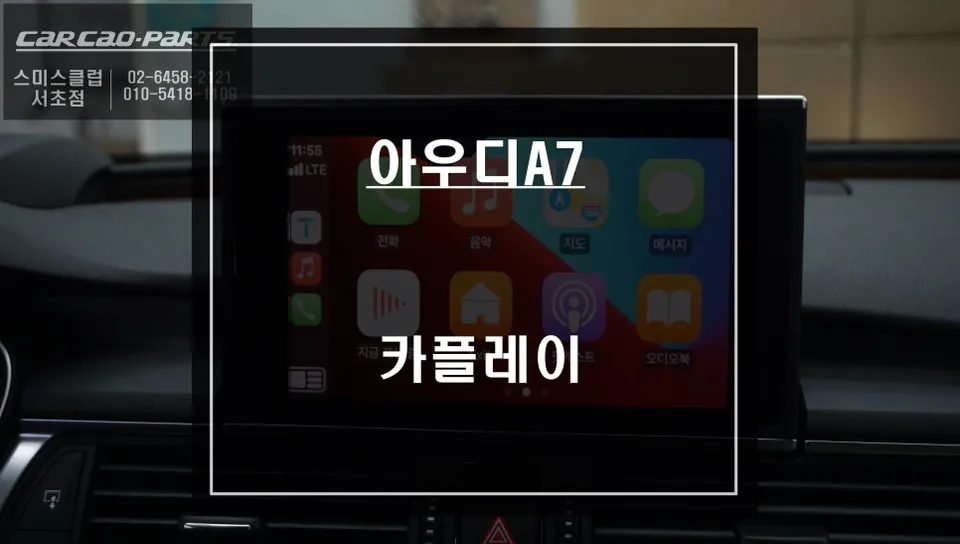
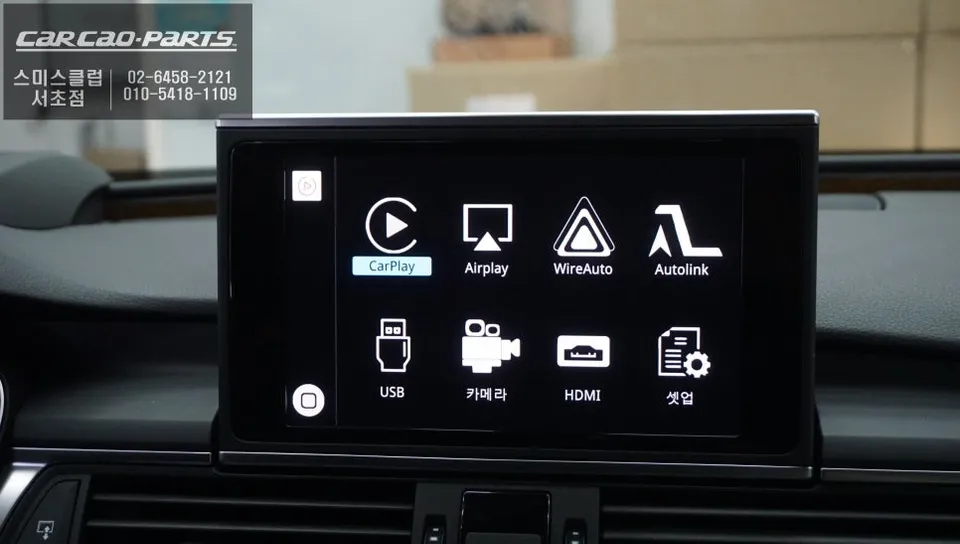
Audi A7 CarPlay retrofit: ~$150+. Seamless smartphone navigation integration on factory display. Retains all original functions.
Audi A7 Owners: Unlock Your Smartphone's Navigation Potential
Many Audi A7 owners find the factory navigation system lacking, often due to slow map updates and delayed real-time traffic information. For those seeking a more responsive and up-to-date navigation experience, a CarPlay retrofit offers a compelling solution. This upgrade allows you to seamlessly integrate your smartphone's navigation apps, like Google Maps or Waze, directly onto your car's original display. This review details the process, benefits, and considerations for an Audi A7 CarPlay installation.
Seamless Integration Without Damaging Factory Components
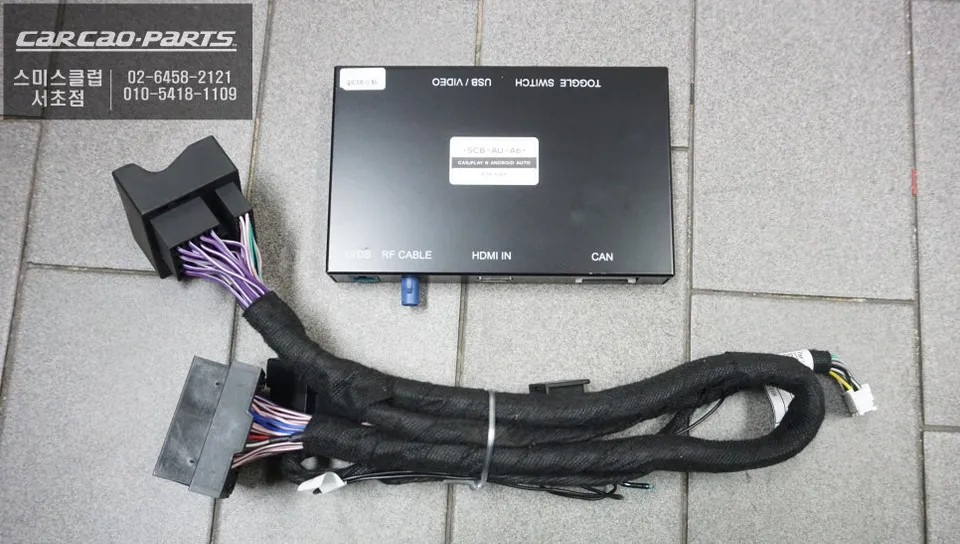
The key to a successful CarPlay integration lies in preserving the original wiring while achieving high-quality display output. Audi A7-specific CarPlay modules connect directly to the factory monitor using an LVDS cable. This method ensures that no original wiring is compromised, and the system operates in a plug-and-play manner, retaining all original vehicle functions. The installation involves disconnecting the factory monitor's rear connector and inserting the CarPlay module's input cable, then reconnecting the output cable to the monitor. This approach ensures the signal passes through the module before reaching the monitor, meaning the monitor itself is not altered. The focus is on interfacing at the cable level rather than physically modifying the display unit.
Effortless Switching Between Factory and CarPlay Interfaces
Once installed, switching between your Audi A7's native interface and the CarPlay display is as simple as pressing the MMI NAV button for two seconds. Another press returns you to the original system. This 'integrated' approach is a significant advantage over standalone units or full head unit replacements, as it preserves all factory features while providing access to CarPlay when needed. You can choose between Apple CarPlay and Android Auto, with both wired and wireless options available. However, for maximum stability and to avoid potential signal drops, a wired connection is generally recommended. Simply plugging your smartphone into a USB port or using a Lightning cable will automatically activate the CarPlay interface.
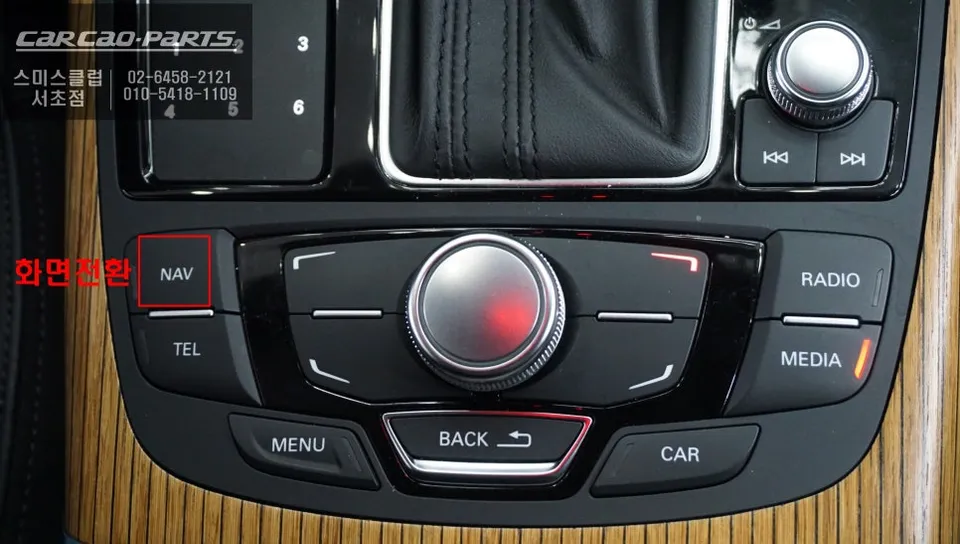
Intuitive Control via Voice and Steering Wheel Buttons
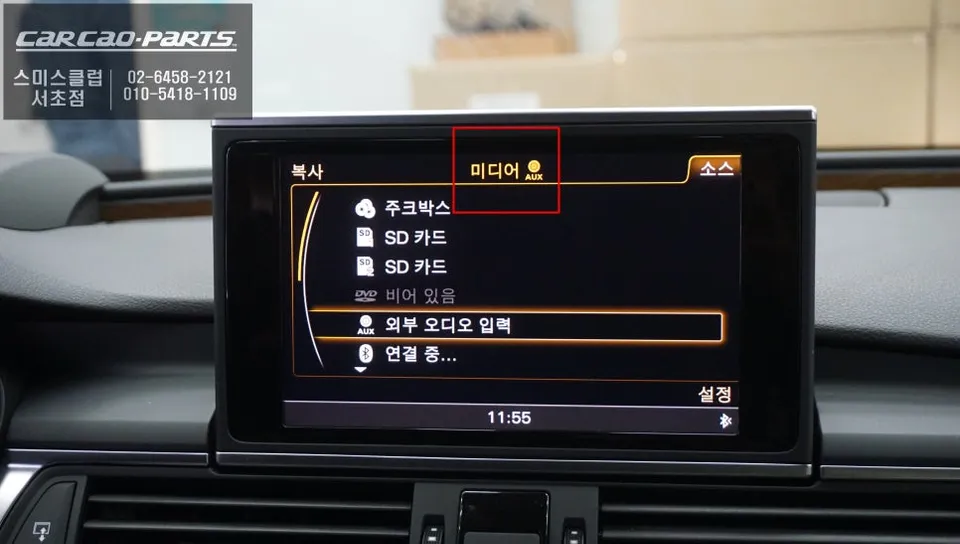
A common point of consideration with integrated CarPlay systems is the lack of direct touchscreen control on the factory monitor. However, this is rarely an issue in practice, thanks to the advanced voice recognition capabilities of navigation apps like Google Maps and Waze. Voice commands, integrated with the car's original microphone, allow you to set destinations or find points of interest simply by speaking. Furthermore, the system can be configured to allow navigation through the car's original buttons, including steering wheel controls and the center console interface. This combination of voice commands and physical button control enhances safety by minimizing driver distraction. Audio output for navigation prompts, calls, and music is routed through the car's existing speaker system via the AUX input, allowing you to control volume with the factory controls and eliminating the need for additional speakers.
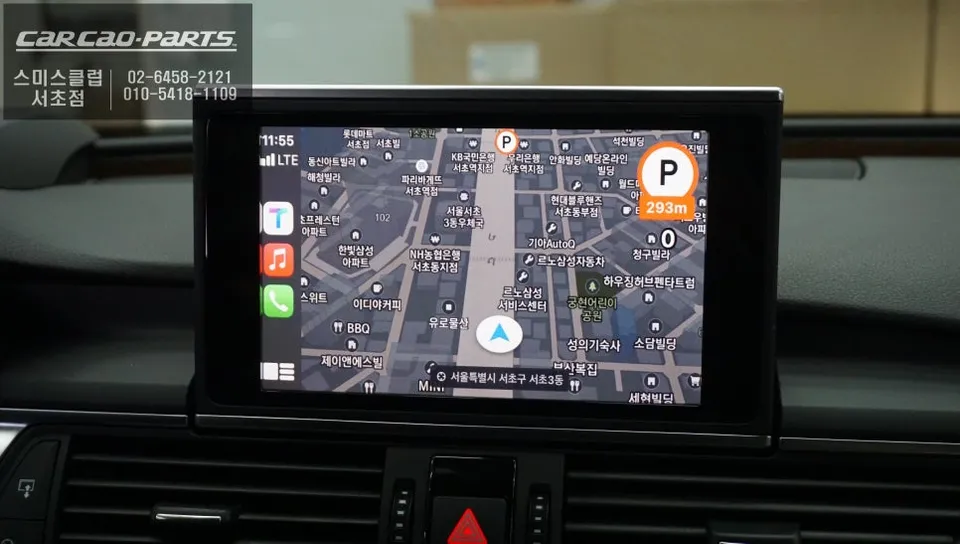
Why Smartphone Navigation Outperforms Factory Systems
The primary advantage of using CarPlay or Android Auto over a factory navigation system is real-time data. Apps like Google Maps and Waze continuously receive updates from a vast network of users, providing highly accurate, real-time traffic information and route adjustments. This dynamic data ensures you're always on the most efficient path, avoiding unexpected delays. The user interface is also typically more modern and intuitive, with familiar app layouts that many drivers are already accustomed to. The ability to access your contacts, messages, and music apps directly through the car's display further enhances convenience and reduces the need to interact with your phone while driving.
Installation Process:
- Disconnect the factory monitor's rear connector.
- Connect the CarPlay module's input cable to the monitor's connector.
- Connect the CarPlay module's output cable back to the monitor.
- Secure the module and reassemble the dashboard trim.
The estimated cost for this type of Android Head Unit or CarPlay retrofit in the US can start around $150, though prices vary based on the specific module and installation complexity. In Korea, where this type of installation is common, the cost is typically around ₩200,000 to ₩400,000 (approximately $150-$300 USD).
Frequently Asked Questions
Q. How much does Android head unit or CarPlay installation cost for a Audi A7?
In the US, Android head unit or CarPlay installations for an Audi A7 typically start around $150. Prices can vary based on the specific module and installation shop.
Q. How long does Android head unit installation take on a Audi A7?
The installation process for an Android head unit or CarPlay system in an Audi A7 is generally efficient, often taking 1-3 hours. Proper maintenance involves ensuring software is up-to-date and connections are secure.
Q. Is a CarPlay or Android Auto retrofit worth it for a Audi A7?
A CarPlay or Android Auto retrofit is highly recommended for Audi A7 owners seeking modern navigation and app integration. It significantly enhances the infotainment experience by providing real-time traffic and familiar app interfaces.
Q. How is an Android head unit installed in a Audi A7?
Installation involves connecting a CarPlay module via LVDS cables to the factory monitor, preserving original wiring. The process includes disconnecting the monitor, inserting the module's input cable, and reconnecting the output cable to the monitor.
Q. What is the difference between an Android head unit and a factory infotainment system for a Audi A7?
An Android head unit or CarPlay retrofit integrates smartphone apps like Google Maps and Waze directly onto the factory screen, offering real-time traffic and updates unlike most factory systems. This upgrade provides a more current and responsive navigation experience.
Kakao Parts