Audi A7 C7 Android Head Unit Upgrade Review
Service Price
$approx. $1,500+
Estimated price · Actual price may vary by shop
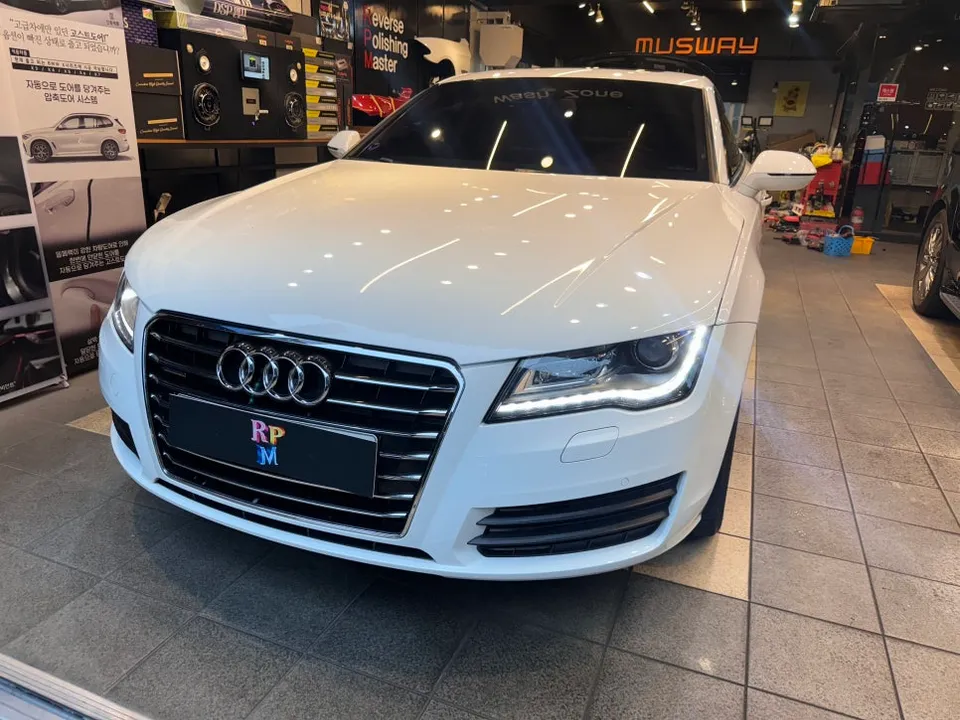
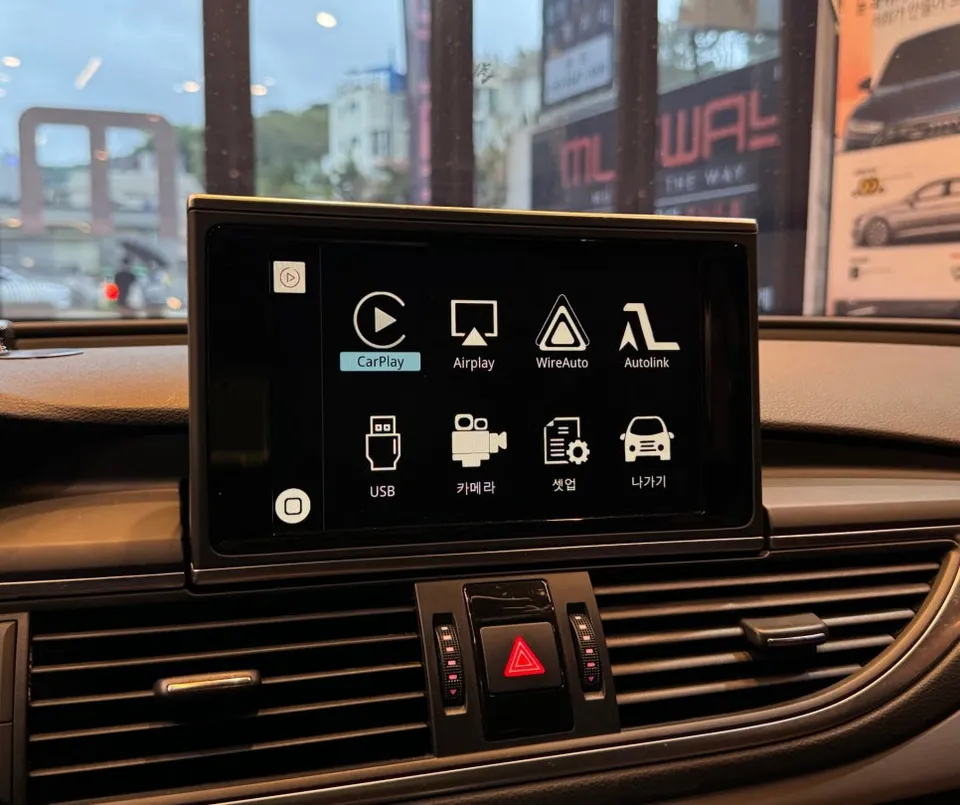
Audi A7 C7 Android Head Unit upgrade with wireless CarPlay/Android Auto: ₩1.2M-₩2M. Enjoy modern navigation & streaming apps.
Why Upgrade Your Audi A7 C7's Infotainment?
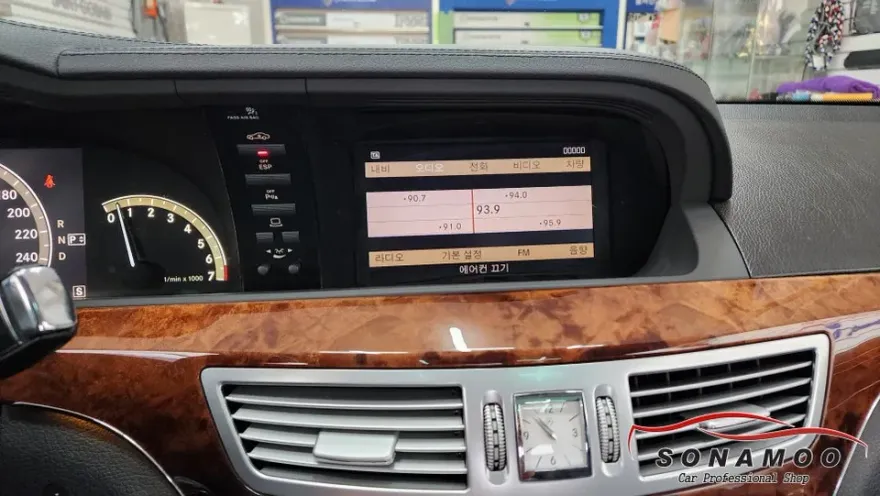
Many Audi A7 C7 owners find the factory navigation system lacking. Its search functionality can be sluggish, and it doesn't support modern apps like TMAP or KakaoMap. This limitation extends to entertainment, with no support for streaming services like YouTube or Melon. To address these shortcomings, a popular solution among Audi owners, especially in regions like Busan, is to add wireless Apple CarPlay and Android Auto functionality. This is achieved through a module that integrates with the existing factory monitor, preserving its original look and feel while vastly expanding its capabilities.
Addressing Navigation and Entertainment Woes
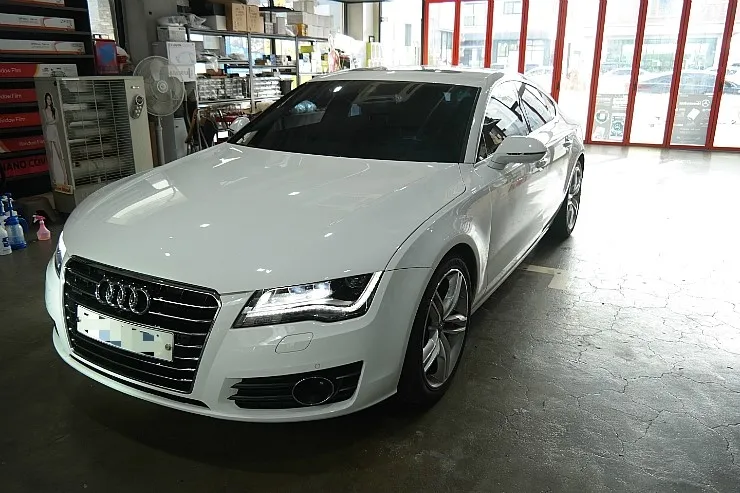
The Audi A7 C7 model reviewed featured a pop-up factory monitor. The primary complaints revolved around the slow performance of the native navigation and the inability to use popular, up-to-date navigation apps. Furthermore, the lack of support for music streaming services made the driving experience feel outdated. The goal of this upgrade is to bring the car's infotainment system into the modern era without compromising the vehicle's original aesthetics or electronic integrity.
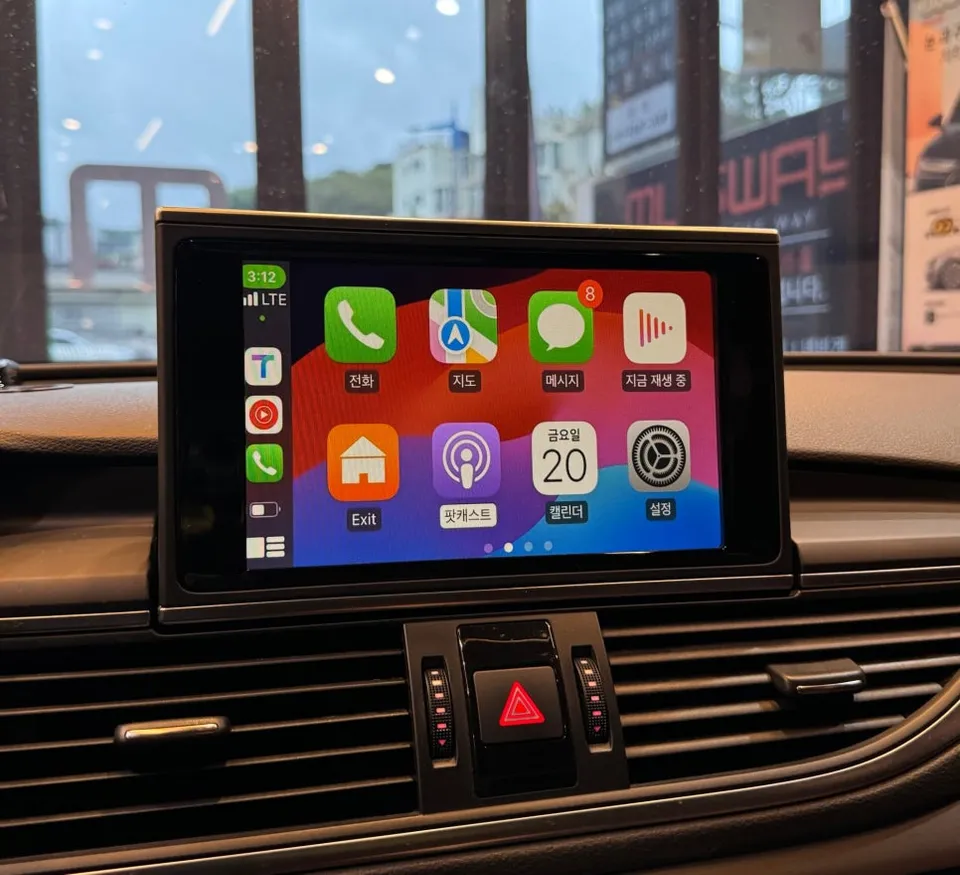
Seamless Integration: Wireless CarPlay & Android Auto Module Installation
The core principle of this installation is to leave the original monitor untouched. At Today's Car Busan, the process involves connecting a dedicated module behind the factory screen. This method ensures that the vehicle's original systems are minimally impacted and allows for easy restoration if needed. The installation process is as follows:
- Carefully remove the dashboard panels to access the rear of the factory navigation module.
- Connect the specialized Apple CarPlay and Android Auto compatible module to the existing wiring. This module supports both wireless and wired connections, offering flexibility for iPhone and Android users.
- Configure the module settings to enable seamless switching between the car's native interface and the CarPlay/Android Auto display.
- Test the functionality, ensuring smooth transitions and full compatibility with both operating systems.
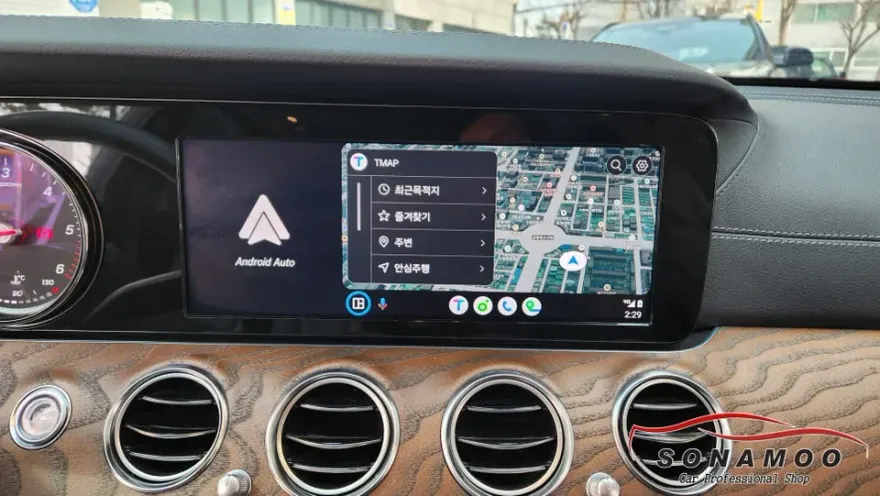
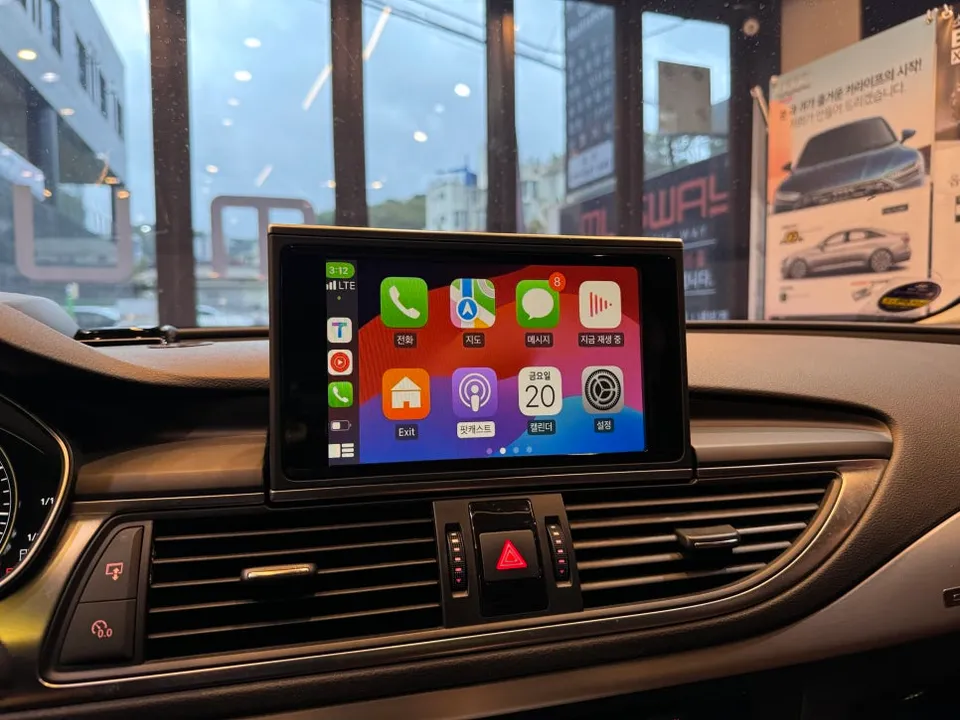
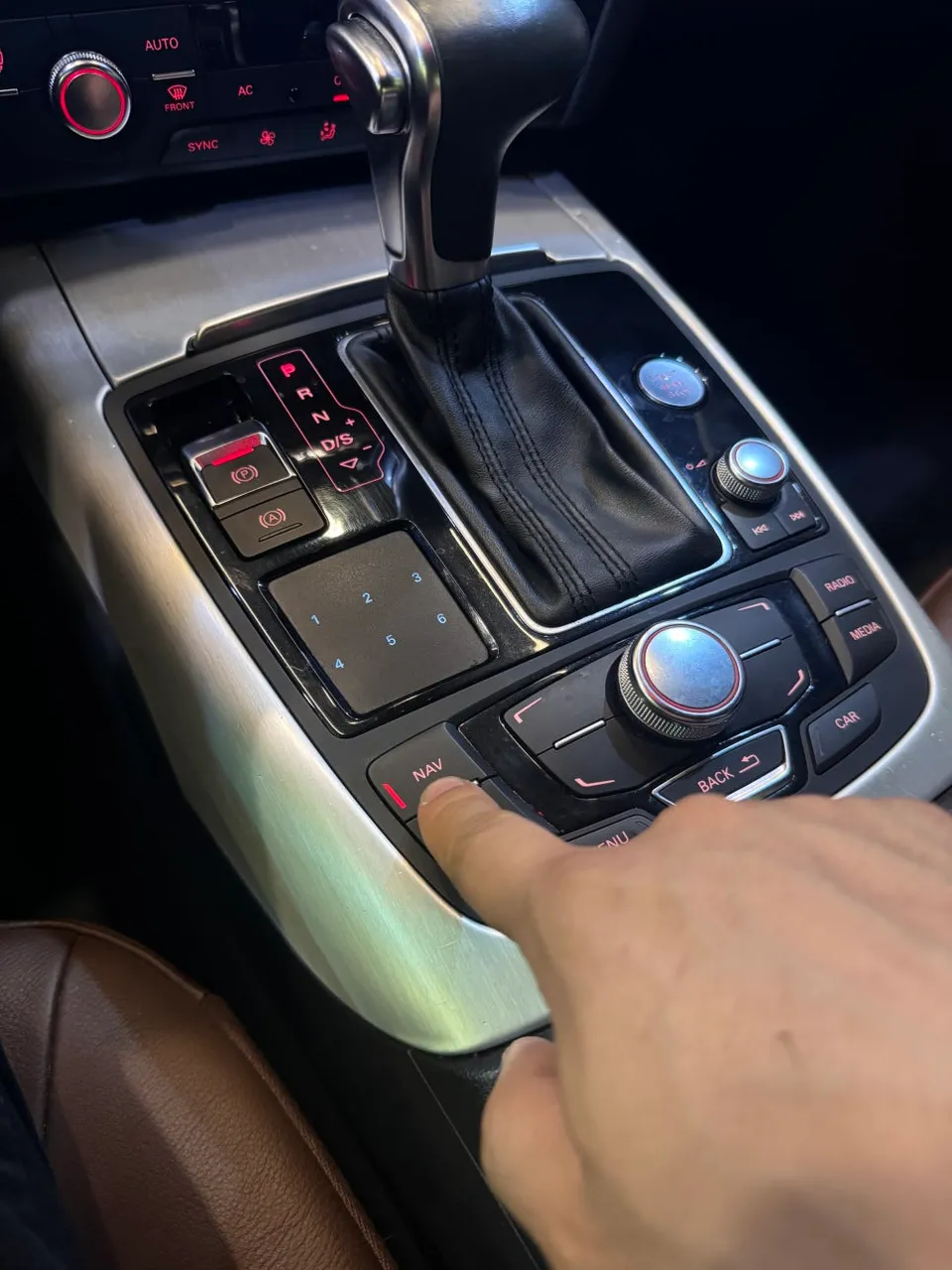
Once configured, a simple press of the 'NAV' button (often a MINI button) instantly switches the display to the CarPlay or Android Auto interface. This allows drivers to effortlessly toggle between the original Audi navigation and their preferred smartphone-driven apps, retaining all factory functions while gaining access to advanced features.
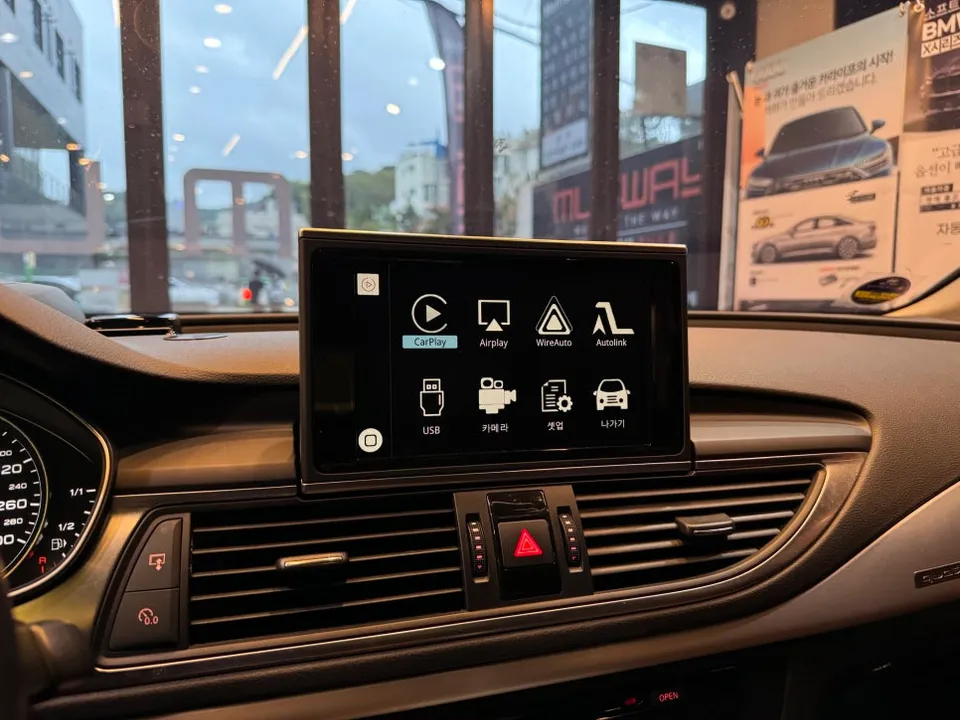
The Transformed Driving Experience
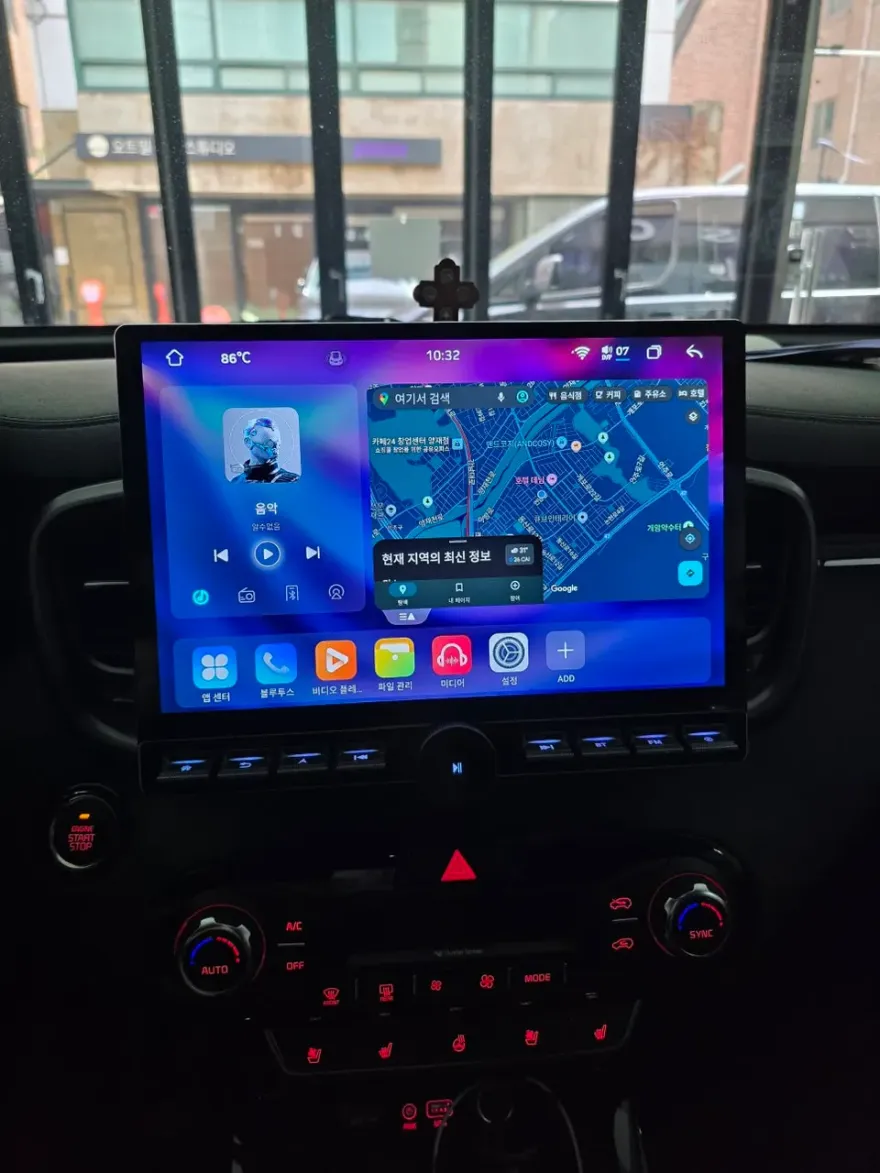
The most significant improvement is the expanded choice of navigation applications. Drivers can now freely use TMAP, KakaoMap, or Naver Map, benefiting from real-time traffic data and faster search speeds. The user interface mirrors that of a smartphone, making it intuitive and easy to operate. Music streaming from services like YouTube Music, Spotify, or Melon is now fully integrated, with playback control available directly on the monitor via Bluetooth. Messenger notifications and hands-free calls are also handled seamlessly. A particularly useful feature is the screen split function, enabling multitasking such as viewing navigation directions while browsing music or managing calls.
Crucially, the factory reverse camera functionality remains intact. The system automatically displays the rear camera view when reversing, and this feature continues to work perfectly even after the CarPlay/Android Auto module is installed. In essence, this upgrade enhances the modern driving experience significantly while preserving all original vehicle functions.
Cost and Time Commitment
The entire installation process, including module connection, setup, and testing, typically takes around 2 hours. This means the upgrade can usually be completed within the same day, allowing you to wait comfortably in the lounge while the work is done. The cost for this type of upgrade, including the module itself, generally ranges from ₩1,200,000 to ₩2,000,000 (Korean Won), depending on the specific module and features chosen.
Frequently Asked Questions
Q. What is the cost of installing a wireless Android Auto and Apple CarPlay module in an Audi A7 C7?
The installation of a wireless Android Auto and Apple CarPlay module for your Audi A7 C7 typically costs between ₩1,200,000 and ₩2,000,000 in Korea, including the module. In the US, similar upgrades can range from $500 to $1500 depending on the system and installation complexity.
Q. How long does the Android Auto and Apple CarPlay module installation take for an Audi A7 C7?
The installation process for the Android Auto and Apple CarPlay module in an Audi A7 C7 usually takes approximately 2 hours to complete. To ensure longevity, it's recommended to avoid exposing the module and connected wiring to excessive moisture or extreme temperatures.
Q. Is upgrading to Android Auto and Apple CarPlay worth it for an Audi A7 C7?
Upgrading to Android Auto and Apple CarPlay is highly recommended for Audi A7 C7 owners who find the factory navigation system outdated and limited. The upgrade offers significant value by providing access to modern navigation, streaming, and communication apps, greatly enhancing the daily driving experience.
Q. How is the wireless Android Auto and Apple CarPlay module installed in an Audi A7 C7?
The module is installed by carefully accessing the rear of the factory navigation unit behind the dashboard panels. 1. Dashboard panels are gently removed. 2. The dedicated CarPlay/Android Auto module is connected to the existing wiring harness. 3. The module is configured to integrate with the car's display. 4. Functionality is tested, ensuring seamless switching between native and smartphone interfaces.
Q. What's the difference between ECU coding and installing an Android Head Unit module for an Audi A7 C7?
ECU coding involves reprogramming the car's existing control units to enable or modify features, while installing an Android Head Unit module adds entirely new infotainment functionality like wireless CarPlay and Android Auto. For enhancing navigation and entertainment, the Android Head Unit module is the direct solution.
OhCar Partner Shop