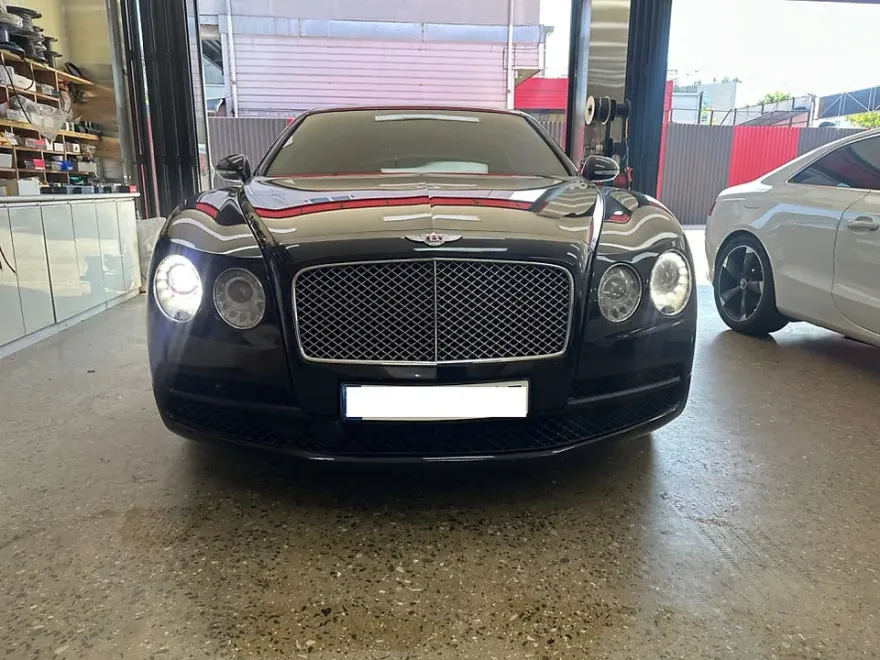
Bentley Flying Spur Android Head Unit Upgrade Review
Service Price
$approx. $1,500+
Estimated price · Actual price may vary by shop
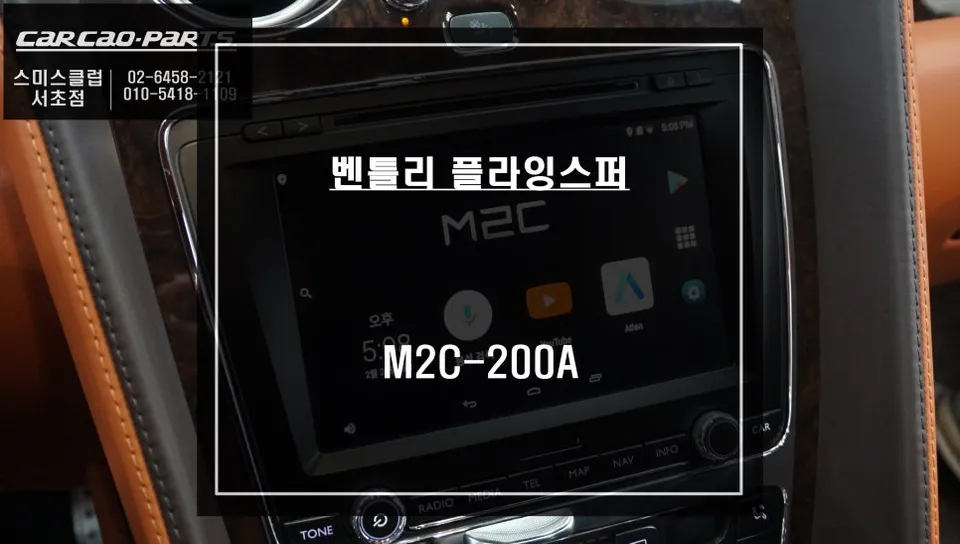
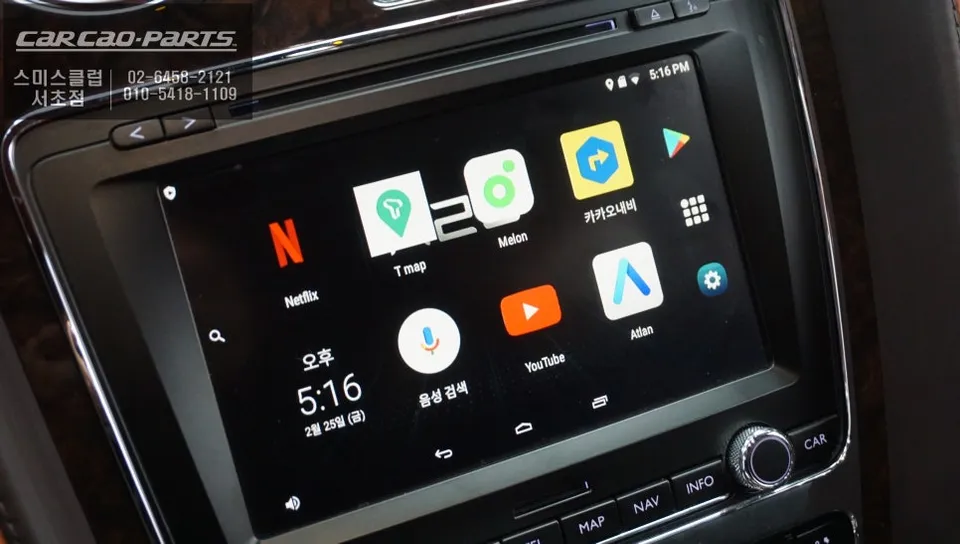
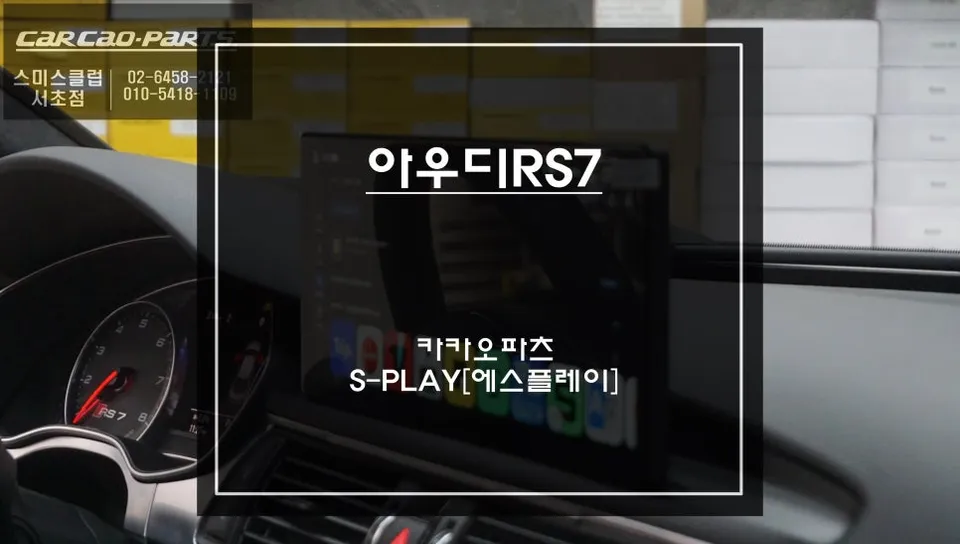
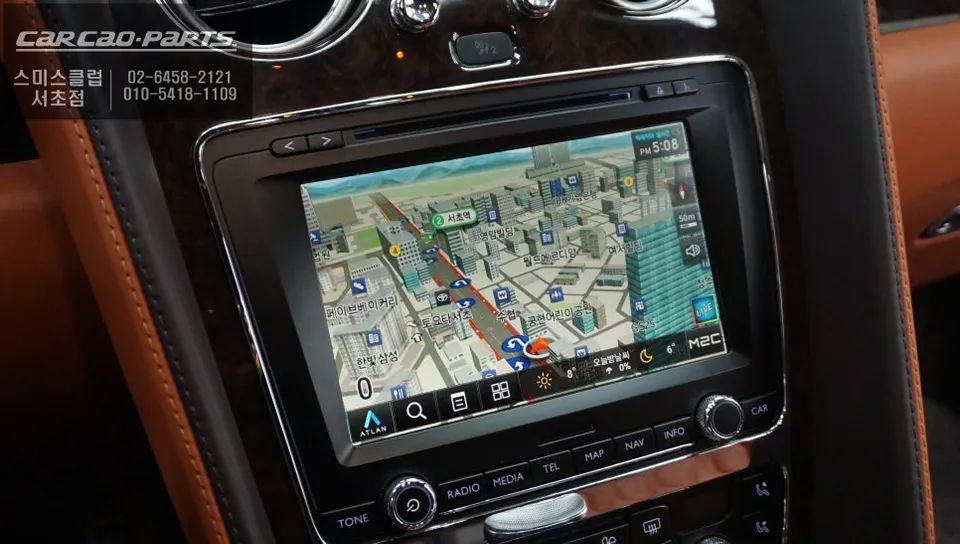
Bentley Flying Spur Android Head Unit upgrade: Seamless integration of modern apps and navigation. Enjoy a smarter infotainment experience.
Why Upgrade Your Bentley Flying Spur's Navigation?
Many Bentley Flying Spur owners, especially those with earlier models, find the factory navigation system outdated. Common complaints include difficulty with map updates, slow touch response, and the inability to use popular smartphone applications. To address these issues, specialized navigation upgrades are available, integrating an Android-based tablet system that brings smartphone-like functionality to the original factory monitor. This process is particularly complex in Bentleys due to their intricate CAN-BUS system, where the monitor and other functions are deeply interconnected. Improper modifications can trigger warning lights and system errors. Therefore, a successful upgrade requires careful attention to monitor compatibility, power supply routing, and audio output configuration.
The M2C-200A Android Tablet System
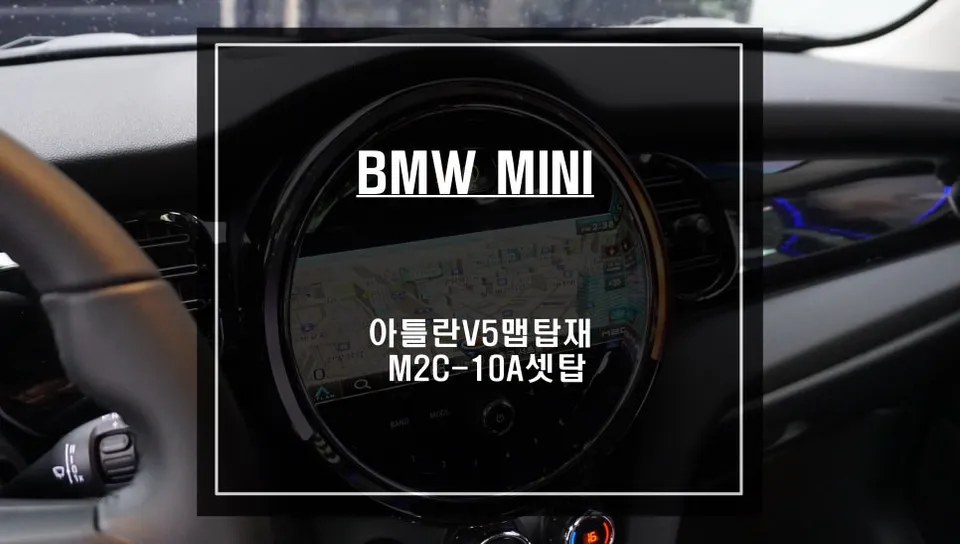
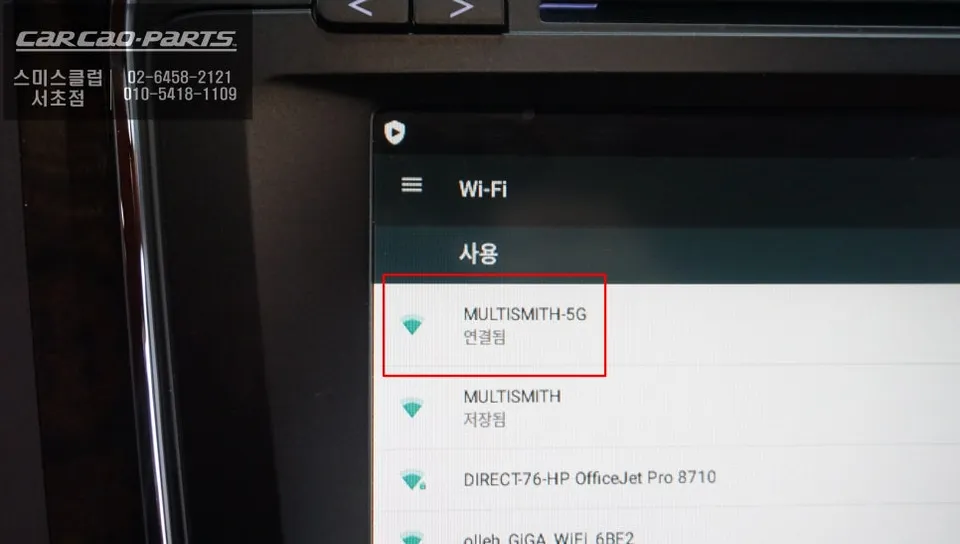
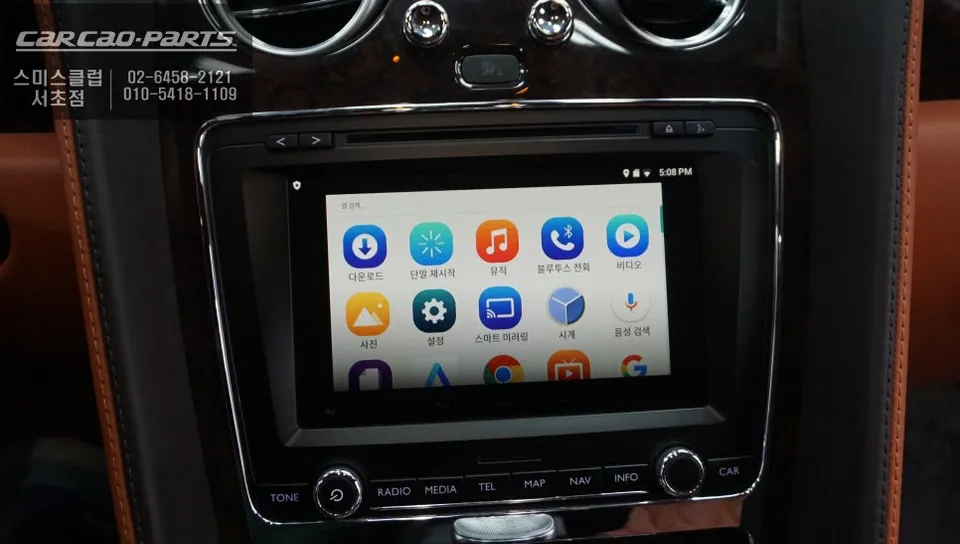
The M2C-200A is more than just a navigation device; it's a full-fledged automotive Android tablet. Powered by a MediaTek 2GHz quad-core CPU and running Android 7.0, it offers performance comparable to a smartphone. With a Wi-Fi connection, you can download apps directly from the Google Play Store. A significant advantage is the pre-installed Atlans V5 navigation software, which provides real-time map access even without Wi-Fi. Atlans V5 is known for its rapid touch response and smooth 3D map rendering, defying the notion that 3D maps are resource-intensive.
Bentley Flying Spur Old Navigation Removal Process
Removing the original navigation system in a Bentley Flying Spur is a meticulous process. It begins with carefully disassembling the dashboard trim, which is intricate due to the complex wiring harness. The first crucial step is disconnecting the vehicle's battery to protect the electronic systems. After removing the trim, the factory navigation unit's mounting brackets are unfastened, and the CAN-BUS and power cables are systematically disconnected. Documenting the location of each cable with photographs is essential for re-integrating the new system. The entire removal process typically takes about 1 hour and 30 minutes.
M2C-200A Tablet Installation and Wiring
Installing the new Android tablet involves more than just plugging it in. To utilize the Bentley's original monitor, an HDMI conversion adapter and a power management module are necessary. The M2C-200A's HDMI output signal is converted to a format compatible with the factory monitor, which typically supports high resolutions (1280x720 or higher) on premium vehicles like the Bentley, ensuring the tablet's full capabilities are utilized. Power is supplied by connecting to both the vehicle's ACC (accessory) line and a direct battery line, ensuring stable operation without overburdening the car's electrical system, as the tablet consumes around 10W.
Frequently Asked Questions
Q. How much does an Android Head Unit upgrade cost for a Bentley Flying Spur?
The cost for this Android Head Unit upgrade on a Bentley Flying Spur can vary, but typically ranges from $800 to $1500 USD. It's recommended to get a specific quote based on your vehicle's year and desired features.
Q. How long does an Android Head Unit installation take on a Bentley Flying Spur?
The installation process for an Android Head Unit in a Bentley Flying Spur typically takes between 2 to 4 hours. Proper calibration and testing are crucial for optimal performance and longevity.
Q. Is an Android Head Unit upgrade worth it for a Bentley Flying Spur?
An Android Head Unit upgrade is highly recommended for Bentley Flying Spur owners seeking modern infotainment features. It significantly enhances usability by providing access to current apps and navigation.
Q. How is an Android Head Unit installed on a Bentley Flying Spur?
Installation involves: 1. Carefully removing the original navigation unit and dashboard trim. 2. Connecting the new Android unit using specialized adapters (HDMI, power modules). 3. Integrating it with the vehicle's CAN-BUS system for seamless operation. 4. Testing all functions, including audio and touch input.
Q. What is the difference between an Android Head Unit and the factory navigation for a Bentley Flying Spur?
The key difference is functionality: the factory system is limited, while the Android unit offers access to modern apps (like Google Maps, Waze, streaming services) and features a more responsive interface. The Android unit provides a vastly superior user experience.
Kakao Parts