BMW MINI CarPlay Retrofit Review: Cost & Results
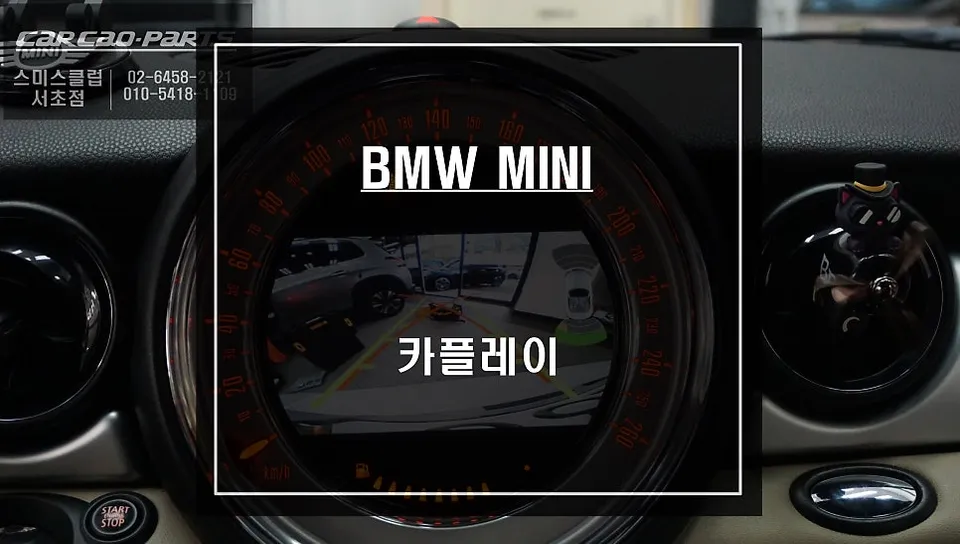
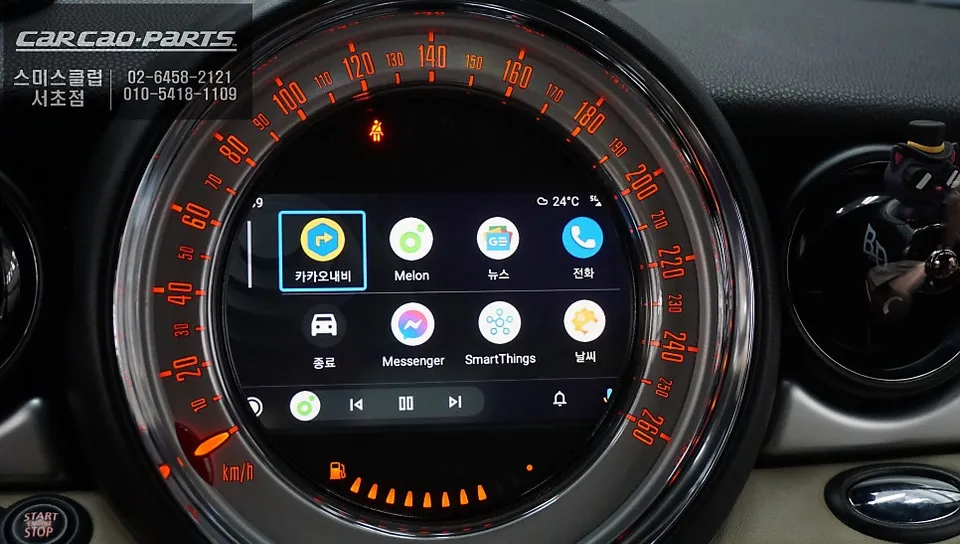
BMW MINI CarPlay retrofit adds navigation & apps. Cost-effective base version available. Enhances safety and convenience.
Seamless Infotainment Upgrade for Your BMW MINI
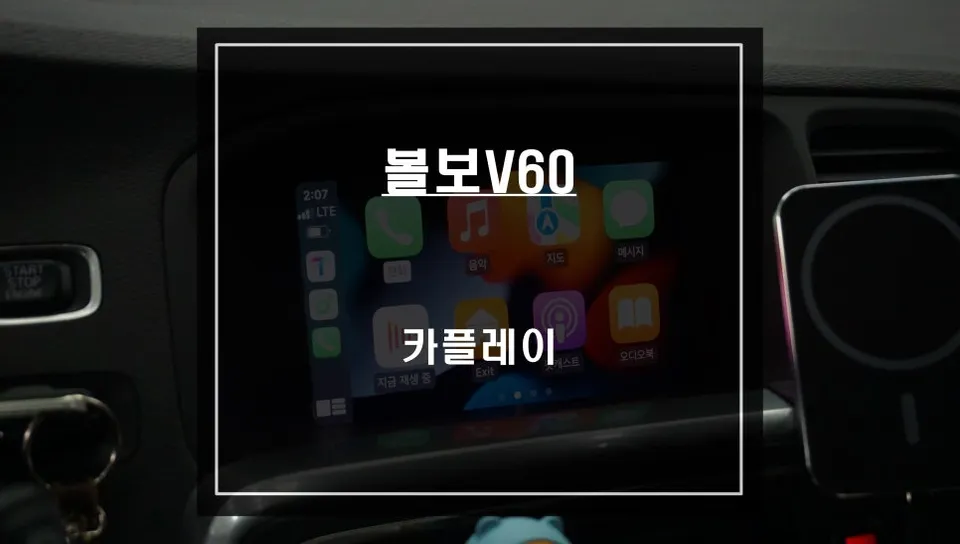
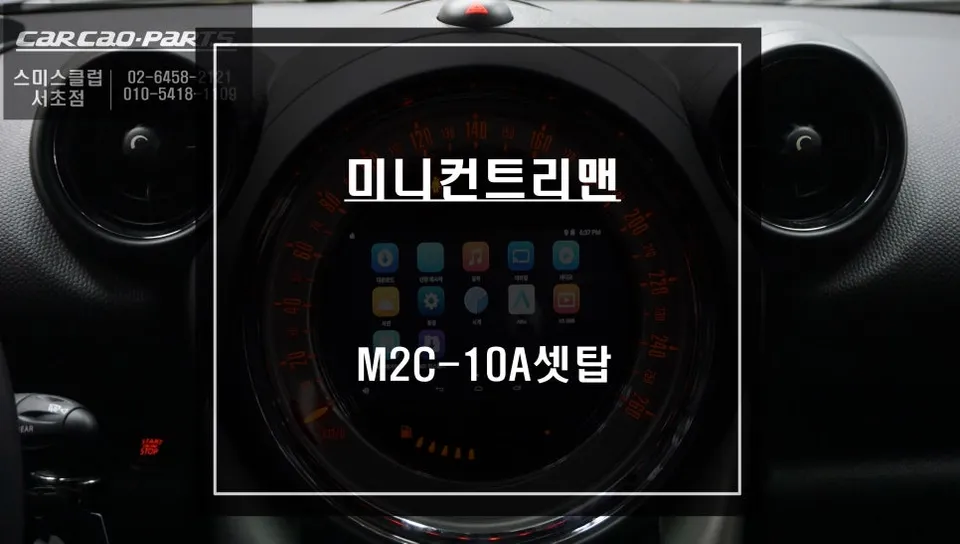
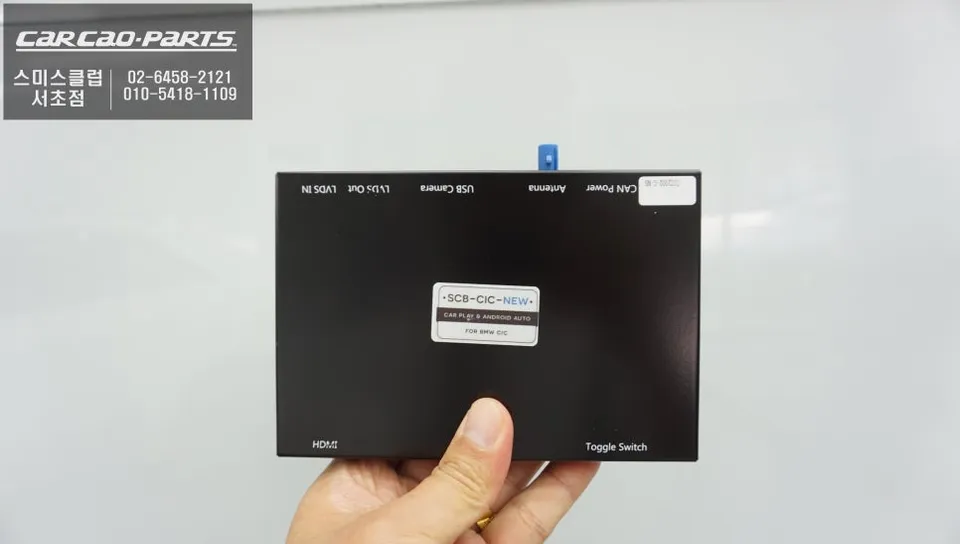
Many BMW MINI owners find themselves without integrated navigation, a common frustration when relying on essential local map apps like T Map or Kakao Map. This review details how one owner solved this by opting for a CarPlay retrofit, specifically designed for the BMW MINI. The primary goals were to retain the original visual booster display, avoid damaging existing wiring, and ensure control via voice commands and the original jog dial, rather than relying on touch. This BMW MINI CarPlay module perfectly met these requirements, offering a jack-by-jack installation that integrates seamlessly with the factory system without needing to replace the entire head unit. The result is a significant infotainment upgrade that enhances safety and convenience.
Before and After: Transforming the MINI Dashboard
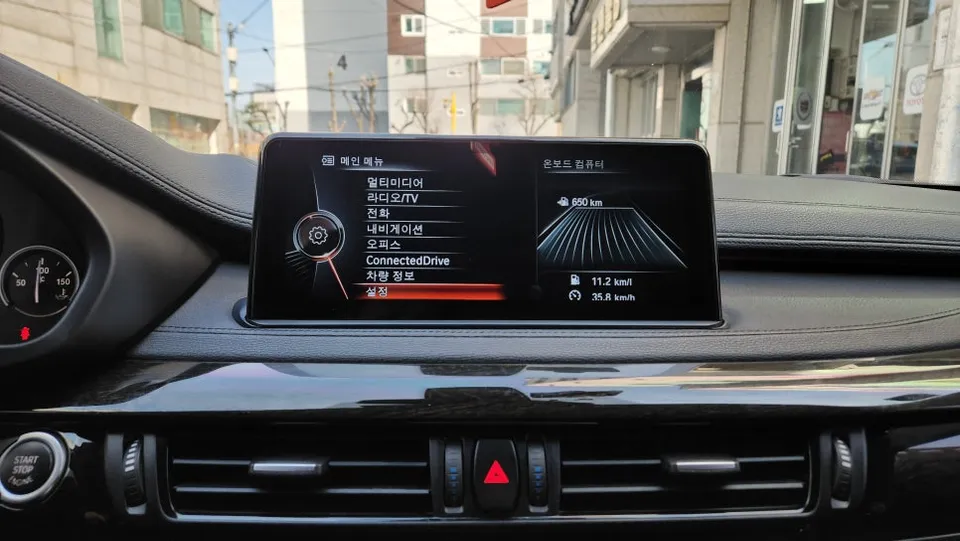
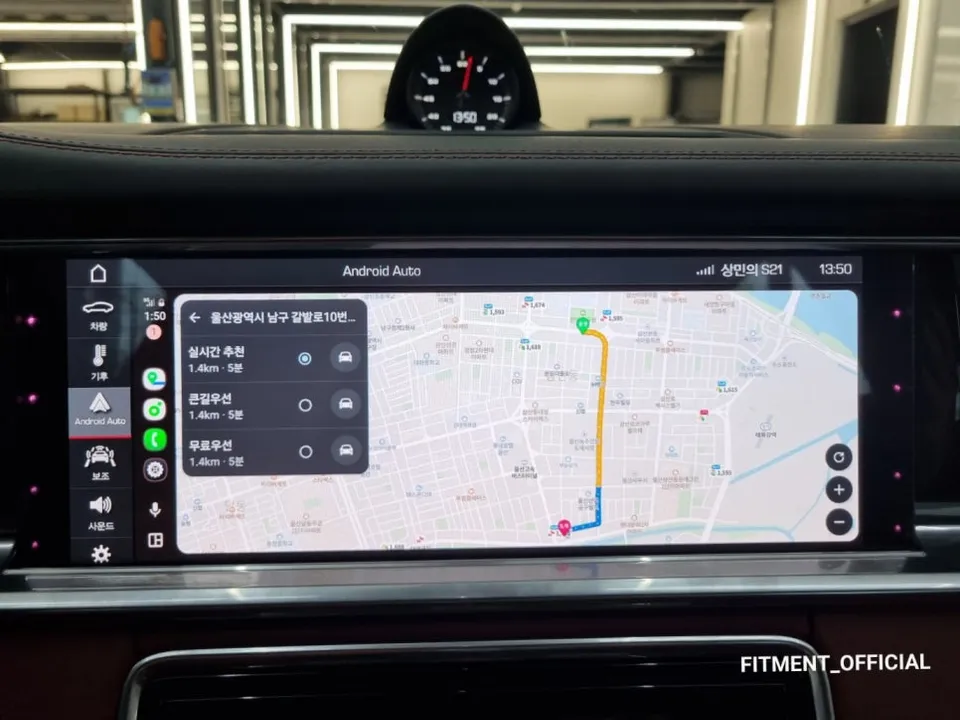
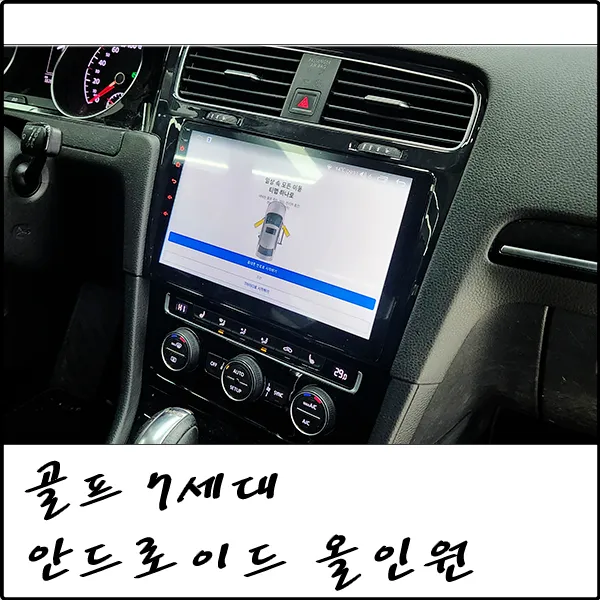
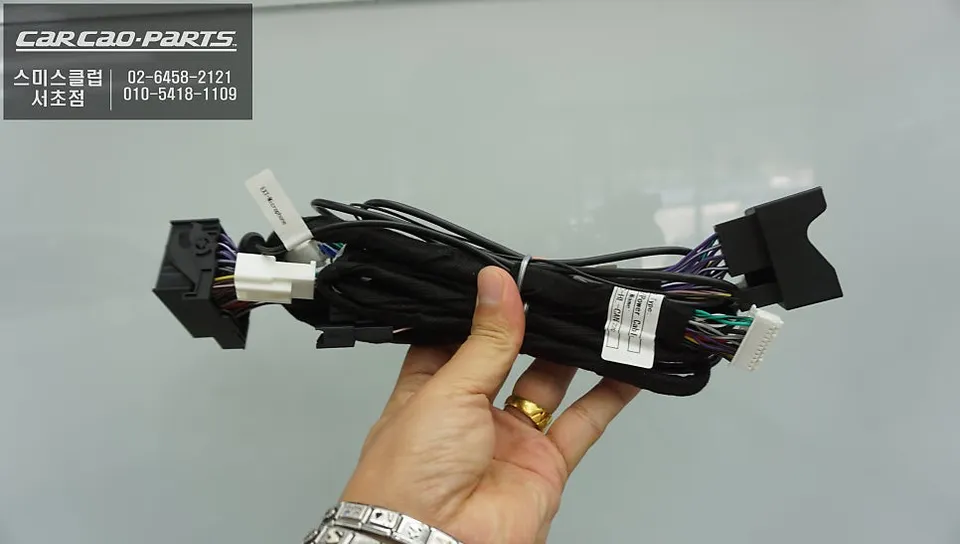
Before the installation, the BMW MINI's stylish dashboard, while aesthetically pleasing, lacked functional navigation on its central display. This necessitated the use of a smartphone mount, which can be a distraction while driving. The retrofit transforms this by enabling real-time navigation apps like T Map or Kakao Map directly on the car's screen. The installation process itself is meticulous, involving careful disassembly of dashboard panels to access the wiring. The core of the installation is the plug-and-play (jack-by-jack) connection of the CarPlay module, which means no wires are cut or soldered, preserving the original system's integrity and allowing for easy reversion if desired. The process also includes programming the jog dial and steering wheel controls to work with the new CarPlay interface, followed by thorough testing of voice commands for navigation, music, and calls. Post-installation, the visual booster display becomes a dynamic hub for navigation, music streaming apps like Melon or Spotify, and even smartphone mirroring for entertainment during stationary periods. Additionally, a rear-view camera with dynamic parking assist lines was integrated, providing visual and audible cues for safer parking.
Cost, Durability, and Decision Making
The cost for a full package, including the BMW MINI rear-view camera and CarPlay with voice/jog dial control, varies based on specific vehicle conditions and chosen components. While the base voice and jog dial controlled CarPlay offers excellent value, adding touch functionality increases the price. This particular owner opted for the cost-effective base version, finding voice control sufficient. Post-installation maintenance is minimal; the system functions optimally about 48 hours after wiring is settled. Ensuring the smartphone's CarPlay app is updated is key to receiving the latest navigation data. The system is designed for long-term durability, integrating with the car's existing electrical system. For BMW MINI owners considering this upgrade, the decision hinges on personal driving style and needs. Options range from the budget-friendly base CarPlay to more feature-rich versions. Consulting with specialists, like those at 'Today's Car' in Gangnam, can provide personalized recommendations based on a free consultation, leveraging data from over 1,000 service locations nationwide to find the best solution.
Frequently Asked Questions
Q. How much does Android head unit or CarPlay installation cost for a BMW MINI?
The cost for a BMW MINI CarPlay retrofit in Korea, as detailed in this review, can be quite reasonable for the base voice/jog dial version, with approximate USD context available upon consultation. Typical US installation costs can range from $500 to $1500 depending on the system and vehicle specifics.
Q. How long does Android head unit installation take on a BMW MINI?
The installation process for a BMW MINI CarPlay system typically takes around 2 hours. Durability is high as it integrates with the factory system, and maintenance mainly involves keeping your smartphone's CarPlay app updated.
Q. Is a CarPlay or Android Auto retrofit worth it for a BMW MINI?
A CarPlay or Android Auto retrofit is highly worth it for BMW MINI owners who lack integrated navigation, significantly enhancing safety and convenience by bringing essential apps to the car's display. It's particularly beneficial for drivers who frequently use navigation apps and want a safer, more integrated driving experience.
Q. How is an Android head unit installed in a BMW MINI?
Installation involves carefully removing dashboard panels, connecting the CarPlay module via a plug-and-play (jack-by-jack) method to the existing wiring without cutting or soldering, and programming the vehicle's controls like the jog dial for seamless operation.
Q. What is the difference between an Android head unit and a factory infotainment system for a BMW MINI?
The key difference is that an Android head unit or CarPlay retrofit adds modern smartphone integration, including navigation and app support, to a factory system that may lack these features. While the factory system offers basic functions, the retrofit provides a significantly more versatile and up-to-date infotainment experience.
Q. What should I know before getting Android Head Unit on a BMW MINI? (common regrets and mistakes)
A common regret is not considering the control method; while touch is available, relying solely on voice and the jog dial, as done here, is often safer and more practical for driving. Always opt for a system that integrates seamlessly with your MINI's existing controls to avoid usability issues.
Kakao Parts