BMW 3 Series Android Auto Head Unit Review — Seamless Infotainmen
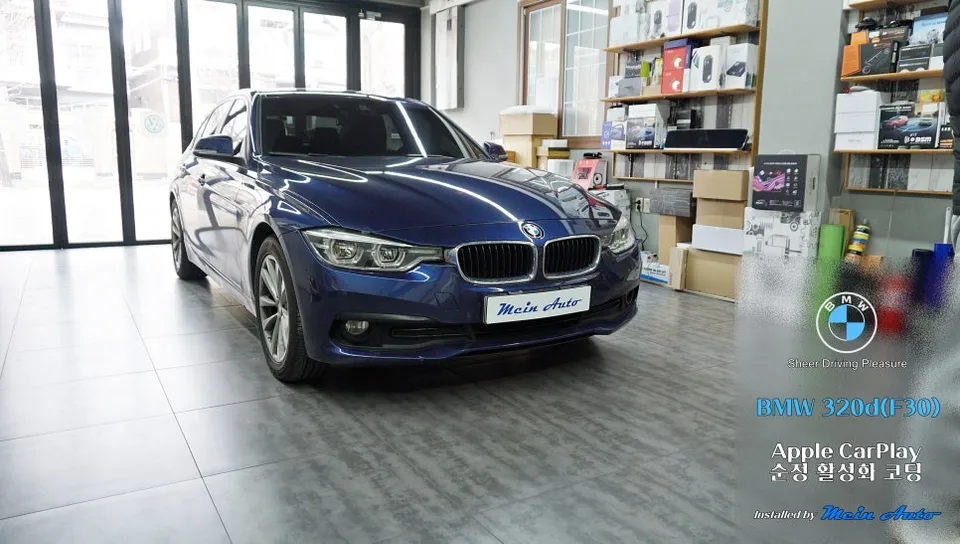
This review details an Android all-in-one system for a BMW 3 Series (F30), offering seamless wireless Android Auto and Apple CarPlay integration.
Upgrade Your BMW 3 Series (F30) with an Android All-in-One System
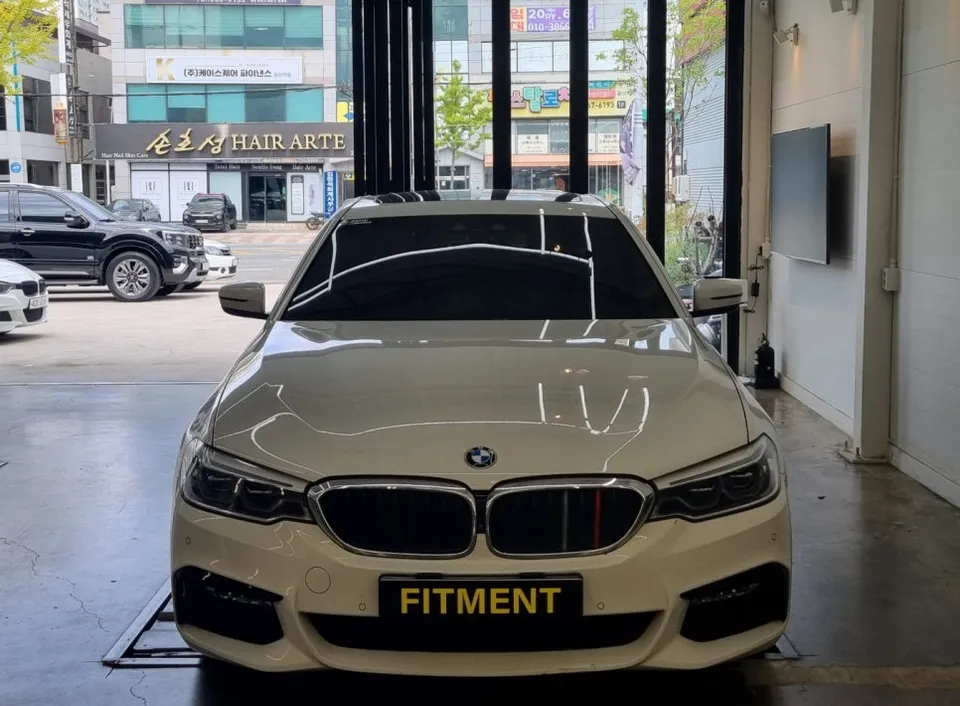
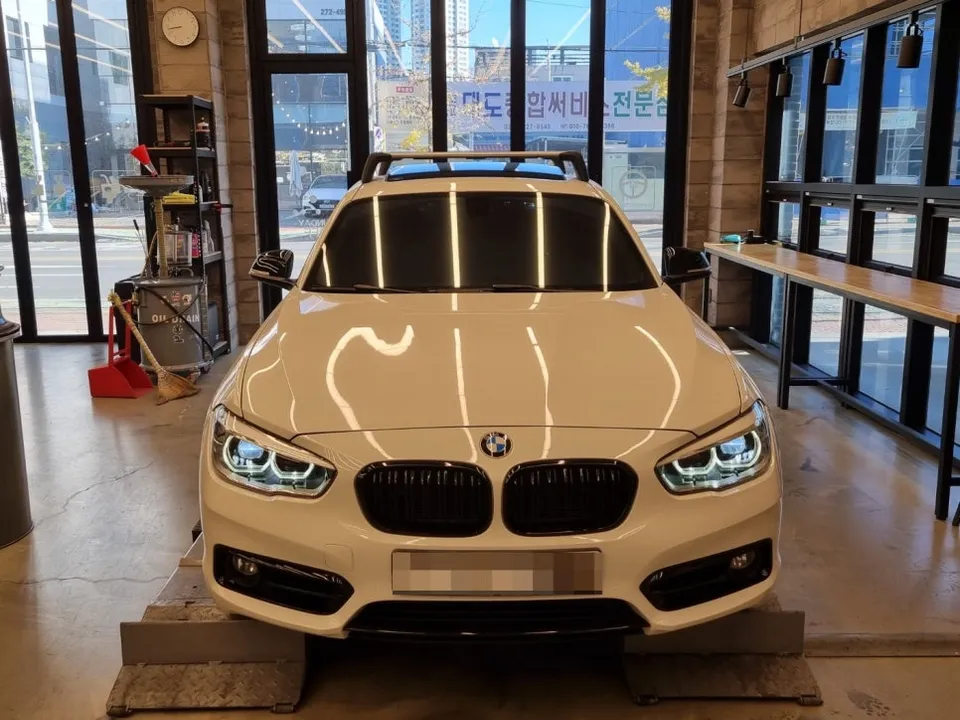
The BMW 3 Series, particularly the F30 generation, is a beloved vehicle known for its driving dynamics and premium feel. However, in today's connected world, the infotainment system can often feel dated. This is where an Android all-in-one system comes in, offering a significant upgrade to your car's technology. This review focuses on enhancing a 2017 BMW 320d (F30) by integrating a modern Android head unit, bringing features like Android Auto and a host of other functionalities to your fingertips. We'll explore the installation process, the tangible results, and key details that make this upgrade worthwhile for any discerning BMW owner.
Seamless Integration and Enhanced Functionality
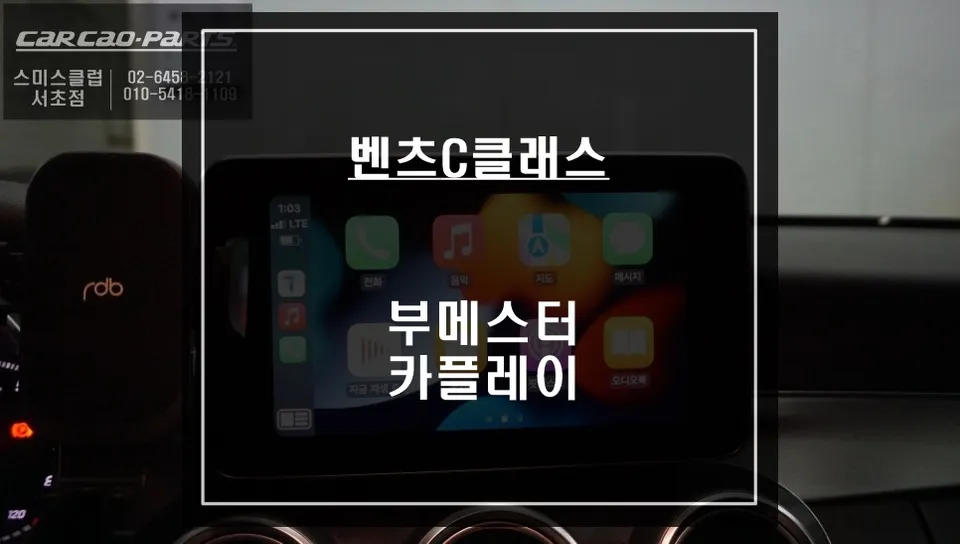
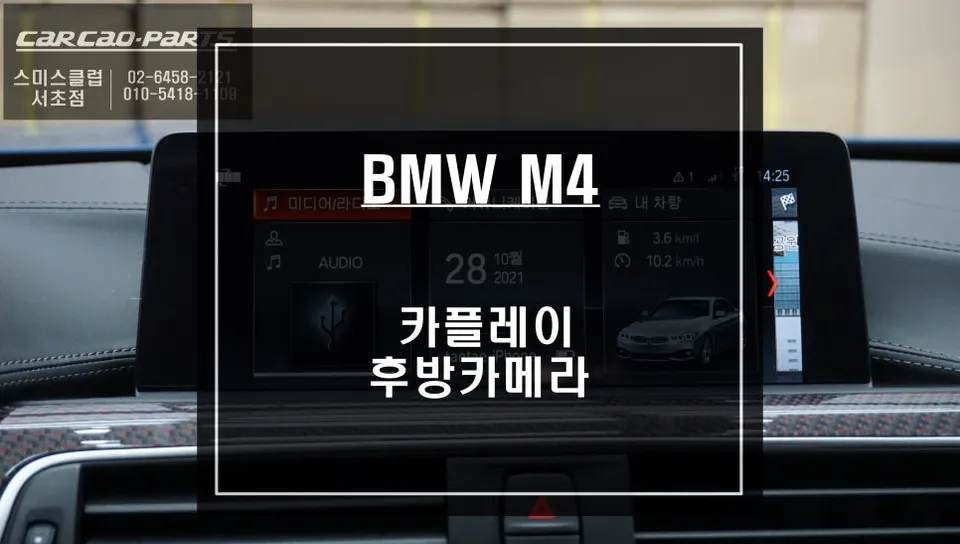
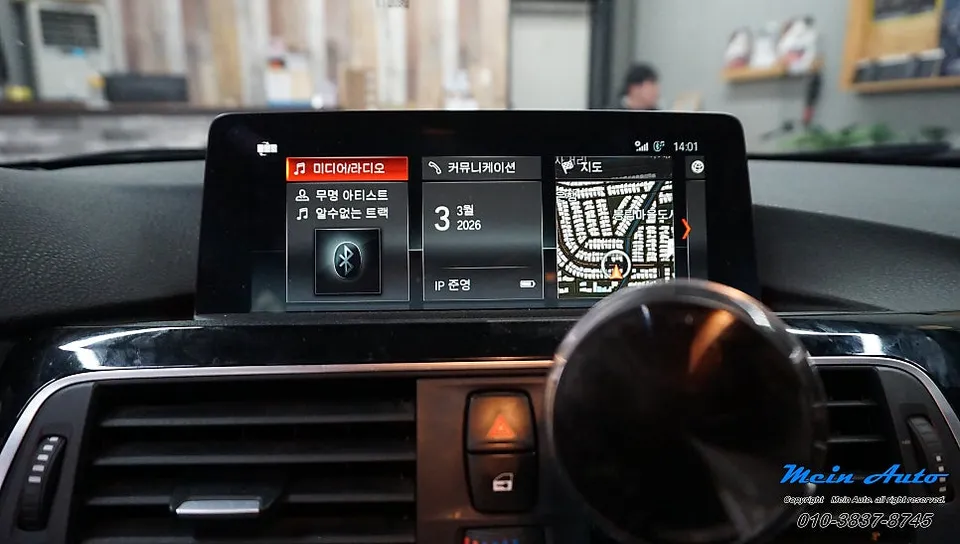
The primary goal of installing an Android all-in-one system is to modernize the vehicle's interface and unlock a world of digital convenience. For a 2017 BMW 320d (F30), this means replacing the stock head unit with a unit that supports advanced features like Android Auto. This allows you to seamlessly connect your Android smartphone and access essential apps such as navigation (Google Maps, Waze), music streaming (Spotify, YouTube Music), messaging, and calls directly through the car's display. The system is designed to integrate smoothly with the BMW's existing electrical systems, often maintaining steering wheel controls and other original functions. The user interface is typically intuitive, mirroring the familiar Android experience, making it easy to navigate and customize. Beyond Android Auto, these systems often include built-in GPS, Bluetooth connectivity for hands-free calls and audio streaming, Wi-Fi for internet access, and support for various media formats. Some units even offer advanced features like rearview camera integration, dashcam support, and customizable EQ settings for an enhanced audio experience. The result is a significantly more engaging and functional driving environment, transforming your F30 3 Series into a more modern and connected vehicle.
Installation Process and Notable Details
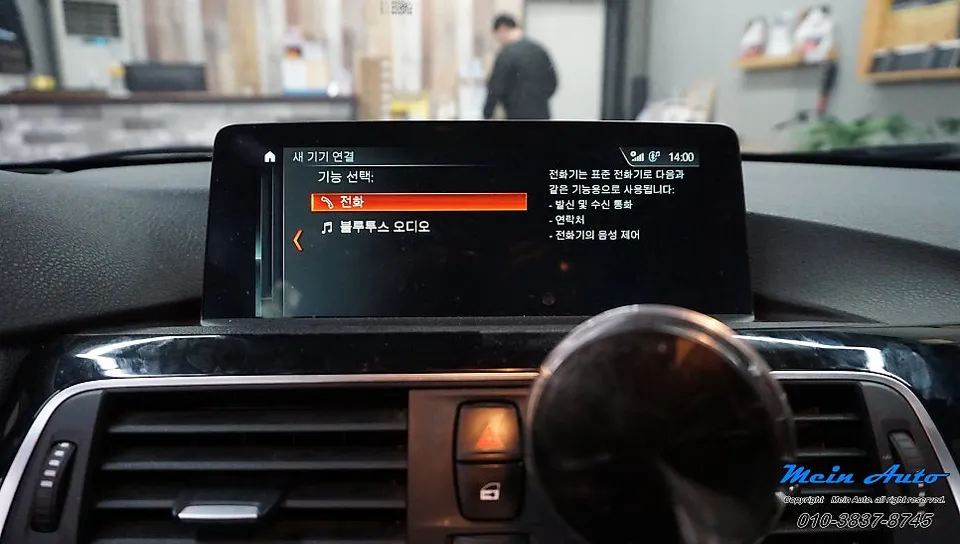
Integrating an Android all-in-one system into your BMW 3 Series (F30) is a process that requires precision and care. While some enthusiasts may tackle this DIY, professional installation is often recommended to ensure all components are connected correctly and the vehicle's electronics are not compromised. The process typically involves removing the original head unit, carefully disconnecting wiring harnesses, and then connecting the new Android unit. Adapters and wiring looms are usually provided to ensure compatibility with the BMW's specific connectors. The new head unit is then physically fitted into the dashboard, often using a custom fascia adapter to ensure a flush and factory-like appearance. Software configuration is also a crucial step, ensuring that features like steering wheel controls, CAN bus integration (for vehicle information display), and any additional modules (like cameras) function as intended. The overall installation time can vary, but it's generally a few hours for experienced technicians. The result is a clean, integrated look with a modern, responsive touchscreen that significantly elevates the car's interior appeal and technological capabilities. The investment, while notable, provides a substantial upgrade in daily usability and entertainment value for your BMW 3 Series.
Installation Process:
- Remove the original BMW head unit and dashboard trim pieces.
- Disconnect the factory wiring harnesses and any associated modules.
- Connect the new Android all-in-one system using the provided wiring adapters and CAN bus interface.
- Mount the new head unit into the dashboard, using any necessary fascia adapters for a secure and clean fit.
- Reconnect power and speaker wires, and test all functions, including Android Auto, Bluetooth, and steering wheel controls.
Frequently Asked Questions
Q. How much does Android all-in-one system cost for a BMW 3 Series?
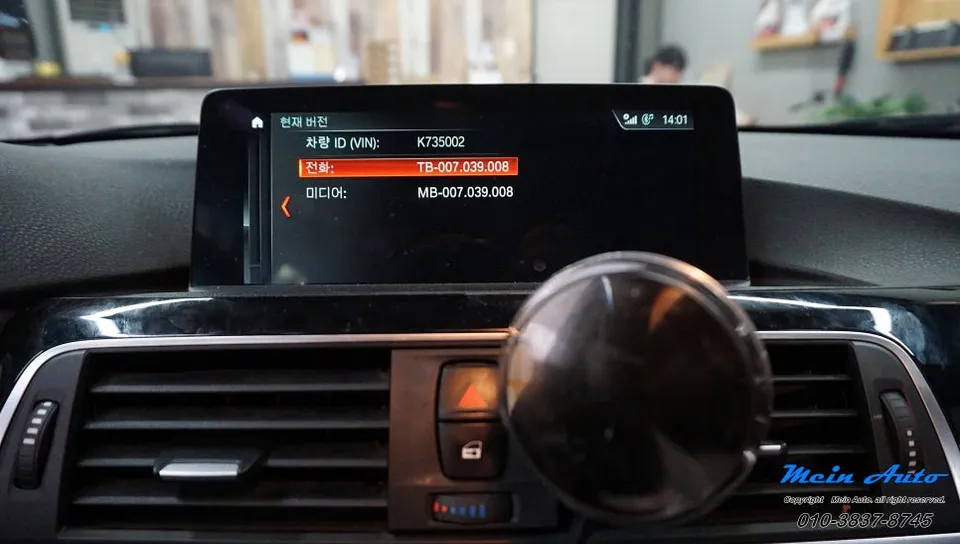
This review focuses on activating Apple CarPlay coding for a BMW 320d (F30), which typically involves a service fee rather than a product cost. For a full Android all-in-one head unit, prices in the US generally range from $400 to $800, depending on features and installation complexity.
Q. How long does Android all-in-one system last on a BMW 3 Series?
A quality Android all-in-one system for a BMW 3 Series can last 5-7 years or more with proper care. To maximize its lifespan, avoid exposing the unit to extreme temperatures and ensure software updates are performed regularly.
Q. Is Android all-in-one system worth it for a BMW 3 Series?
An Android all-in-one system is highly worth it for BMW 3 Series owners seeking modern infotainment features like wireless Android Auto and Apple CarPlay. It significantly enhances the driving experience by providing up-to-date navigation, media, and communication capabilities.
OhCar Partner Shop