BMW 5 Series Android Head Unit Review: CarPlay Upgrade
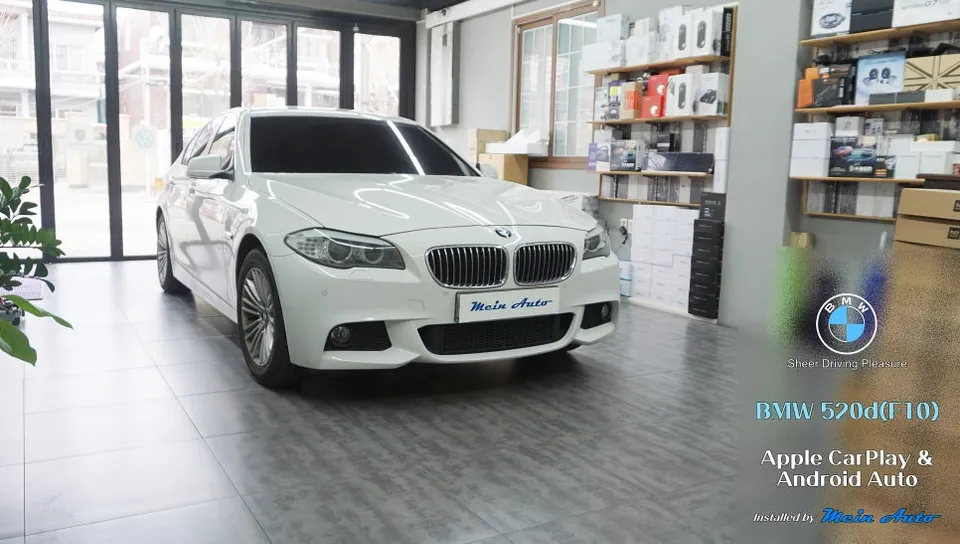
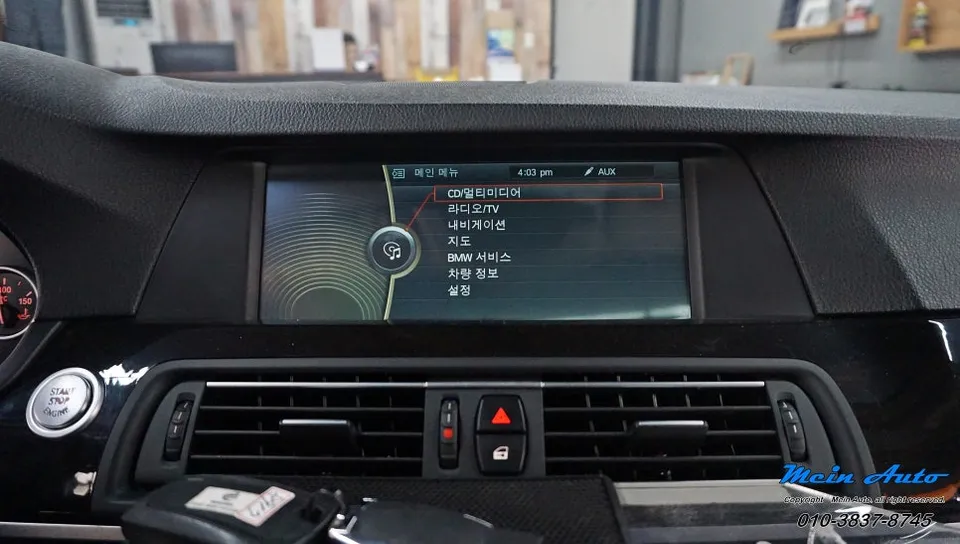
BMW 5 Series (F10) Android Head Unit: Offers CarPlay/Android Auto. Enhances navigation & infotainment. Installation cost varies.
Enhancing Your BMW 5 Series Infotainment
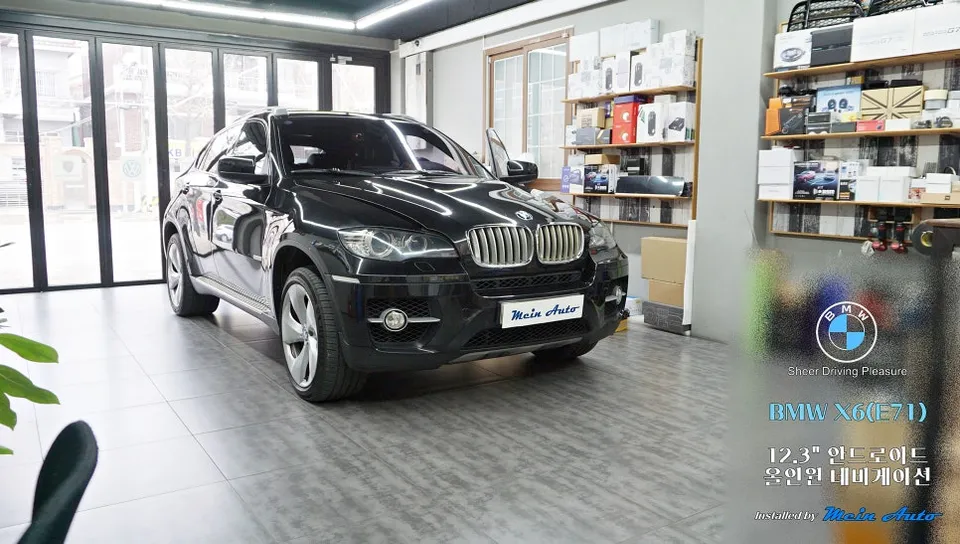
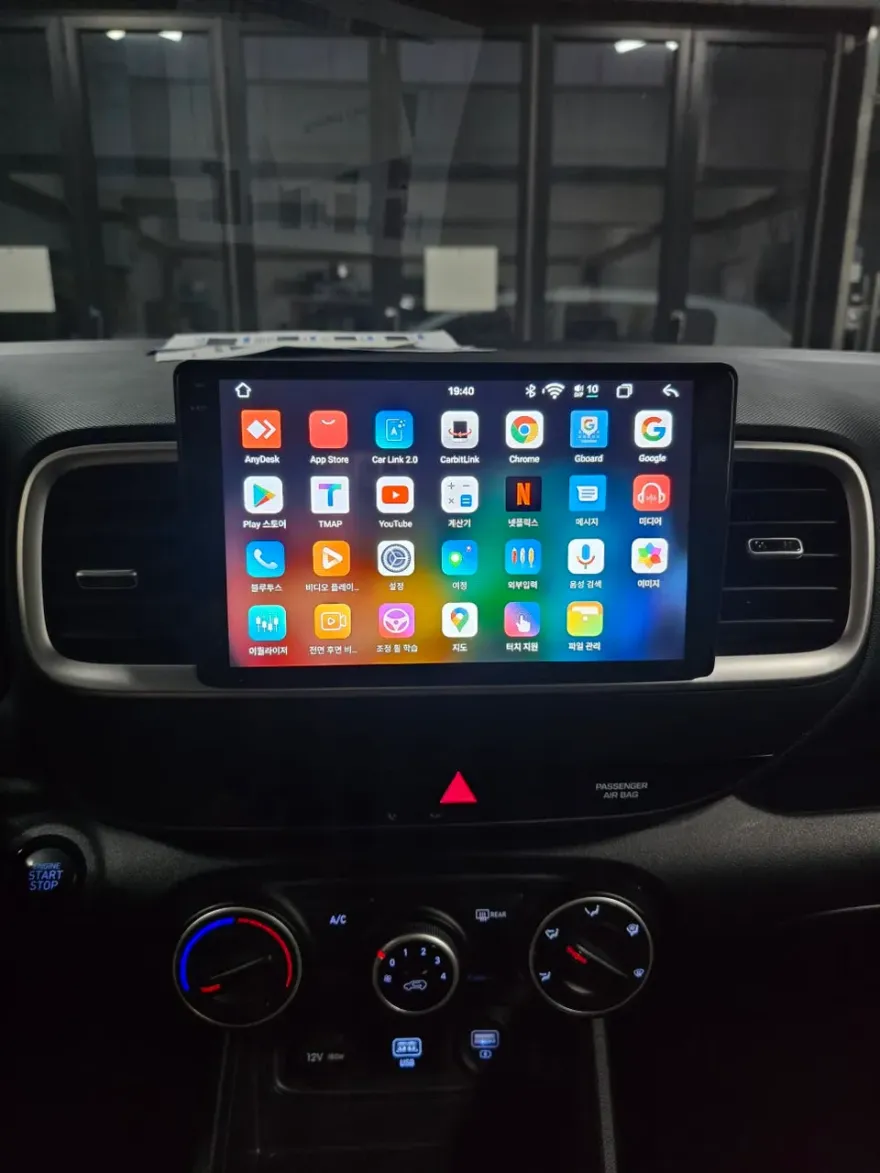
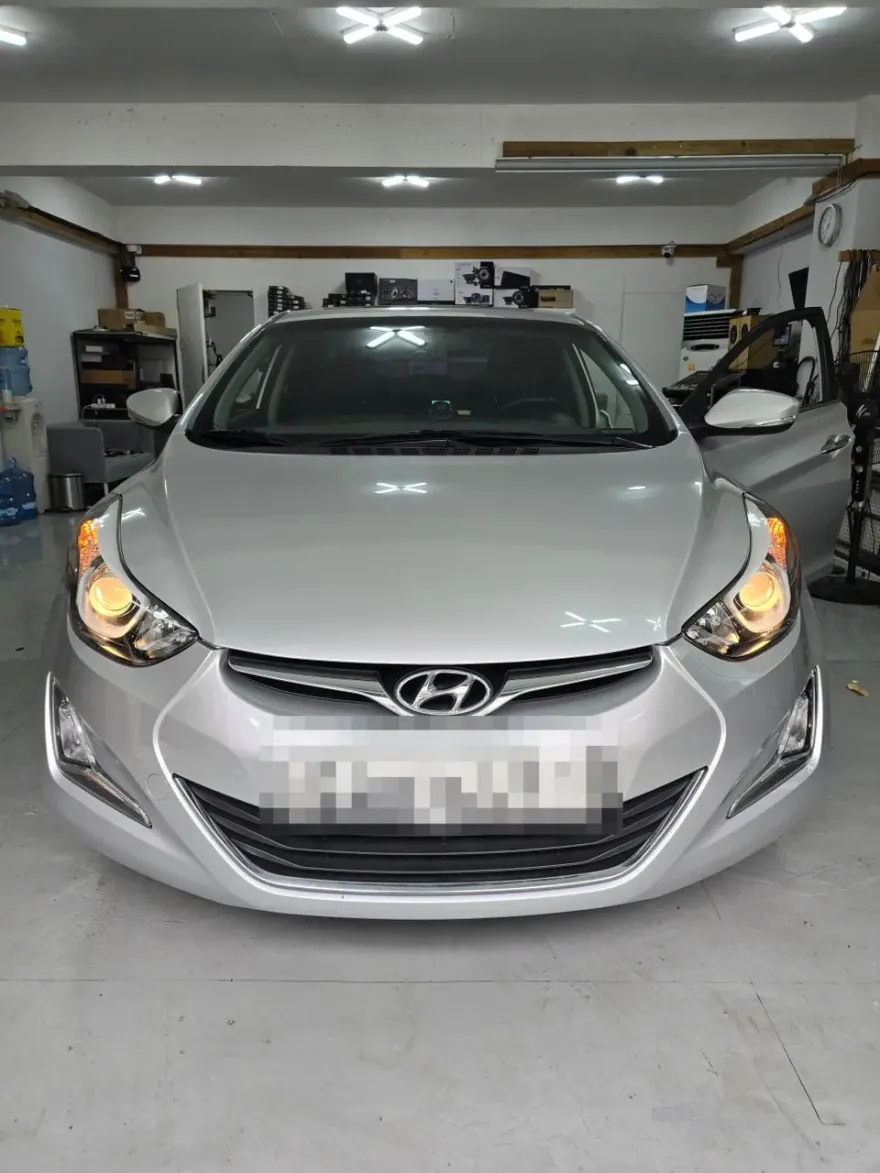
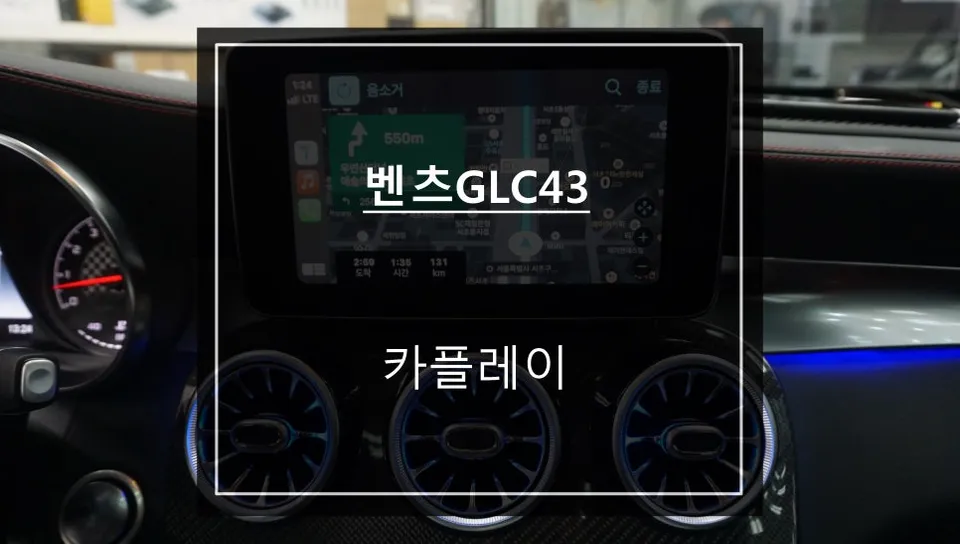
For BMW 5 Series owners, particularly those with the F10 generation (like the 2011 520d featured here), the factory infotainment system can feel dated. This review explores the installation of a CarPlay and Android Auto compatible head unit, offering a significant infotainment upgrade. The goal is to seamlessly integrate modern navigation apps like TMAP and Kakao Navi, alongside wireless CarPlay and Android Auto functionality, bringing your older BMW into the digital age. This isn't just about aesthetics; it's about enhancing daily driving with intuitive access to your favorite apps, music, and communication tools directly through the car's display.
Installation Process and Results
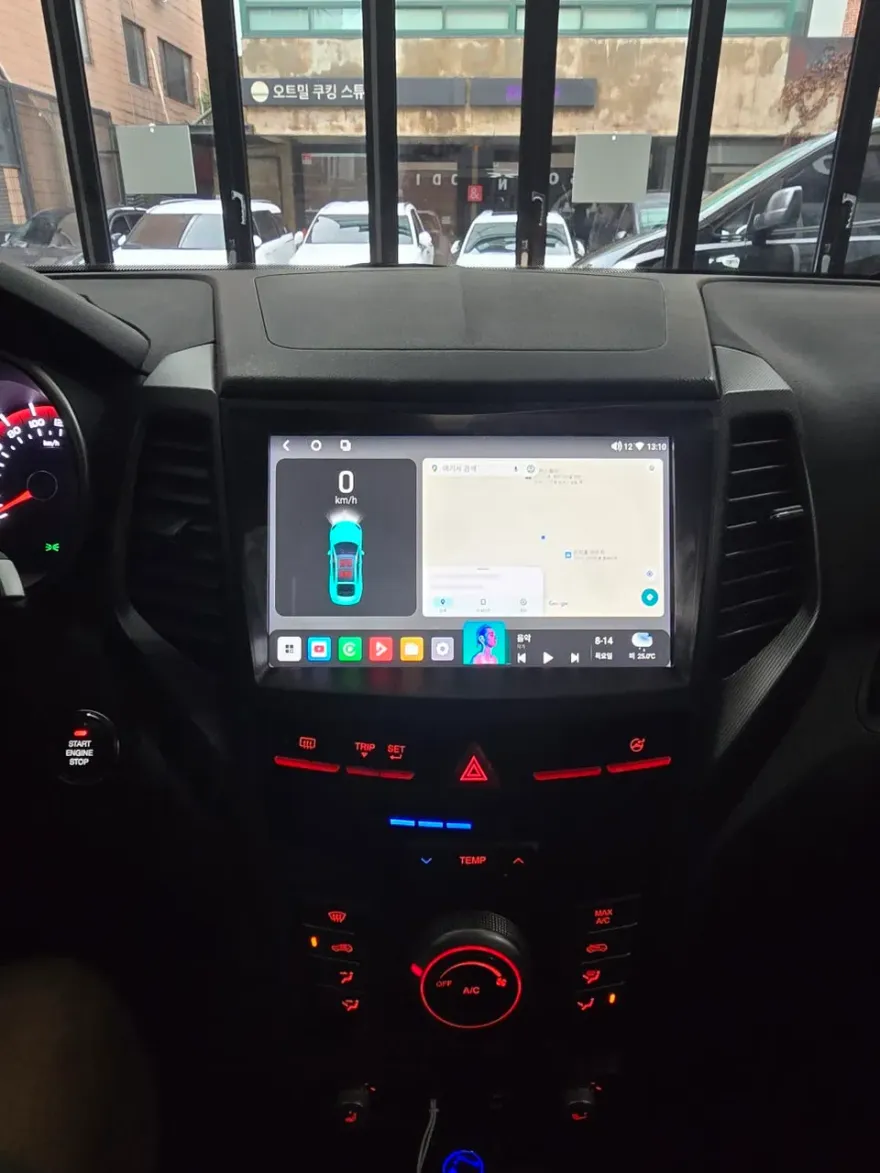
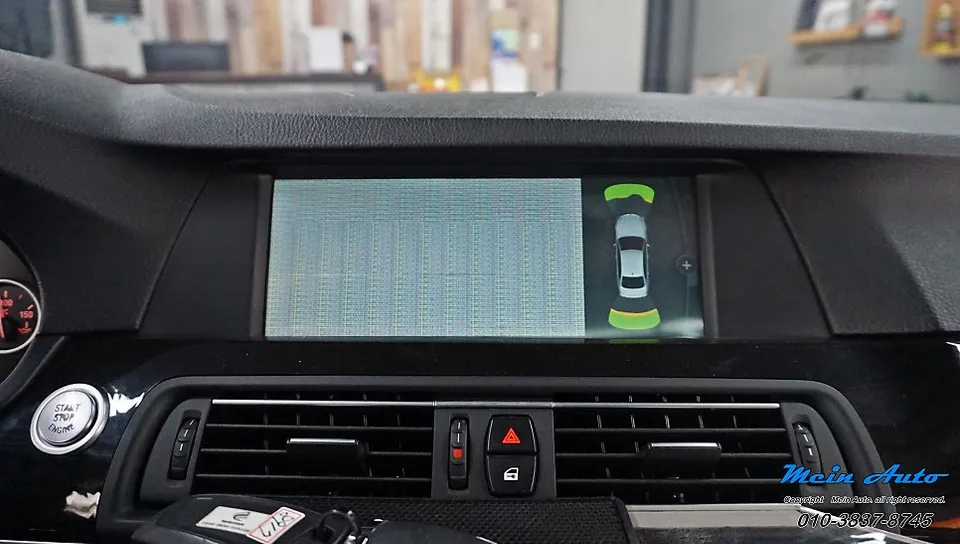
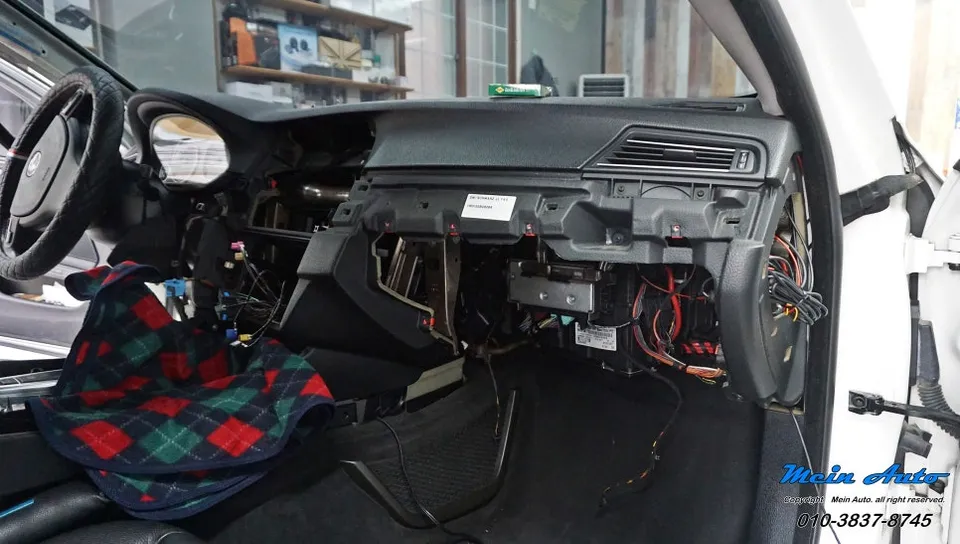
The installation of an Android head unit, often referred to as a CarPlay retrofit or Android Auto upgrade, involves replacing or augmenting the existing iDrive system. For the BMW 5 Series (F10), this process typically involves carefully removing dashboard trim pieces to access the head unit. The new unit is then wired in, connecting to power, speakers, and any necessary data lines. The result is a modern, responsive touchscreen interface that supports both wired and wireless connections for your smartphone. Before the upgrade, the BMW 5 Series F10 might have a less intuitive interface with limited app support. After installation, drivers benefit from a familiar smartphone interface, real-time traffic updates via navigation apps, and hands-free calling and messaging, all displayed on a larger, more vibrant screen. The integration aims to be as seamless as possible, maintaining the aesthetic of the BMW interior while vastly improving functionality. The specific module used in the Korean context was a SCB-CIC type, designed for compatibility with the BMW 5 Series F10's existing setup.
Durability, Maintenance, and Decision Making
When considering an Android head unit or CarPlay retrofit for your BMW 5 Series, durability and maintenance are key factors. These aftermarket units are generally designed for longevity, using robust components. However, like any electronic device, they require proper installation to ensure reliability. Maintenance is usually minimal, often limited to software updates provided by the manufacturer to improve performance or add features. The primary decision factor for many BMW 5 Series owners is whether the cost and effort of this infotainment upgrade justify the benefits. For those who rely heavily on smartphone navigation, streaming music, or hands-free communication, the upgrade offers a substantial improvement over older systems. The ability to use familiar apps like TMAP and Kakao Navi directly on the car's screen provides a more integrated and safer driving experience. While the initial cost can vary, the long-term value lies in the enhanced usability and modern features brought to a beloved vehicle.
Installation Process:
- Carefully remove the dashboard trim panels surrounding the existing infotainment unit.
- Disconnect the factory wiring harness and remove the original head unit.
- Connect the new Android head unit's wiring harness, ensuring all connections are secure.
- Mount the new head unit into the dashboard cavity and reassemble the trim panels.
- Power on the system and perform initial setup and smartphone pairing.
Frequently Asked Questions
Q. How much does Android head unit or CarPlay installation cost for a BMW 5 Series?
The installation cost for this specific BMW 5 Series (F10) upgrade in Korea was approximately 240,306 KRW (around $175 USD). Typical US installation costs can range from $300 to $1000 depending on the unit and complexity.
Q. How long does Android head unit installation take on a BMW 5 Series?
Android head units are generally durable with minimal maintenance required, often just software updates. To ensure longevity, proper installation by a qualified technician is crucial.
Q. Is a CarPlay or Android Auto retrofit worth it for a BMW 5 Series?
This upgrade is most beneficial for drivers who frequently use smartphone navigation and apps, significantly enhancing usability and convenience. The value proposition lies in modernizing a car's infotainment system for a safer and more enjoyable driving experience.
Q. How is an Android head unit installed in a BMW 5 Series?
Installation involves removing dashboard trim, disconnecting the factory unit, connecting the new Android head unit's wiring harness, mounting the new unit, and reassembling the trim. The system is then powered on for initial setup.
Q. What is the difference between an Android head unit and a factory infotainment system for a BMW 5 Series?
An Android head unit offers modern smartphone integration with apps like CarPlay and Android Auto, vastly expanding functionality beyond the original BMW system. For most users, the enhanced features and user interface make the Android head unit a superior choice.
OhCar Partner Shop