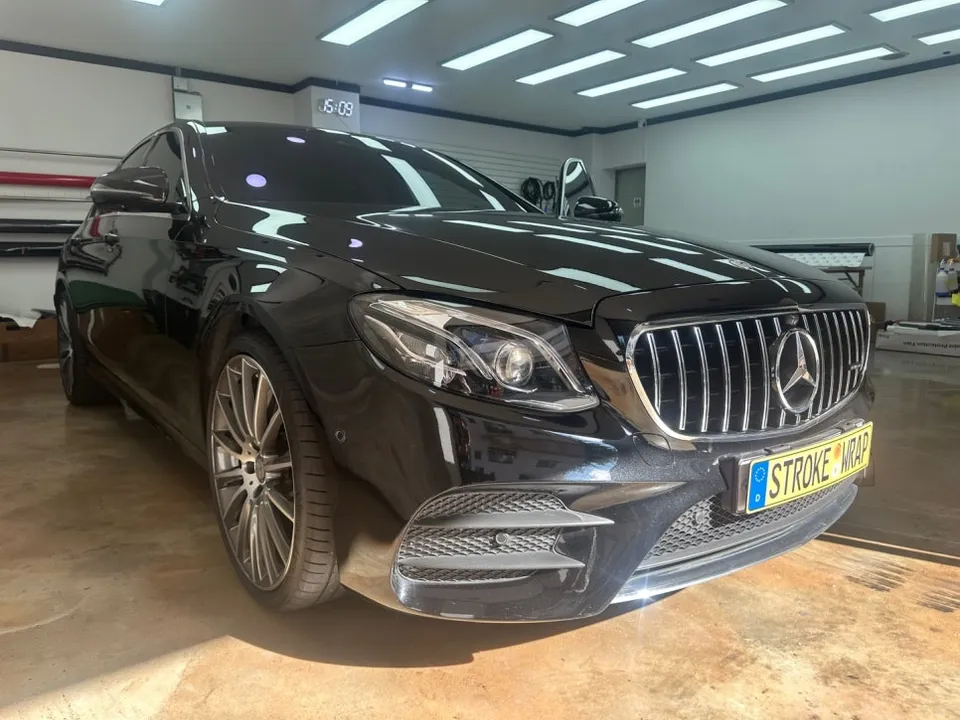
Mercedes-Benz C-Class W205 Android Head Unit Review
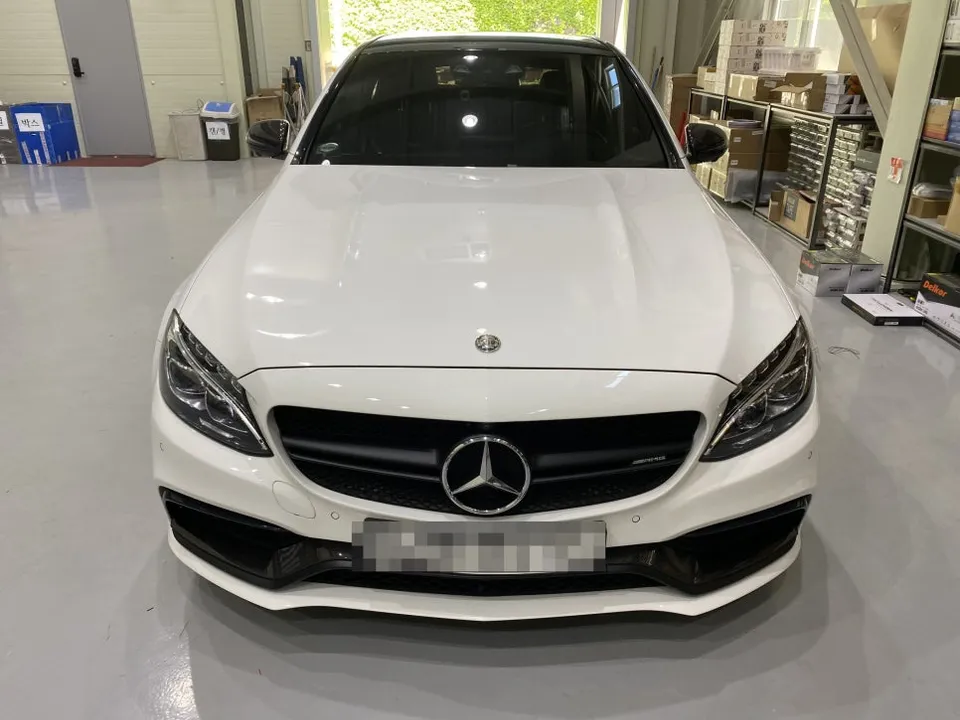
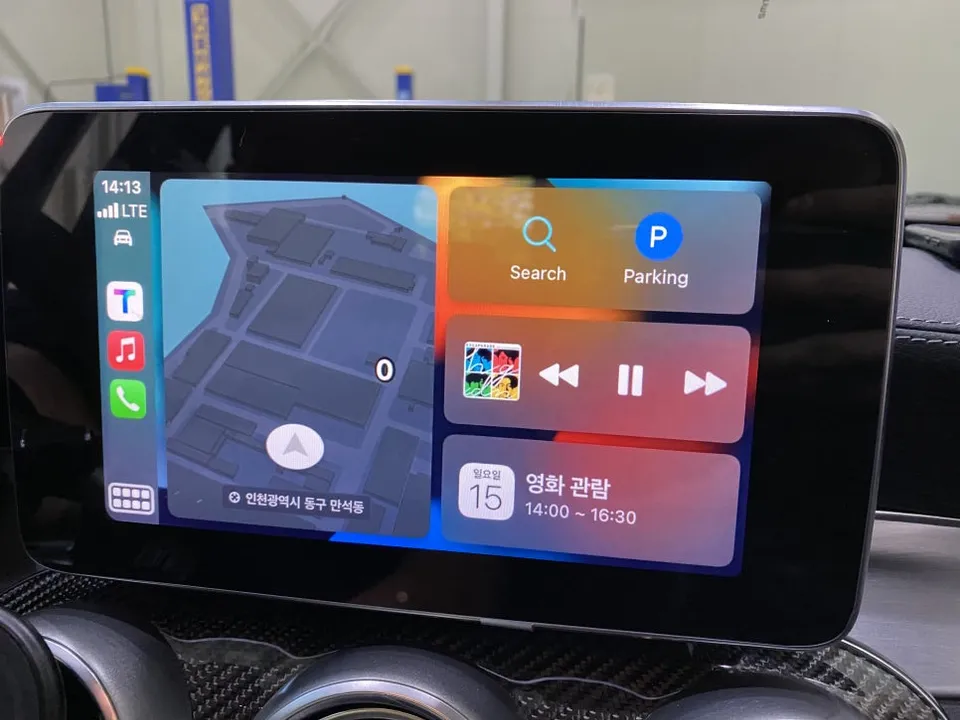
Mercedes-Benz C-Class W205 CarPlay retrofit: Seamless wireless navigation & entertainment upgrade. Enhances usability and value.
Transform Your Mercedes-Benz C-Class W205 Infotainment System
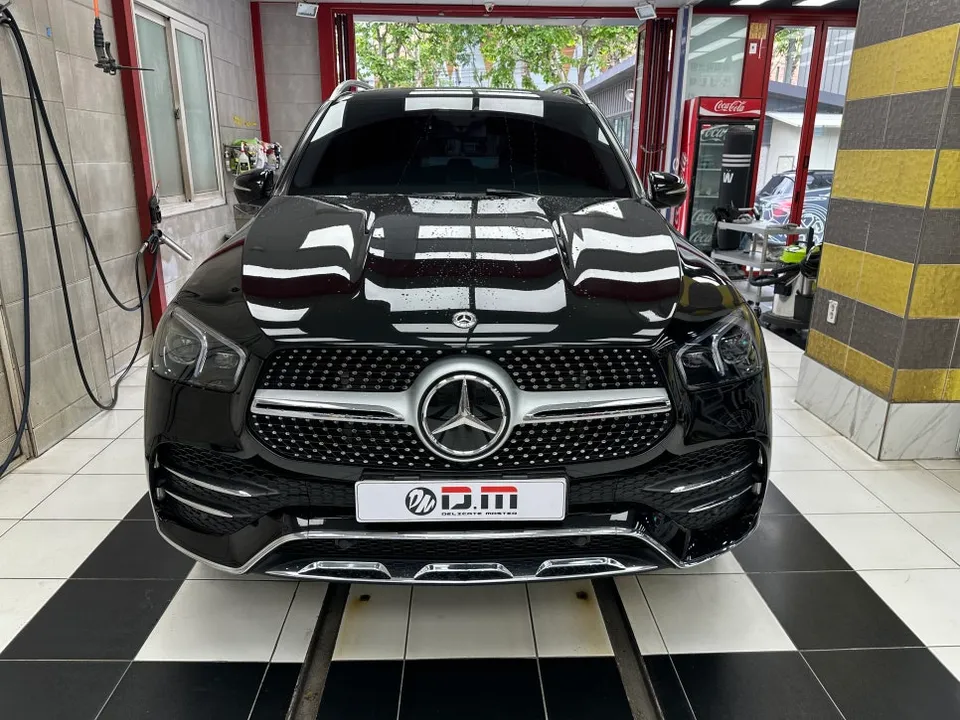
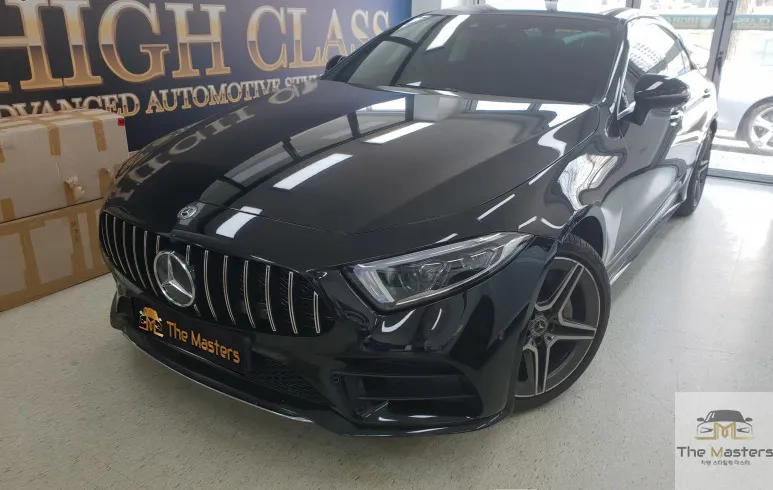
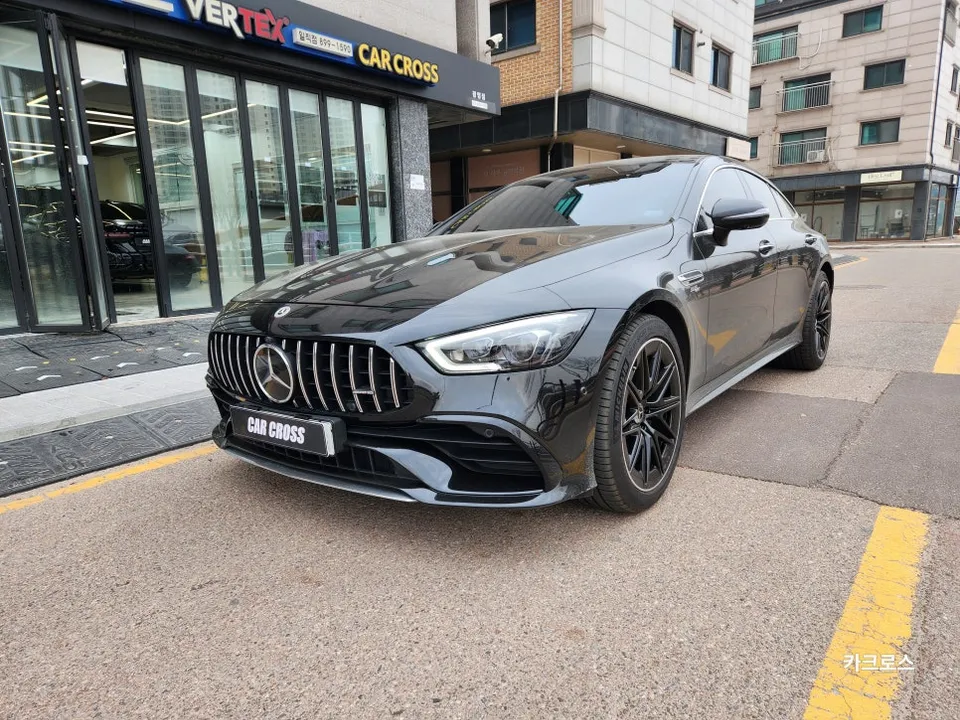
While the Mercedes-Benz C-Class W205 boasts a luxurious exterior and refined driving dynamics, its factory infotainment system, often referred to as COMAND, can feel dated. Many drivers find the interface unintuitive, lacking touchscreen capabilities, and relying on a cumbersome rotary dial for navigation. This review details a popular solution: a wireless Apple CarPlay and Android Auto upgrade, often referred to as an Android head unit retrofit. We'll walk through a real-world installation on a Mercedes-Benz C-Class 63 AMG, highlighting the process, benefits, and what to expect.
Why the Stock COMAND System Falls Short
The Mercedes-Benz C-Class is a testament to German engineering, offering a powerful engine, precise handling, and a premium interior. However, the user experience within the infotainment system can be a significant drawback. The lack of a touchscreen means all interactions must be performed using the rotary dial. This can be tedious when setting navigation destinations, searching for music, or browsing menus, ultimately detracting from the driving experience and potentially impacting safety due to increased distraction.
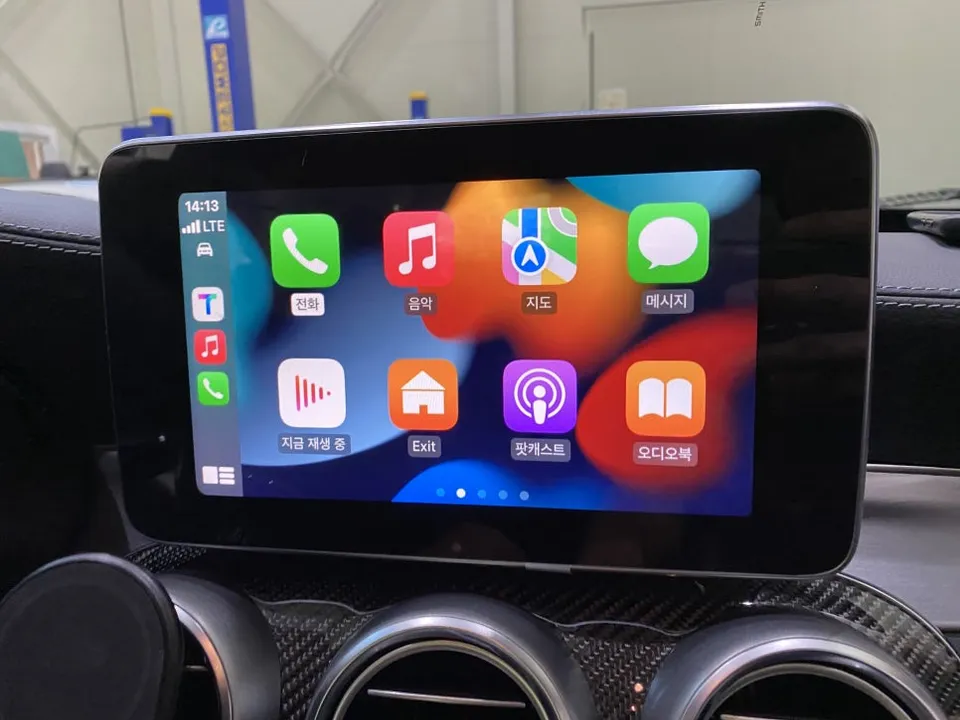
The CarPlay Retrofit: A Detailed Installation Process
Installing a wireless CarPlay or Android Auto module, often integrated into an 'Android head unit' replacement or an add-on module, is a precise process. It involves careful inspection of the vehicle's existing setup to ensure compatibility and prevent damage to delicate electronics. The installation performed in Korea involved these key steps:
- Initial Vehicle Check: Technicians first inspected the center console and dashboard to confirm adequate space for the new module and its wiring, ensuring no interference with existing components.
- System Reset: Bluetooth and existing device pairings on the car's system were reset to prevent conflicts during the new wireless setup.
- Wired Connection for Activation: The smartphone (iPhone in this case) was initially connected via USB to the car's system. This step is crucial for the system to recognize the phone and enable CarPlay functionality. Prompts for screen unlock and trust authorization on the phone must be accepted.
- Wireless Activation: Once the wired connection was stable, the system's settings were accessed to enable the wireless CarPlay or Android Auto option. This typically takes a few minutes.
- Final Pairing: After enabling wireless mode, the USB cable was disconnected. The smartphone then automatically paired wirelessly with the car's infotainment system. This automatic connection occurs each time the car is started, eliminating the need for manual pairing.
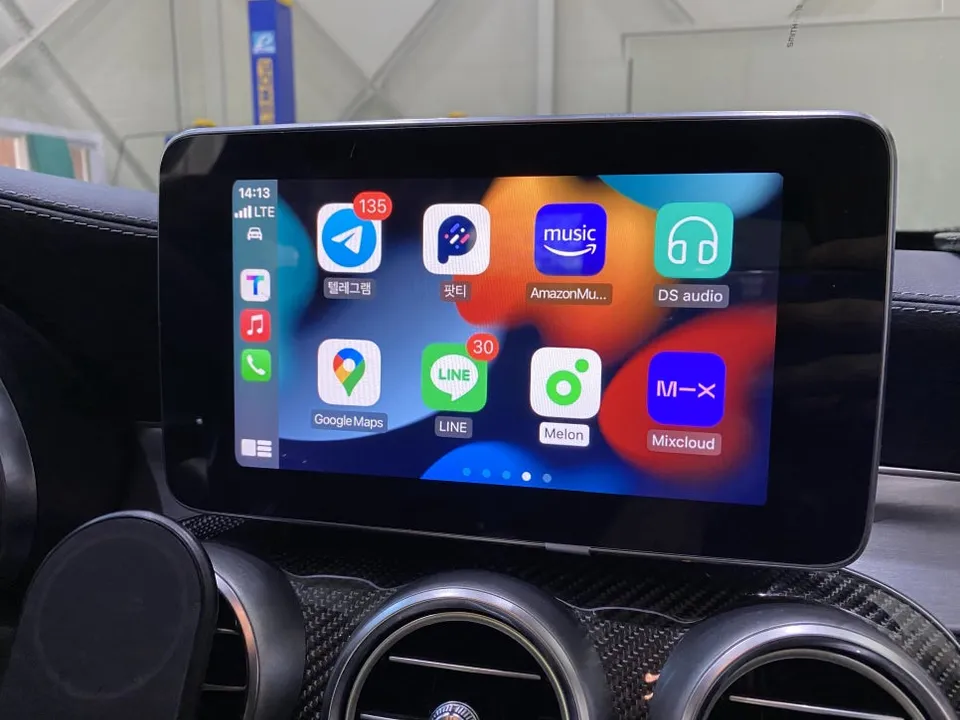
Unlocking Navigation Freedom and Enhanced Connectivity
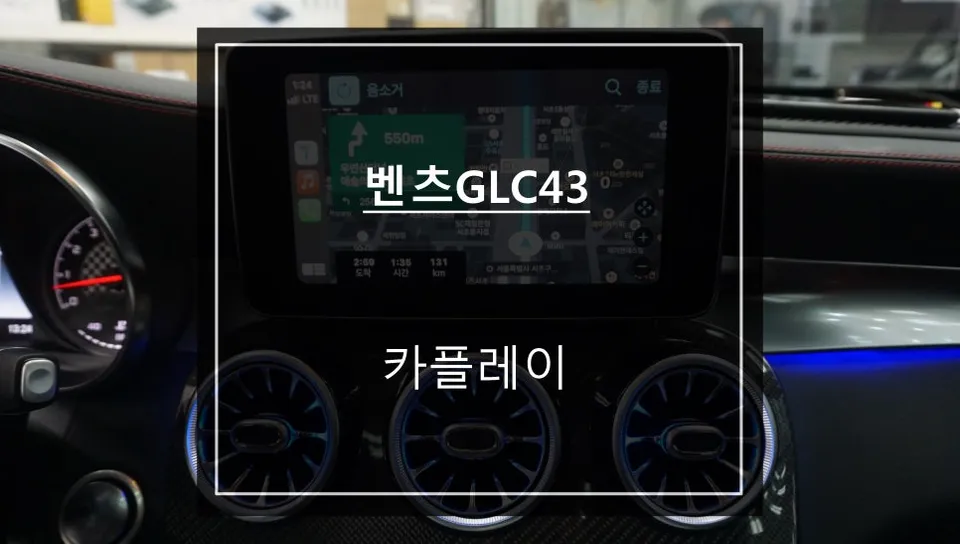
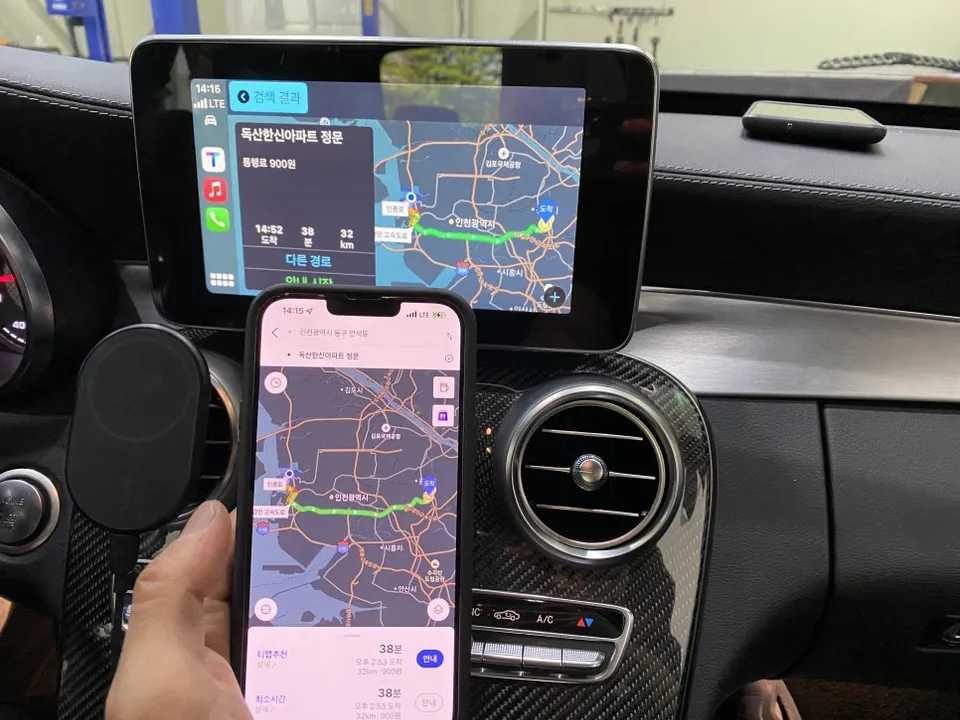
The primary benefit of this infotainment upgrade is the ability to use familiar smartphone applications directly on the car's display. Navigation apps are a major win. Instead of relying solely on the car's built-in navigation, drivers can now seamlessly use apps like Google Maps, Waze, Naver Maps, or Kakao Navi. The interface mirrors the smartphone app, allowing for intuitive destination searching and route planning. Voice commands via Siri or Google Assistant further enhance convenience, allowing drivers to set destinations, play music, or make calls without taking their hands off the wheel. This Android head unit upgrade essentially brings modern smartphone integration to a car that lacked it from the factory.
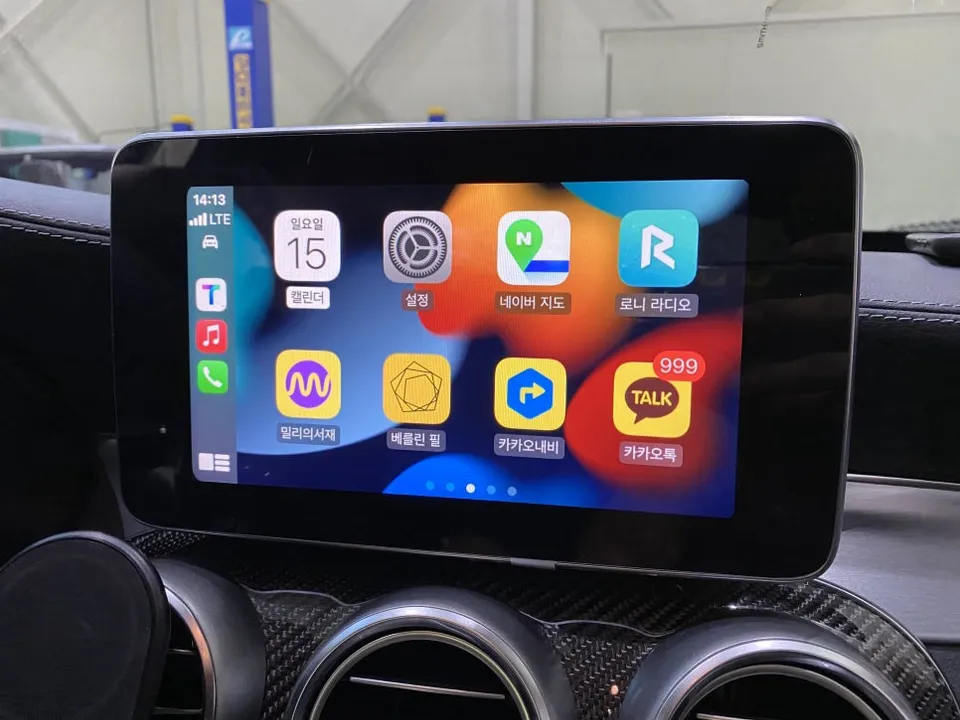
Durability and Long-Term Value
These aftermarket modules are designed to integrate seamlessly with the vehicle's existing electrical system. When installed by experienced technicians, they are generally durable and reliable. Maintenance typically involves software updates for the module itself, which are often provided by the manufacturer or installer. The enhanced functionality and improved user experience can significantly increase the perceived value and enjoyment of driving a Mercedes-Benz C-Class W205, making it a worthwhile investment for many owners seeking a modern infotainment experience.
Frequently Asked Questions
Q. How much does Android head unit or CarPlay installation cost for a Mercedes-Benz C-Class W205?
The cost for this specific CarPlay retrofit in Korea was not explicitly stated in the source material but typically ranges from $300 to $1000 USD in the US, depending on the system and installation complexity.
Q. How long does Android head unit installation take on a Mercedes-Benz C-Class W205?
The installation process for a wireless CarPlay module typically takes between 2 to 4 hours. Regular maintenance involves ensuring the module's software is up-to-date for optimal performance.
Q. Is a CarPlay or Android Auto retrofit worth it for a Mercedes-Benz C-Class W205?
This upgrade is highly recommended for W205 owners frustrated with the factory COMAND system's limitations, offering a modern, intuitive interface. It significantly enhances daily usability and driving enjoyment.
Q. How is an Android head unit installed in a Mercedes-Benz C-Class W205?
Installation involves a preliminary vehicle inspection, resetting existing system pairings, a temporary wired connection to activate CarPlay/Android Auto, enabling the wireless option in settings, and finally, automatic wireless pairing.
Q. What is the difference between an Android head unit and a factory infotainment system for a Mercedes-Benz C-Class W205?
The factory system relies on a rotary dial and offers limited app integration, whereas an Android head unit or retrofit module provides a touchscreen interface, wireless CarPlay/Android Auto, and access to familiar smartphone apps like Google Maps.
Fox Parts