BMW 5 Series GT F07 Android Head Unit CarPlay Upgrade
Service Price
$150+
Estimated price · Actual price may vary by shop
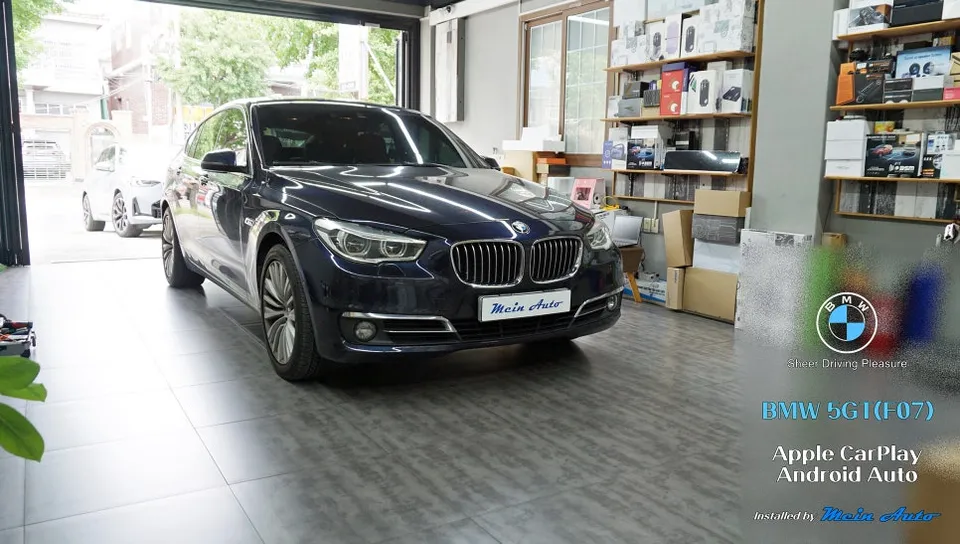
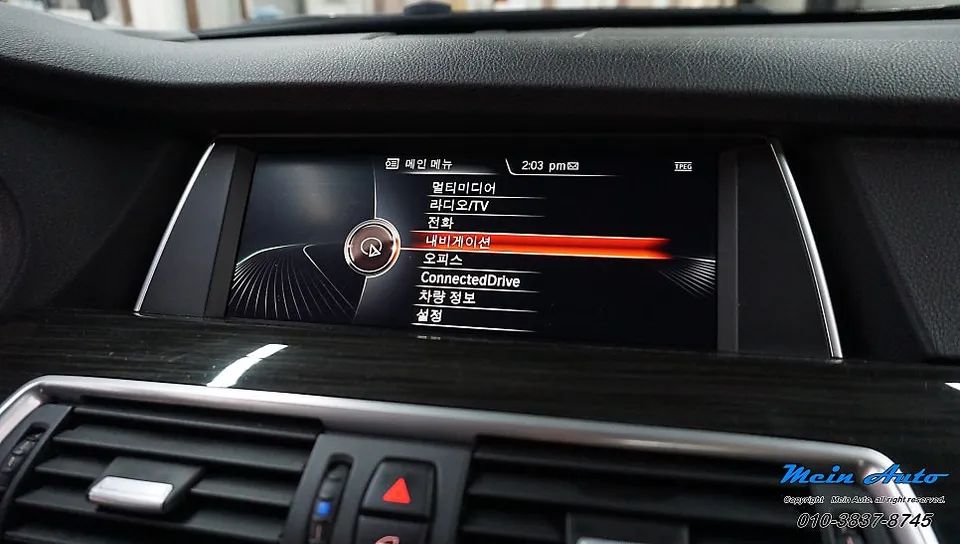
BMW 5 Series GT F07 wireless CarPlay upgrade: 450,000 KRW. Enjoy real-time navigation, music, and video seamlessly.
Upgrade Your BMW 5GT F07 Navigation with Wireless CarPlay
Are you a BMW 5 Series GT F07 owner frustrated with the limitations of your factory navigation system? Many BMW owners find the stock maps outdated, lacking real-time traffic updates, and failing to reflect new roads or buildings. Fortunately, there's a solution: installing a wireless CarPlay module can completely transform your infotainment experience. This review details the process of upgrading a 2015 BMW 5GT 30d xDrive with a CarPlay module.
This article covers: The BMW 5GT F07 CarPlay module installation overview, the step-by-step installation process and wiring, how to connect and use CarPlay, multi-functional use for navigation, music, and video, and important cost and cautionary information.
Expert BMW CarPlay Installation at Today's Car Changwon
Today's Car Changwon specializes in aftermarket upgrades for imported vehicles, including numerous BMW models. They possess extensive experience in upgrading navigation systems for BMW, Audi, and Mercedes-Benz vehicles. Their approach to CarPlay module installation is a safe and reliable method that integrates seamlessly with your existing system, preserving all original functions while adding modern navigation capabilities.
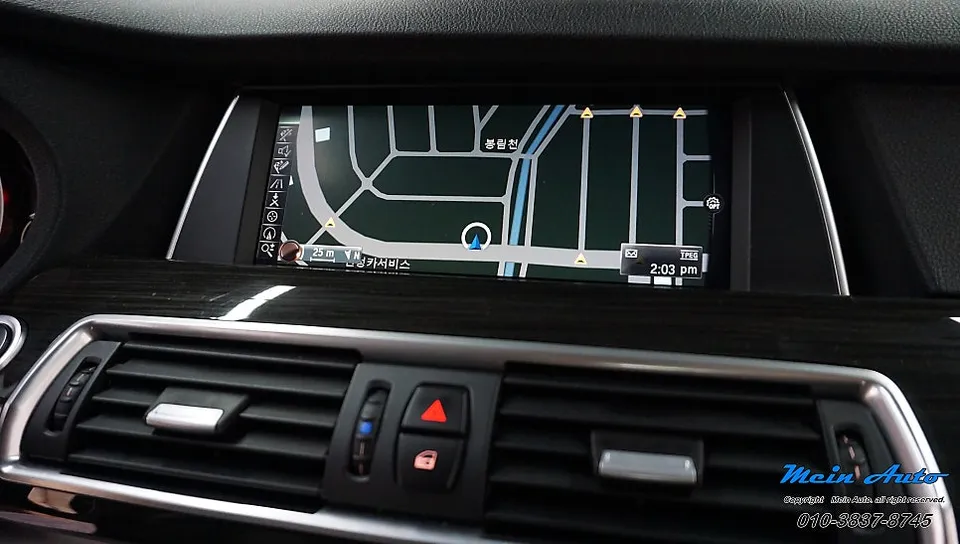
This particular vehicle features an NBT head unit with a 10.25-inch display. By integrating the SCB-NBT-X CarPlay module, drivers can now access real-time navigation apps like TMAP, Kakao Navi, and Naver Maps directly on their car's screen.
BMW 5GT F07 CarPlay Module Installation Process
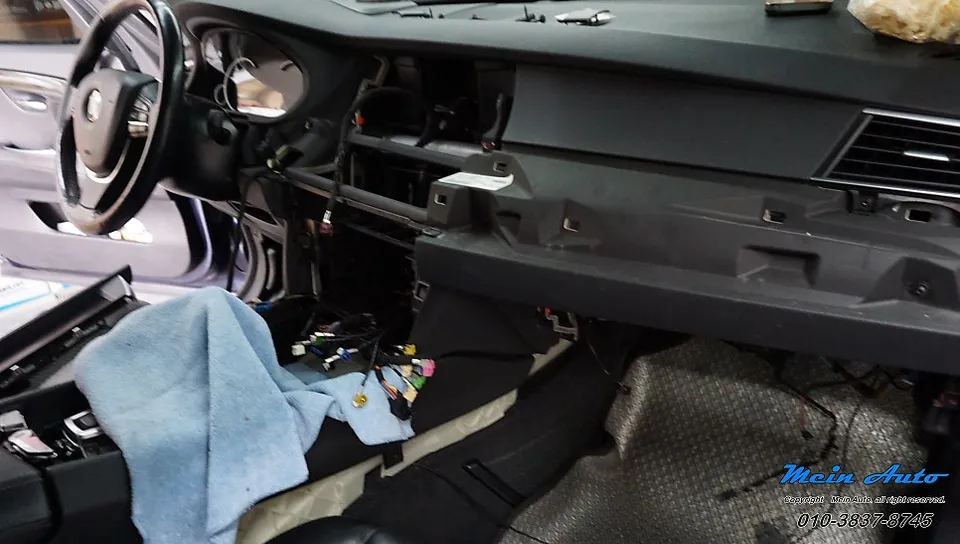
The installation begins with the careful removal of dashboard and steering wheel trim panels. BMW interiors are complex, requiring precise handling to avoid damaging original wiring or components. Today's Car Changwon follows specific vehicle manuals for a methodical disassembly.
- Carefully remove dashboard and steering wheel trim panels.
- Locate and access the monitor and head unit.
- Connect the CarPlay module using dedicated Jack-by-Jack cables.
- Reassemble all trim panels securely.
The module connects to the back of the monitor and head unit using specialized Jack-by-Jack cables. This ensures no modifications are made to the original wiring; the CarPlay signal is simply added in parallel, preserving the factory system entirely.
Seamless Control with the Original iDrive Controller
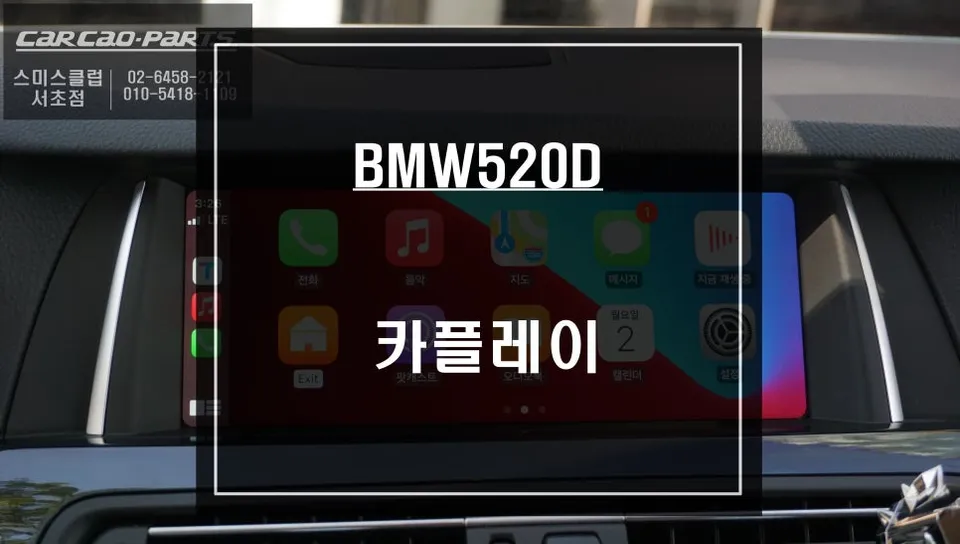
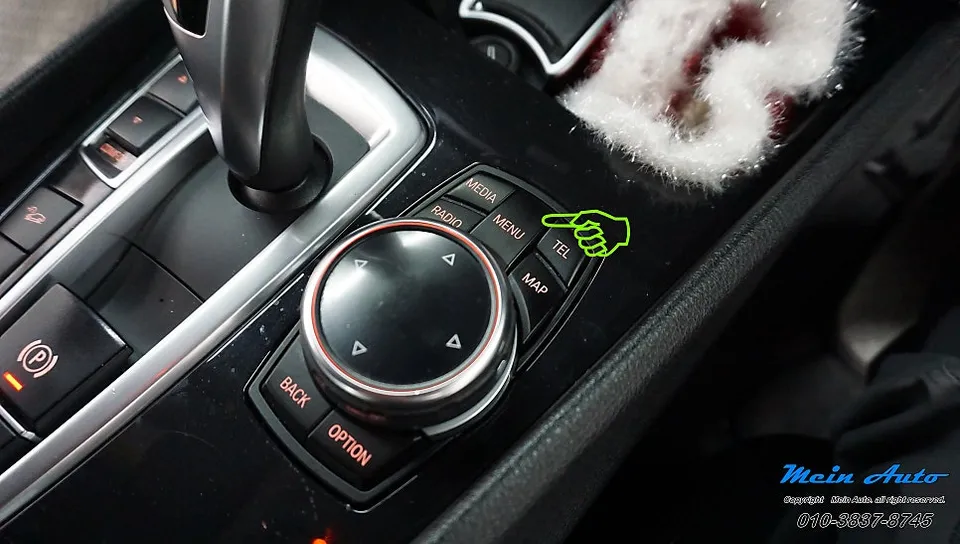
Post-installation, the system operates with 100% factory integration. Pressing the 'MENU' button on the iDrive controller toggles between the original infotainment screen and the CarPlay interface. All CarPlay functions are controlled via the iDrive dial, minimizing driver distraction.
While an optional capacitive touchscreen can be added for more direct interaction, many users find the iDrive control sufficient and highly convenient.
Real-World CarPlay Connection and Usage in the BMW 5GT F07
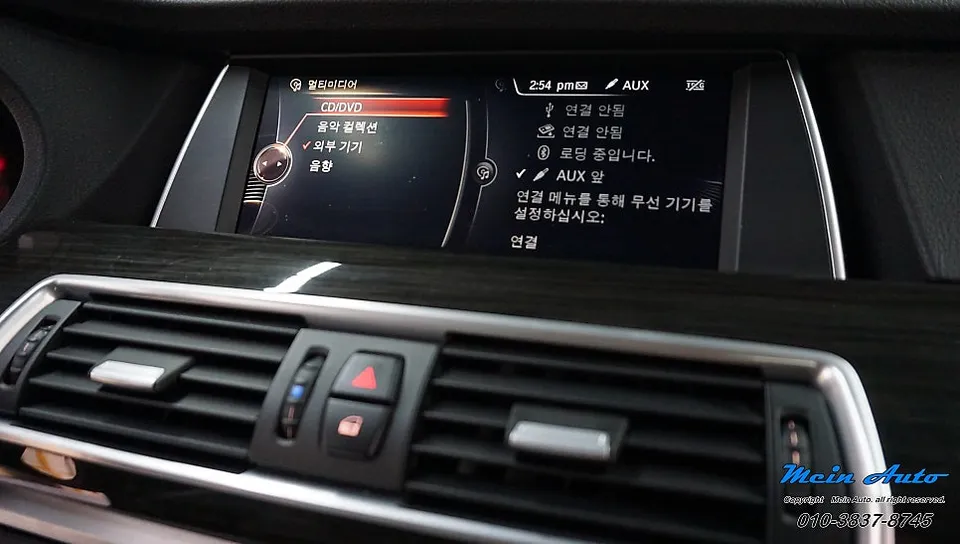
Connecting your smartphone (iPhone or Android) is straightforward. Once paired via Bluetooth through the car's settings, the module automatically connects and switches to CarPlay mode whenever the car is started. This eliminates the need for manual activation each time you drive.
The system remembers your connected device, ensuring instant recognition and immediate launch of your preferred CarPlay applications upon entering the vehicle. It's like picking up exactly where you left off the previous day.
Navigate, Stream Music, and Watch Videos on One Screen
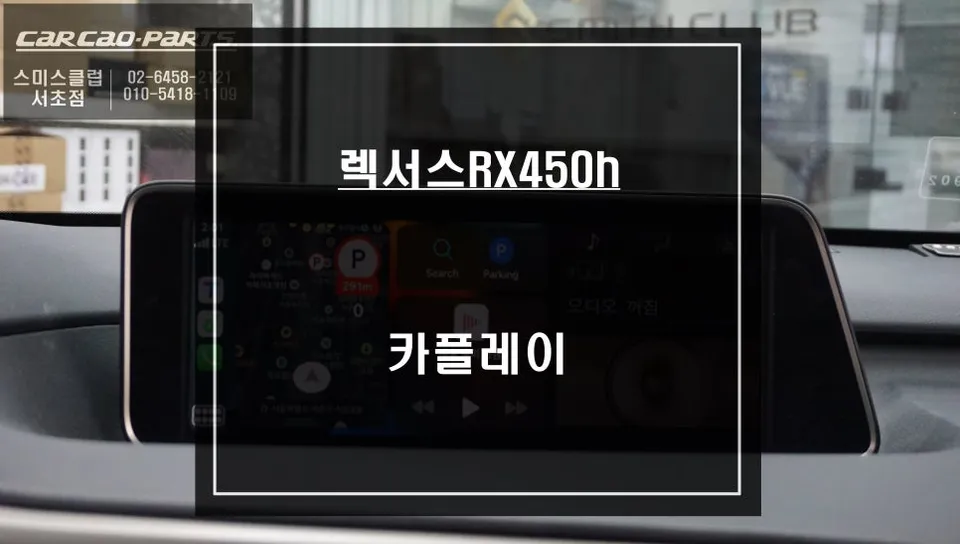
Enjoy real-time navigation from apps like TMAP, Kakao Navi, and Naver Maps. Stream your favorite music through services like Melon or YouTube Music, and even watch videos via YouTube or other compatible apps, all displayed on your BMW's integrated screen.
The module supports various screen resolutions and aspect ratios, ensuring optimal display for different apps. The installation cost for this upgrade is approximately 450,000 KRW.
Frequently Asked Questions
Q. How much does a wireless CarPlay upgrade cost for a BMW 5 Series GT F07?
The wireless CarPlay upgrade for this BMW 5 Series GT F07 cost approximately 450,000 KRW. In the US, similar professional installations typically range from $300 to $600 USD.
Q. How long does a CarPlay installation take on a BMW 5 Series GT F07?
The installation process for a CarPlay module typically takes 2-3 hours. To ensure longevity, it's recommended to avoid harsh cleaning chemicals near the screen and to perform regular software updates for the module.
Q. Is a wireless CarPlay upgrade worth it for a BMW 5 Series GT F07?
A wireless CarPlay upgrade is highly beneficial for drivers who rely on smartphone navigation and apps, offering a modern and convenient infotainment experience. It provides significant value by updating outdated factory systems with real-time data and familiar interfaces.
Q. How is a wireless CarPlay module installed on a BMW 5 Series GT F07?
1. Carefully remove dashboard and trim panels. 2. Connect the CarPlay module using dedicated Jack-by-Jack cables to the monitor and head unit. 3. Reassemble all trim panels securely. The system preserves original wiring.
Q. What is the difference between factory navigation and a CarPlay upgrade for a BMW 5 Series GT F07?
Factory navigation uses outdated maps and limited real-time data, while a CarPlay upgrade mirrors your smartphone's apps, providing live traffic, current maps, and a familiar user interface. The upgrade offers a vastly superior and up-to-date navigation experience.
OhCar Partner Shop