BMW 520d F10 CarPlay Retrofit Review
Service Price
$150+
Estimated price · Actual price may vary by shop
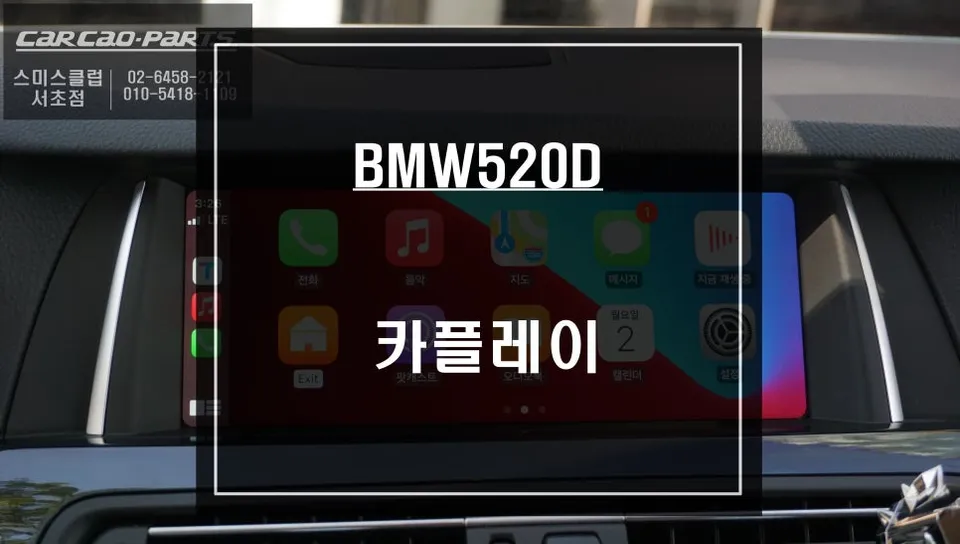
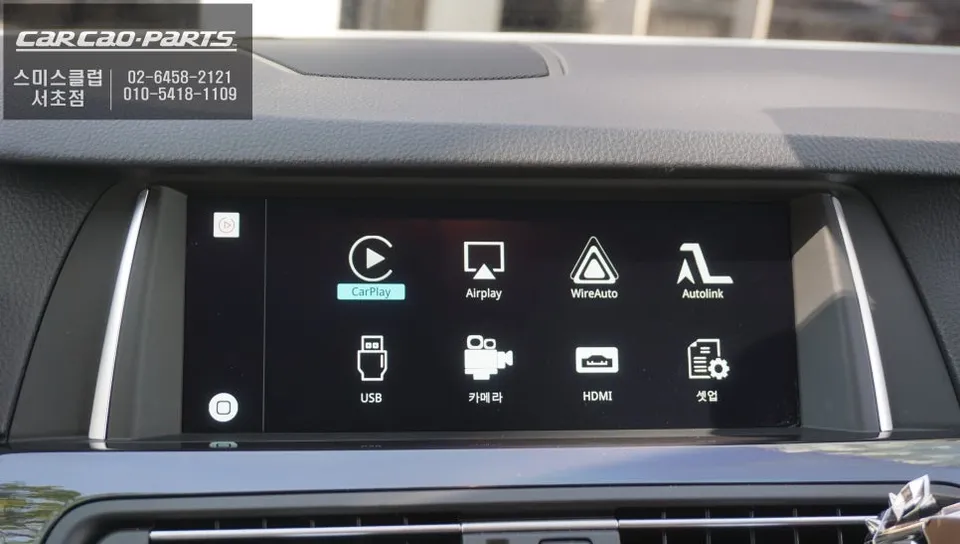
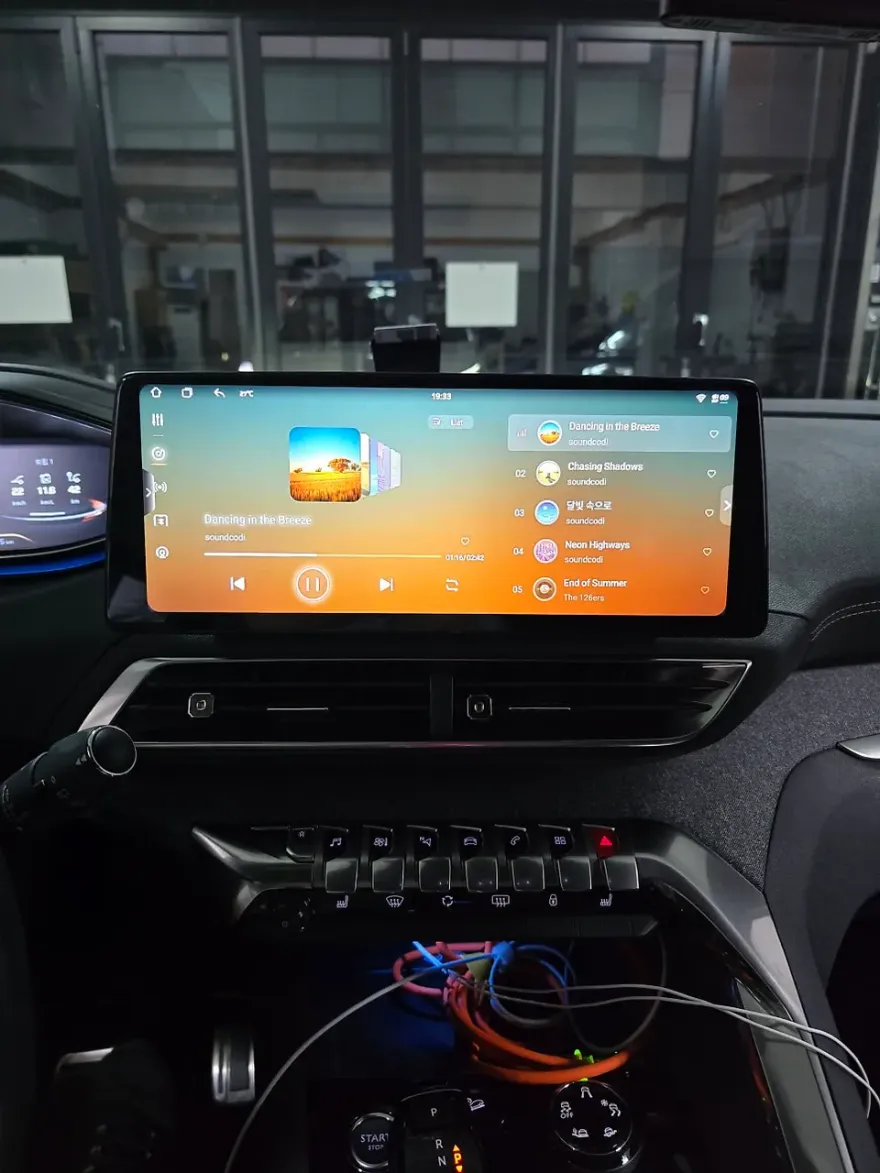
BMW 520d F10 Android Head Unit/CarPlay retrofit: ~$150+. Enjoy real-time navigation & seamless smartphone integration.
Tired of Your BMW 520d F10's Stock Navigation?
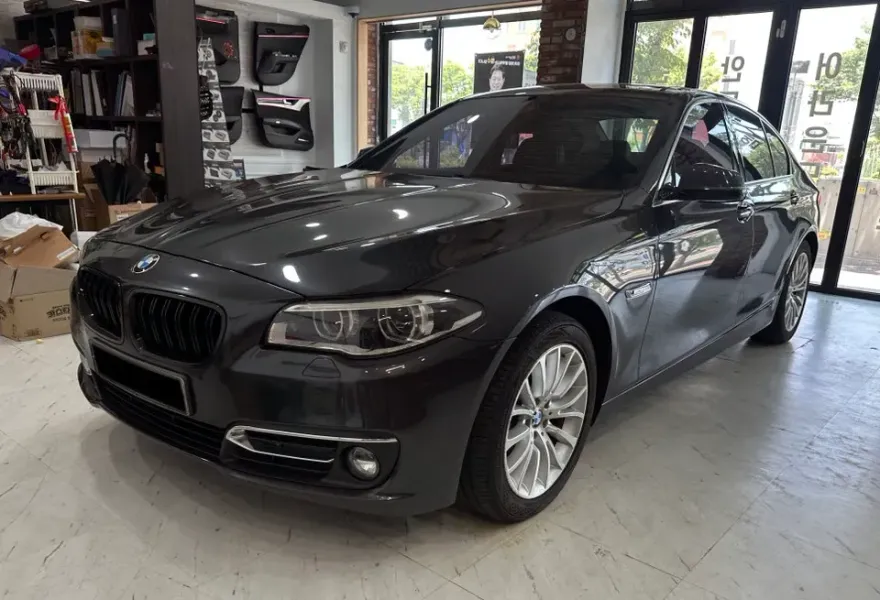
Many BMW 520d F10 owners find the factory navigation system frustratingly outdated. Map updates lag behind, real-time traffic information is slow to arrive, and it often fails to quickly recognize congested routes, especially in urban driving. This leads to reliance on smartphone apps like Google Maps or Waze, but constantly juggling your phone while driving compromises focus. This was the exact dilemma faced by a BMW 520d owner who visited the 'Today's Car' Seocho branch. While the original monitor offered good display quality, the lack of fresh information was a significant drawback.
Seamless CarPlay Integration for Your BMW 520d F10
The solution proposed by Today's Car was to integrate a specialized CarPlay module into the existing factory monitor. The key was to maintain the original high-definition display quality without damaging the factory wiring. This was achieved using advanced LVDS (Low Voltage Differential Signaling) technology, which essentially creates a parallel connection between the factory monitor and the new CarPlay unit, preserving the original video signal integrity. The installation followed a 'plug-and-play' approach, meaning no permanent modifications were made. Instead, the new module was precisely connected to the necessary factory wiring points, allowing for future reversibility and maintaining the vehicle's electrical system reliability. The process involved carefully removing the driver's side dashboard panel, protecting the premium materials from scratches, and then meticulously connecting the signal input/output ports behind the factory screen.
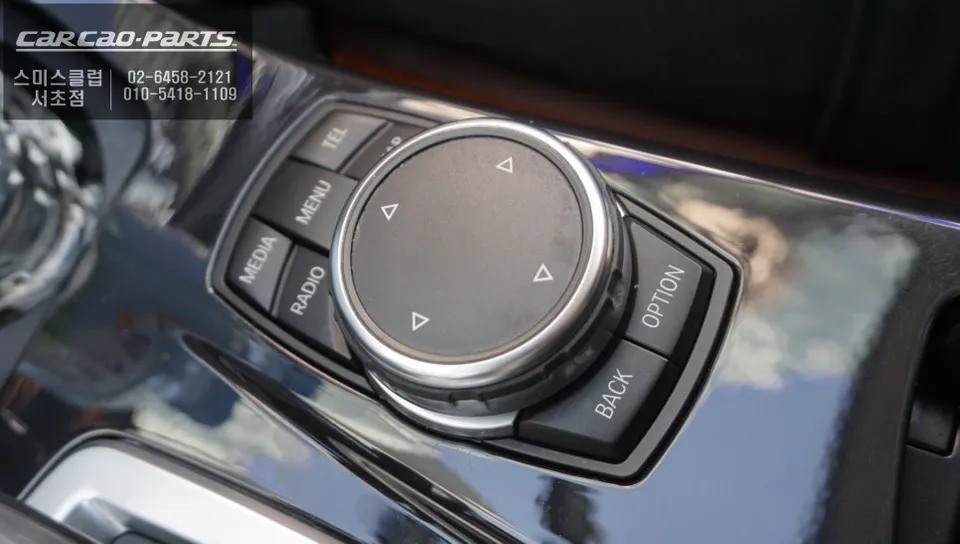
Effortless Operation and Enhanced Features
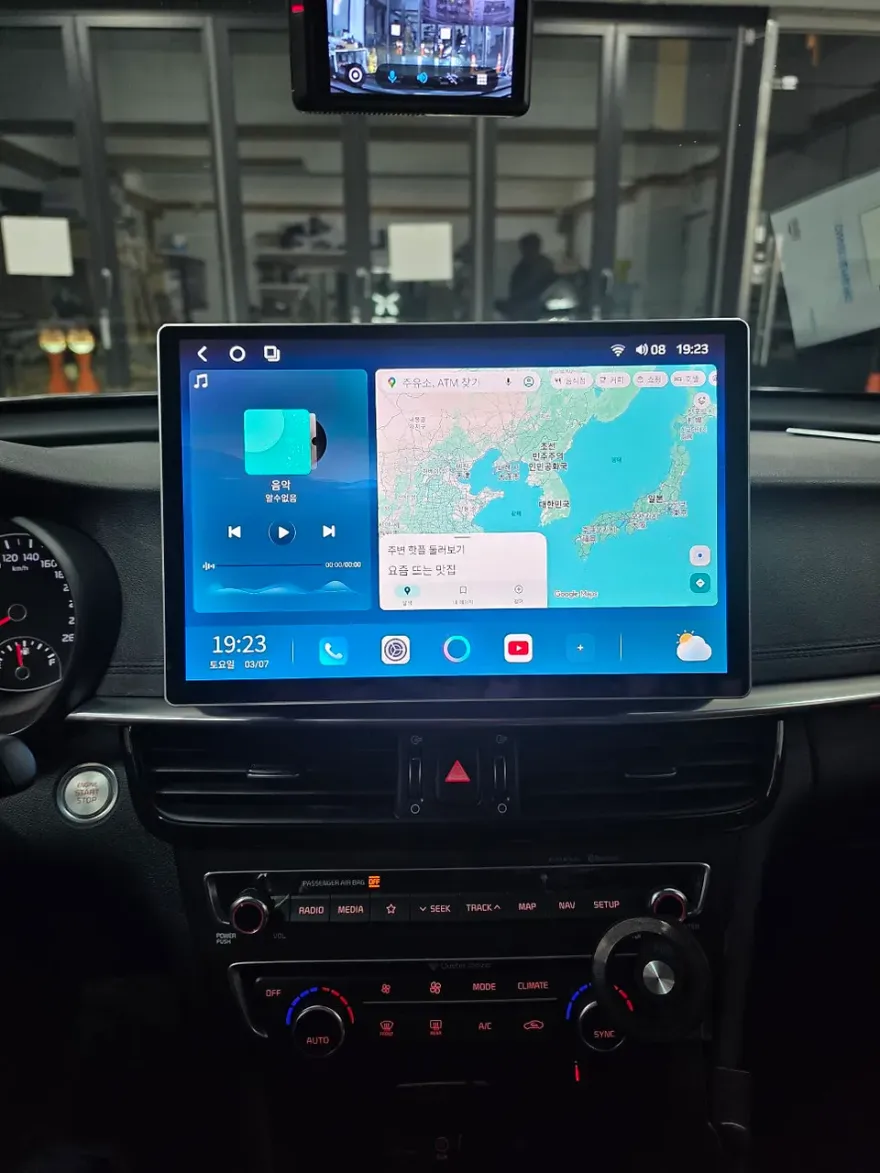
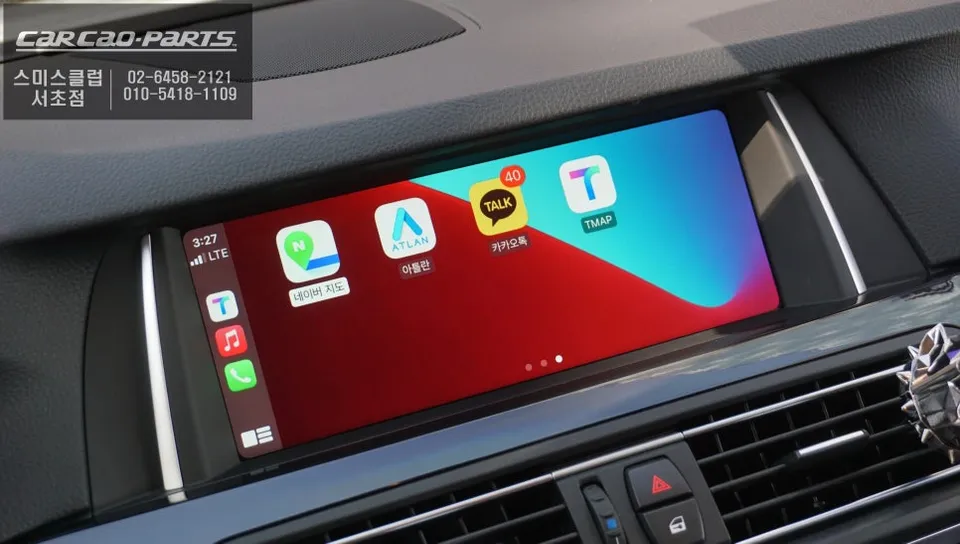
Post-installation, operating the new system is incredibly straightforward. A simple 2-second press of the Jog Dial's MENU button switches from the factory interface to the CarPlay or Android Auto screen. After a Bluetooth connection to your smartphone, you're ready to go. While direct touchscreen control isn't supported, the Jog Dial and voice commands provide intuitive control for all functions. The most significant benefit is access to real-time map updates from your preferred navigation apps, ensuring you always have the latest road information and traffic data. This allows for quicker route adjustments and potential fuel savings. Voice commands enable hands-free destination searches, route changes, and even phone calls, greatly enhancing driving safety. Additionally, music streaming services like Spotify or Apple Music can be controlled via the Jog Dial and voice commands, with audio routed through the car's AUX input for high-quality sound from the original speakers, eliminating the need for aftermarket audio upgrades.
The system also includes a smartphone mirroring function. When parked, you can display your phone's screen, including video content from apps like YouTube, directly on the factory monitor. This mirroring capability offers more flexibility than standard CarPlay for app usage. For safety, the system automatically disables video playback while driving.
Frequently Asked Questions
Q. How much does an Android head unit or CarPlay installation cost for a BMW 520d F10?
The installation for a BMW 520d F10 typically starts around $150 USD. Actual costs can vary based on the specific module and installation shop.
Q. How long does Android head unit installation take on a BMW 520d F10?
Installation is generally quick, often completed within a few hours. Durability is high as it uses the original display and wiring, with minimal maintenance required beyond software updates.
Q. Is a CarPlay or Android Auto retrofit worth it for a BMW 520d F10?
A CarPlay or Android Auto retrofit is highly recommended for BMW 520d F10 owners who rely on smartphone navigation and apps. It significantly enhances the infotainment experience, offering modern features and convenience.
Q. How is an Android head unit installed in a BMW 520d F10?
Installation involves integrating a CarPlay module using LVDS technology, connecting it to the factory monitor without damaging original wiring. 1. Carefully remove dashboard panels. 2. Connect the module's signal input/output to the factory monitor's wiring harness. 3. Reassemble panels and test functionality via Jog Dial and voice commands.
Q. What is the difference between an Android head unit and a factory infotainment system for a BMW 520d F10?
The key difference is functionality: the factory system has outdated navigation and limited app integration, while an Android head unit provides real-time updates, seamless smartphone connectivity (CarPlay/Android Auto), and voice control. Upgrading is recommended for a modern driving experience.
Kakao Parts