BMW 5 Series Carplay Module & Camera Install Review
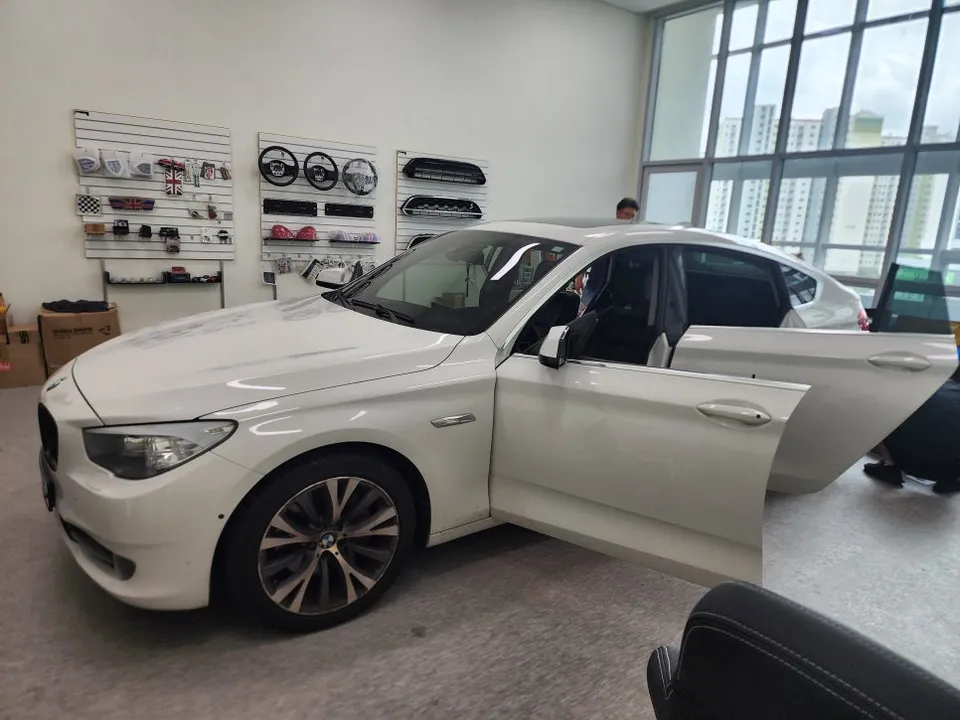
BMW 528i E60 Carplay Module & Rear Camera installation. Seamless smartphone integration for navigation and media.
Upgrade Your BMW 528i E60 Navigation with a Carplay Module
The factory navigation system in the BMW 528i E60 (5 Series) offers many features but often falls short in practical usability for modern drivers. Slow map updates and unintuitive routing can make it frustrating to use. Many owners seek aftermarket solutions to enhance their infotainment experience. This guide details a real-world installation of a Carplay module and rear camera package, transforming the original BMW monitor into a smart, user-friendly interface that supports popular navigation apps like T Map and Kakao Map.
Understanding the Carplay Module Integration
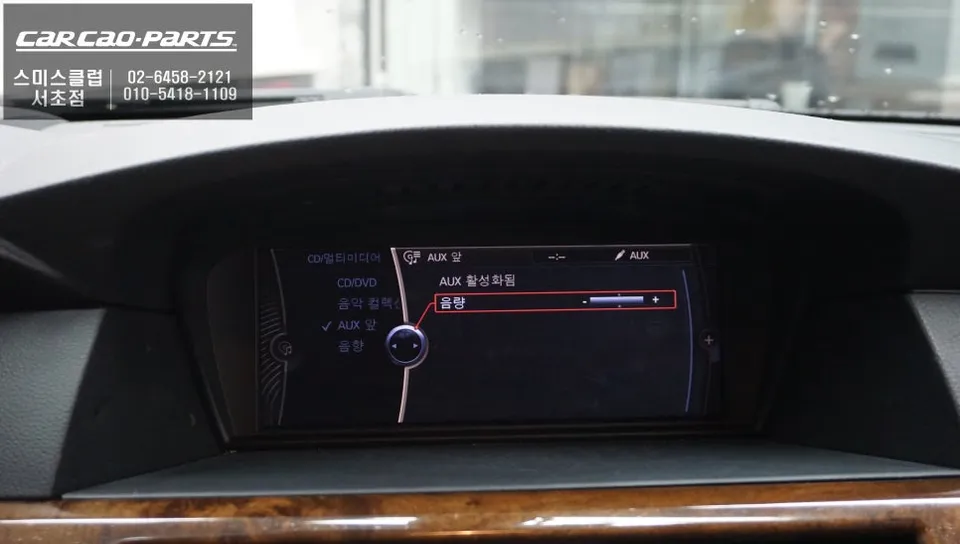
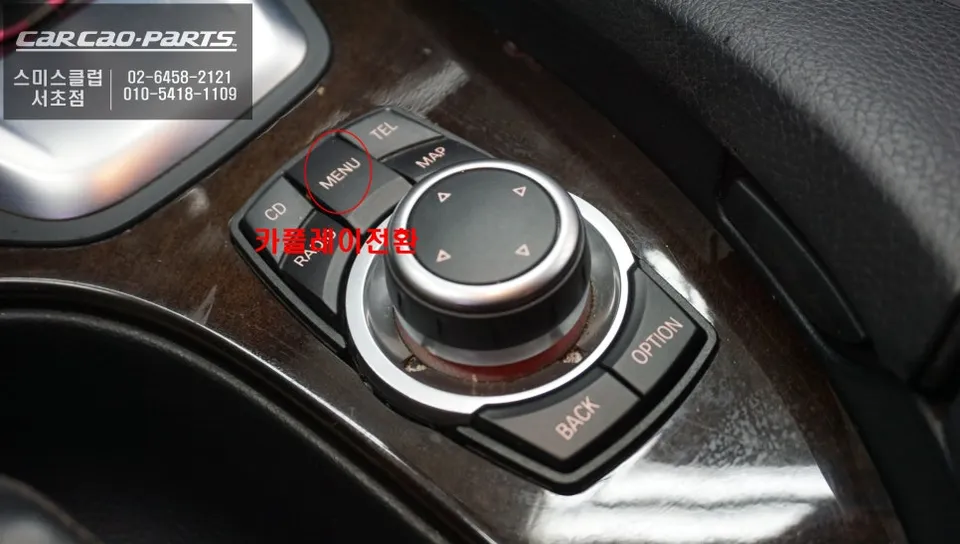
The core principle of this upgrade is to leverage the existing BMW 528i E60's factory monitor without replacing it. A specialized Carplay module designed for the BMW CIC system is installed. This module connects via a "pin-to-pin" method, meaning it integrates with the original wiring harness without causing any damage. Essentially, it adds a new signal path in parallel to the existing factory connections. The module interfaces with the monitor's LVDS (Low-Voltage Differential Signaling) ports, which handle video signal transmission between the car's computer and the display. With this setup, a simple two-second press of the iDrive controller button seamlessly switches the display between the original BMW interface and the Carplay screen.
Carplay Module Installation Process
The installation begins with carefully disassembling parts of the dashboard, particularly the center console area of the BMW 528i E60. This requires precision due to the complex layout and the need to access the space behind the monitor discreetly. Before any work commences, the vehicle's battery is disconnected to prevent any electrical surges or damage to the sensitive BMW electronic systems.
Installation process:
- Disconnect the vehicle's battery to ensure electrical safety.
- Carefully remove dashboard components to access the rear of the factory monitor.
- Locate and gently disconnect the LVDS cable connecting the monitor to the car's main computer.
- Connect the Carplay module between the LVDS cable and the monitor, ensuring a secure and non-damaging connection.
- Route the module's wiring neatly behind the dashboard and reconnect the battery.
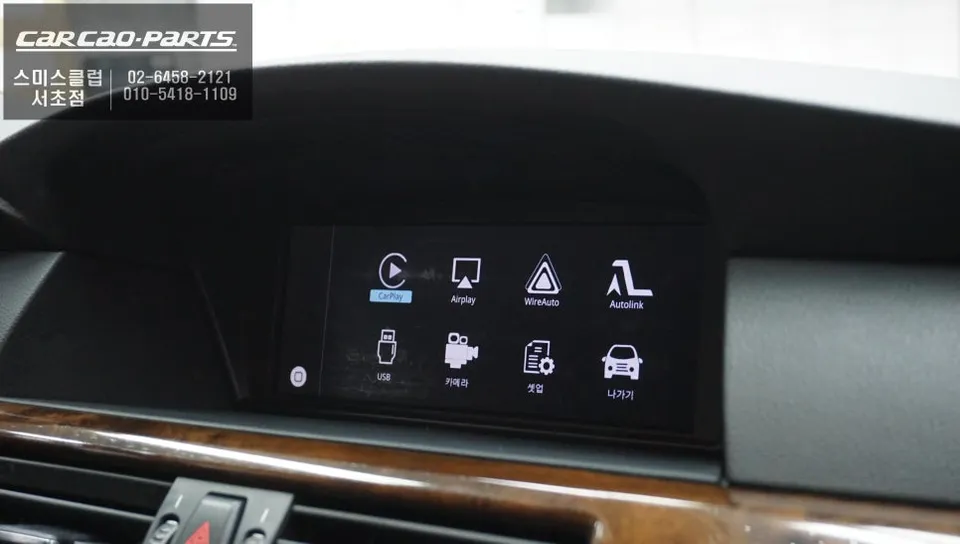
Once the module is installed, the Carplay system is activated by connecting a smartphone via USB to one of the car's USB ports. While wireless Carplay is an option, a wired connection is recommended for superior stability, especially during long drives or critical navigation use. After connecting the phone, pressing and holding the iDrive controller button for two seconds brings up the Carplay interface. Users can then select Apple Carplay, Android Auto, or smartphone mirroring. The most popular choice is Carplay mode, which allows the use of familiar navigation apps like T Map and Kakao Map directly on the BMW's screen. These apps provide real-time traffic updates and optimal routing, a significant improvement over the factory navigation's less frequent updates. Control is managed through voice commands or the car's original physical buttons, ensuring a safe and intuitive user experience.
Frequently Asked Questions
Q. How much does a Carplay Module cost for a BMW 528i E60?
The Carplay module and rear camera package for this BMW 528i E60 installation was performed in Korea, with pricing typically in Korean Won. In the US, similar Carplay integration modules can range from $300 to $800 depending on features and brand.
Q. How long does a Carplay Module last on a BMW 528i E60?
Carplay modules are designed for long-term use, often lasting the lifespan of the vehicle's infotainment system. To ensure longevity, avoid exposing the module to extreme temperatures and ensure all connections are secure during installation.
Q. Is a Carplay Module worth it for a BMW 528i E60?
A Carplay module is highly recommended for BMW 528i E60 owners who find the factory navigation system outdated or inconvenient. It offers a significant upgrade in usability, providing access to modern navigation and media apps via the original screen.
Q. How is a Carplay Module installed on a BMW 528i E60?
Installation involves carefully disassembling dashboard components to access the factory monitor. The module is then connected via a pin-to-pin method to the monitor's LVDS ports, integrating with the original wiring without damage. The vehicle's battery is disconnected prior to installation for safety.
Q. What is the best Carplay Module option for a BMW 528i E60?
The best option is a module specifically designed for the BMW CIC system, offering seamless integration and reliable performance. This review highlights a package that includes both a Carplay module and a rear camera for enhanced functionality.
Kakao Parts