BMW 530i G30 Android Head Unit Upgrade Review
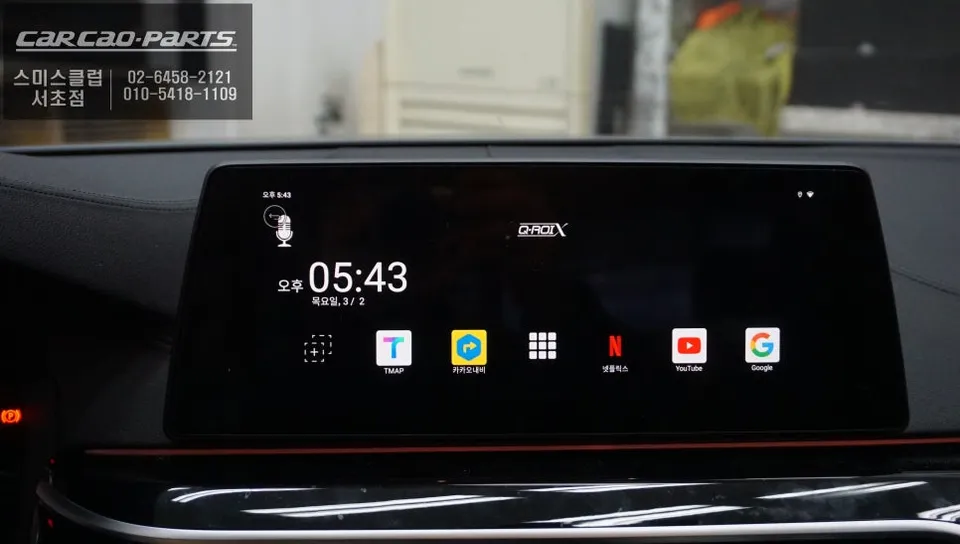
BMW 530i G30 Android Head Unit Upgrade: Seamless integration of smart features like YouTube & Netflix. Preserves original monitor & functions. Enhance
Transform Your BMW 530i G30 with an Android Head Unit Upgrade
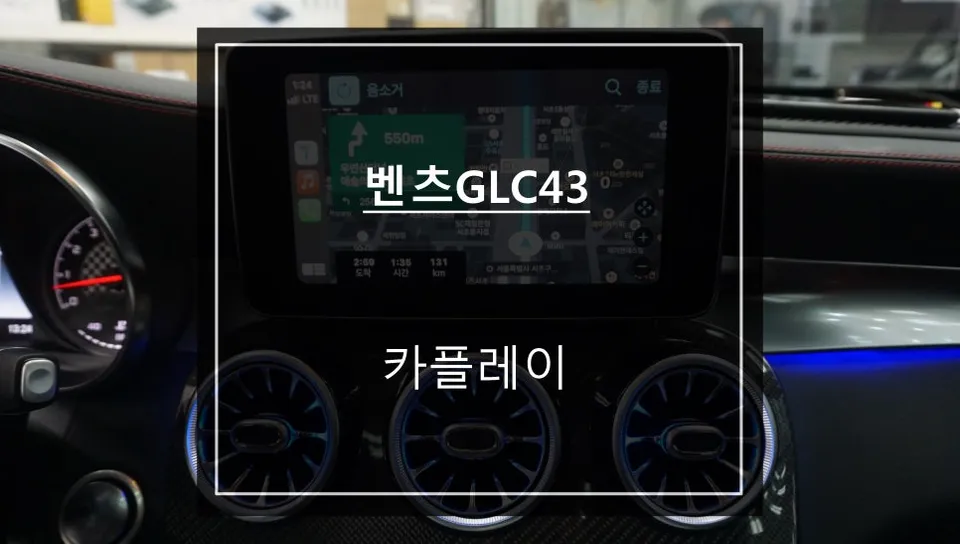
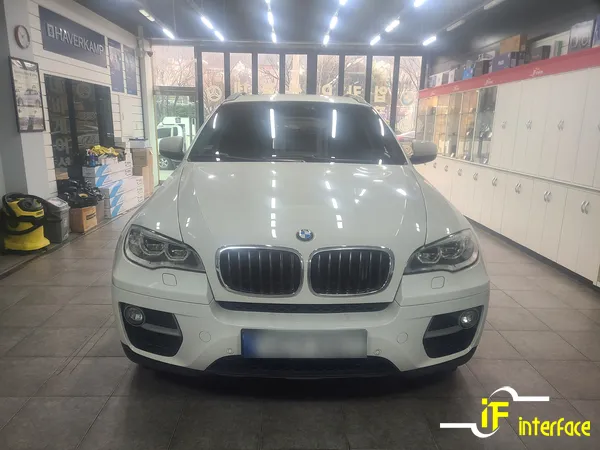
Many BMW 530i G30 owners find the stock infotainment system limiting. Navigation is restricted to BMW's proprietary system, and modern conveniences like YouTube or Netflix are unavailable. This was the case for a 2019 BMW 530i owner who sought to enhance their driving experience. The solution? An Android head unit "drop-in" installation, allowing the use of the original monitor while unlocking smartphone-like functionality.
Why Choose a Professional Installation for Your BMW 530i G30 Android Upgrade?
When searching for an Android head unit installation, numerous options appear. The key differentiator for many is the ability to integrate new features without compromising the vehicle's original functionality. A crucial aspect is ensuring the wiring is handled with care, especially in complex BMW electrical systems. Reputable installers prioritize preserving the factory wiring integrity to avoid potential issues. Transparency in pricing and robust after-sales support are also significant factors, providing peace of mind for owners of premium vehicles.
Seamless Integration: Q-ROIX Android Head Unit for BMW 530i G30
The success of an Android head unit installation hinges on compatibility. The BMW 530i G30's original display has a specific resolution (1440x540), and a generic unit can lead to distorted images or text. The Q-ROIX Android head unit is specifically optimized for this resolution, ensuring a crisp and clear display. Running on Android 10 with a HEXA-Core CPU, it provides smooth performance for various applications, positioning it as a high-spec option among aftermarket units.
Installation Process: Preserving Factory Systems
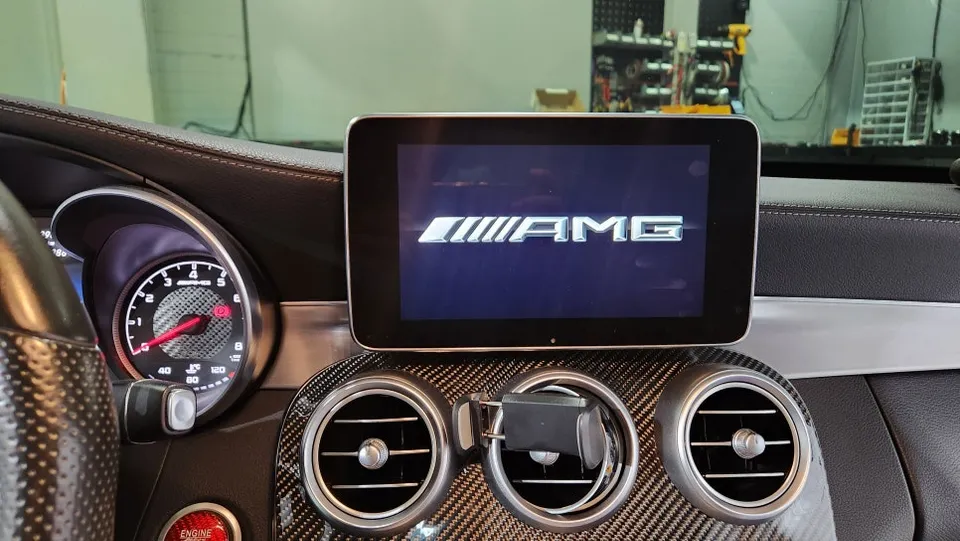
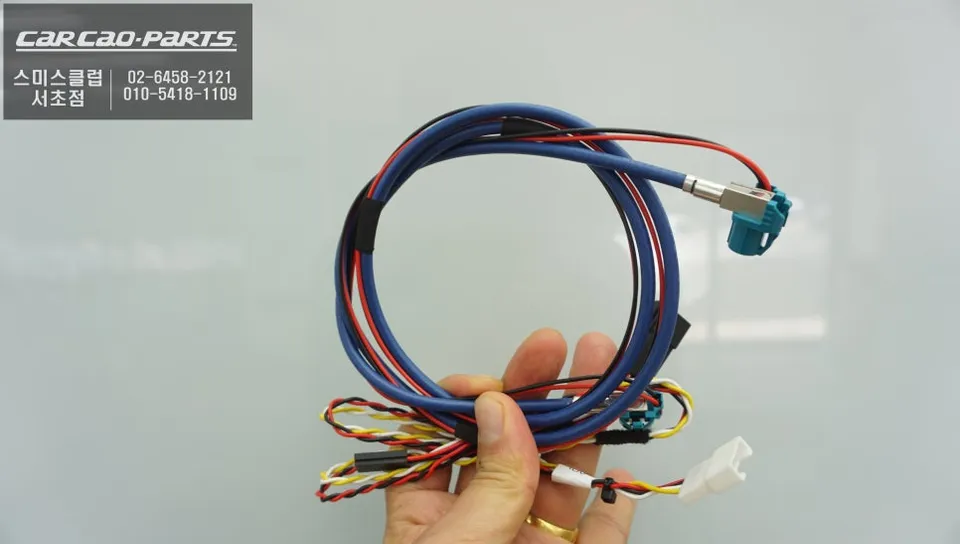
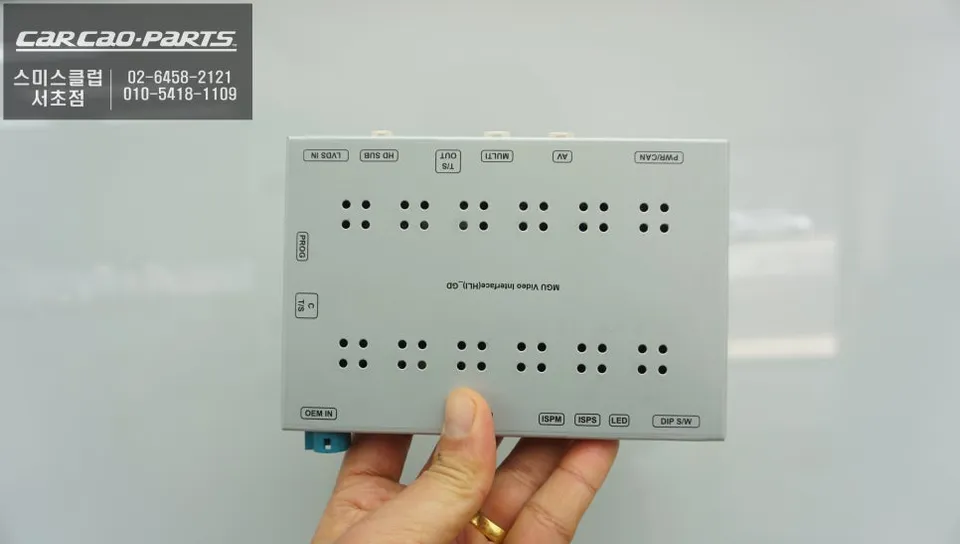
The installation begins with carefully removing the original monitor from the dashboard and center console. This requires precision to avoid damaging the surrounding panels or the intricate wiring harness. The core of the upgrade involves connecting the Q-ROIX unit via a specialized interface cable designed for the BMW MGU (Multi-media Unit). This interface acts as a translator, allowing the original monitor and the new Android system to communicate without conflict.
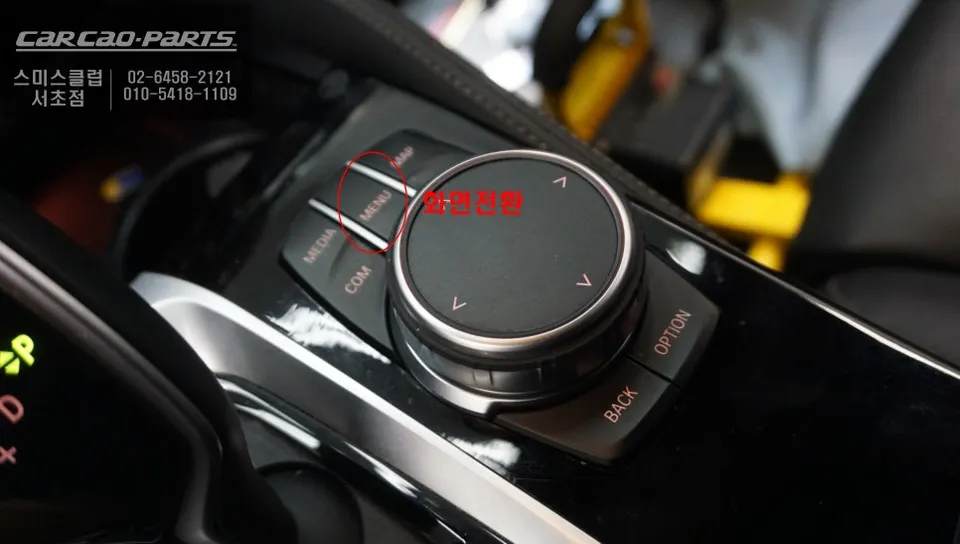
A clever feature is the "menu button switching system." By pressing and holding the original BMW iDrive MENU button for two seconds, the system seamlessly transitions to the Android interface. Another press reverts it back to the original BMW screen, offering user-controlled access to the new smart features only when needed. This "Zip by Zip" wiring method ensures that the original vehicle wiring remains intact, minimizing risks and preserving all factory functions.
The Result: Enhanced Functionality and Smart Features
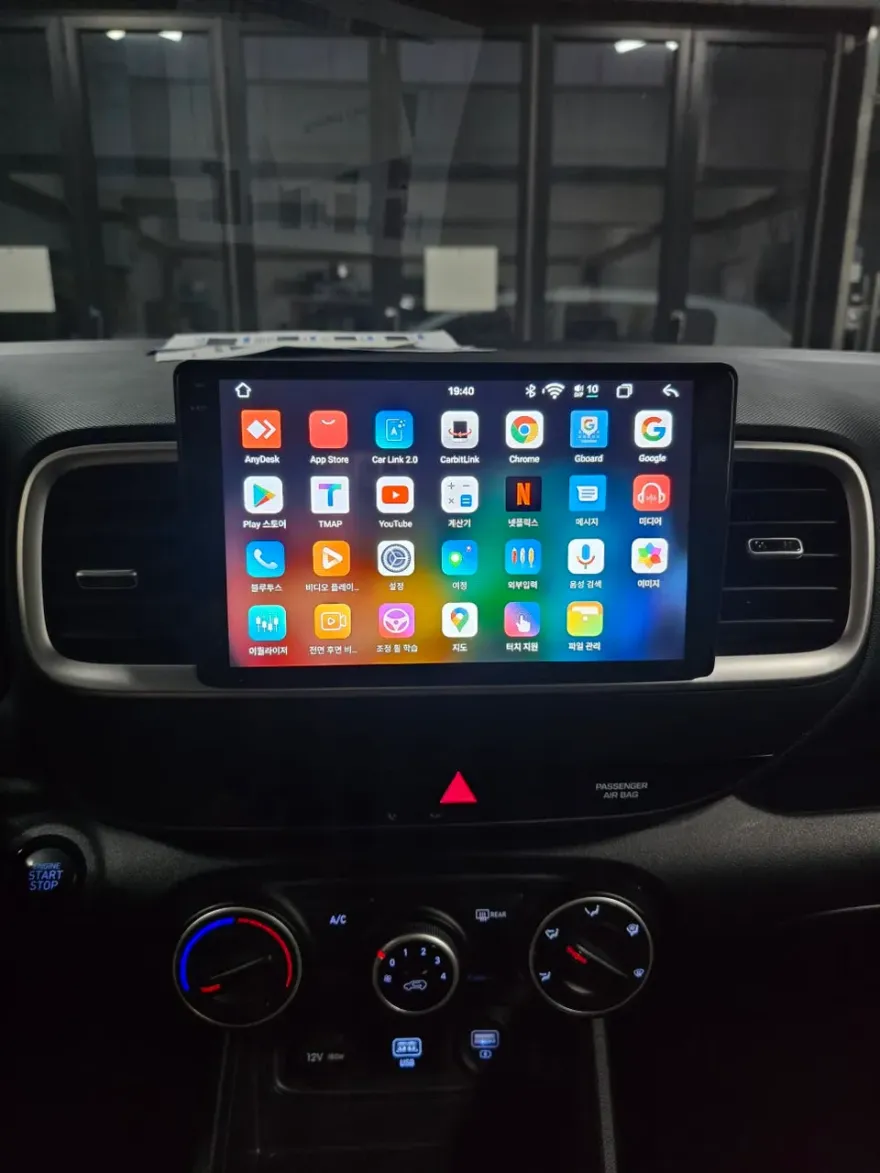
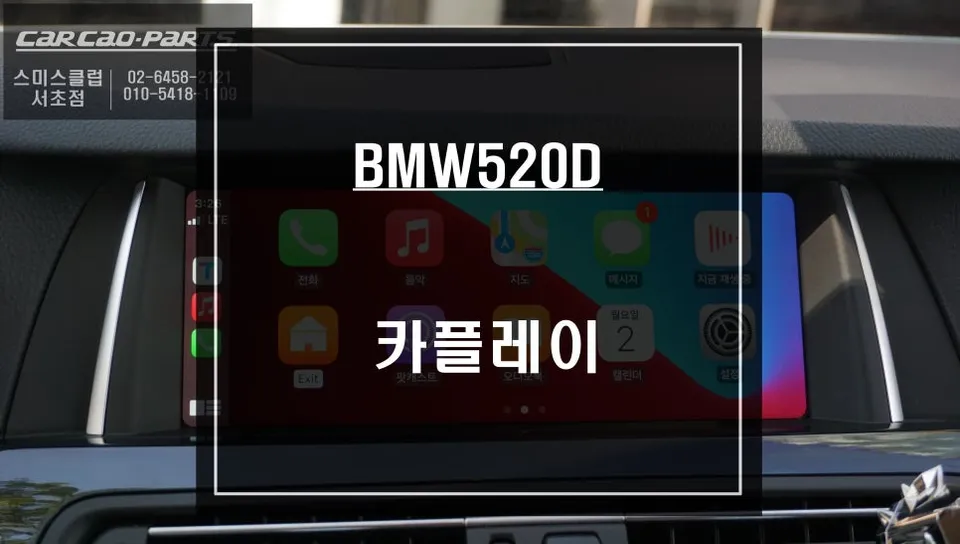
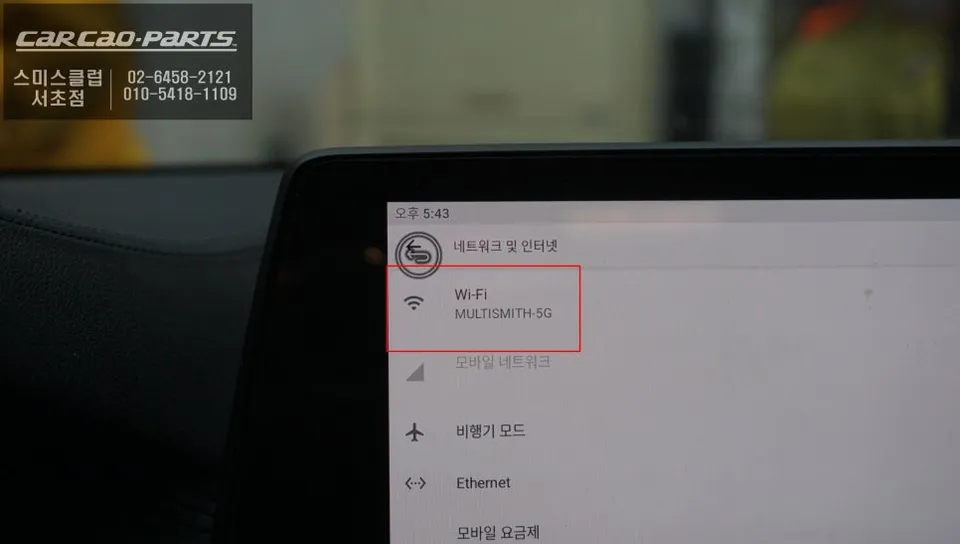
Once the monitor is reinstalled and powered on, the BMW 530i G30 is transformed. Users gain access to a full suite of Android applications, including navigation apps beyond BMW's native system, streaming services like YouTube and Netflix, and various other apps downloadable from the Google Play Store. The integration is designed to be intuitive, allowing drivers to enjoy a more connected and entertaining driving experience while retaining the familiar comfort and operation of their BMW's original interface.
Frequently Asked Questions
Q. How much does an Android Head Unit upgrade cost for a BMW 530i G30?
The Q-ROIX Android Head Unit upgrade for a BMW 530i G30 typically costs around ₩800,000 to ₩1,200,000 in Korea. In the US, similar high-spec Android head unit systems can range from $500 to $1000 USD, depending on the brand and features.
Q. How long does an Android Head Unit installation take on a BMW 530i G30?
The installation process for an Android Head Unit on a BMW 530i G30 usually takes between 2 to 4 hours. Proper calibration and testing are crucial for optimal performance and longevity.
Q. Is an Android Head Unit upgrade worth it for a BMW 530i G30?
An Android Head Unit upgrade is highly recommended for BMW 530i G30 owners seeking modern infotainment features like app access and enhanced navigation. It significantly boosts the vehicle's connectivity and entertainment value without replacing the entire system.
Q. How is an Android Head Unit installed on a BMW 530i G30?
1. Carefully remove the original monitor and surrounding trim panels. 2. Connect the specialized interface cable to the BMW MGU unit and the Android head unit. 3. Utilize a 'Zip by Zip' wiring method to integrate the new unit without altering factory wiring. 4. Configure the menu button switching system for seamless transitions between original and Android interfaces. 5. Reinstall the monitor and test all functions.
Q. What is the difference between an Android Head Unit and the original BMW system?
The original BMW system is proprietary and limited in app support, while the Android Head Unit offers full access to the Google Play Store for apps like YouTube, Netflix, and advanced navigation. The Android unit provides a significantly more versatile and modern user experience.
Kakao Parts