BMW X5 Android Head Unit Upgrade: Cost & Results
Before

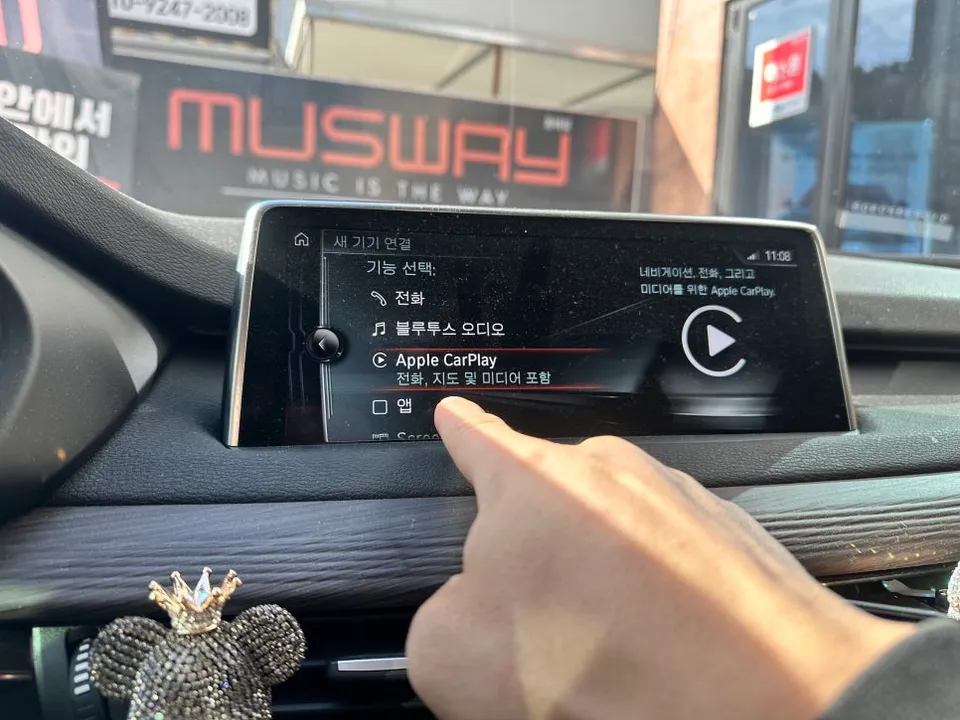
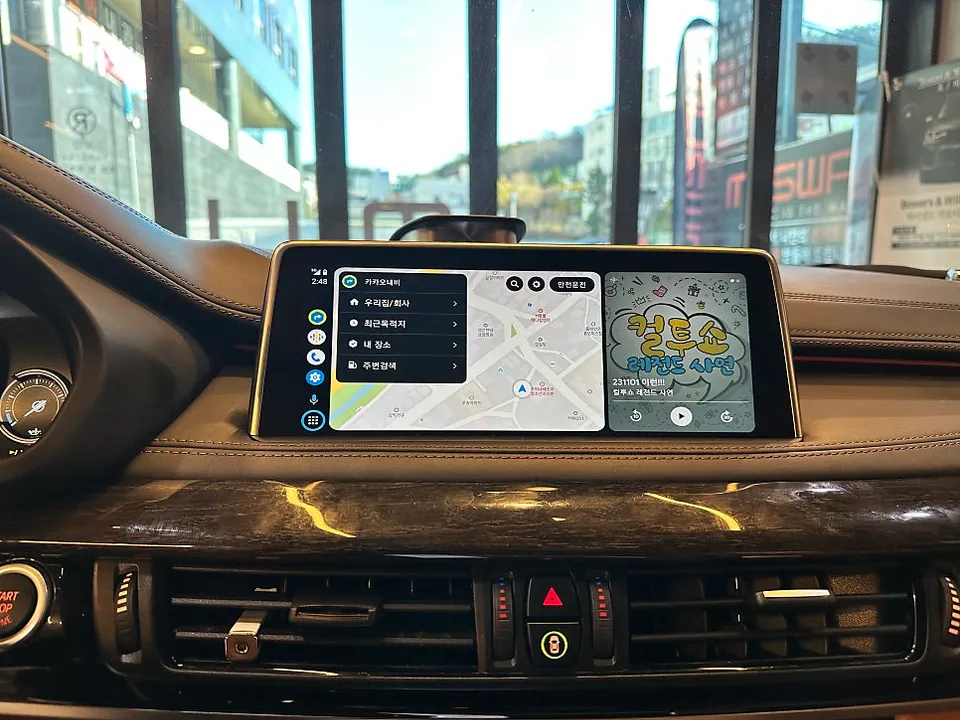
After
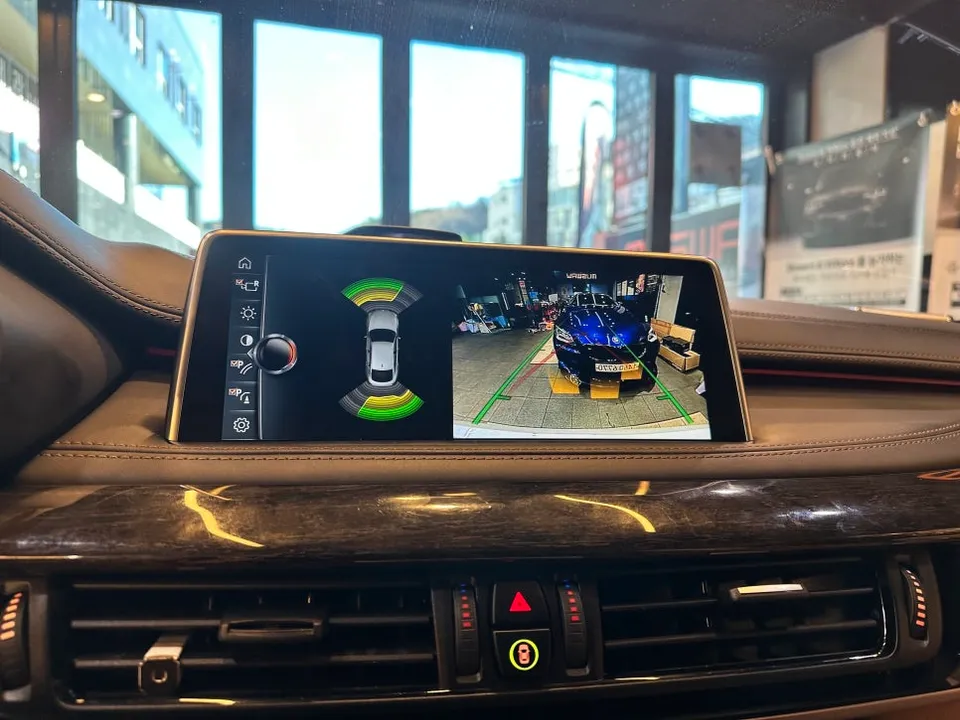
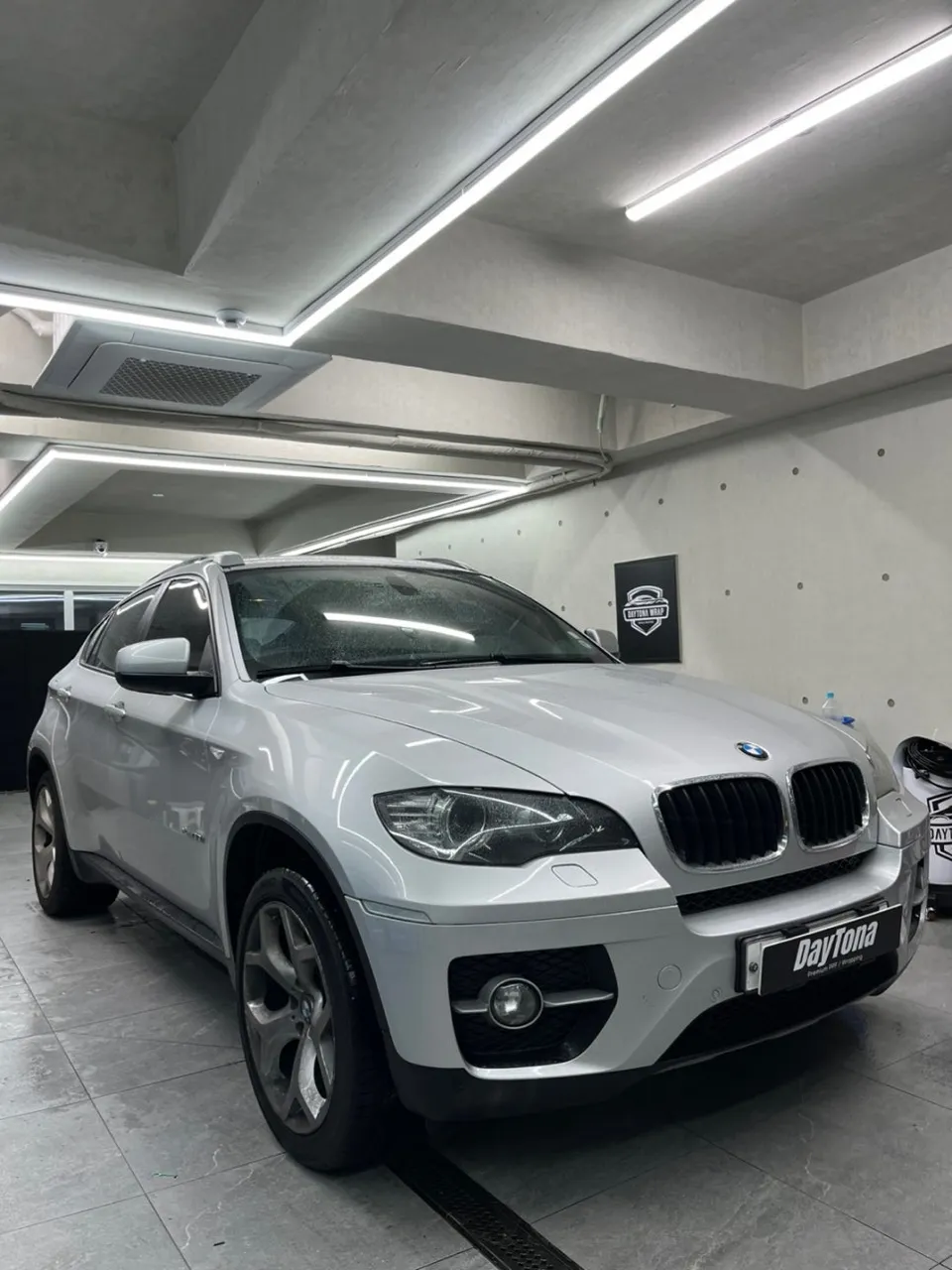
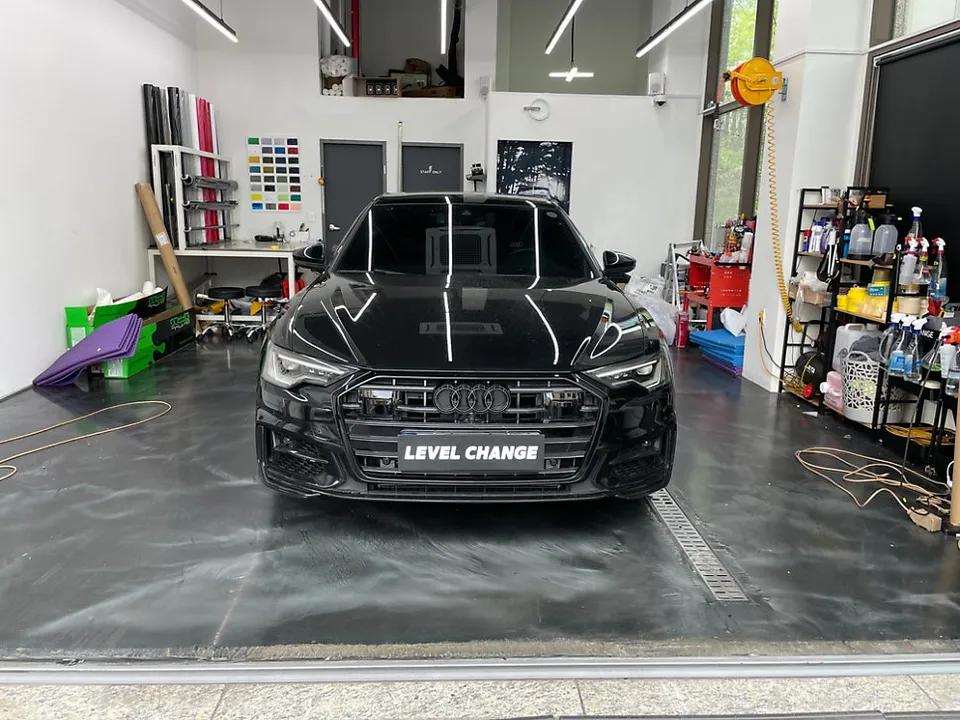
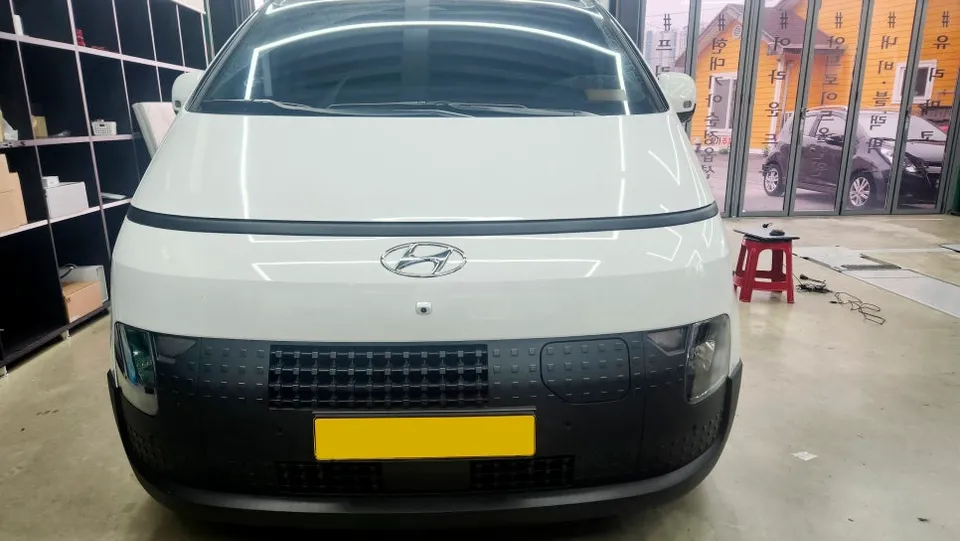
Process photos
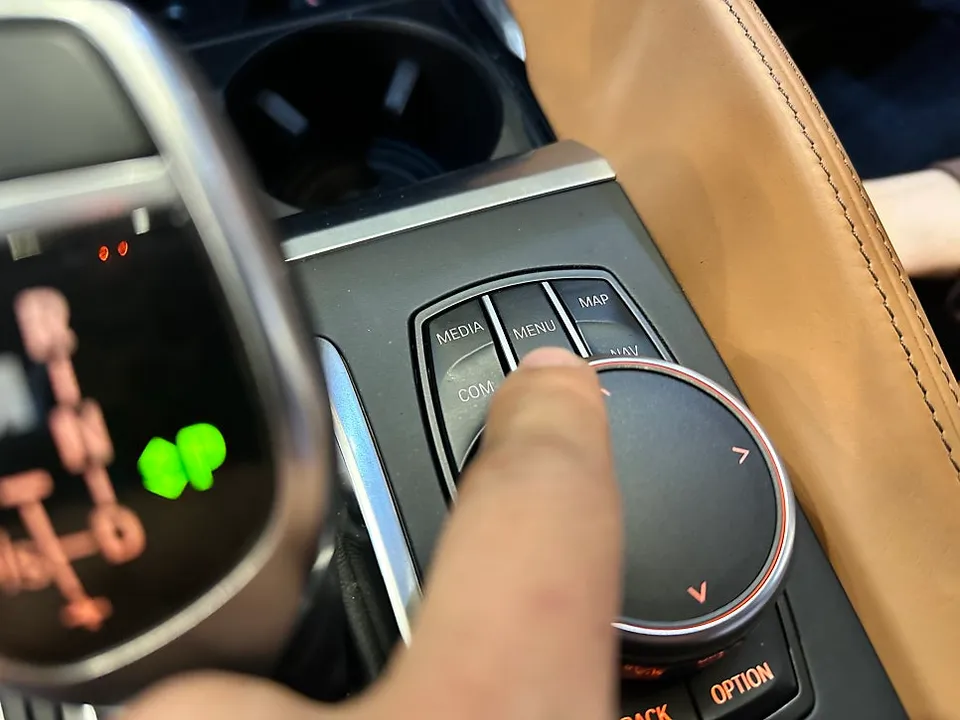
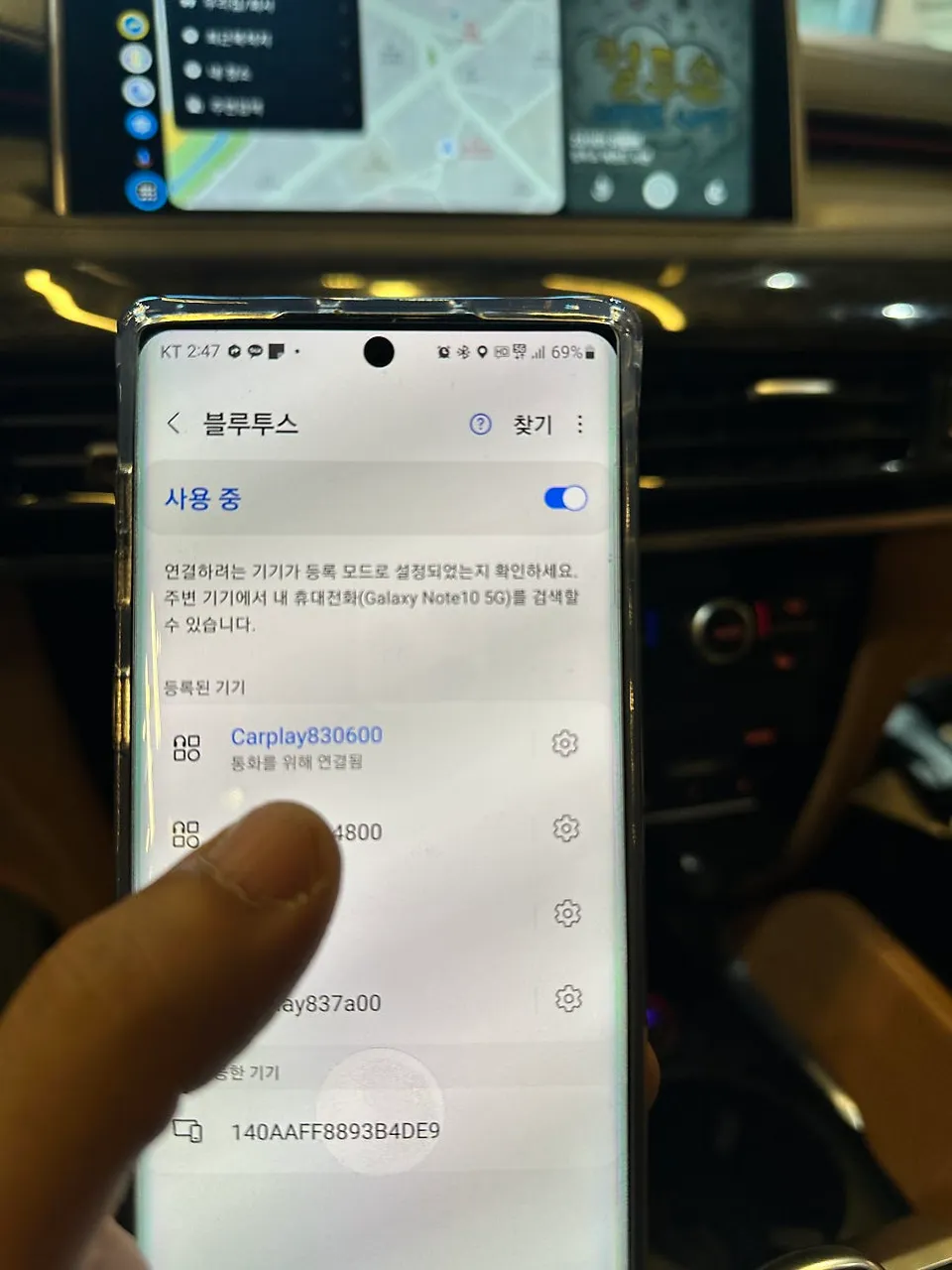
BMW X5 Android Head Unit upgrade with wireless CarPlay/Android Auto. Installation takes ~1 hour. Enhances navigation and media.
Upgrade Your BMW X5 Infotainment System
Many BMW X5 owners find the factory navigation system to be clunky and outdated. Even vehicles equipped with factory CarPlay often limit users to a wired connection, which can be inconvenient. This review covers the installation of a wireless CarPlay and Android Auto module for the BMW F15 X5, transforming the user experience with modern, integrated functionality. The result is a significant infotainment upgrade, offering a more intuitive and feature-rich interface.
Before and After: A Transformed Driving Experience
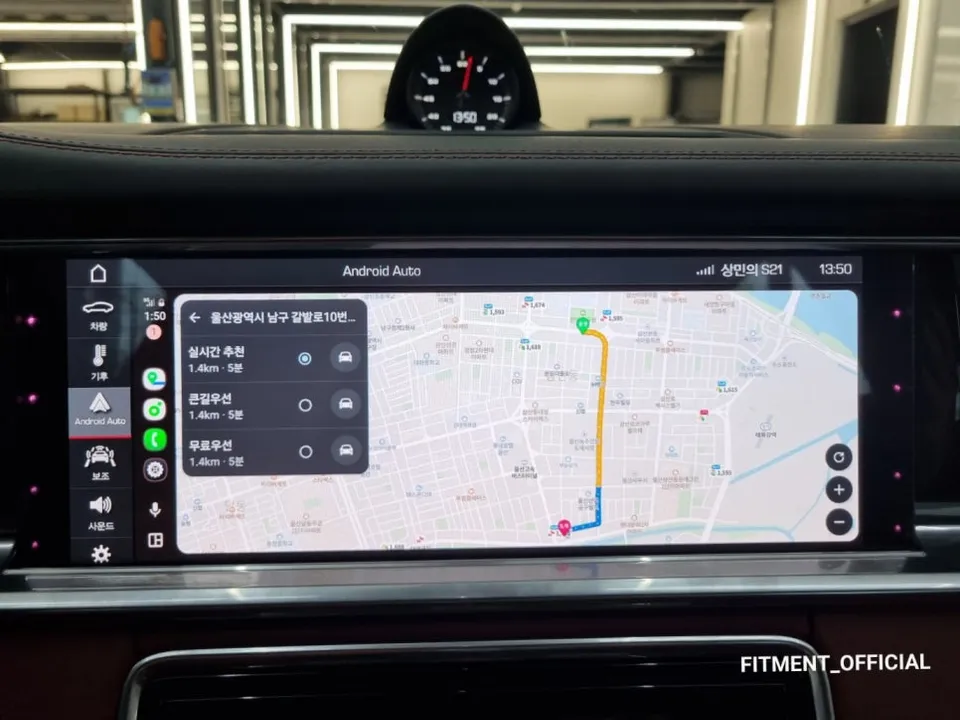
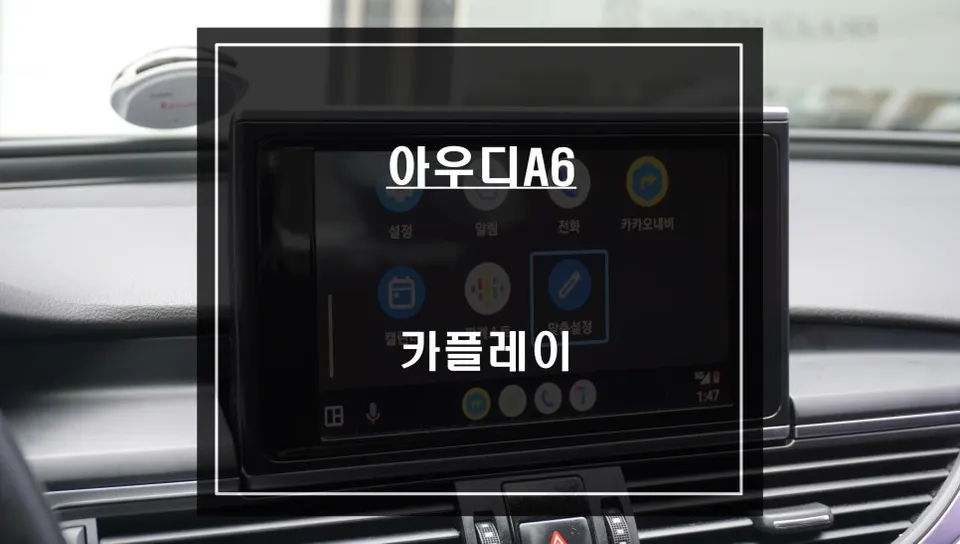
The primary motivation for this upgrade is to overcome the limitations of the stock BMW X5 infotainment. Before the installation, users often struggle with slow map updates and a less-than-ideal user interface. After the module is installed, the system provides a familiar and user-friendly interface, similar to what you'd expect from a modern smartphone. Accessing navigation apps like Google Maps or TMAP is seamless, and media playback is enhanced by the larger, more responsive screen. A key benefit is the ability to view content in split-screen mode, allowing for simultaneous navigation and music control, for example. Crucially, all original vehicle functions, including the factory backup camera, remain fully operational, ensuring safety and convenience are not compromised. The system supports wireless mirroring and AirPlay, adding further versatility.
Installation Process and Durability
The installation of this Android head unit module for the BMW X5 is designed to be non-invasive. It utilizes a Plug-and-Play (PNP) jack-by-jack method, meaning no modifications or damage to the original vehicle wiring harness occur. This ensures the integrity of your car's electrical system and makes the process reversible if needed. The entire installation typically takes about one hour to complete. For those in Busan, South Korea, RPM Car Multi-shop offers this service, with pickup available in the Dongnae-gu area and nationwide delivery within Busan. The durability of these modules is generally good, as they are designed to integrate with the car's existing systems. Maintenance typically involves software updates, which are usually straightforward.
Installation process:
- Connect the PNP wiring harness to the vehicle's existing connectors.
- Integrate the new module with the car's infotainment system.
- Test all functions, including wireless CarPlay/Android Auto and the factory backup camera.
Frequently Asked Questions
Q. How much does Android head unit or CarPlay installation cost for a BMW X5?
The cost for this specific Android head unit and CarPlay retrofit in Korea was not explicitly stated in USD, but similar installations in the US can range from $500 to $1500 depending on the system's features and complexity.
Q. How long does Android head unit installation take on a BMW X5?
Installation of an Android head unit or CarPlay module typically takes around 1 hour for a BMW X5. These modules are generally durable, and maintenance usually involves keeping the software updated.
Q. Is a CarPlay or Android Auto retrofit worth it for a BMW X5?
A CarPlay or Android Auto retrofit is most beneficial for BMW X5 owners who find their factory navigation system outdated or inconvenient. It's worth it for the seamless integration of familiar smartphone apps and a modern interface.
Q. How is an Android head unit installed in a BMW X5?
Installation involves connecting a new module using a Plug-and-Play (PNP) wiring harness that directly interfaces with the car's existing system without altering original wiring. The process is completed within about an hour and includes testing all functions.
Q. What is the difference between an Android head unit and a factory infotainment system for a BMW X5?
An Android head unit upgrade replaces or supplements the factory system with a more modern interface that supports wireless CarPlay and Android Auto, offering enhanced app integration and a user-friendly experience. The key difference is the vastly improved functionality and connectivity compared to many stock BMW systems.
Q. What should I know before getting Android Head Unit on a BMW X5? (common regrets and mistakes)
The most common regret is not upgrading sooner due to perceived complexity or cost. To avoid this, ensure you choose a reputable installer who uses Plug-and-Play methods to preserve your car's original wiring.
OhCar Partner Shop