BMW MINI Android 10 Head Unit Upgrade Review
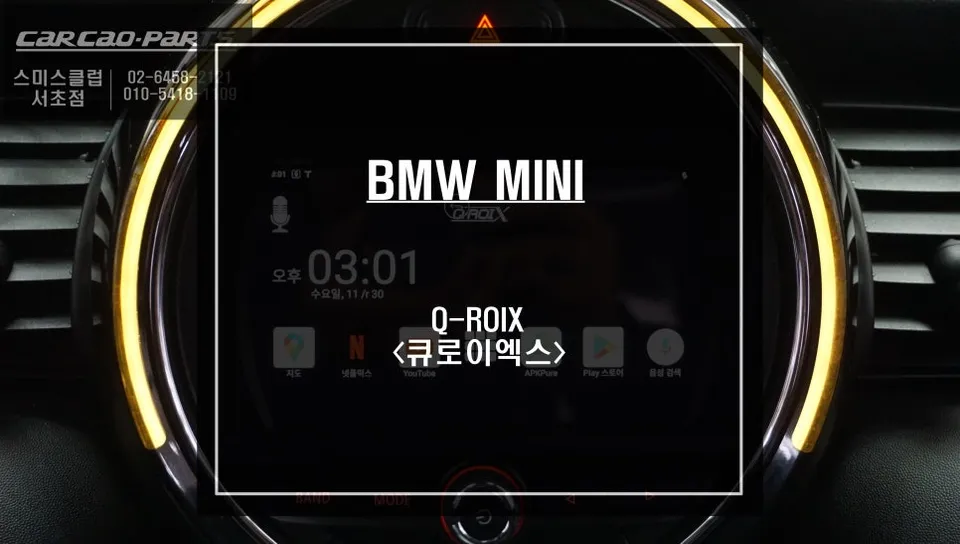
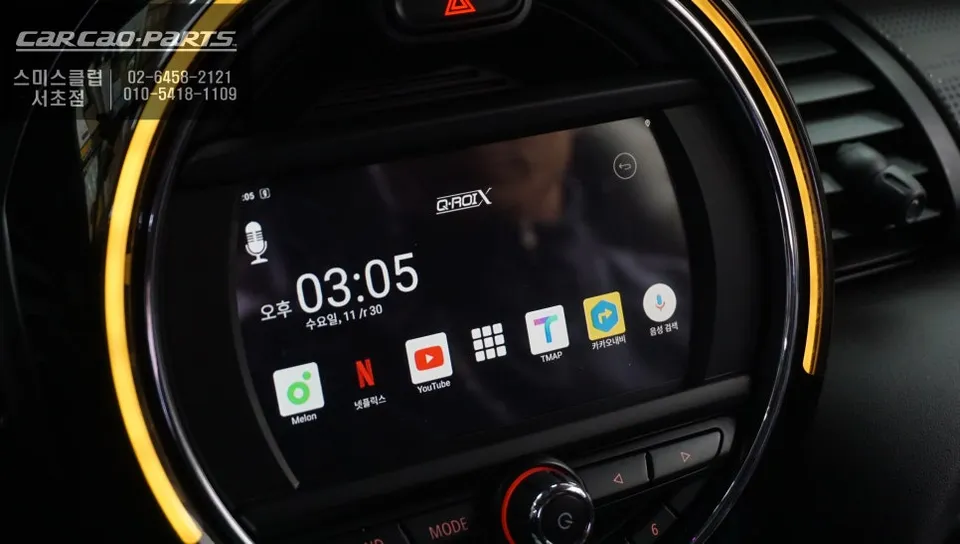
BMW MINI Android 10 head unit upgrade offers touch/voice control, T Map/Kakao navigation, and streaming apps like Netflix. Seamless integration.
Upgrade Your BMW MINI's Stock Monitor with Smart Android 10 Integration
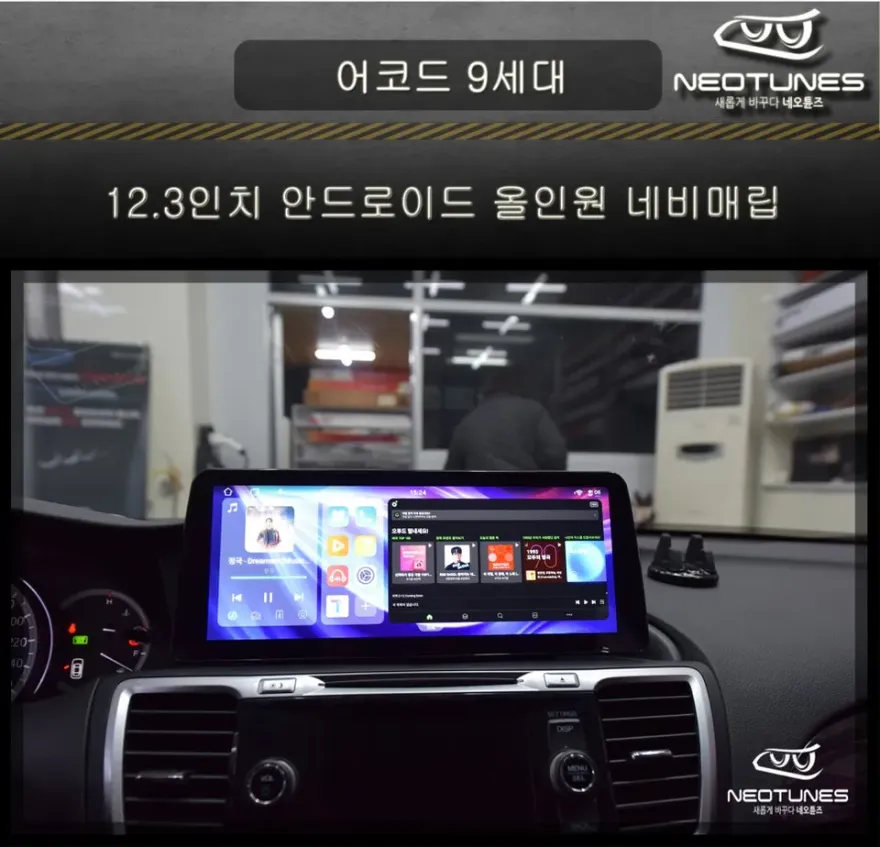
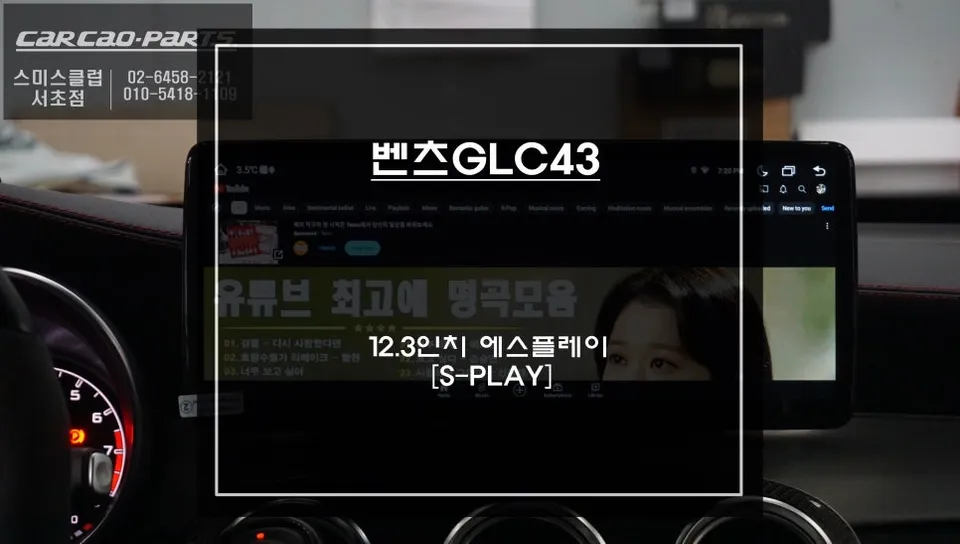
Is your BMW MINI's stock monitor feeling outdated and unresponsive? In today's connected world, a car's display should function like a smartphone. By integrating an Android 10-based navigation system with your existing monitor, you can unlock touch and voice control for all your favorite apps. This installation, performed at Today's Car Seocho branch, utilizes one of the highest-spec Android units available in Korea. It perfectly resolves the issue of a non-touch stock screen, transforming your MINI's dashboard into a smart, interactive hub.
Vehicle: BMW MINI
Service: Android 10 Navigation System Integration
Key Features: Touch/Voice Control, Real-time Navigation, Multimedia Streaming
Installation Location: Today's Car Seocho Branch
End the Frustration of a Non-Touch Stock Monitor
Traditional car monitors often serve only basic display functions, lacking touch capabilities and requiring cumbersome button controls. This limitation is particularly noticeable in BMW MINIs with their NBT monitors, making advanced features difficult to implement. The most straightforward solution is integrating an Android navigation system. It's akin to adding a smartphone directly to your dashboard, allowing intuitive control over all functions with a simple touch.
The system installed here is far more than just a basic navigation unit. Powered by a HEXA Core CPU (6-core processor) and running Android 10, it boasts superior specifications compared to other units on the market. This means smooth multitasking and zero lag, even when running multiple applications simultaneously. The system automatically optimizes for various stock monitor resolutions (800x480, 1280x720, 1540x720, 1920x720), ensuring no loss in display quality.
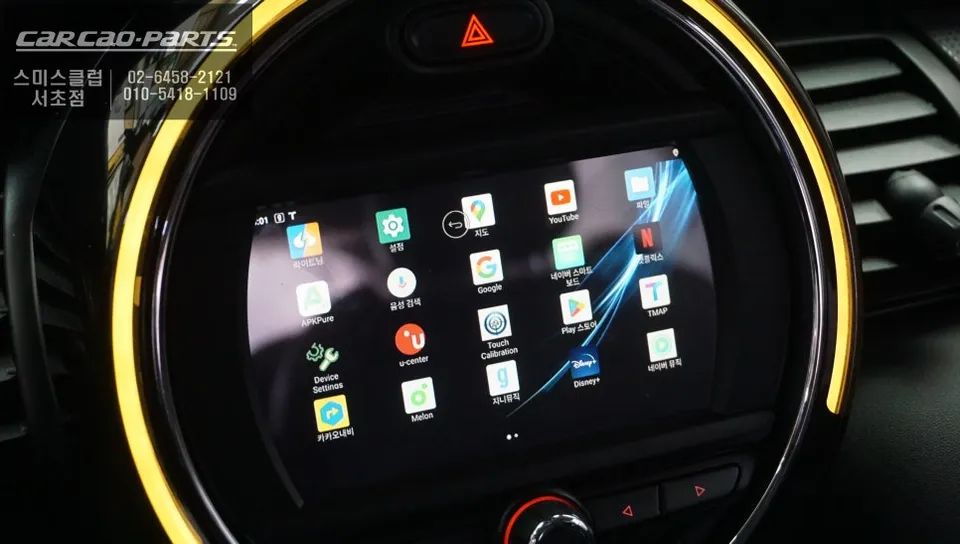
Activating Touch Control is Surprisingly Simple
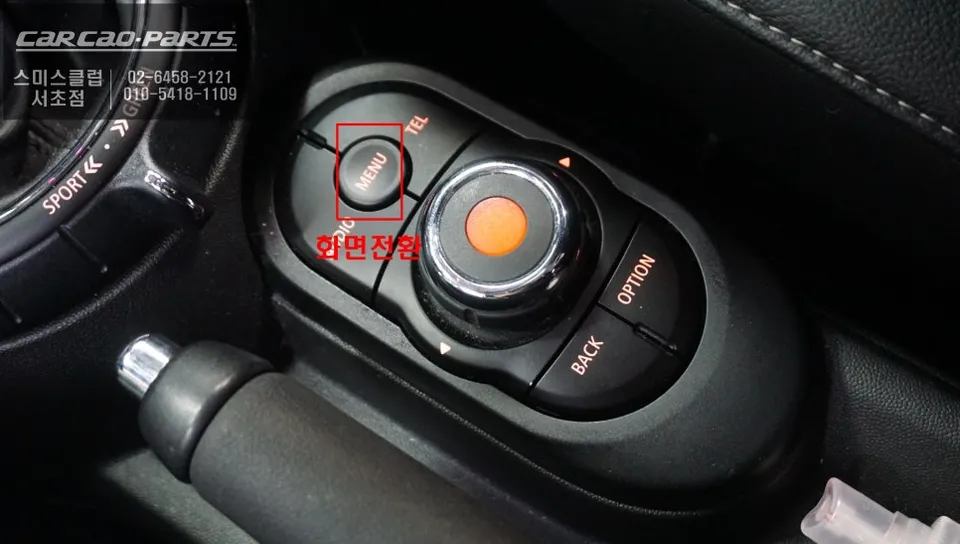
Using the new system is incredibly intuitive. A simple 2-second press of the iDrive MENU button switches the display from the stock interface to the Android system, instantly enabling touch and voice commands. This single button transforms the functionality of your original monitor. For the user, there are no complex settings to navigate; just touch the screen or speak your commands.
Voice control significantly enhances driving safety. You can issue commands like "Turn on navigation" or "Play music" without taking your eyes off the road. The ability to seamlessly switch between touch and voice input based on the situation is a major advantage.
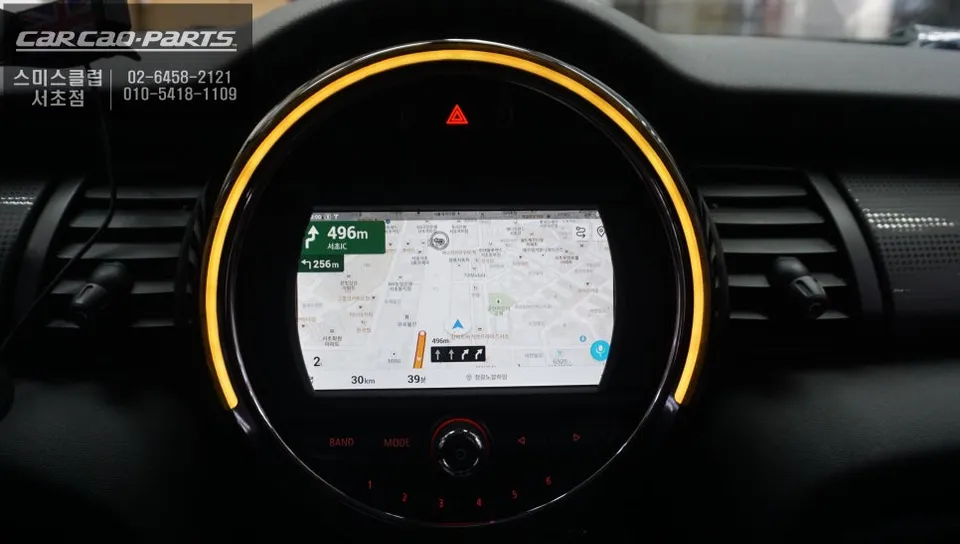
Navigation Reaches Smartphone Levels
The most frequently used feature, navigation, is now on par with smartphone experiences. You can install popular navigation apps like T Map and Kakao Map directly onto the system. Both apps provide real-time traffic information and automatic map updates, ensuring you always receive the most current route guidance. This means you get the same high-quality navigation experience in your car as you do on your phone.
Unlike older stock navigation systems, this Android unit benefits from real-time map updates, instantly reflecting new roads or construction zones. The route optimization is also superior, analyzing traffic conditions in real-time to suggest the fastest paths. This can lead to significant time savings on family trips or long-distance drives.
Stream Movies and Music Directly in Your Car
Beyond navigation, the system supports multimedia streaming apps such as Netflix, YouTube, and TVING. While watching videos while driving is unsafe and should be avoided, the ability to enjoy content while parked offers immense convenience. This is especially beneficial for families on long journeys, providing entertainment for passengers.
Frequently Asked Questions
Q. What is the cost of installing an Android 10 head unit in a BMW MINI?
The cost for this specific Android 10 head unit installation in a BMW MINI was performed in Korea, with pricing typically in Korean Won. In the US, similar Android head unit installations can range from $500 to $1500 depending on the vehicle and system specifications.
Q. How long does the Android 10 head unit installation take for a BMW MINI?
The installation process for an Android 10 head unit in a BMW MINI is generally completed within a few hours, typically 2-4 hours. Proper maintenance involves keeping the system software updated and ensuring good ventilation around the unit to prevent overheating.
Q. Is upgrading to an Android 10 head unit worth it for a BMW MINI?
Upgrading to an Android 10 head unit is highly recommended for BMW MINI owners seeking modern smartphone-like functionality, including touch/voice control and app access. It significantly enhances the infotainment experience, making the car feel more contemporary and user-friendly.
Q. How is the Android 10 head unit installed in a BMW MINI?
1. The stock monitor is accessed by removing trim pieces around the dashboard. 2. The original head unit's wiring harness is disconnected. 3. The new Android head unit's wiring harness is connected, often using a plug-and-play adapter. 4. The Android unit is physically mounted, and trim pieces are reinstalled. 5. The system is powered on and tested for functionality.
Q. What's the difference between an Android head unit and the stock BMW MINI system?
The primary difference is functionality: the stock system is limited, while the Android head unit offers full touch/voice control, app installation (navigation, streaming), and smartphone-like features. The Android unit provides a vastly superior and modern user experience.
Kakao Parts