BMW X1 Android Head Unit Review: CarPlay Upgrade
Service Price
$approx. $750–1,150
Estimated price · Actual price may vary by shop
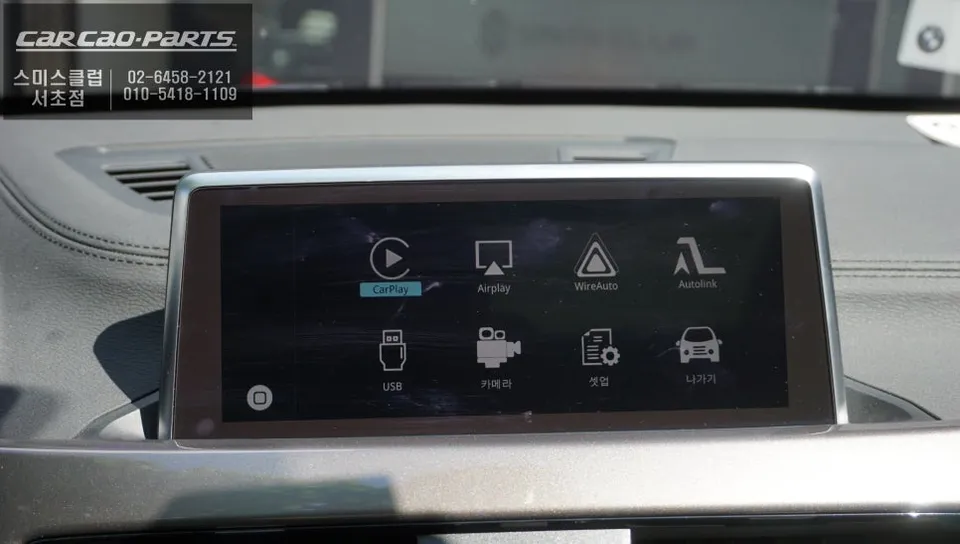
BMW X1 CarPlay retrofit: Approx. ₩500,000-₩1,000,000 ($370-$740). Adds modern navigation & smartphone integration.
Transform Your BMW X1 with a CarPlay Infotainment Upgrade
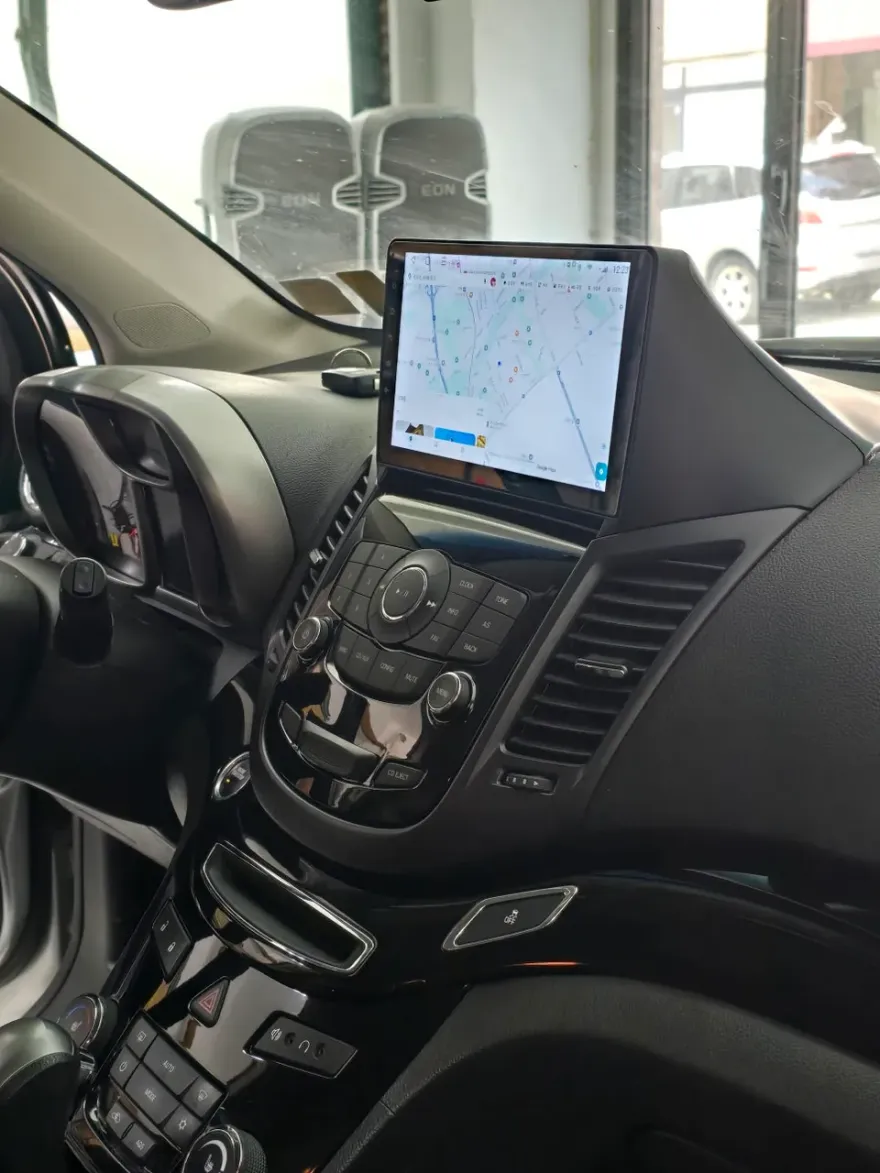
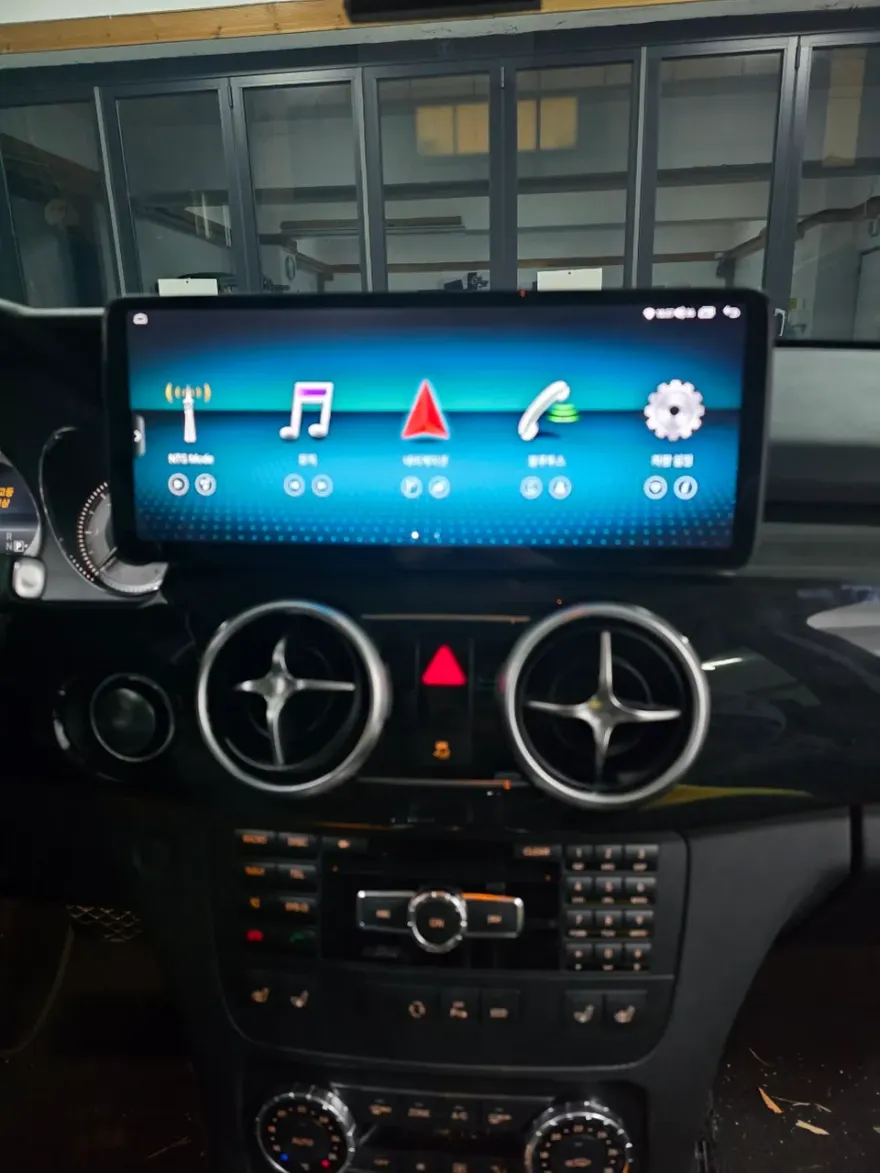
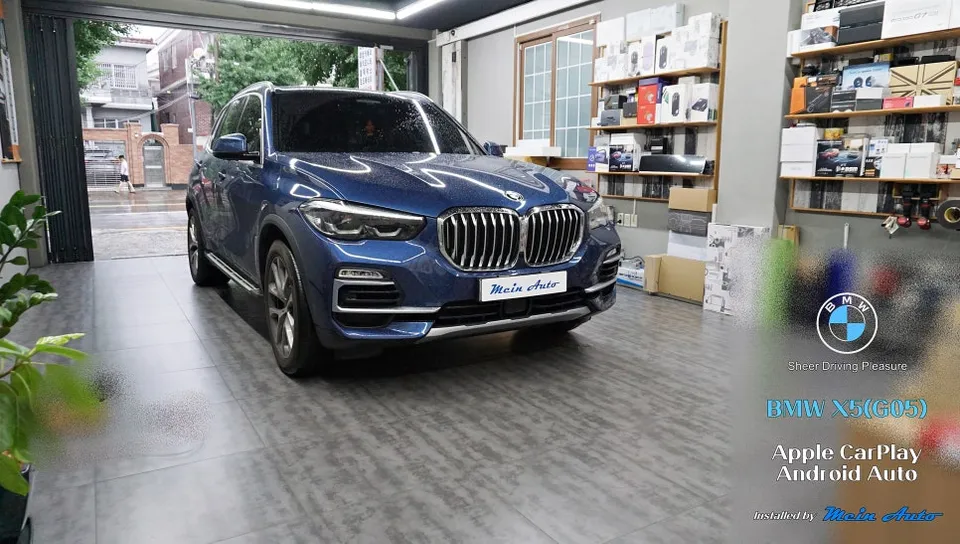
Many BMW X1 owners find themselves wishing for a more modern infotainment experience, especially if their vehicle lacks built-in navigation. This is where an Android head unit, often integrated as a CarPlay or Android Auto retrofit, comes in. This review details the process of upgrading a BMW X1 with such a system, focusing on how it breathes new life into the car's audio and navigation capabilities. The primary goal is to enable the use of familiar smartphone apps like TMAP and KakaoMap directly on the car's factory screen, offering a significant improvement over outdated or non-existent navigation systems. This particular installation method prioritizes safety and preserves the original wiring.
Seamless Integration: The Plug & Play Approach
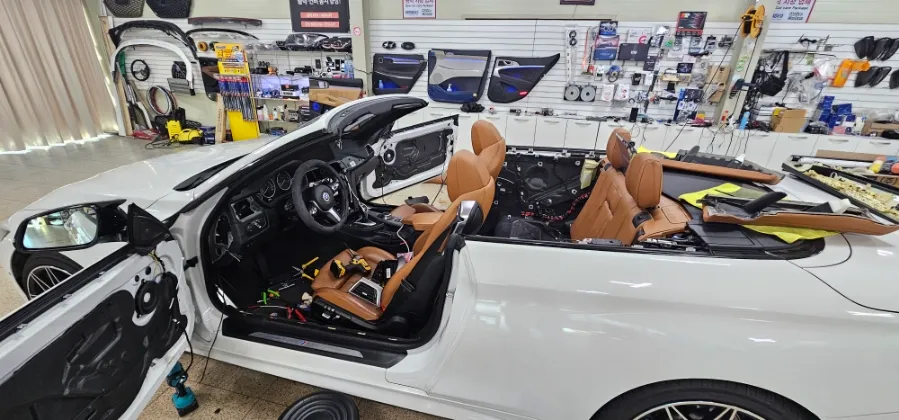
Before any installation begins, a thorough inspection of the BMW X1's existing monitor and wiring is crucial. The system we're discussing utilizes a "Plug & Play" design, meaning it connects directly to the car's existing ports without requiring any cutting or splicing of factory wires. This non-destructive installation ensures the vehicle's electrical system remains untouched and maintains its integrity. Compatibility checks are performed by scanning the car's electronic systems, and the planned routes for smartphone connectivity and audio output are pre-determined. After analyzing the vehicle's wiring diagrams, technicians prepare the necessary space within the dashboard and under the driver's side. The key principle here is "non-destructive installation," where the module simply slots into existing connectors, much like adding an accessory without altering the original setup. Because these units are often designed specifically for BMW models, compatibility is rarely an issue.
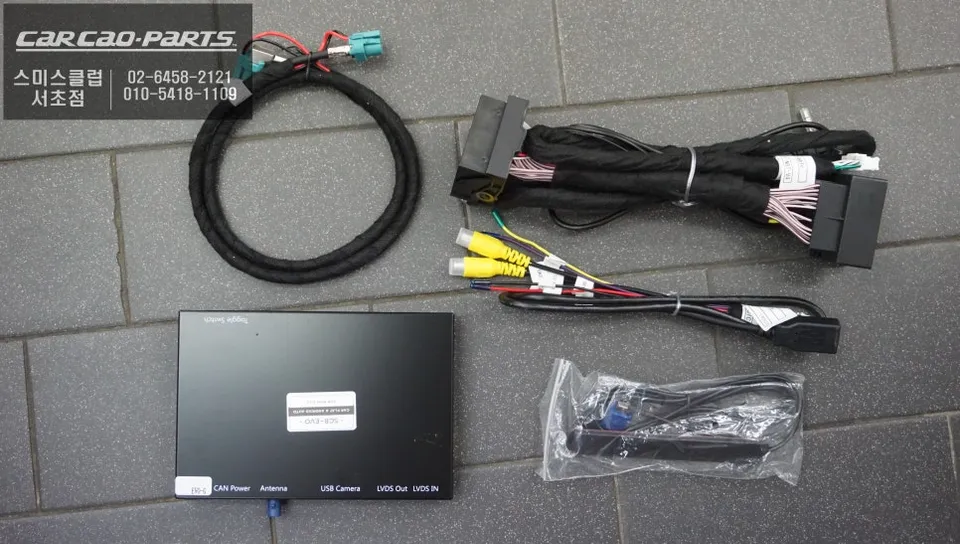
Installation Process:
- Module Placement: The compact Android head unit is securely mounted behind the dashboard.
- Signal Connection: The signal cable is meticulously connected to the input port of the BMW X1's original iDrive system.
- Port Installation: A USB port for smartphone connection is discreetly installed near the driver's seat, often integrated into the center console for a clean look.
- Microphone Setup: A microphone is positioned near the interior lighting for clear voice command reception.
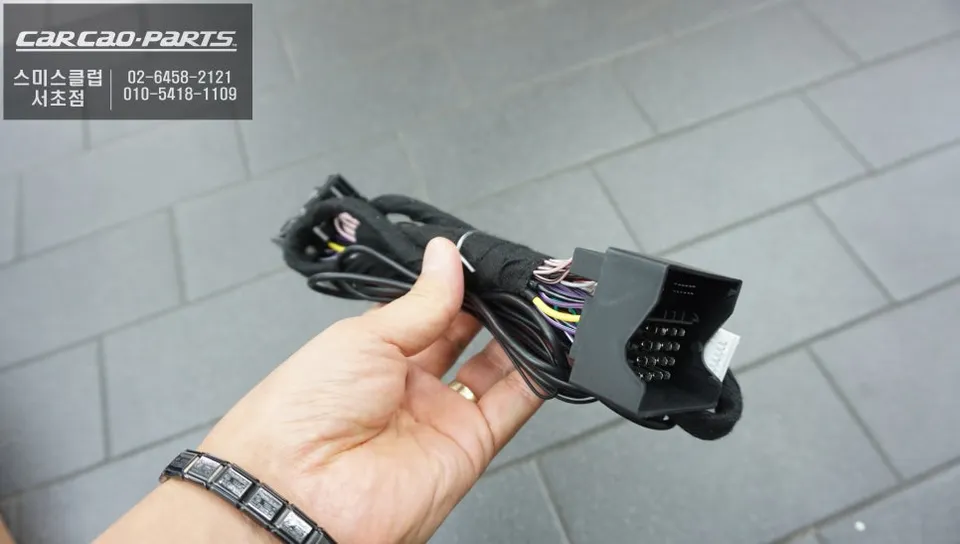
Enhanced Functionality and User Experience
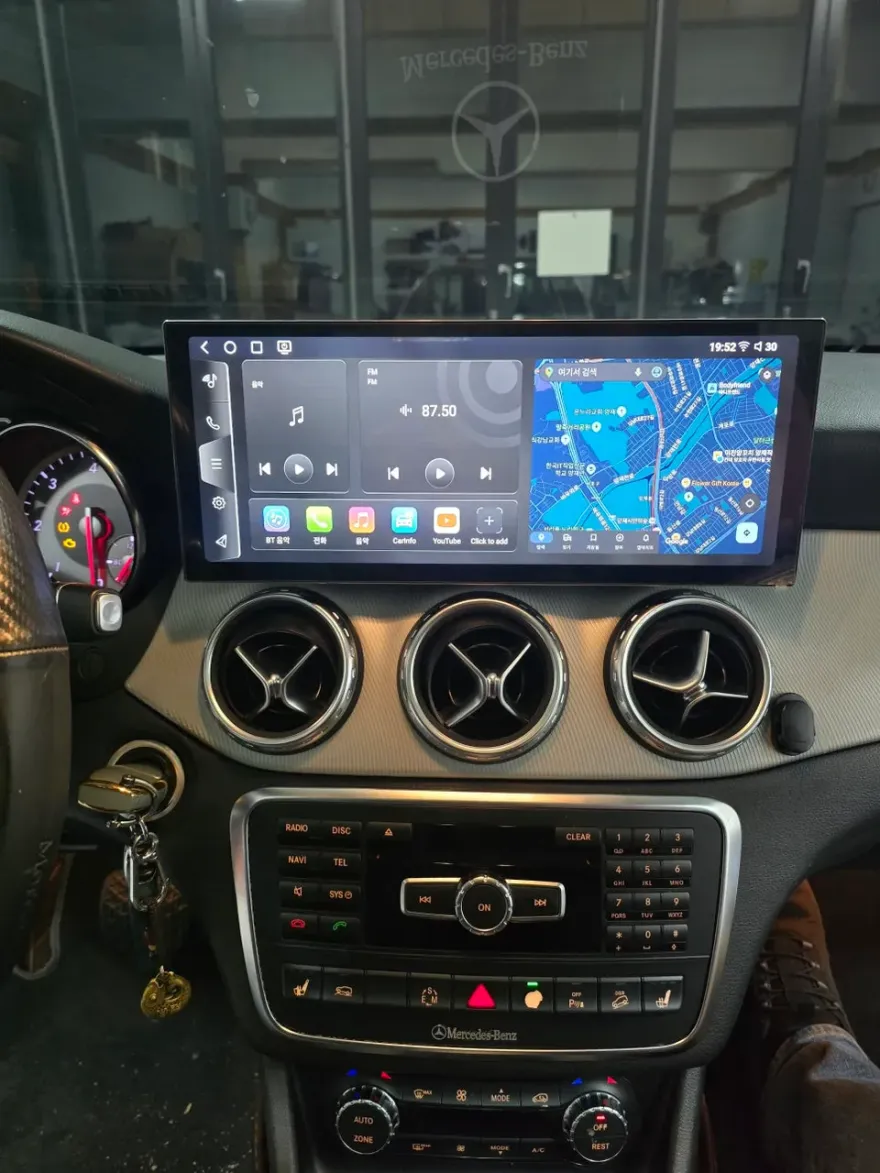
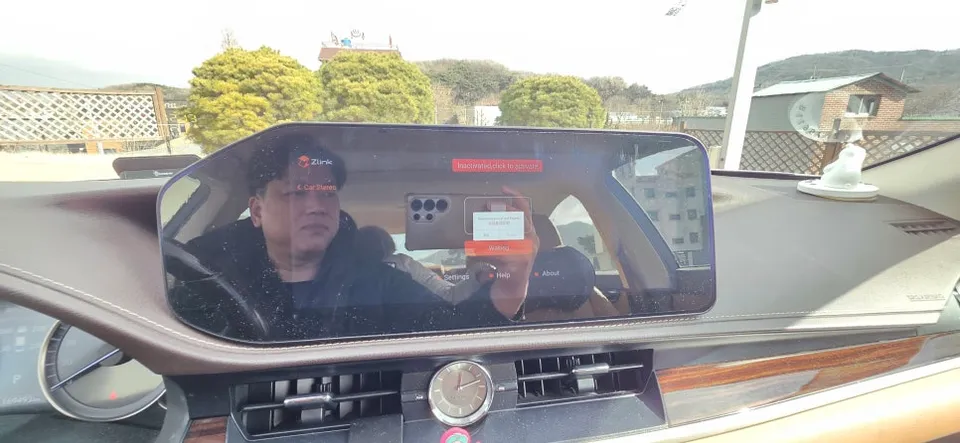
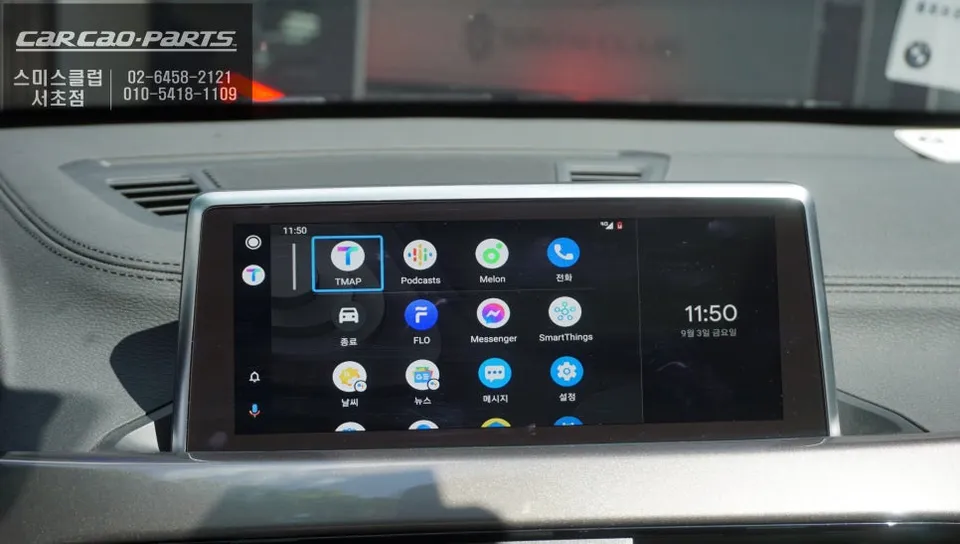
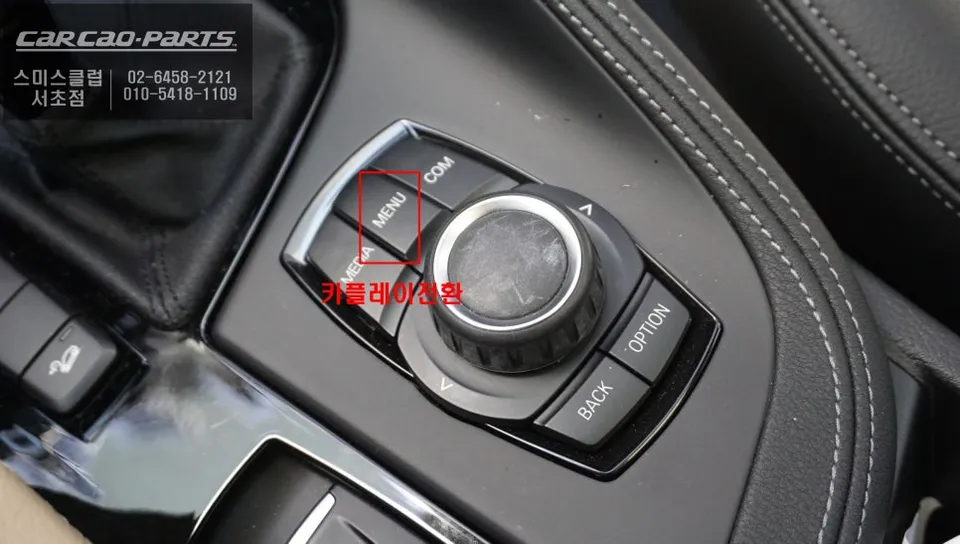
The core of this upgrade is a multi-platform module supporting both Android Auto and Apple CarPlay. Despite its small size, it boasts powerful processing capabilities for fast and stable data transfer with your smartphone. Once the module is installed and connected to the iDrive system, the real magic happens. A simple two-second press of the original iDrive menu button seamlessly switches the display to the CarPlay interface. This isn't a physical replacement but a software-level screen transition, allowing you to revert to the original BMW menus or vehicle information screens at any time without losing any factory functionality. Once in the CarPlay interface, you can launch apps like TMAP or KakaoMap. The major advantage of these apps is their real-time data updates, ensuring you always have the latest map information and traffic data for the most efficient routes. For audio, a microphone is installed near the overhead lights to ensure clear voice command recognition for navigation prompts like "Set destination to TMAP" or "Switch to KakaoMap." Control is intuitive, utilizing the BMW's original jog dial, making touch functionality unnecessary for a smooth user experience. While wired USB connection is recommended for maximum stability and speed (approximately 30% faster data transfer than wireless), the system often supports wireless Wi-Fi and Bluetooth connectivity as well.
Is an Android Head Unit Upgrade Worth It for Your BMW X1?
For BMW X1 owners whose vehicles lack integrated navigation or have outdated systems, an Android head unit upgrade offers a compelling solution. The ability to use familiar, up-to-date navigation apps like TMAP and KakaoMap directly on the car's screen, coupled with seamless smartphone integration for music and calls, significantly enhances the driving experience. The non-destructive installation process ensures the car's original systems are preserved, making it a reversible and safe modification. While the specific cost can vary, this type of infotainment upgrade typically ranges from ₩500,000 to ₩1,000,000 in Korea (approximately $370 - $740 USD), depending on the module's features and the complexity of the installation. Considering the vastly improved functionality and modern user interface it provides, many owners find this upgrade to be a worthwhile investment, especially for older models where factory infotainment options were limited.
Frequently Asked Questions
Q. How much does Android head unit or CarPlay installation cost for a BMW X1?
In Korea, the installation cost for an Android head unit or CarPlay retrofit on a BMW X1 typically ranges from ₩500,000 to ₩1,000,000 (approximately $370 - $740 USD). Prices can vary based on the specific module's features and the installer's rates.
Q. How long does Android head unit installation take on a BMW X1?
The installation process for an Android head unit or CarPlay system in a BMW X1 is generally completed within a few hours, typically 2-4 hours. The durability of these units is high, as they are designed to integrate seamlessly with your car's existing systems; regular maintenance usually involves keeping your smartphone's software updated.
Q. Is a CarPlay or Android Auto retrofit worth it for a BMW X1?
A CarPlay or Android Auto retrofit is highly recommended for BMW X1 owners seeking modern navigation and smartphone integration, especially in models lacking these features. It significantly enhances the infotainment experience by allowing the use of familiar, up-to-date apps on the factory screen, offering excellent value.
Q. How is an Android head unit installed in a BMW X1?
Installation involves a non-destructive "Plug & Play" process: 1. The module is securely mounted behind the dashboard. 2. It's connected to the original iDrive system's input port using the factory wiring. 3. A new USB port is installed for smartphone connection, and a microphone is placed for voice commands. 4. The system is configured to switch seamlessly with the original iDrive menus.
Q. What is the difference between an Android head unit and a factory infotainment system for a BMW X1?
An Android head unit retrofits modern smartphone integration (CarPlay/Android Auto) and app functionality onto your existing BMW X1 screen, while the factory system is the original, often less capable, built-in infotainment. The retrofit offers access to real-time navigation and a more up-to-date user interface.
Kakao Parts