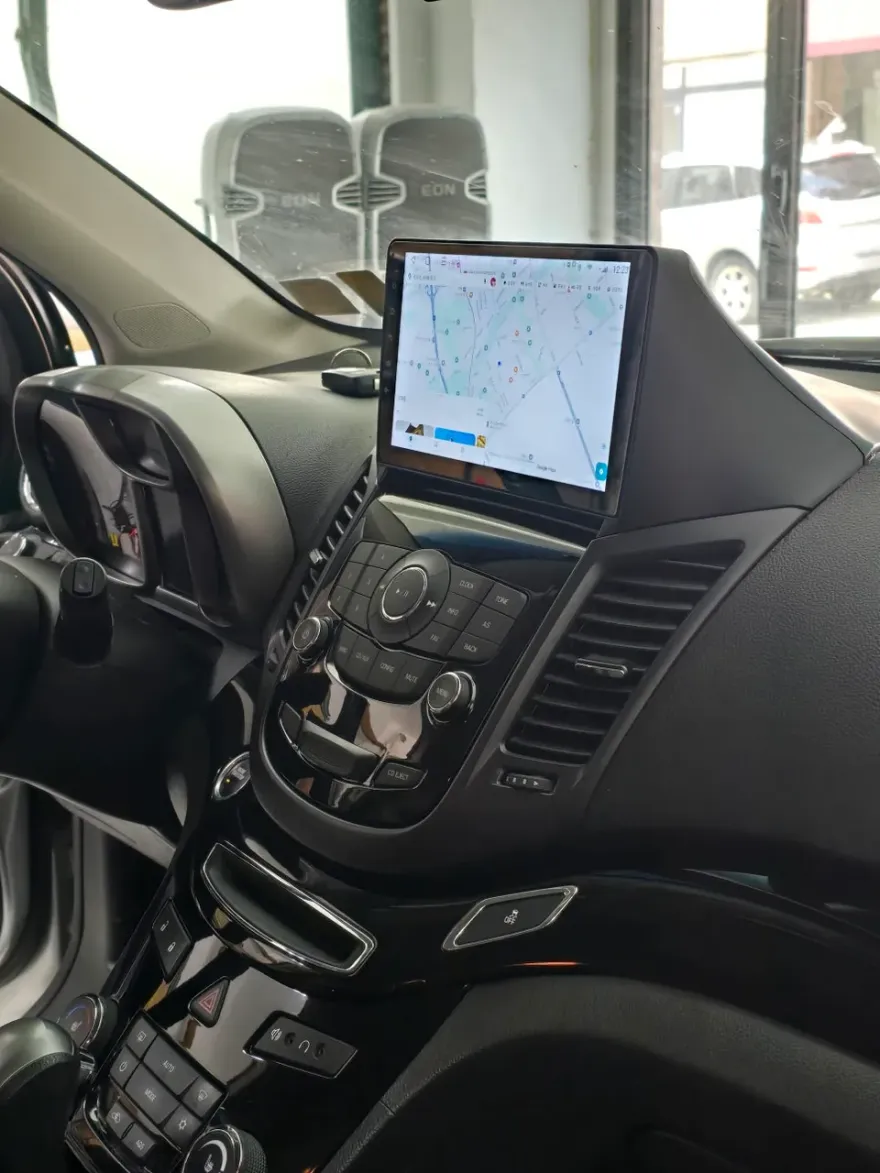
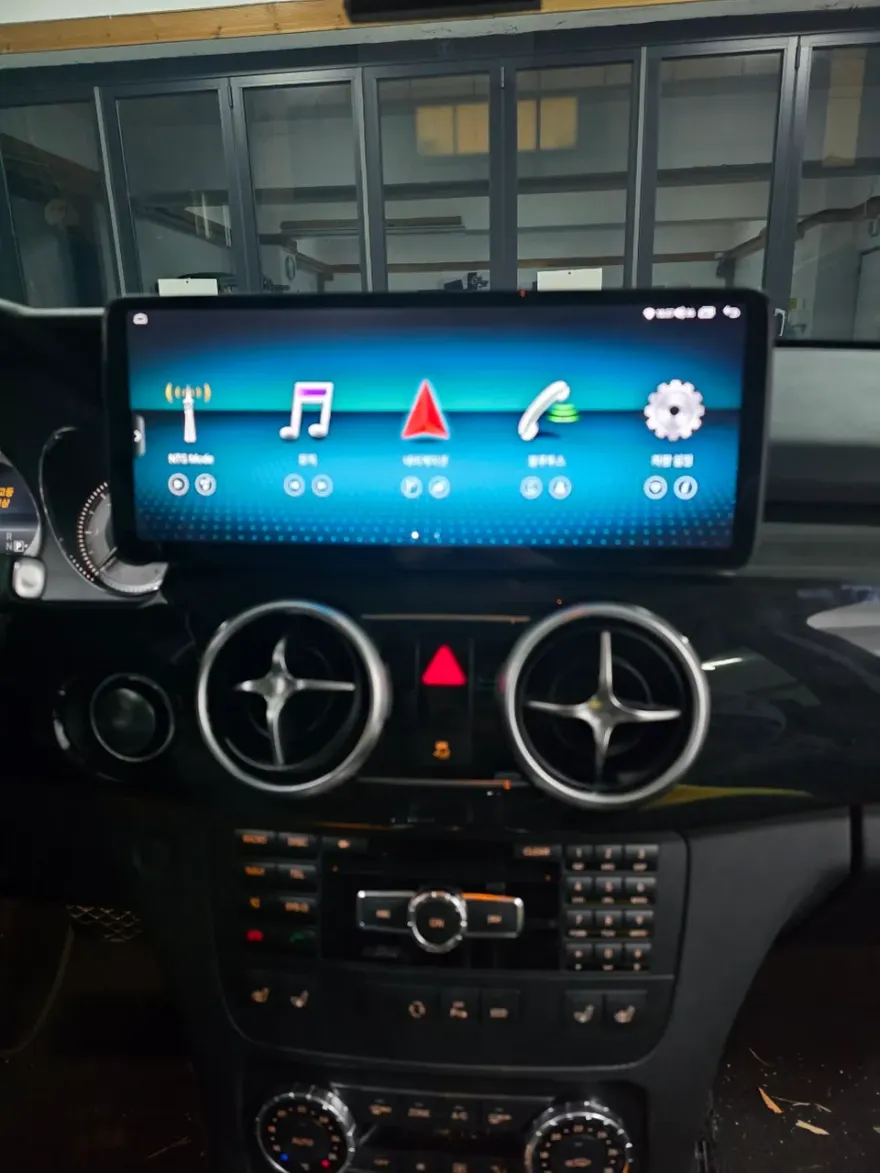
BMW X5 Android Head Unit Upgrade: Cost & Results
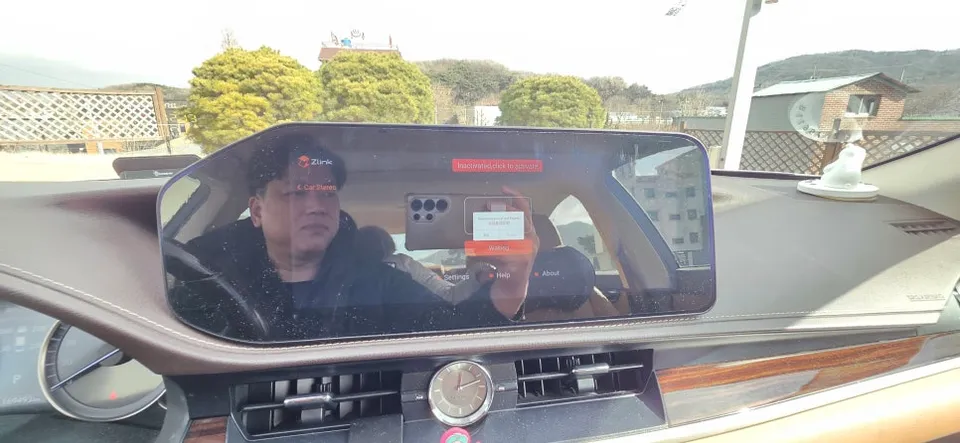
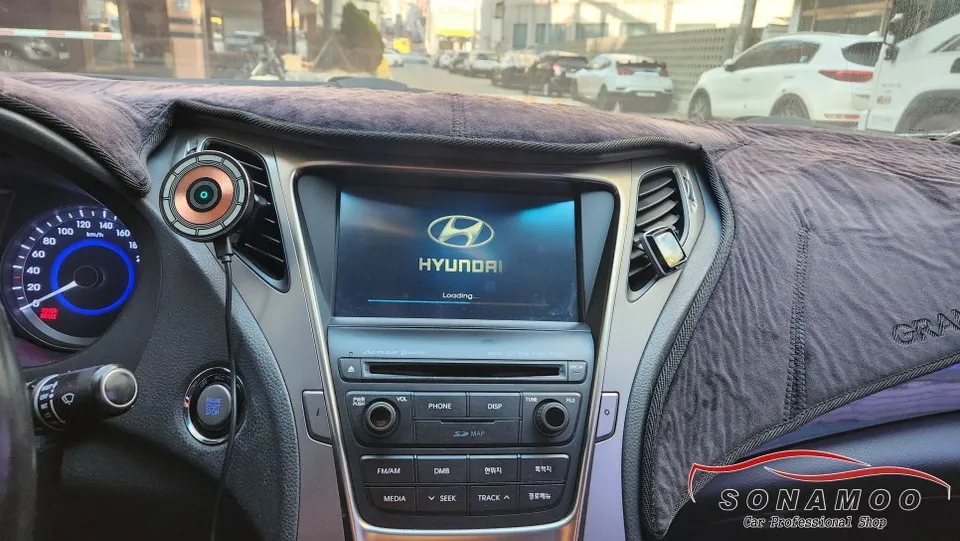
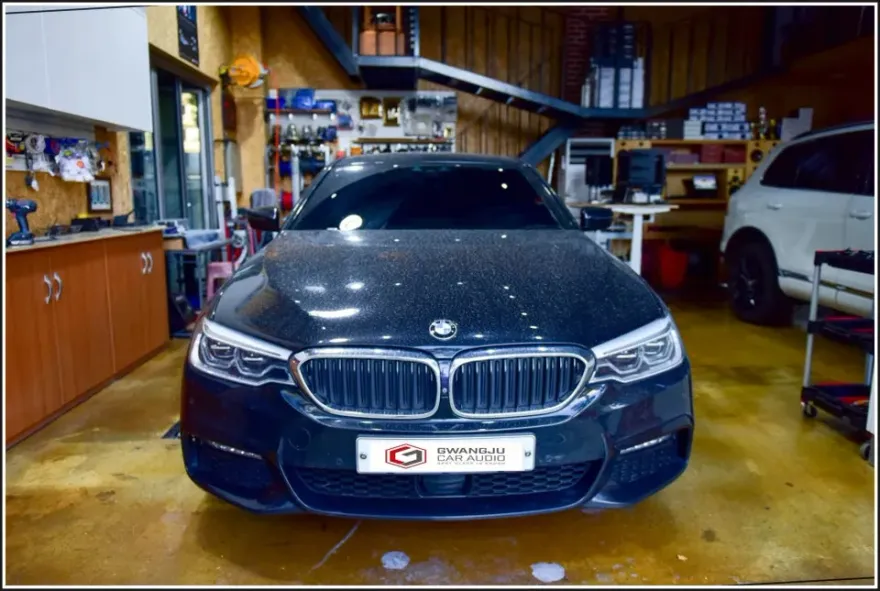
Before
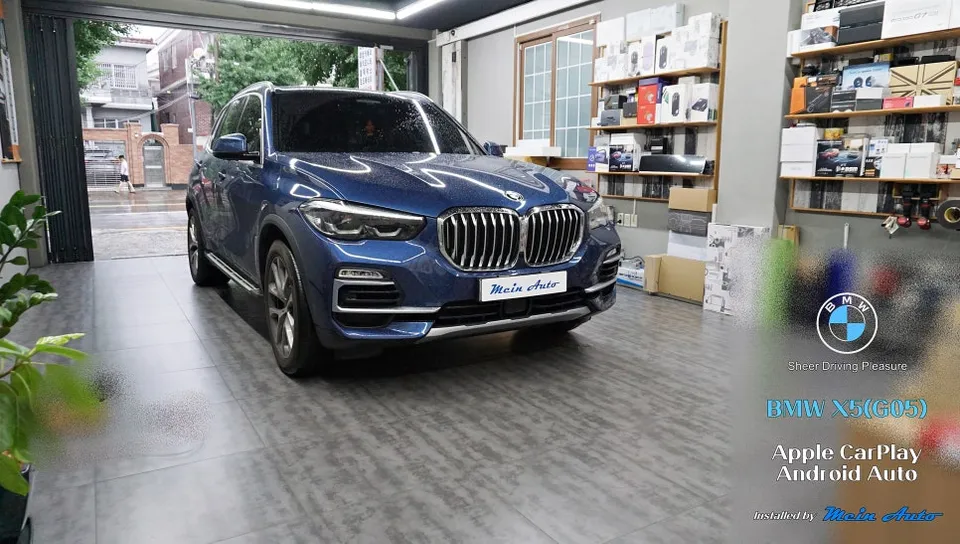
After

Process photos
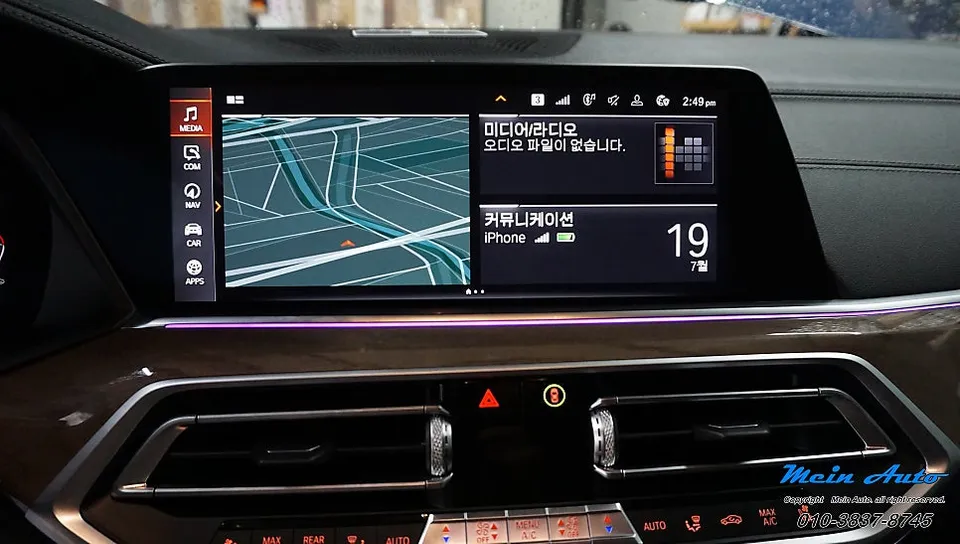
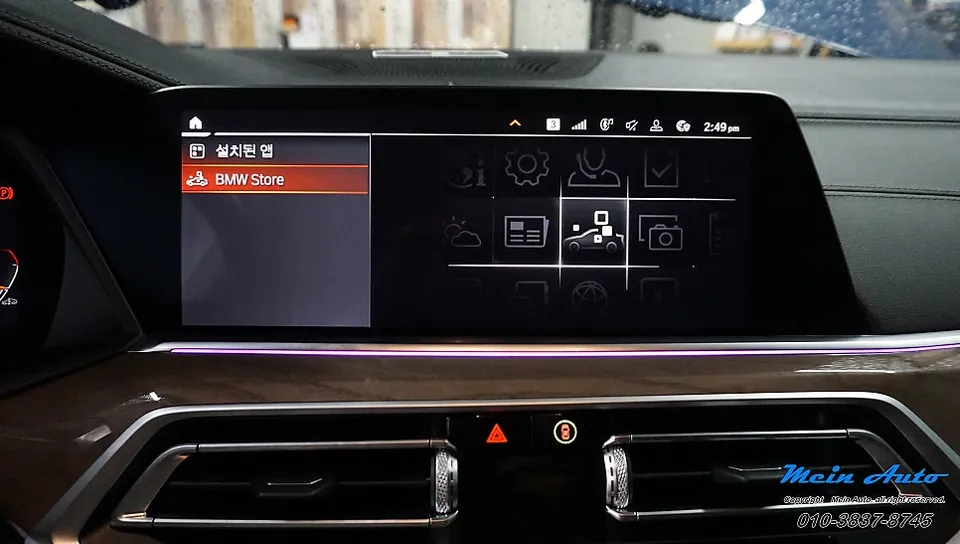
BMW X5 CarPlay/Android Auto activation: Approx. ₩250,719 (USD $180). Enables native navigation & music apps.
BMW X5 Android Head Unit Upgrade: Seamless Integration
Many modern BMW X5 owners, particularly those with the G05 model from 2019, find themselves wanting more from their infotainment system. While the factory setup is functional, the desire to integrate familiar smartphone apps like real-time navigation (T-Map, Kakao Navi, Naver Maps) and music streaming services directly into the car's display is common. This review focuses on activating the native Apple CarPlay and Android Auto functionality, often referred to as an Android Head Unit upgrade or CarPlay retrofit, for the BMW X5. This process involves enabling existing, but dormant, software features rather than installing a completely new aftermarket unit. The result is a significantly enhanced user experience, bringing your digital life into your driving experience without the need for external devices or complex wiring.
Before and After: Enhanced Connectivity
The primary benefit of this Android Auto upgrade for your BMW X5 is the seamless integration of your smartphone. Before the activation, you might be limited to the car's built-in navigation and media options. After the coding, your car's screen becomes a hub for your favorite apps. For iPhone users, Apple CarPlay provides access to navigation apps like Apple Maps, Google Maps, and Waze, alongside music services such as Apple Music, Spotify, and others. Android users will enjoy Android Auto, offering a similar suite of applications. A key advantage of this method, especially with the MGU ID7 system found in some G05 X5s, is the ability to activate both Apple CarPlay and Android Auto simultaneously. This means you can use real-time navigation apps directly on the large vehicle display, controlled via touch, the iDrive controller, or voice commands. Music streaming apps also become readily accessible, and the split-screen function allows you to view navigation directions while controlling your music simultaneously. This is a significant improvement over relying solely on Bluetooth audio or basic car functions.
Installation Process and Durability
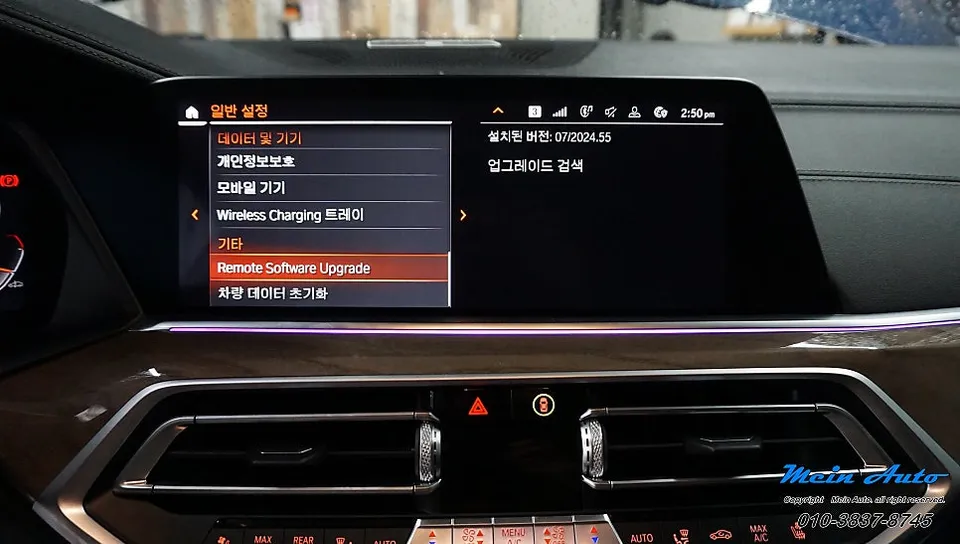
The activation of Apple CarPlay and Android Auto on your BMW X5 is a software-based process, often referred to as 'coding'. This means no physical parts are removed or installed, and no external devices are needed. The process is relatively quick and non-invasive. Here’s a general overview of how it works:
- System Check: The technician will first check your BMW X5's current software version and system status (e.g., MGU ID7) to ensure compatibility.
- Software Activation: Using specialized diagnostic tools, the hidden or locked features for Apple CarPlay and Android Auto are enabled within the car's existing infotainment system.
- Configuration: The system is then configured to allow seamless connection with your smartphone via Bluetooth and USB.
- Testing: Finally, the system is tested with both an iPhone and an Android device (if available) to confirm full functionality, including navigation and media app integration.
Frequently Asked Questions
Q. How much does Android head unit or CarPlay installation cost for a BMW X5?
The activation of native Apple CarPlay and Android Auto for this BMW X5 model was approximately ₩250,719 (around $180 USD). Typical professional activation costs in the US can range from $150 to $300 depending on the service provider and vehicle system.
Q. How long does Android head unit installation take on a BMW X5?
This activation process is software-based and typically takes a short amount of time, often under an hour, as it doesn't involve physical installation. For durability, since it uses the car's original hardware, it's as reliable as the factory system; basic maintenance involves ensuring your smartphone is up-to-date.
Q. Is a CarPlay or Android Auto retrofit worth it for a BMW X5?
This upgrade is highly worth it for BMW X5 owners who frequently use navigation and music apps on their smartphones. It provides a seamless, integrated experience, making your daily drives more convenient and enjoyable by bringing familiar interfaces to your car's main display.
Q. How is an Android head unit installed in a BMW X5?
This is not a physical installation but a software activation process. 1. The vehicle's system is checked for compatibility. 2. Hidden features for CarPlay and Android Auto are enabled via coding. 3. The system is configured for smartphone connection. 4. Functionality is tested.
Q. What is the difference between an Android head unit and a factory infotainment system for a BMW X5?
This service activates the factory system's built-in Apple CarPlay and Android Auto capabilities, rather than replacing the entire head unit with an aftermarket Android system. The key difference is that this method leverages your car's original hardware for a seamless, integrated experience.
Q. What should I know before getting Android Head Unit on a BMW X5? (common regrets and mistakes)
The most common regret is expecting video app playback, which is not supported by either CarPlay or Android Auto. To avoid this, understand that the system is designed for navigation, communication, and music, not video streaming.
OhCar Partner Shop