BMW X5 Android Head Unit Installation Review
Service Price
$75–115
Estimated price · Actual price may vary by shop
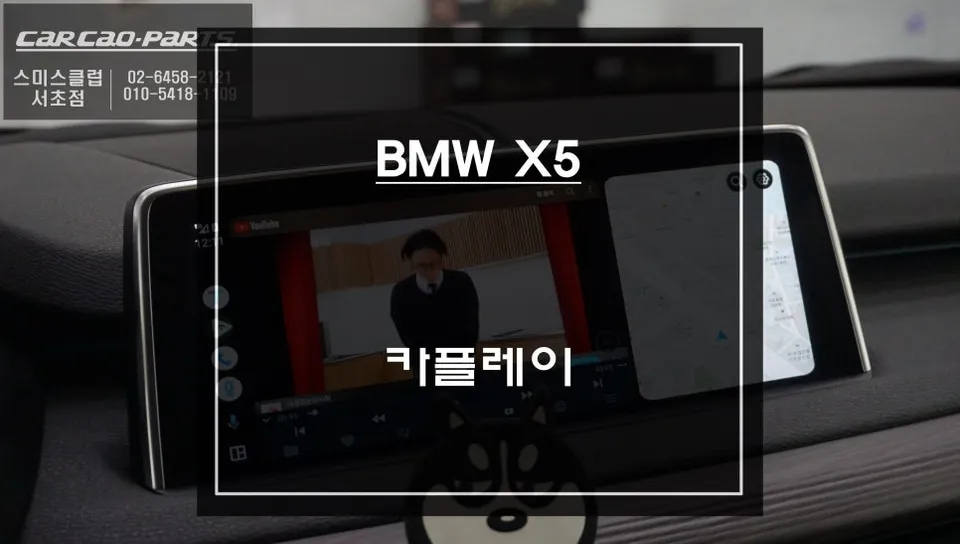
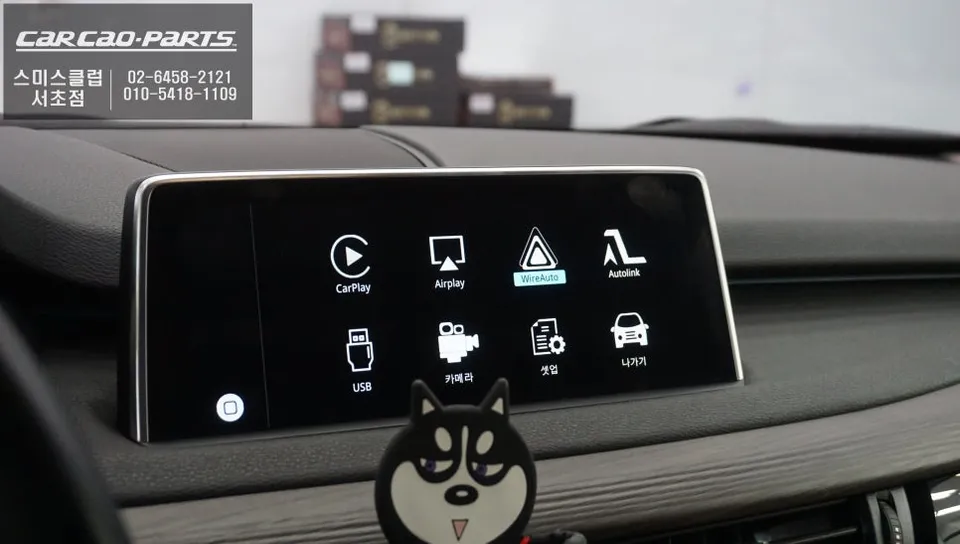
BMW X5 Android Head Unit upgrade offers seamless T Map/Kakao Map integration. Retains original system, provides real-time navigation.
Why Upgrade Your BMW X5 with an Android Head Unit?
Many BMW X5 owners find the limitations of the factory navigation system frustrating. Issues like slow traffic data updates and the inability to use familiar navigation apps like T Map or Kakao Map are common complaints. This review details a recent Android Head Unit installation for a BMW X5, demonstrating how this solution integrates your smartphone's mapping capabilities directly into your car's display.
Seamless Integration: The Android Head Unit Module
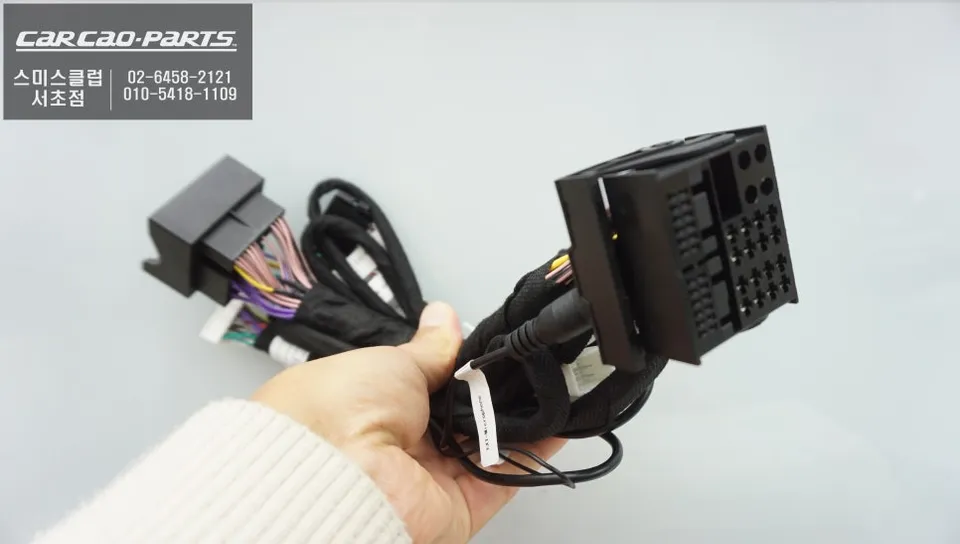
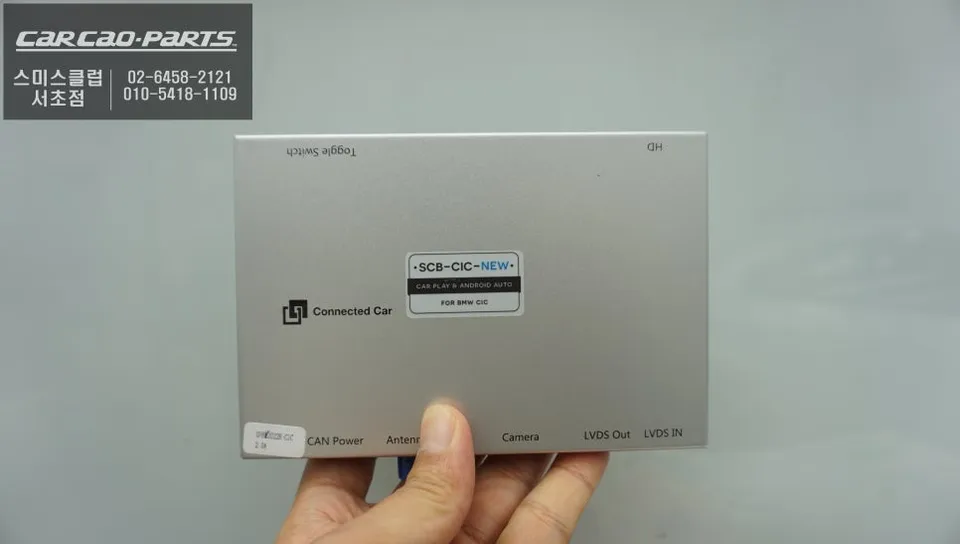
The Android Head Unit module for the BMW X5 is designed for a non-destructive installation, preserving the original vehicle's setup. The process involves temporarily removing the factory display to connect the module via an LVDS signal. This allows for seamless switching between the original BMW interface and the new Android interface. Crucially, all wiring utilizes a "plug-and-play" (jack-by-jack) method, meaning no original wires are cut or modified, ensuring easy restoration to factory settings if needed.
This module offers three core functionalities: Apple CarPlay for iOS users, Android Auto for Android users, and a Mirroring function that displays your smartphone screen directly on the car's display, enabling the use of any app. The most significant advantage is the real-time traffic information provided by apps like T Map and Kakao Map, which update every five minutes, offering far superior navigation accuracy compared to the factory system.
BMW X5 Android Head Unit Installation Process
The installation follows a precise sequence to ensure optimal results and maintain vehicle integrity.
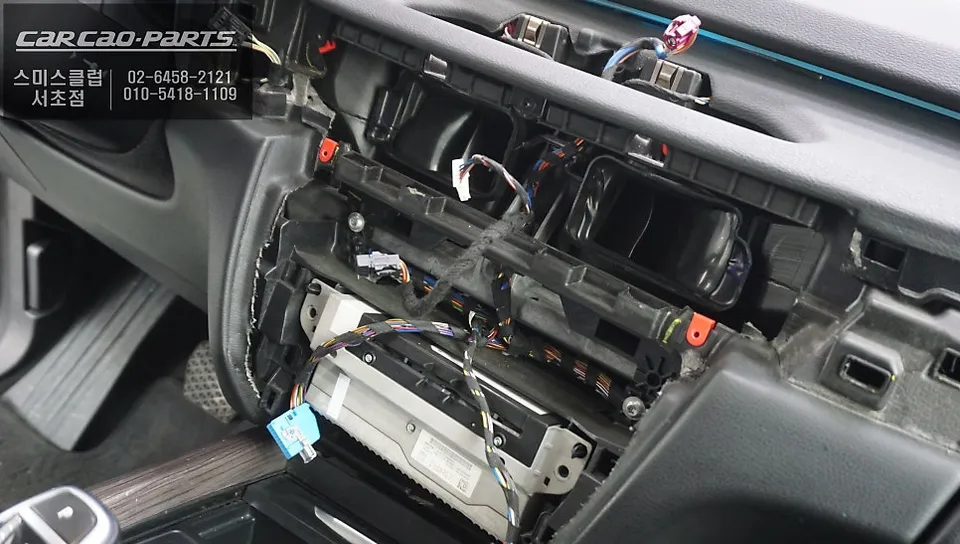
- Display Removal: The factory display is carefully removed. For the BMW X5, this involves detaching dashboard trim pieces to access the screen without causing scratches.
- Wiring Connection: The LVDS signal cables are mapped and connected to the Android Head Unit module. The module's input connects to the display's output, and its output connects to the display's input, routing the signal through the module. USB and power connections are also made.
- Reassembly: Once all connections are secure, the factory display is reinstalled. The plug-and-play wiring ensures no original vehicle wiring is compromised.
- Testing: Finally, the vehicle's iDrive system is activated to test the transition to the Android Head Unit interface and confirm all functions are working correctly.
Effortless Operation
Using the Android Head Unit is highly intuitive. To switch to the CarPlay or Android Auto interface, simply press and hold the iDrive MENU button for two seconds. The system instantly transitions. To return to the original BMW interface, repeat the process by holding the button again. Connecting your smartphone is as simple as plugging a USB cable into the car's designated USB port.
Frequently Asked Questions
Q. How much does an Android Head Unit cost for a BMW X5?
The installation described in this review was performed at 'Today's Car Seocho' in Korea. While specific pricing isn't listed, similar aftermarket Android Head Unit systems in the US typically range from $500 to $1500, depending on features and vehicle compatibility.
Q. How long does an Android Head Unit last on a BMW X5?
Android Head Unit modules are generally designed for the lifespan of the vehicle, provided they are installed correctly and not subjected to physical damage. Regular software updates from the manufacturer can help maintain performance and compatibility over time.
Q. Is an Android Head Unit worth it for a BMW X5?
An Android Head Unit is highly recommended for BMW X5 owners who frequently use smartphone navigation apps like T Map or Kakao Map and are dissatisfied with the factory system's real-time traffic data. It offers a significant upgrade in navigation convenience and accuracy.
Q. How is an Android Head Unit installed on a BMW X5?
Installation involves carefully removing the factory display, connecting the Android Head Unit module via LVDS signal cables, and making USB and power connections. The process uses plug-and-play wiring, preserving the original system, before the display is reinstalled and tested.
Q. What is the best Android Head Unit option for a BMW X5?
The best option is a dedicated BMW X5 Android Head Unit module that offers Apple CarPlay, Android Auto, and mirroring, while ensuring a plug-and-play installation that preserves the original system. Look for modules specifically designed for your X5's model year for guaranteed compatibility.
Kakao Parts