BMW X6 Android Head Unit Review — Seamless Navigation & Apps
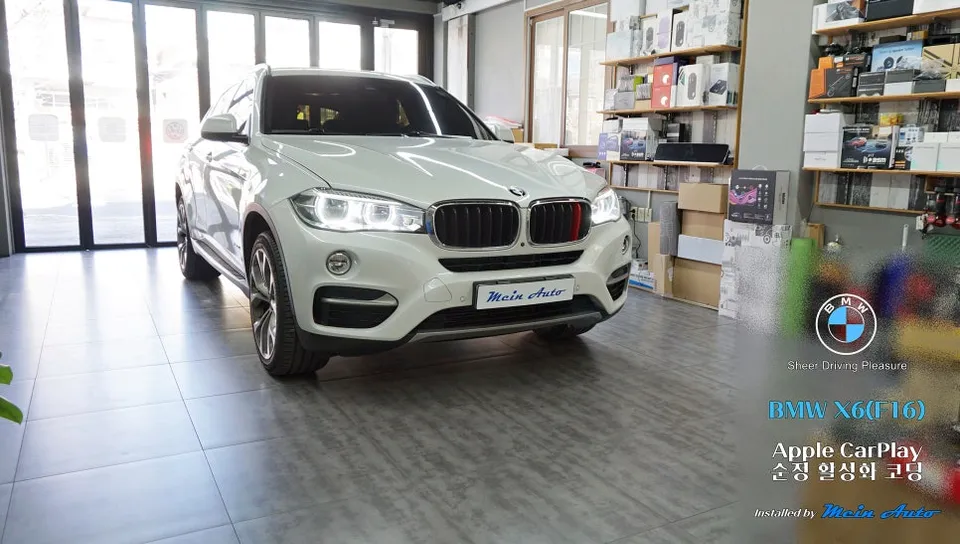
Upgrade Your BMW X6 (F16) with an Android All-in-One System
The BMW X6 (F16) is a luxury SUV that offers a premium driving experience. However, in today's connected world, many drivers seek enhanced infotainment capabilities. This review focuses on integrating an Android all-in-one system, specifically highlighting the benefits of Android Auto and a modern head unit, for your BMW X6. We'll explore how this upgrade transforms your vehicle's interior technology, making navigation, communication, and entertainment seamless and intuitive. The goal is to bring your 2017 BMW X6 up to modern standards, offering features that rival newer models and providing access to your favorite smartphone apps directly on your car's display.
Seamless Integration and Enhanced Functionality
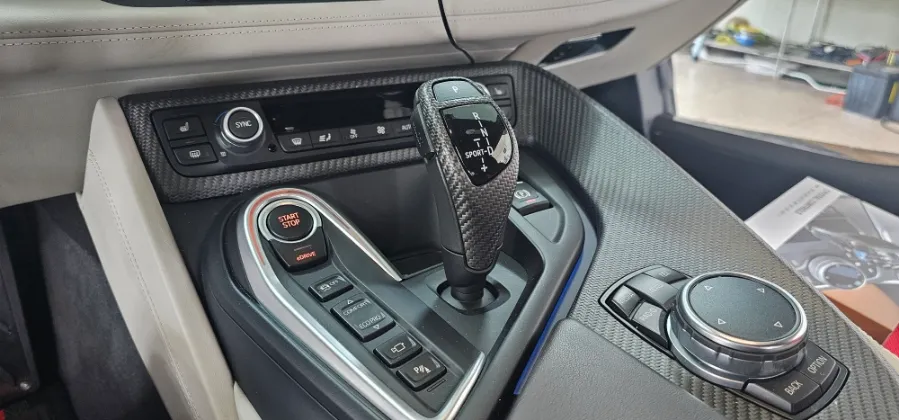
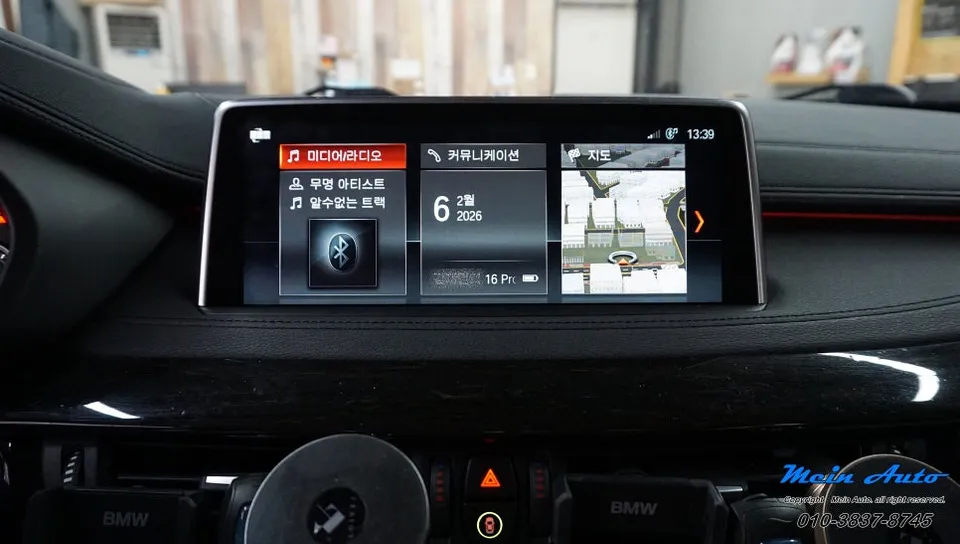
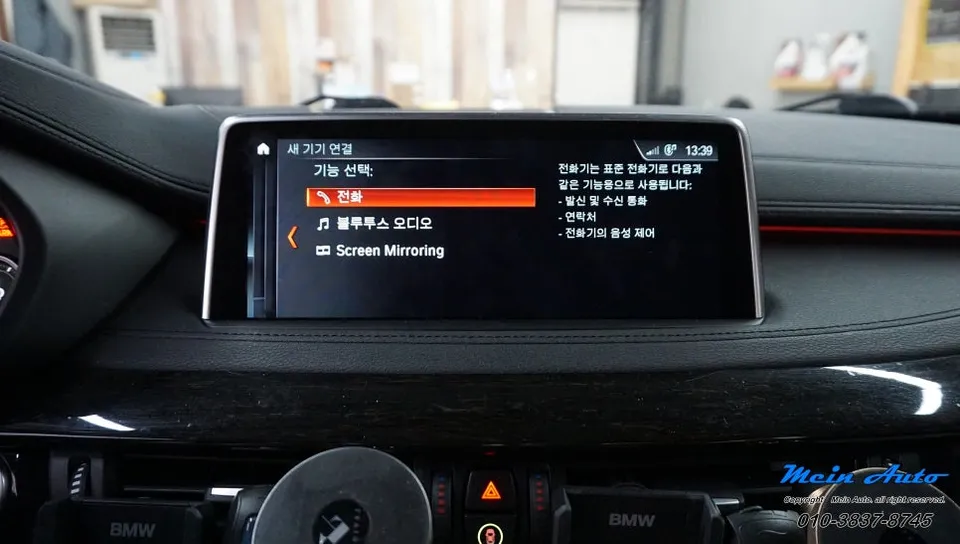
Integrating an Android all-in-one system into your BMW X6 (F16) is a significant upgrade that brings your vehicle's technology into the 21st century. This process typically involves replacing the factory head unit with a new, feature-rich Android-powered system. The primary advantage is the enablement of Android Auto, which allows you to mirror your smartphone's interface onto the car's screen. This means you can use familiar apps like Google Maps, Waze, Spotify, and more, directly from your car's dashboard. The system also supports other popular navigation apps such as T Map and Kakao Navi, catering to local preferences. The result is a more intuitive and safer way to access navigation, music, and communication features while driving. The new head unit often comes with a larger, higher-resolution touchscreen, improving visibility and ease of use compared to the original system. This upgrade not only enhances functionality but also modernizes the interior aesthetics of your BMW X6, providing a sleek and integrated look.
Installation Process and Key Features
The installation of an Android all-in-one system, often referred to as head unit replacement or coding for features like Apple CarPlay (though this review focuses on Android Auto capabilities), is a specialized process. For a 2017 BMW X6 (F16), this typically involves careful removal of the existing dashboard components to access the factory head unit. The new Android system is then wired in, ensuring all original vehicle functions are retained and integrated with the new unit. This process can be performed by professional installers or through specialized coding services. The key benefits include access to a vast ecosystem of Android apps, improved GPS accuracy with real-time traffic updates, and enhanced audio options. The system's user interface is designed to be intuitive, allowing drivers to easily switch between different applications and settings without distraction. This upgrade is an excellent investment for BMW X6 owners looking to maximize their vehicle's technological potential and enjoy a more connected driving experience.
Installation Process:
- Assessment and Preparation: Technicians assess the BMW X6 (F16) and prepare the necessary tools and the new Android all-in-one head unit.
- Dashboard Disassembly: Carefully remove trim pieces and the original head unit from the dashboard to gain access to wiring harnesses.
- Wiring and Connection: Connect the new Android head unit to the vehicle's existing wiring, including power, speakers, and any necessary CAN bus interfaces for vehicle data.
- System Configuration: Install and configure the Android operating system, including setting up Wi-Fi, Bluetooth, and installing essential apps like Android Auto.
- Testing and Reassembly: Test all functions of the new system, including audio, navigation, and smartphone connectivity, before reassembling the dashboard trim pieces.
OhCar Partner Shop