Genesis DH Factory Upgrade Review: LKAS Activation
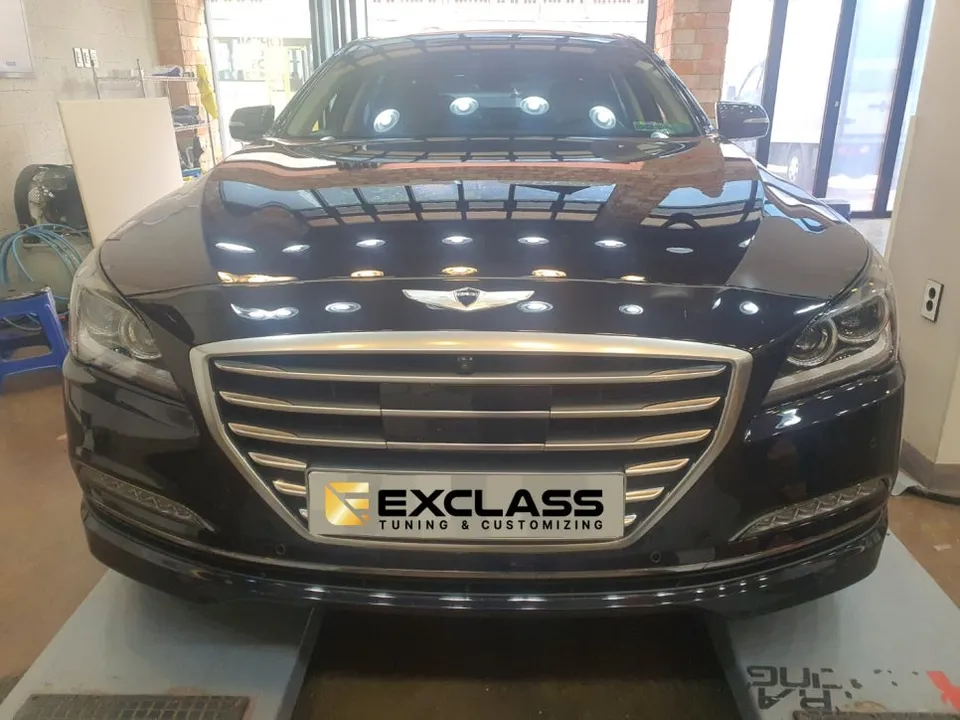
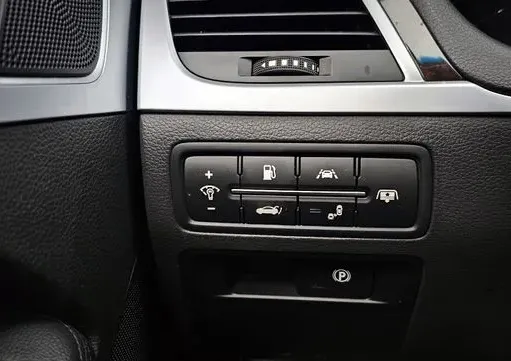
Genesis DH LKAS activation via coding: Cost-effective factory upgrade from LDWS. Enhances safety with steering assist.
Genesis DH: Upgrading Lane Departure Warning to Lane Keeping Assist
Many Genesis DH owners with the Lane Departure Warning System (LDWS) are looking for enhanced safety and convenience. Fortunately, a cost-effective upgrade is available: activating the more advanced Lane Keeping Assist System (LKAS) through a simple coding process. This review explores how this factory option retrofit works, its benefits, and what to consider before proceeding.
Understanding LDWS vs. LKAS on the Genesis DH
The standard LDWS on the Genesis DH alerts you with an audible warning if your vehicle begins to drift out of its lane without the turn signal activated. It's a valuable safety feature, but it only provides a warning. The LKAS, on the other hand, goes a step further. When activated, it not only warns you but also intervenes by making small steering adjustments to help keep the vehicle centered within its lane. This distinction is crucial for drivers seeking a more proactive approach to lane discipline and reduced driving fatigue on longer journeys.
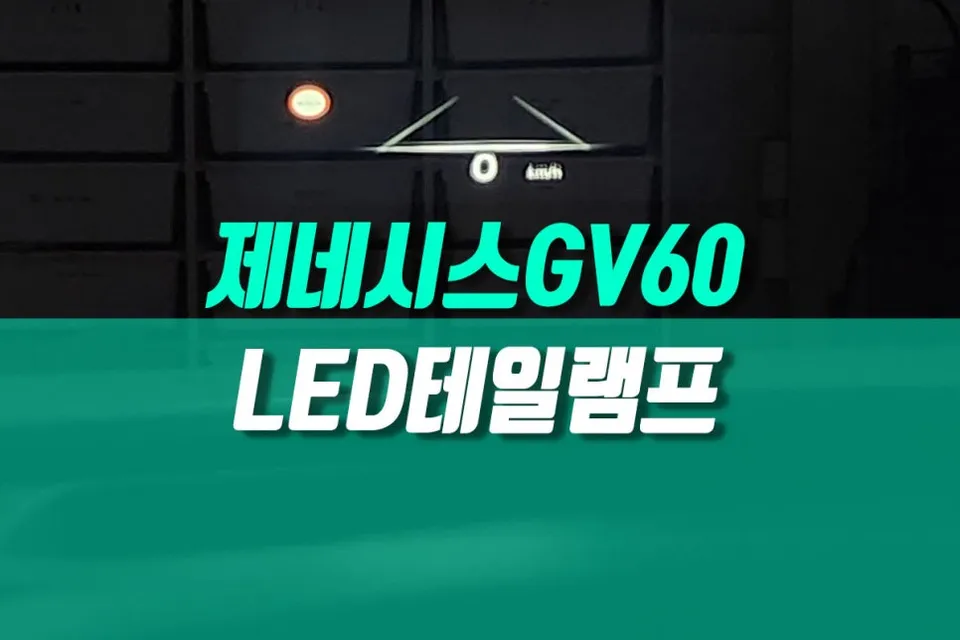
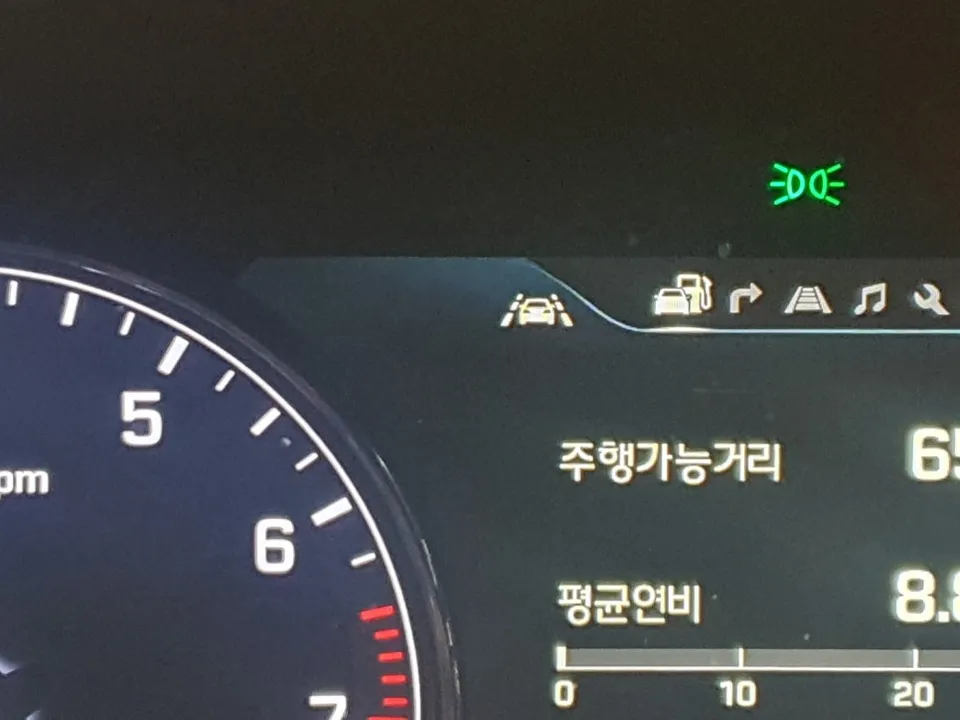
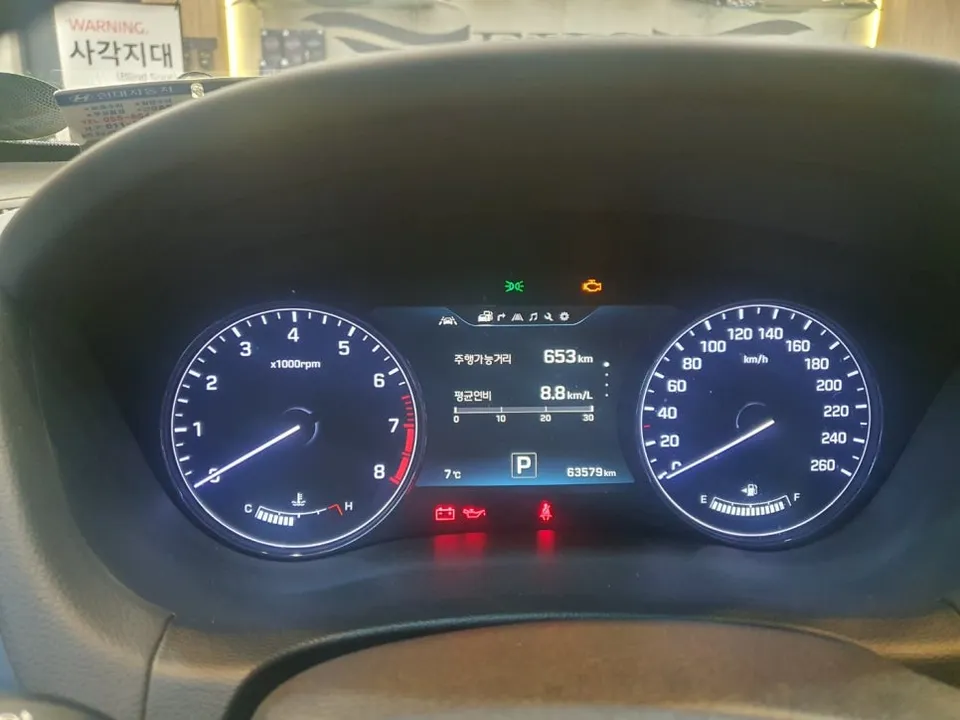
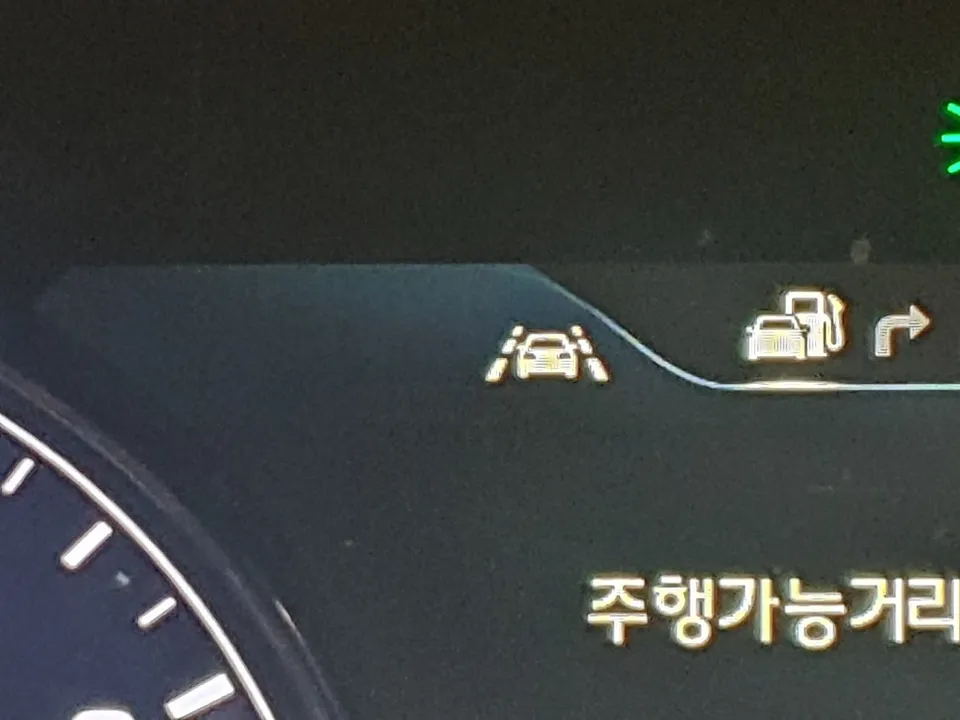
For Genesis DH models already equipped with LDWS, the transition to LKAS is often achievable without replacing physical components like cameras or switches. The core difference lies in the software and coding. The Korean context for this upgrade highlights that vehicles with existing LDWS can leverage this functionality. When LKAS is active, the instrument cluster will display a specific indicator, often showing arrows alongside the lane departure icon, confirming the system's engagement. This visual cue provides immediate feedback that the enhanced system is operational.
The Coding Process for LKAS Activation
Activating LKAS on a Genesis DH equipped with LDWS is primarily a software-based procedure. It involves using a specialized diagnostic tool to modify the vehicle's existing computer settings. This process essentially 'unlocks' the LKAS functionality that may already be latent within the car's hardware.
Installation process:
- Diagnostic Connection: A technician connects a specialized diagnostic tool to the vehicle's OBD-II port.
- Software Coding: Using the diagnostic tool, specific modules within the car's computer are accessed and reprogrammed to enable LKAS features. This includes modifying settings related to the existing lane departure warning system.
- System Verification: After coding, the system is tested. The turn signal stalk (often used as the LDWS/LKAS control) is operated, and the instrument cluster is checked for the new LKAS activation indicators (e.g., arrows appearing below the lane icon).
- Functionality Check: The LKAS system's operation is verified under driving conditions, confirming that it provides steering assistance to maintain lane position above a certain speed threshold (typically around 60 km/h or 37 mph) and when lane markings are clearly visible.
The result is a significant enhancement in driving assistance technology, achieved through a relatively straightforward and efficient coding procedure. The original Korean context mentions this is performed by specialized tuning shops in regions like Gyeongnam Gimhae.
LKAS Functionality, Conditions, and Considerations
Once activated, the LKAS system can be managed through the vehicle's instrument cluster settings menu. Here, drivers can typically enable or disable the system and adjust parameters such as the timing of lane departure intervention (e.g., before or after crossing the line). Unlike the passive LDWS, LKAS actively assists the driver. When the system is active and lane markings are clear, it will provide gentle steering input to help keep the vehicle centered. This feature is generally most effective at speeds above 60 km/h (approximately 37 mph) and requires well-defined lane markings on the road.
When considering this factory option upgrade for your Genesis DH, the primary advantage is the enhancement of safety and comfort without the need for expensive hardware replacements. The coding-only approach makes it a more accessible option compared to retrofitting entirely new systems. The durability of the activated LKAS system is tied to the vehicle's original hardware and software integrity, meaning it should be as reliable as any other factory-installed electronic system. Maintenance typically involves ensuring the forward-facing camera (often shared with other ADAS features) is clean and unobstructed.
Frequently Asked Questions
Q. How much does OEM option and factory upgrade installation cost for a Genesis DH?
The coding-only activation for LKAS on a Genesis DH, as performed in Korea, is a cost-effective upgrade. While specific US pricing varies, similar software activation services typically range from $200 to $500 USD.
Q. How long does OEM options installation take on a Genesis DH?
This coding-based factory option retrofit is generally a quick process, often completed within 1-2 hours. The durability is equivalent to factory-installed systems, requiring minimal maintenance beyond keeping the forward camera clean.
Q. Are OEM options worth adding after purchase for a Genesis DH?
For Genesis DH owners with LDWS, upgrading to LKAS via coding is highly recommended for enhanced safety and reduced driving fatigue. It offers significant value by providing active lane-keeping assistance without costly hardware changes.
Q. How are OEM factory options installed on a Genesis DH?
This specific OEM option upgrade involves using a specialized diagnostic tool connected to the vehicle's OBD-II port. 1. The technician connects the tool. 2. Software coding is performed to enable the LKAS features within the car's computer. 3. The system is verified via the instrument cluster and tested during a short drive.
Q. What is the difference between dealer-installed options and aftermarket upgrades for a Genesis DH?
Dealer-installed options, like this LKAS activation, utilize genuine OEM software and hardware, ensuring seamless integration and reliability. Aftermarket upgrades may involve non-OEM parts and software, potentially leading to compatibility issues or voiding warranties.
OhCar Partner Shop