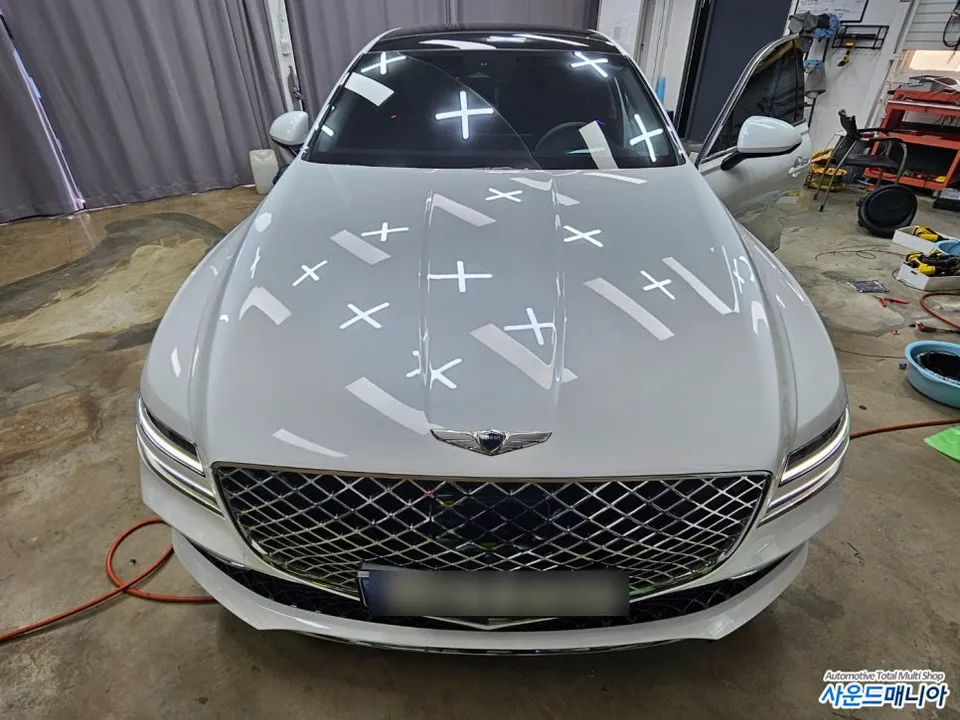
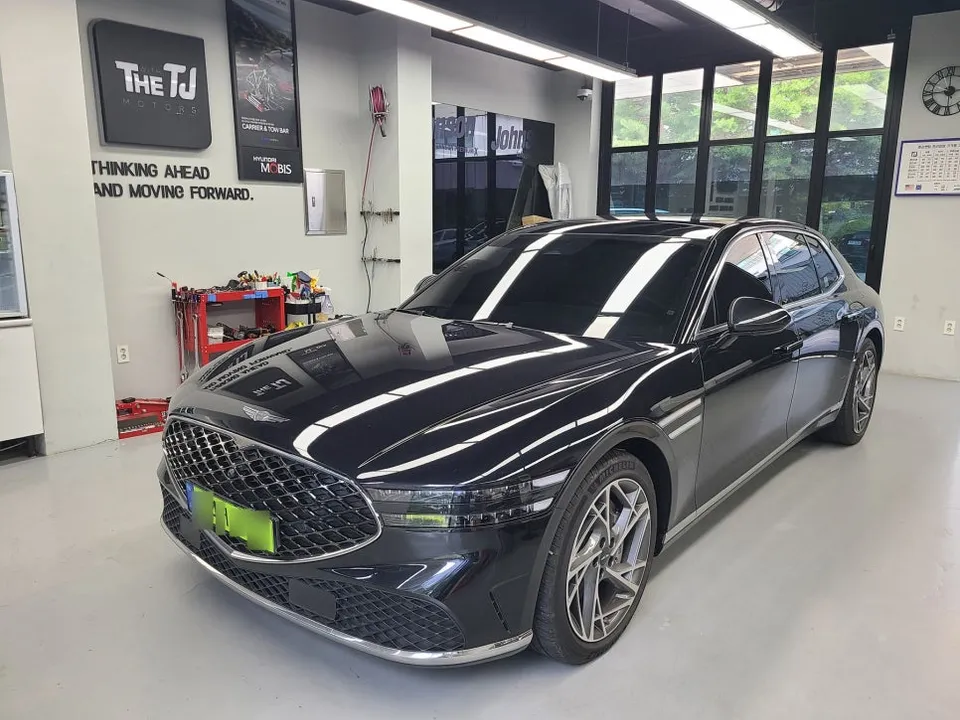
Genesis EQ900 Android Head Unit Upgrade: Navigation & CarPlay
Service Price
$75–115
Estimated price · Actual price may vary by shop
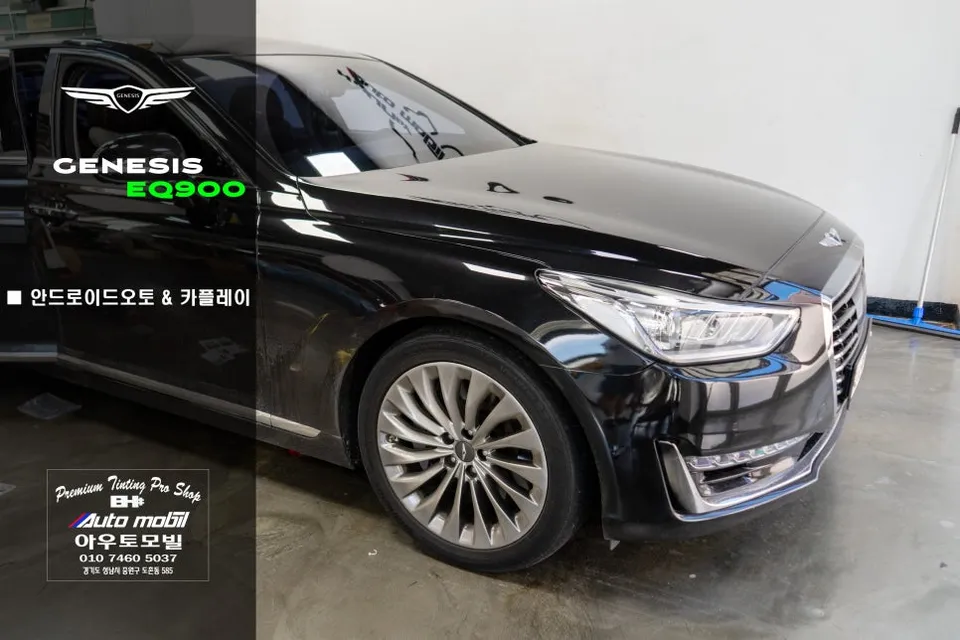
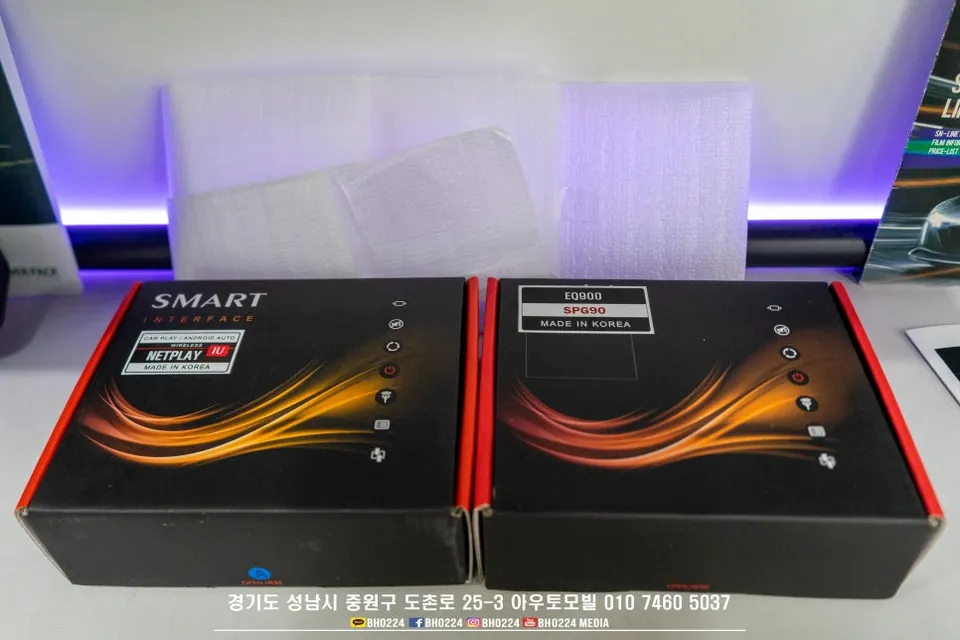
Genesis EQ900 Android Auto & CarPlay upgrade for 2016-2018 models. Fixes 'ink bleed' issue. Seamless smartphone integration.
Upgrade Your Genesis EQ900 Navigation with Android Auto & CarPlay
For Genesis EQ900 owners, particularly those with 2016-2018 models equipped with the Harman audio system, the lack of native Android Auto and CarPlay can be a significant drawback. Unlike the 2019 and later models which feature an LG display system with these capabilities, earlier versions are limited. This review details how to overcome this limitation by integrating Android Auto and CarPlay, significantly enhancing your driving experience and smartphone connectivity.
Why Upgrade Your EQ900 Navigation System?
The Harman audio system in the 2016-2018 Genesis EQ900, while excellent for audio quality, predates widespread adoption of smartphone mirroring technologies. This means you're missing out on the convenience of using your favorite navigation apps like Google Maps or Waze, streaming music through Spotify or Apple Music, and accessing other essential smartphone functions directly on your car's display. The 2019+ models with the LG system offer this, leaving earlier owners feeling behind. This upgrade bridges that gap, bringing modern functionality to your luxury sedan.
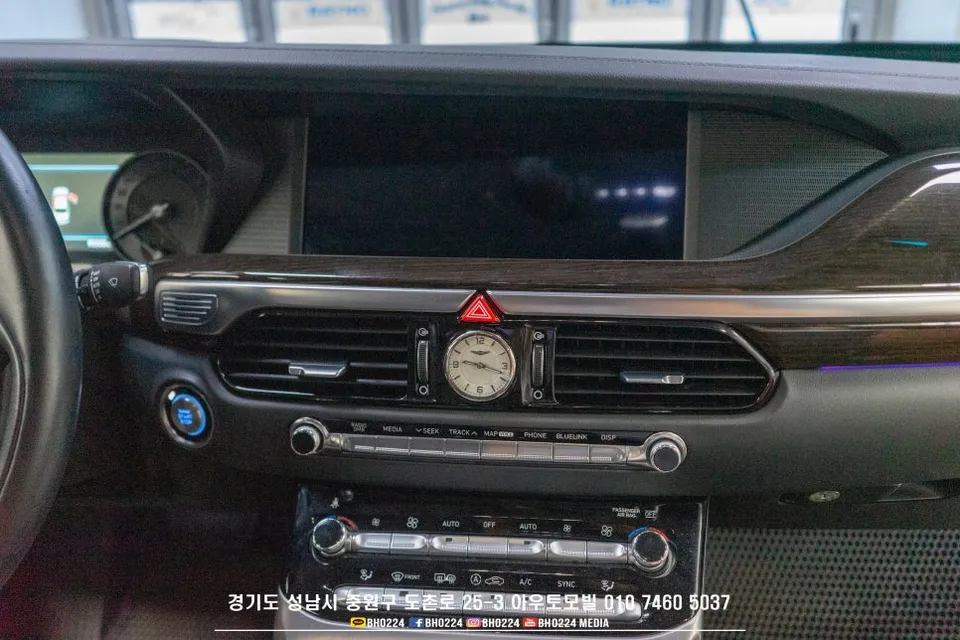
Addressing the 'Ink Bleed' Issue and Touchscreen Glitches
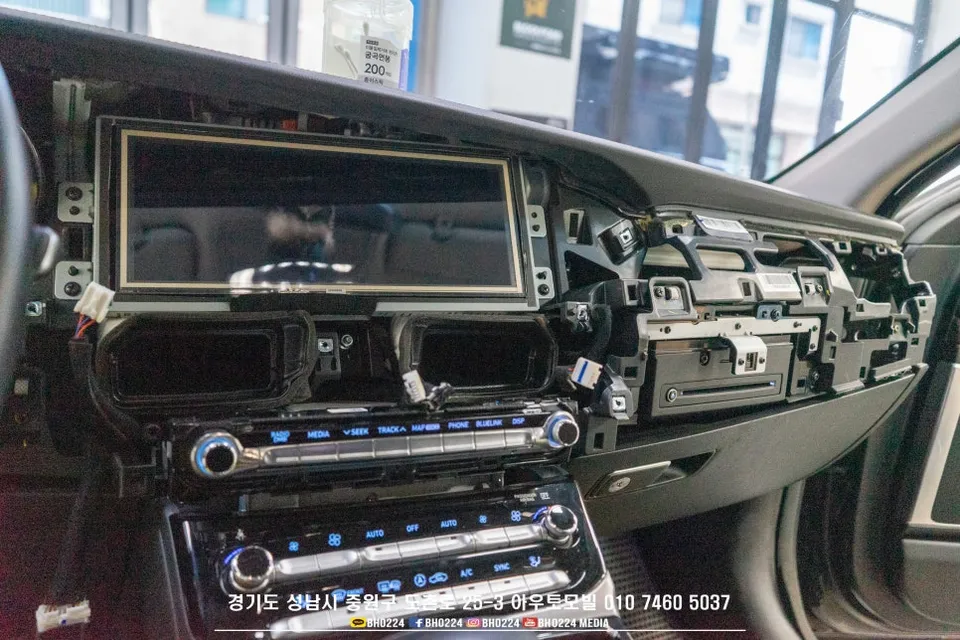
A common issue with the EQ900's Harman system is the 'ink bleed' or 'water stain' effect on the display, which worsens over time and can impair visibility. This phenomenon can also lead to erratic touchscreen behavior. If you're considering an upgrade, it's highly recommended to address this by performing a compatible aftermarket touchscreen modification alongside the Android Auto/CarPlay integration. This not only resolves the 'ink bleed' and touch issues but also ensures a stable and reliable user experience for the new features, without compromising the original display's clarity.
Android Auto & CarPlay Integration Process
This upgrade focuses on adding Android Auto and CarPlay functionality while retaining your car's original system. The process is designed to be efficient and minimally invasive:
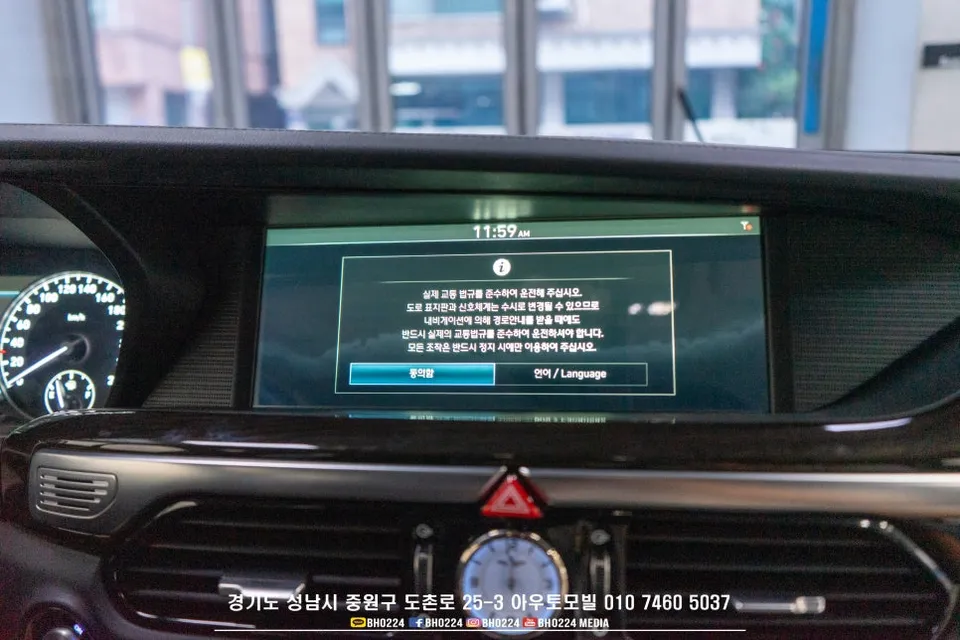
- System Access: Initiate the process by long-pressing the 'End Call' button on your steering wheel to enter the screen switching mode. This enables touch control for the subsequent steps.
- Initial Bluetooth Pairing: A one-time Bluetooth connection between your smartphone and the car's system is required. This establishes the communication link for wireless functionality.
- Function Activation: Once paired, your smartphone's Android Auto or CarPlay interface will launch on the car's display, allowing you to seamlessly use your phone's apps.
This method provides a cost-effective way to add essential modern features, enhancing your Genesis EQ900's infotainment system without a full replacement.
Frequently Asked Questions
Q. How much does Android Head Unit cost for a Genesis EQ900?
The specific cost for this Android Auto & CarPlay integration on a Genesis EQ900 is not provided in the original text, but similar upgrades in the US typically range from $500 to $1500 depending on the complexity and features.
Q. How long does Android Head Unit last on a Genesis EQ900?
The longevity of the Android Auto & CarPlay integration depends on the quality of the components and installation, but it is generally designed to last for the lifespan of the vehicle. Regular software updates and avoiding physical damage to the screen will help maintain its performance.
Q. Is Android Head Unit worth it for a Genesis EQ900?
This upgrade is highly recommended for 2016-2018 Genesis EQ900 owners who desire modern smartphone integration and navigation capabilities. It offers significant value by bringing essential features to an older system without the cost of a full head unit replacement.
Q. How is Android Head Unit done on a Genesis EQ900?
The process involves accessing a special screen mode by long-pressing the 'End Call' button, enabling touch control. A one-time Bluetooth pairing with your smartphone is then performed, after which Android Auto or CarPlay will launch on the car's display.
Q. What is the best Android Head Unit option for a Genesis EQ900?
For Genesis EQ900 models (2016-2018) experiencing the 'ink bleed' issue, the best option is to integrate Android Auto/CarPlay with an aftermarket touchscreen modification. This addresses the screen defect while adding the desired smartphone connectivity.
OhCar Partner Shop