Genesis GV60 Dashcam Installation Review — Safe Parking Recording
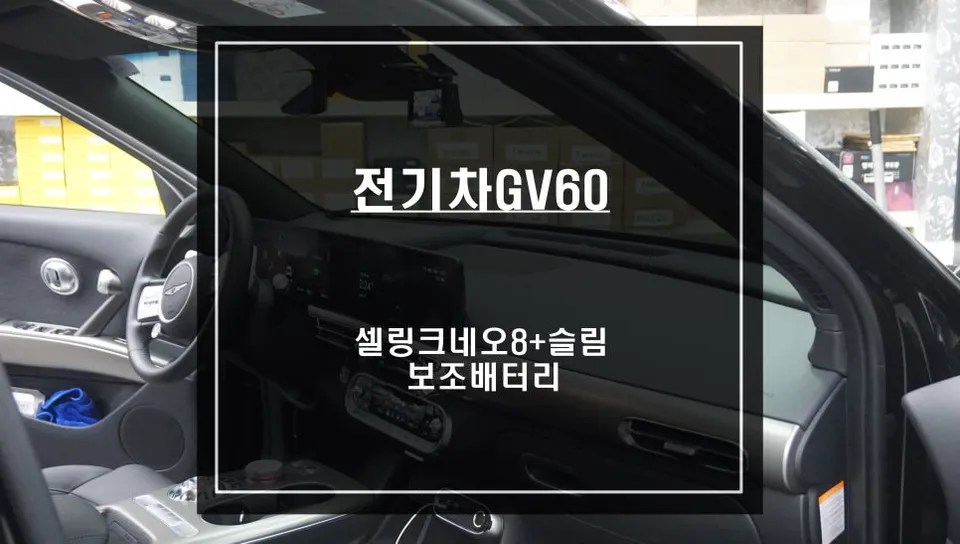
Genesis GV60 dashcam installation with Cellink Neo 8+ Slim auxiliary battery for safe parking recording. No battery drain.
The Hidden Risk of Dashcam Parking Mode on Electric Vehicles
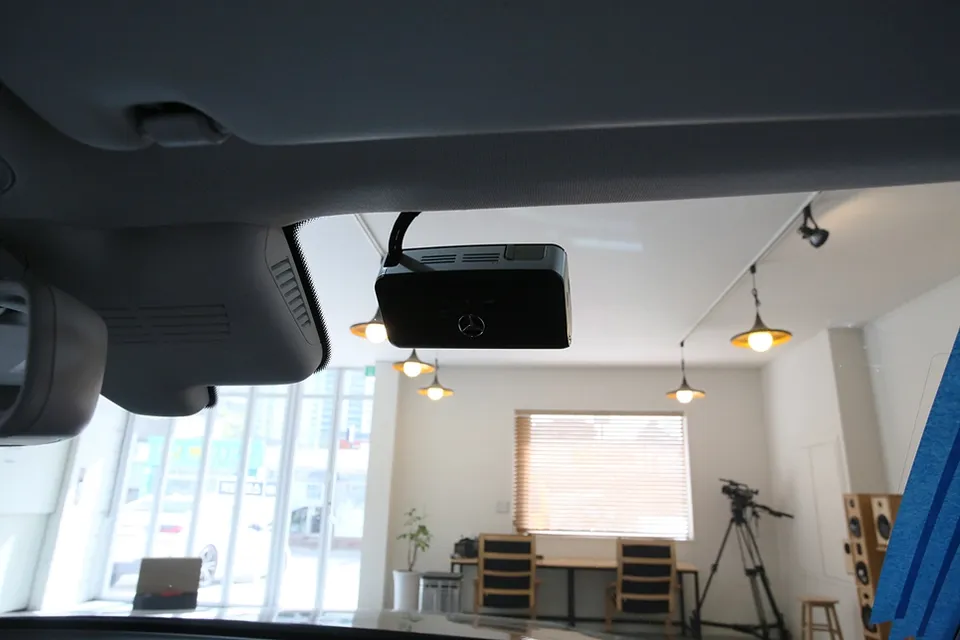
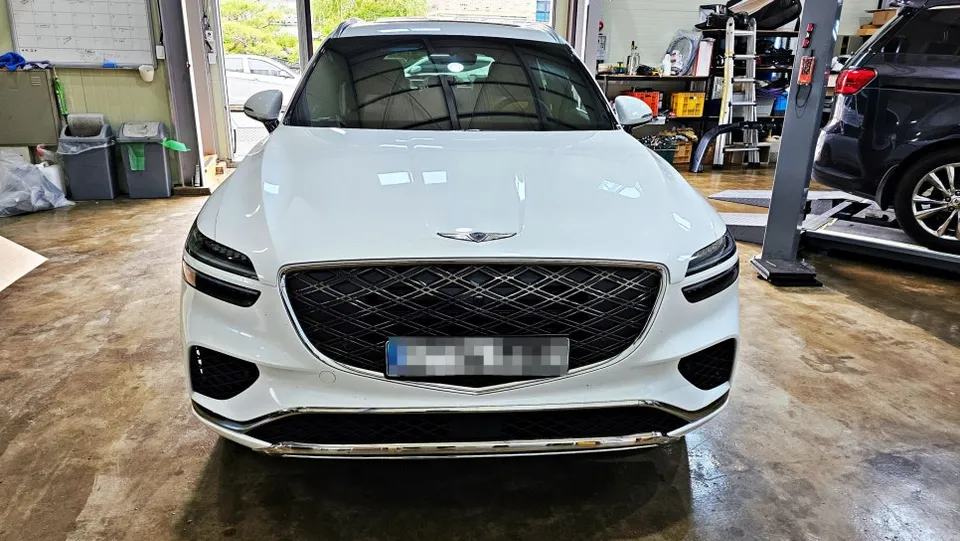
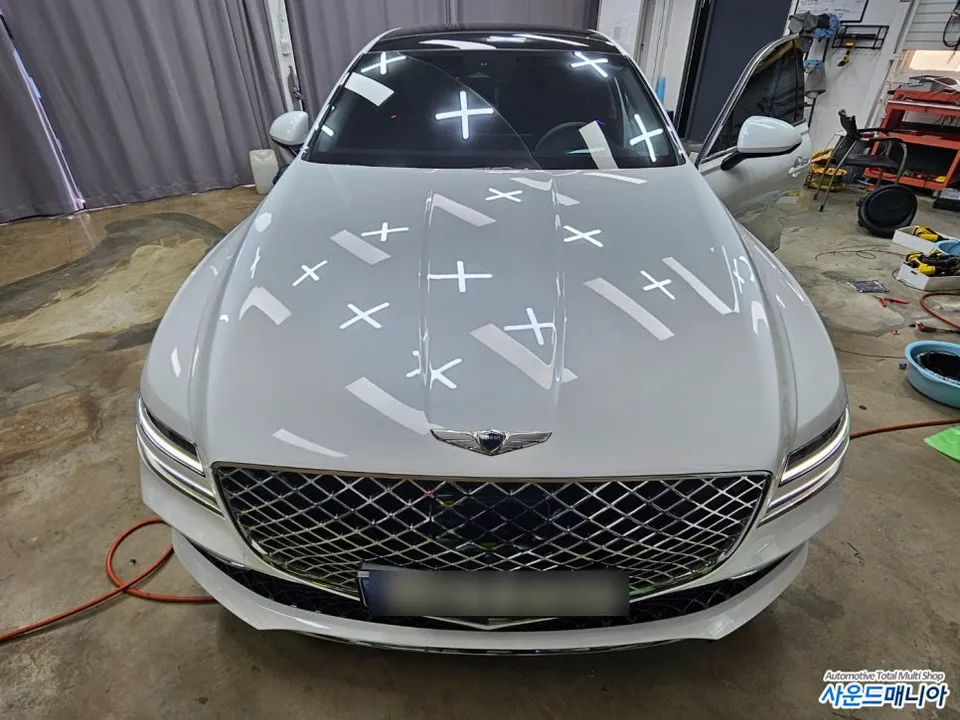
Many Genesis GV60 owners connect their dashcams directly to the B+ fuse for convenient parking recording. However, this common practice can lead to a significant problem: battery drain due to parasitic current. Even advanced electric vehicles like the GV60 are not immune. This installation addresses that exact issue by integrating a dedicated power solution, ensuring your dashcam operates safely during parking without impacting the vehicle's original battery.
Cellink Neo 8+ Slim: The Smart Choice for EV Dashcam Power
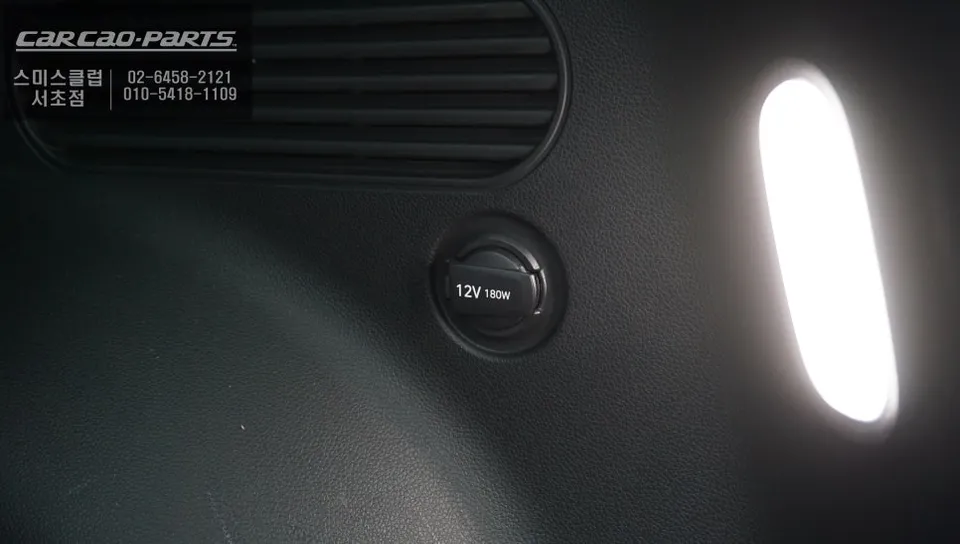
For this Genesis GV60, we installed the Cellink Neo 8+ Slim, a specialized auxiliary battery designed to power dashcams during parking. This system offers a clean installation, connecting via the trunk's cigarette lighter socket in an IN/OUT configuration. This method preserves the vehicle's original wiring, making it ideal for warranty purposes and future resale. The Cellink Neo 8+ Slim is configured to charge at 7.5A, allowing for a full charge within approximately one hour of driving, providing ample power for parking mode. It's crucial to note that the optimal charging current varies based on the vehicle model and battery capacity, underscoring the need for professional consultation.
Dashcam Parking Recording: 24/7 Peace of Mind
The Cellink Neo 8+ Slim boasts a capacity sufficient for approximately 24 hours of continuous recording, assuming a standard dashcam power draw of 320mA. This ensures your GV60 is protected even during extended periods away from the vehicle. For even longer parking durations, the charging current can be adjusted. Management is made simple through a Bluetooth-enabled app, which provides real-time monitoring of the auxiliary battery's charge status, estimated recording time, voltage, current, and remaining capacity. This app also allows for temporary charging suspension, which is particularly useful when the vehicle is serviced at a dealership.
Installation Process:
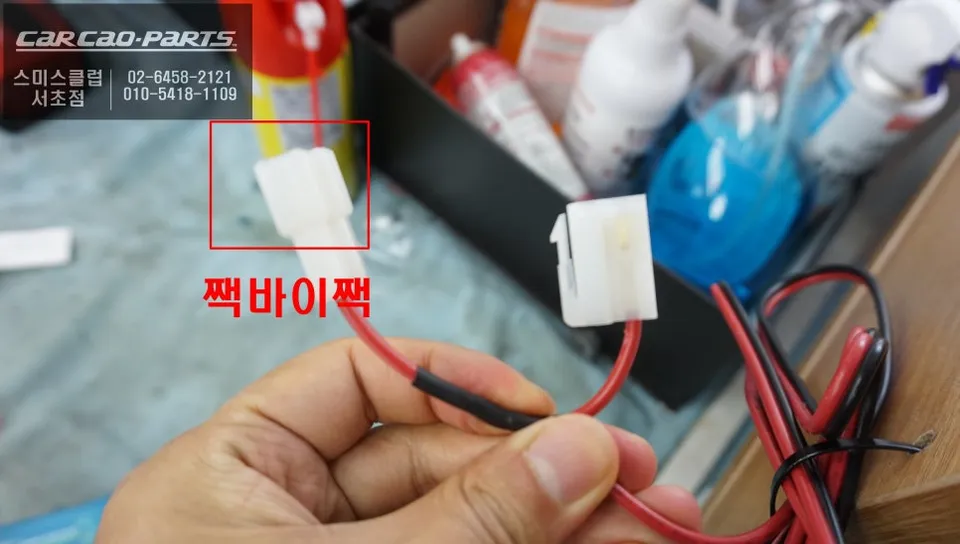
- Connect the Cellink Neo 8+ Slim to the trunk's cigarette lighter socket using the provided IN/OUT harness.
- Configure the charging current via the Bluetooth app, typically set to 7.5A for the GV60.
- Pair the device with your smartphone via the dedicated app for monitoring.
- Test the dashcam's parking mode functionality to ensure proper operation.
Frequently Asked Questions
Q. How much does dashcam & navigation cost for a Genesis GV60?
The installation of the Cellink Neo 8+ Slim auxiliary battery for dashcam parking mode on a Genesis GV60 typically costs around ₩400,000 (Korean Won). US pricing for similar systems can range from $200 to $500 depending on the brand and capacity.
Q. How long does dashcam & navigation last on a Genesis GV60?
With the Cellink Neo 8+ Slim, the dashcam can record for approximately 24 hours on a single charge, assuming a 320mA draw. Regular driving ensures the auxiliary battery is recharged, maintaining its readiness.
Q. Is dashcam & navigation worth it for a Genesis GV60?
Dashcam parking recording is highly recommended for Genesis GV60 owners concerned about battery drain and seeking continuous surveillance. It provides essential protection without compromising the vehicle's electrical system.
Q. How is dashcam & navigation done on a Genesis GV60?
Installation involves connecting the Cellink Neo 8+ Slim auxiliary battery to the vehicle's trunk cigarette lighter socket using a specialized harness. The system is then configured via a smartphone app to manage charging and monitor performance.
Q. What is the best dashcam & navigation option for a Genesis GV60?
The Cellink Neo 8+ Slim is an excellent option for the Genesis GV60 due to its non-invasive installation and dedicated EV power management features. It effectively prevents battery drain while ensuring reliable parking recording.
Kakao Parts