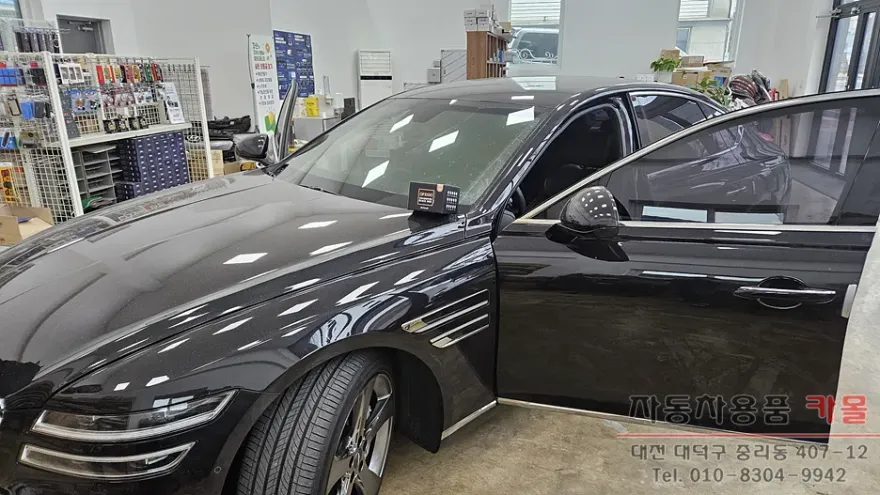
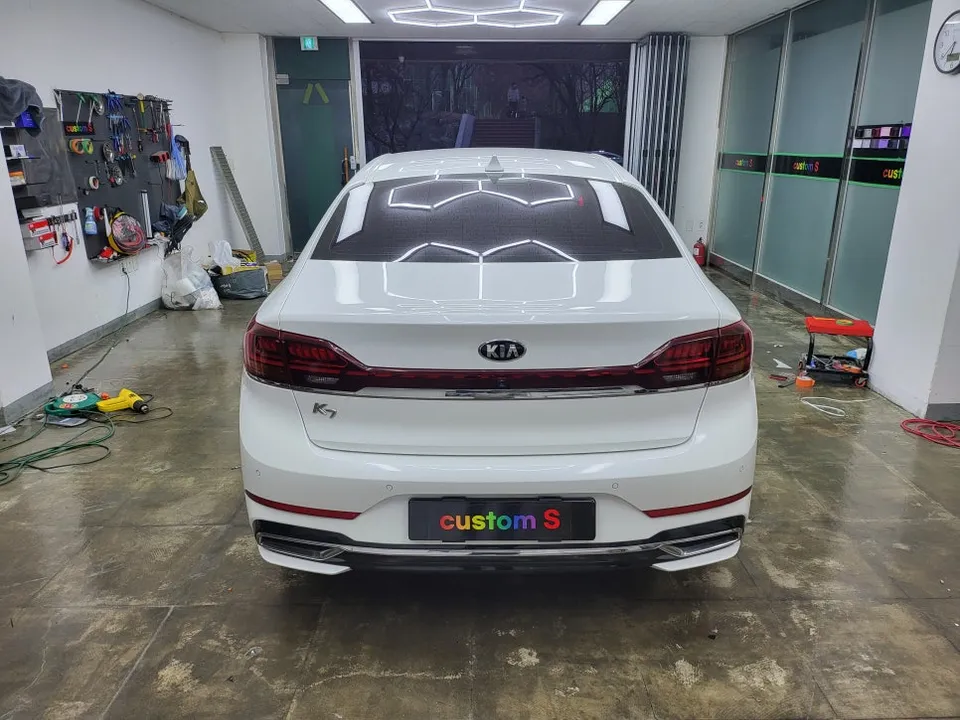
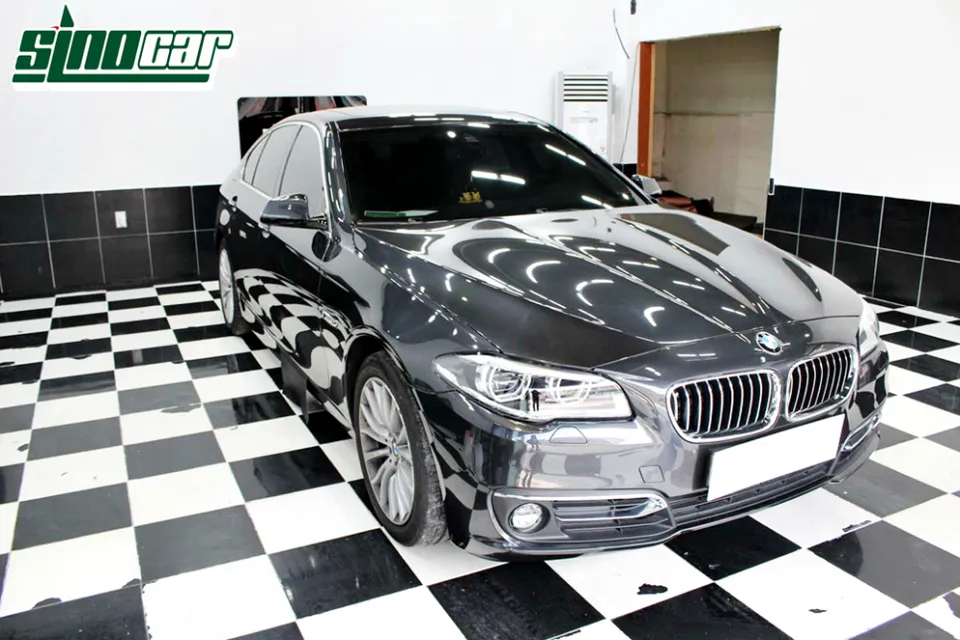
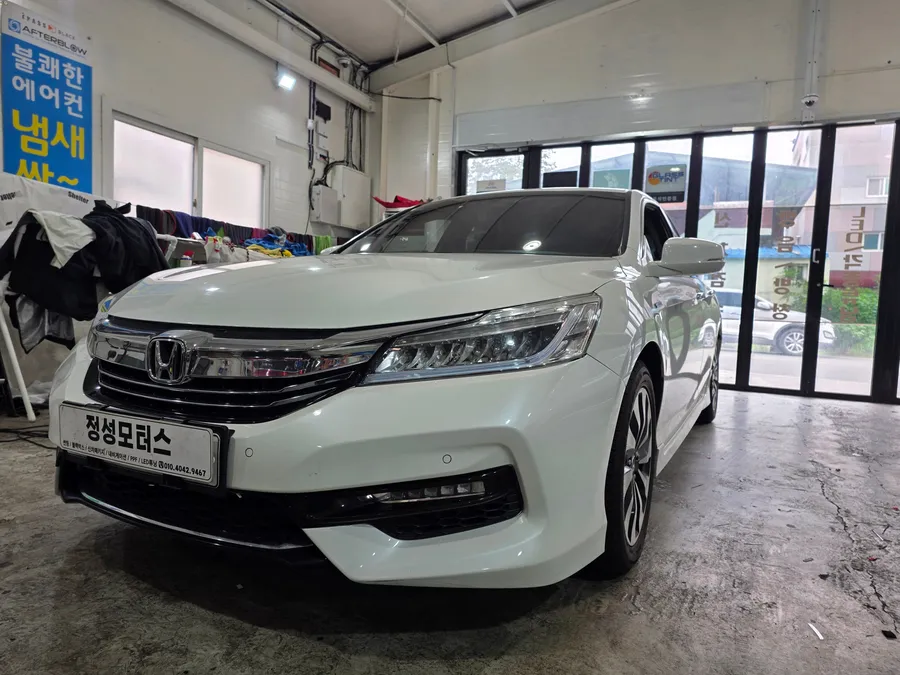
Genesis GV80 Dash Cam Installation Review
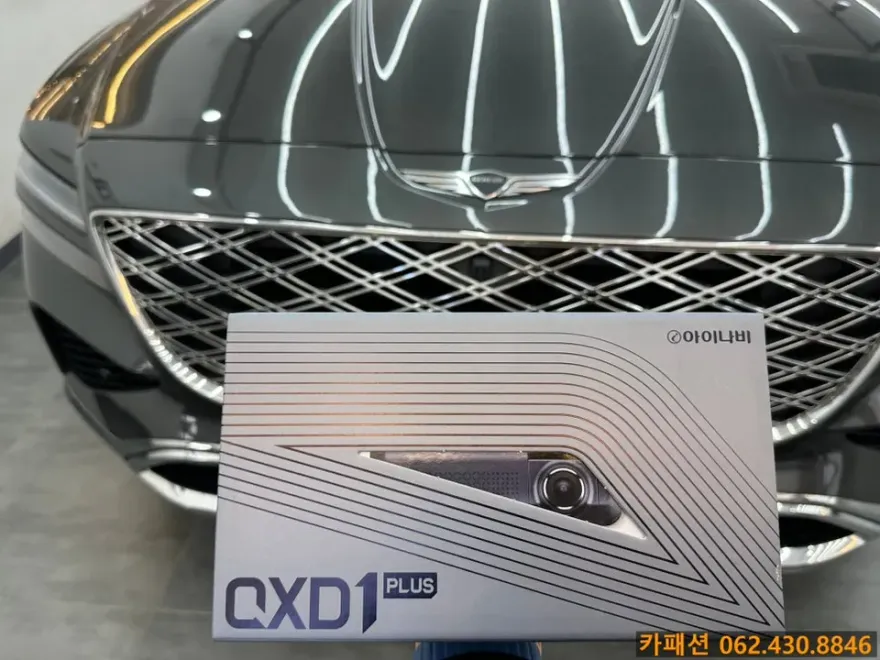
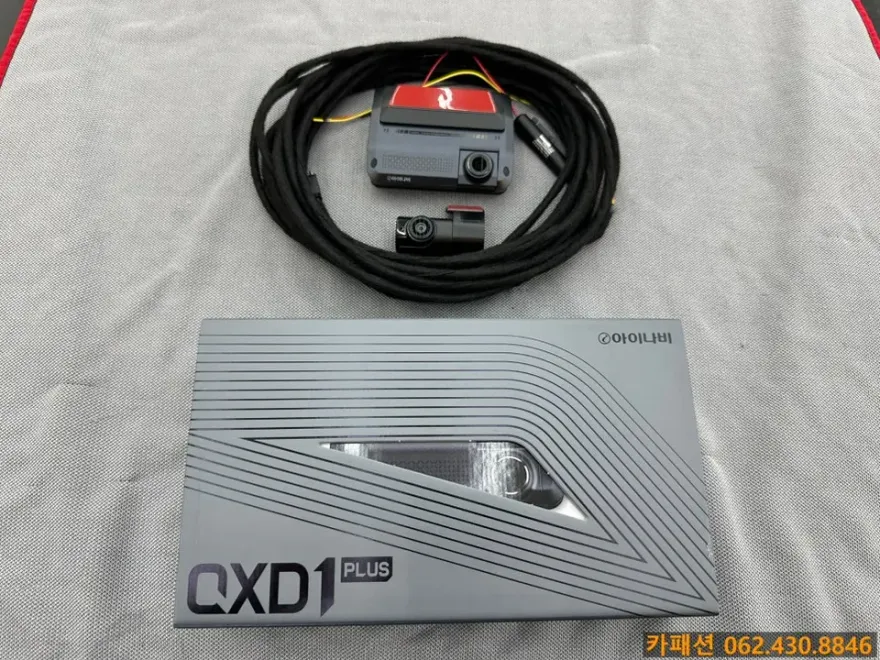
Genesis GV80 iNavi QXD1 Plus dash cam installation: Approx. ₩300,000+ for the unit. Offers QHD video & AI safety features.
Genesis GV80 Dash Cam Installation: iNavi QXD1 Plus Review
Equipping your Genesis GV80 with a quality dash cam is a smart move for enhanced safety and evidence collection. This review focuses on the installation of the iNavi QXD1 Plus, a high-end black box camera known for its advanced features. While this specific installation took place in Korea, the insights into the product, installation process, and considerations are valuable for any Genesis GV80 owner in the US or UK looking to upgrade their vehicle's safety.
iNavi QXD1 Plus: Features and Performance
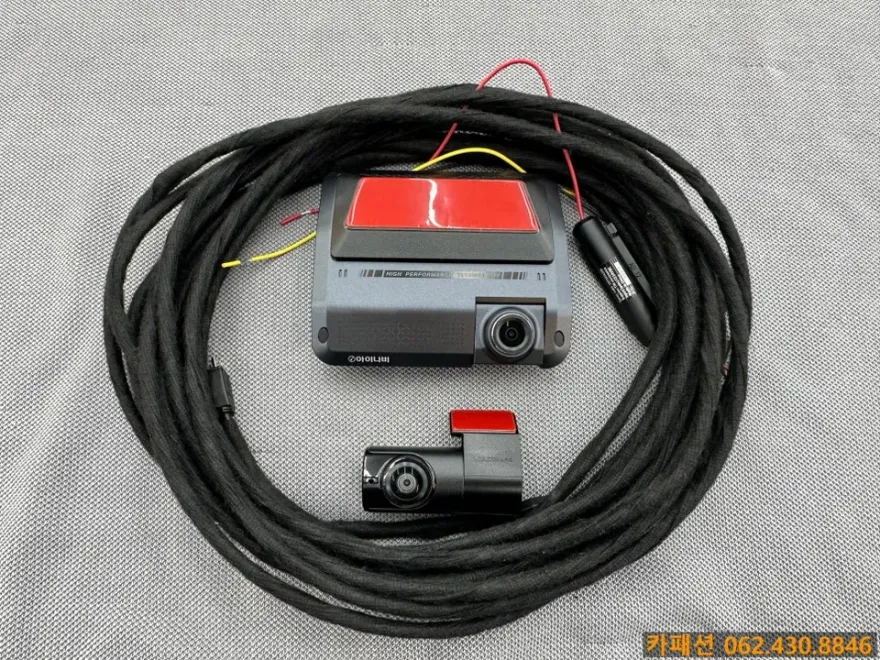
The iNavi QXD1 Plus stands out with its QHD resolution for both front and rear cameras, ensuring crystal-clear video capture even in challenging conditions. A key differentiator is its proprietary deep learning technology, which analyzes road objects in real-time, offering advanced driver-assistance features like lane departure and forward collision warnings. This intelligent system helps prevent accidents and provides crucial evidence if one occurs. The camera's design integrates seamlessly with the vehicle's interior, minimizing glare and distortion. With a wide 172-degree field of view for the rear camera, it captures a comprehensive view of the surroundings, leaving fewer blind spots.
Dash Cam Installation Process and Considerations
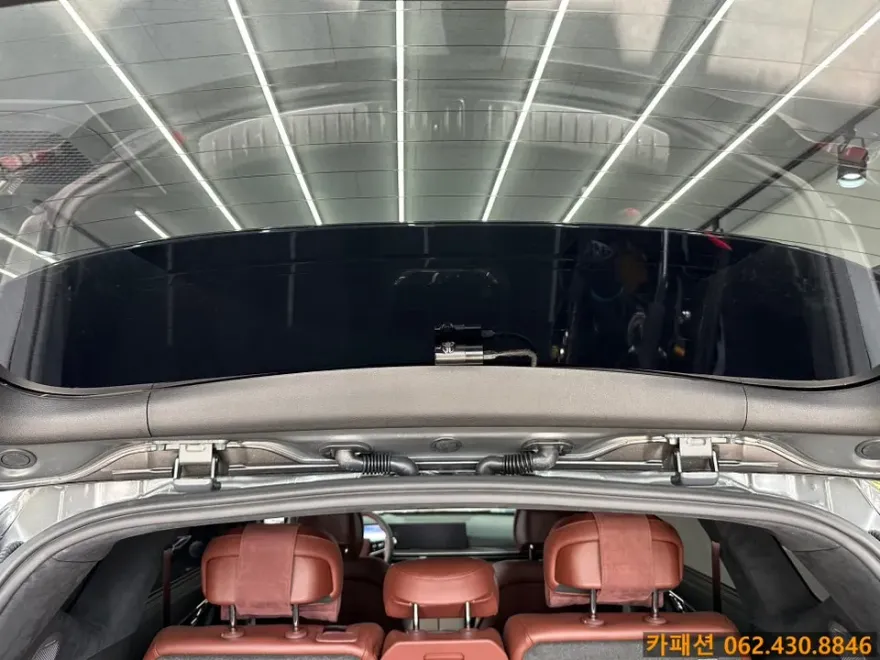
Professional dash cam installation is more than just plugging in a device. For the Genesis GV80, a meticulous approach ensures optimal performance and longevity. The process typically involves careful routing of wires to prevent interference and noise, often using sound-dampening tape like German Tesa tape to eliminate rattles within the cabin. The rear camera is mounted precisely to maximize its viewing angle. This attention to detail prevents damage to the vehicle's interior and ensures the dash cam functions reliably. The entire installation usually takes between 1 to 2 hours and can often be completed the same day.
Installation Process:
- Professional assessment of optimal camera placement for front and rear views.
- Careful routing of all wiring behind panels to maintain a clean interior and prevent noise.
- Secure mounting of cameras and connection to the vehicle's power system, often hardwiring for parking mode functionality.
- Testing of all features, including recording, parking mode, and any integrated safety alerts.
When choosing a dash cam for your Genesis GV80, prioritize QHD resolution for clear evidence, excellent low-light performance, and smart features that aid driving safety. Ensure the installation is performed by a reputable professional to guarantee durability and proper function. The iNavi QXD1 Plus, with its advanced AI capabilities and high-quality recording, represents a significant upgrade for vehicle safety.
Frequently Asked Questions
Q. How much does dash cam installation cost for a Genesis GV80?
The iNavi QXD1 Plus unit starts around ₩300,000 (approx. $220 USD), with installation fees separate. Total cost varies by installer and vehicle specifics.
Q. How long does dash cam installation take on a Genesis GV80?
Installation typically takes 1-2 hours, ensuring all wiring is neatly managed for durability. Regular checks of connections and lens cleaning are recommended maintenance.
Q. Is a hardwired dash cam worth it over a self-install for a Genesis GV80?
A hardwired dash cam is recommended for reliable parking mode recording and a cleaner installation. Professional installation ensures optimal performance and avoids potential electrical issues.
Q. How is a dash cam professionally installed on a Genesis GV80?
1. Cameras are precisely mounted for optimal viewing angles. 2. Wiring is carefully routed behind interior panels using sound-dampening tape. 3. The unit is hardwired to the vehicle's power for continuous operation, including parking mode.
Q. What is the difference between a 1-channel and 2-channel dash cam for a Genesis GV80?
A 1-channel dash cam records only the front view, while a 2-channel system records both front and rear. A front and rear dash cam is recommended for comprehensive coverage.
Q. What should I know before getting Dash Cam on a Genesis GV80? (common regrets and mistakes)
The most common regret is choosing a low-quality camera that fails in critical moments. Always opt for QHD resolution and professional installation for reliable evidence.
OhCar Partner Shop