Honda Accord Dash Cam Installation Review
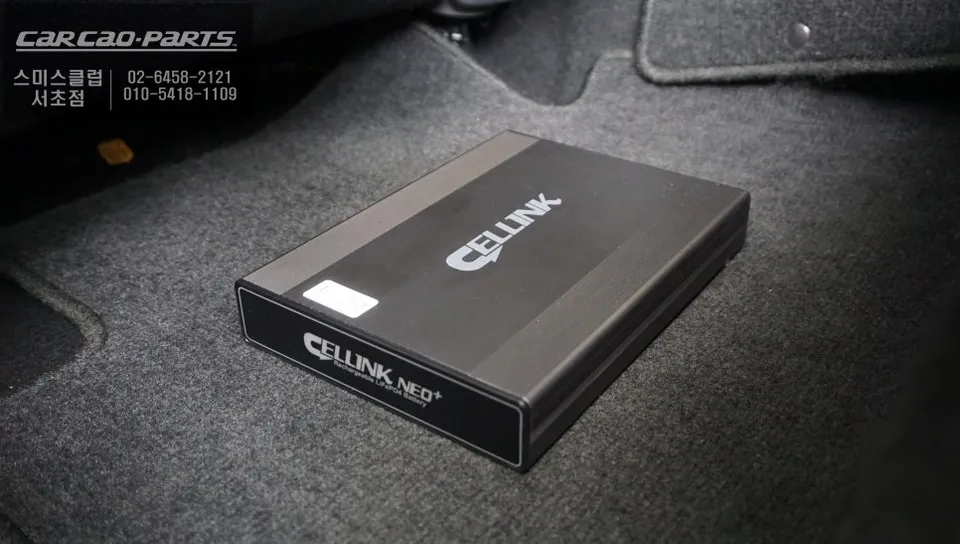
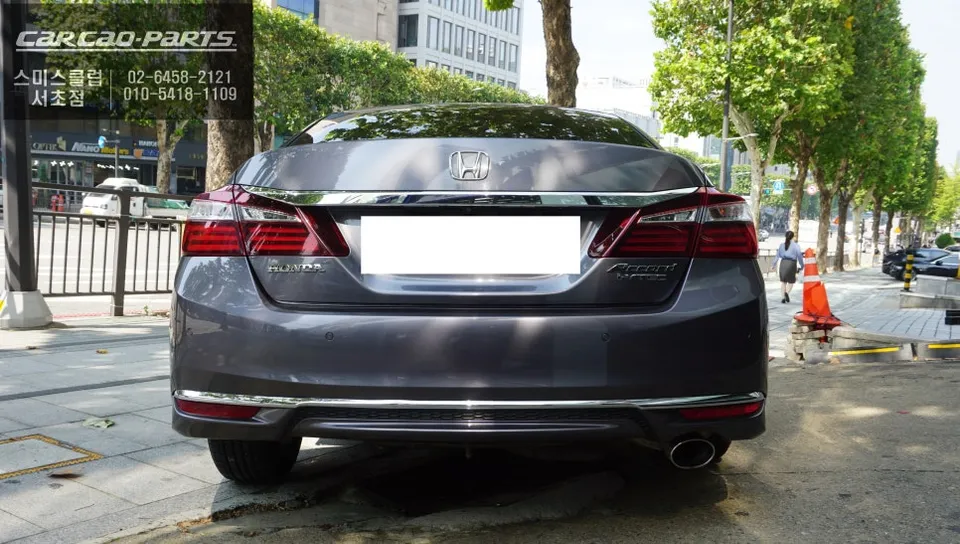
Dash cam power solution for Honda Accord 9.5. Prevents battery drain during parking. Bluetooth monitoring included.
Why Your Honda Accord Needs a Dash Cam Power Solution
For Honda Accord owners who rely on dash cams, the common headache of battery drain during parking is a significant concern. Dash cams continuously record, consuming substantial power, which can lead to your main car battery being depleted, especially during extended parking periods. This review details a professional installation of an auxiliary battery system for a Honda Accord 9.5, designed to provide stable power to your dash cam without compromising the vehicle's original wiring. This method effectively prevents main battery discharge and potential vehicle malfunctions, allowing for worry-free dash cam operation.
The "Plug-and-Play" Method: Safe and Smart Power
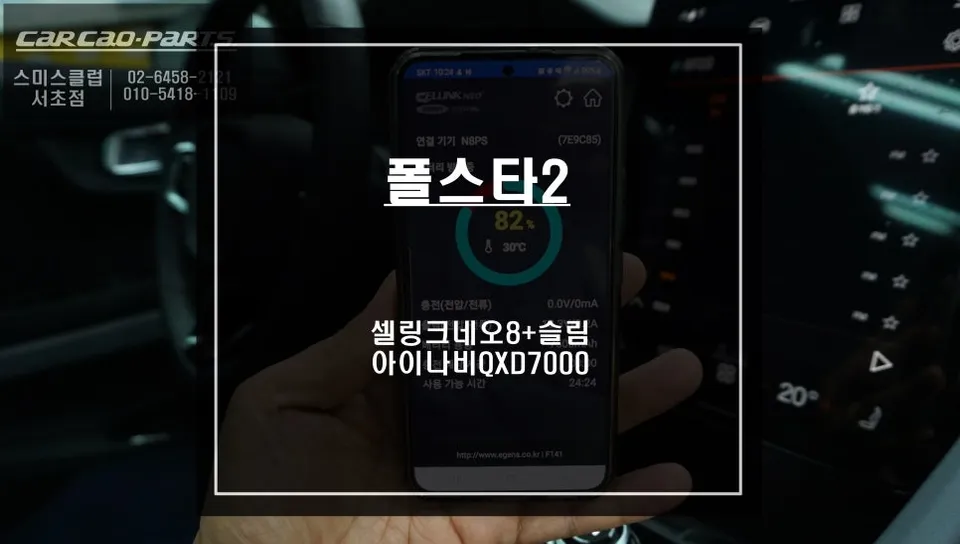
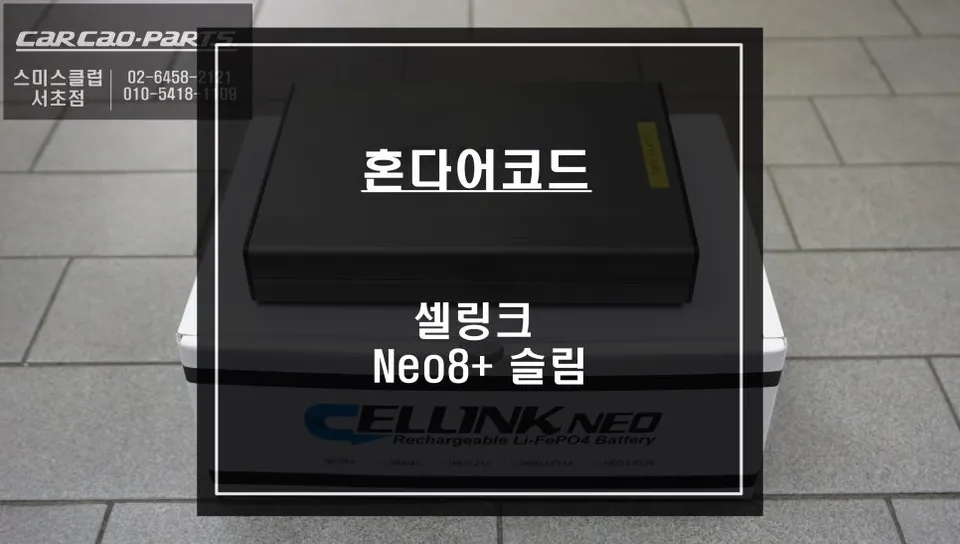
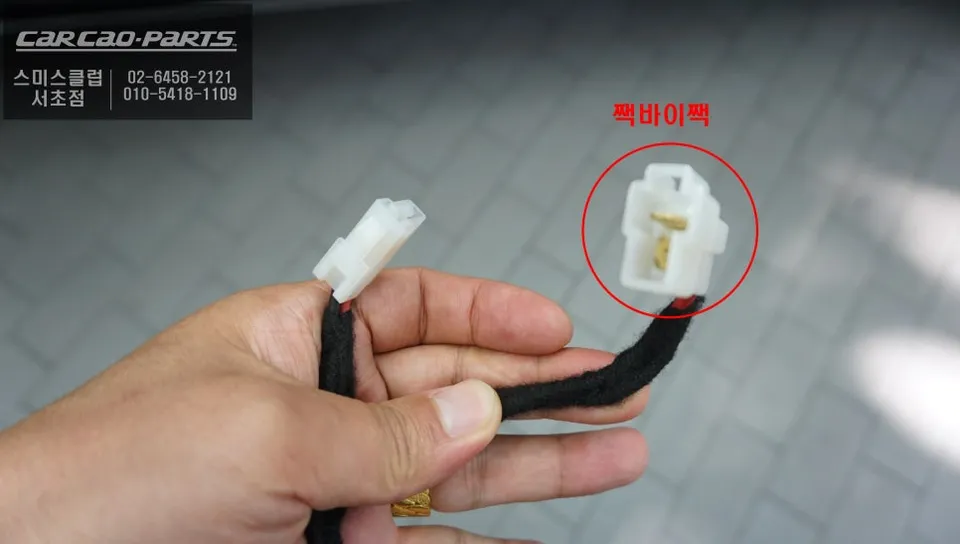
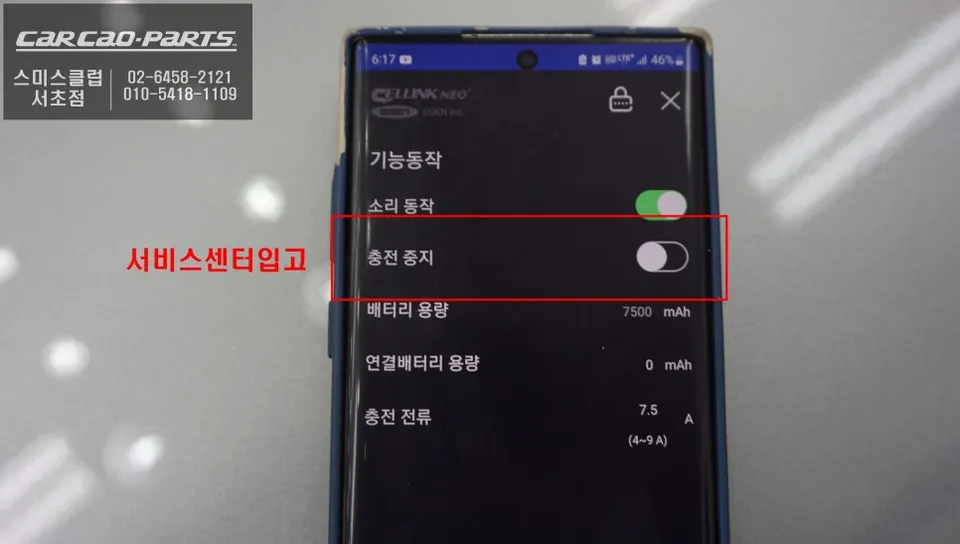
The paramount concern during any accessory installation on a Honda Accord is preserving the integrity of the factory wiring. Our chosen method utilizes a cigarette lighter socket (IN/OUT) power system. Unlike traditional hardwiring, this approach bypasses direct contact with the original electrical harness, offering the safest possible connection. The installed auxiliary battery is a high-quality lithium iron phosphate (LiFePO4) unit, renowned for its exceptional charging efficiency. A key feature is its Bluetooth connectivity, enabling real-time monitoring of the battery's status via a smartphone app. You can track charging times, estimated dash cam recording duration, and voltage/current inputs and outputs, providing comprehensive insight into the system's performance.
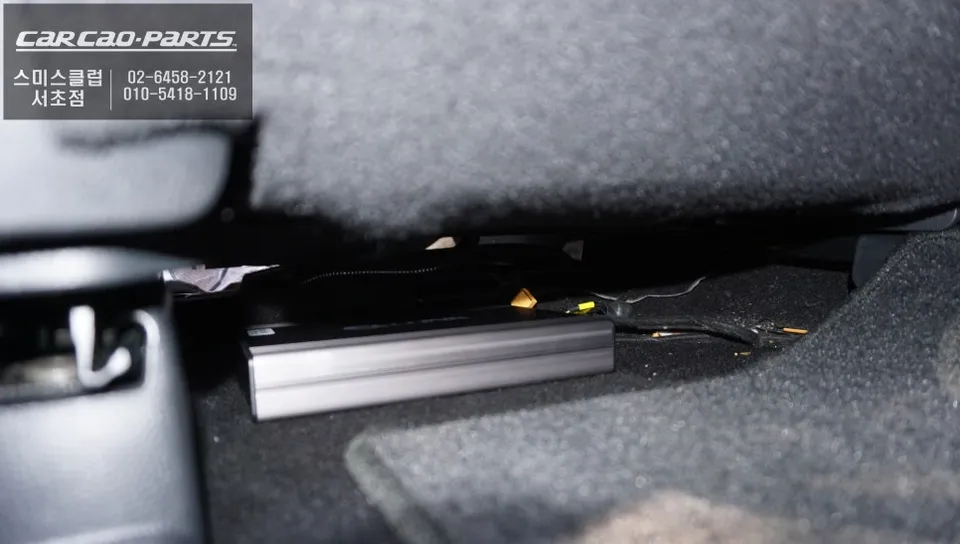
Optimal Placement: Under the Driver's Seat
Maximizing space within the Honda Accord, the area beneath the driver's seat is identified as the ideal location for the auxiliary battery. This placement ensures the unit remains completely concealed, maintaining the car's aesthetic. Furthermore, it offers a degree of protection from extreme interior temperature and humidity fluctuations. Before installation, the space is thoroughly cleaned, and the battery is secured with anti-vibration mounts to prevent movement. Understanding the vehicle's architecture is crucial here; while the Accord offers ample under-seat space, careful routing of cables and ensuring no interference with existing components is essential.
Setting the Right Charge: Why 7.5A is Optimal
Auxiliary batteries often allow for adjustable charging currents, typically ranging from 4.5A to 9A. For the Honda Accord, setting the charge current to 7.5A is recommended for optimal vehicle electrical system stability. This value considers the Accord's alternator capacity and the charging circuit's limitations, making 7.5A a safe upper limit. At this setting, approximately one hour of driving is sufficient to fully charge the auxiliary battery. Given a dash cam's average power consumption of around 320mA, a fully charged battery can support over 24 hours of parking recording. In practical terms, a typical morning commute of an hour can power your dash cam throughout the entire night.
Installation Process:
- Identify and safely disconnect the vehicle's cigarette lighter power source.
- Connect the auxiliary battery's input to the cigarette lighter's power feed, ensuring correct polarity (+/-).
- Connect the dash cam's power cable to the auxiliary battery's output port.
- Securely mount the auxiliary battery under the driver's seat and manage all wiring neatly.
App Configuration and Service Mode
Post-installation, it's vital to download the dedicated smartphone app and pair it with the auxiliary battery via Bluetooth. This app provides real-time data on battery level, estimated recording time, and charging status, crucial for battery health management. A particularly useful feature is the "Stop Charging When Entering Service Center" option. Enabling this mode automatically puts the auxiliary battery into a protective state when the vehicle is at a repair shop, preventing potential electronic malfunctions that could arise from technicians working on the car. This simplifies the service process and protects your installed equipment.
Frequently Asked Questions
Q. How much does dash cam installation cost for a Honda Accord 9.5?
The cost for this specific auxiliary battery installation for a Honda Accord 9.5 was detailed in Korean Won, but professional dash cam installation in the US typically ranges from $100 to $300 depending on the complexity and components used.
Q. How long does dash cam installation take on a Honda Accord 9.5?
Professional dash cam installation, including an auxiliary battery system, usually takes 1-3 hours. Regular maintenance involves checking the app for battery health and ensuring connections remain secure.
Q. Is a hardwired dash cam worth it over a self-install for a Honda Accord 9.5?
A professional installation, especially using a plug-and-play method like this, is highly recommended for Honda Accords to avoid damaging the sensitive factory electrical system. It ensures reliable power delivery and optimal performance for your dash cam.
Q. How is a dash cam professionally installed on a Honda Accord 9.5?
Professional installation involves identifying the correct power source (like the cigarette lighter), connecting the auxiliary battery's input to it while ensuring correct polarity, then connecting the dash cam's power output to the auxiliary battery, and finally securing the battery unit and managing wiring.
Q. What is the difference between a 1-channel and 2-channel dash cam for a Honda Accord 9.5?
A 1-channel dash cam records only the front view, while a 2-channel system includes a rear-facing camera for comprehensive coverage. For maximum security, a 2-channel system is generally recommended for the Honda Accord.
Kakao Parts